

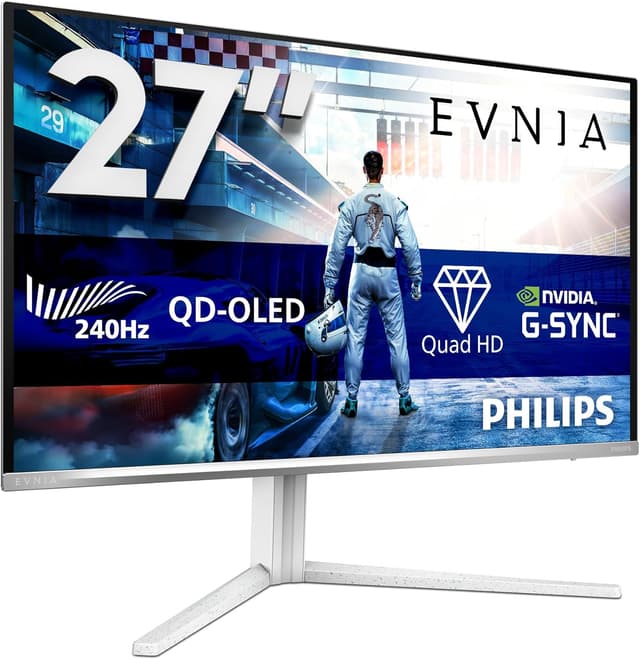
Philips Evnia 34M2C6500 34-inch OLED Curved Gaming Monitor (WQHD, 175Hz)
Product description
The essentials first
If you’re shopping for a larger curved gaming monitor, the Philips Evnia 34M2C6500 is built around the kind of smooth, responsive feel people usually chase in fast games and long sessions. On paper, it combines a 34-inch curved setup with WQHD resolution, OLED-style image performance, and a high refresh rate, so it’s aimed squarely at players who notice stutter, tearing, and uneven motion.
It’s also the sort of screen that can make everyday use feel a bit more “premium” than a basic flat panel, mainly because of the immersive curved design and the way it’s positioned for HDR-capable viewing. That said, not everyone needs this level of speed and panel technology—if your main focus is occasional web use or office spreadsheets, you may find it’s more monitor than you actually need.
Key takeaways
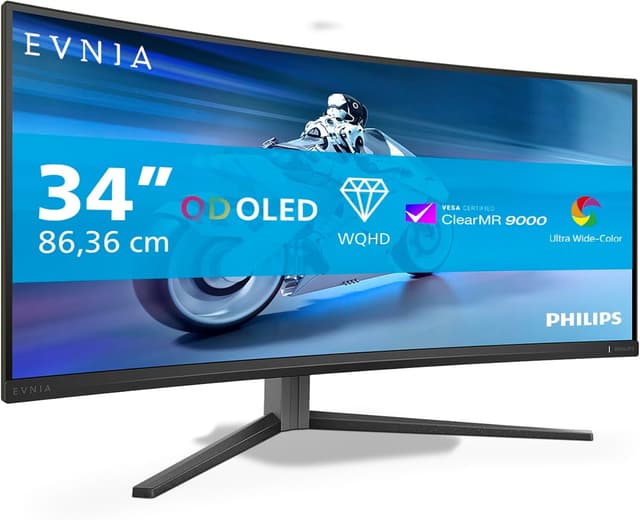
The standout theme here is gaming fluidity. The monitor is specified with 175Hz refresh rate, an extremely fast response time figure, and support for tear-free smoothness through AMD FreeSync Premium (Premium Pro is mentioned) alongside NVIDIA G-Sync compatibility. For many people, that means fewer visual distractions during rapid movement.
There’s also a flicker-reduction feature highlighted as Flicker-Free, aimed at reducing screen flicker that can contribute to eye strain over prolonged use. It’s not a medical claim, but as a comfort-focused checkbox it’s genuinely relevant—especially if you’re the type who games, works, or studies for hours.
Where it shines for gaming
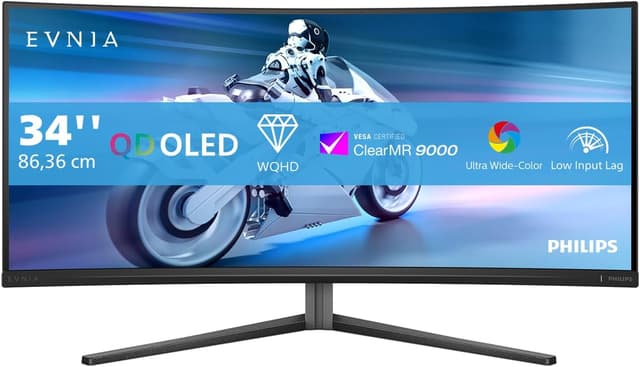
In motion-heavy titles, the high refresh rate and the “quick response” spec are the things you’ll care about most. The idea is that fast transitions stay crisp rather than smearing, and gameplay feels smoother when you’re tracking targets or driving through busy scenes.
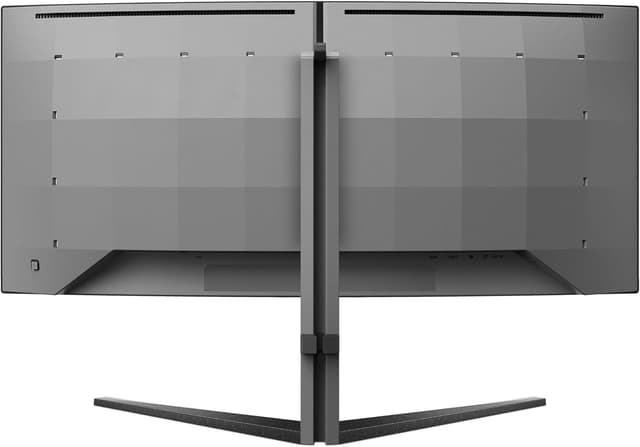
The curved display design is another practical win, not just a styling choice. In a typical desk setup, a gentle curve can help the screen feel more enveloping, particularly when you’re watching wide action or splitting attention between menus and gameplay.
A simple way to picture it: imagine dropping into a team match and spending the first 10 minutes fully focused on movement and gunplay. With a high refresh rate and tear-free technologies, the image tends to look calmer during camera pans and quick turns—exactly the moments where cheaper, slower monitors make you feel the “lag” between what you do and what you see.
What to know about smoothness and HDR
The Evnia 34M2C6500 is described with HDR400, which suggests it’s designed to support HDR content where the source and game cooperate. The key point is that HDR is only as good as the content and settings you feed it—so it’s worth treating HDR on this monitor as a “nice bonus” rather than a guaranteed mind-blowing upgrade.
For motion, it leans on FreeSync Premium and “tear-free” smooth gaming, plus G-Sync compatibility. If you play with a setup that supports those sync methods, you should see a more consistent frame presentation. Still, keep expectations realistic: perfect smoothness depends on your PC performance and the game’s own frame pacing. This monitor can help, but it can’t force higher frame rates out of hardware that can’t deliver.
Tech specs
- Name: Philips Evnia 34M2C6500
- Type: 34-inch WQHD OLED Curved Gaming Monitor
- Size: 34-inch
- Resolution: 3440x1440
- Refresh rate: 175Hz
- Response time: 0.03ms
- HDR: HDR400
- Sync technologies: AMD FreeSync Premium Pro, G-Sync compatible
- Flicker reduction: Flicker-Free
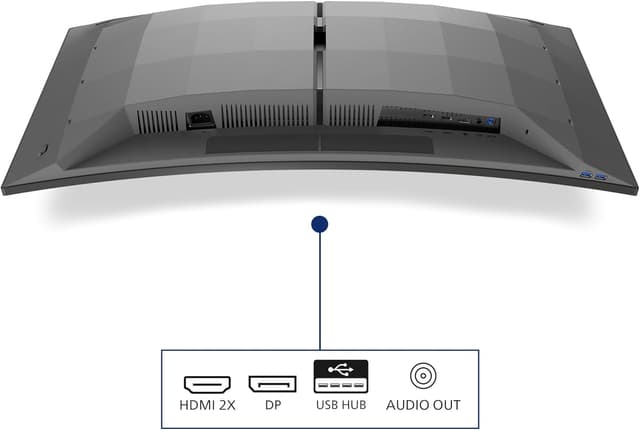
- Included connectivity: 2x HDMI, DisplayPort, USB hub
- Colour: Dark Grey
- Design note: Curved display design for immersive experience
Should you buy it?
It makes sense if you want a curved, ultrawide-feeling gaming monitor experience with high refresh rate performance, and you care about tear-free motion backed by FreeSync Premium Pro and G-Sync compatibility. It also suits people who regularly game or work for long stretches and like the idea of Flicker-Free comfort during prolonged use.
It may not suit you if you only need a basic screen for light browsing and documents, or if you don’t expect to run games at high frame rates. In that scenario, you’d likely feel like you paid for features you don’t fully use.
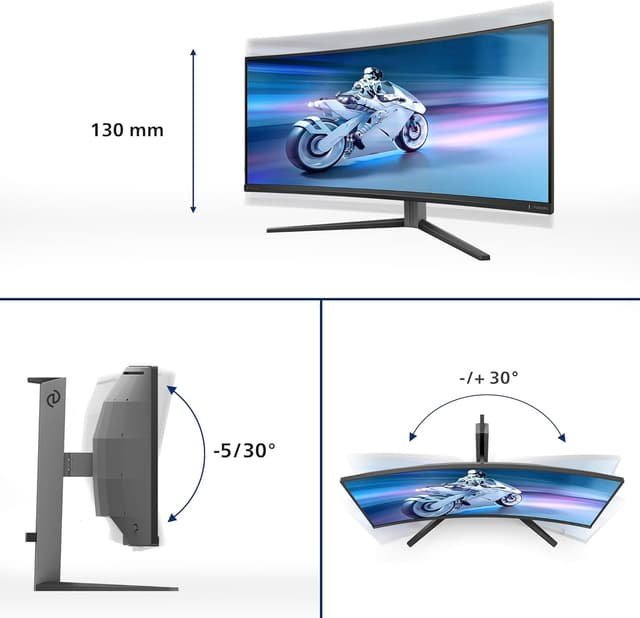
One thing to double-check before buying: confirm the exact connectivity you need from your existing devices (the monitor offers 2x HDMI, DisplayPort, and a USB hub), and make sure your desk setup can comfortably handle a 34-inch curved panel.
Mini FAQ
Is the Philips Evnia 34M2C6500 aimed at serious gaming?

Yes, the refresh rate, response time figure, and mention of FreeSync/G-Sync compatibility all point to a gaming-first design.
Does Flicker-Free help with eye strain?
It’s specifically described as reducing flicker to minimise eye strain during prolonged use. It’s a sensible comfort feature, but it’s not a substitute for screen breaks.
Is HDR400 likely to make a big difference?
HDR400 indicates HDR support, but the real-world impact depends on your content and how the game/app uses HDR.
What resolution do you get on this 34-inch model?
It’s listed as 3440x1440 (WQHD), which should give you extra horizontal space compared with standard 16:9 monitors.
Final verdict
Worth considering if you’re after a 34-inch curved WQHD OLED gaming monitor with 175Hz smoothness, tear-free technologies, and a flicker-reduction comfort feature for longer sessions. It’s less of a match if you’re buying mainly for casual, non-gaming use or if your system won’t reliably push higher frame rates where a high-refresh panel shines.