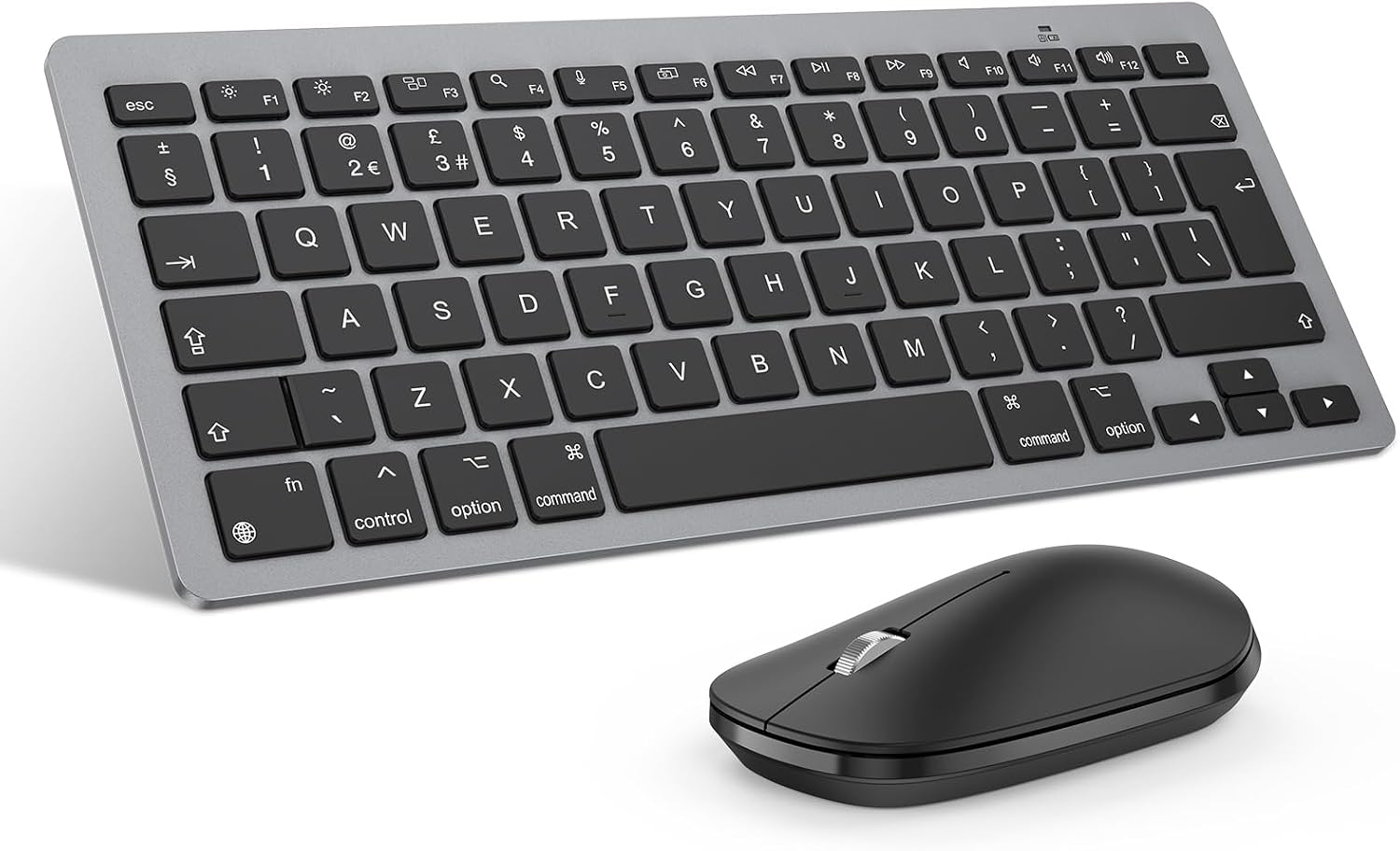
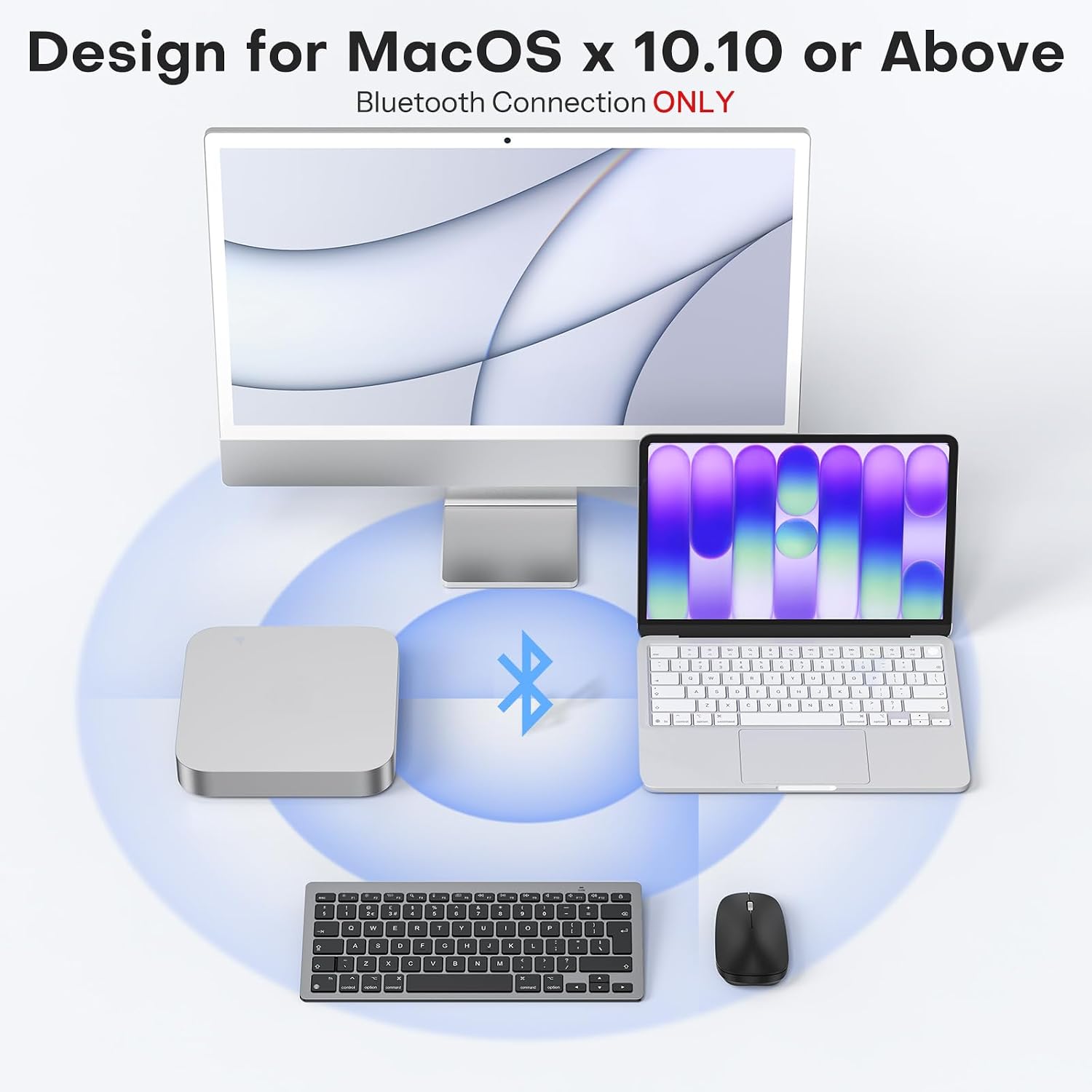
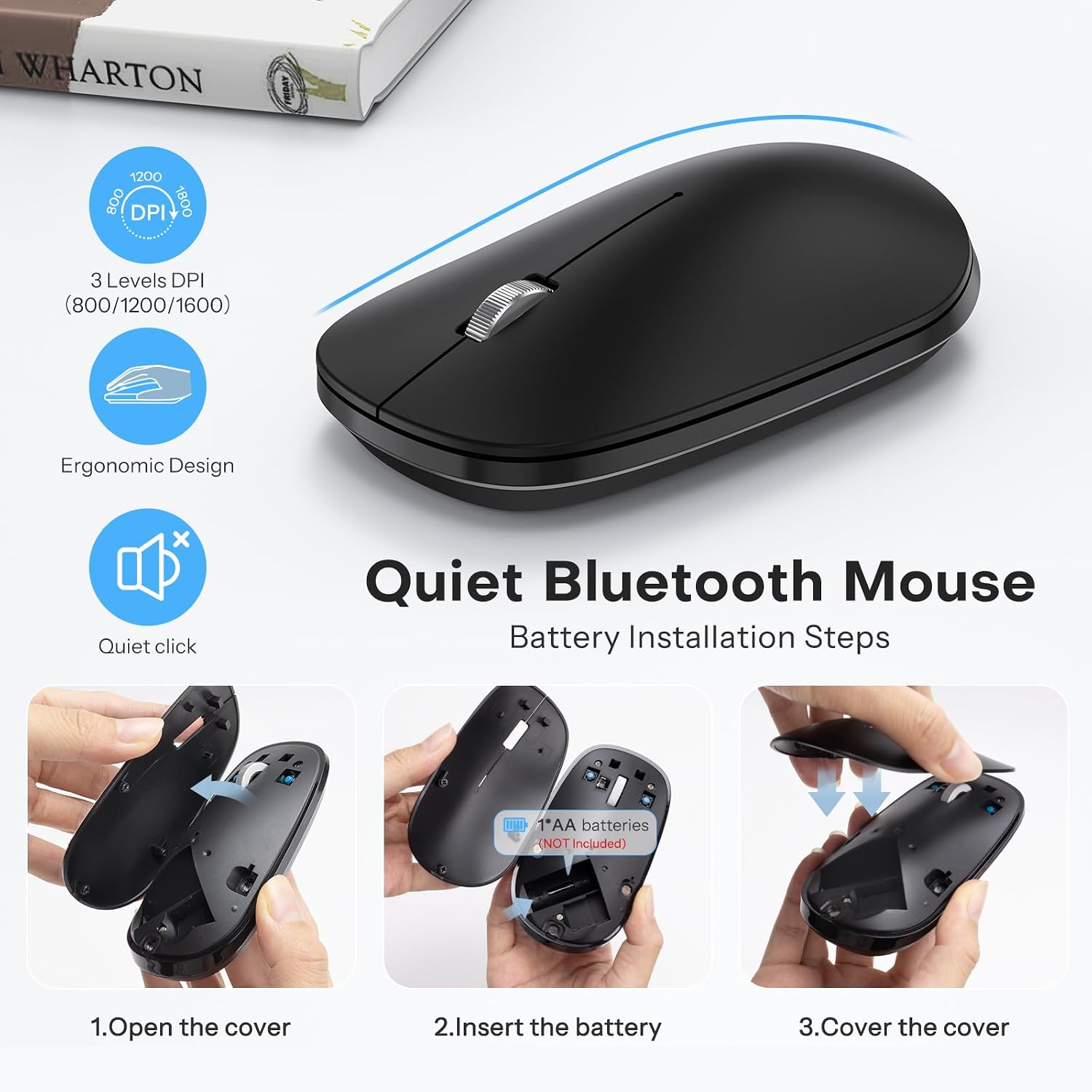
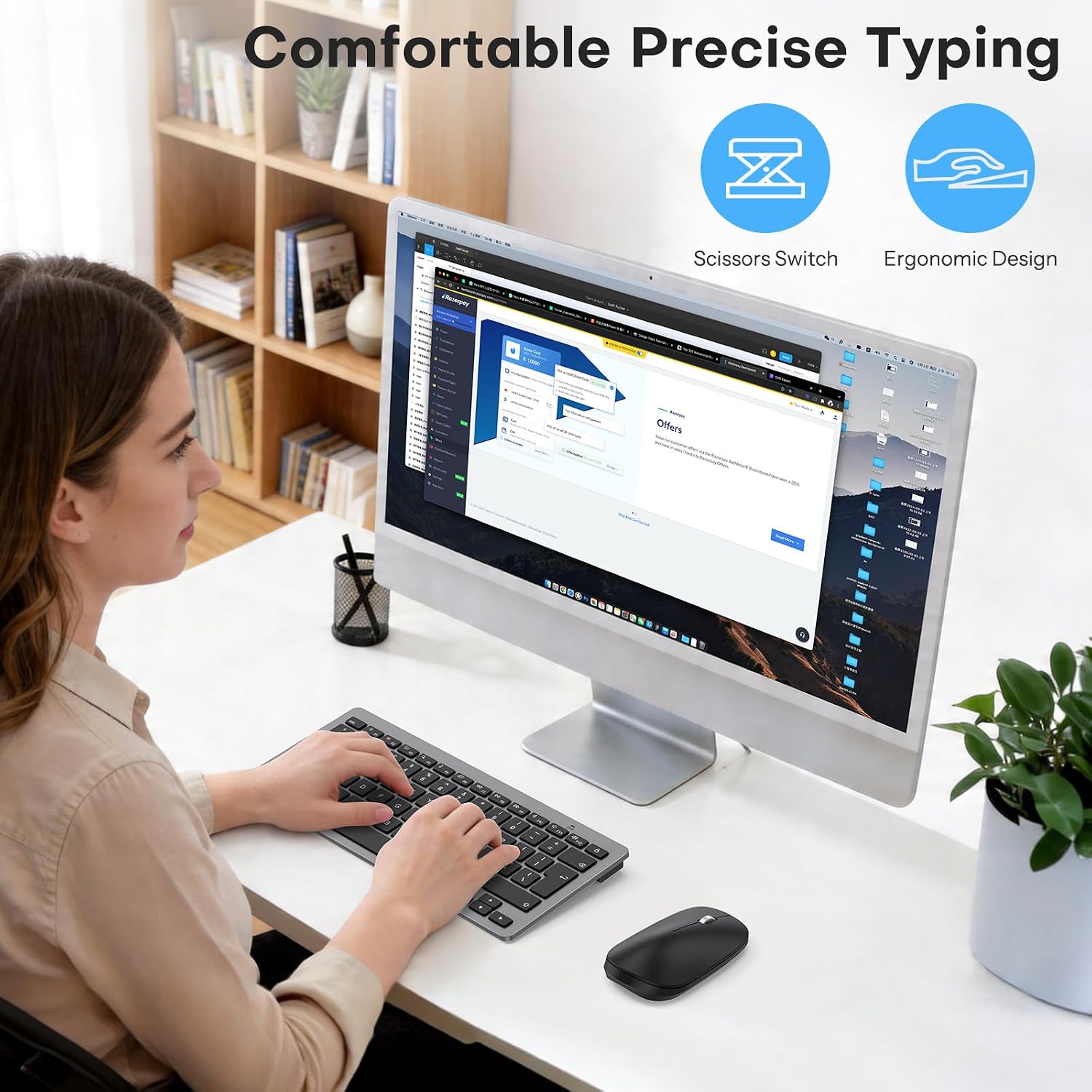
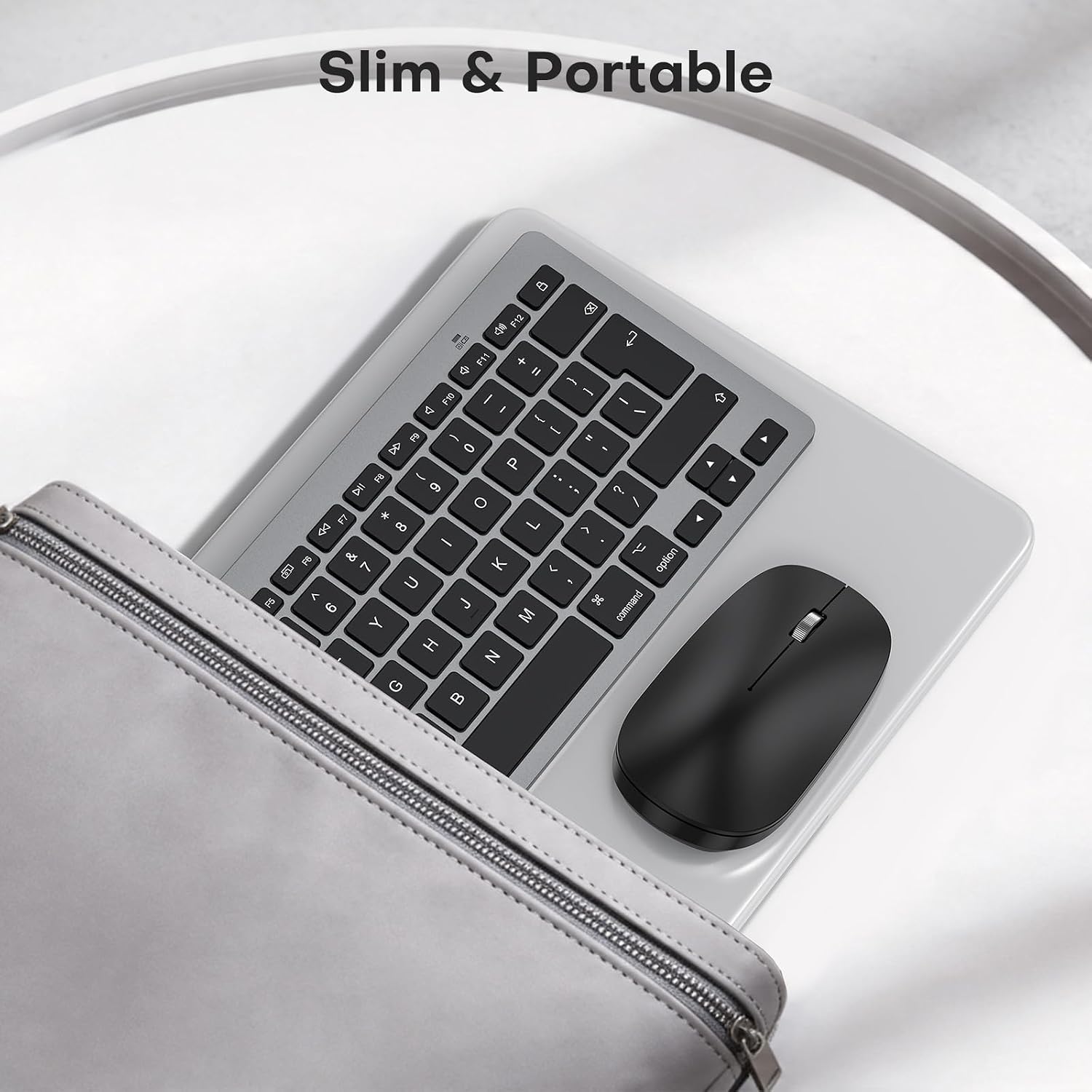
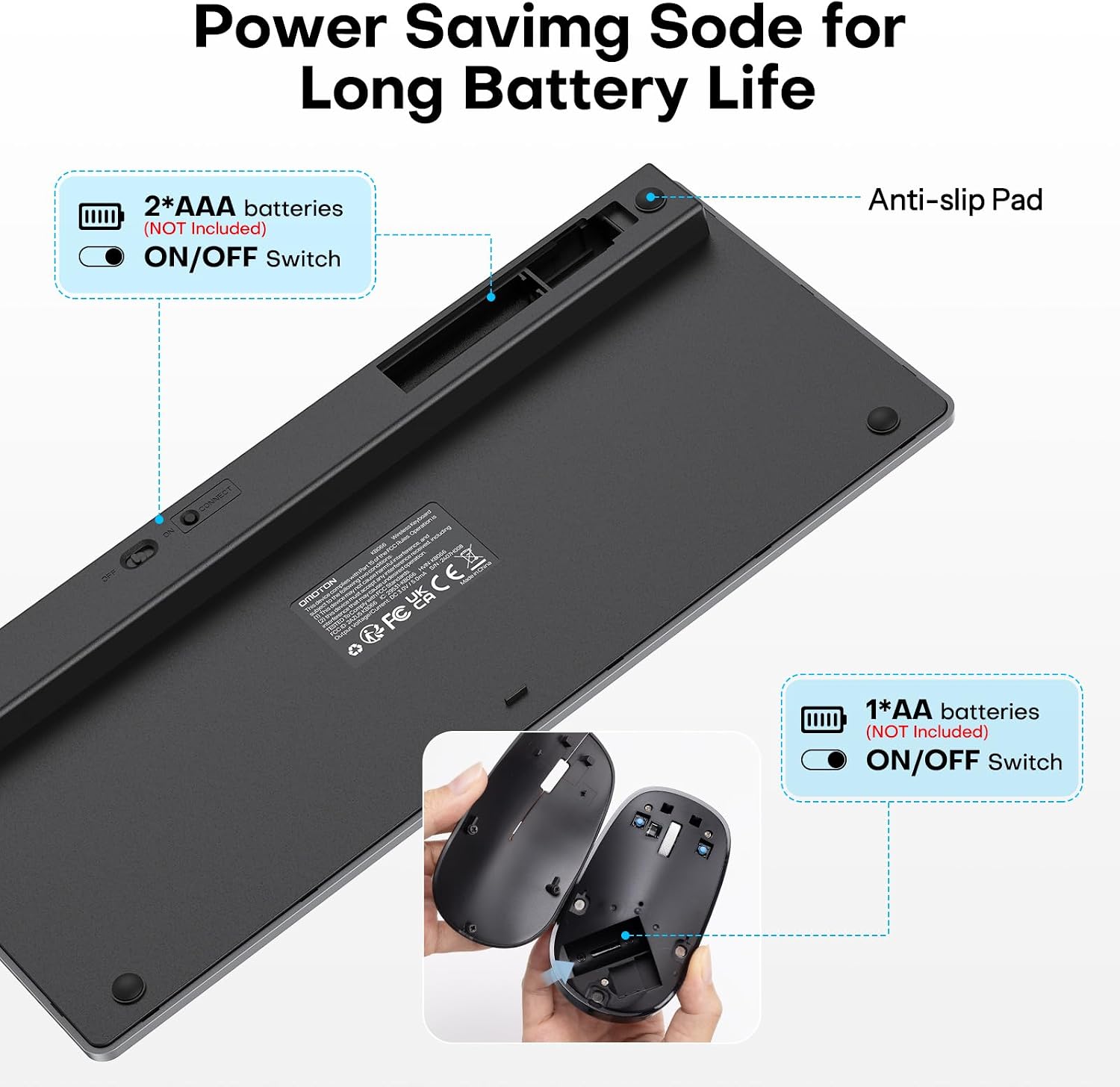
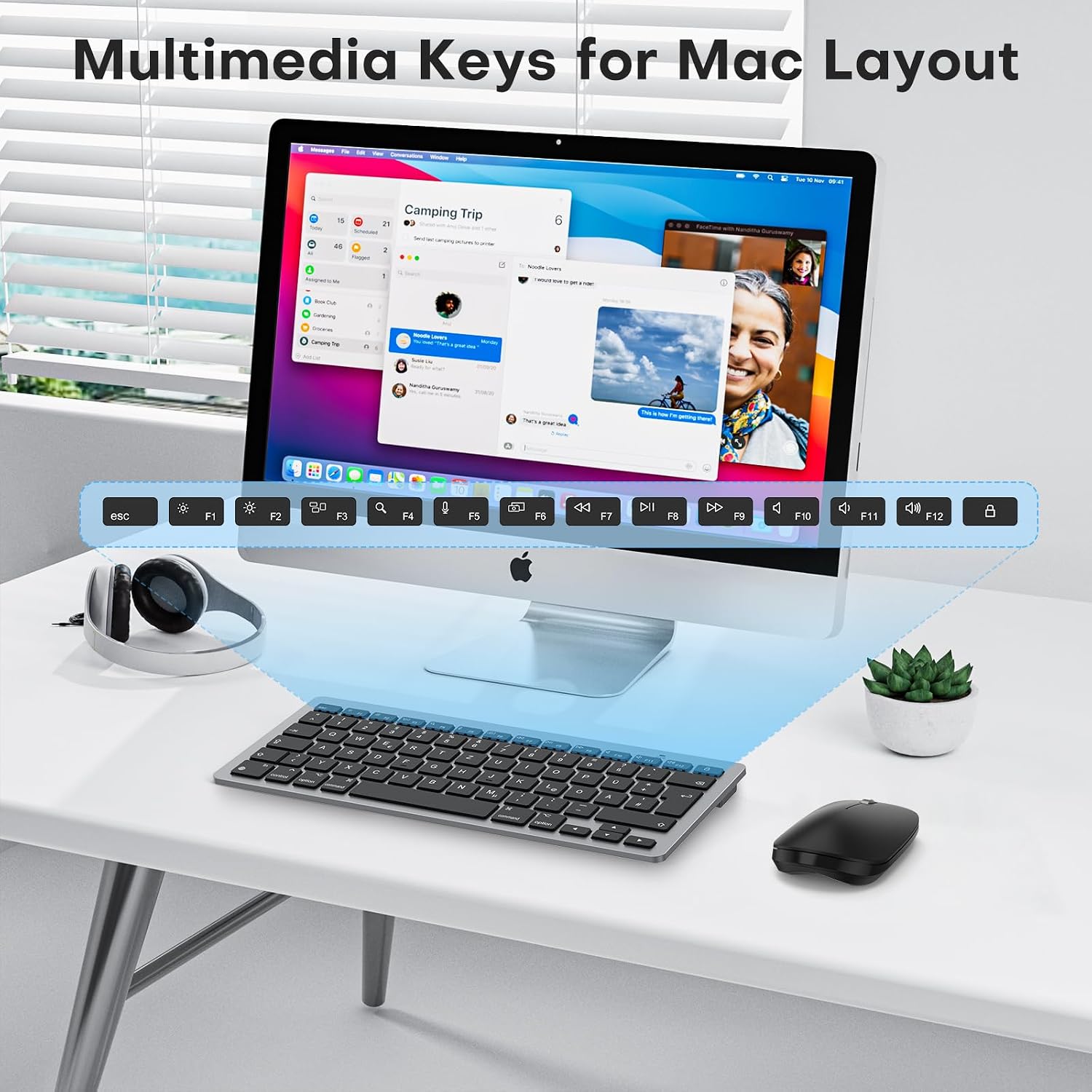
What it is and who it’s for\nThis OMOTON Bluetooth keyboard and mouse set is designed for Mac users seeking a compact, quiet, wireless input solution. It targets those with Mac OS X 10.10 or later who want a space-saving keyboard with a familiar UK QWERTY layout and a silent, easy-to-use mouse. It’s a practical option for MacBooks, iMacs, Mac minis and Mac minis alike, especially if you value a tidy desk setup and the flexibility of Bluetooth connectivity across multiple devices. On the surface, it covers the basics: a compact keyboard with 12 shortcut keys tailored for macOS, a low-profile scissor-switch keyboard for lighter, quieter keystrokes, and a silent-click mouse for comfortable, everyday navigation.\n\n## How it’s laid out and how it feels\nThe keyboard is described as space-saving yet fully functional, with a UK layout and media/hot keys to streamline common Mac tasks. The mouse is engineered to be quiet, which can be helpful in shared spaces or late-night sessions. The overall construction leans toward a slim, lightweight profile, intended to be easy to move between home and office environments. However, the notes emphasise compatibility across macOS and some cross-platform support (iOS/Windows/Android), which can be convenient if you juggle devices.\n\n## What stands out on paper\nKey strengths include: a dedicated Mac-oriented keyset that supports media controls, a compact footprint that frees desk space, and a Bluetooth connection claimed to reach up to 33ft/10m. The auto-sleep feature on the keyboard helps preserve battery life, waking up with any key press after a period of inactivity. The set is battery powered (keyboard uses 2x AAA, mouse uses 1x AA), with batteries not included in the package. This is a practical arrangement for those who don’t mind swapping batteries and who prefer a lightweight setup.\n\n## Potential limitations to consider\nOn the downside, the package does not include batteries, so you’ll need to source them separately. The claimed battery management relies on auto-sleep, real-world performance can vary with typing intensity and usage patterns. The cross-device compatibility claim, while convenient, means some features may feel more basic on non-Mac platforms. If you rely on a fully customisable keyboard with extensive macro support, this set may feel limited.\n\n## What it’s best for\nThis set suits Mac users who want a compact, quiet dual input solution for a clean workspace or travel-ready setup. It’s especially appealing if you prioritise a slim keyboard and a silent mouse, and you’re happy with a basic, macOS-centric feature set rather than extensive programmability. It also works well for people who switch between a few Apple devices and occasionally a Windows or Android device, given broader compatibility notes, though macOS will be your primary driver.\n\n## Who might want to look elsewhere\nIf you need a more feature-rich keyboard (more customisable keys, backlighting, or mechanical switches) or if you require longer battery life without swapping cells, this set may fall short of expectations. For heavy typists who demand the most tactile feedback and ergonomic optimisation, alternatives with different switch profiles or integrated rechargeable batteries could be more suitable.\n\n## What to check before buying\n- Confirm your primary device uses macOS and supports Bluetooth, ensure you’re happy with a QWERTY UK layout.\n- Consider whether you’re comfortable supplying batteries (2x AAA for the keyboard, 1x AA for the mouse).\n- If you frequently work with multiple devices, test how the Bluetooth connection and device switching perform in your usual environment.\n- Think about desk space and portability needs, the set is described as slim and light, but true handling will depend on your current keyboard and mouse footprint.\n\n## How it compares to other approaches\nIf you’re weighing this against a wired Mac keyboard or a premium wireless alternative, the OMOTON set represents value-for-money on paper: fewer frills, adequate macOS-focused features, and a compact footprint that helps declutter. It’s a sensible middle-ground option for those who want wireless convenience without the premium price tag or added features of high-end brands. If you prioritise max battery life and customisable shortcuts, you might favour a different solution.\n\n## Practical use in real life\nImagine a quiet afternoon of photo organising on your Mac, with the keyboard’s responsive scissor switches letting you type without disturbing others, while the mouse tracks smoothly across a clean desk. The 33ft Bluetooth range gives you some freedom to position devices in adjacent rooms or across a small office, which can be handy if you’re working near a sofa or a second monitor.\n\n## Is it worth it? (Final thoughts)\nWorth considering if you want a compact, Mac-friendly wireless duo that keeps a low profile on the desk and doesn’t demand a premium price. It’s not a perfect solution for power users who require extensive programmability or long-term battery autonomy without replacements. If your setup is Mac-centric and you value portability and a straightforward pairing process, this OMOTON set is a practical choice.\n\n## Quick FAQ\n- Will it work with MacBook Pro and iMac? Yes, the product is described as compatible with a range of Mac devices running macOS.\n- Do you need to install drivers? The description implies Bluetooth-based operation, which typically requires no extra drivers for macOS.\n- Are batteries included? No, batteries are not included for either the keyboard or the mouse.\n- Can you use it with non-Mac devices? The mouse is said to support multi-system use (Mac OS/iOS/Windows/Android), but full keyboard macOS optimisations may not translate perfectly across all platforms.\n