

Rii X8 2.4GHz Mini Wireless QWERTY Keyboard & Touchpad Mouse Combo
Product description
If you’re trying to control a PC, Smart TV or media box from the sofa, a tiny wireless keyboard with a touchpad can be a lot more convenient than hunting for an on-screen keyboard. The Rii X8 is a 2.4GHz mini QWERTY combo that pairs a keyboard with a touchpad mouse layout, plus multi-media shortcuts, direction keys and an LED backlight.
It’s one of those gadgets that makes sense on paper for everyday navigation, especially in living-room setups. That said, it’s not a universal “it will work with everything” device: some Smart TVs don’t support external input devices, and even the entry notes hint that certain brands may be less cooperative. So the key is to match it to your use case before you commit.
The essentials
This is a mini wireless keyboard and touchpad mouse combo with an LED backlight and a USB interface adapter. It’s designed for quick text entry and cursor control without needing a full-size keyboard.
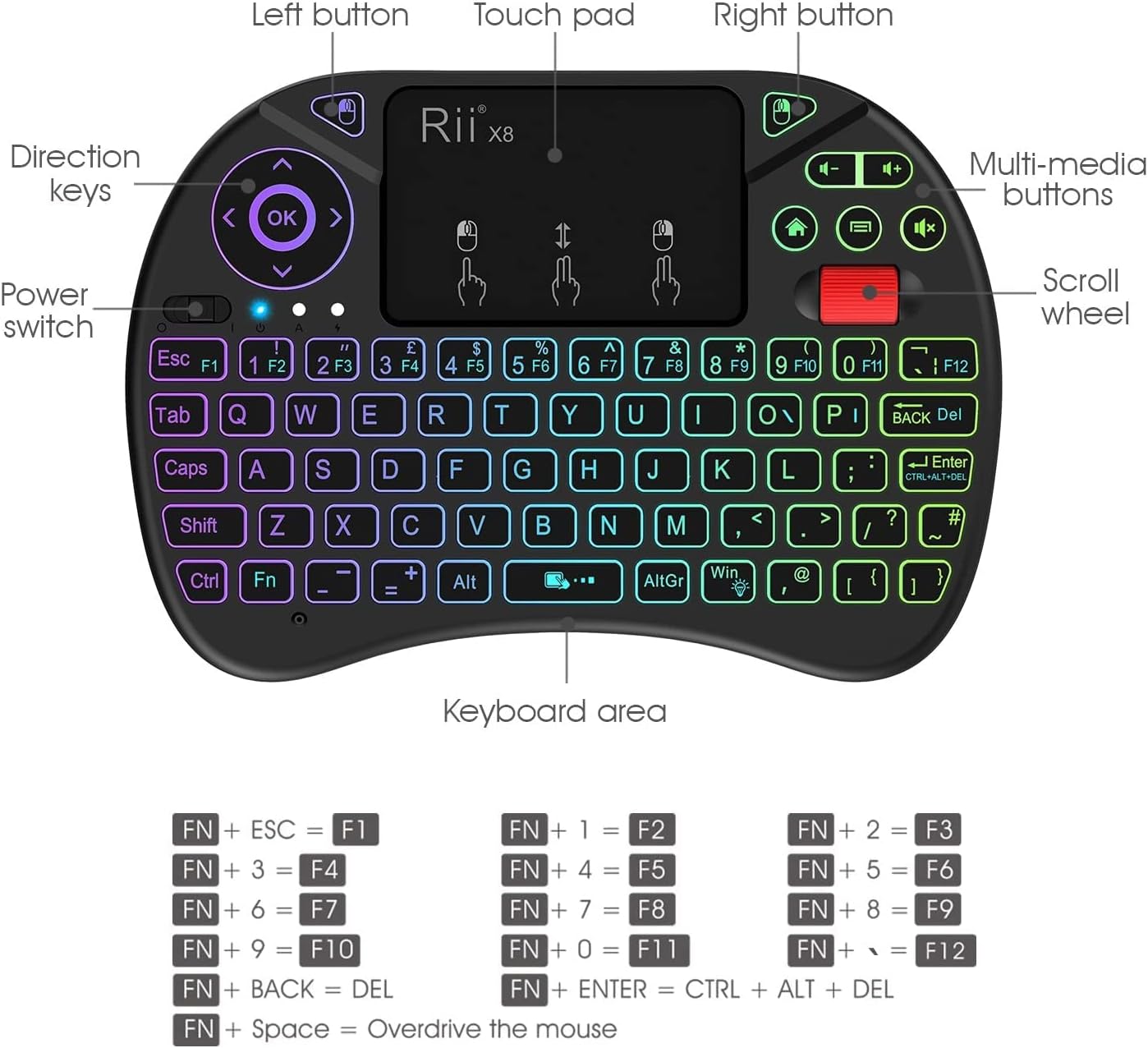
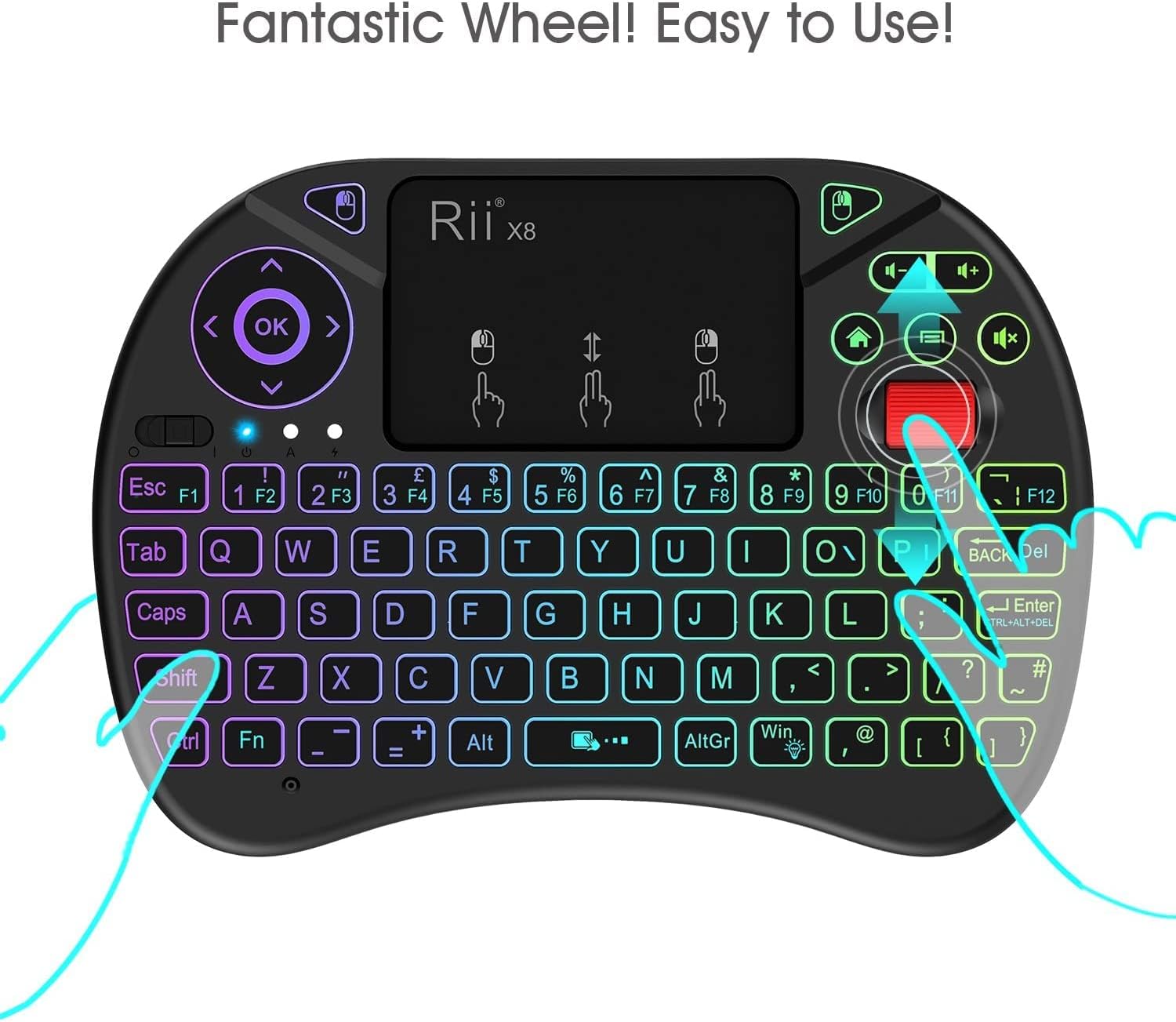
The touchpad is meant to support multi-finger gestures. As described, a single finger click behaves like a left mouse click, two-finger click acts as the right mouse click, and a double-finger drag can be used for rolling/scrolling. On top of that, basic sliding is covered by single-finger pointer movement.
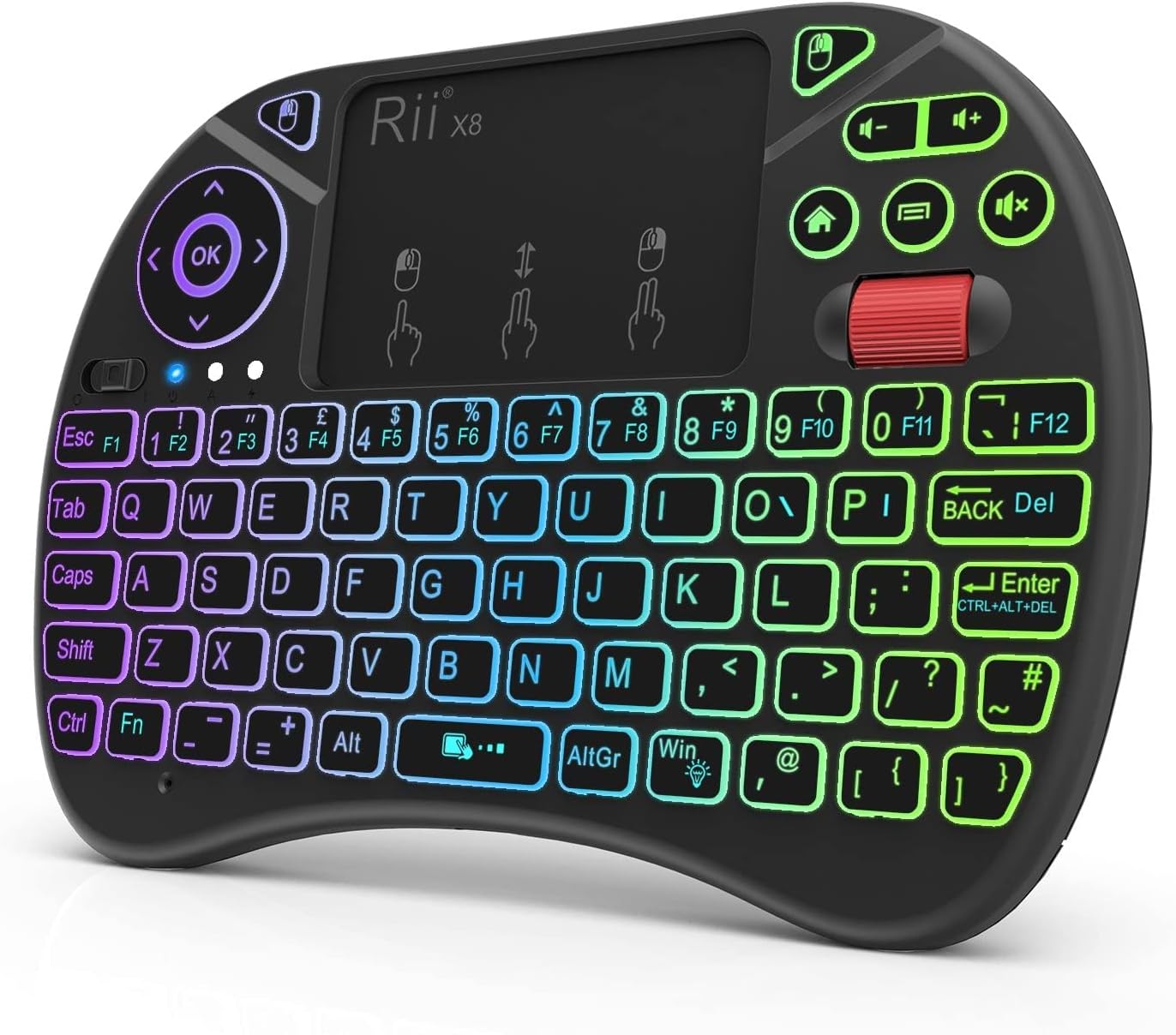
For media-centre navigation, the keyboard includes multi-media buttons and direction keys, plus a power switch and a scroll wheel.
What you’ll notice day to day
In typical Smart TV or HTPC use, the practical win is switching between “typing” and “mouse control” without changing devices. You can search faster than with a remote-only setup, and move through menus with the touchpad like a compact laptop trackpad.
There’s also a sensible power approach: auto sleep and wake-up mode after roughly 3 minutes without operation, with the LED indicators off while sleeping. Pressing any key wakes it back up, which helps if you tend to pause between sessions.
No, it won’t replace a full ergonomic keyboard, and the “mini” form factor can feel cramped if you’re doing long typing sessions. But if your goal is navigation, short entries, and occasional search terms, it’s exactly the kind of setup people buy.
Key features that matter (not just marketing)
The Rii X8 is built around a few specific conveniences:
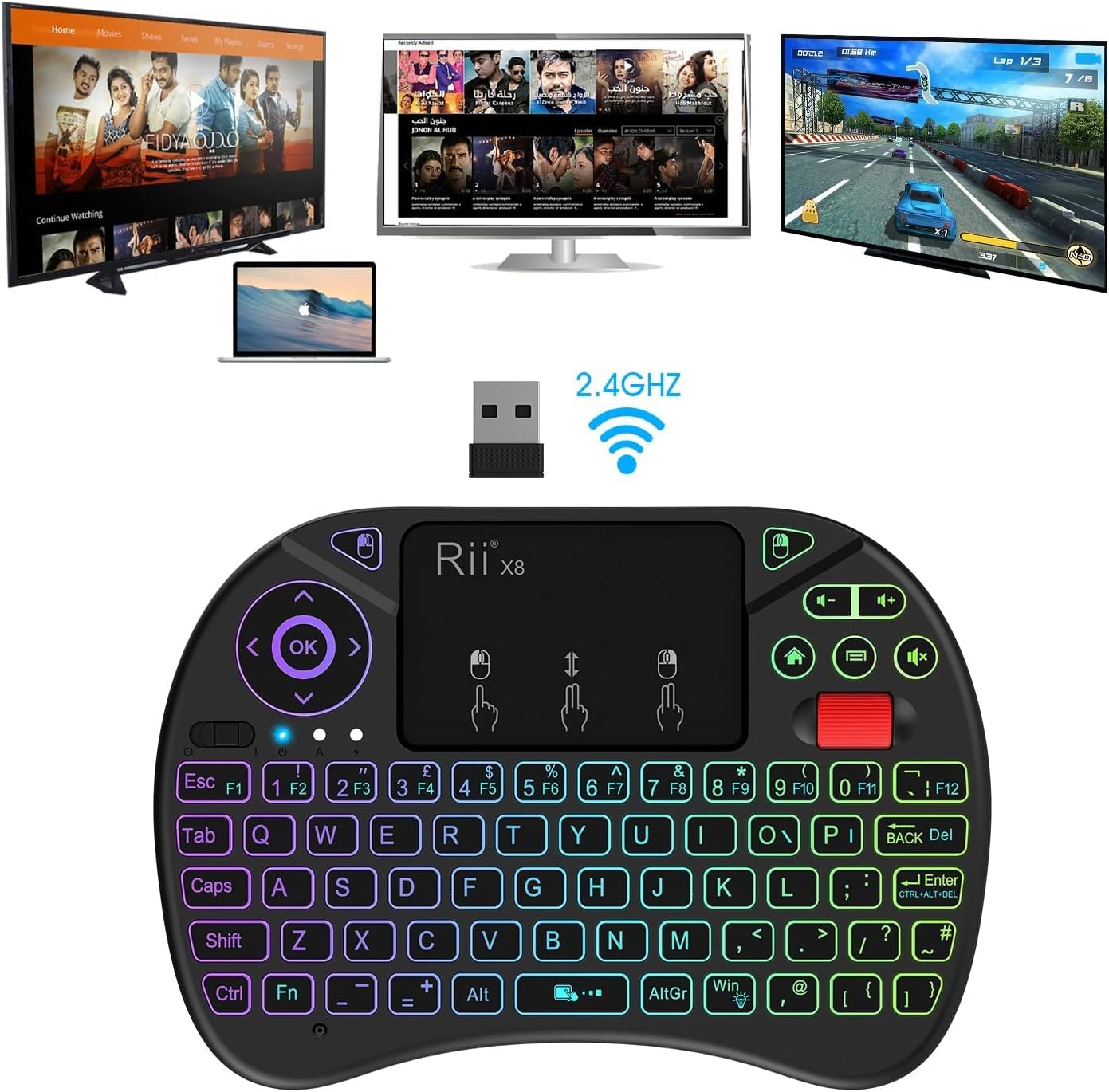
- 2.4GHz wireless connection with a USB interface adapter for the host device.
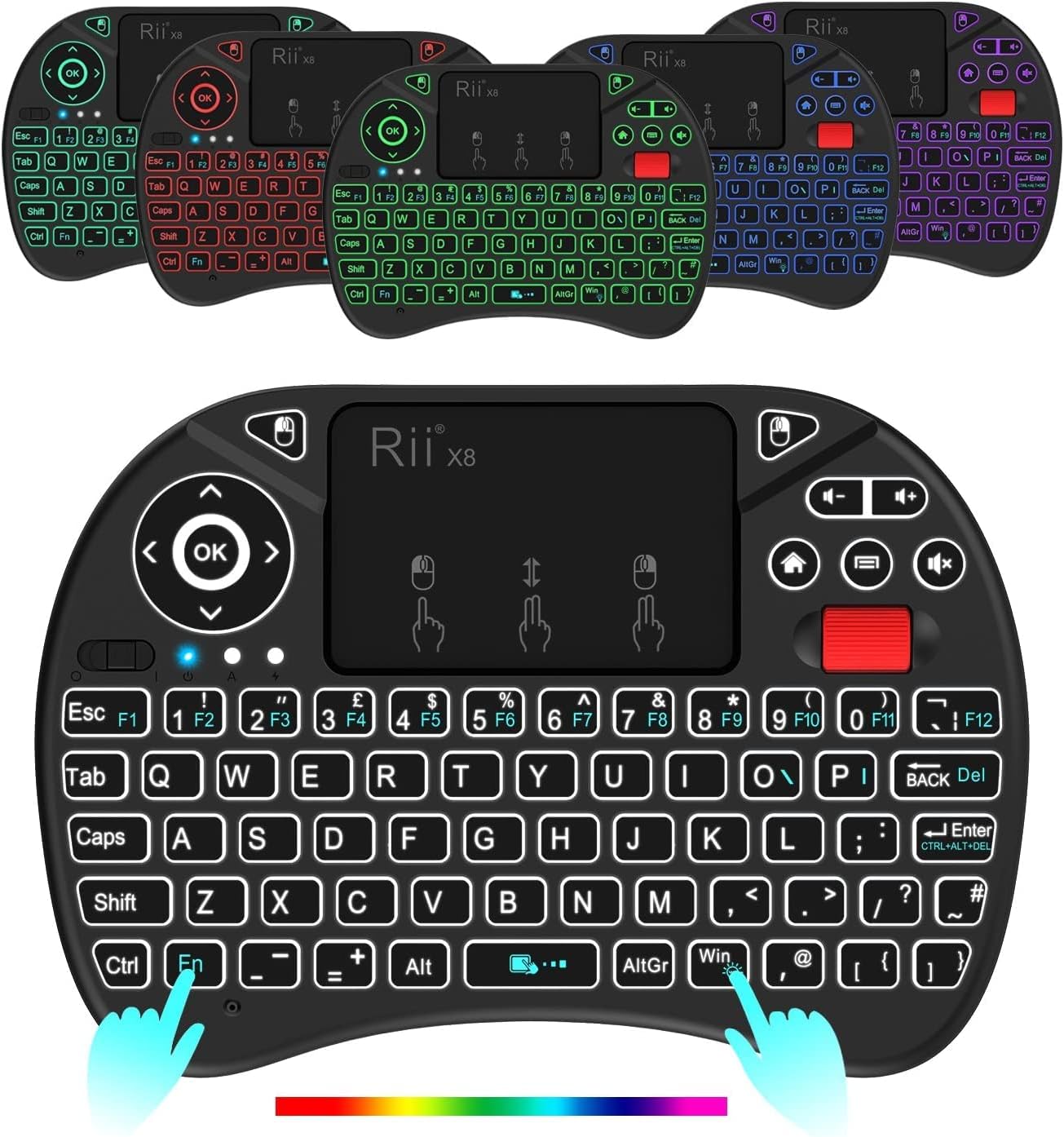
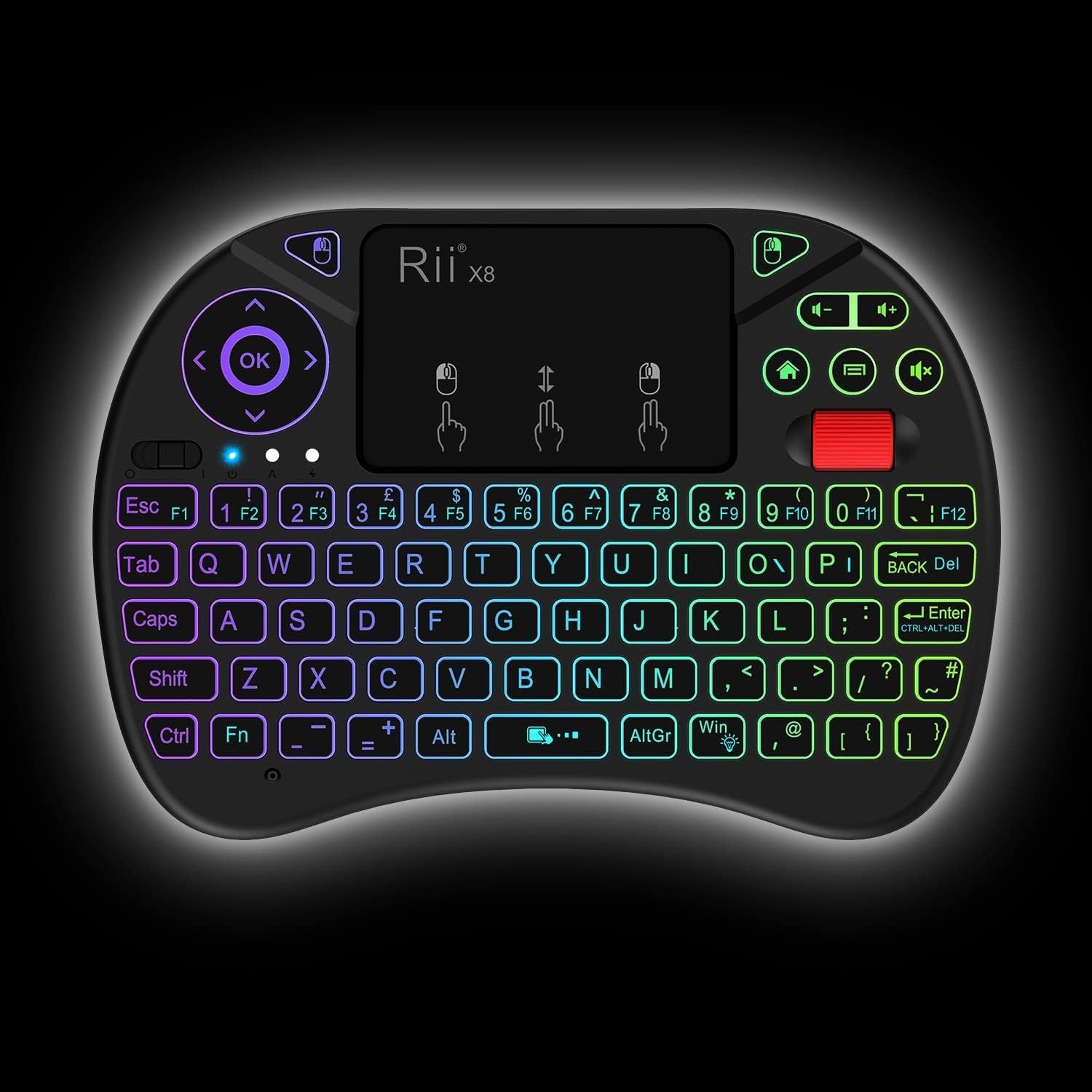
- 8-colour RGB backlit LED, which can be useful in darker rooms where the keys aren’t easy to see.
- Multi-media buttons and navigation keys, aimed at media and entertainment use.
- A touchpad that supports multi-finger actions (left/right click and scrolling gesture as described).
If you’re setting it up for a media app like Kodi or an IPTV-style interface, those shortcuts and the cursor control are the things you’ll likely reach for most.
Where it shines (and where it can fall short)
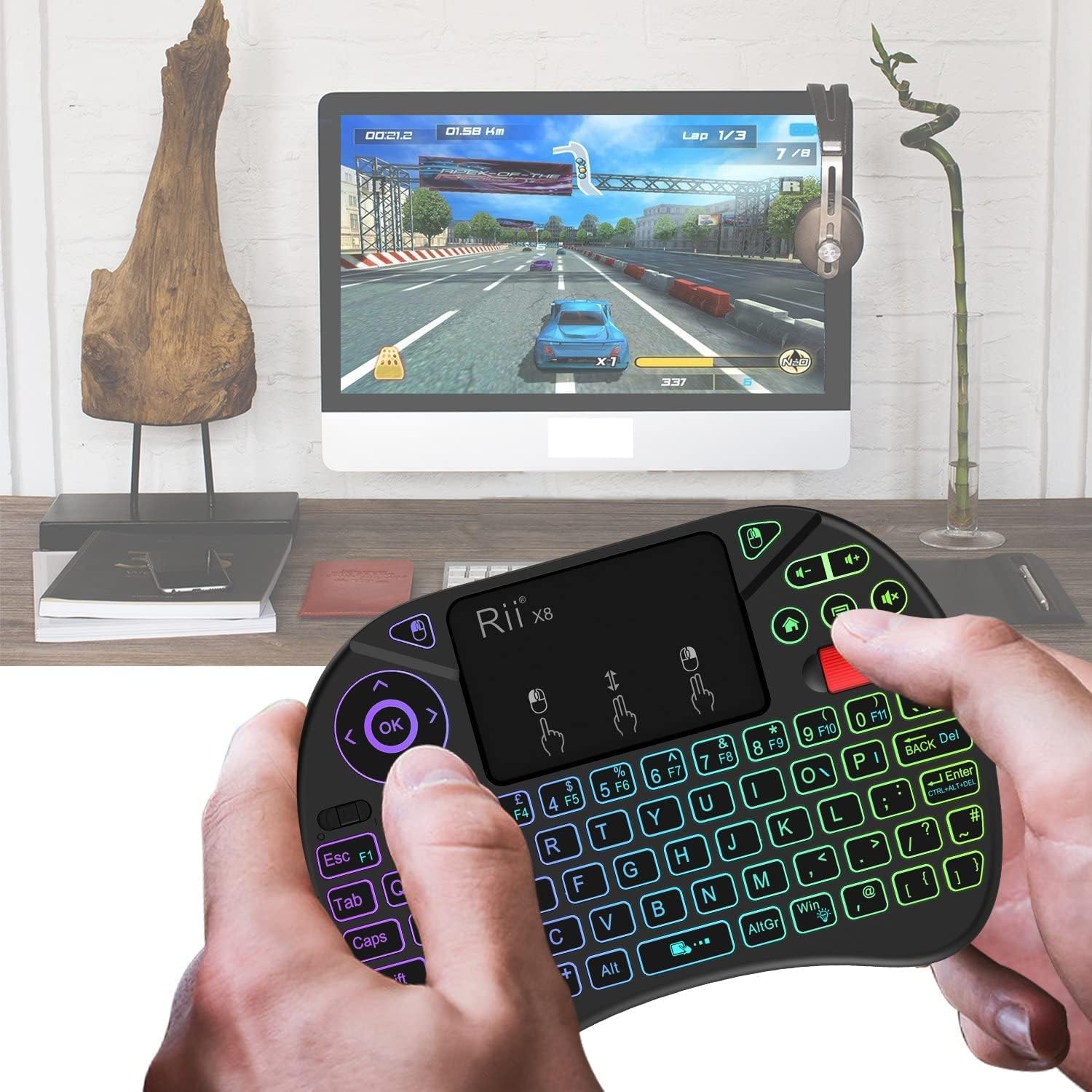
It generally works well on Smart TV setups, but the guidance provided comes with an important limitation: some Smart TVs don’t support external input devices, “especially Samsung”. That doesn’t mean it will definitely fail, but it does mean you should take the compatibility warning seriously.
It also includes a specific note for amazon Fire devices. For Amazon Fire TV 4K and Amazon Fire Stick, you’ll need a Micro USB host OTG cable to use the keyboard properly.
So the honest buy decision depends heavily on where you plan to use it. If you’re buying it for a generic streaming box or PC/laptop environment where external USB input is straightforward, it’s more likely to be trouble-free. If you’re targeting a Smart TV model known for restrictive input support, you may want to consider other input methods.
What to check before you buy
Before ordering, it’s worth doing two quick sanity checks based on the info you already have:
1) Try a common wired keyboard and mouse first on your Smart TV. The provided advice is direct: if a wired keyboard and mouse work well on your TV, then this keyboard-mouse combo can also be a good bet.
2) Confirm the host device’s connection needs. This model uses a USB interface adapter, but Amazon Fire TV 4K / Fire Stick requires a Micro USB host OTG cable (not included in the notes), so plan that in advance.
Also keep expectations realistic: it’s aimed at quick control, not typing for hours or replacing an on-desk workstation.
Who it’s for
It suits people who want compact wireless control for:
- PC and laptop use
- Raspberry Pi setups
- Android TV boxes / HTPC-style systems
- IPTV and Kodi-style browsing
- Smart TV navigation where external keyboard support is available
It may not be the best choice if you need guaranteed compatibility with every Smart TV brand, or if you already know your TV blocks or limits external input devices.
Is it worth it?
A solid pick if you want a compact QWERTY keyboard with touchpad-style mouse control for media and search tasks on a compatible PC, laptop, Raspberry Pi or a Smart TV that accepts external USB input. The auto sleep/wake and 8-colour backlight are nice touches for living-room use.
It might not be a great match if your Smart TV is known to struggle with external input devices (the notes call out Samsung as an example), or if you’re buying for Amazon Fire TV 4K / Fire Stick and you’re not prepared to source a Micro USB host OTG cable. In those cases, it could become more hassle than it’s worth.
Mini FAQ
Does it work like a mouse as well as a keyboard?
Yes. You get a touchpad that supports left/right clicking gestures and pointer movement, plus a scrolling gesture as described.
Will the LED backlight help in a dark room?
The keyboard includes 8-colour RGB backlit LED, so the keys can be easier to see in lower light.
Does it automatically go to sleep?
According to the description, it enters sleep mode after about 3 minutes without operation, with LED indicators off, and wakes when you press a key.
Is it compatible with all Smart TVs?
Not necessarily. The guidance suggests some Smart TVs don’t support external input devices, especially Samsung, so it’s sensible to test a wired keyboard and mouse first.
Do I need extra cables for Amazon Fire devices?
If you want to use it with Amazon Fire TV 4K and Amazon Fire Stick, the description notes you’ll need a Micro USB host OTG cable.