

Antika External CD/DVD Drive with Type-C USB 3.0 – Portable Optical Reader/Burner
Product description
What this product is and the need it serves
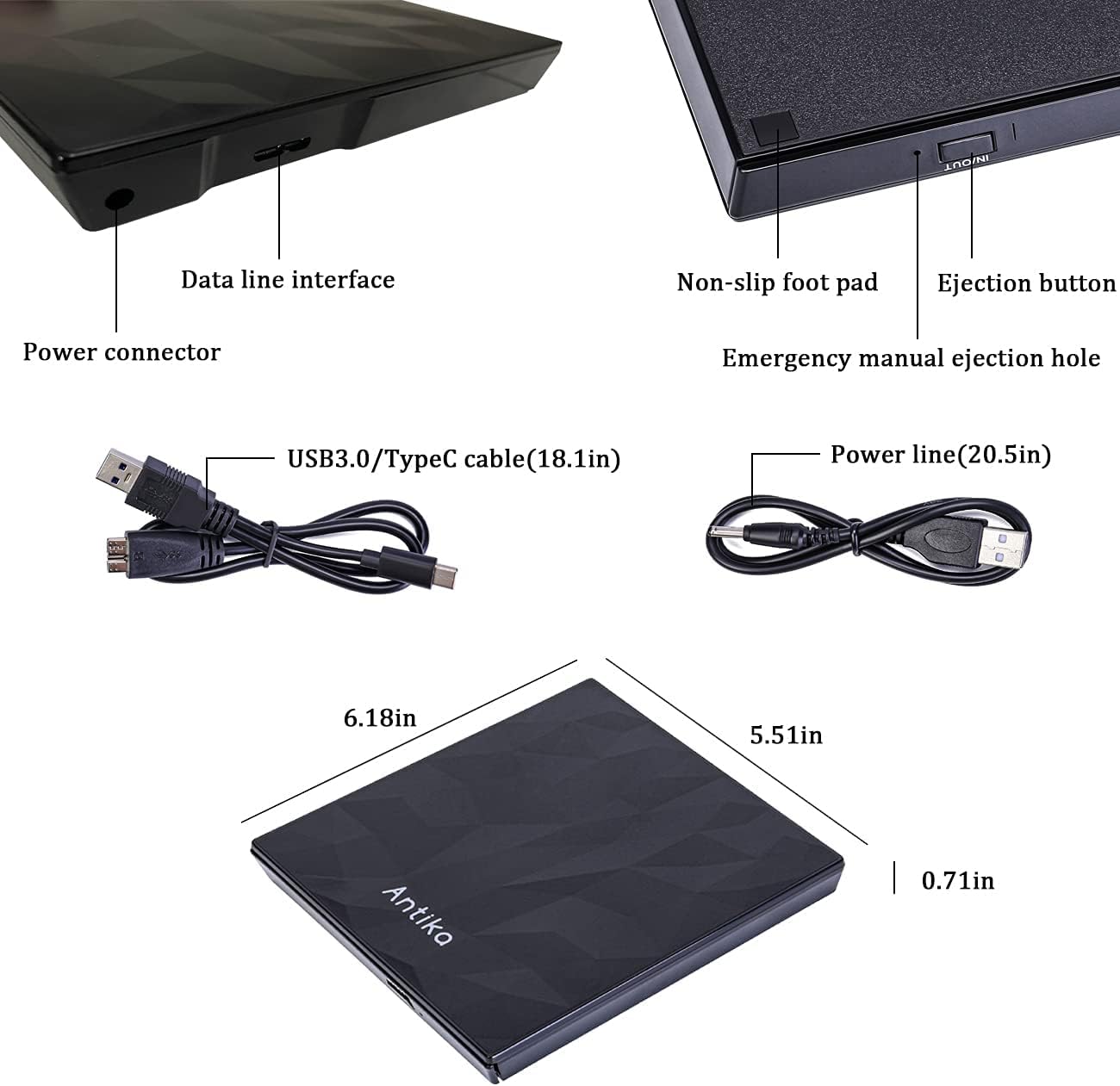
The Antika External CD/DVD Drive is an external optical drive designed to add CD and DVD reading and burning capability to laptops, desktops and some Apple devices. It uses USB 3.0 and Type-C interfaces to transfer data, with an extended cable option to accommodate machines that have limited power or USB port placement. If your device lacks a built-in optical drive or you frequently need to read or write discs, this peripheral aims to provide a practical, plug‑and‑play solution without opening your computer.
How it’s designed to work on the page
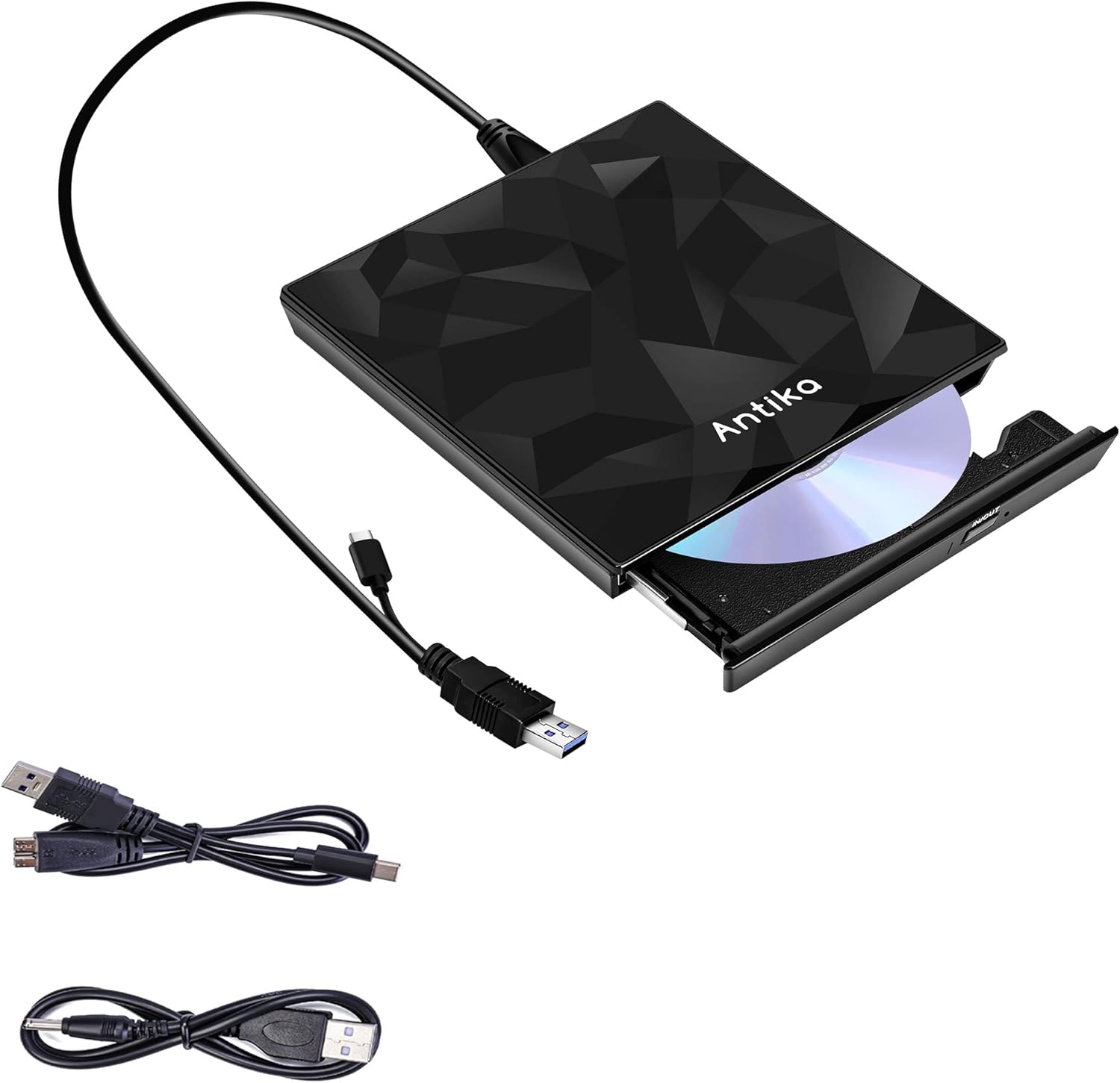
On paper the drive relies on EAD Voltage Stabilization Technology to help protect both the drive and the host computer from unstable power. This is meant to reduce the risk of drive failure due to voltage fluctuations, which can be a concern with external devices that draw power from USB ports. The combination of USB 3.0 and Type-C interfaces is presented as delivering stable and relatively fast data transfer speeds, up to 5Gbps in theory, and a focus on reliable disc reading, writing and media playback.
What stands out in practice
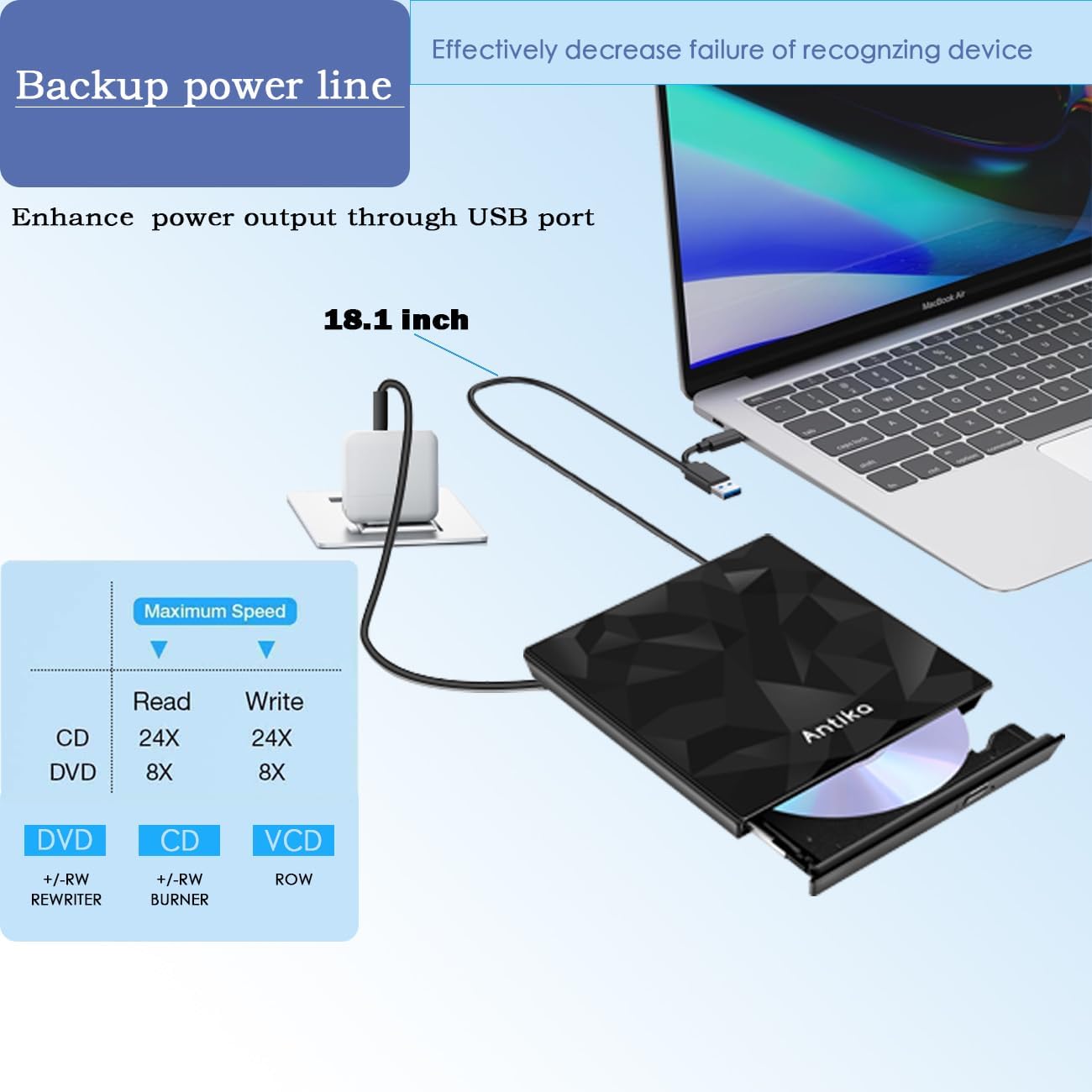
A notable feature is the extended cable, described as an optimization over standard embedded cabling. The aim is to reduce power constraints for systems with lower USB power output, which can otherwise cause a connection or operation issue. The device is marketed as plug‑and‑play and designed to work without installing additional drivers, assuming your computer already has the necessary general support for external optical drives.
The best kinds of use cases
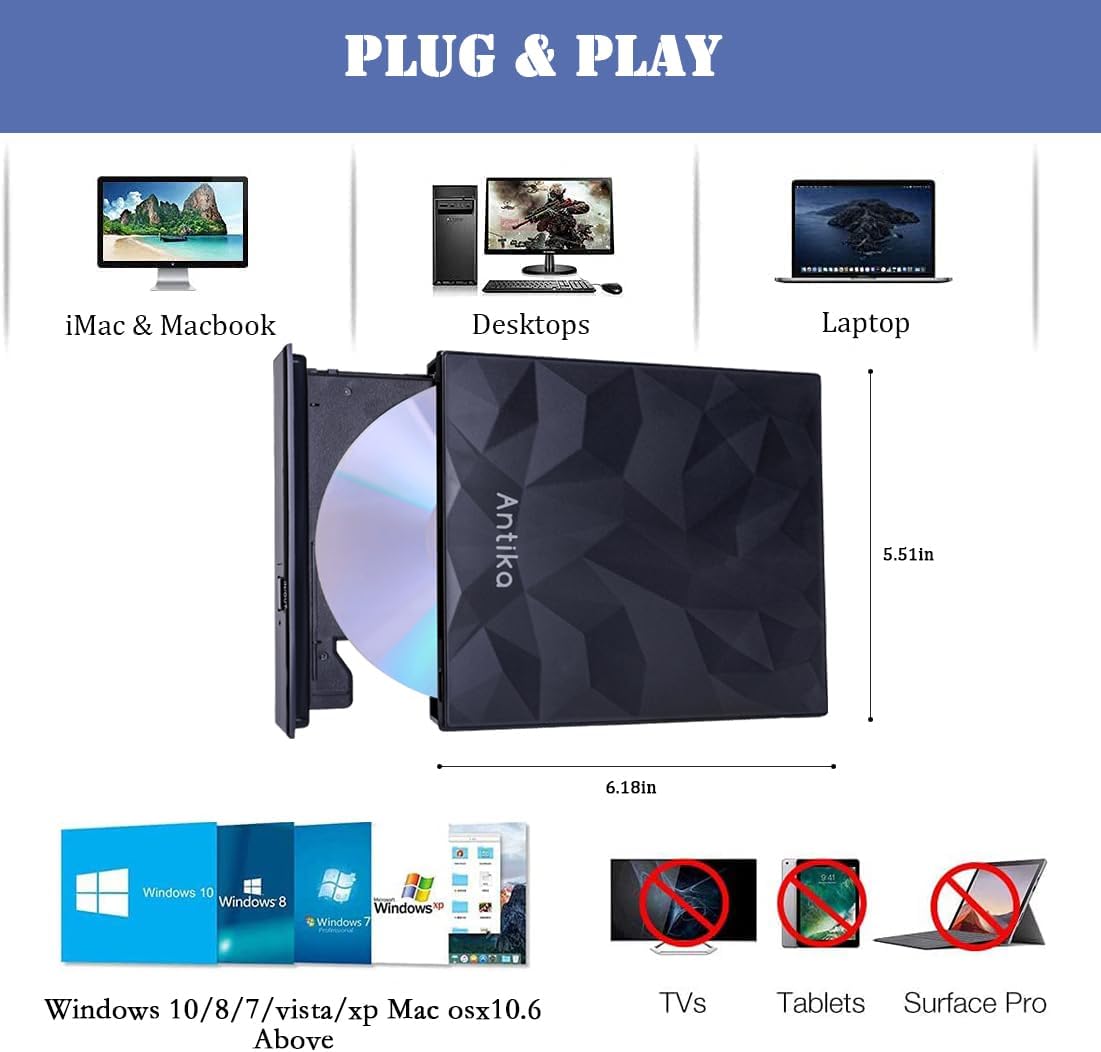
This drive may suit users who need to install software or operating system images from discs, create backups, watch discs on devices lacking an optical drive, or simply access older media formats. It’s positioned as compatible with a wide range of Windows versions (10/8/7, Vista, XP) and Mac OS X 10.6 and above, with a mention of compatibility with various brands such as Apple, HP, Dell and Lenovo. If your workflow involves occasional disc usage rather than constant high‑demand performance, this could be a practical, budget‑friendly option.
What to watch out for and potential limits
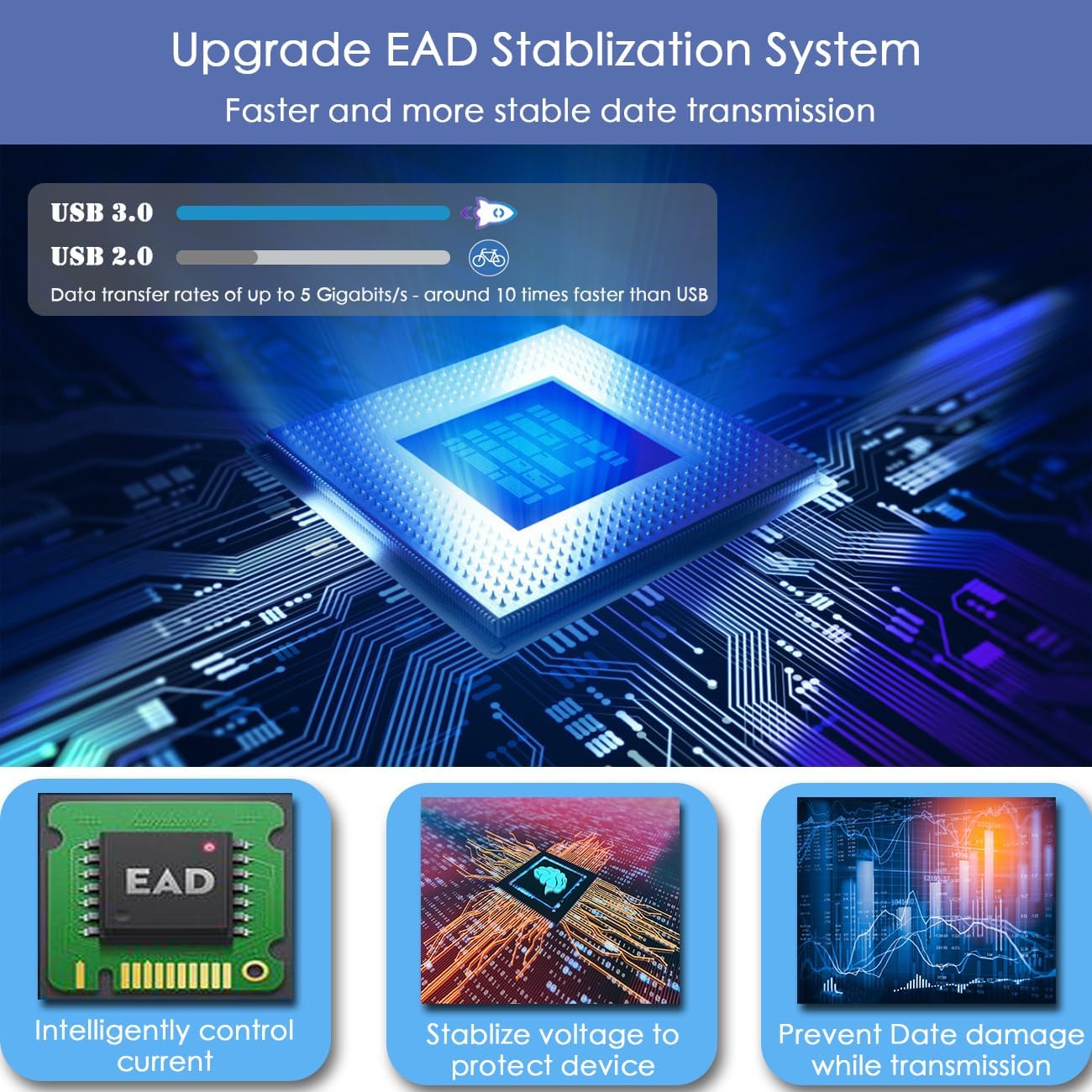
A few caveats are worth bearing in mind. The claim of high speed (up to 5Gbps) refers to USB 3.0/Type‑C data rates, but actual real‑world speeds depend on the disc type and computer hardware. External optical drives are often dependent on the host’s power and USB controller behaviour, so it’s sensible to consider the extended power cable as part of the setup if you have devices with lower USB power output. The description notes that some Windows 10 systems or Mac series may require download procedures or guidance from the seller for recognition or operation—so you may need to follow a process beyond plug‑and‑play in specific environments.
Technical at a glance
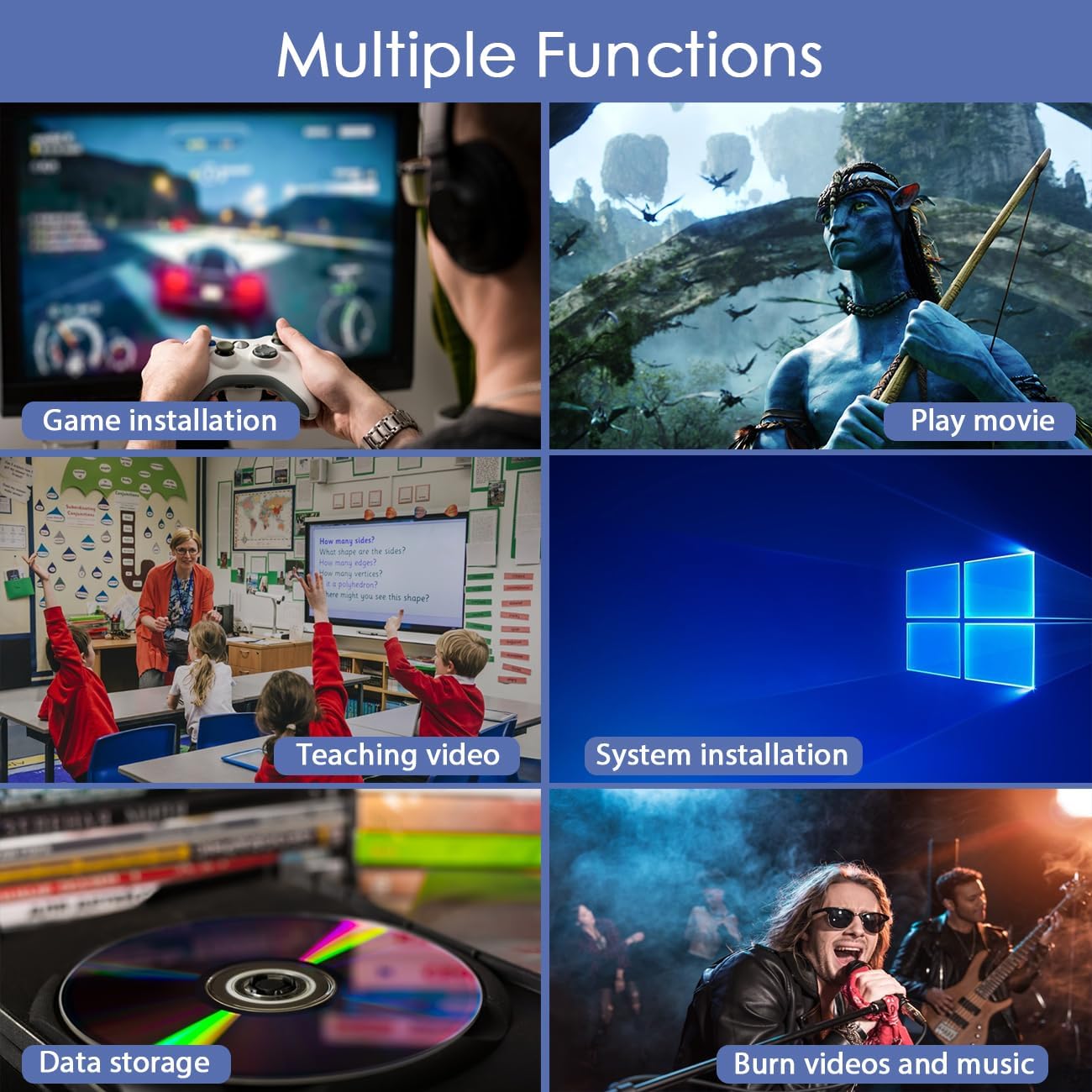
The product is framed around USB 3.0 and Type-C connectivity, extended cabling, and a focus on stable performance with strong error correction during playback and burning. It’s described as suitable for tasks such as installing games, playing DVDs, watching teaching videos, burning discs and performing system installations. The exact internal chipset isn’t disclosed, so you’re assessing it mainly on the stated features: power management, interface versatility, and broad compatibility.
Practical example of use
Imagine you’re on a Windows laptop with no built‑in optical drive and you need to install software from a DVD. You simply connect the Antika drive via USB 3.0 or Type‑C, and the OS recognises it without manual driver steps. You pop in the disc, and you can read or burn as needed. If you’re teaching a class using old media, the drive supports playing discs on a classroom computer even if the laptop lacks an internal drive.
What to check before buying

- Confirm your computer supports USB 3.0 or USB‑C with sufficient power for an external optical drive.
- Consider whether you value an extended cable to reach front‑facing ports or power‑poor USB hubs.
- If you rely on exact disc writing speeds or advanced media features, note that the description emphasizes reliability and broad compatibility more than performance benchmarks.
- For Macs or Windows machines showing recognition issues, be prepared to follow vendor guidance for setup.
Is it worth it?
It makes sense if you need occasional disc read/write capability and you want a device that plugs in without extra drivers. It’s more likely to appeal to users seeking a budget, broadly compatible external drive rather than a high‑end, feature‑rich unit. If your workflow rarely or never uses optical discs, you may prefer a different approach (such as disc‑less software delivery or a dedicated media streamer) to avoid extra hardware.
Quick FAQ
- Does it require a driver installation? Not typically, but some systems may need vendor guidance for recognition.
- What devices is it compatible with? Windows 10/8/7/Vista/XP and Mac OS X 10.6 and above, with broad brand compatibility noted.
- Can it be used for burning discs? Yes, it’s described as capable of burning DVDs/CDs alongside playback.
- Will the extended cable help on low‑power USB ports? The extended cable is designed to address potential power needs when ports provide limited power.
Final verdict
If you prioritise compatibility and a straightforward, no‑hassle setup for occasional disc tasks, the Antika external drive offers a practical option. It’s not pitched as a speed demon or a specialist burner, but it does cover everyday needs with a focus on stability and ease of use. Consider your typical disc use and whether you’re comfortable with any vendor instructions for setup on certain systems.
Should you buy it?
Worth considering if you need portable optical reading/writing without opening your computer and you value broad OS support and an extended power solution. Better avoided if you require top‑tier burning speeds, or you rarely, if ever, use physical discs.