

Nero Video Cassette Rescue: Convert VHS, S-VHS & Hi8 to Digital (USB Capture Device + Nero Video Software)
Product description
What it is and what it solves
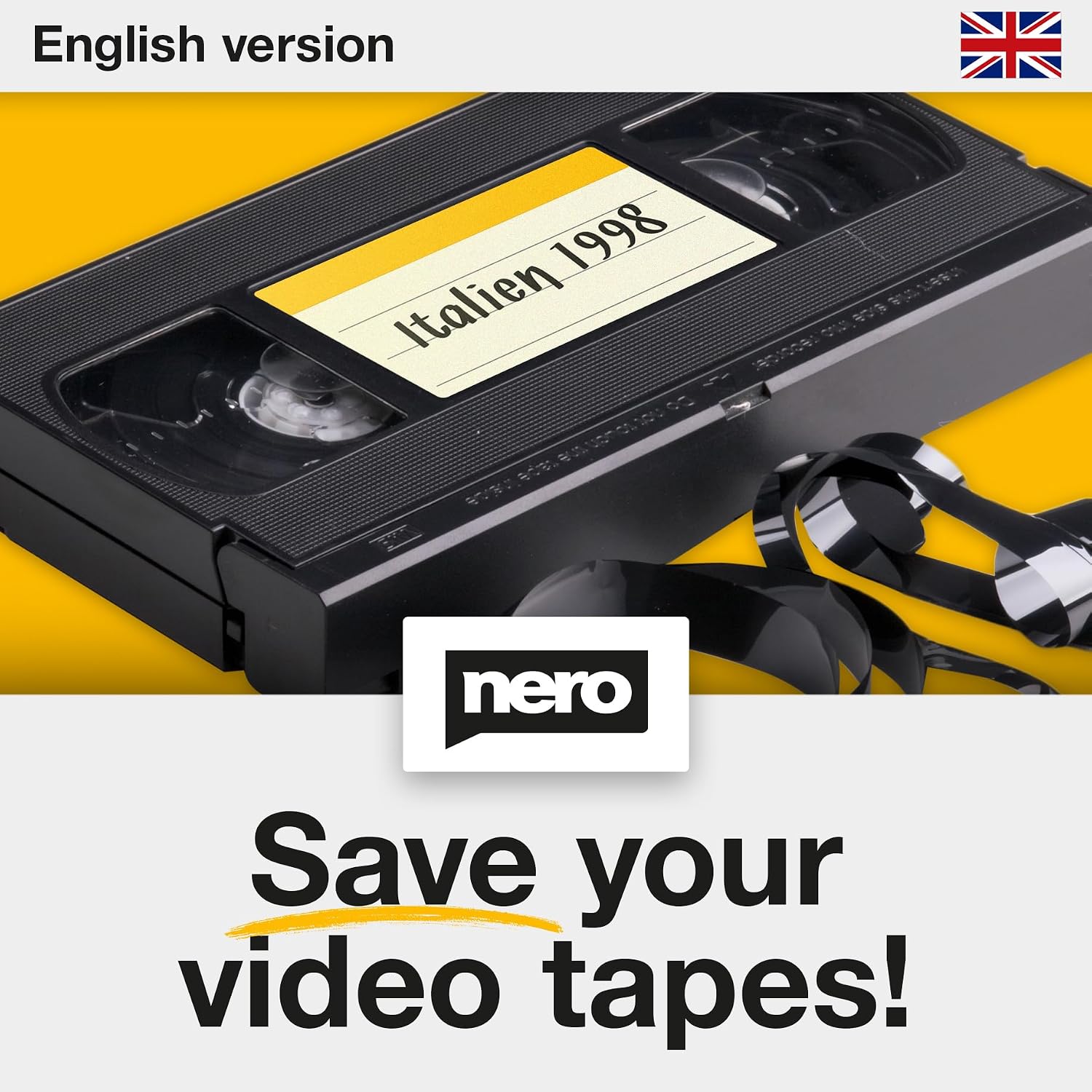
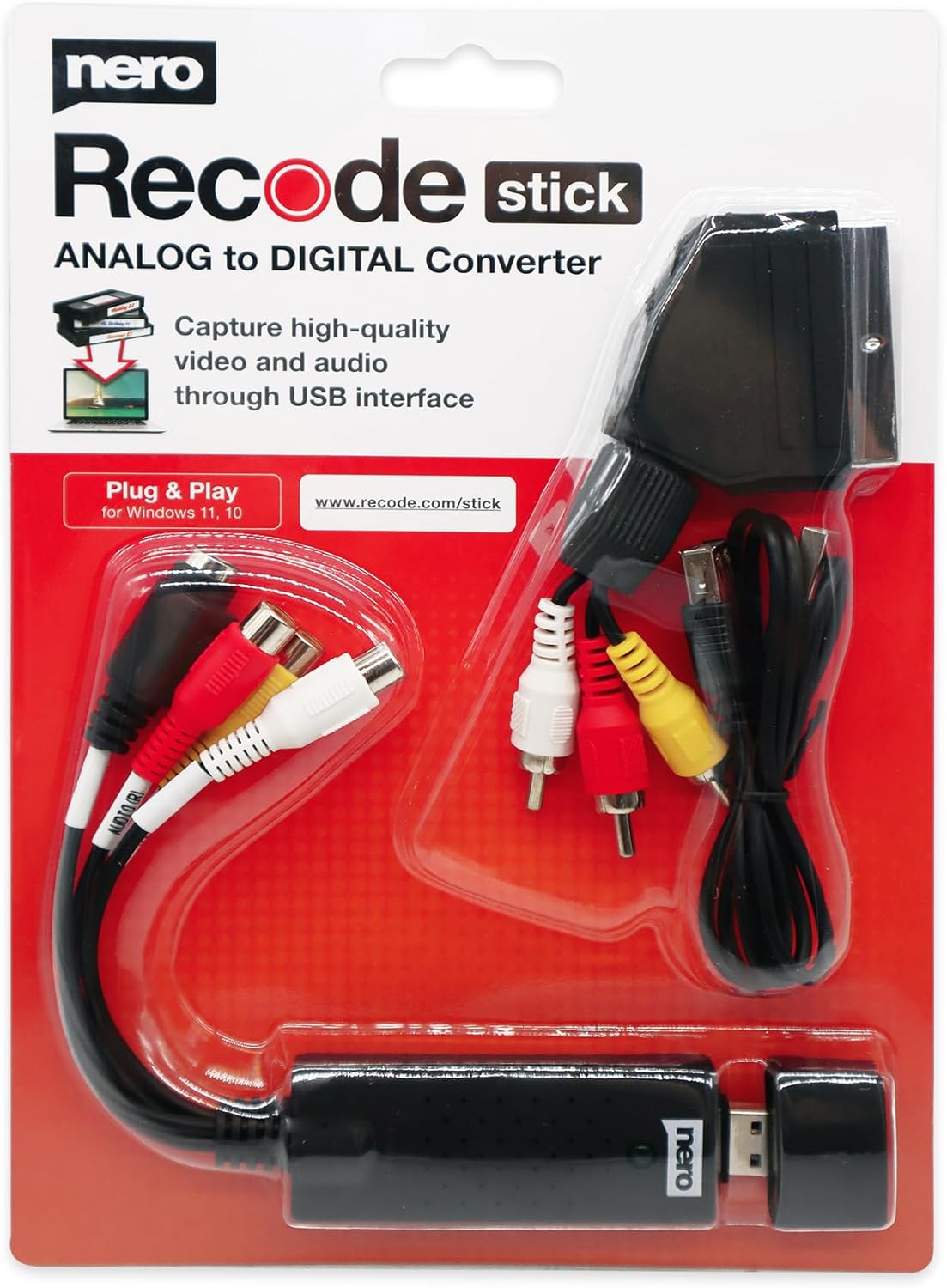
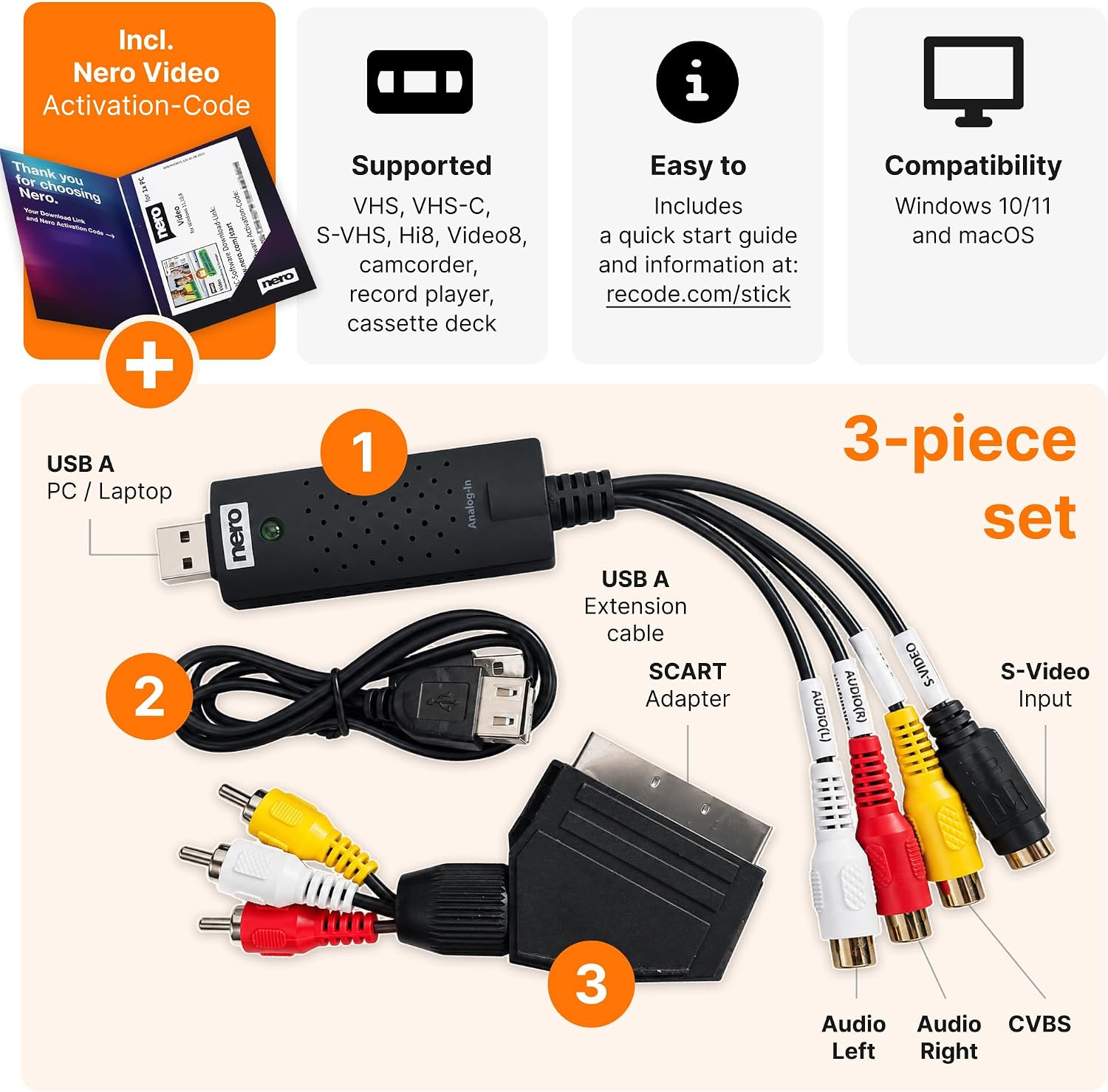
Nero Video Cassette Rescue is an all-in-one kit designed to digitise ageing video tapes—VHS, S-VHS and Hi8—onto your PC. The goal is pragmatic: save memories before tape degradation makes them fade away. The bundle includes a USB capture device, a SCART adapter and a Nero Video licence, with automatic PAL/NTSC detection to keep captures straightforward on Windows 11/10.
How it works in practice
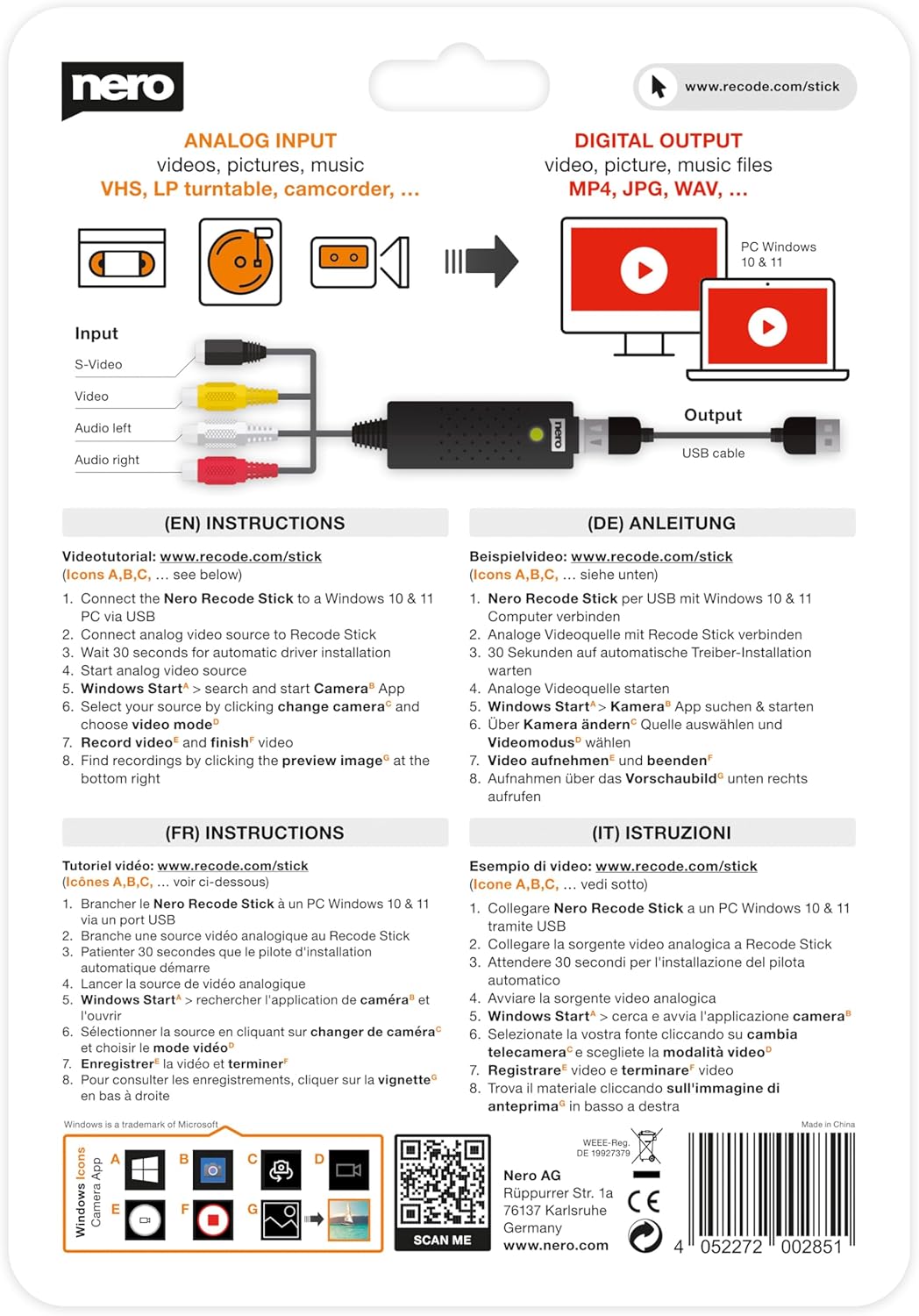
If you’re starting from scratch, this kit emphasises ease of use. The capture process is guided by clear on-screen prompts, so you don’t need previous video-editing or analogue-to-digital experience. Once the footage is on your PC, Nero Video provides a simple editor to trim scenes, tweak colours and apply effects, then export to MP4. On paper, it’s a smooth path from tape to shareable file.
The strengths you’ll notice
For casual users or families preserving memories, the value lies in this combination of capture hardware and beginner-friendly software. Automatic detection between PAL and NTSC helps avoid technical hiccups during transfer. The inclusion of a SCART adapter removes an extra compatibility headache, and the all-in-one approach means fewer separate purchases. In these terms, it does what it sets out to do without requiring a steep learning curve.
Potential limitations to consider
If you prioritise professional-level colour grading or advanced post-production tools, you may find Nero Video Rescue more functional than feature-rich. The package targets straightforward digitisation and basic editing, if your needs extend to cinema-grade colour grading or multi-camera workflows, this setup might feel limiting. Also, the hardware and software are tailored to Windows, macOS users would need an alternative route.
Who it’s for
- Anyone with ageing VHS, S-VHS or Hi8 tapes who wants a simple, guided transfer into digital files.
- Beginners who prefer a bundled solution (capture device + software) rather than sourcing components separately.
- Families or individuals wanting an affordable, all-in-one approach for archiving memories without fuss.
Who it isn’t ideal for
- Users seeking advanced video editing features or high-end colour correction beyond standard enhancements.
- People evaluating for professional archiving where advanced quality controls and format options are required.
- Mac users, since this solution specifies Windows 11/10 compatibility.
When it makes sense to buy
- You have several analogue tapes that risk deteriorating with time and you want a straightforward digitisation path.
- You prefer an out-of-the-box kit with clear guidance and a built-in capture workflow rather than piecing together components.
- You value a simple editor to perform light cuts and export to widely compatible MP4 files for sharing.
When you might want to pass or hold off
- If you already own a capable video editor and only need faster or cheaper transfer, compare the price against other capture solutions.
- If you expect top-tier post-production features, consider whether a more feature-rich editing package would better suit your needs.
What to check before you buy
- Confirm Windows version compatibility (Windows 11/10) and whether any on-screen prompts align with your setup.
- Ensure you have a spare USB port and a display arrangement that allows you to monitor the transfer without interruptions.
- Consider your tapes’ condition, if media is heavily degraded, realise that results depend on the source quality and hardware processing.
Practical use example
Imagine you’ve found a stack of family VHS tapes from the 90s. You connect the Nero kit to a modern PC, start the guided transfer, and within a short session you’ve rescued hours of home video as digital MP4 files. You can quickly trim unwanted begins/ends and add gentle colour tweaks to brighten faded footage, then share the improved clips with relatives online or preserve them on an external drive.
What stands out in use

The bundled approach reduces the number of moving parts and the learning required. The automatic video standard detection helps with one of the more technical headaches—getting footage into a usable format without fiddling with settings.
Technical snapshot (brief)
- Supported tapes: VHS, S-VHS, Hi8
- Connection: USB capture device, SCART adapter included
- Software: Nero Video licence for editing and export
- Platform: Windows 11/10
- Format focus: straightforward transfer to MP4 after editing
Final decision
Should you buy it? If your goal is to digitise ageing tapes quickly and with beginner-friendly software, this kit is worthy of consideration. It offers a practical pathway from analogue to digital without a steep learning curve, while giving you a journey from capture to basic editing in one package. It may not be the best fit if you require advanced editing capabilities or macOS compatibility.
FAQ
- Do I need prior video-editing experience? No—guide prompts are designed for beginners.
- Can I edit before transfer? Yes, Nero Video lets you perform cuts and basic enhancements after importing.
- Will it work with all my tapes? It auto-detects PAL or NTSC during capture, but results depend on the physical condition of the tapes.