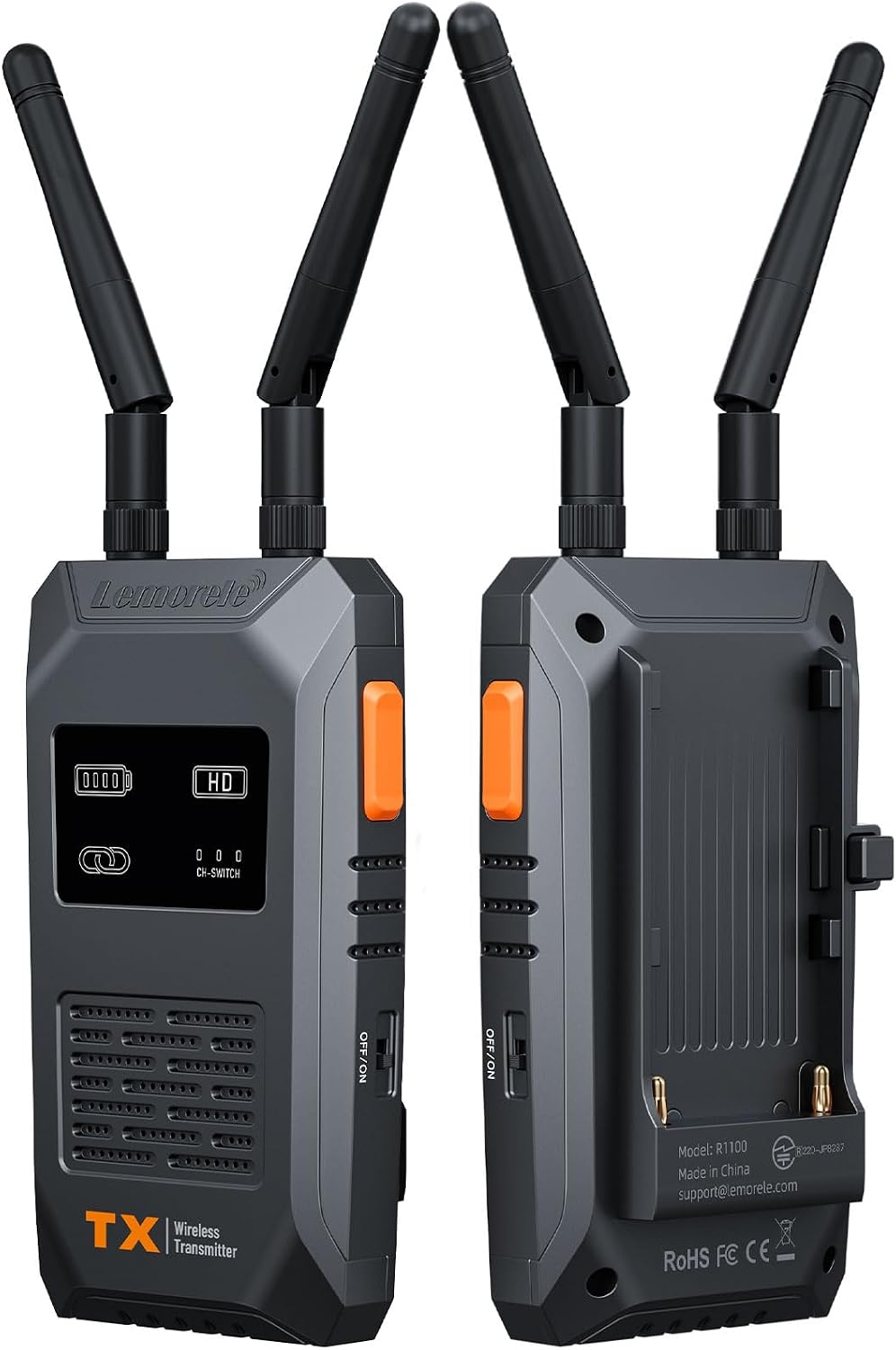
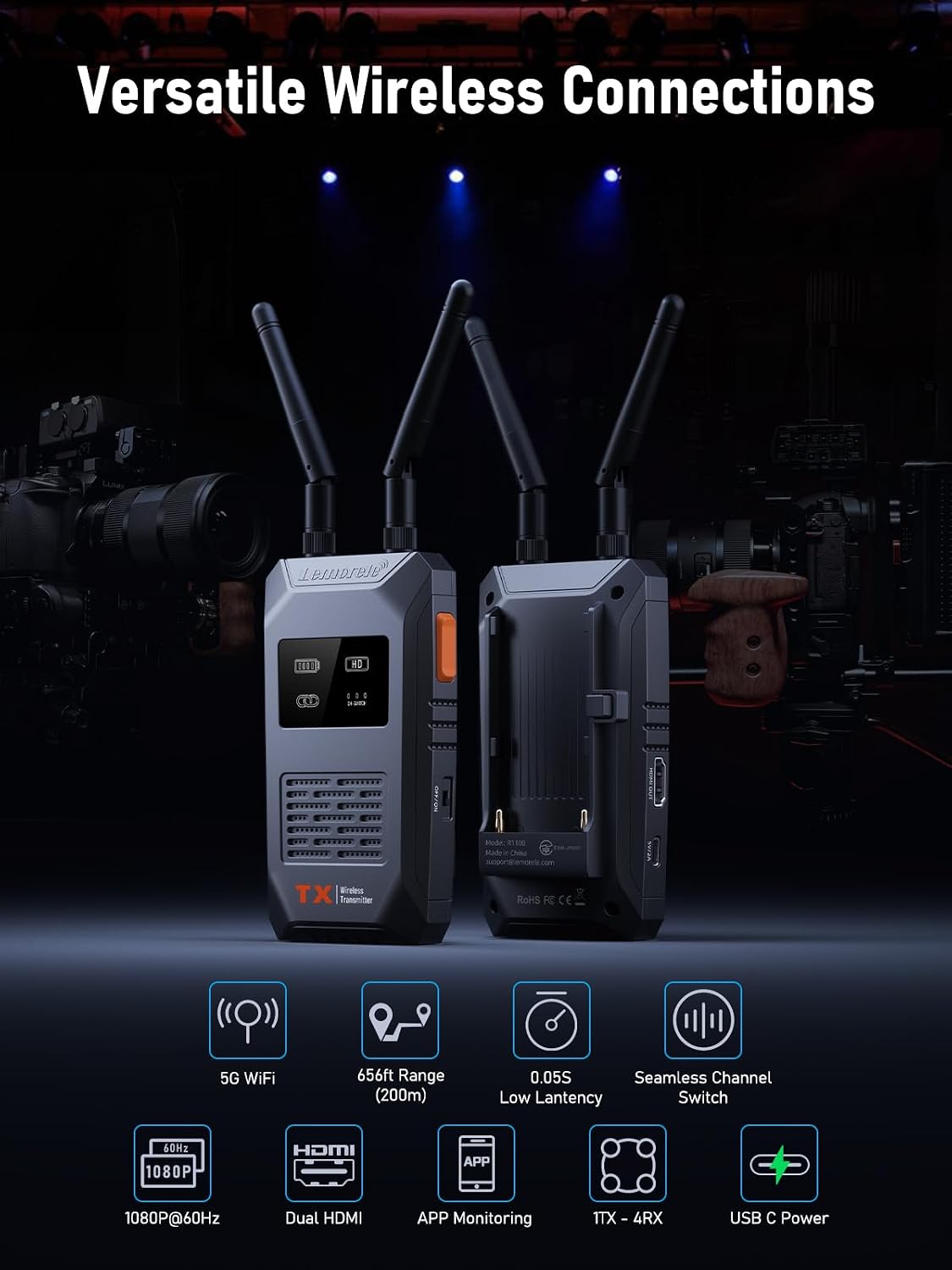
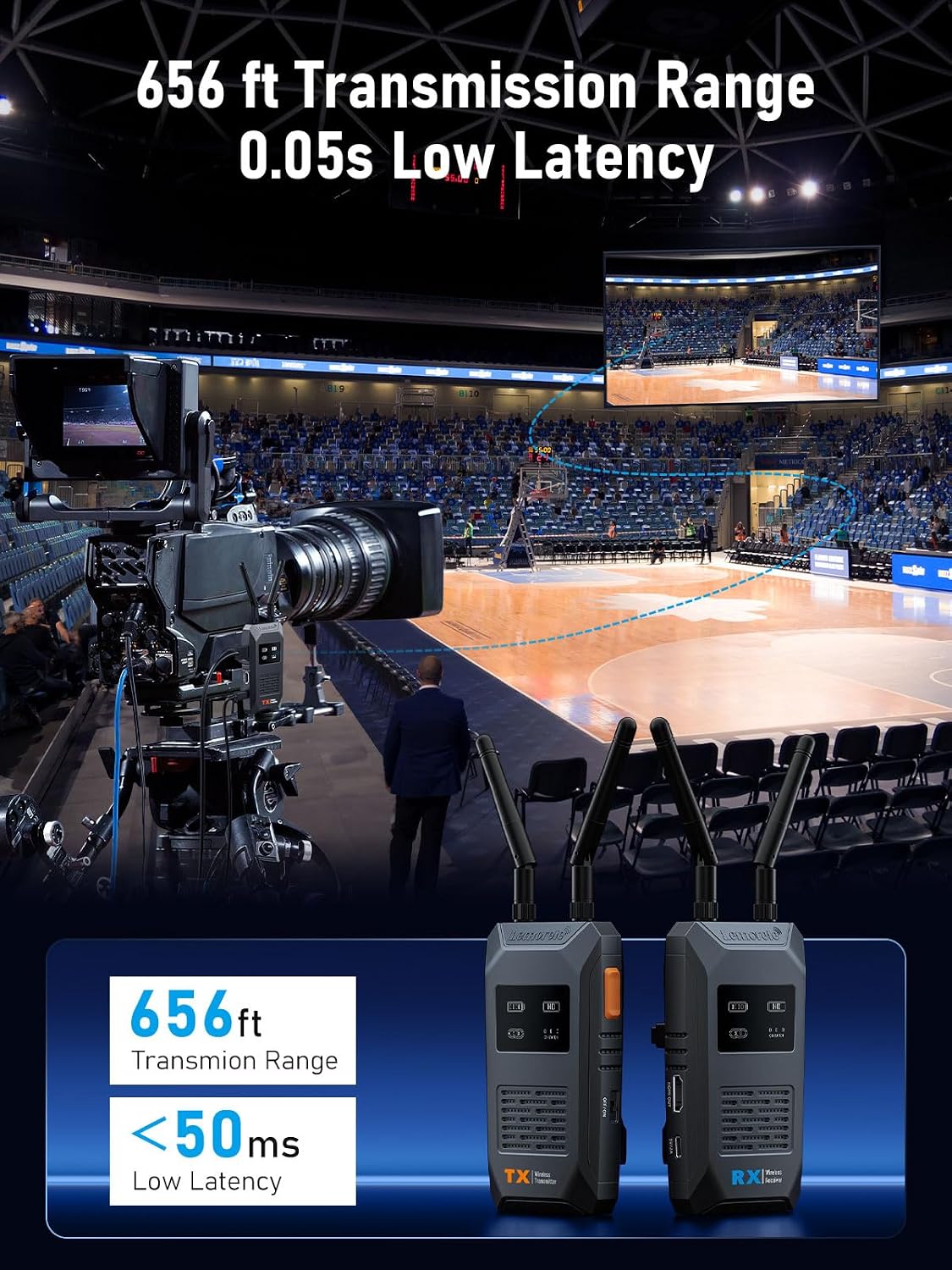
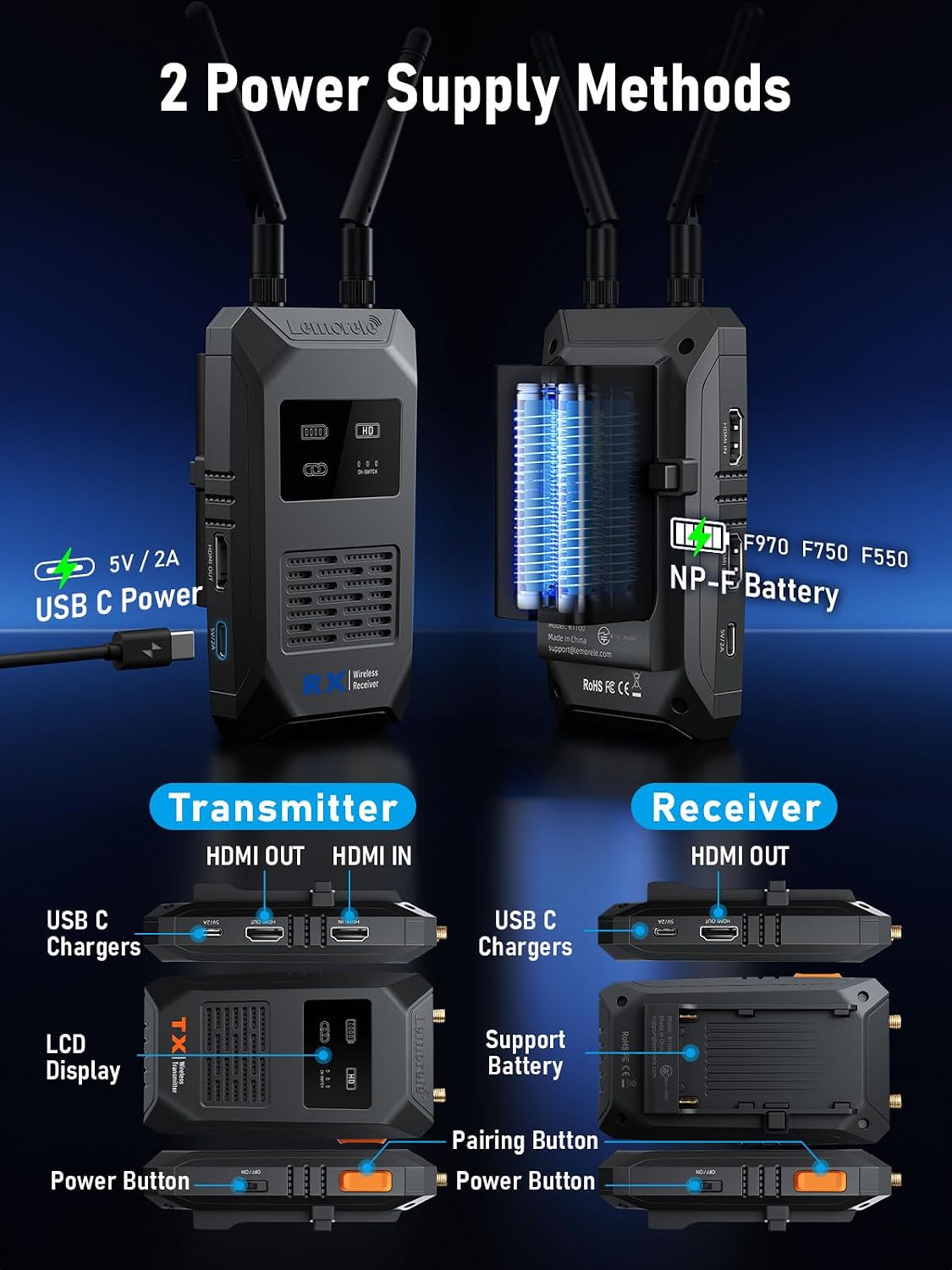
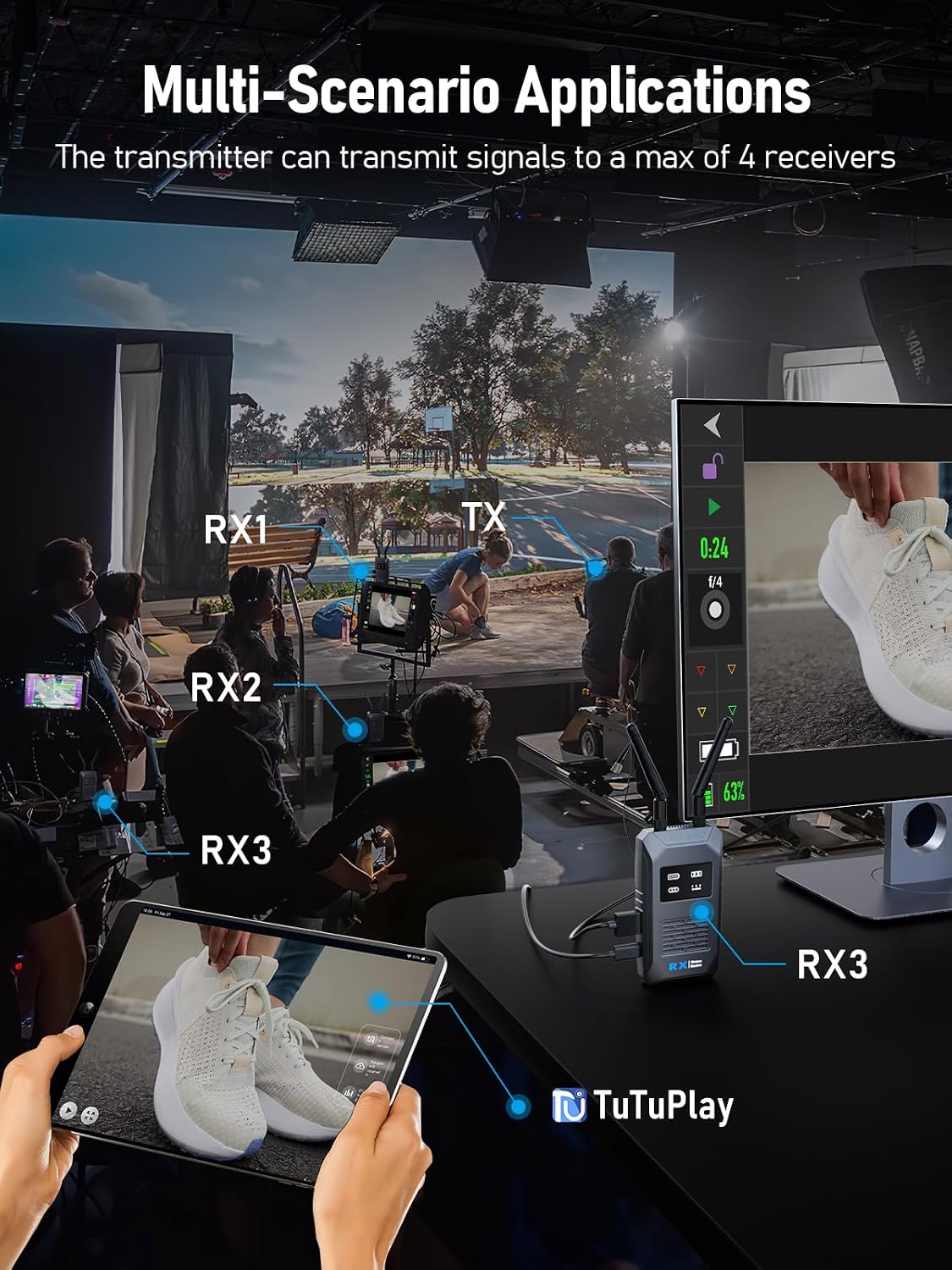
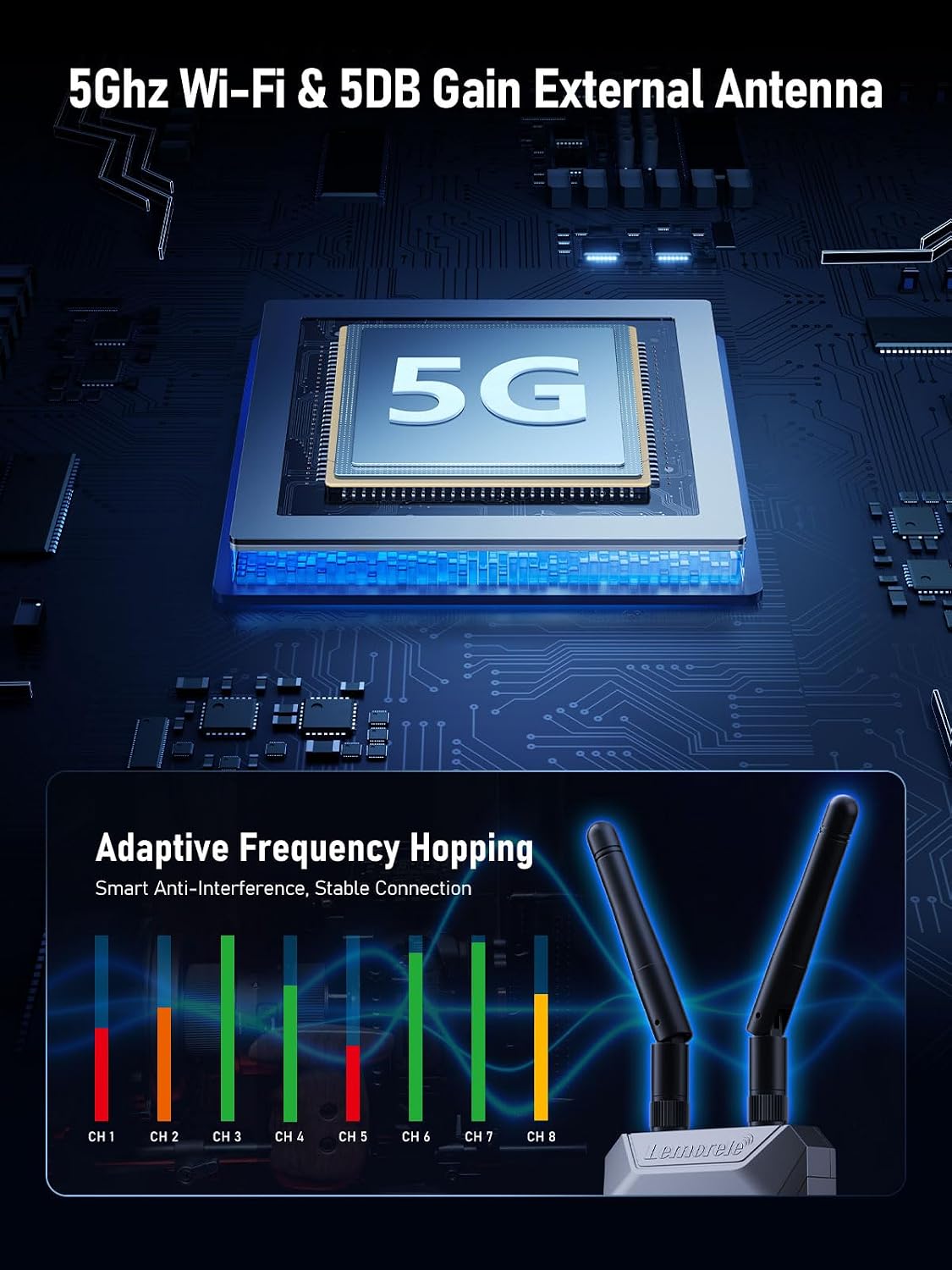
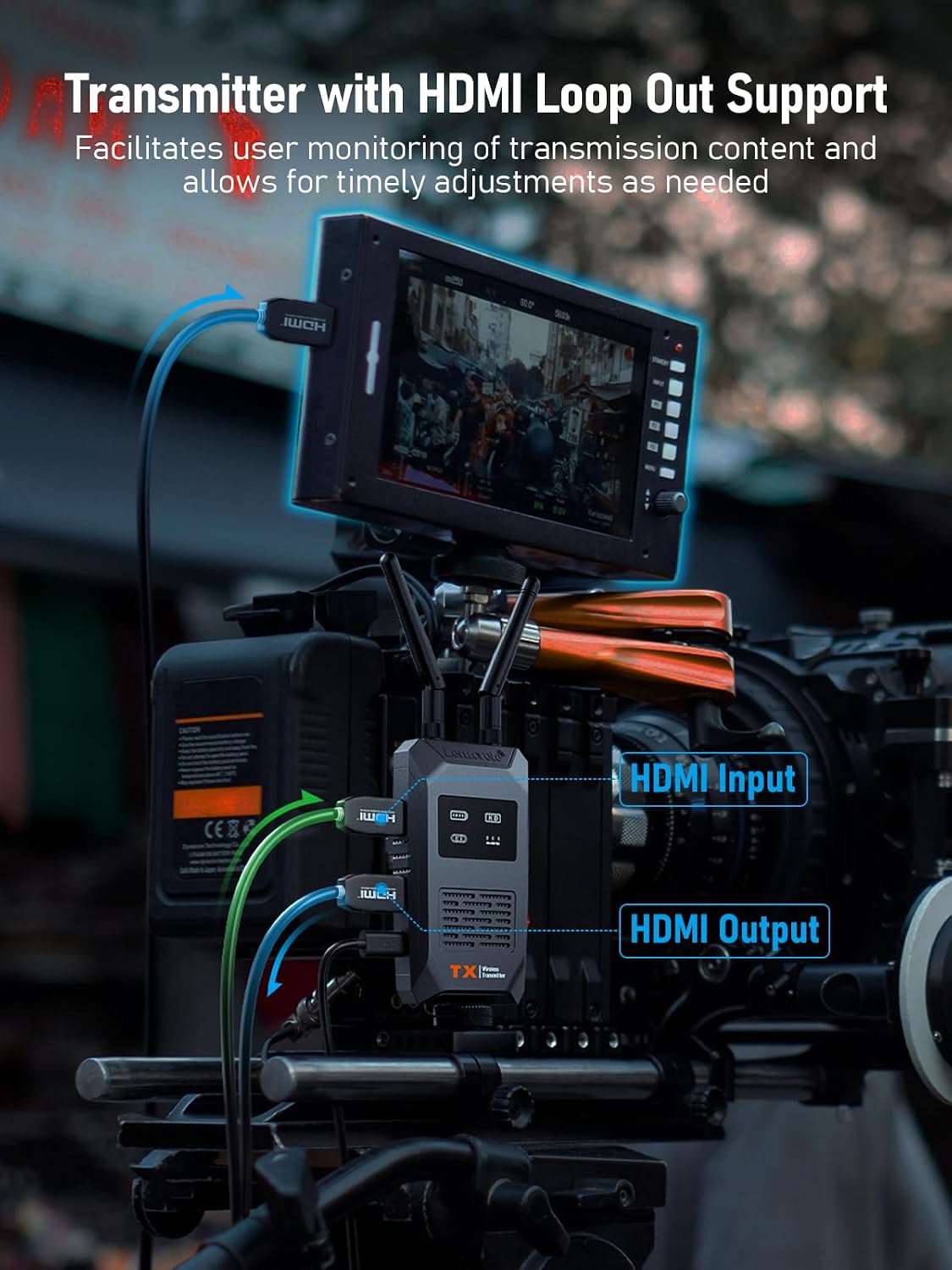
What it is and what it solves\nThe Lemorele Wireless Video Transmission System is a compact, plug‑and‑play wireless HDMI link designed for real‑time video transmission between a source and a display. With a stated range of up to 200 metres and 1080P at 60Hz, it aims to remove cables from setups such as projectors, cameras and laptops, while maintaining a stable feed for live sessions, presentations or on‑set monitoring. If you’re aiming to reduce clutter and keep lines of sight clear, this kind of system can be convenient, especially in rooms or venues where cabling is impractical. On paper, the kit supports one transmitter and one receiver, with up to four receivers needing separate purchases, or the Monitor TuTuPlay app for monitoring. You’ll also find a dedicated HDMI loop‑out on the receiver, which helps integrate with multiple displays or recording workflows.\n\n## How it works in practice\nSetup is described as plug‑and‑play: connect the transmitter to a computer or other source via HDMI, and connect the receiver to a monitor, projector or TV. The kit is advertised to resolve setup frictions quickly, with a claimed 5–10 second initialization. In busy environments—think classrooms, lecture halls or small studios—the simple pairing can save time, but be mindful that the receiver may require manual pairing if you add more than one unit.\n\n## Image quality and latency\nThe system uses Lemorele’s H.264 codec approach to deliver 1080P at 60Hz with relatively low latency, which is essential when you’re guiding on‑camera talent or live directing. A latency of around 0.05 seconds is highlighted, which should feel responsive for most standard filming and streaming scenarios. However, real‑world performance can vary with environmental factors and network load, so it’s sensible to test in your space before critical shoots.\n\n## Range and scalability\nA notable feature is the way range scales with the number of receivers: 200 m with one transmitter and one receiver, about 130 m with two receivers, and progressively shorter with more receivers. If your use case involves multiple display points or separate monitoring targets in a larger venue, plan for potential attenuation and ensure power and line‑of‑sight conditions are stable.\n\n## Power and reliability\nPower input is emphasised as critical: using a 5V 2A supply is recommended to maximise Wi‑Fi module performance. Inadequate power can lead to connection drops or projection failures. This is a practical reminder that a robust power supply is not optional in professional settings.\n\n## Compatibility and app support\nThe system offers a mobile monitoring option via an Android and iOS app (Monitor TuTuPlay). This can be helpful for on‑the‑move checks or when the projector isn’t easily accessible. It’s worth noting that some workflows will depend on using the app and keeping firmware and app versions in step.\n\n## What stands out and where it may fall short\nOn the plus side, the kit promises a straightforward, low‑friction setup with real‑time feedback, a usable HDMI loop‑out and a single‑cable stream from source to display. The potential drawbacks include dependence on a compatible power supply, the need to manage pairing when expanding to multiple receivers, and the fact that performance is described in ideal terms and can vary in practice. If you prioritise a clean, wireless link for on‑set monitoring or classroom demonstrations, it can be a practical fit. If you require rock‑solid, cinema‑class latency and absolute wireless reliability in challenging interference environments, you might want to test alternatives or expect some variability.\n\n## Who it’s for\nThis system is suited to small to medium venues, educational settings, and on‑set monitoring tasks where a wired HDMI diagram would be cumbersome. It may appeal to users who value quick setup, a visible HDMI loop‑out option and the flexibility of a wireless link for one source feeding multiple displays.\n\n## Who it isn’t for\nIf your priority is the lowest possible latency under the harshest wireless environments or you need guaranteed multi‑receiver stability with zero dropouts, you may want to explore higher‑end, dedicated wireless video solutions and test in‑space under typical conditions first.\n\n## What to check before buying\n- Confirm the exact number of receivers you plan to use and whether you’ll need to purchase them separately.\n- Ensure you have a reliable 5V 2A power supply for optimal performance.\n- Verify compatibility with your source device’s HDMI output and your display’s HDMI input, and consider testing with Monitor TuTuPlay if you plan to monitor on mobile devices.\n- Think about line‑of‑sight and venue size to gauge whether the advertised range matches your needs.\n\n## Practical usage example\nIn a small conference room, you could connect the transmitter to a laptop for presentation slides and wirelessly mirror the feed to a projector and a secondary monitor for the speaker. While the host presents, a mobile monitor via the TuTuPlay app lets you check the feed on a phone or tablet, keeping you informed without crowding the front desk with cables.\n\n## FAQ (illustrative, based on available data)\n- How many receivers can I wirelessly connect? Up to four receivers may be connected, with receivers purchased separately.\n- What HDMI outputs are available? The system provides HDMI loop‑out on the receiver, plus HDMI input on the transmitter, helping to integrate with multiple displays.\n- Do I need special software to run it? Basic operation is plug and play, plus an optional Monitor TuTuPlay app for remote monitoring on mobile devices.\n\n## Final decision\nIs it worth it? Worth considering if you value a straightforward, plug‑and‑play wireless HDMI link with real‑time monitoring options for moderate setups and you don’t require the absolute lowest latency or multi‑recorder redundancy for high‑end productions.