

BIGASUO Frameo WiFi Digital Photo Frame 10.1 Inch (Black/White) with Touch Screen, 32GB & Auto Rotate
Product description
The essentials (and what it’s for)
A digital WiFi photo frame is basically a simple way to keep photos circulating without constantly swapping SD cards or USB sticks. The BIGASUO Frameo WiFi Digital Photo Frame (10.1 inch) is designed around that idea: share photos and video updates over WiFi using a dedicated app, and control everything via an on-screen touchscreen.
On paper, it leans into “set it up once, then let the frame do the rest” living-room vibes—especially if you want other people to be able to push new pictures to it remotely. That’s the core promise here, not an ultra-technical display spec sheet.
Key takeaways for buying decisions
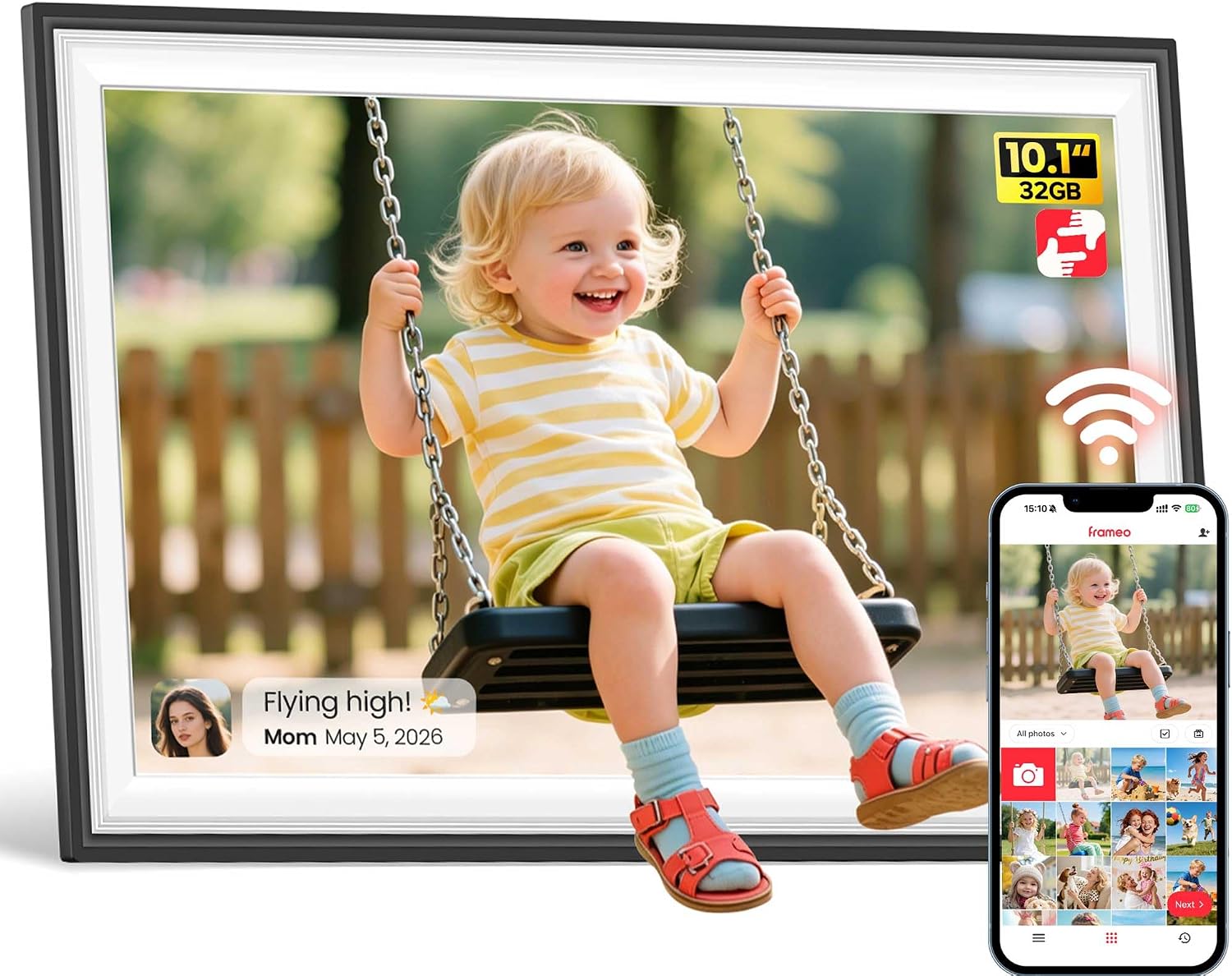
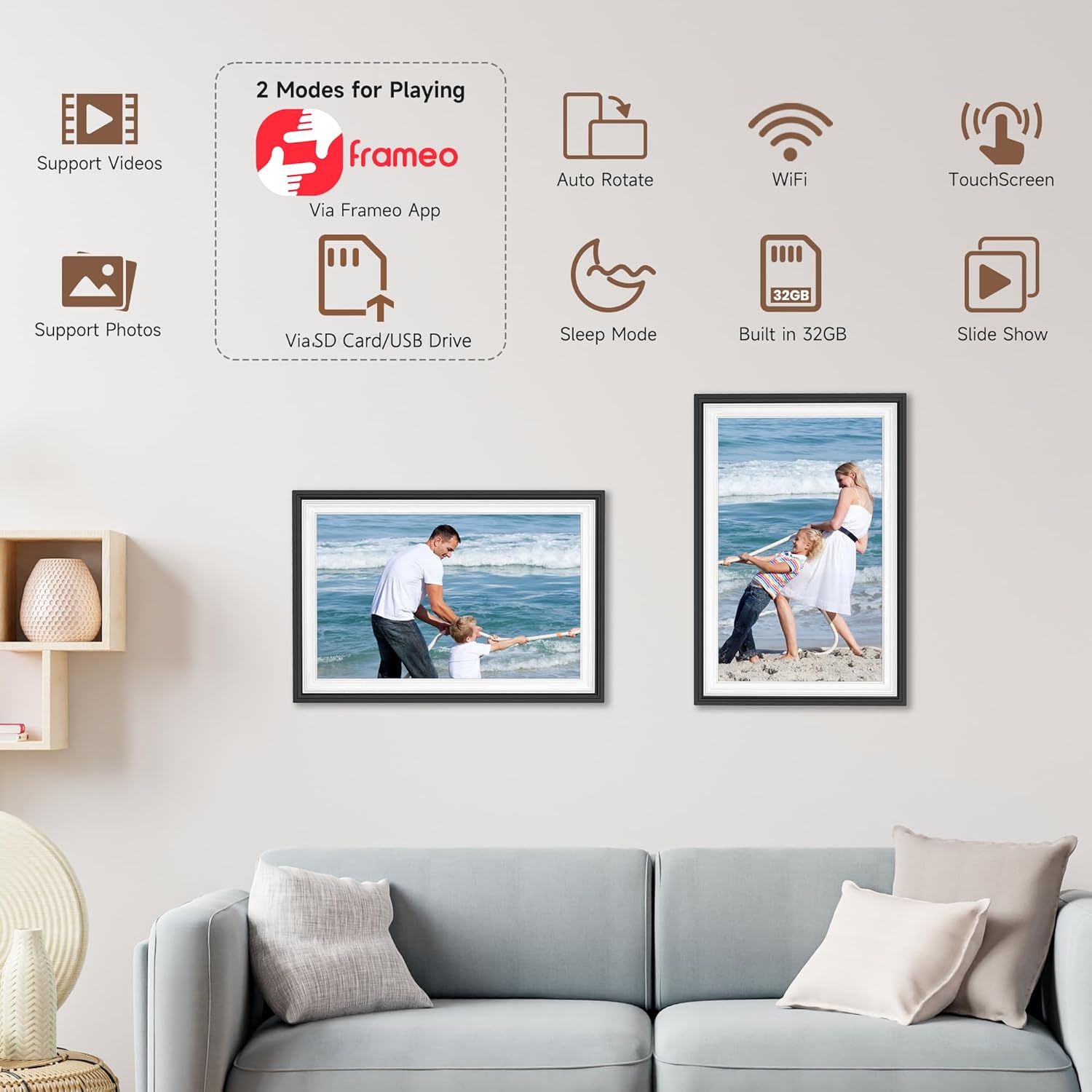
This model stands out mainly because of four things: the built-in WiFi for remote sharing, a touchscreen interface for day-to-day navigation, auto-rotate support for switching orientation (so the frame can work in more than one placement), and the included 32GB memory. The 10.1 inch size also suggests it’s aimed at a noticeable but not huge “gallery moment” rather than a wall-filling centrepiece.
Where it may fall short is expectation management. A digital photo frame is still a screen device, so if you’re expecting the crispest, most colour-accurate viewing possible for critical photo work, it may feel more like a practical home sharing tool than a dedicated display for creators.
What you’ll notice day to day
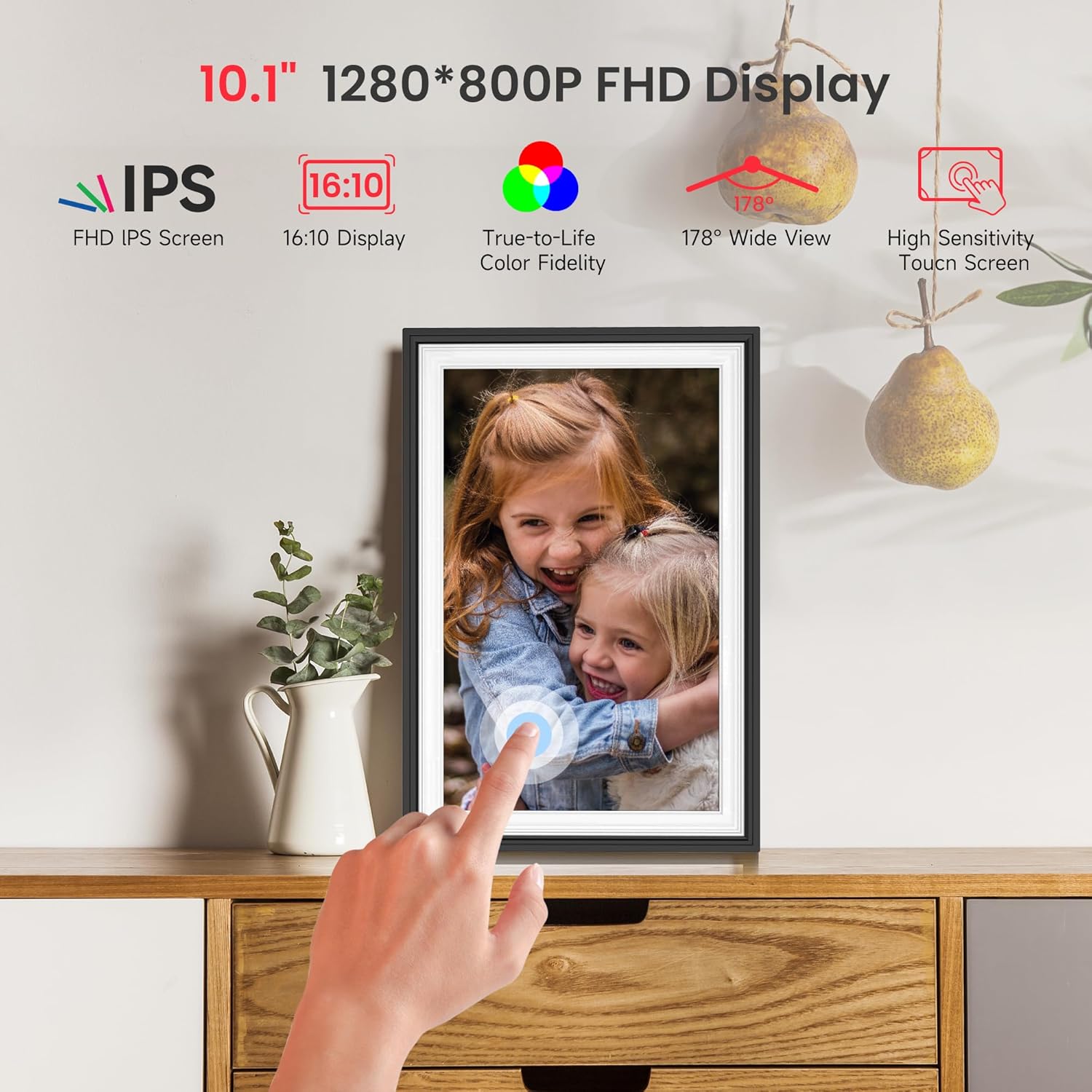
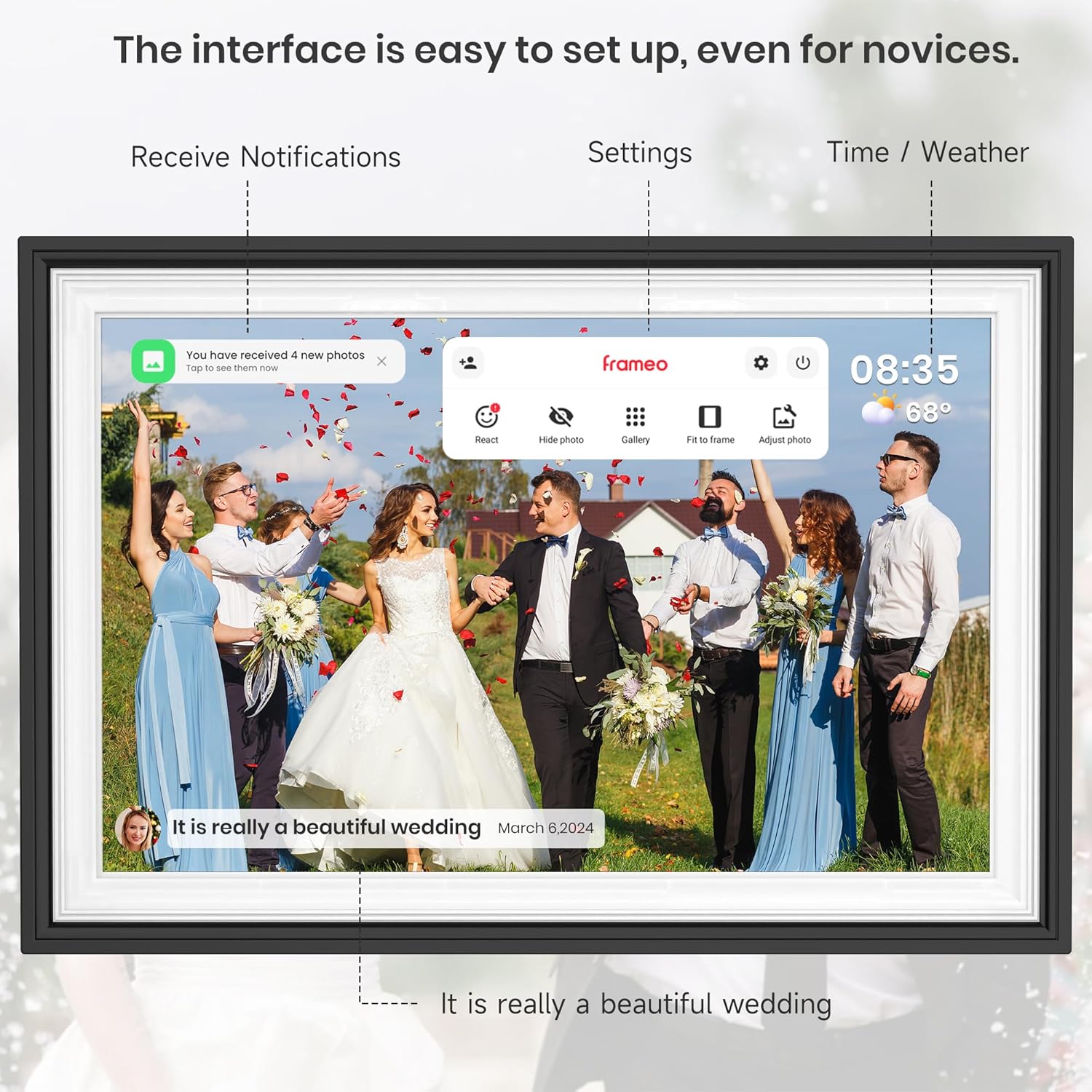
The touchscreen controls make it easier to navigate, organise, and manage your photo collection than the frames that rely only on physical buttons. In everyday use, that matters: you’re not just staring at images—you’re moving between slideshow options and getting the orientation right.
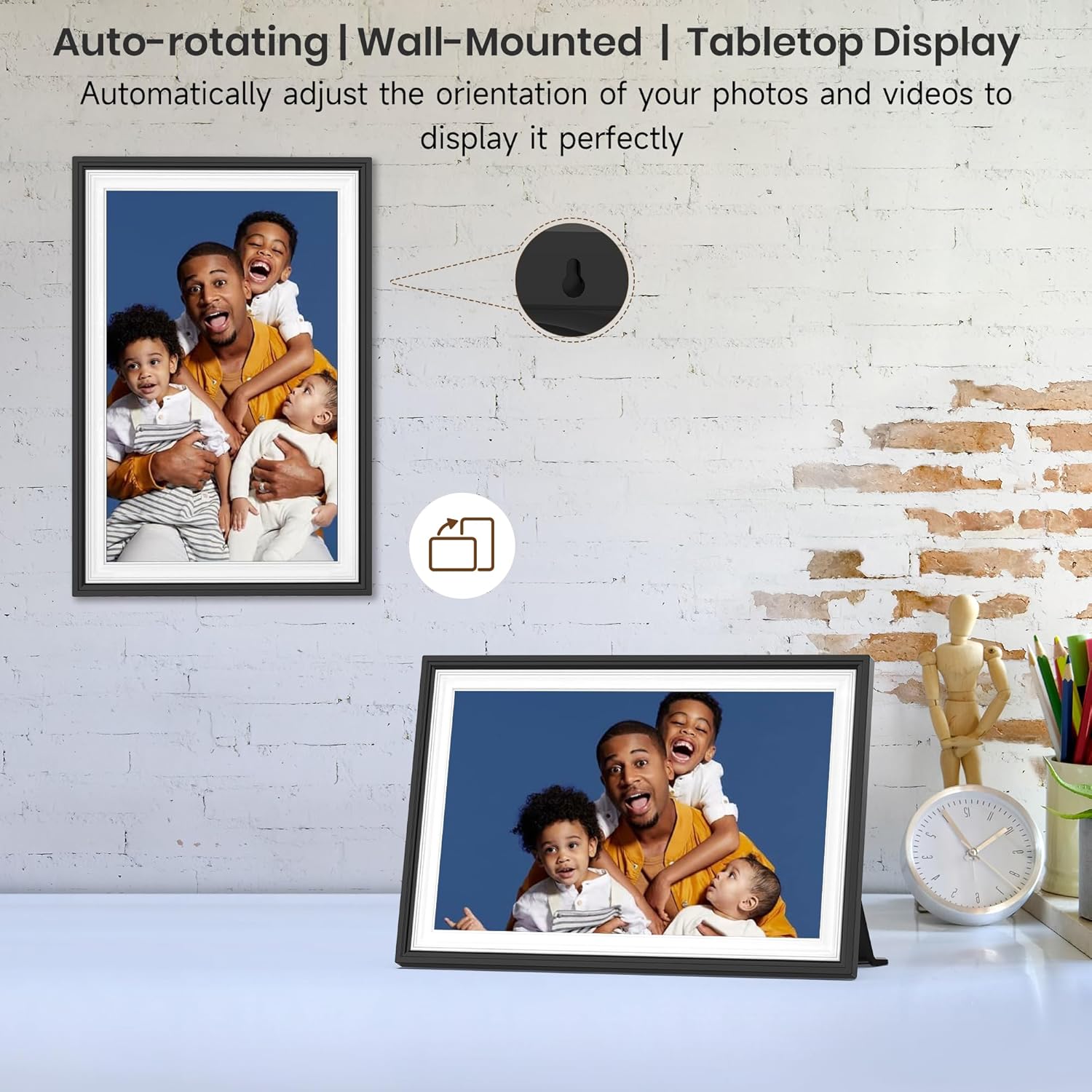
The automatic rotation and the fact it can be mounted in different ways (vertical or horizontal) also changes how “usable” the frame feels in real homes. For example, you could place it on a shelf in portrait mode for a family photo wall look, then later mount it differently for a desk or hallway view.
WiFi sharing: the real point of value
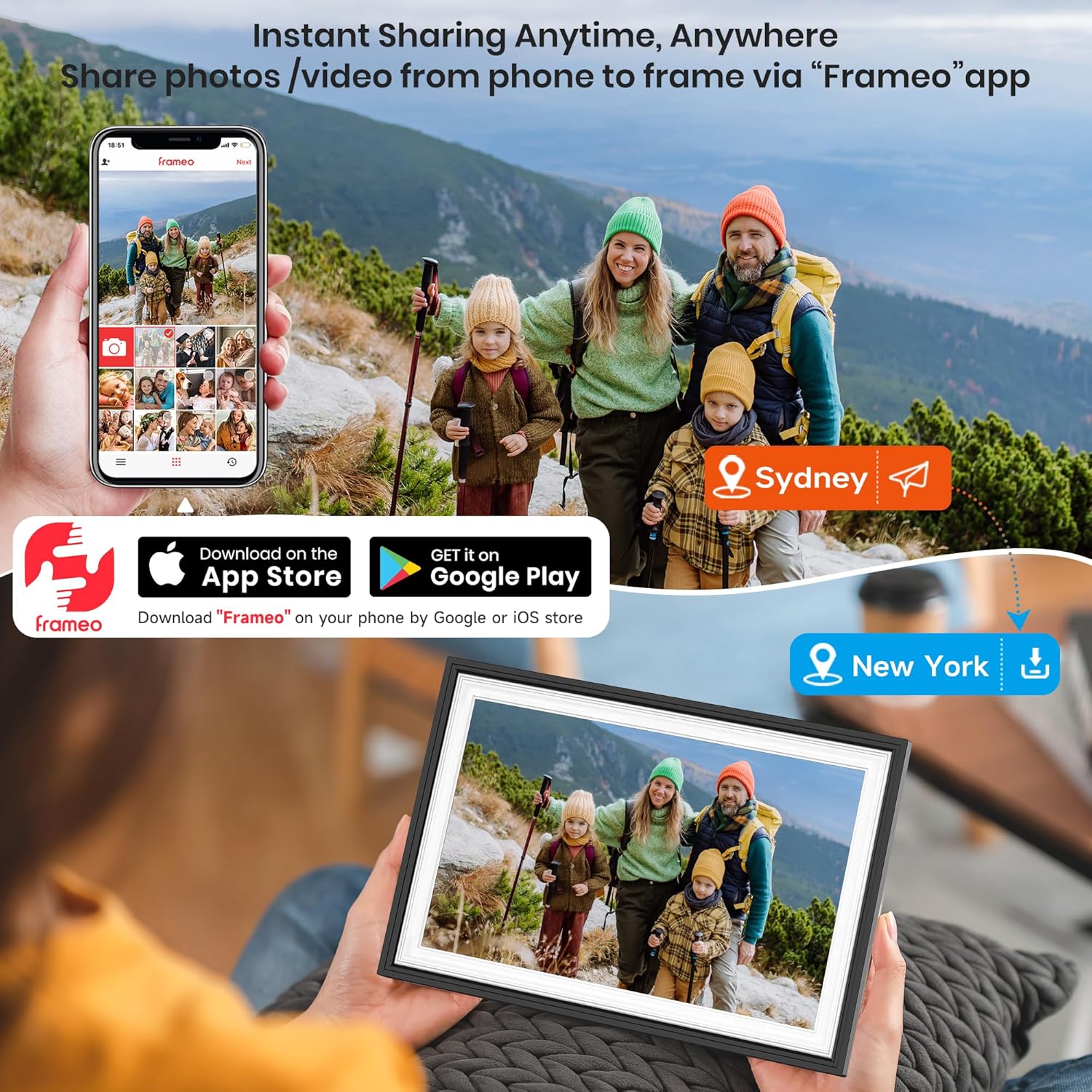
Built-in WiFi is the feature most likely to justify buying a digital frame over a conventional one. Instead of updating it manually, the frame is meant to receive updates remotely through a dedicated app, so friends and family can share new photos and video content.
That works best if you actually plan to share—think birthdays, new baby photos, holidays, or ongoing trips where you want an “always current” view in the house. If you’re mostly the only person adding images, you may find a simpler offline frame approach more straightforward (and sometimes cheaper), because the remote sharing advantage wouldn’t be fully used.

Tech summary (quick overview)
Tech specs
- Screen size: 10.1 inch (25.65 cm)
- Resolution: 1280x800 HD
- Display type: HD IPS touch screen
- Connectivity: built-in WiFi
- Storage: 32GB memory
- Orientation: auto rotate
- Controls: touchscreen
- Mounting: wall mountable, supports vertical or horizontal placement
- Included function: slideshow and multiple photo format support (as described)
Who it suits (and who should look elsewhere)
It makes sense if you want an easy “digital frame for sharing”, with touchscreen controls and the option to rotate automatically depending on how you place it. It’s also a sensible pick if you prefer a neat home setup where photos update over time without you constantly transferring files.
It might not be a great match if you mainly want a traditional, single-owner display and you don’t care about app-based remote updates. It could also feel like overkill if your priority is ultra-fast control from a phone without any on-device interaction, because the experience here is still centred around what you do on the frame.
Mini FAQ
FAQs
Does the frame need external WiFi hardware? No—the description states it includes built-in WiFi.
Can it be used in both portrait and landscape? Yes. It’s described as supporting vertical and horizontal placement, with auto rotate to match the orientation.
Is there enough storage for a collection? It includes 32GB memory, which should be plenty for keeping a set of memories locally, based on the product’s intended purpose.
Can other people add photos remotely? That’s the point of the built-in WiFi and dedicated app: it’s described as enabling remote sharing and updates from family and friends.
Should you buy it?
If you want a WiFi digital photo frame that’s designed for shared, remote updates—with touchscreen navigation and auto-rotate for flexible placement—this BIGASUO Frameo model looks like it fits the job. It’s a practical choice for households where multiple people will contribute photos, and where you want the frame to stay current without manual file swapping.
You may want to skip it if you’re buying purely for a single person’s occasional photo swaps, or if you’re looking for a display-first product where the screen performance is the main reason to pay. In that case, you might be better off with a more basic, offline approach.