

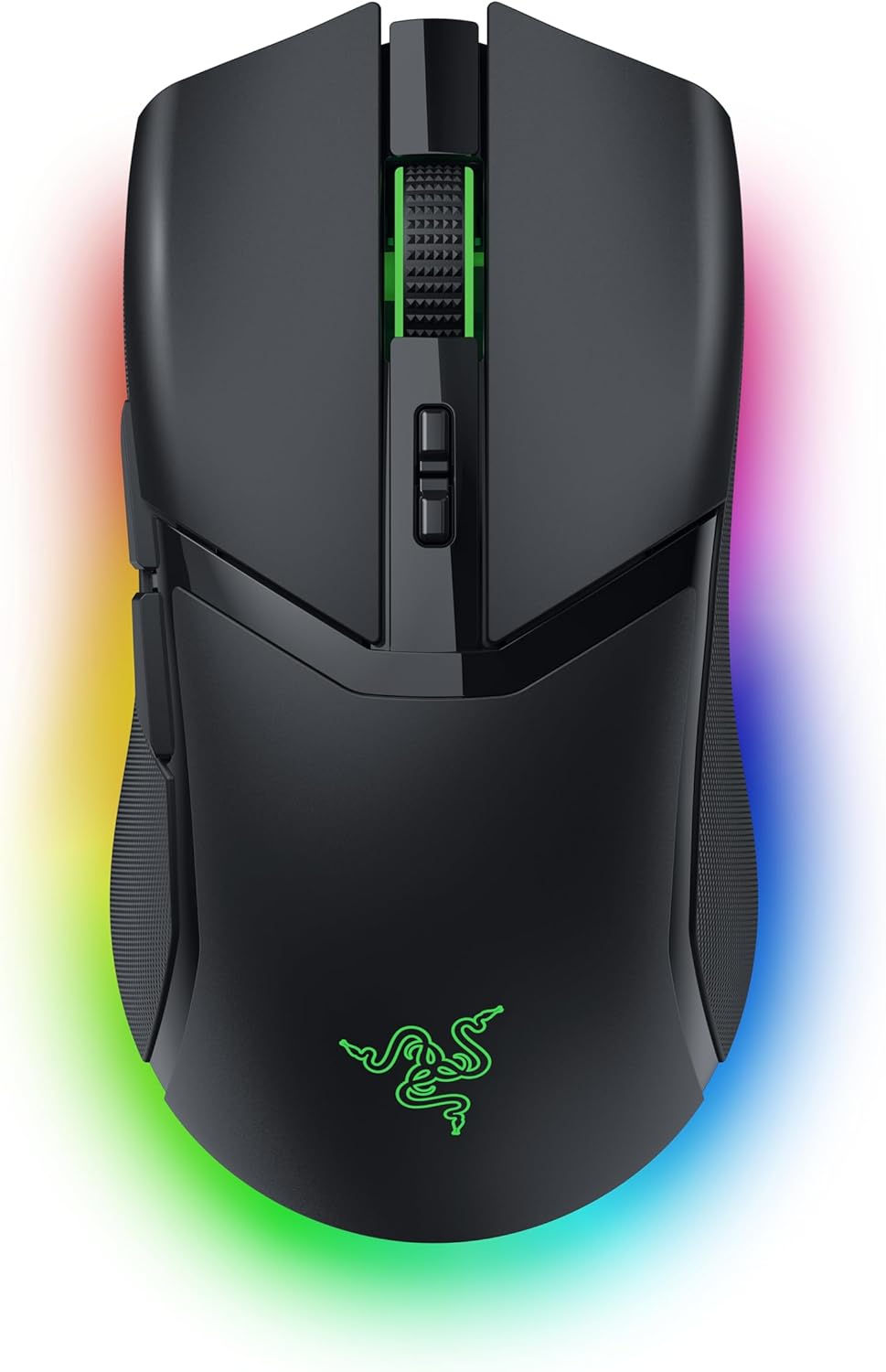
Razer Cobra Pro Customizable Wireless Gaming Mouse (Chroma RGB, Focus Pro 30K, HyperSpeed) – Black
Product description
The essentials first: what this mouse is for
If you’re shopping for a wireless gaming mouse that doesn’t feel “compromised” compared with wired, the Razer Cobra Pro is built around that idea. On paper, it targets low-latency wireless play with a high-precision optical sensor, while also leaning into customisation through onboard profiles, programmable controls, and 11-zone Chroma RGB lighting.
For day-to-day use, that translates to a mouse that can do more than just point and click. You can set up advanced macros across multiple profiles, switch them on-board, and keep the lighting and behaviour consistent even when you’re gaming on a different PC. It’s also clearly meant for people who like to tinker: lighting zones, controls, and Windows/Synapse-related settings are all part of the package.
That said, it’s not perfect for everyone. If you mainly want a simple wireless mouse for general browsing and the occasional game, the focus here is performance + customisation, not fuss-free minimalism.
Key takeaways (what you’ll notice during use)
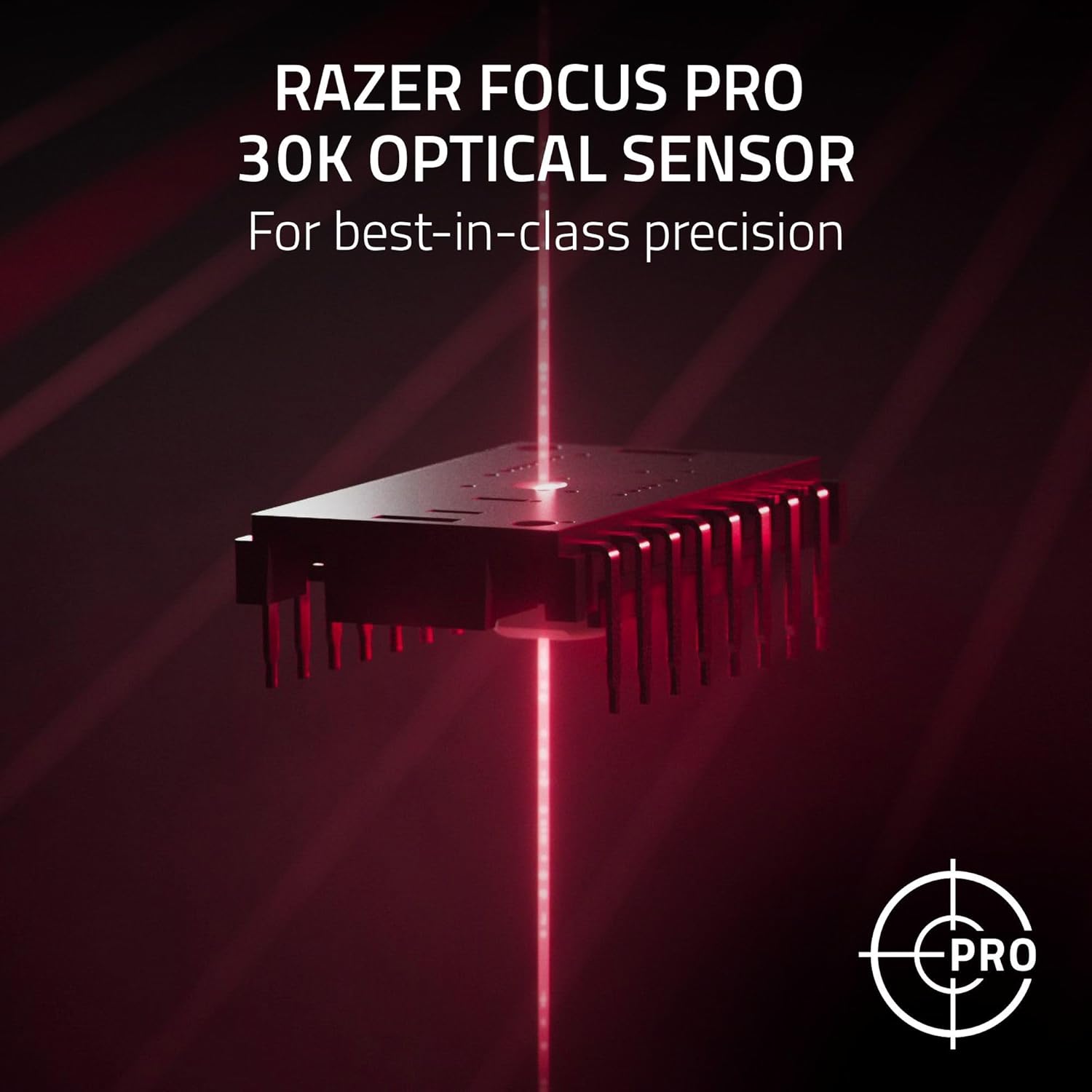
The most “real” part of this mouse, beyond the RGB, is how it’s designed to behave in competitive sessions. The Focus Pro 30K optical sensor is positioned as delivering precision across different surfaces (including glass-supported surfaces), and the HyperSpeed wireless connection is intended for high-performance, low-latency gameplay.
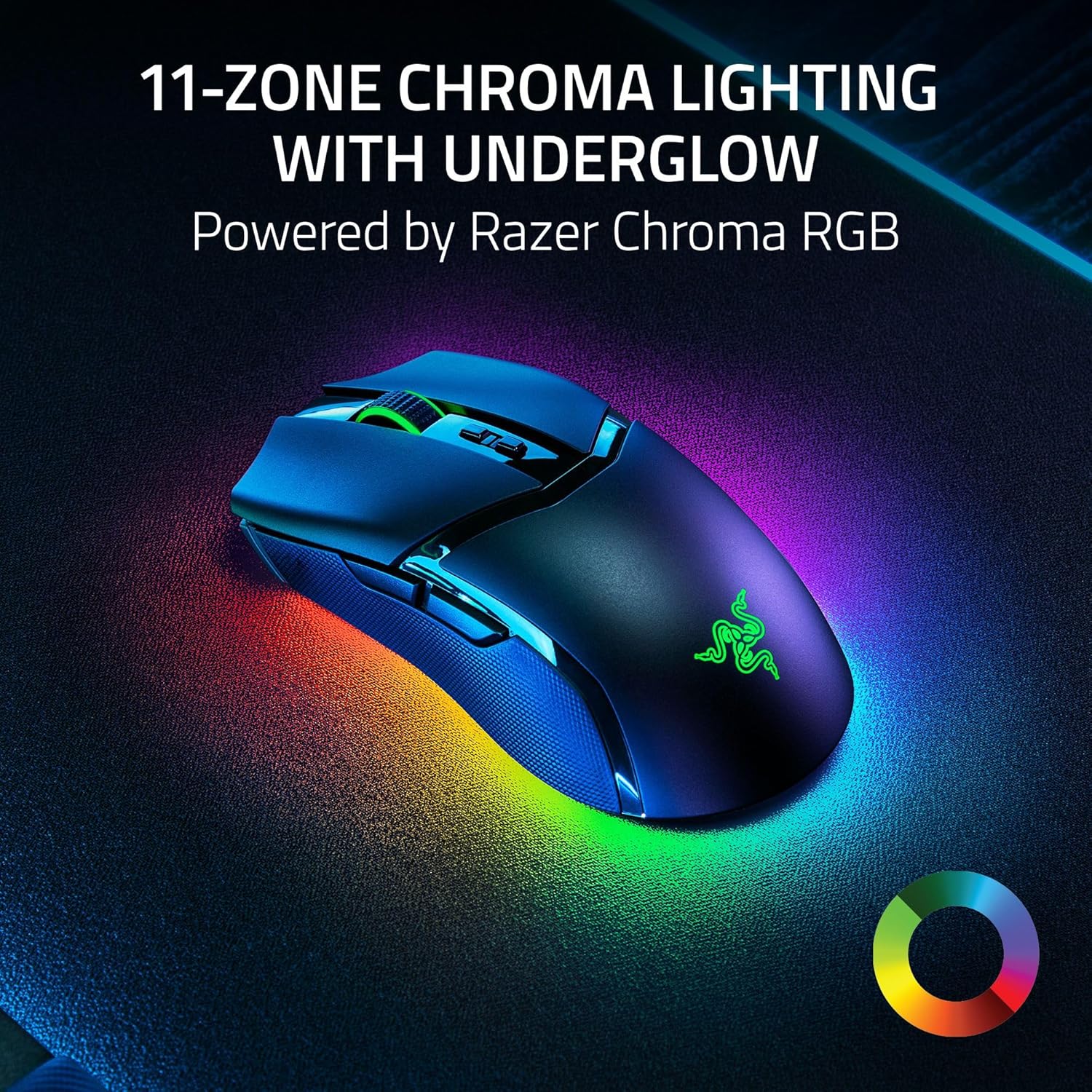
You’ll also feel the intent in the control setup. With 10 customisable controls and 5 onboard memory profiles, the idea is that you can tailor the mouse for different games or play styles and then rely on the mouse to remember your settings. The 11-zone Chroma lighting is more of an atmosphere and personality feature, but because it’s described as dynamically reacting in Chroma-integrated games, it’s meant to be something you actually see change, not just static lighting.
And then there are the switches and response behaviour. The description highlights Optical Mouse Switches Gen-3 with a stated 0.2 ms actuation and a 90-million click lifecycle, alongside protection against double-clicking issues. In plain terms: it’s aimed at durability and responsiveness, not just specifications that look good on a listing.
Where it shines (and where it may fall short)
Where it really makes sense is if you: - play games where precision matters and you care about wireless responsiveness, - want programmable macros and profiles without always relying on software, - like the idea of custom lighting reacting in supported games, - are comfortable spending a little time with Windows pointer settings and the Razer Synapse app for tuning.
Where it may not be the best fit is if you’re expecting everything to be “set and forget”. Some of the guidance is software and settings related, including optimising accuracy by disabling Windows “Improve pointer accuracy”, and performance tuning via Razer Synapse. If you don’t want any setup work, you may end up not using the mouse to its full potential.
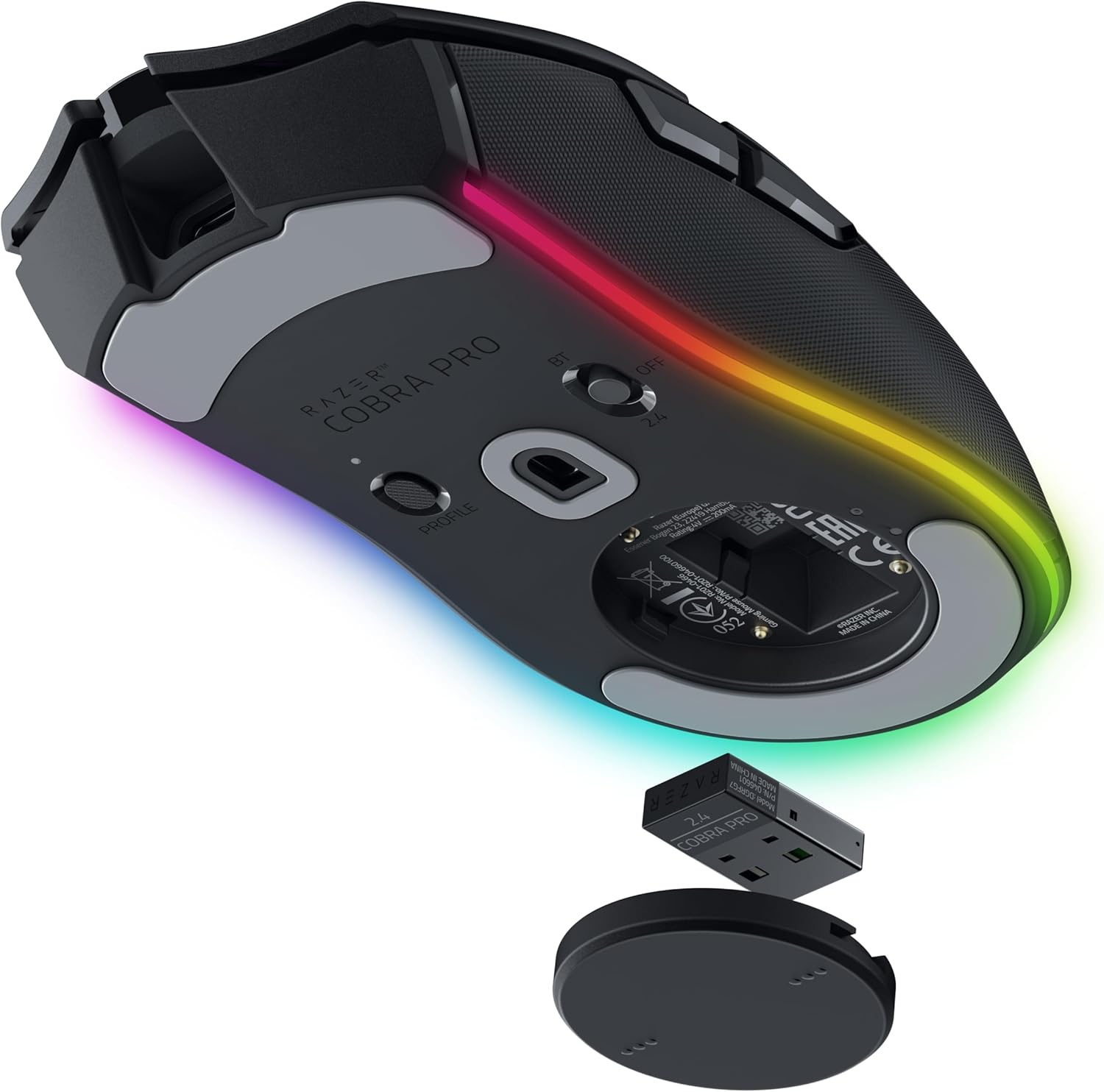
Also, the polling-rate upgrade path (to true 4K Hz) is noted as requiring the Razer Mouse Dock Pro or HyperPolling Wireless Dongle, both sold separately. So while it supports that path, you should be ready for the “extra accessories” reality if you’re chasing maximum modes.
Tech specs you should care about (no fluff)
- Type: Wireless gaming mouse with optical switches
- Name: Razer Cobra Pro
- Custom controls: 10 customisable controls
- Onboard profiles: 5 onboard memory profiles
- Lighting: 11-zone Chroma RGB (16.8 million colours)
- Sensor: Razer Focus Pro 30K optical sensor
- Wireless tech: Razer HyperSpeed Wireless
- Charging: USB Type C, also mentioned compatibility with Razer Mouse Dock Pro and a Razer Wireless Charging Puck (sold separately)
- Battery life (stated): up to 100 hours on HyperSpeed, up to 170 hours on Bluetooth
It’s worth noting that the listing references multiple connectivity and charging routes (Bluetooth, USB Type C charging, and wireless charging options). If you rely on one device mode heavily, battery expectations may vary, but the stated figures give you a baseline to compare against other wireless options.

Who it’s for (and who should skip it)

This is a solid match if you’re the kind of player who benefits from custom keybinds and macros, and you like having different onboard profiles ready for different games. The combination of 10 controls, multiple onboard profiles, and a focus on precision/low-latency wireless makes it aimed at competitive-minded users.
It may not be the best choice if you’re buying purely for casual use. The Chroma ecosystem and macro-driven control mapping are features you only really “get” once you start using them. If your main need is a comfortable, reliable mouse for everyday work plus light gaming, you might prefer something simpler and less profile-and-software dependent.
Practical buying checks before you commit
Before you buy, it’s worth double-checking how you plan to use it: - Are you likely to use onboard profiles for different games, or will you stick to one setup? - Do you want Chroma lighting that changes in-game (so you’ll notice it), or do you prefer minimal lighting? - Are you happy to adjust Windows pointer settings and potentially use Razer Synapse for optimisation? - If “true 4K Hz” matters to you, remember the dock/dongle path is described as requiring separate purchases.
A quick micro-scenario: if you play one FPS and one MOBA, you can set up separate macro layouts for each, store them on the mouse in different onboard profiles, then switch profiles before a match. That’s the sort of workflow this mouse is built for—less faff mid-session.
Is it worth it?
Buy the Razer Cobra Pro if you want a wireless gaming mouse that’s designed around precision and low-latency performance, with onboard profiles and serious macro/custom control options. It’s also a good pick if you enjoy Chroma RGB beyond static effects and you’re comfortable taking a few minutes to tune settings.
Skip it if you want a straightforward wireless mouse with no setup, or if you’re not bothered about macros, profiles, or software-led tuning. And if you’re chasing the highest polling-rate option, factor in that the listing suggests accessories sold separately.

Mini FAQ
How many onboard profiles does the Cobra Pro store?
It’s described as offering 5 onboard memory profiles.
Does the mouse support Chroma RGB lighting?
Yes. It’s listed with 11-zone Chroma lighting, configurable across 16.8 million colours and lighting effects.
Can I use it wirelessly without relying on software for every change?
The listing highlights onboard profiles and custom controls, which suggests you can switch setups without constantly changing them, but software is referenced for optimisation.
What’s the charging setup like?
The mouse is described as charging via USB Type C, and it also mentions compatibility with the Razer Mouse Dock Pro and a Razer Wireless Charging Puck (both sold separately).
If I want true 4K Hz polling, is it included?
The listing says upgrading to true 4K Hz requires the Razer Mouse Dock Pro or the HyperPolling Wireless Dongle, both sold separately.