


Aceele USB A 3.2 Gen 2 Hub with 4 USB-A Ports (10Gbps) & Type-C Charging, 120cm Extension Cable
Product description
If your laptop or desktop feels cramped for USB ports, a hub is often the quickest fix. This Aceele USB-A 3.2 Gen 2 hub is designed to take one USB-A connection and split it into four USB-A ports, with the aim of keeping transfers quick. On paper, it’s built for people who move files regularly (or just want that “everything plugged in” convenience) rather than for people who need video output.
The catch is that some charging/video expectations don’t really match what this hub can do. The USB-A ports focus on data only, and the Type-C charging port is there to power the hub itself—not to charge your computer or phone. If you want a straightforward port-expander for everyday peripherals, it can make sense, if you expected it to double as a universal power solution, it may leave you a bit disappointed.
Key points
This is a 4-port USB-A expansion hub with a USB 3.2 Gen 2 class approach for faster data transfers, paired with a 120cm (1.2m) extension cable so you’re not stuck with the desktop being close to everything you plug in. There’s also a Type-C charging input intended to keep the hub stable when you attach higher-power USB devices.
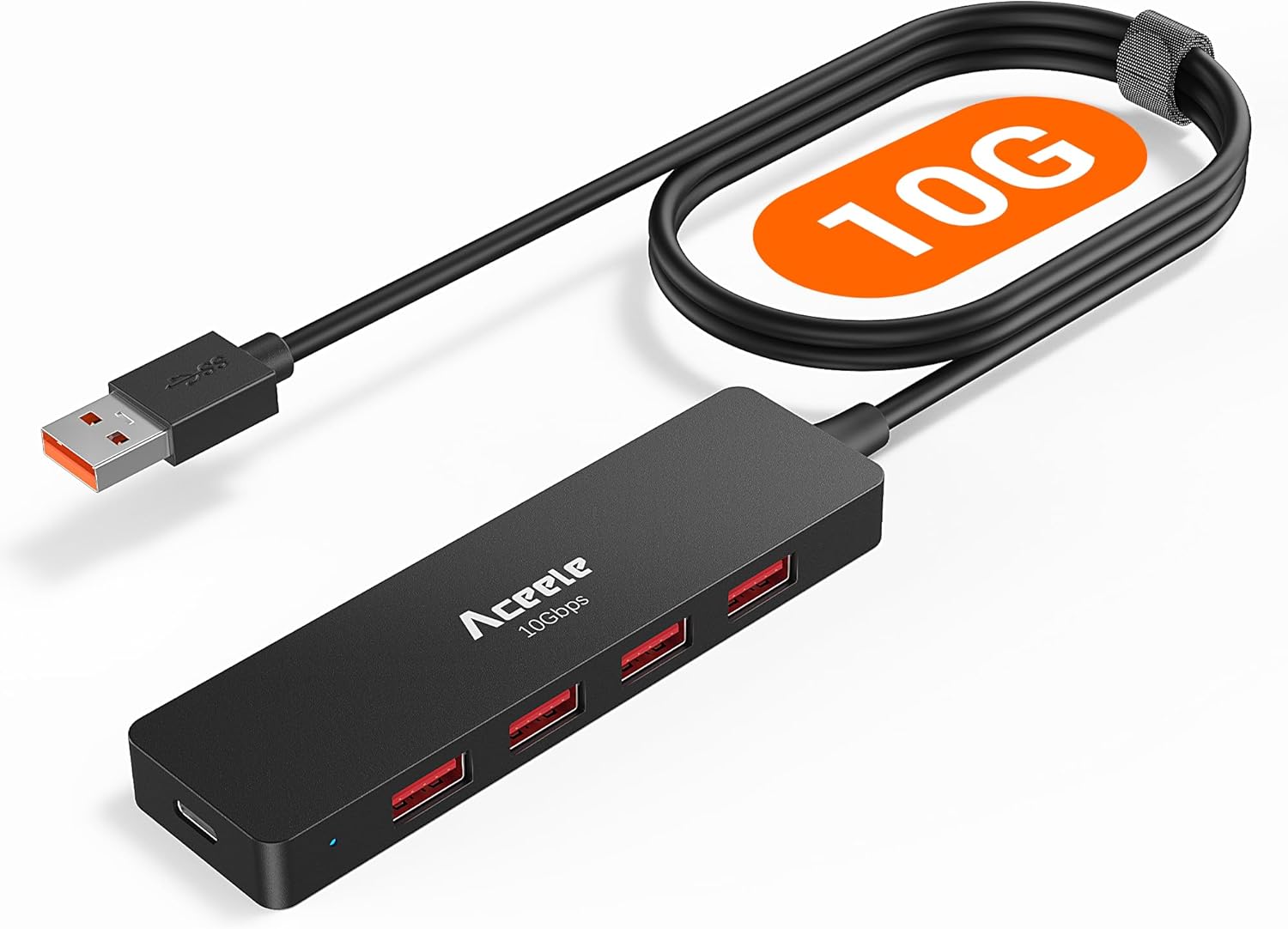
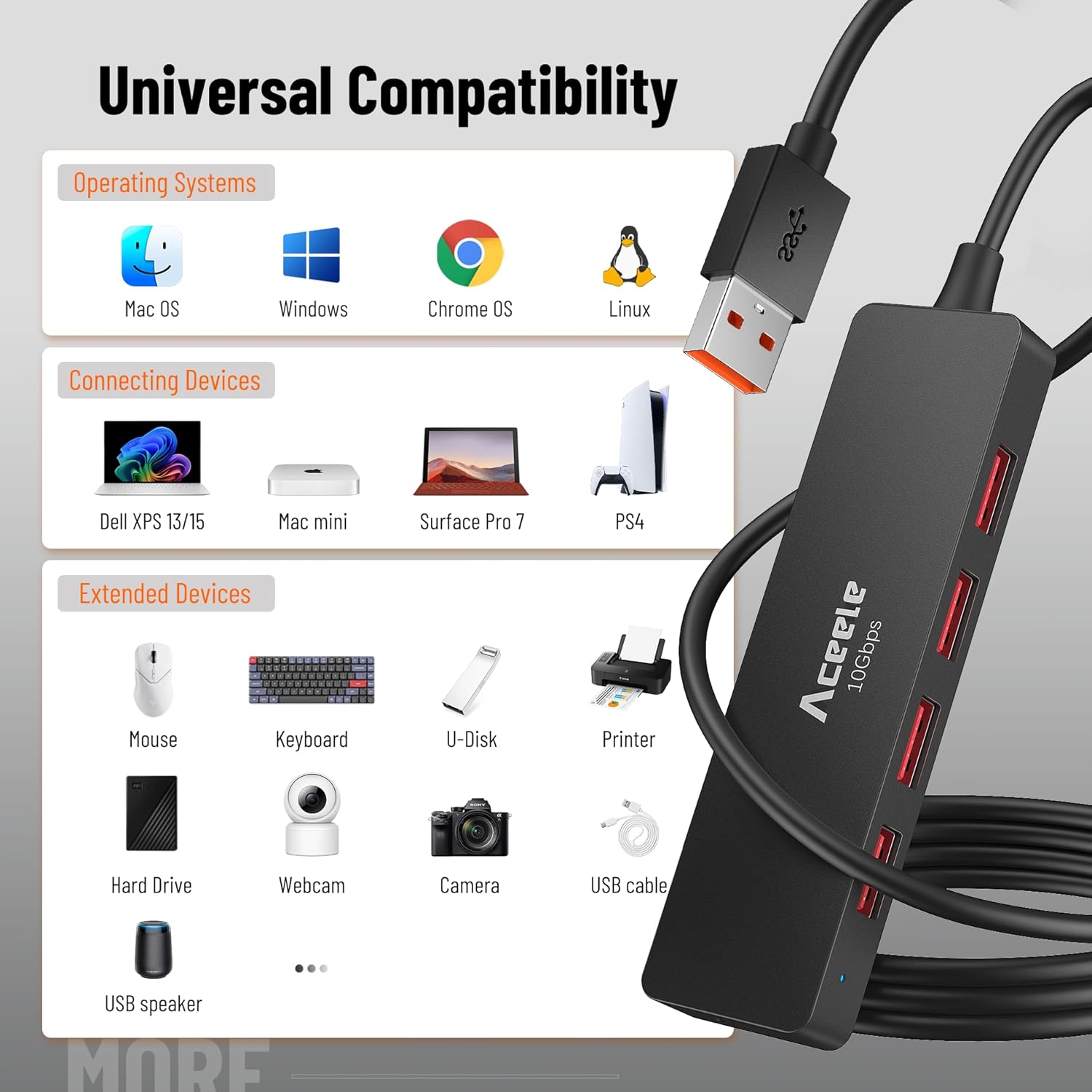
It suits setups where you rely on multiple accessories at once—think keyboard, mouse, webcam, speakers, USB flash drives, or external storage. It’s also aimed at users who appreciate plug and play and don’t want to faff with drivers.
What to know before buying
This hub is marketed around “up to 10Gbps” data transfer speed using USB-A 3.2 Gen 2. That headline is only useful if your host device’s USB-A port supports 10Gbps transmission. The manufacturer is quite direct here: the USB-A ports are for data transmission only and do not support video output or charging of devices.
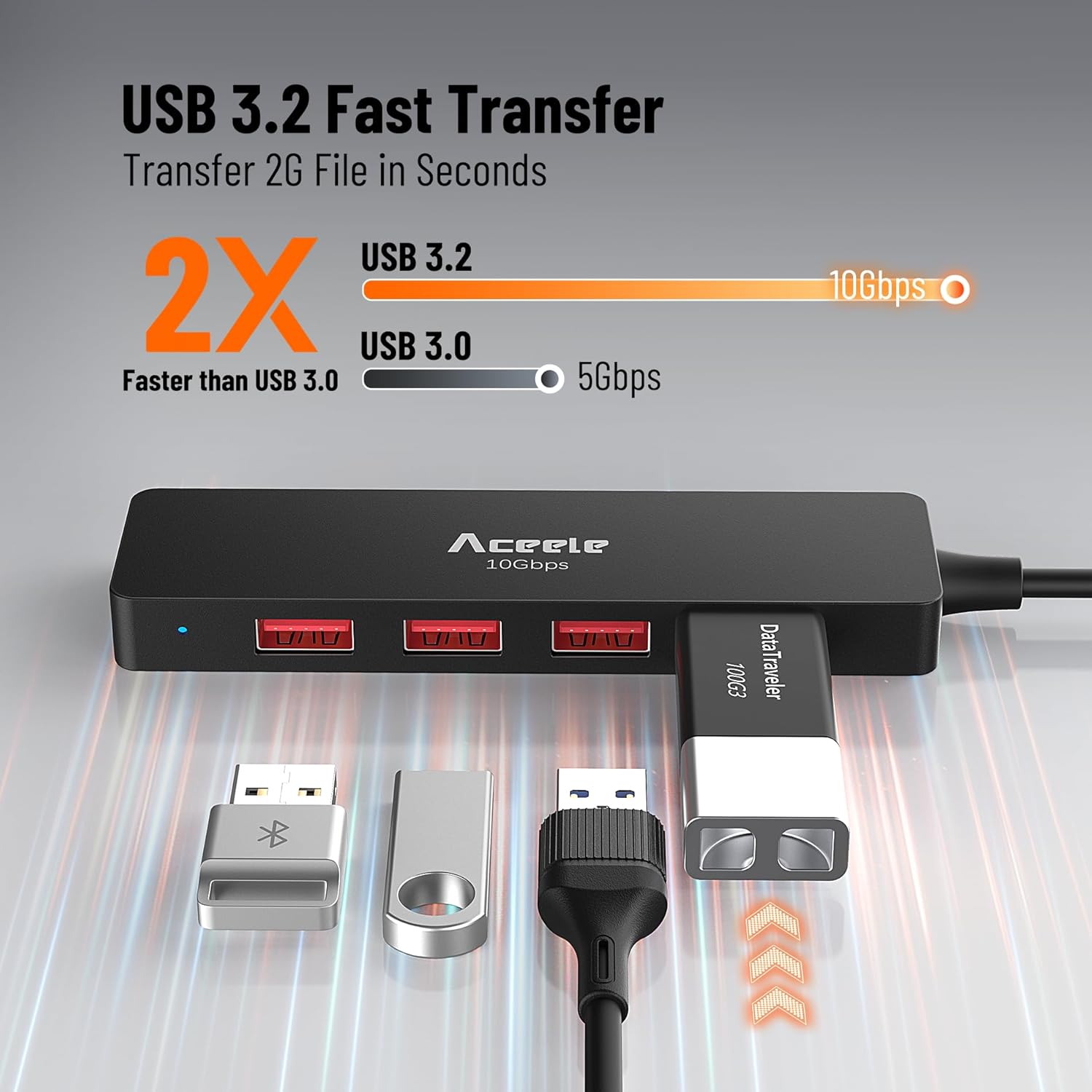
So, it’s not the right choice if you’re hoping for things like HDMI-style video over USB-A, or if you’re trying to use it as a charger. It’s also not a power pass-through for laptops and mobile phones—the Type-C port is described as charging the hub itself only, and a power adapter is not included.
Keep that in mind and you’ll avoid a common mismatch: buying a hub for “port expansion”, then being disappointed it can’t replace a dock’s display and charging functions.
The essentials
At its simplest, you get one USB-A input expanded into four USB-A outputs, connected via a 120cm extension cable. That length is useful when your main desktop port is tucked away under a desk or when you prefer placing the hub somewhere more accessible on the desktop.
The hub is described as compact and slim with a black design, and it’s positioned as plug and play—no installation required, assuming your device and operating environment support USB hub behaviour.
What stands out in everyday use
The main “feel” of this product is convenience. Extra physical reach matters more than people expect: with a 120cm cable, you can plug it into a desktop under the desk, then place the hub on top where you actually want to connect drives, webcams or dongles.
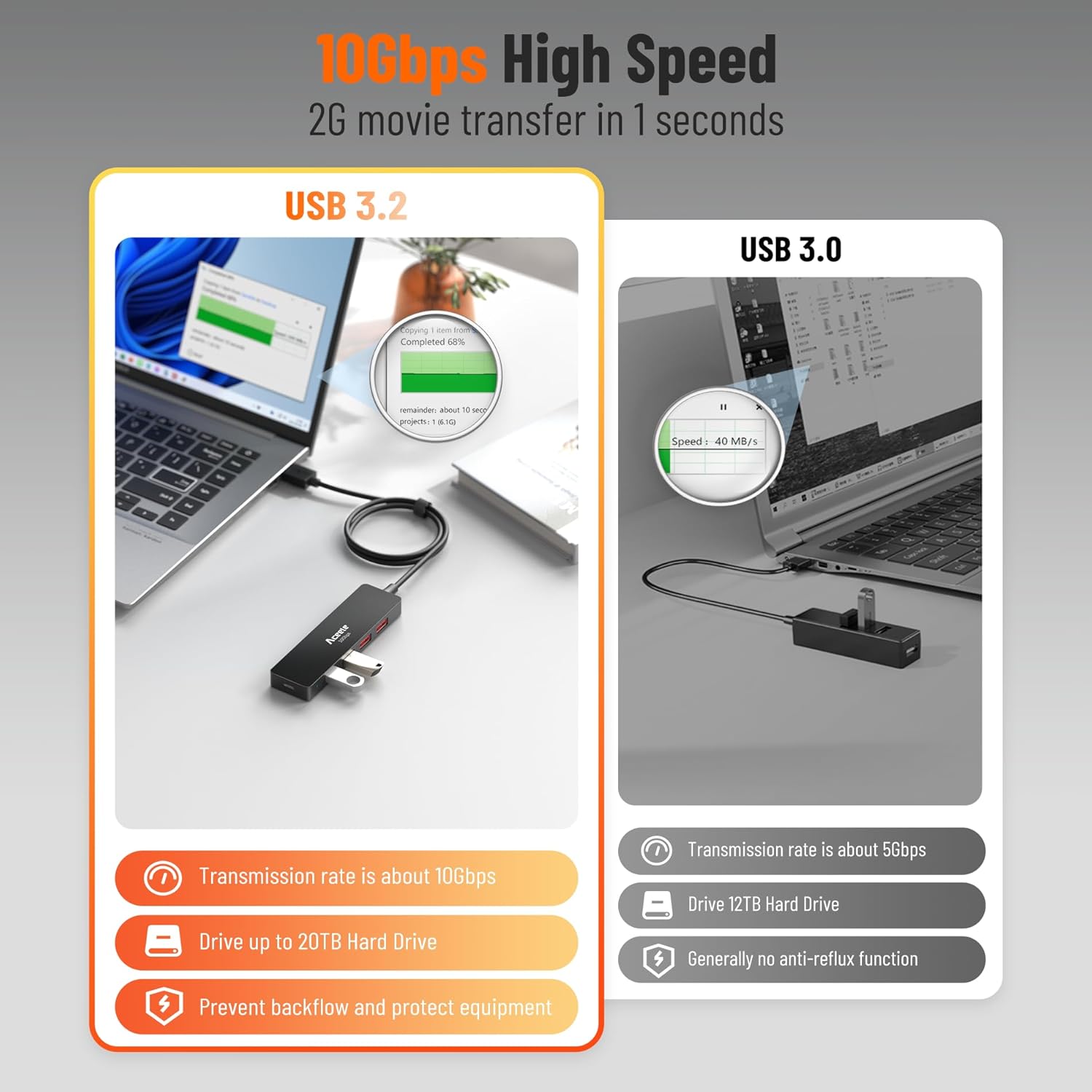
The other day-to-day value is having four USB-A ports instead of just one. For example, you could run a keyboard and mouse permanently while plugging in a USB webcam or external drive only when you need it. It’s a small change, but it helps keep cables from turning into a mess.
One more practical detail: the hub includes a Type-C input (5V/3A) for powering the hub itself. The idea is to improve transfer stability when external hard drives or other power-hungry devices are connected. In the real world, this is one of those “not glamorous, but useful” features—especially if you’ve had flaky behaviour with bus-powered setups.
Technical details
- Name: Aceele USB A 3.2 Gen 2 Hub with 4 USB-A Ports & Type-C Charging
- Type: USB-A data expansion hub (USB splitter / extension)
- Format: 4× USB-A output from 1× USB-A input
- Size: 120cm long cable (1.2m)
- Data transfer speed: up to 10Gbps (USB-A port supports data transmission)
- Power input: Type-C charging port (5V/3A) to power the hub itself
Where it shines (and where it doesn’t)
This hub is a solid fit if you want to add ports for standard USB peripherals and storage, and you’re specifically using USB-A connections on a compatible device. It’s also worth considering if your desk layout makes short cables annoying, because the 120cm lead gives you some breathing room.
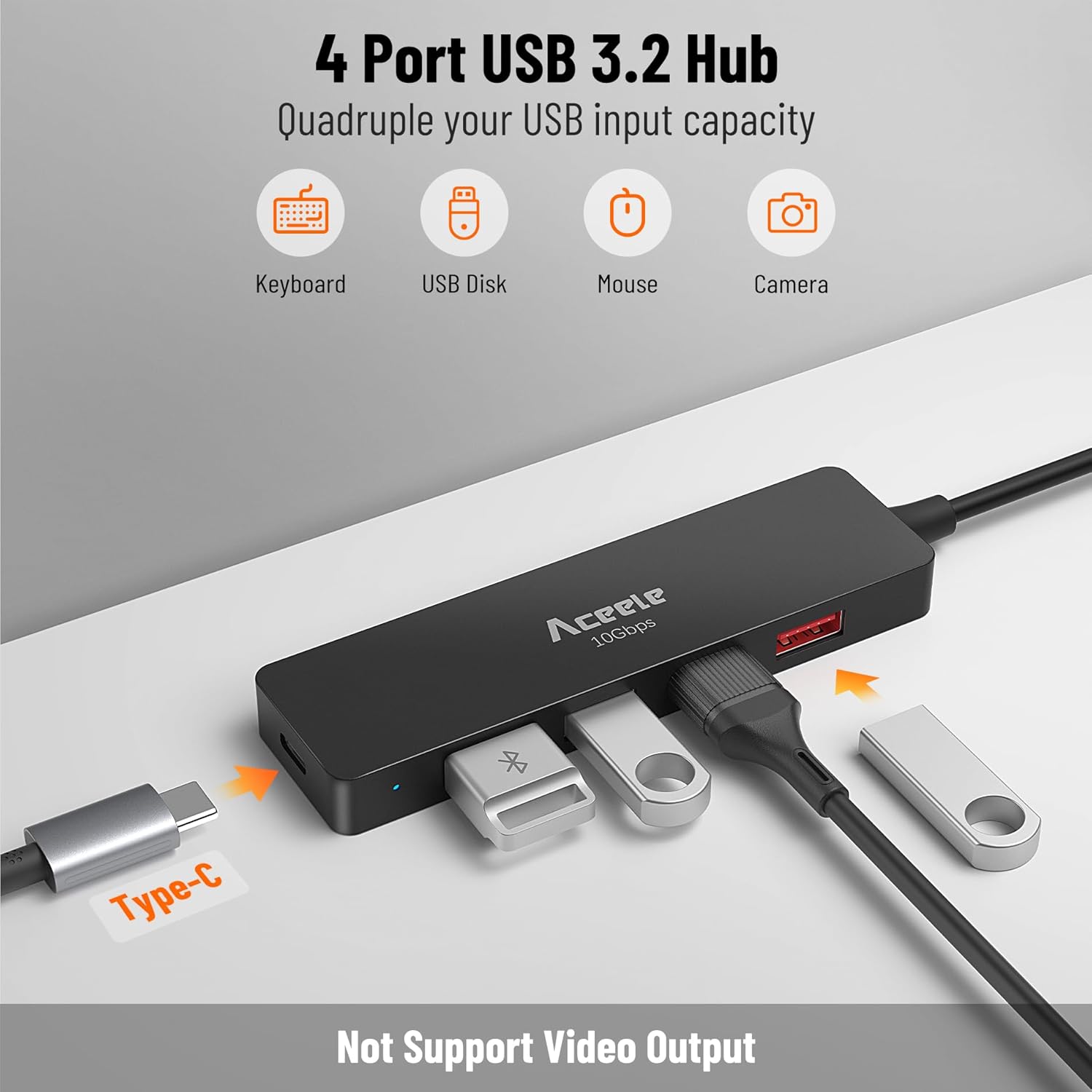
It may not suit you if you need charging for your laptop/phone or video output through the hub. The USB-A ports are explicitly not for video output and not for charging devices, and the Type-C port is only described as charging the hub itself (not your computer or mobile).
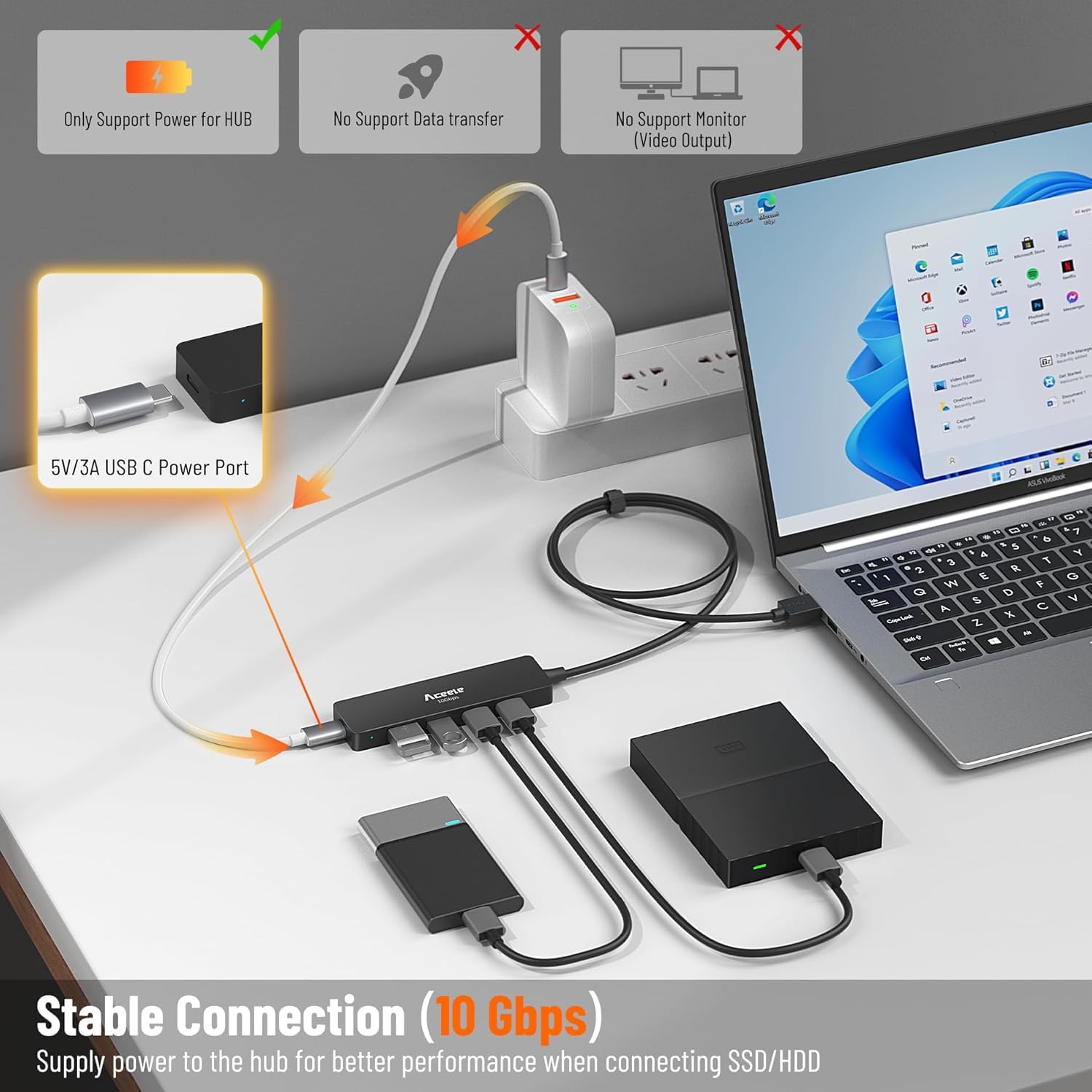
It also leans more towards “everyday expansion with faster transfers” than a full desk dock replacement. If you’re trying to replace a multi-function docking setup that handles displays and broader power roles, you may find this one stays in its lane.
Is it worth it?
You should buy this Aceele hub if your goal is simple: expand a single USB-A port into four USB-A ports, keep transfers quick on supported hardware, and benefit from the 120cm extension cable for a neater desk setup. It’s a good match for typical home/office peripherals and occasional external drives.
You may want to skip it if your expectations include charging other devices (like laptops or phones) or getting video output via USB-A. Also double-check that your host USB-A port can actually support the 10Gbps transmission level mentioned—otherwise the “up to” speed claim won’t be fully relevant.
Mini FAQ
Does this hub support video output? No. The USB-A ports are described as data transmission only and do not support video output.
Can the Type-C port charge my laptop or phone? The Type-C charging port is described as charging the hub itself only, not charging computers or cell phones.
Will it work with any USB-A port? It’s described as plug and play and compatible with devices with USB-A 3.2 ports. For the 10Gbps claim to matter, the host port needs to support 10Gbps transmission.
Is a power adapter included? No power adapter is included, even though the hub has a Type-C port intended for 5V/3A power.
Why is the 120cm cable important? It helps you place the hub where you’ll actually plug things in, even if your desktop USB port is under a desk or not conveniently located.