

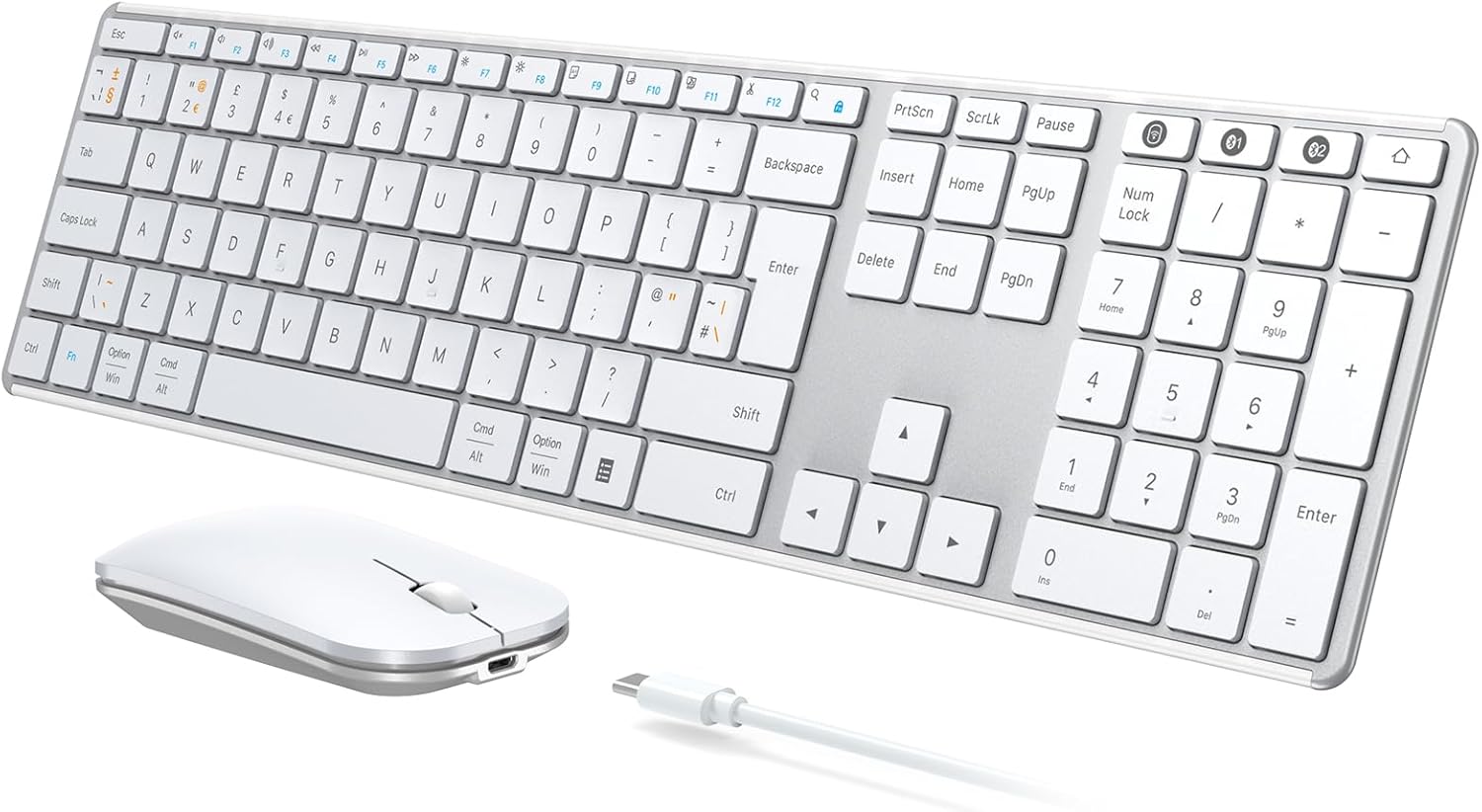
seenda SKM64-3 Wireless Bluetooth Keyboard & Mouse Set (QWERTY UK) – Ultra-slim rechargeable multi-device
Product description
The essentials
If you bounce between a laptop and a tablet, or you just want one keyboard and one mouse without turning your desk into a gadget store, the seenda SKM64-3 set is built for that kind of day-to-day switching. It pairs a wireless QWERTY UK keyboard and a quiet, precise mouse, and it can connect to three devices using USB-A and Bluetooth channels.
On paper, it ticks the boxes for hybrid workers, students and anyone working across Windows and Mac setups. It’s also very travel-friendly thanks to its slim profile and rechargeable battery. That said, it’s not perfect for every scenario—Bluetooth connectivity depends on having a compatible Bluetooth adapter/version, and the 2.4G USB mode has narrower support than the Bluetooth mode.
What stands out in everyday use
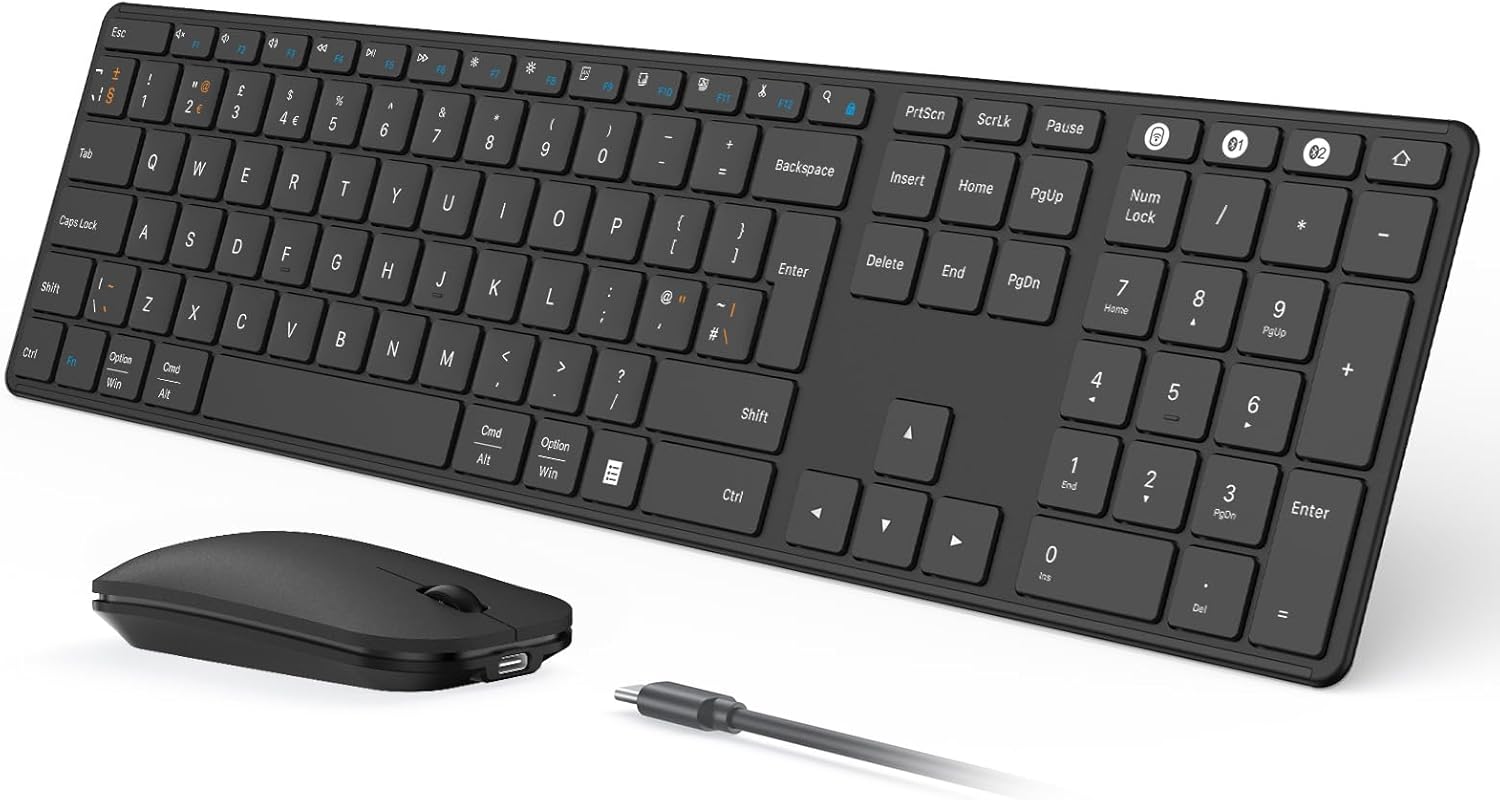
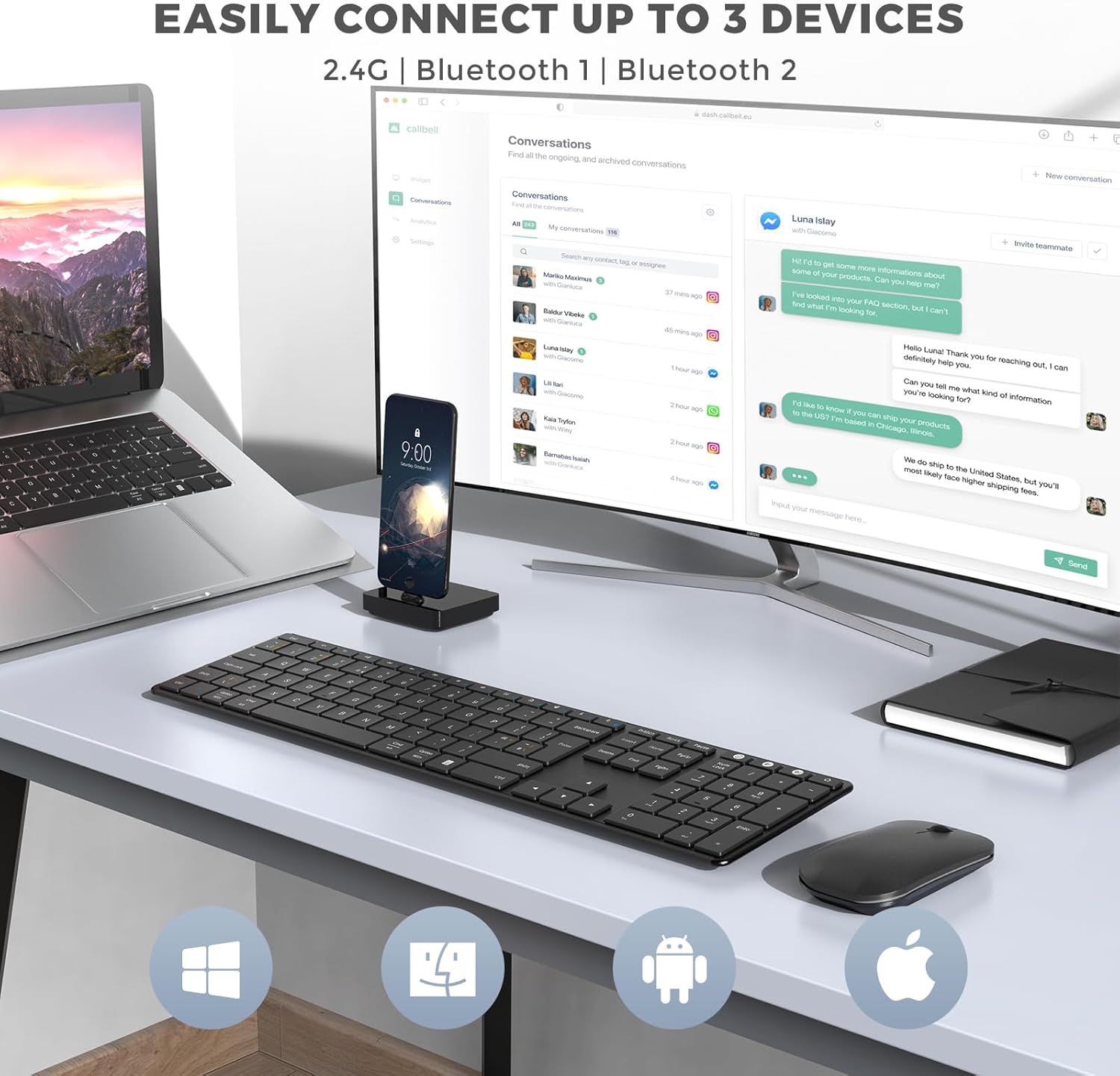
The headline feature here is the triple connectivity. You can move between three devices without pairing and unpairing over and over, using the USB‑A channel and two Bluetooth channels (BT1/BT2). In practical terms, that means you can type on your laptop, then switch to an iPad for a quick write-up, and back again when you’re done.
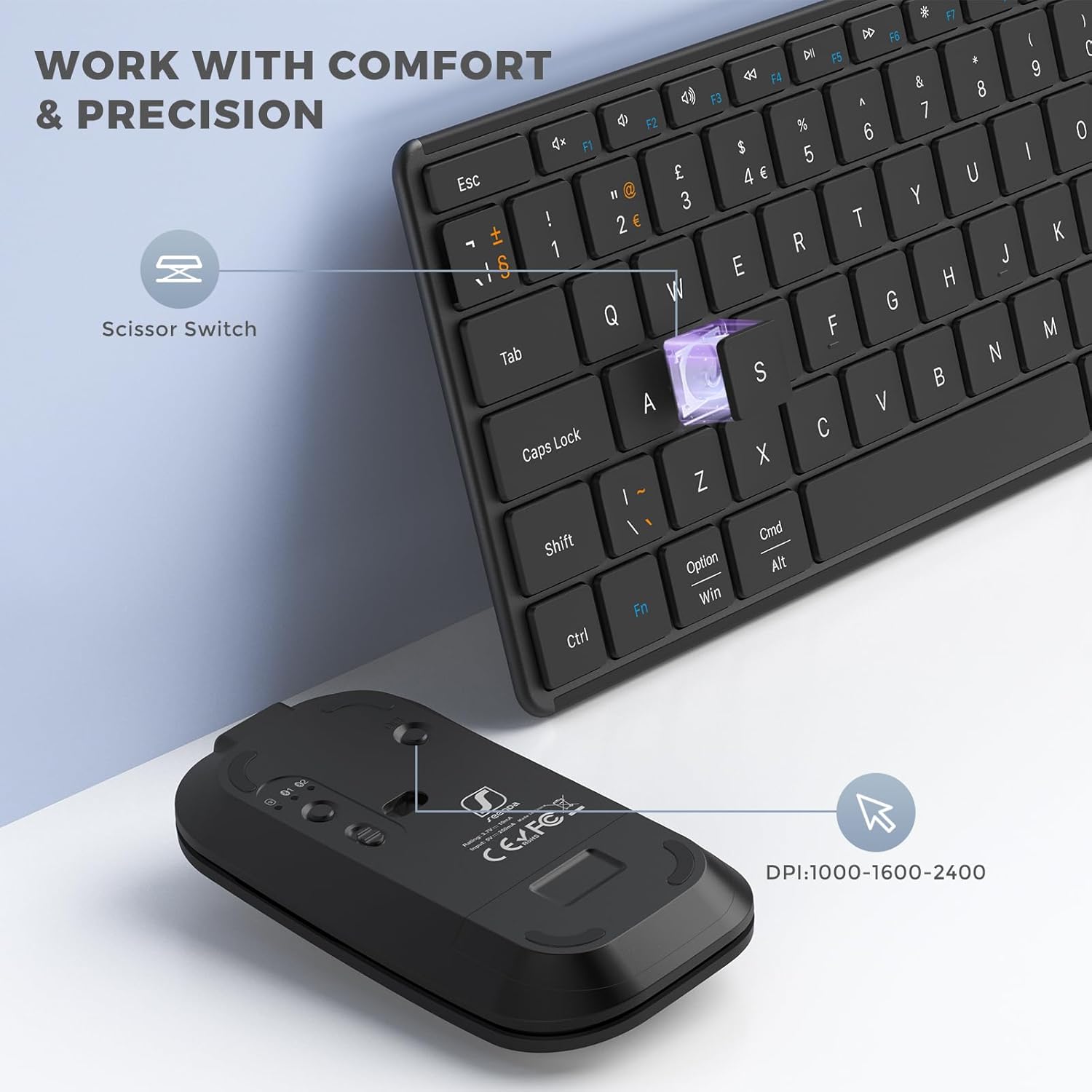
The keyboard is designed to be more comfortable than you’d expect from its slim build. Scissor-switch keys and an ergonomic stand are included to reduce typing noise while keeping long sessions manageable. The key spacing is described as full-size, which usually matters if you’re doing real typing—coding, drafting emails, or notes during lectures.
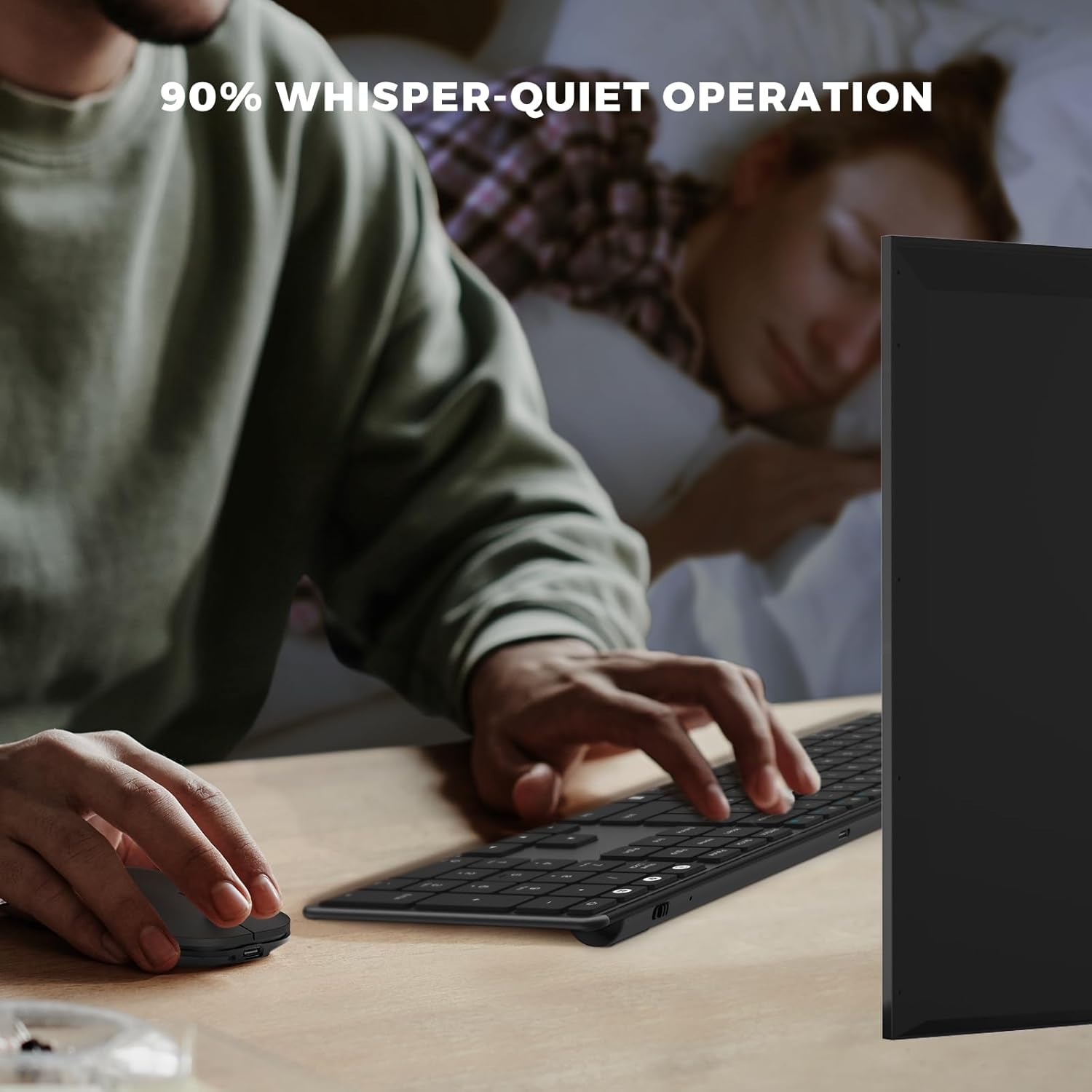
For the mouse, the focus is “quiet and controlled”. Noiseless clicks can be useful in libraries, shared offices, or late-night work where other people are trying to focus. There’s also an adjustable DPI setting (1000/1600/2400), which gives you a bit more flexibility for moving around a desktop or navigating spreadsheets.
Key points to be aware of before buying
Compatibility is the part you should double-check rather than assume. Bluetooth mode is stated as fully compatible with Windows XP/7/8/10/11+, macOS 10.12+, iPadOS/iOS 13.0+ and Android 4.3 and above. However, Bluetooth function requires Bluetooth 4.0 or above, and the Bluetooth adapter is not included.
The 2.4G USB mode is more limited: it’s only compatible with Windows XP/7/8/10+. So if you planned to rely on USB dongle-style connectivity across macOS/iPad/Android, this is one of those “depends on your setup” moments.
Also, the set is designed to be ultra-portable, but that usually means you’re relying on the included build and features rather than looking for premium “feature extras”. If you expect heavyweight, desk-filling ergonomics or very advanced customisation, you may find it stays in the practical, work-first lane.
Tech summary
- USB-A and Bluetooth connectivity (three-device switching via USB‑A, BT1, BT2)
- Bluetooth requirement: Bluetooth 4.0 or above (Bluetooth adapter not included)
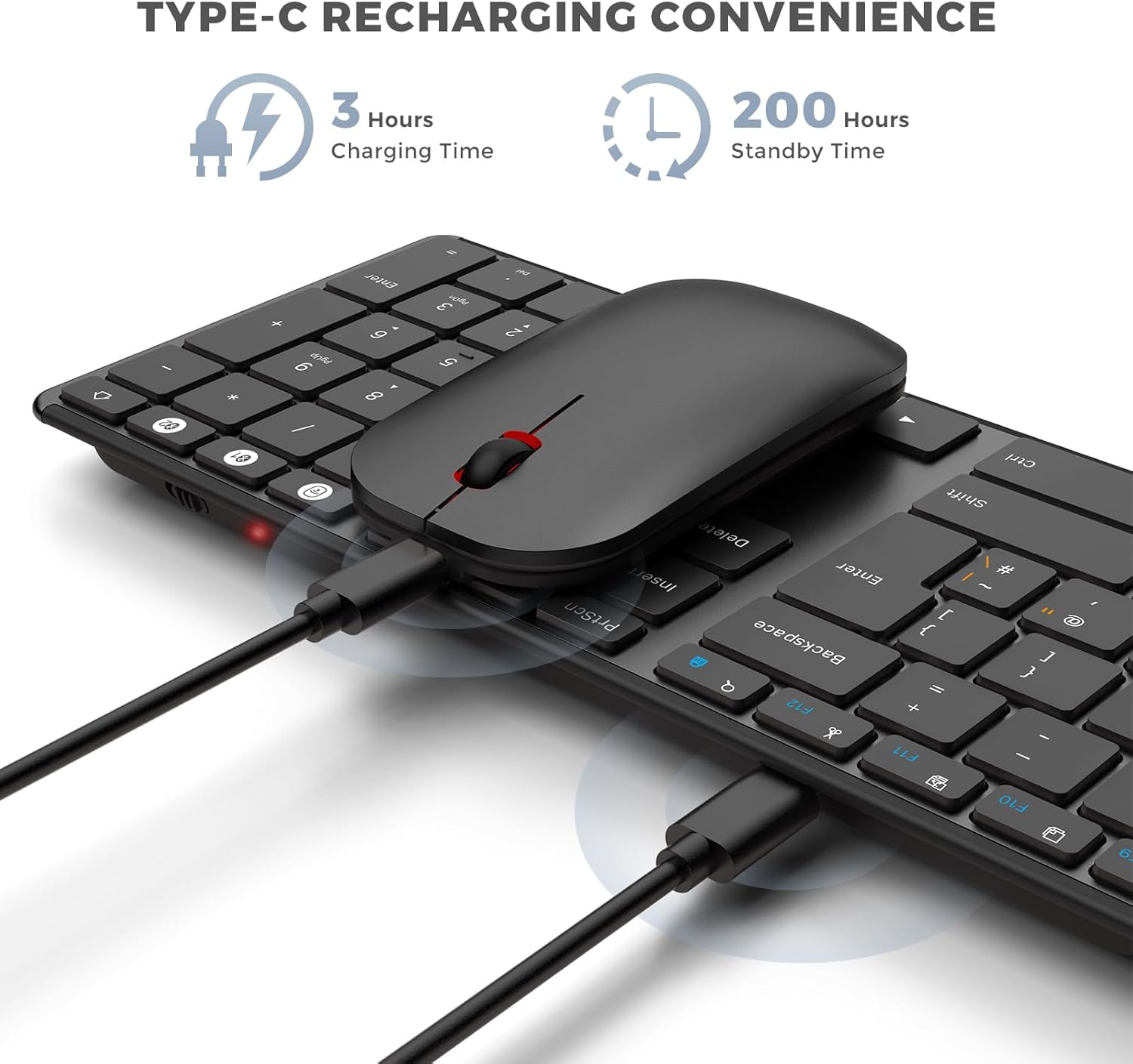
- Battery and charging: built-in battery, rated up to 200 hours of use, fully recharges in 3 hours
- Charging port: Type‑C (auto-sleep and on/off switch included to help extend battery life)
- Keyboard: scissor-switch keys, ergonomic stand, QWERTY UK layout, dual OS layout ready (Windows and Apple keyboard layouts)
- Mouse: noiseless clicks, adjustable DPI (1000/1600/2400)
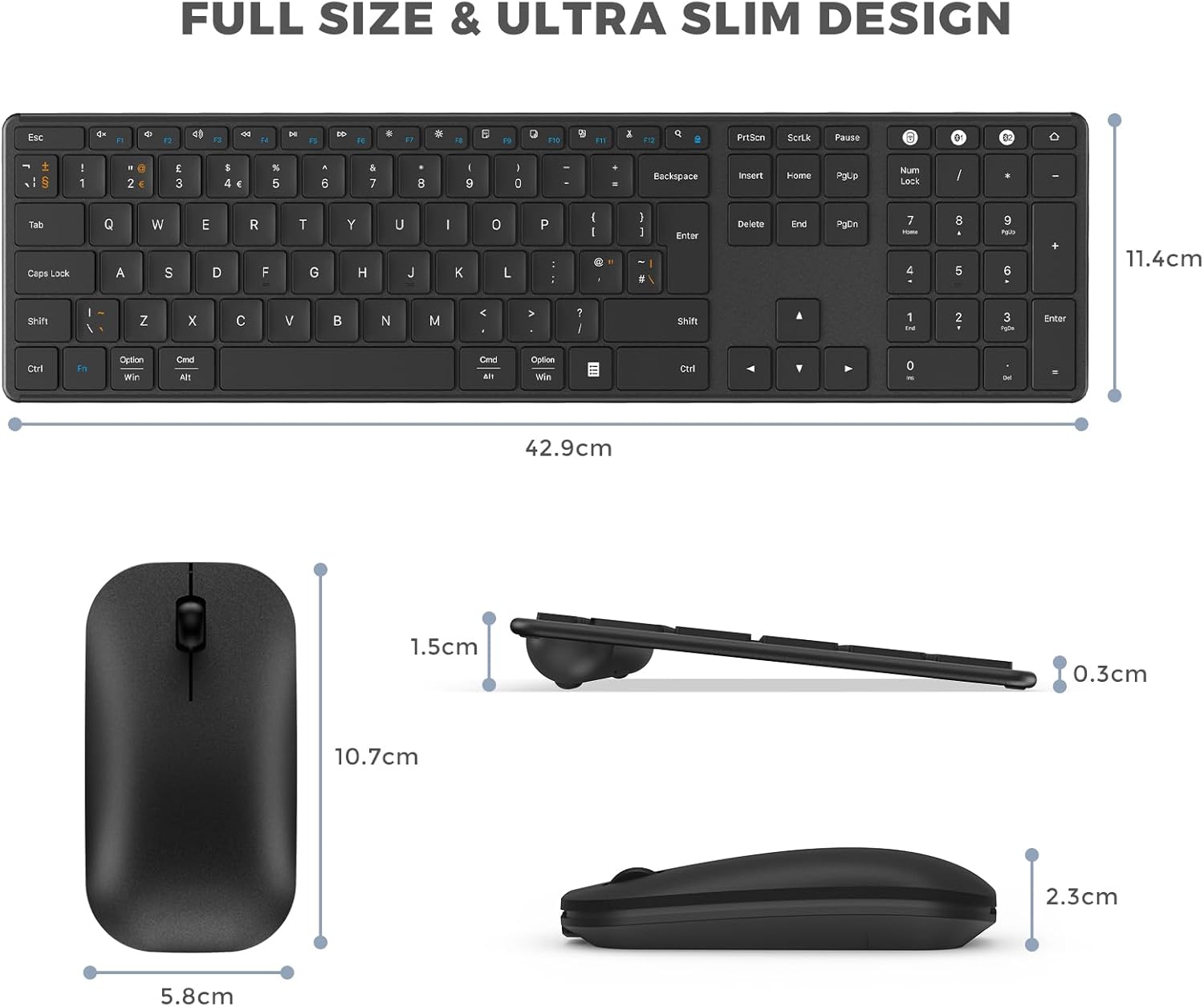
- Build: stainless steel and premium materials, ultra-slim (keyboard and mouse are described as very thin for portability)
Who it’s for (and who should skip it)
It makes sense if you want one compact keyboard-and-mouse setup that can handle multiple devices—especially if your workflow includes both Windows and Apple ecosystems, plus an iPad or tablet for lighter tasks.
It might not be a great match if your device needs a very specific connection method and you can’t meet the Bluetooth 4.0+ requirement, or if you heavily rely on the 2.4G USB mode across non-Windows devices. In that case, you’d need to rethink the connection approach before committing.
Worth considering if you also share workspaces: quieter clicks and a portable form factor can be genuinely helpful when you don’t want to bring extra noise or bulk into shared rooms.
Final verdict
This seenda SKM64-3 is a sensible buy for multi-device users who want switching to be straightforward and the whole set to be easy to carry. The combination of triple connectivity, dual OS layout readiness (Windows and Apple), rechargeable convenience, and a quiet mouse makes it well suited to hybrid working and student life.
But don’t buy it on autopilot: confirm your Bluetooth hardware meets the Bluetooth 4.0+ requirement, and remember the 2.4G USB mode is Windows-focused. If you’re okay working within those limits, it’s the kind of “grab it and go” keyboard and mouse combo that tends to get used a lot.
Mini FAQ
Can I use it with both Windows and macOS?
Bluetooth mode is stated as compatible with Windows and macOS, and the keyboard is described as dual OS layout ready for both Windows and Apple layouts.
What devices does the Bluetooth mode support?
The base compatibility note lists Windows (including Windows 11+), macOS 10.12+, iPadOS/iOS 13.0+, and Android 4.3+.
Do I need a Bluetooth adapter?
The Bluetooth adapter is not included, and Bluetooth function requires Bluetooth 4.0 or above.
Is the set quiet enough for shared spaces?
It’s designed for noiseless clicks and reduced typing noise with scissor-switch keys, which should help in libraries and shared offices—though any wireless setup can still make some sound depending on how you use it.
How long does it last on a charge?
It’s rated up to 200 hours of use, and it fully recharges in 3 hours (with auto-sleep and an on/off switch to help battery life).