

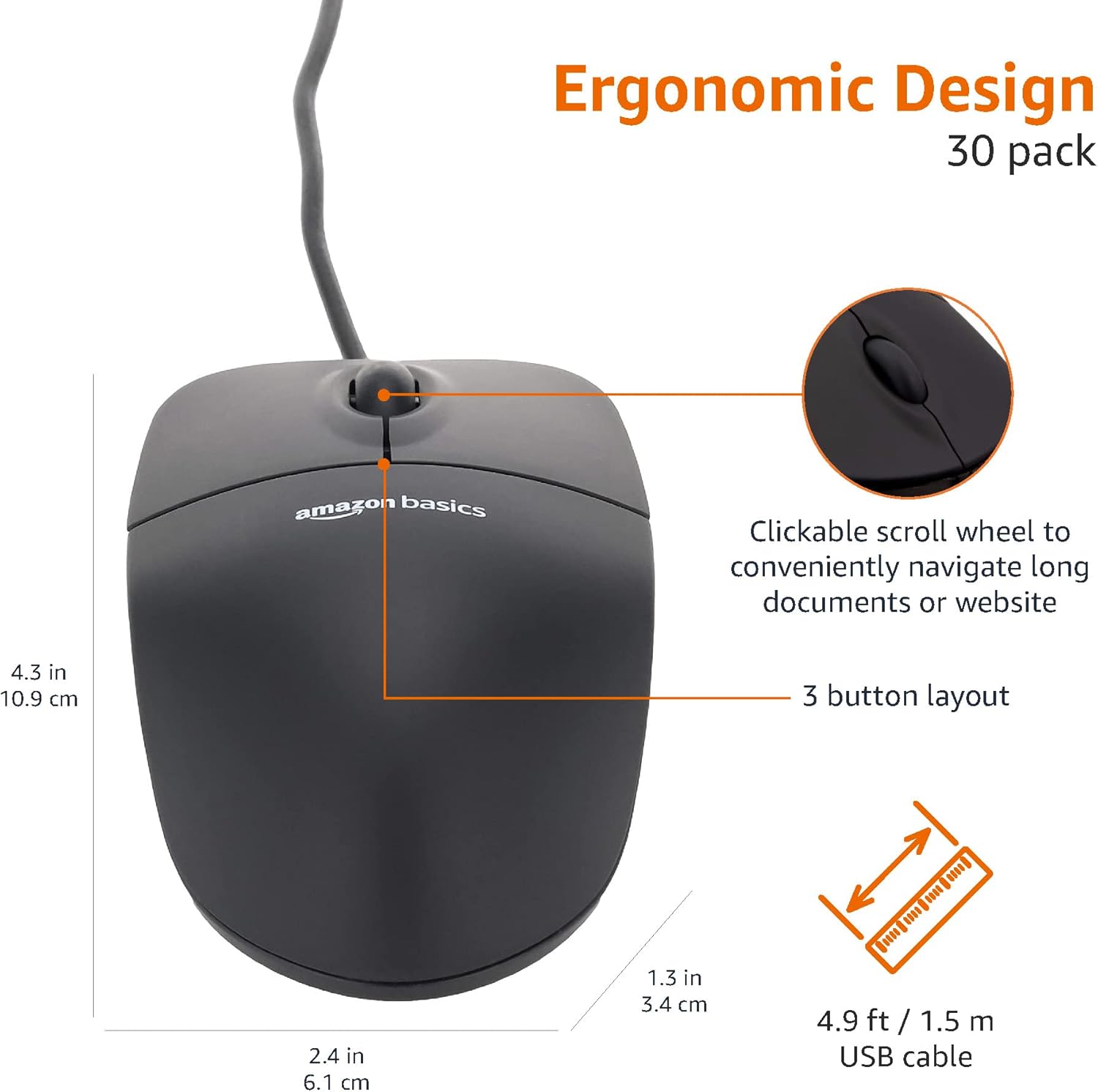
Amazon Basics 3-Button USB Wired Mouse (Black) – 30-Pack (1000 dpi)
Product description
Smooth, precise control for everyday work
If you want a straightforward wired mouse that just behaves, this amazon Basics 3-button USB option is built for daily desk use rather than fuss. On paper, it focuses on responsive cursor control thanks to an optical sensor rated at 1000 dpi, plus three buttons that should make basic navigation and text selection feel effortless.
The real appeal here is the 30-pack. That makes it the sort of buy you make when you’re setting up multiple workstations, equipping an office, or replacing a batch of “standard” mice without turning the whole process into a research project. It’s not trying to be a premium ergonomic tool, but for what it is, it’s a sensible, utilitarian choice.
Key points
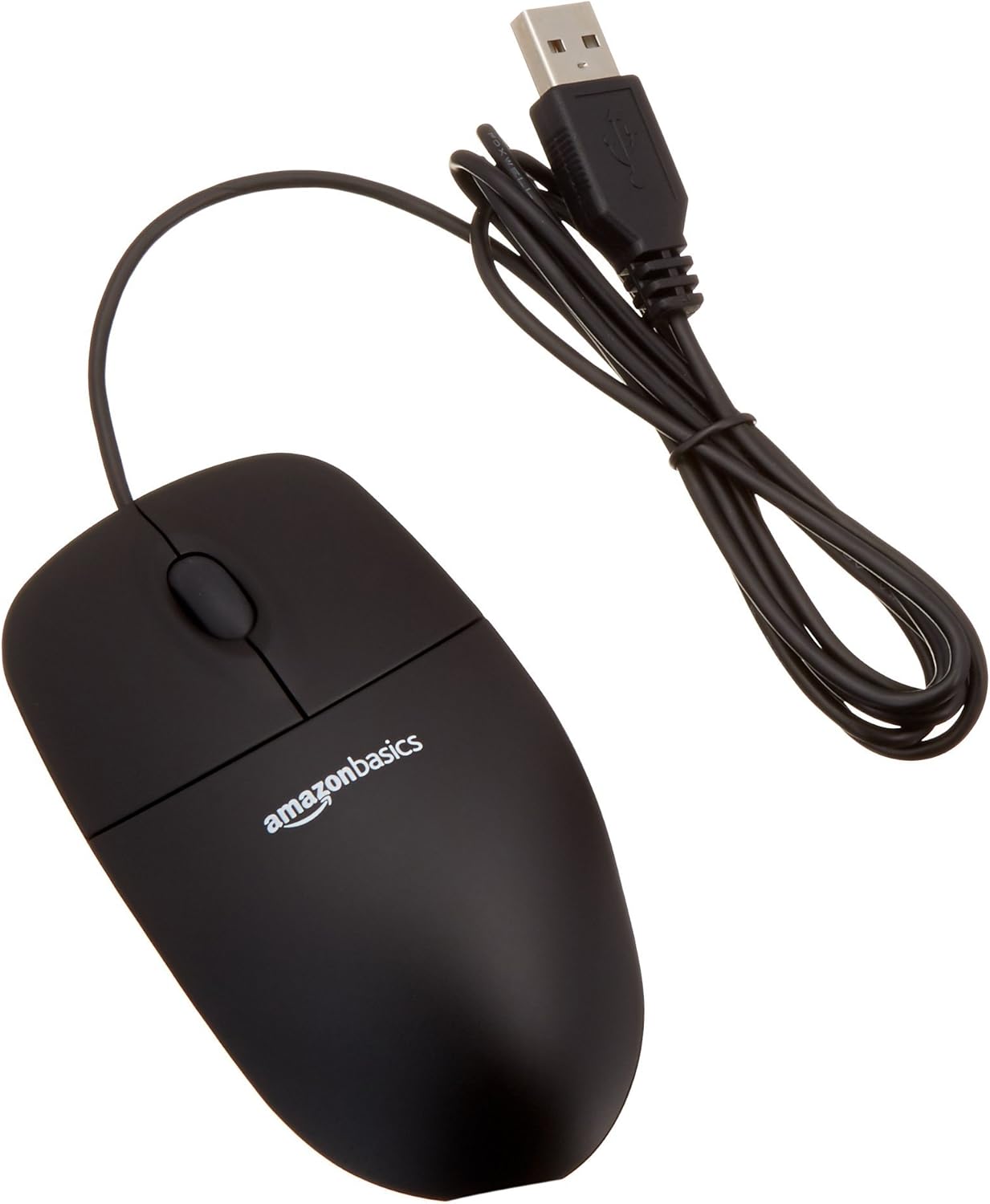
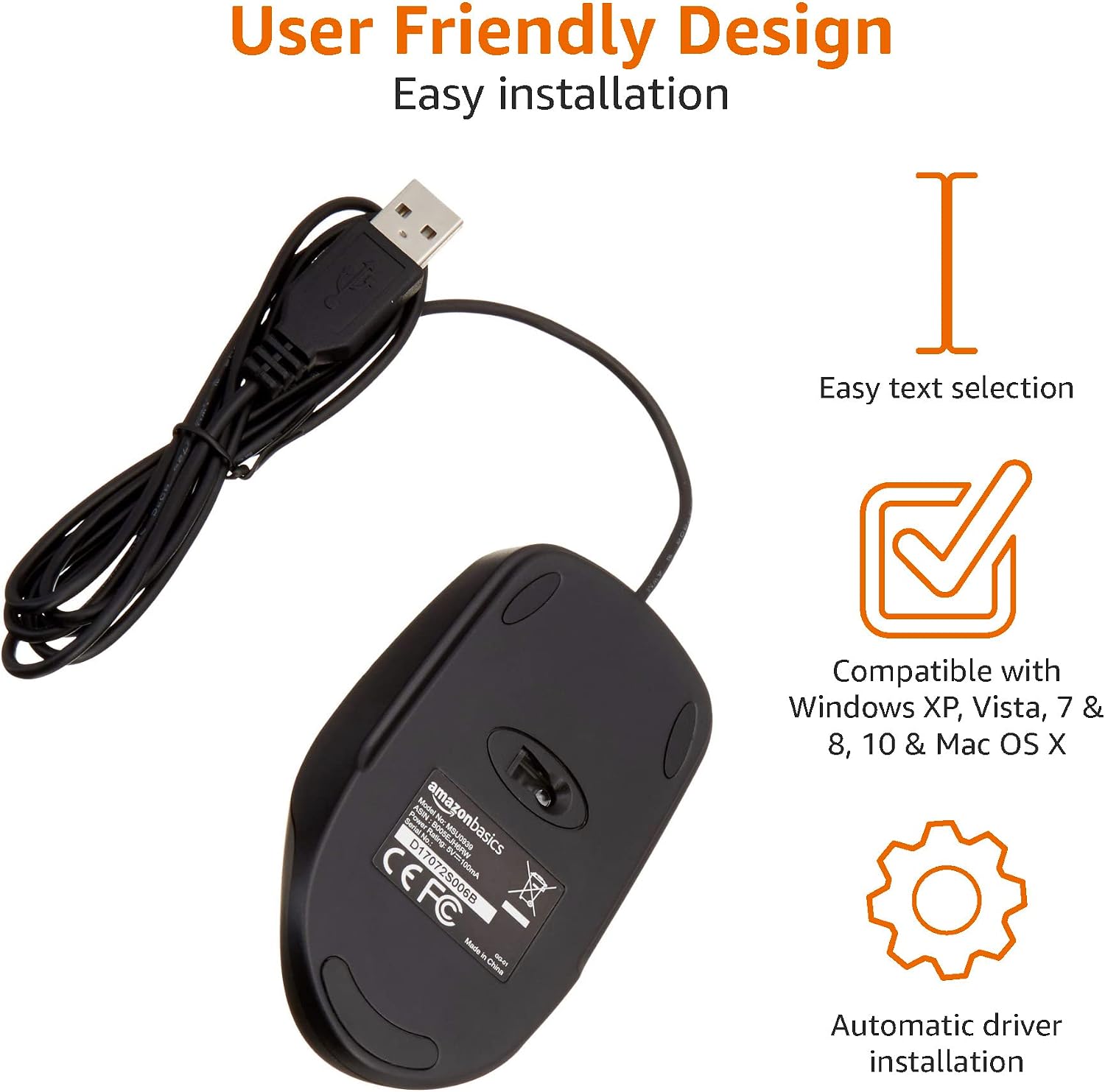
This mouse is a wired, USB-connected model designed to be plug-in-and-use. Its 1.5 metre cable gives enough freedom for typical desktop layouts, and the 3-button design keeps interaction simple—useful if you don’t want extra controls getting in the way. It’s also described as being compatible with Windows and Mac OS, which matters if your setup is mixed.

One detail worth noting: with a wired mouse, your desk layout and cable routing will influence comfort. If you’re tight on space or you need lots of movement, you may want to think carefully before committing.
What to know before you buy
Because this is a wired mouse, you can generally expect consistent performance without charging or pairing. That’s handy in busy environments where staff just need something reliable at the workstation. The package is also listed as “Frustration Free Packaging (FFP) Certified”, which is a small but practical plus if you’re buying in bulk.
There are a couple of practical checks you should do first:
- Confirm your devices have a spare USB port available.
- Check whether your desk setup can comfortably accommodate a 1.5 metre lead.
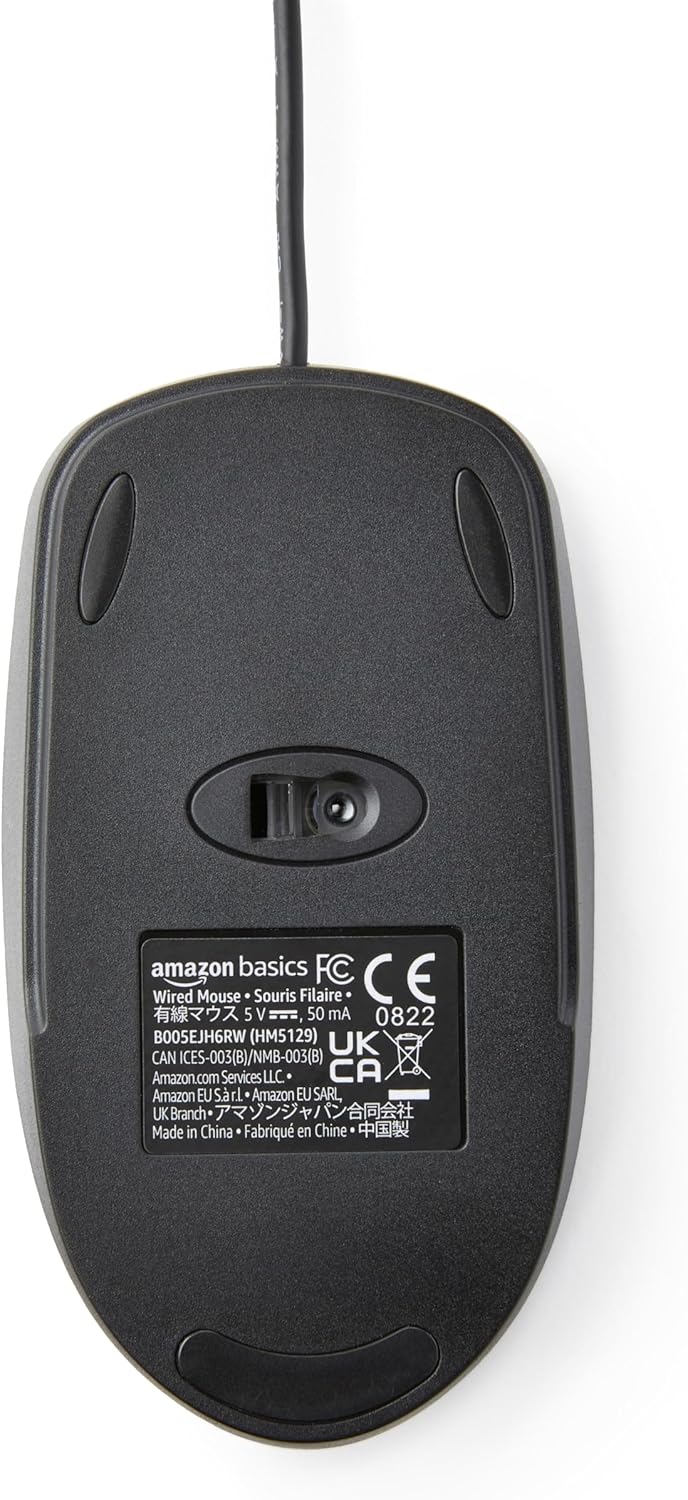
And yes, 1000 dpi is perfectly fine for everyday pointer work and basic precision, but it’s not aimed at people who specifically want high-end sensor performance or advanced gaming features.
Tech summary
It’s a USB wired 3-button optical mouse in black, measuring 10.9 x 6.09 x 3.42 cm and supplied as a 30-pack. The sensor is rated at 1000 dpi, with optical tracking intended for smooth, responsive cursor control. The cable length is 1.5 metre, and it’s stated as compatible with Windows and Mac OS.
What stands out in use (and what may not)
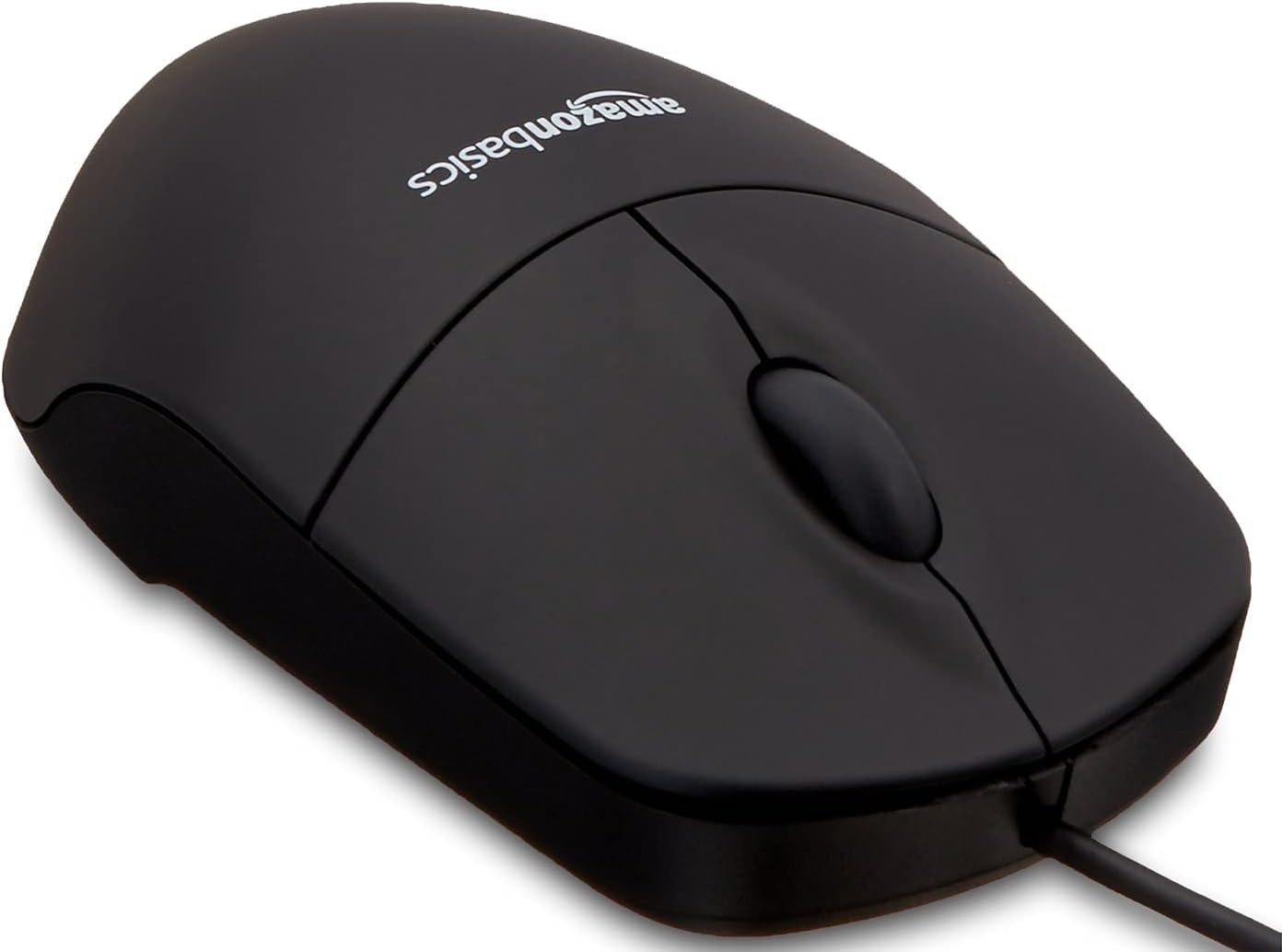
For routine tasks—scrolling through documents, selecting text, working through spreadsheets, or managing everyday browsing—this kind of optical 3-button mouse tends to be “boringly good”. There’s little friction in the interaction because you’re not dealing with extra modes or complex software.
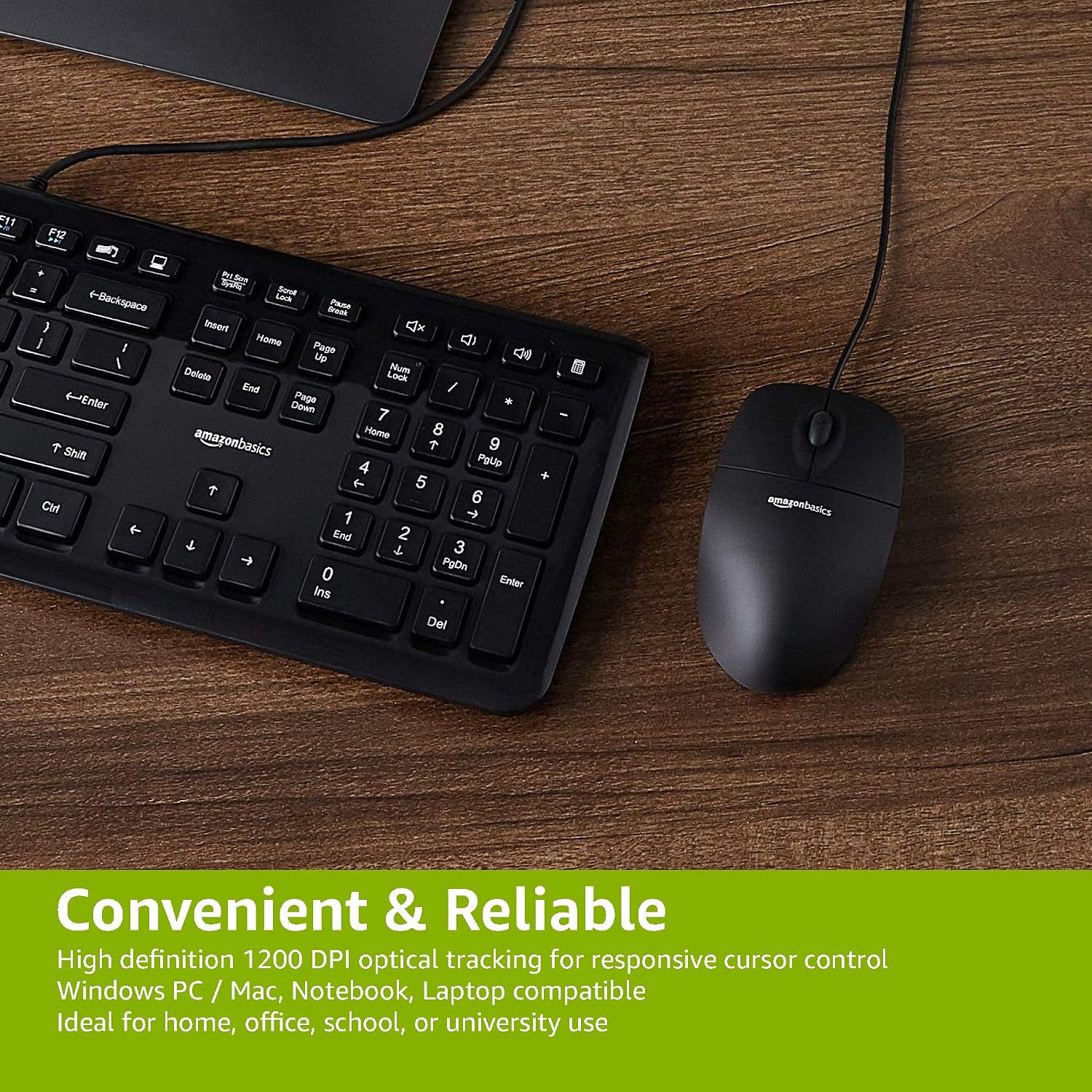
A micro example: imagine you’re editing a report in a word processor. You drag to highlight a paragraph, then click back to place the cursor precisely. A well-controlled optical sensor helps with that “grab where you point” feeling, and the three-button layout supports quick selection without overthinking.
That said, if you’re chasing a more premium feel, stronger ergonomic shaping, or specialised performance, this stays in the practical, mid-range style rather than moving into “top tier” territory.
Who it’s for
This is a good fit if you need multiple reliable USB mice for typical office or study setups and you want predictable plug-and-play behaviour. It also suits anyone who prefers wired reliability over wireless latency worries.
It might not suit you if your workspace is awkward for cables, you’re sensitive to desk clutter, or you specifically want a mouse designed for gaming-level precision and custom controls.
Is it worth it?
Buy it when you’re equipping several desks and you want a simple, optical 3-button wired mouse that should handle everyday navigation and text selection without fuss. The 30-pack format is where it makes the most sense, especially for shared or repeatable setups.
Skip it if you don’t have a USB port available, your desk layout can’t accommodate the 1.5 metre cable comfortably, or you’re expecting a highly ergonomic, enthusiast-focused mouse. In other words: it’s value-oriented and practical—just don’t treat it like a premium upgrade.