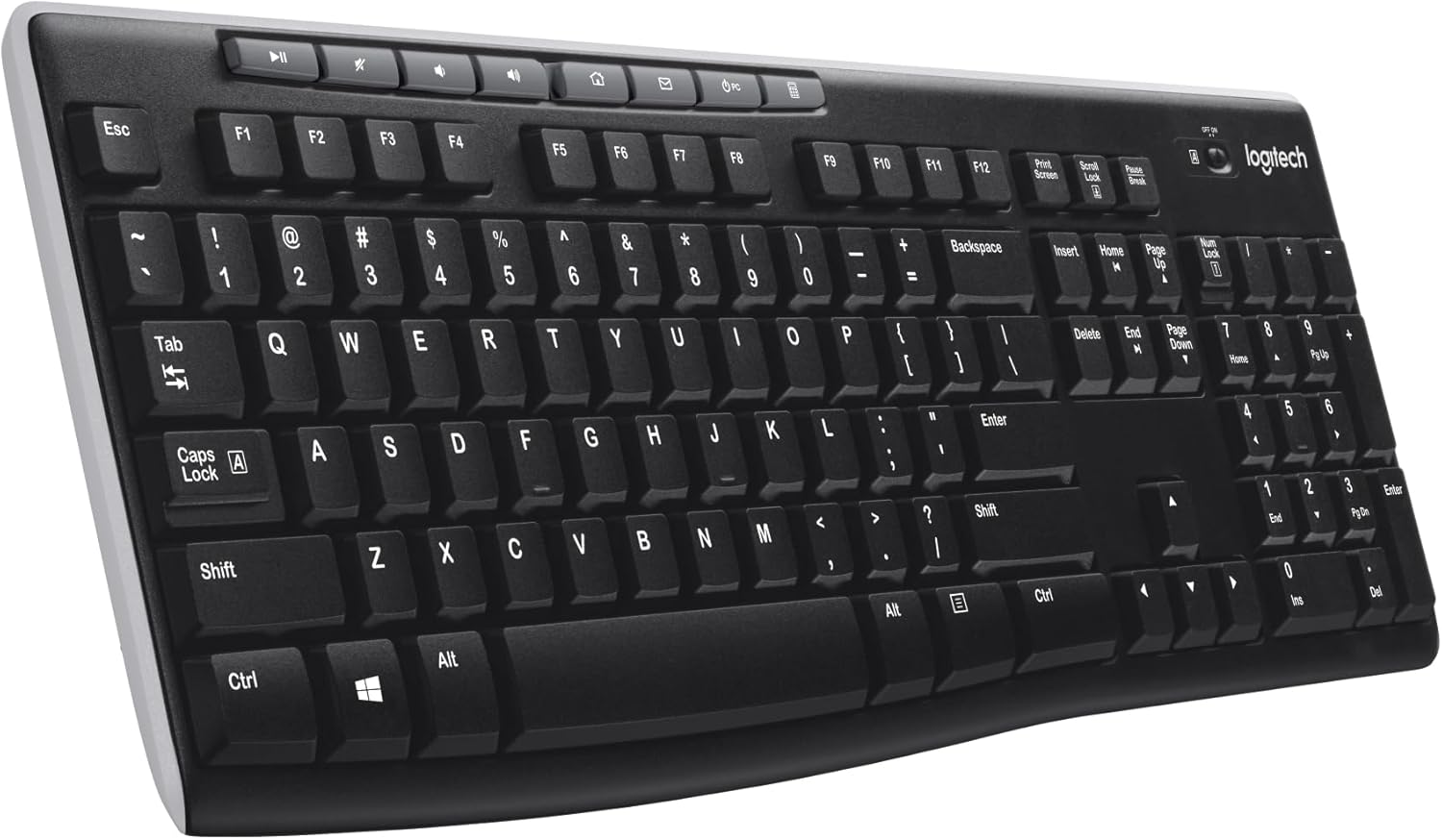
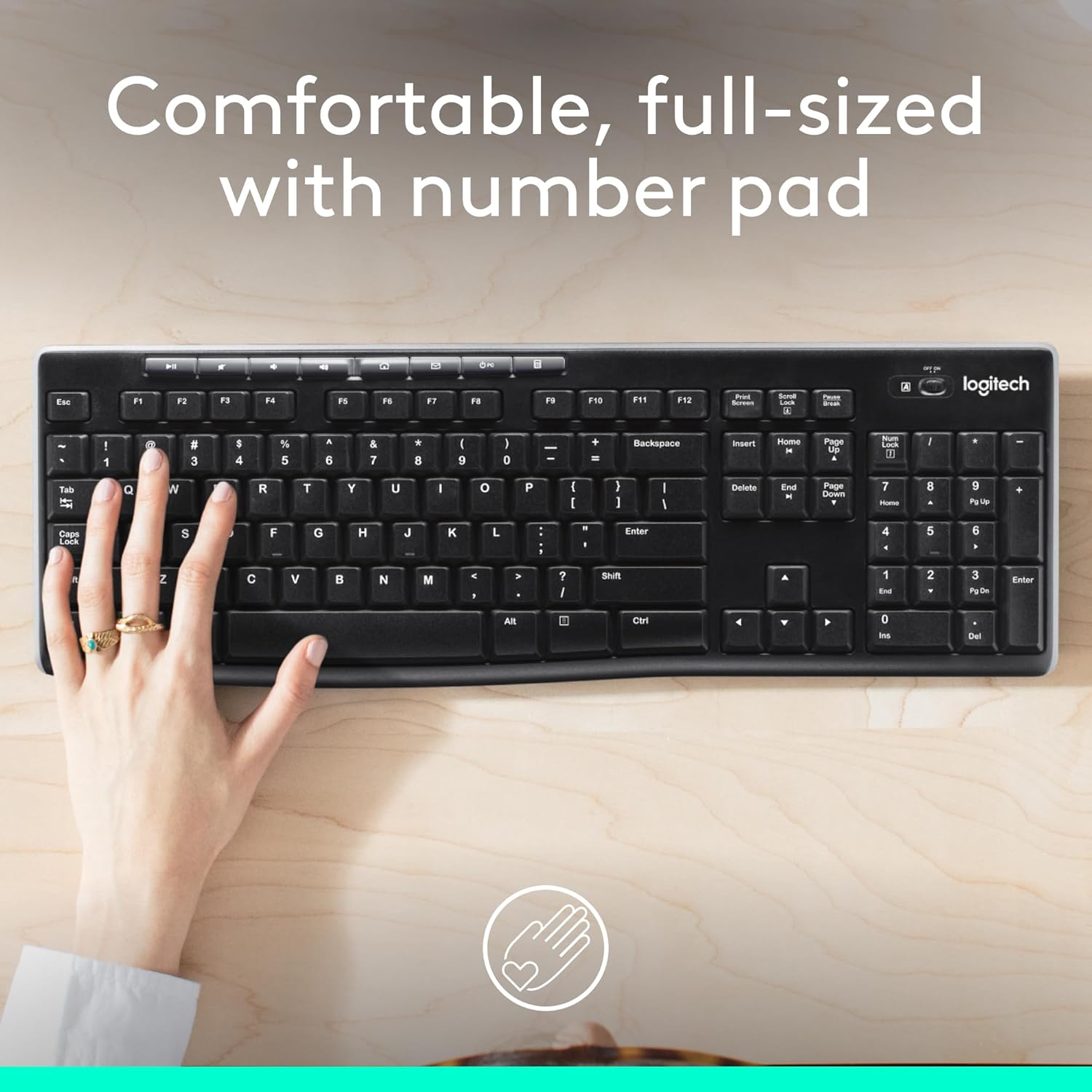
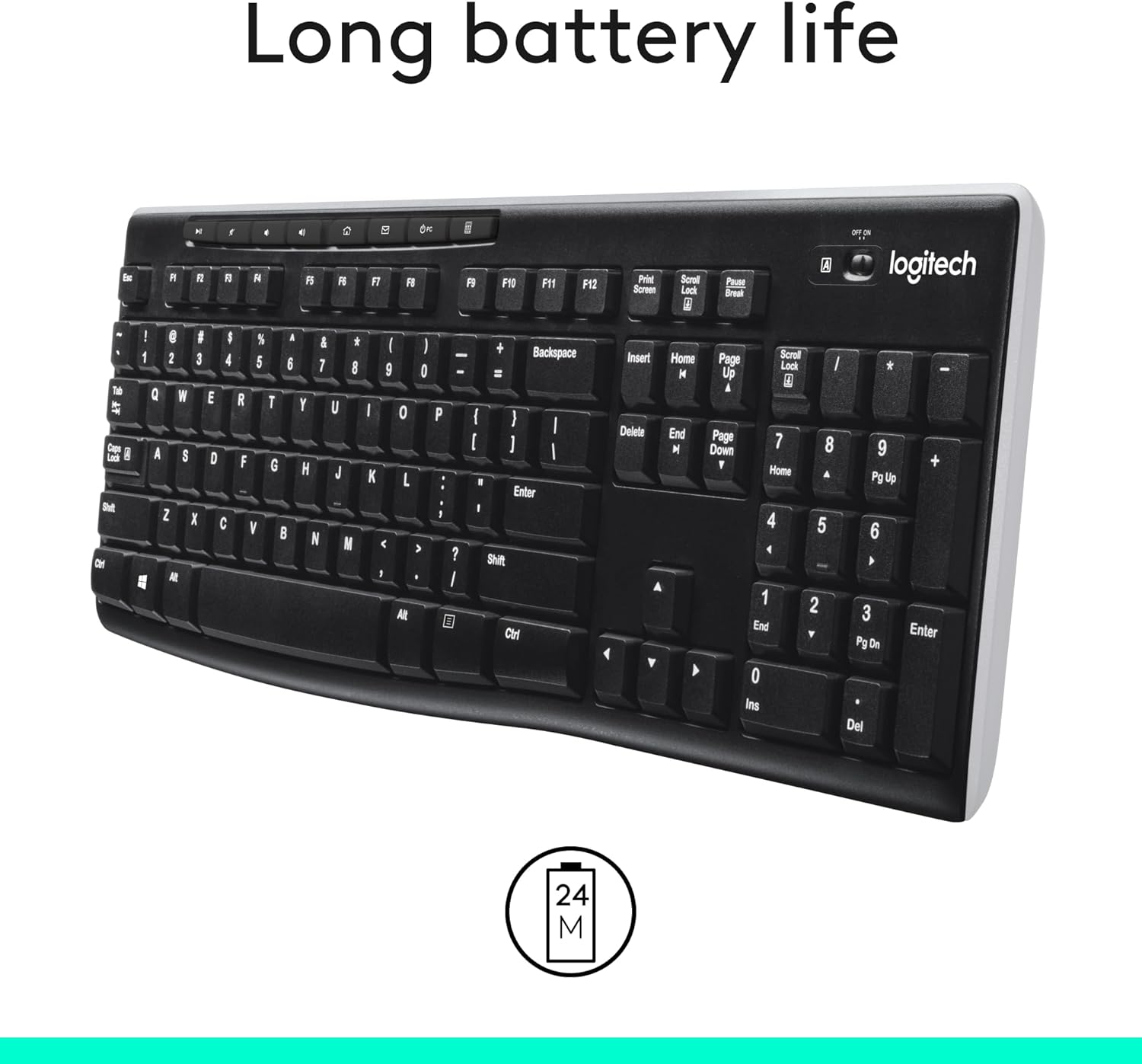
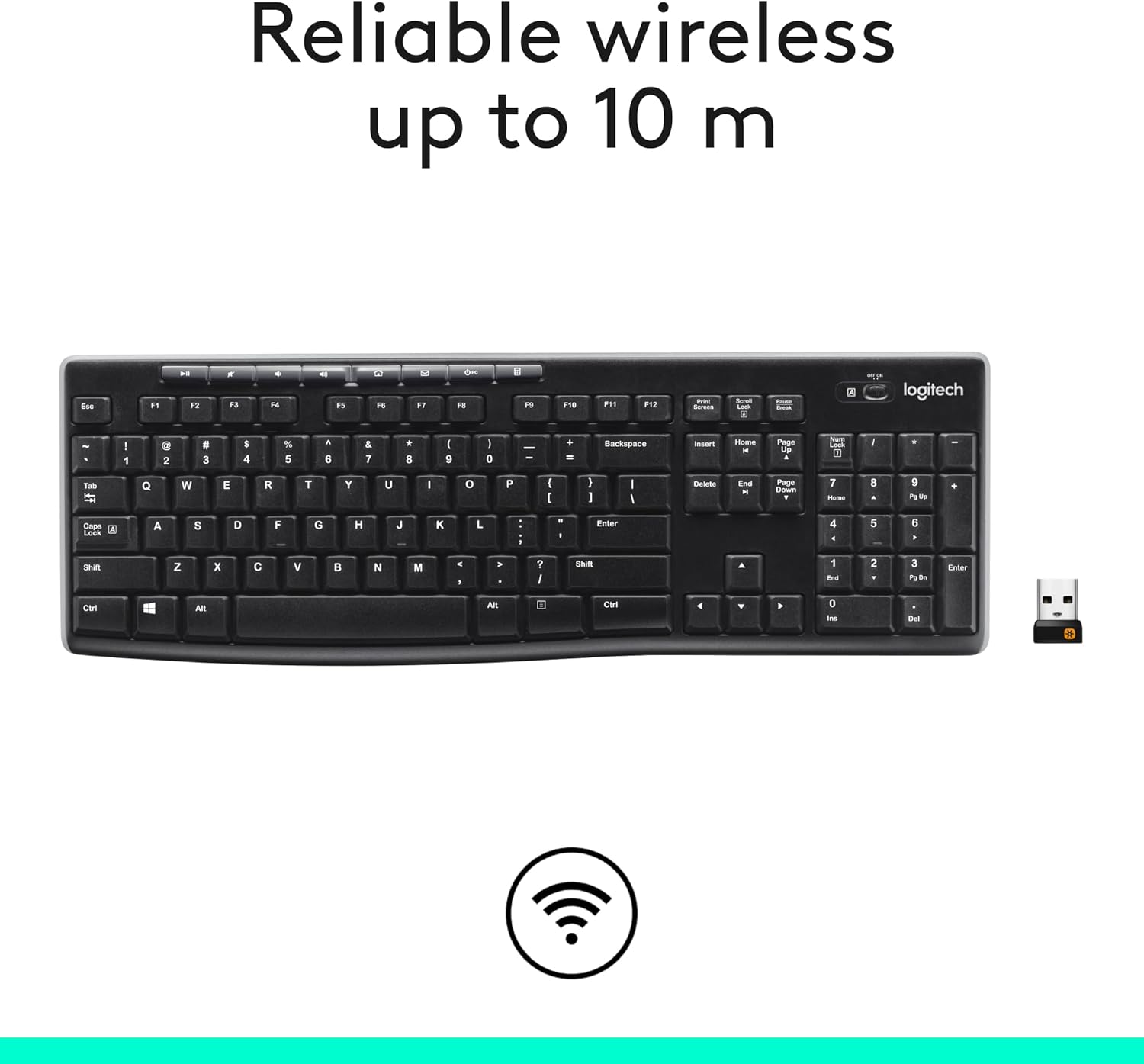
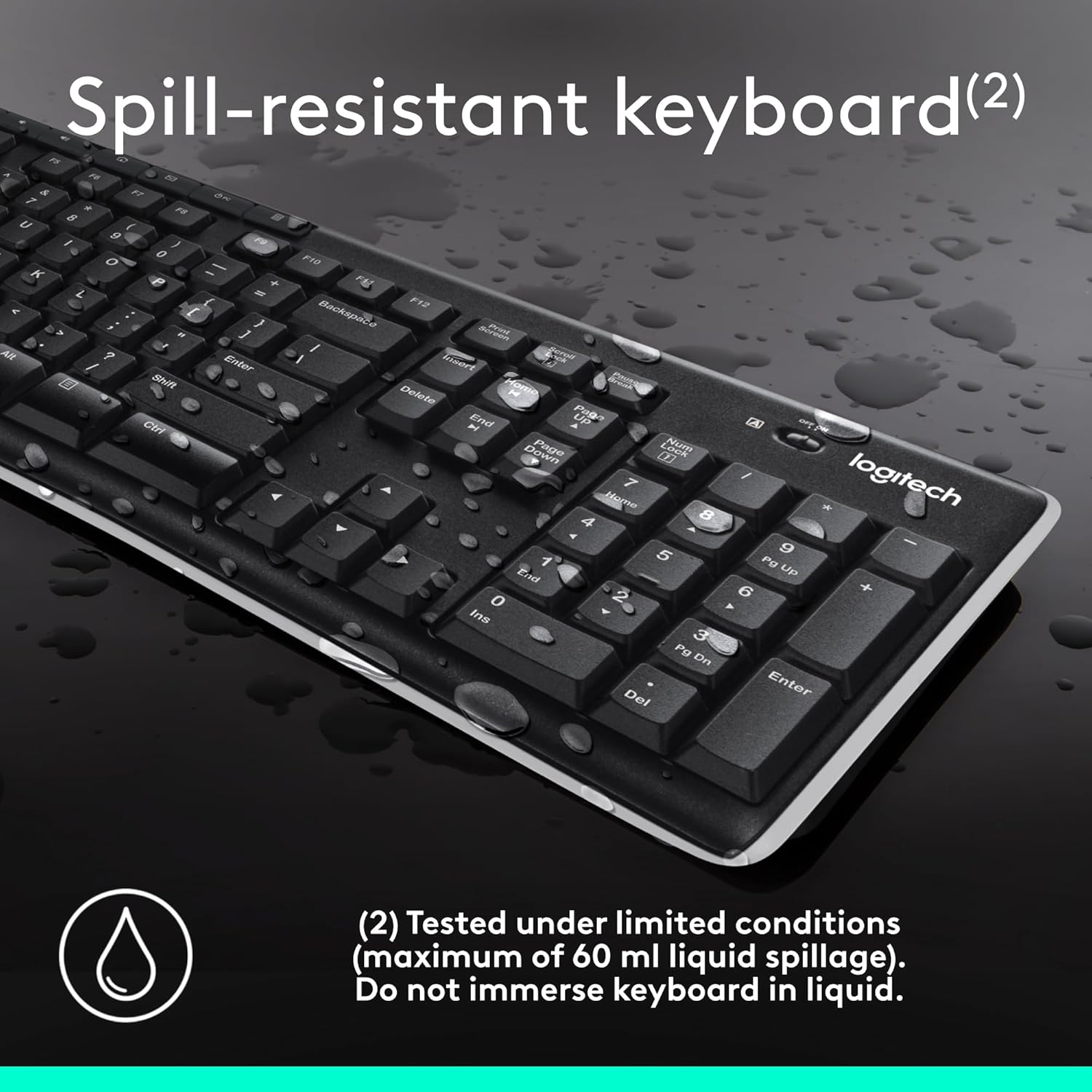
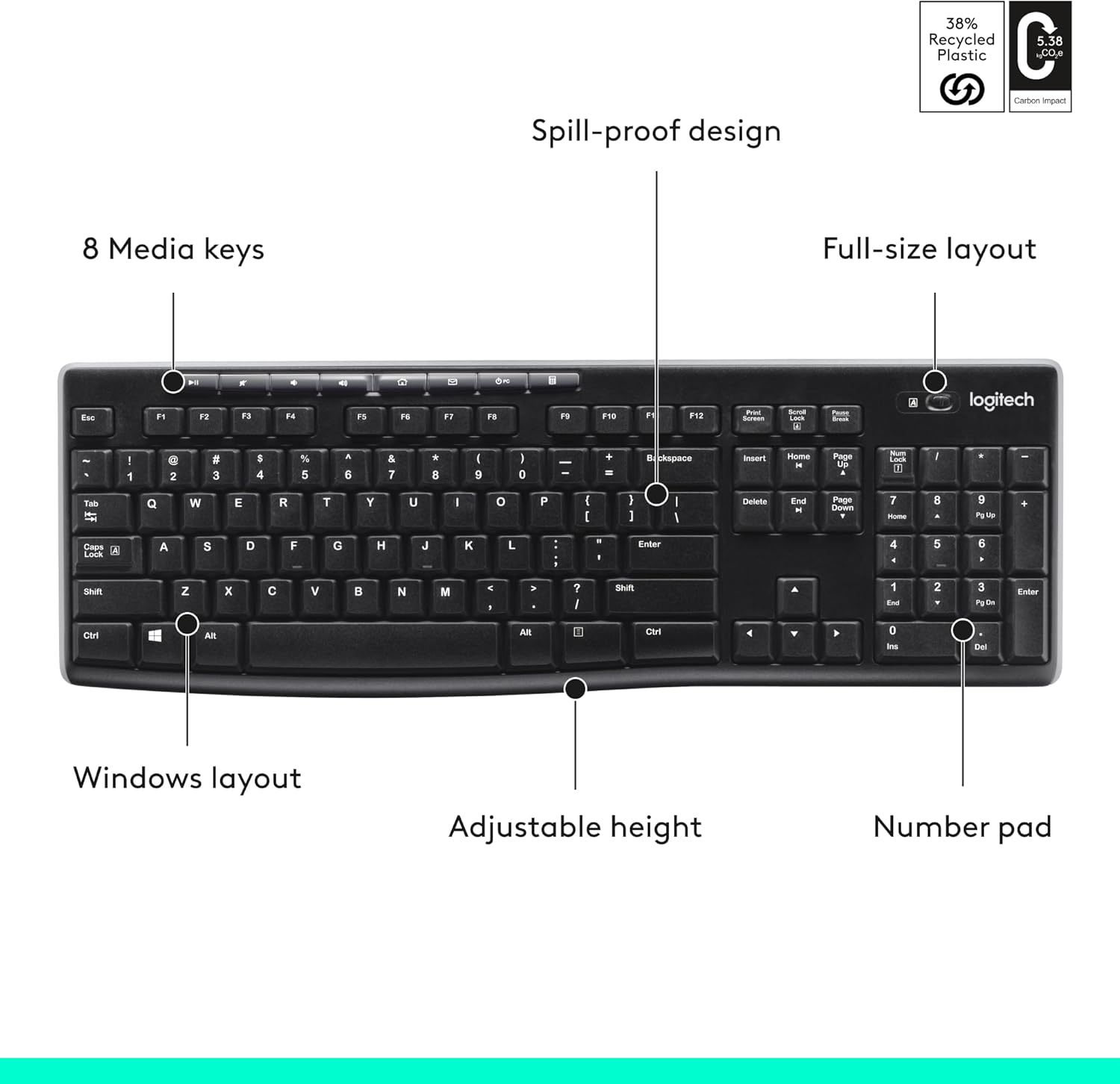
What it is and what it’s for\nThe Logitech K270 is a full-size, 2.4 GHz wireless keyboard designed for Windows users who value a familiar typing experience without the clutter of cables. It includes a standard layout with a number pad, arrow keys and eight multimedia keys, all in a UK English QWERTY setup. If you’re after a simple, reliable keyboard for home or small-office use, the K270 aims to deliver that steady cadence many desks rely on.\n\n## Why it’s worth considering\nIt’s positioned for everyday practicality rather than flashy features. The deep-profile keys and full-size footprint aim to provide comfortable, fatigue-free typing for long sessions. The spill-proof design and durable print characters hint at longevity in a busy work environment where accidents happen. The two-year battery life reduces the hassle of frequent replacements, which matters if you’re juggling multiple devices or a cluttered desk.\n\n## How it performs in real life\nOn paper, the wireless connection supports up to 10 m, which covers typical home offices and most workstations. Plug-and-play with Windows 7, 8, 10 or later means you can start typing quickly without installing extra software. The USB receiver stays discreet on a desk, and recovery from temporary drop-outs tends to be smooth, thanks to a straightforward wireless setup. You’ll notice the eight dedicated multimedia keys for quick access to internet, email, play/pause and volume—handy for light media control during breaks or focused sessions.\n\n## What stands out and what could be better\nIts main strength is reliability and simplicity: you get a familiar, full keyboard that stays out of your way. The two-year battery life is a clear plus for those who prefer fewer battery changes. Where it may fall short for some users is the lack of backlighting or more advanced ergonomic features. If you work in low light or type for hours with back-to-back shifts, this model might feel basic compared with more premium options.\n\n## Who it’s for\nThis is well suited to home offices, student desks, or light to medium daily typing tasks where a plug-and-forget wireless setup is valued over cutting-edge tech. It’s a sensible choice if you prioritise straightforward keyboard performance, a full layout and an affordable price point.\n\n## Who might skip it\nIf you frequently type in dim environments, or you want higher-end mechanical feel, customisable hotkeys, or a sleeker form factor, you may prefer to look at alternatives with additional features. And if you rely on a longer-range wireless connection beyond typical home or office spaces, consider how often you need to move your keyboard around.\n\n## What to check before you buy\nVerify that your PC or laptop supports a USB-A receiver, as this model uses a USB dongle. Check that your keyboard layout matches UK English (though the K270 is marketed for UK users). Consider your desk space: the full-size layout with a numeric keypad will occupy more room than compact keyboards. Also, ensure you’re comfortable with a non-backlit, desk-friendly option that prioritises durability and battery life over flashy specs.\n\n## Practical use case\nImagine a warm morning at the home workstation: you switch on the PC, plug in the USB receiver, and you’re ready to type with familiar keys. You can browse, write emails and adjust volume without reaching for the keyboard’s cables, while the spill-resistant design gives a little reassurance if tea or coffee is close at hand.\n\n## Tech snapshot (brief)\nThe K270 operates over 2.4 GHz with a 10 m range, compatible with Windows 7/8/10 or later, and features eight multimedia shortcuts alongside a full numeric keypad. It’s built to survive everyday office mishaps, with durable print characters and a spill-resistant design. In short, it’s a pragmatic pick for reliable daily use.\n\n## Final decision (Is it worth it?)\nWorth considering if you need a straightforward, long-lasting wireless keyboard with a full layout and low maintenance. It may not be the best option if you require backlighting, higher-end ergonomics, or a more compact footprint. For many UK desks, the K270 offers a balanced mix of comfort, durability and value.\n\n## FAQ\n- Does it require software installation? No, it’s plug-and-play via the USB receiver.\n- How long does the battery last? Logitech states up to 24 months under typical use.\n- Is it compatible with Mac or other operating systems? It’s marketed for Windows, compatibility with non-Windows systems isn’t specified.\n- Can I use it with multiple devices? The keyboard uses a single USB receiver for wireless connection, switching between devices would require reconnecting via the receiver.