

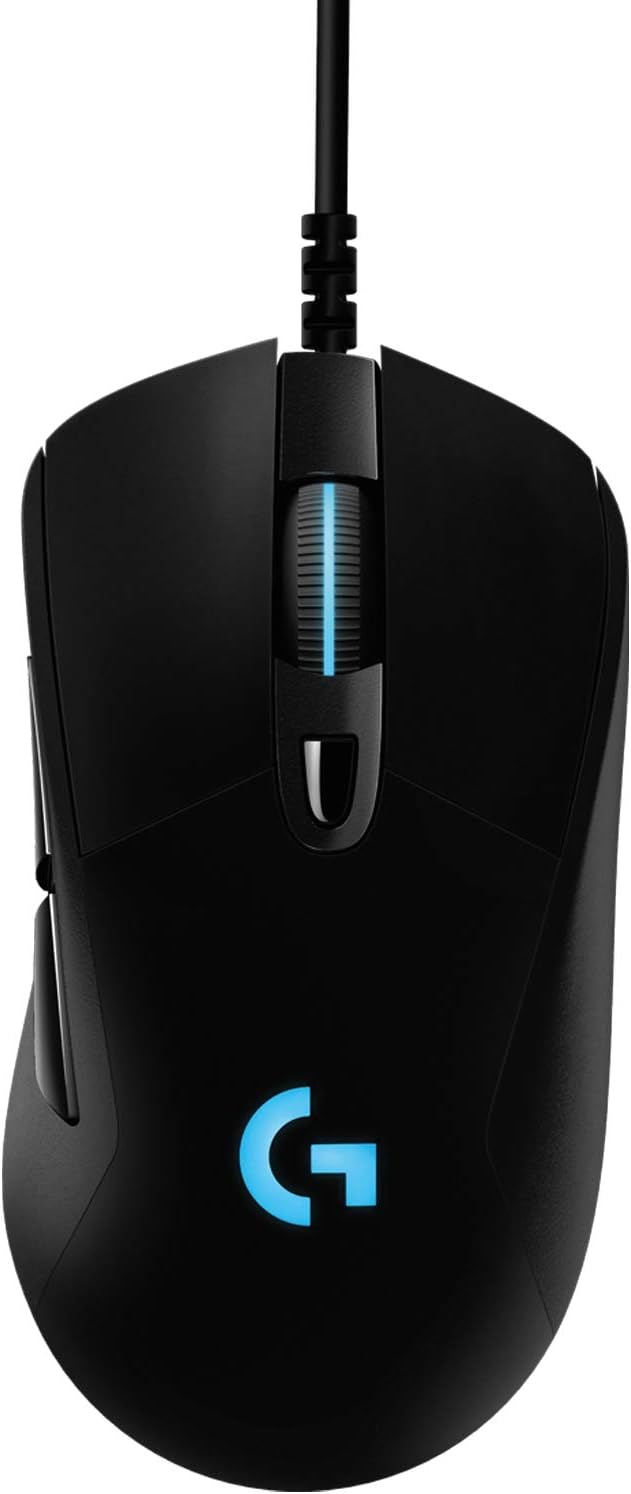
Logitech G G403 HERO gaming mouse (HERO 25K DPI, LIGHTSYNC RGB, 87g) – black
Reviews
Price
Product description
The essentials
The Logitech G G403 HERO is a wired gaming mouse built around Logitech’s HERO 25K sensor and LIGHTSYNC RGB. If you’re shopping for something that feels responsive for gaming but still practical for everyday PC or Mac use, this one has a lot of the right ingredients. It’s light at 87g, it has a comfy, grippy body, and it’s designed to let you change DPI quickly mid-session.
It’s not perfect on paper for every kind of player, though. The description points to a wired setup, and if you’re specifically trying to go wireless (or you’re chasing a very particular esports-style shape), you may want to compare first rather than assuming it’ll be the best fit straight away.
What to know about the HERO 25K sensor
The standout headline here is the HERO 25K sensor. It’s positioned as a “1:1” tracking sensor with maximum sensitivity listed up to 25,600 DPI. The spec also mentions over 400 IPS, and crucially, it says there’s no smoothing, acceleration or filters applied.
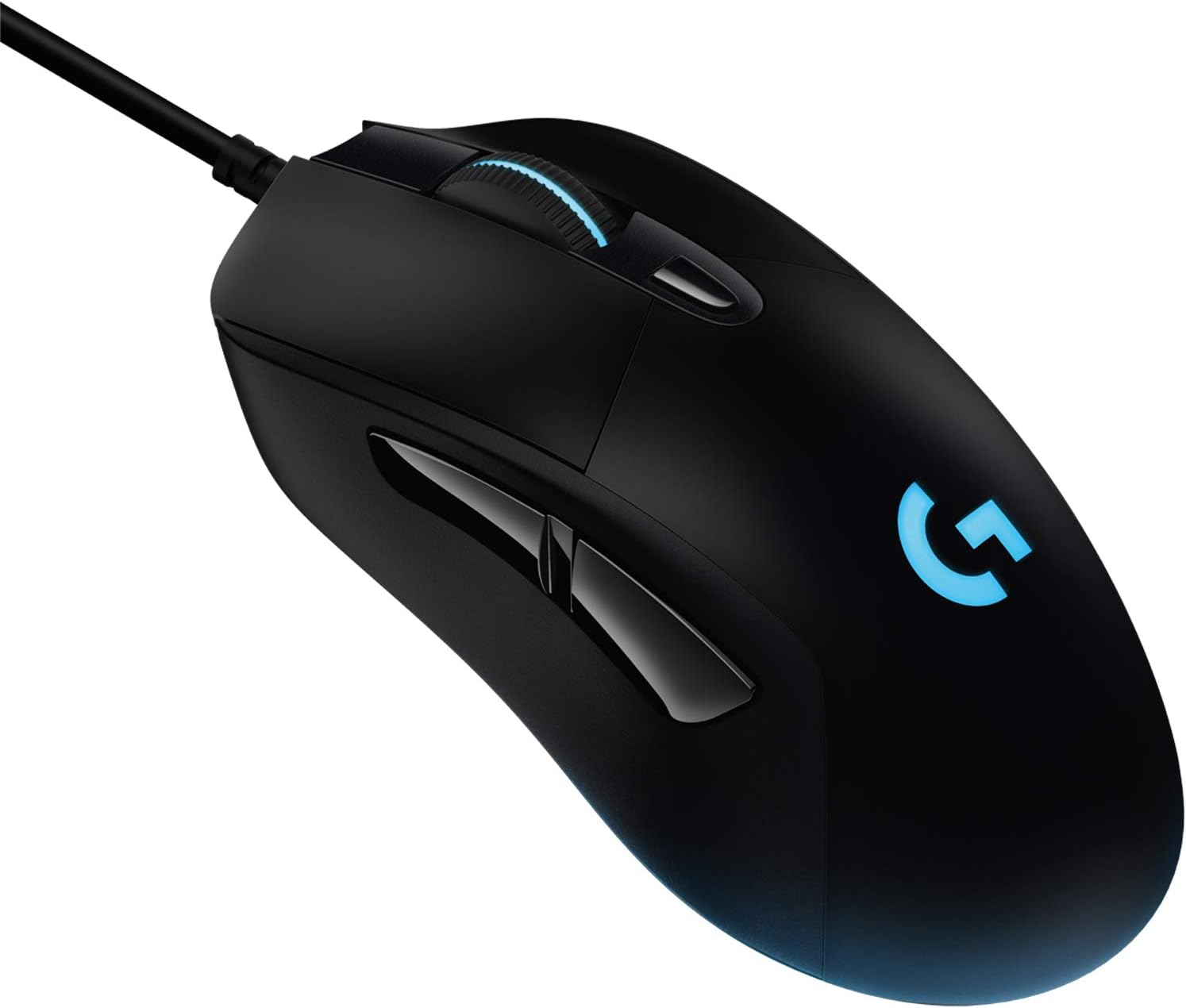
In plain terms, that’s the kind of sensor setup people tend to look for when they want consistency—especially when you’re doing precise aiming or fast flicks. A micro-example: if you switch from a low DPI for controlled aiming to a higher DPI for quick turns, you’d expect the movement to feel more predictable, rather than “muddied” by processing.
Worth noting: the description doesn’t give details about sensor behaviour on every surface or whether there are any specific pad recommendations. So if you’re picky about desk/desk-mat setups, it’s sensible to check what you’re using currently and whether it matches your expectations.
LIGHTSYNC RGB that reacts to gameplay
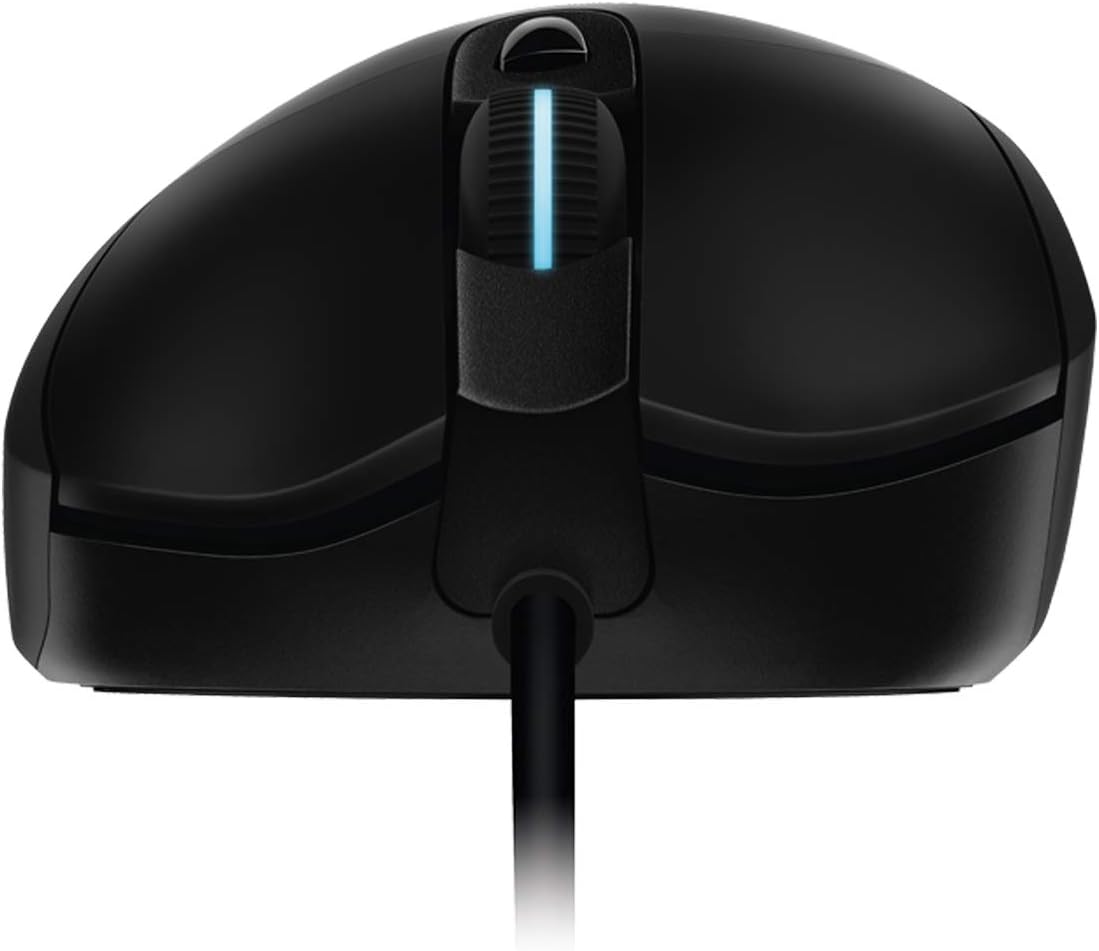
LIGHTSYNC RGB is full-spectrum and designed to respond to in-game action, audio and on-screen colour, with synchronisation with other compatible Logitech G devices and accessories. If you enjoy visual feedback while gaming, it’s a meaningful feature rather than just decoration.
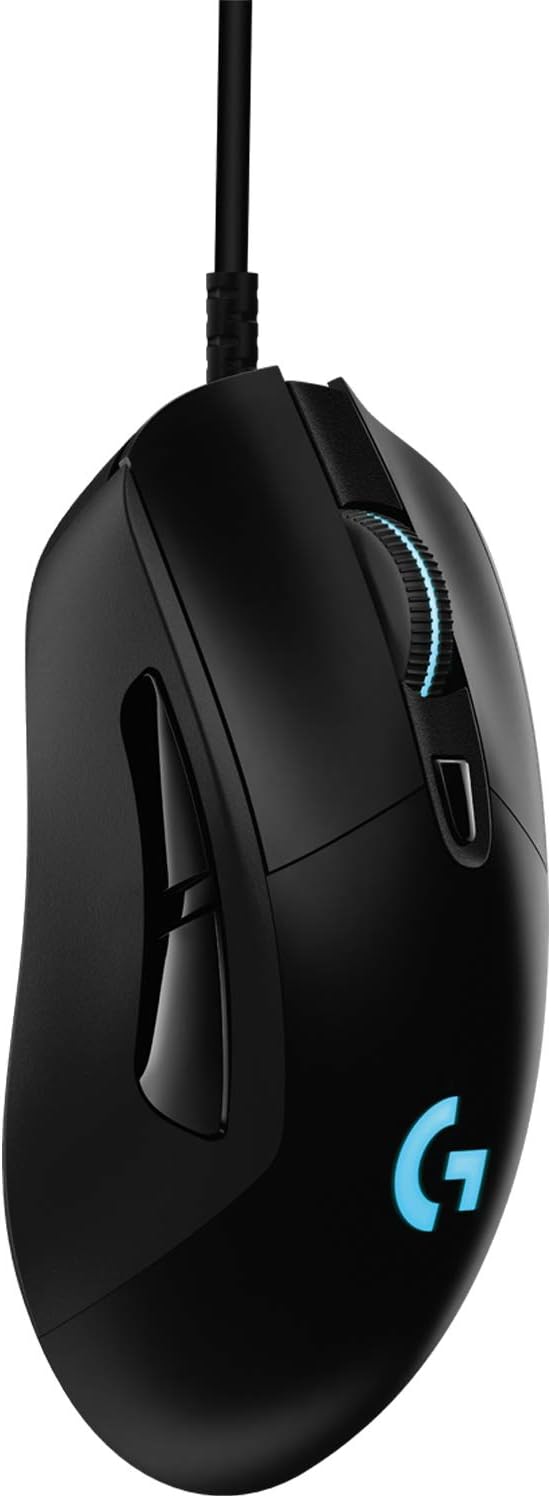
However, if you’re the sort of user who doesn’t really care about lighting (or you’ll keep it off most of the time), then this element becomes more about personal preference than performance. It’s there, but the mouse’s real “buy me” angle is the sensor and the control-focused design.
Comfort and control you’ll feel in everyday use
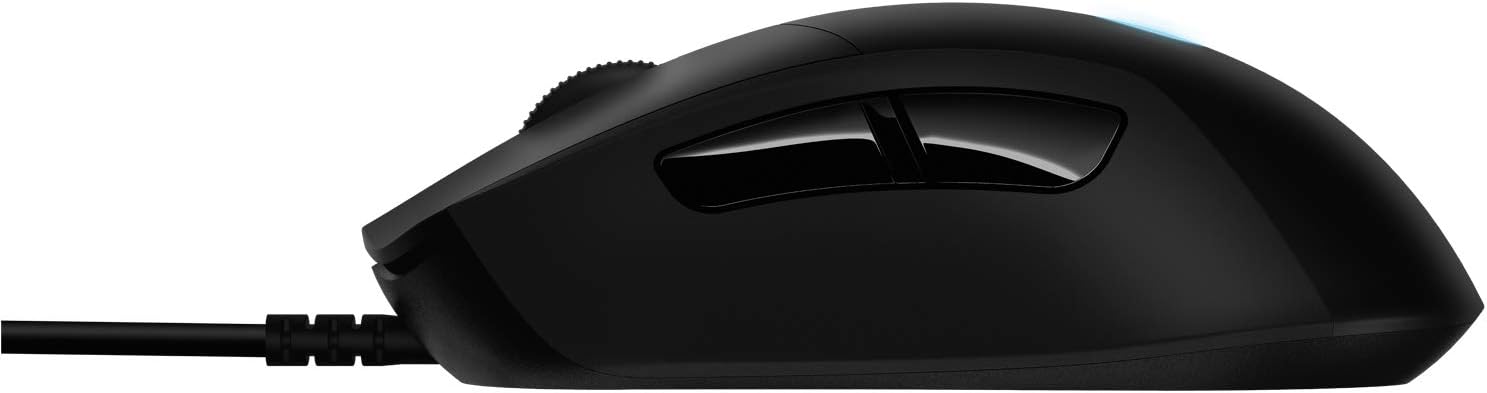
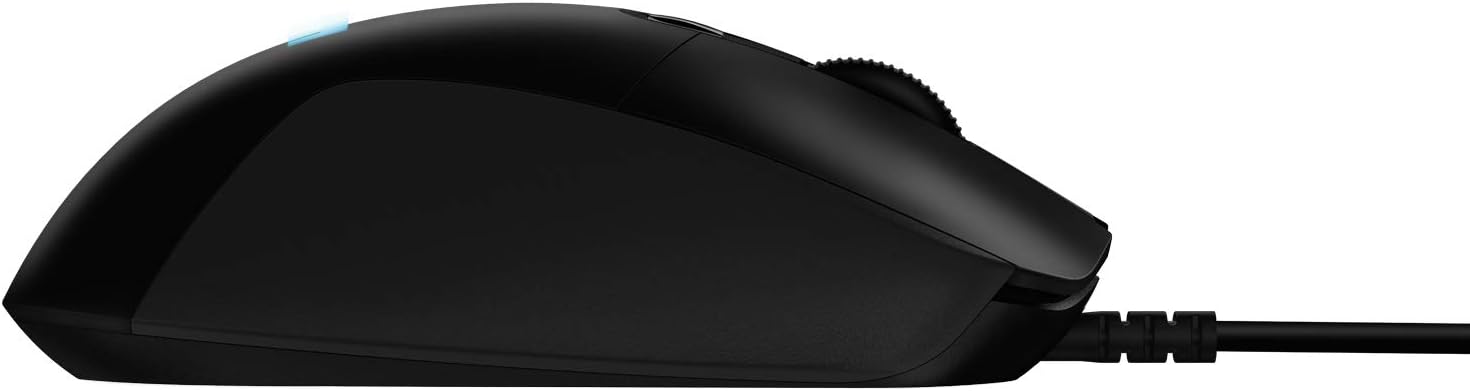
The G403 HERO is described as lightweight at 87g, with a body designed to mould to your hand. There’s also mention of a rubberised coating to support control.
That matters because gaming mice aren’t only about specs—they’re about how long you can comfortably use them. In day-to-day terms, a light mouse tends to make it easier to use for longer sessions, and the grippy surface can help if you get sweaty hands or you do a lot of desk work.
One limitation to keep in mind: the description mentions an optional additional 10g weight. Without more details on how that changes balance for your grip style, it’s still a “might be great” rather than a guaranteed match. If you love very specific weight/balance setups, you may want to double-check whether this is the right range for you.
Buttons, DPI switching, and setup via G HUB
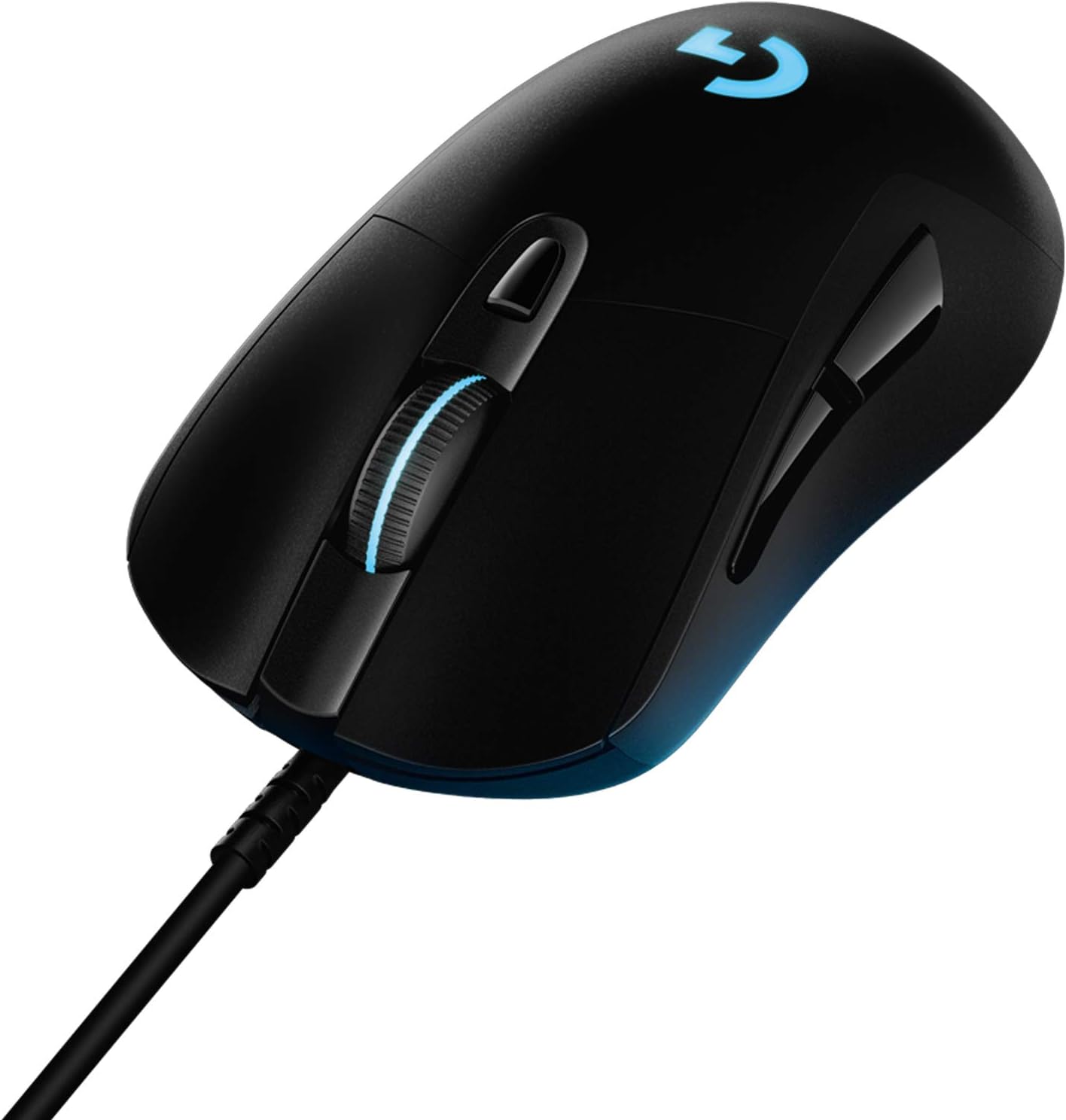
The mouse is built for quick changes during play. It features six programmable buttons configured through G HUB, and the description highlights instant DPI switching.
It also says you can set and alternate between five sensitivity settings, ranging from 100 up to 25,600 DPI. That’s useful for players who like to run different sensitivities for different tasks—for example, slower precision aiming versus faster movement in the same game.
The “depends quite a bit” part: G HUB setup is only a win if you’re happy using the software to configure buttons and DPI profiles. If you prefer a more plug-and-play approach with minimal software, it may feel a little more involved than alternatives.
Key takeaways for buyers
It’s a good fit if
It’s a good fit if you want a lightweight wired gaming mouse with a high-end sensor spec (HERO 25K) and quick DPI switching, plus RGB lighting that reacts to your games.
It may not suit you if
It may not be a great match if you need a wireless gaming mouse, or if you’re very specific about shape and balance and want more detail than “lightweight with an optional extra weight”.
Tech specs
- Name: Logitech G G403 HERO gaming mouse
- Type: Gaming mouse
- Sensor: HERO 25K
- DPI range: 100–25,600 DPI
- Tracking: 1:1 tracking
- Maximum IPS: over 400 IPS
- Response time: 1 ms
- Weight: 87g
- Optional weight: additional 10g
- Lighting: LIGHTSYNC RGB
- Buttons: six programmable buttons
- Compatibility: PC/Mac
Final verdict
Buying verdict Choose the Logitech G G403 HERO if you value a responsive gaming sensor approach (HERO 25K with 1:1 tracking and no smoothing/acceleration/filters per the description), like the idea of instant DPI switching, and want a lightweight, grippy mouse that should work for both gaming and everyday use on PC or Mac.
Skip it if you specifically need wireless, or if you’d rather avoid software configuration via G HUB. Also, if you’re very surface-sensitive and need certainty about how it performs on your exact mat, the information provided is a bit light—so it’s worth aligning your expectations before you buy.
Mini FAQ
Is the HERO 25K sensor good for precise aiming?
The description highlights 1:1 tracking and avoids smoothing/acceleration/filters, which generally points to more consistent aiming. If precision is your priority, it’s one of the better-supported aspects of this mouse.
How many DPI settings can I switch between?
You can program and alternate between five sensitivity adjustments, with a range from 100 up to 25,600 DPI.
Does the RGB react to games?
Yes—LIGHTSYNC RGB is described as responding to in-game action, audio and screen colour, and syncing with compatible Logitech G devices and accessories.
Is it heavy or light in use?
It’s listed as 87g, with an optional extra 10g weight if you want to add some heft.
Will it work on both PC and Mac?
The listing states PC/Mac compatibility.