


Logitech G203 LIGHTSYNC Gaming Mouse (8,000 DPI) with Customisable RGB
Reviews
Price
Product description
The essentials
The Logitech G203 LIGHTSYNC is a compact, classic-shaped gaming mouse built around a gaming-grade sensor and a straightforward 6-button layout. On paper it’s aimed at players who want responsive tracking and reliable clicks without going overboard on extra controls. The RGB is there to add colour and atmosphere too, with customisable LIGHTSYNC effects.
The big question is whether the G203 is the right fit for your hands and your game habits. If you like a simple layout and you don’t want to overthink button mapping, it makes sense. But if you’re used to mice with lots of additional buttons, the limited controls may feel a bit restrictive once you start customising for different modes.
Key features that matter in day-to-day use
A gaming mouse lives or dies by how it feels in use, not just what it promises.
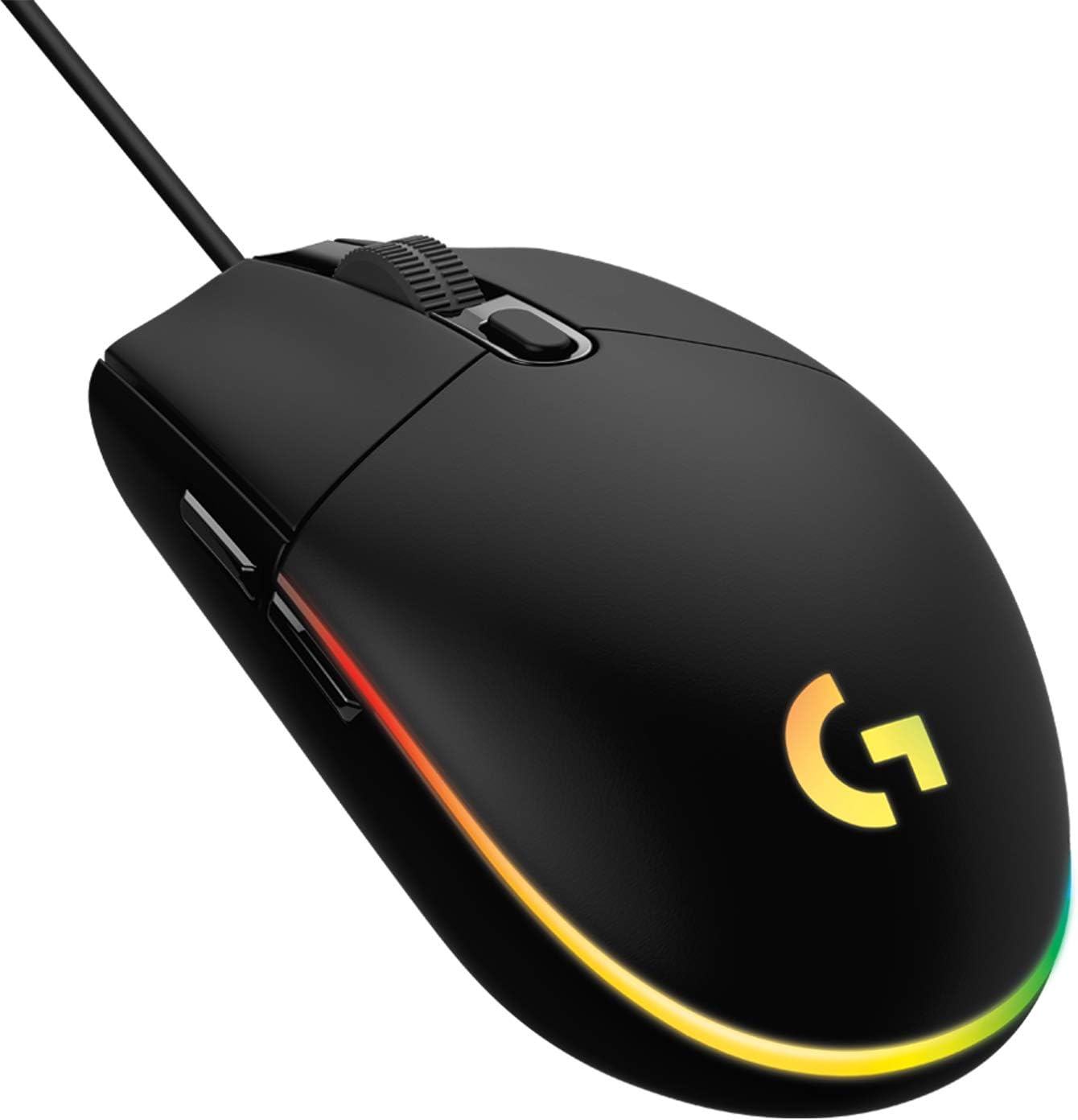
The G203’s 8,000 DPI tracking is designed to respond precisely to your movements, and the sensor supports cycling through up to 5 DPI settings. In practical terms, that’s useful if you switch between tasks that need different sensitivity—think snappy in-game aiming one moment, then a more controlled cursor movement in menus the next.
The LIGHTSYNC RGB is a visible part of the experience. You can play with colour wave effects and customise the lighting across roughly 16.8 million colours. That’s great if you care about ambience on your desk, but it’s also worth remembering that RGB is optional—game performance doesn’t depend on it.
What you’ll notice about the buttons
One standout detail in the design is mechanical spring button tensioning for the primary buttons. The manufacturer positions this for reliability and an “excellent feel”, and while the exact feel is subjective, the use of a spring mechanism is generally the kind of thing people notice in click consistency.
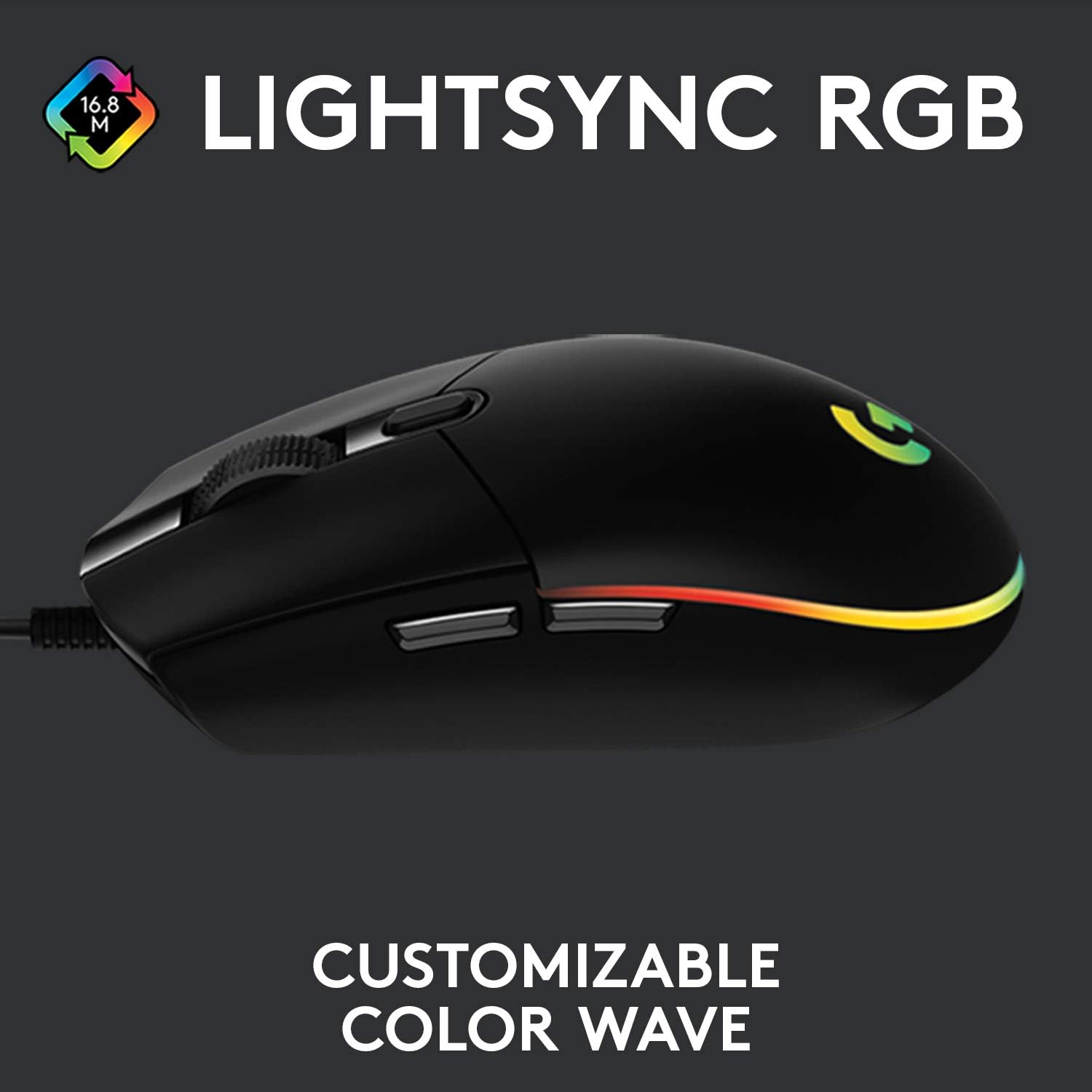
It’s not a mouse that tries to distract you with complicated gestures or countless macros out of the box. The simple 6-button layout plus software-based customisation is more about keeping things predictable—especially if you mostly want to focus on aiming and movement.
Customisation and software control (Logitech G HUB)
For sensitivity changes and lighting adjustments, the G203 is designed to be used with Logitech G HUB gaming software. The idea here is that you can tune the settings to suit the sensitivity you like, and move between up to 5 DPI levels easily.
A small practical note: software-based setups can be great, but they also mean you’ll want to spend a little time getting your preferred DPI and lighting dialled in first. If you prefer plug-and-play simplicity with minimal configuration, you may find yourself wanting fewer moving parts.
Who it suits (and who should be a bit cautious)
It’s a solid pick if you want a classic gaming shape, responsive sensor performance, and custom RGB without a huge learning curve.
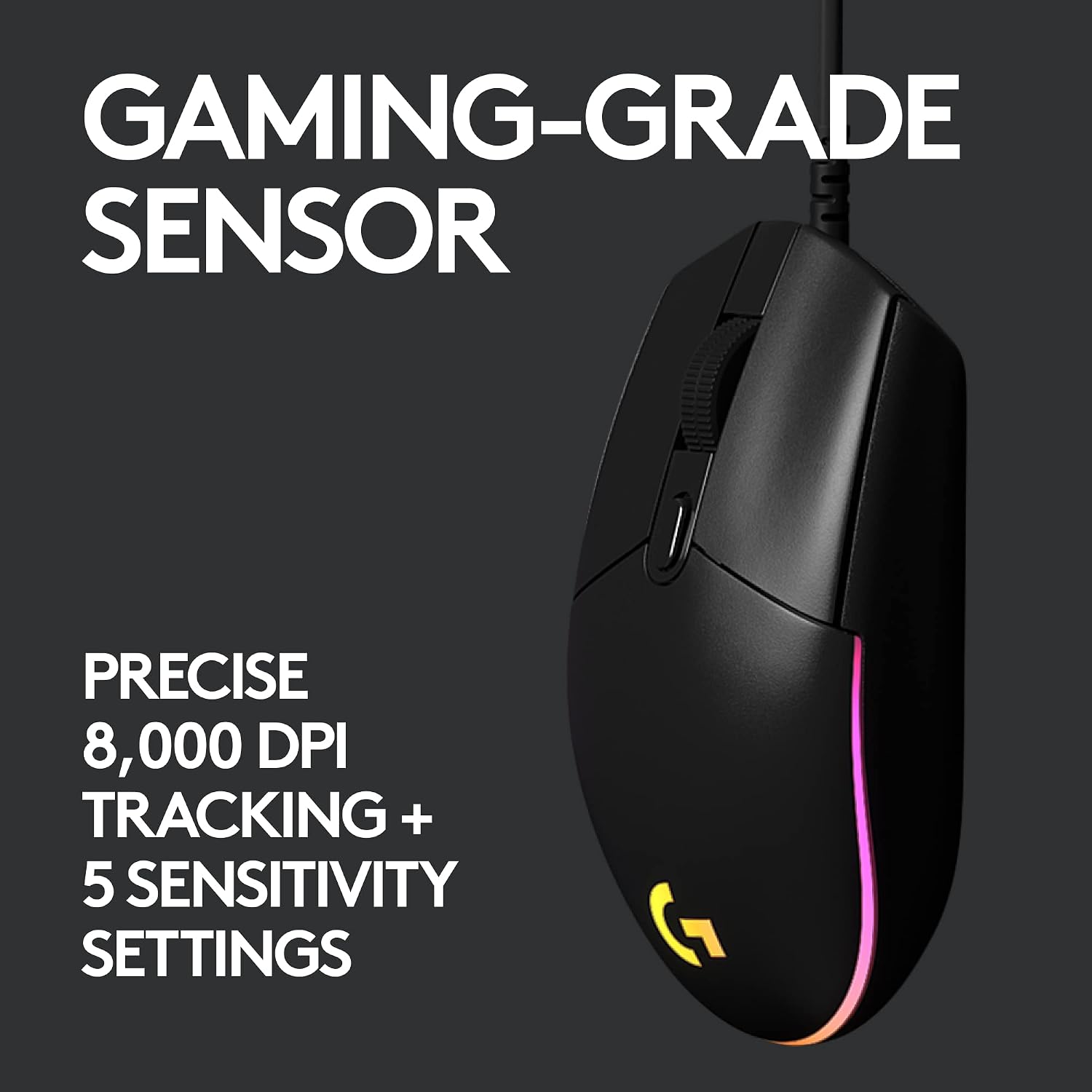
You’ll likely get the most out of it if you: - Prefer a clean, simple control scheme with 6 programmable buttons - Like to adjust sensitivity between moments in-game using DPI levels - Care about desk lighting and want customisable LIGHTSYNC effects
It might not suit you as well if you: - Want a wider range of physical controls (more than 6 programmable buttons) - Are expecting the mouse to feel radically different from traditional gaming shapes - Are buying purely for lighting—because the strongest reason to choose this model is still the sensor responsiveness and click feel, not the RGB alone
Quick comparison mindset (value vs complexity)

If you’re comparing approaches while shopping, the G203 sits closer to “practical gaming essentials” than “feature-heavy multi-control mice”. Alternatives in the market often go hard on extra buttons, weight adjustments, or elaborate custom hardware features. Those can be great, but they can also be overkill if your main priority is dependable tracking and comfortable, familiar ergonomics.
So, if you’re the type of player who just wants a reliable mouse that you can sensibly configure in G HUB and get on with the game, this one is easier to justify. If you’re chasing maximum button customisation or you already rely on complex control layouts, you may want to look beyond the G203’s simpler design.
Usage tips
A straightforward way to get value from the G203 is to set up your DPI cycling around how you actually play. For example, choose one DPI for general aiming, one slightly lower for precision moments, and keep the remaining DPI slots for comfort rather than constantly changing mid-game.
For the RGB, consider using one colour wave effect profile you enjoy and sticking with it. You can customise it across a very wide palette, but too much switching can become a distraction rather than a fun extra.
Is it worth it?
Worth buying if you want a classic-feel gaming mouse with 8,000 DPI tracking, up to 5 DPI settings you can cycle through, LIGHTSYNC RGB with custom colour wave effects, and mechanical spring tensioning for the primary buttons. It’s especially sensible for players who like a simple 6-button layout and don’t want to spend ages setting up complex controls.

You may want to skip it if you’re specifically looking for a mouse packed with lots of physical inputs, or if you’re the sort of shopper who prefers minimal software involvement. Also, if you’re sensitive to how a mouse physically feels, it’s worth taking note that this model keeps things classic rather than experimental.
Mini FAQ
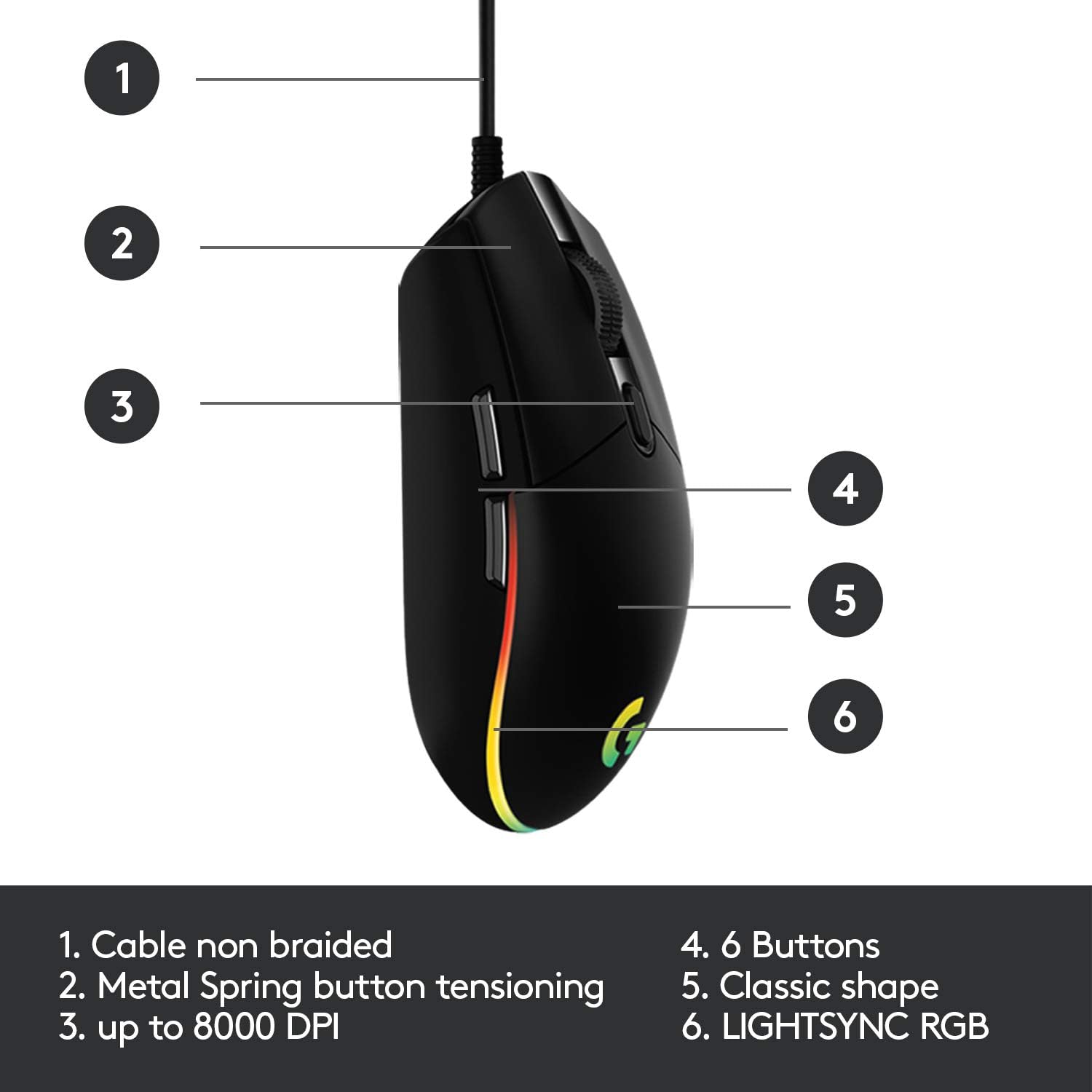
1) How many programmable buttons does the G203 have?
It features a simple 6-button layout with 6 programmable buttons.
2) What does the LIGHTSYNC RGB offer?
LIGHTSYNC RGB includes customisable colour wave effects, with colours described as spanning roughly 16.8 million options.
3) Can I change DPI levels quickly?
Yes. It supports customisation via Logitech G HUB and allows cycling through up to 5 DPI settings.
4) What sensor resolution is it using?
The sensor is listed as an 8,000 DPI gaming-grade sensor.
5) Are the main clicks mechanical?
The primary buttons use mechanical spring button tensioning, positioned for reliability and an excellent feel.