

INPHIC Wireless Rechargeable Mouse 2400 DPI 🖱
Product description
This compact rechargeable wireless mouse combines quiet operation with adjustable sensitivity, making it a practical companion for everyday laptop and desktop use. The design emphasises comfortable right-hand use and page navigation, while the visible battery level helps you avoid unexpected downtime when working or studying.
Key Points
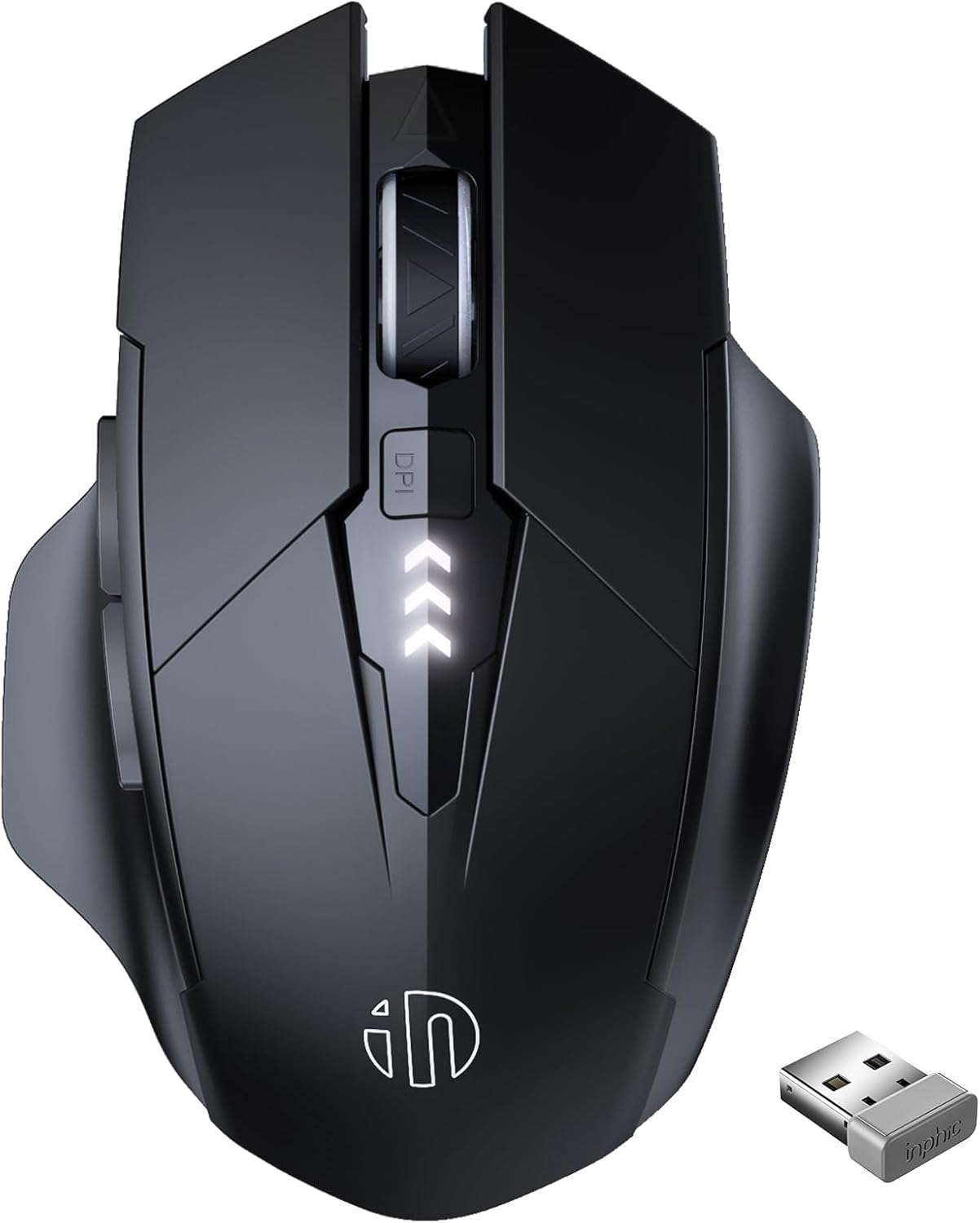
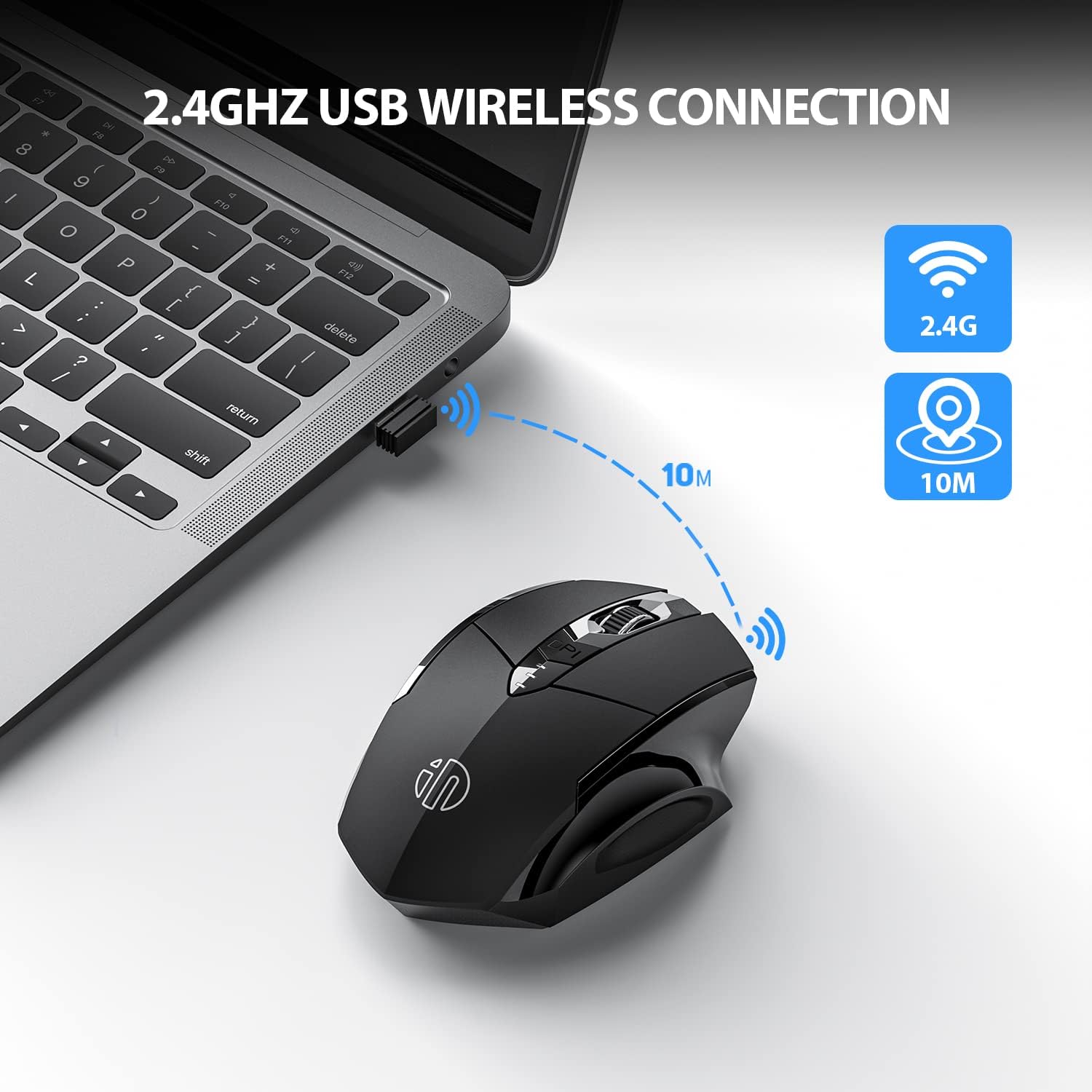
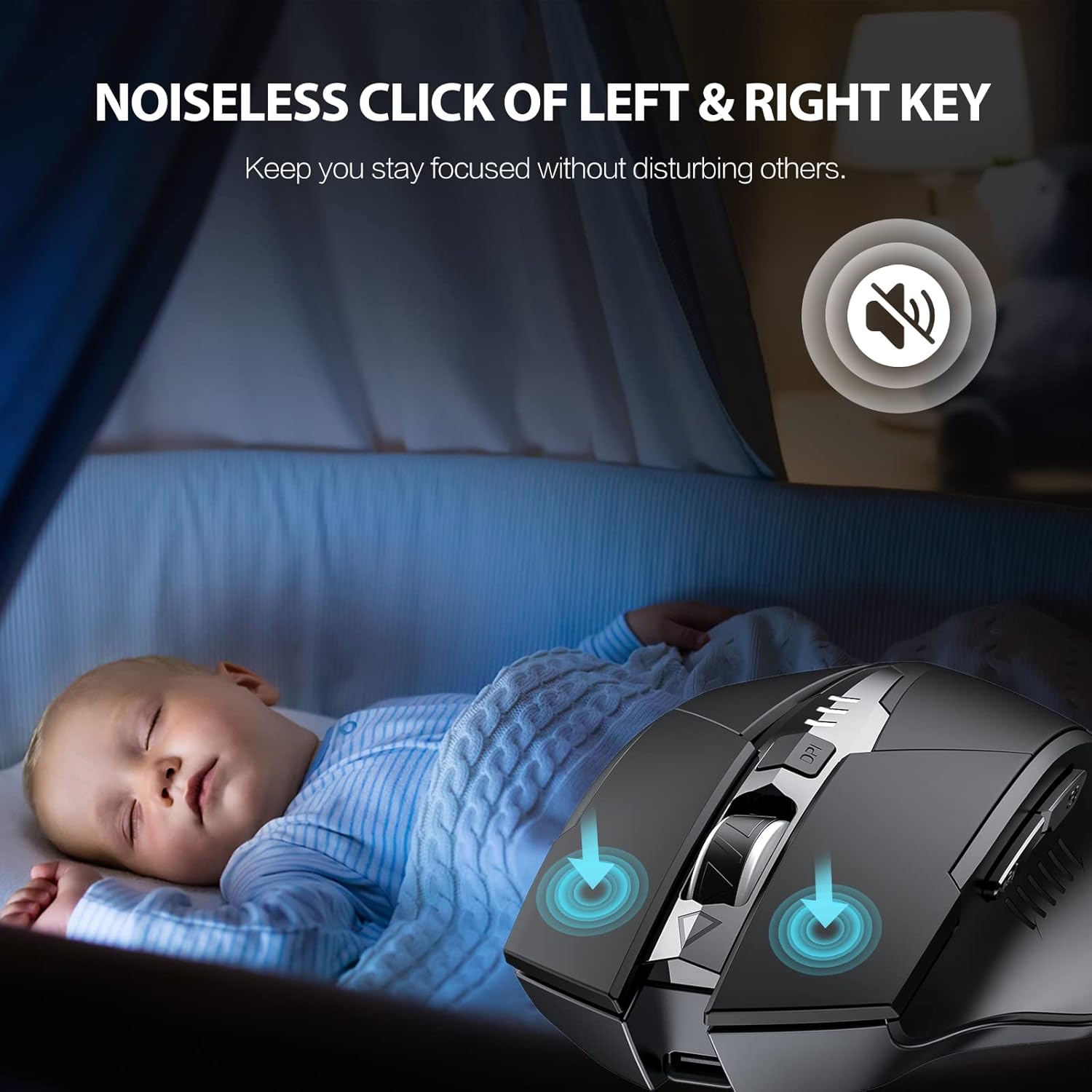
The mouse uses a 2.4 GHz wireless connection with a reported working distance up to 10 m and simple plug and play setup. Its silent click mechanism reduces noise in shared environments, so it is useful in offices and libraries. The contoured, right-handed shape includes soft rubber grips to reduce fatigue during long sessions, and the main switches are rated for around 3 million clicks according to the manufacturer. The inclusion of two side buttons speeds up browsing and document navigation, though these side buttons may not be fully functional on Mac OS. ⚙️
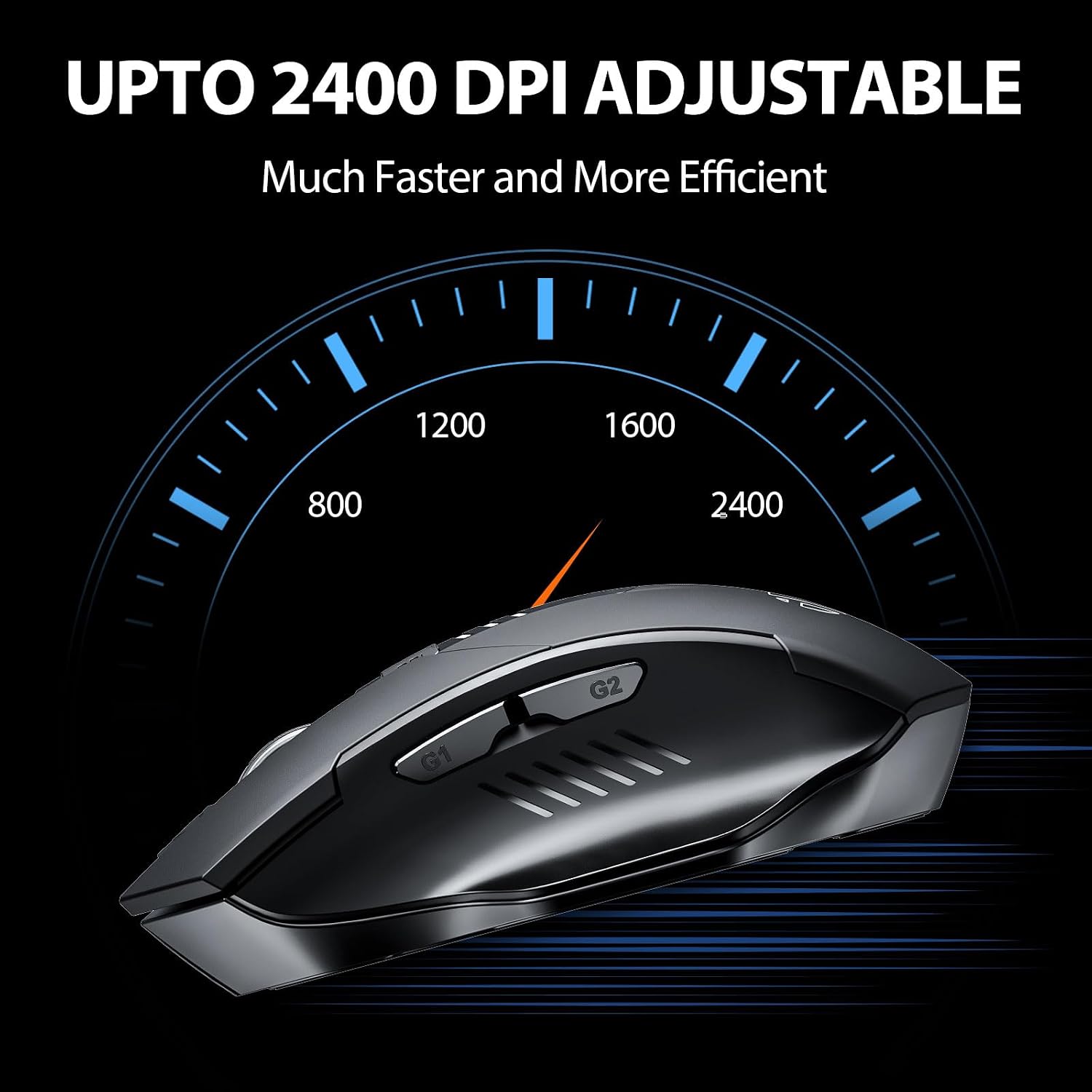
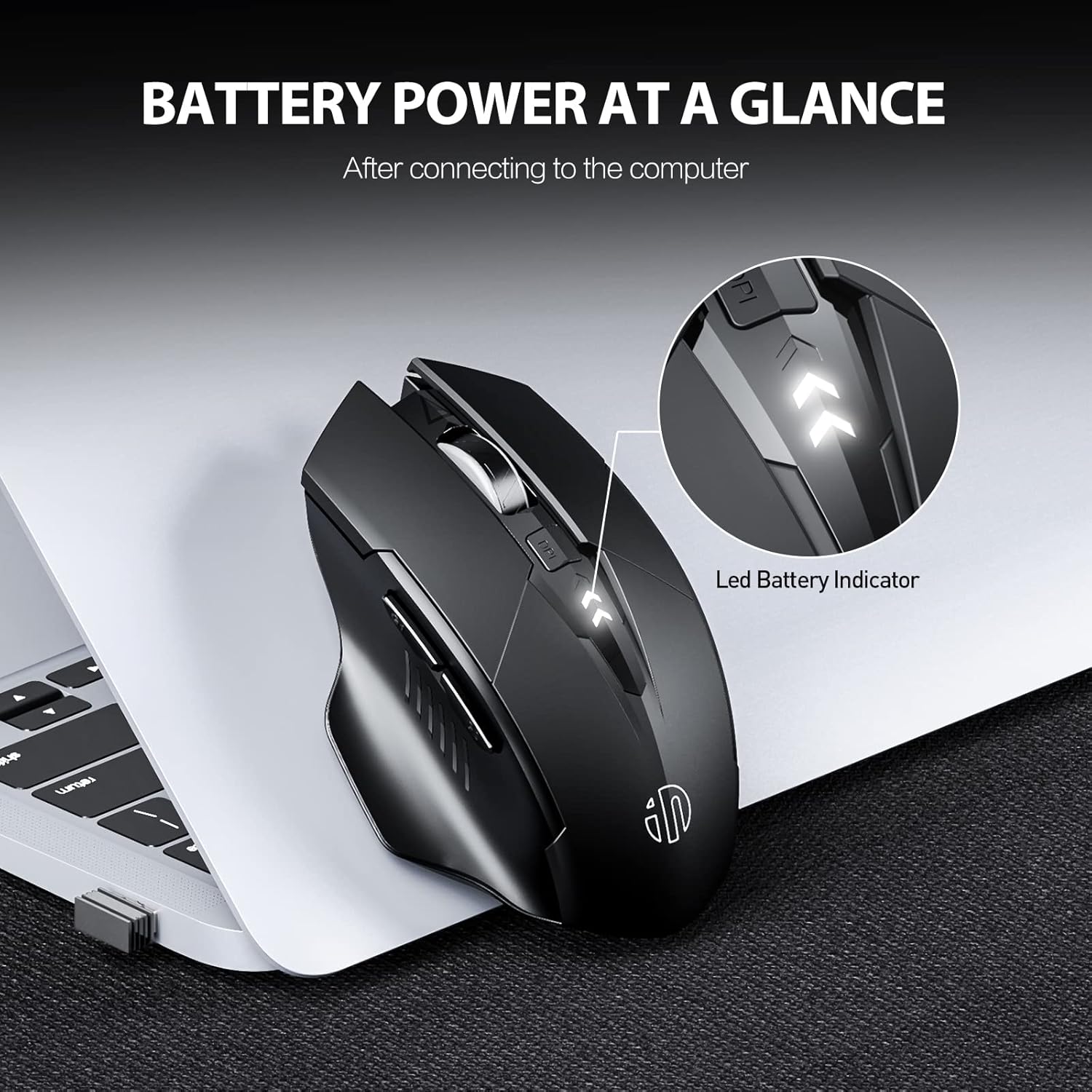
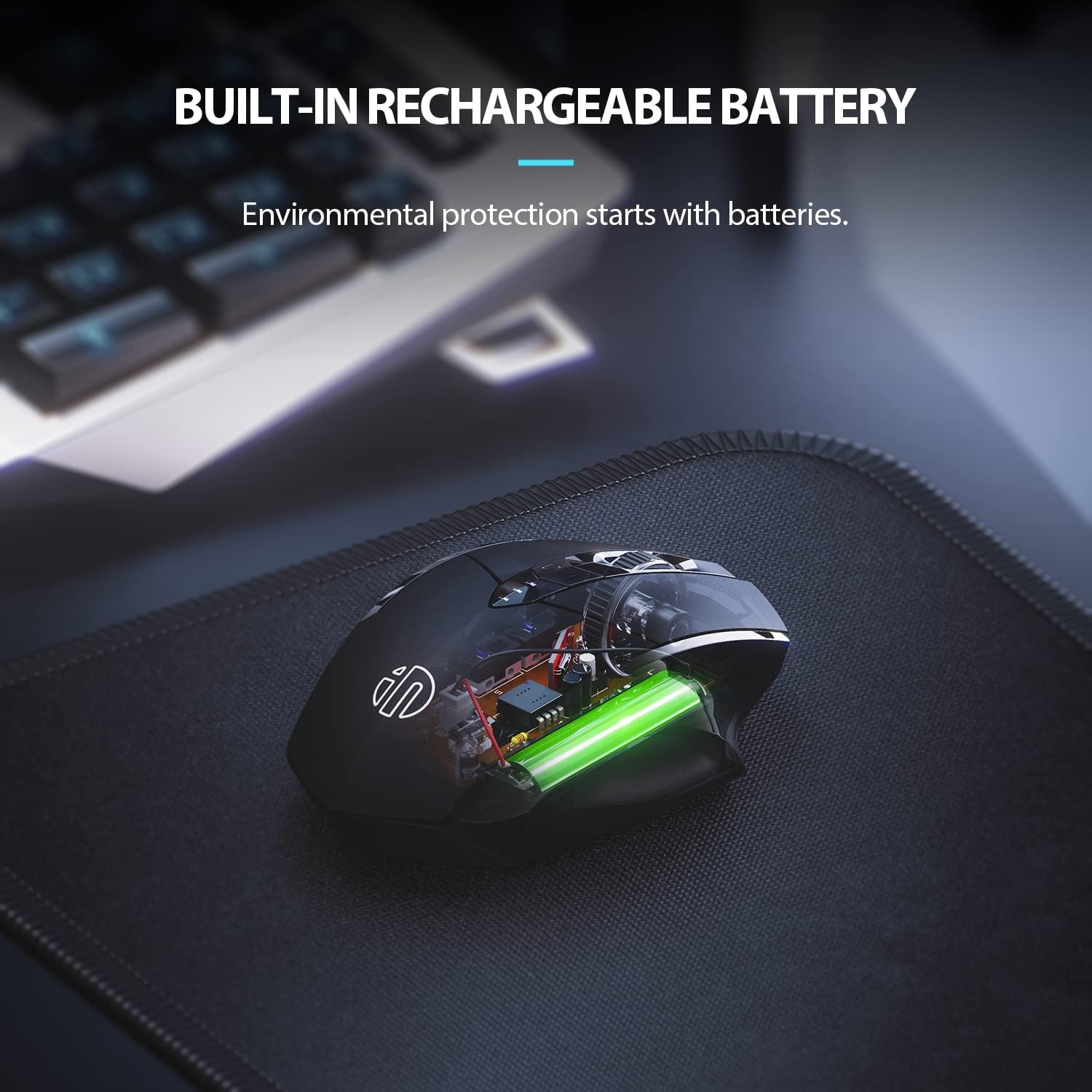
Ergonomically focused yet lightweight, the model also offers four DPI levels to match different tasks and preferences. For tasks that need more precision, the top DPI setting is 2400 DPI, which can be selected instantly with the dedicated DPI button. 🔋 The visible battery indicator provides a clear status readout so you can recharge in good time.
Technical Specifications
- Name: INPHIC Wireless Mouse Rechargeable
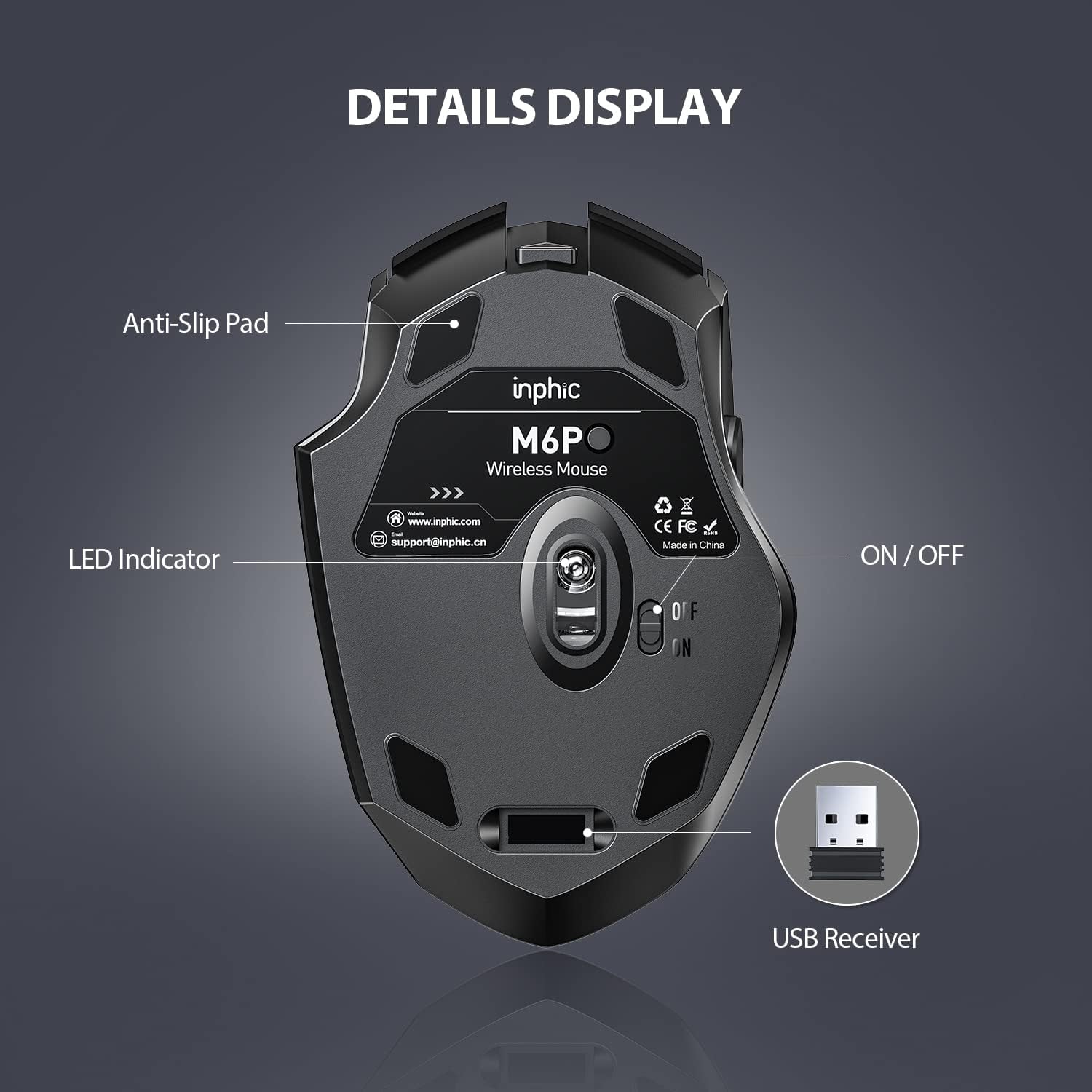
- Connectivity: 2.4 GHz wireless, USB receiver, plug and play
- Buttons: 6 (left, right, scroll, DPI, two side buttons)
- DPI levels: 800, 1200, 1600, 2400 DPI
- Compatibility: Windows 11/10/8/7/XP, Vista, Linux, Mac OS (note: side buttons may be limited on Mac)
- Battery indicator: Battery Level Visible
Usage Recommendations
Use the middle DPI settings for general browsing and increase to the higher setting for photo editing or fine cursor work. The two side buttons are convenient for flipping pages or back and forward commands in many Windows applications. Consider keeping the receiver in the laptop’s USB port while on the move to avoid losing it, and recharge the mouse when the battery level indicator shows low to maintain uninterrupted use.
If you work in quiet spaces, the silent click feature will reduce distraction for people nearby. Also note that while compatibility is broad, some advanced button functions may depend on the host operating system and specific application support.