

GIM Wireless Charging RGB Gaming Mouse Pad 15W – 800x350x4MM
Product description
What it is and what it solves
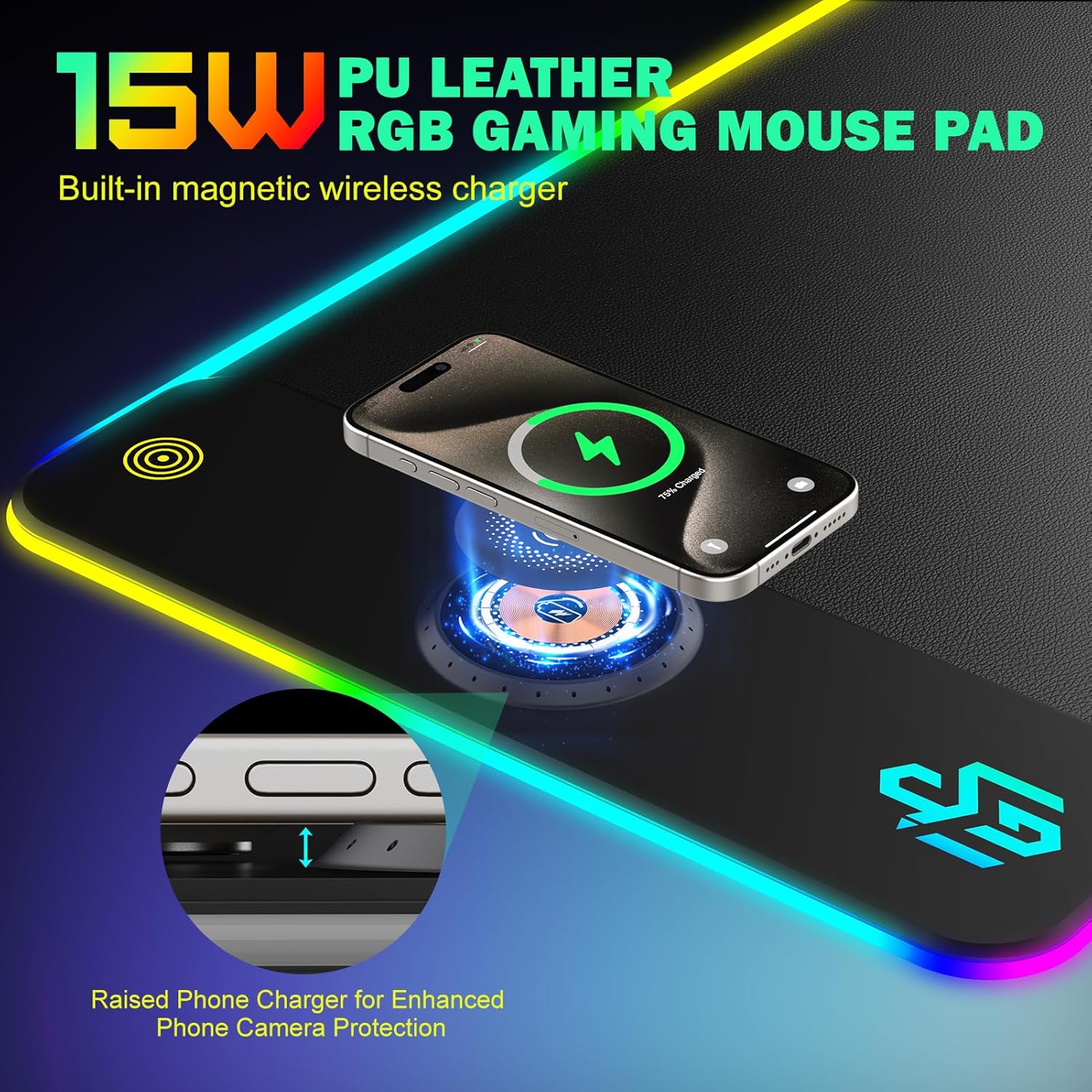
The GIM Wireless Charging RGB Gaming Mouse Pad is a large, anti-slip mouse mat with an embedded 15W wireless charging feature. It targets desk setups where gaming or work devices can be charged while you play or type, helping reduce cable clutter and keep your charging compatible devices within reach.
How it works in practice
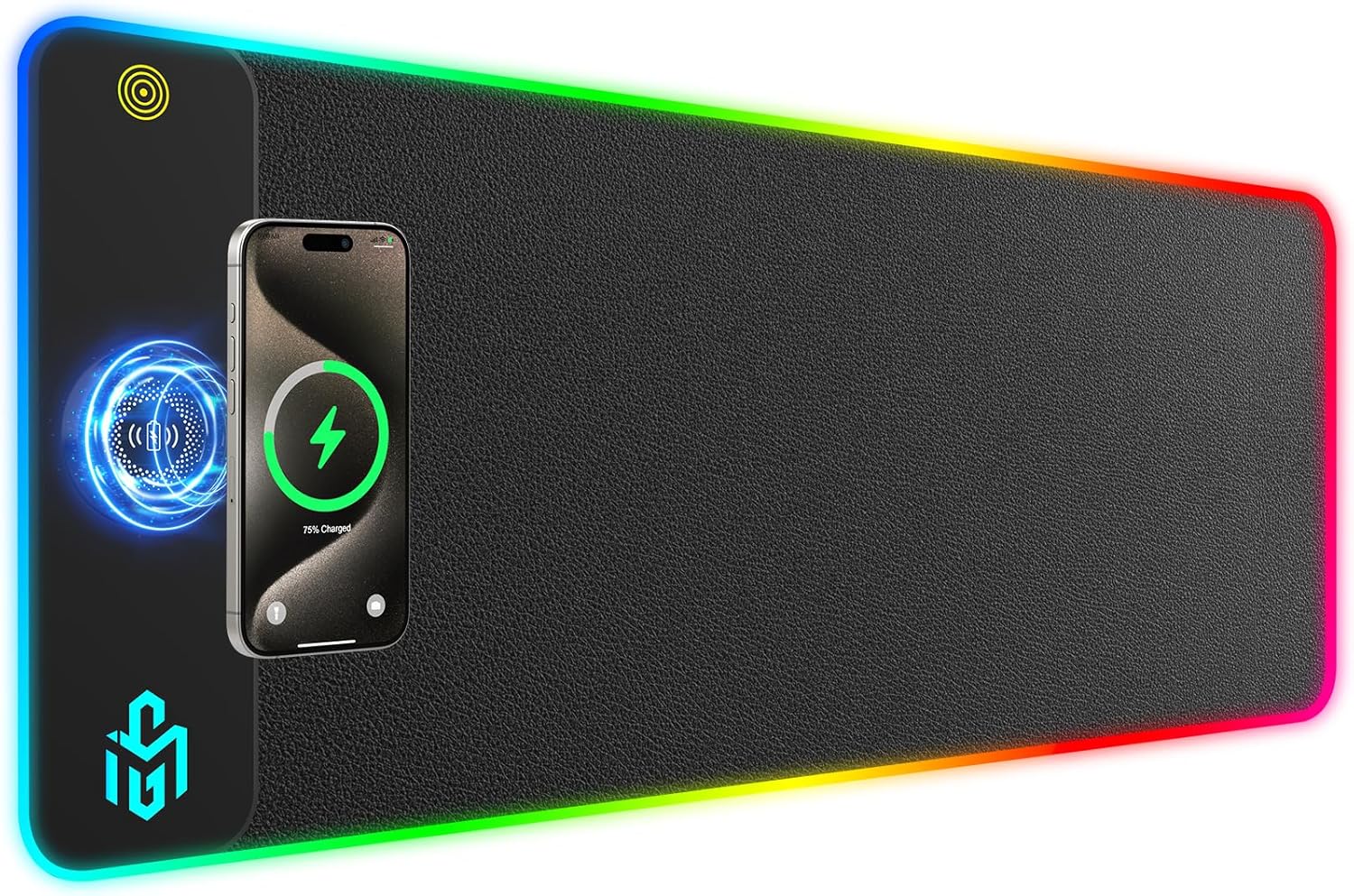
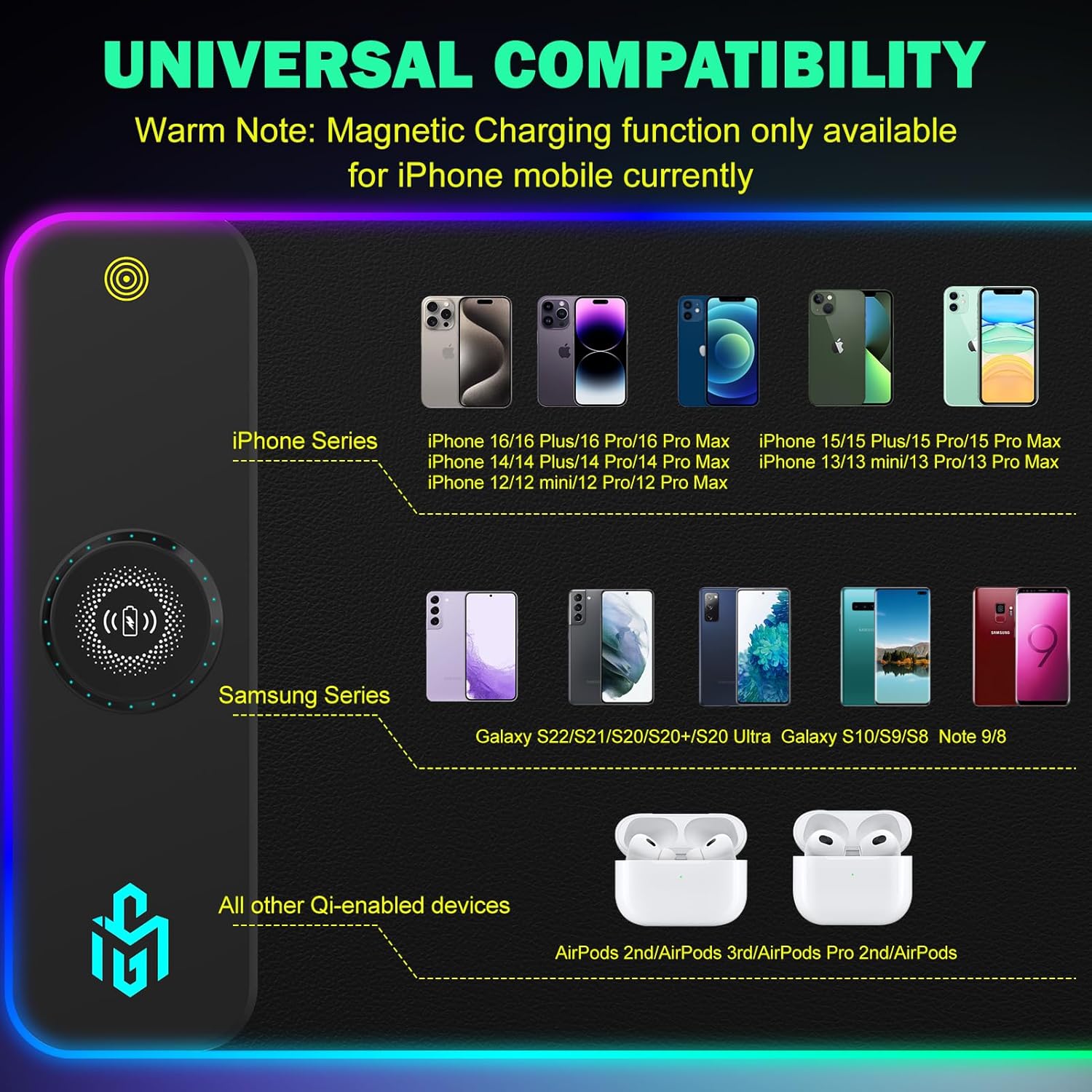
The pad supports Qi-enabled devices, including a wide range of iPhone models and Samsung Galaxy handsets. It features a built‑in 15W fast charging capability, with three charging indicators (RED for charging, GREEN for fully charged, BLUE for standby). Note that the required 9V 2A power adapter is not included with the mouse pad, so you’ll need to provide one separately to unlock full charging performance.
Size and surface feel
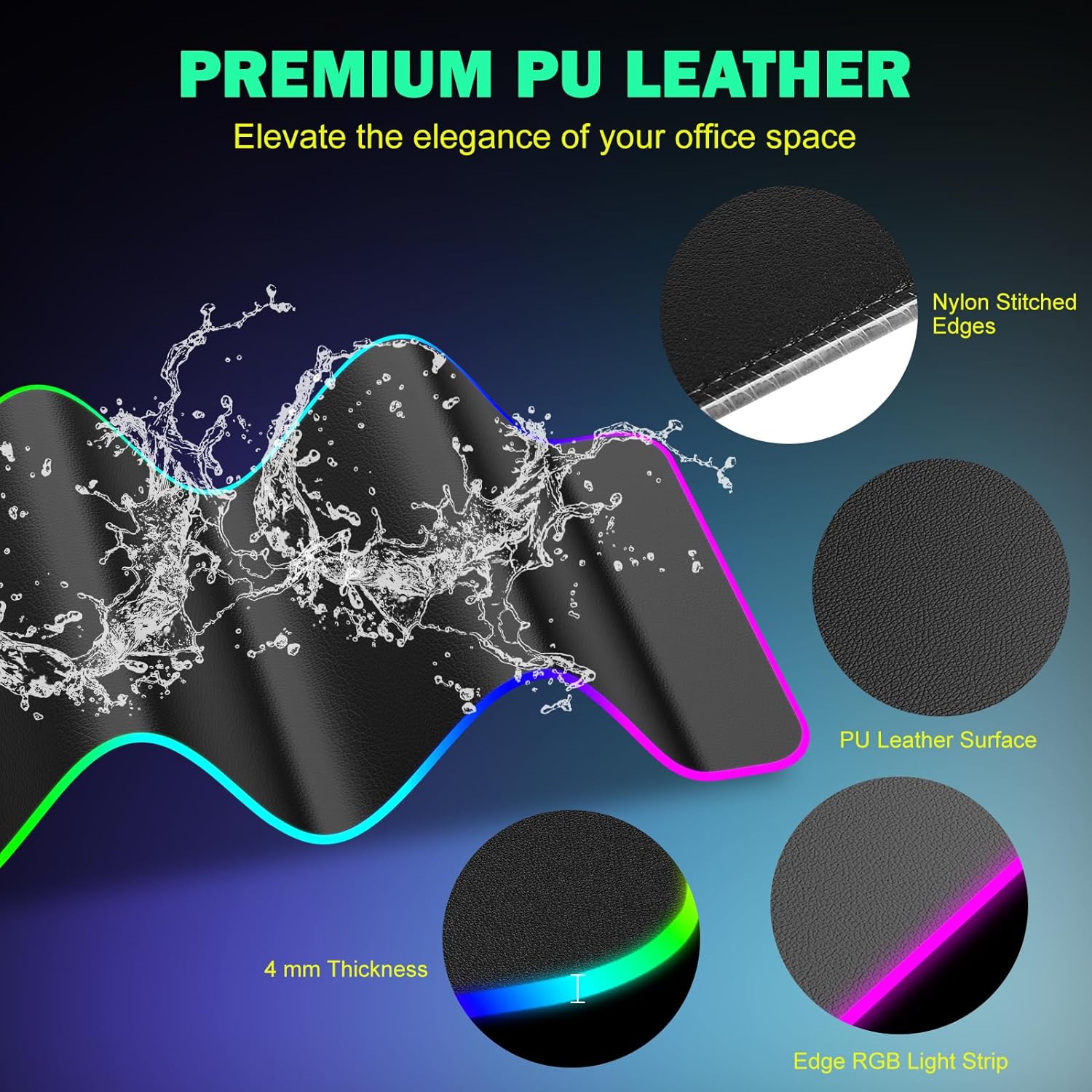
With dimensions of 800x350x4MM, this XXL pad offers ample space to cover keyboard, mouse and other desk objects. The 4mm thickness provides a stable, rigid feel to avoid waves or curling while gaming or working. The surface is designed for ultra-smooth tracking, aiming for accurate sensor performance with less resistance than typical mats.
What stands out
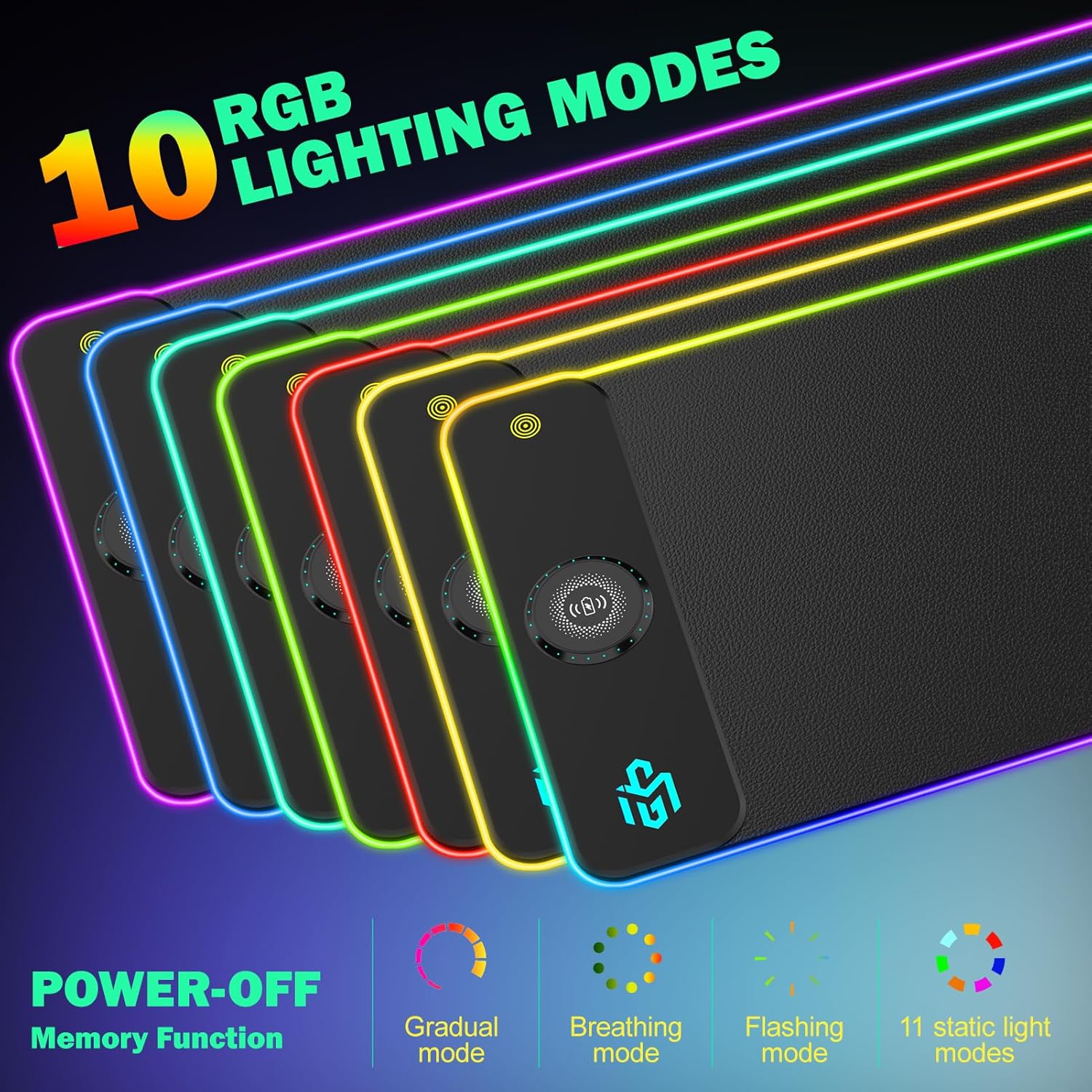
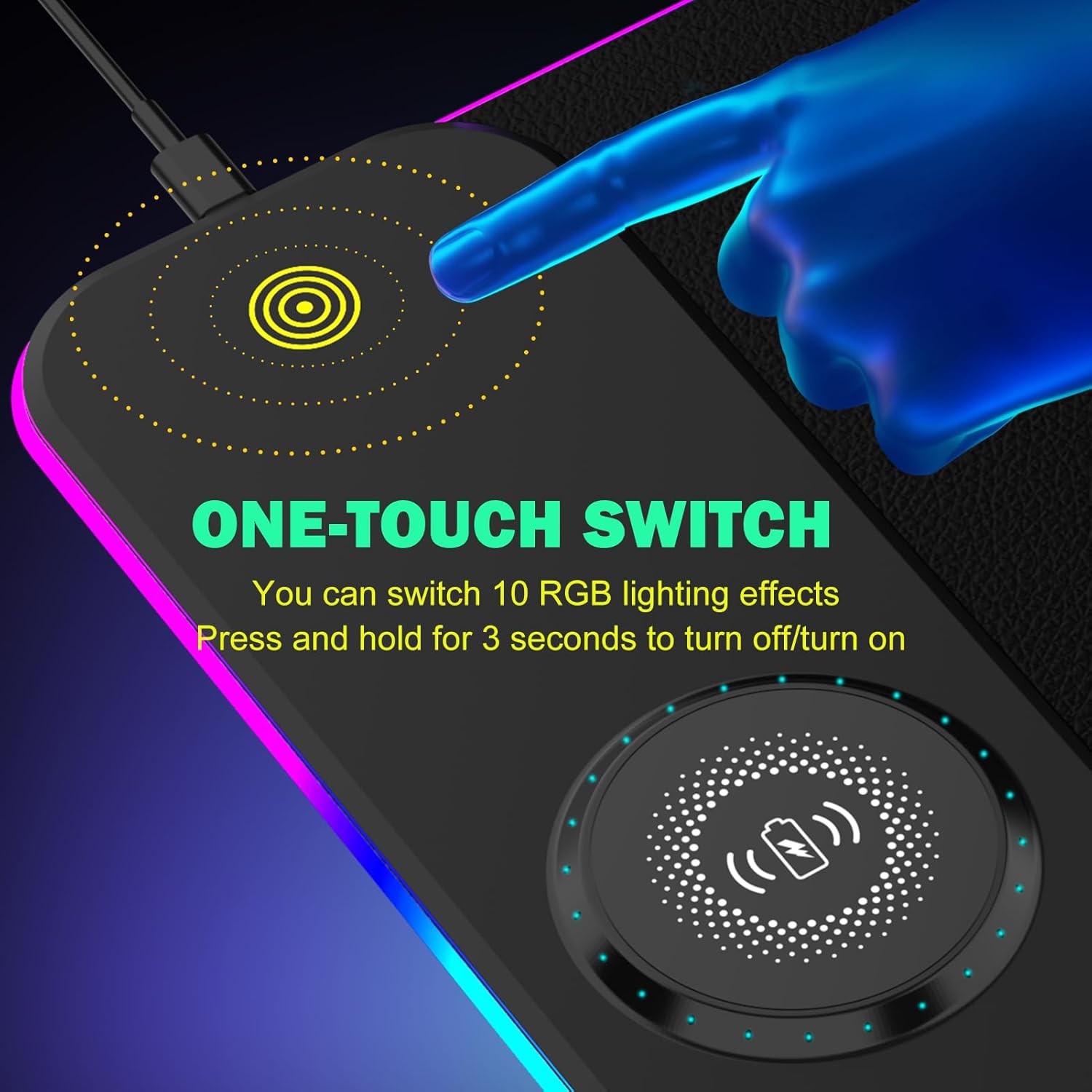
- Ten lighting modes (7 static + 3 dynamic) for mood setting during gaming sessions or late-night work.
- Memory function remembers the last lighting mode you used, so there’s less fiddling after reboots.
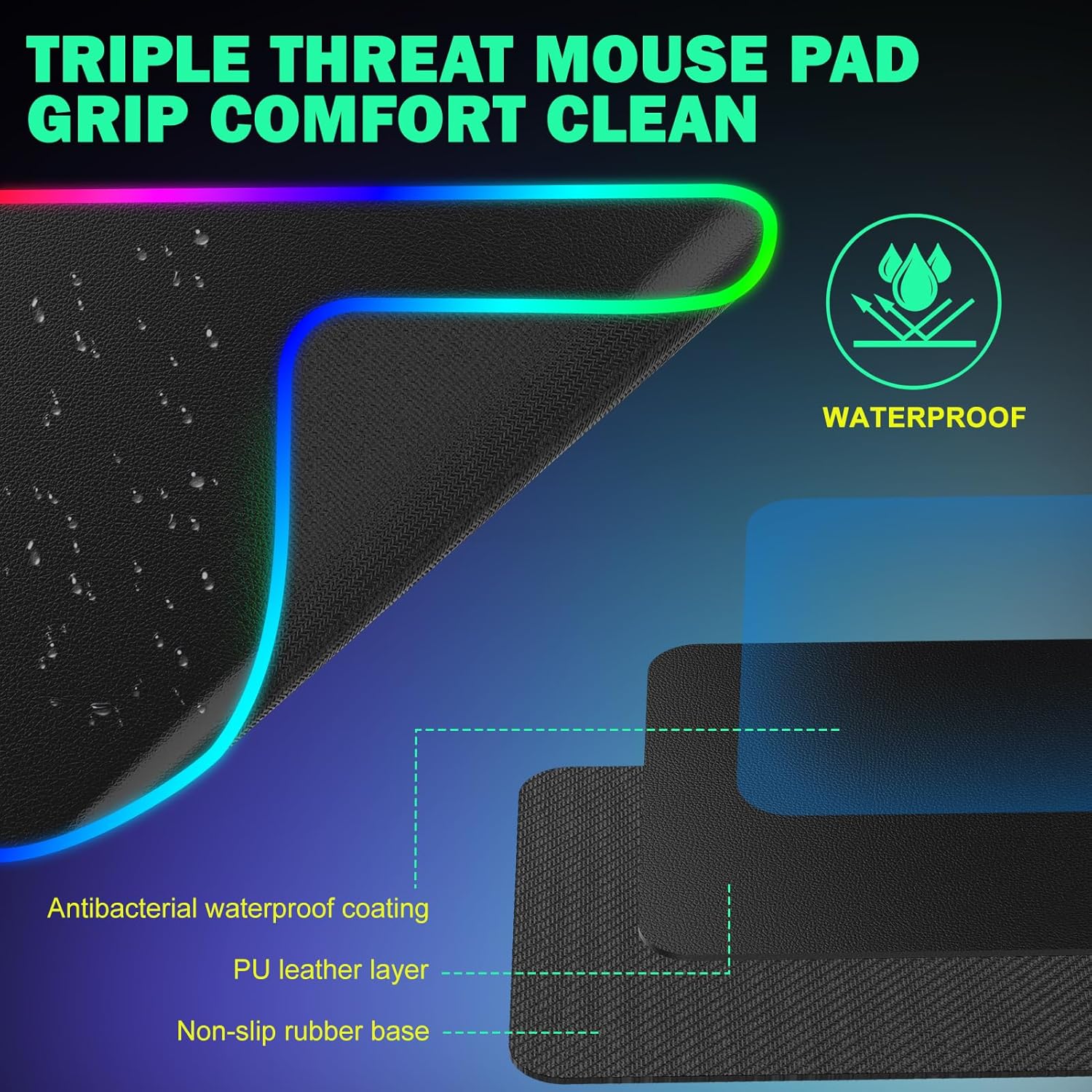
- Professional edge stitching and waterproof material help prevent fraying and extend lifespan.
- Non-slip rubber base keeps the pad firmly in place on the desk, essential for fast movements.
What may give you pause
If you rely on the wireless charging feature, you’ll want to use an appropriate power adapter (9V 2A) since it isn’t included. The need for an additional adapter means one extra item to source when setting up. Also, charging speed is contingent on device compatibility and the supplied adapter, some users might not see peak 15W performance if their hardware or charger isn’t optimised.
Who it’s for
This pad suits gamers and productivity users who want a large, smooth surface plus the convenience of wireless charging. It’s particularly appealing if you often juggle a keyboard, a mouse and a phone/tablet on the same desk and prefer a single charging surface.
Who it isn’t ideal for
If you don’t use Qi-enabled devices or you don’t want to source a separate 9V 2A adapter, the charging aspect may be of limited value. The pad is sizeable, it requires desk space and may not fit into tight or smaller work setups.
When it makes sense to buy
Consider this pad if you need a big, durable mouse surface with a built-in charger and you value desk aesthetics governed by RGB lighting. It’s also reasonable if you want to reduce cable clutter and have a single charging zone on your desk.
Before you buy this, check
- Ensure your device supports Qi wireless charging and that your power adapter meets the 9V 2A requirement to achieve 15W.
- Confirm you have enough desk space for the 800x350mm footprint.
- Consider whether the 4mm thickness aligns with your current keyboard/mouse height setup and edge clearance.
Practical usage idea
Set up your gaming or work station so the phone sits near the edge of the pad for easy pickup, while the mouse and keyboard occupy the centre. In rapid-fire gaming moments or while streaming, you’ll appreciate having the phone charging without moving away from the action.
Tech specs
- Name: GIM Wireless Charging RGB Gaming Mouse Pad 15W
- Type: Wireless charging mouse mat with RGB lighting
- Size: 800x350x4MM
- Material: Waterproof surface with anti-fray edge stitching
- Colour: Black-PU
- Lighting: 10 light modes (7 static, 3 dynamic)
- Thickness: 4mm
- Base: Non-slip rubber base
- Charging standard: Qi wireless charging up to 15W
- Indicators: Red (charging), Green (full), Blue (standby)
- Adapter requirement: 9V 2A (not included)
FAQ
- Does it come with a power adapter? No, you’ll need to provide a 9V 2A adapter to enable 15W charging.
- Will it fit a full-sized keyboard and a large mouse? Yes, the 800x350mm surface is designed to cover keyboard, mouse and other desk items for a wide workspace.
- How durable is the edge stitching? It uses professional edge stitching with waterproof material to help resist fraying over time.
Is it worth it?
Worth considering if you prioritise a large, stable playing surface and value integrated charging within a single desk accessory. It suits users who want a low-clutter setup and can accommodate the extra power adapter. If your desk space is limited or you don’t need wireless charging, you may prefer a more compact pad or a model without the charging feature.