

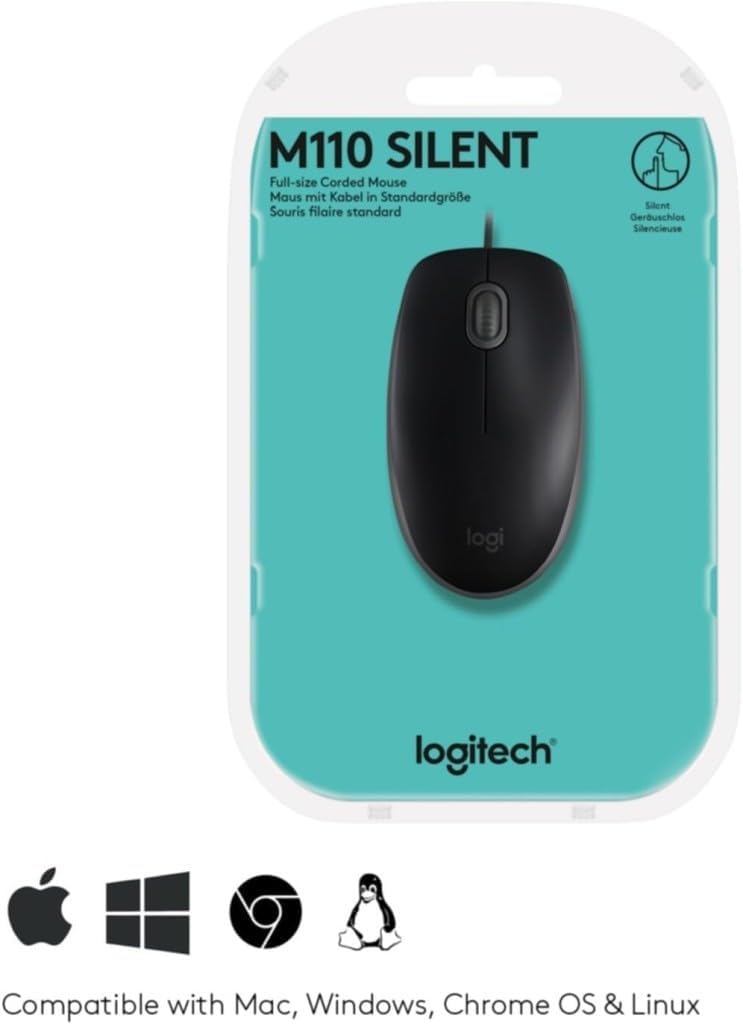
Logitech B110 Wired USB Mouse with Silent Buttons – Ambidextrous, Full-Size Comfort
Product description
What it is and why it exists
The Logitech B110 is a compact, wired USB mouse designed for practical, everyday computing. It emphasises quiet clicks, a comfortable full-size grip, and easy setup, aiming to reduce distraction in shared spaces. It’s suitable for PC, Mac and laptops, offering a straightforward plug‑and‑play experience with no software to install.
How it feels in use
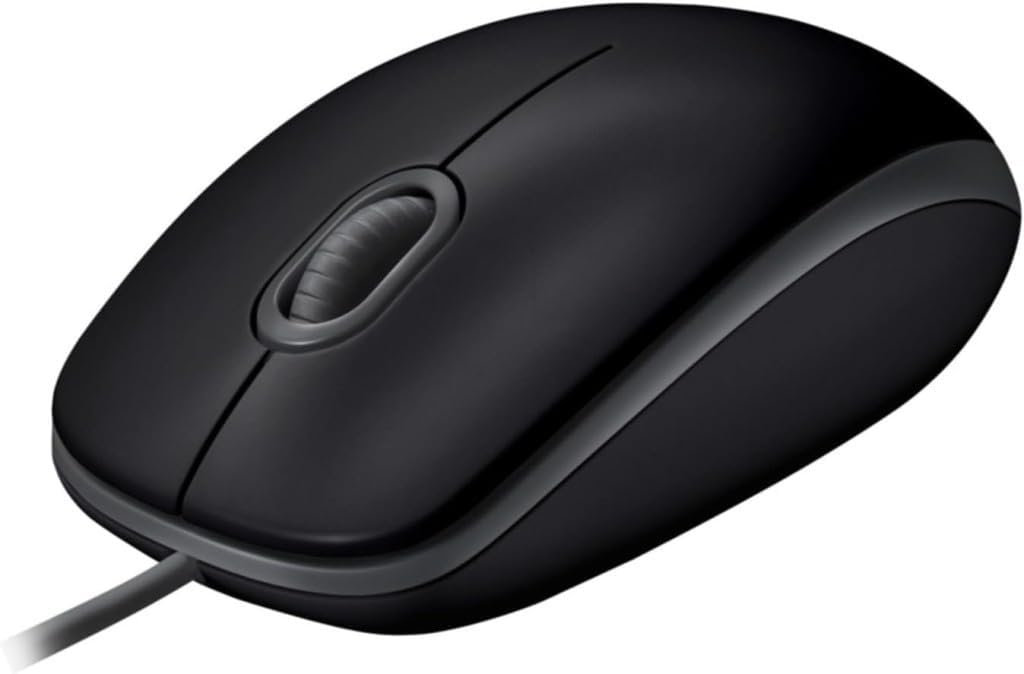
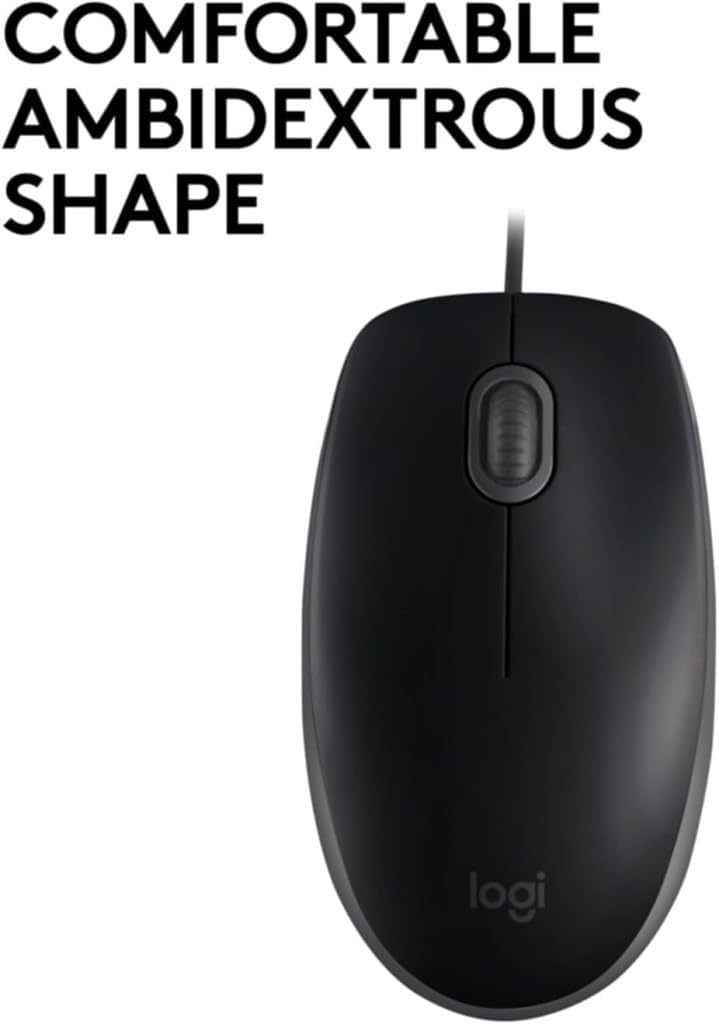
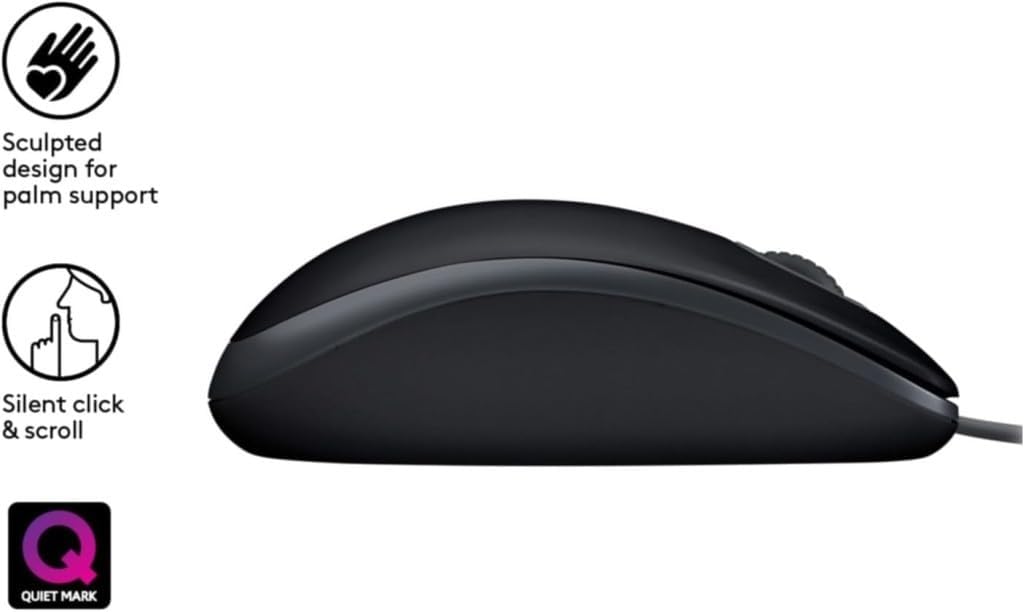
On a flat palm, the ambidextrous design supports both left- and right-handed users, so it won’t bias you toward one grip. The movement is smooth enough for everyday tasks such as text selection, document editing and general navigation. The emphasis on silent buttons means the click sounds are noticeably quieter than traditional mice, which can be beneficial in quiet environments or early-morning setups.
What stands out on paper
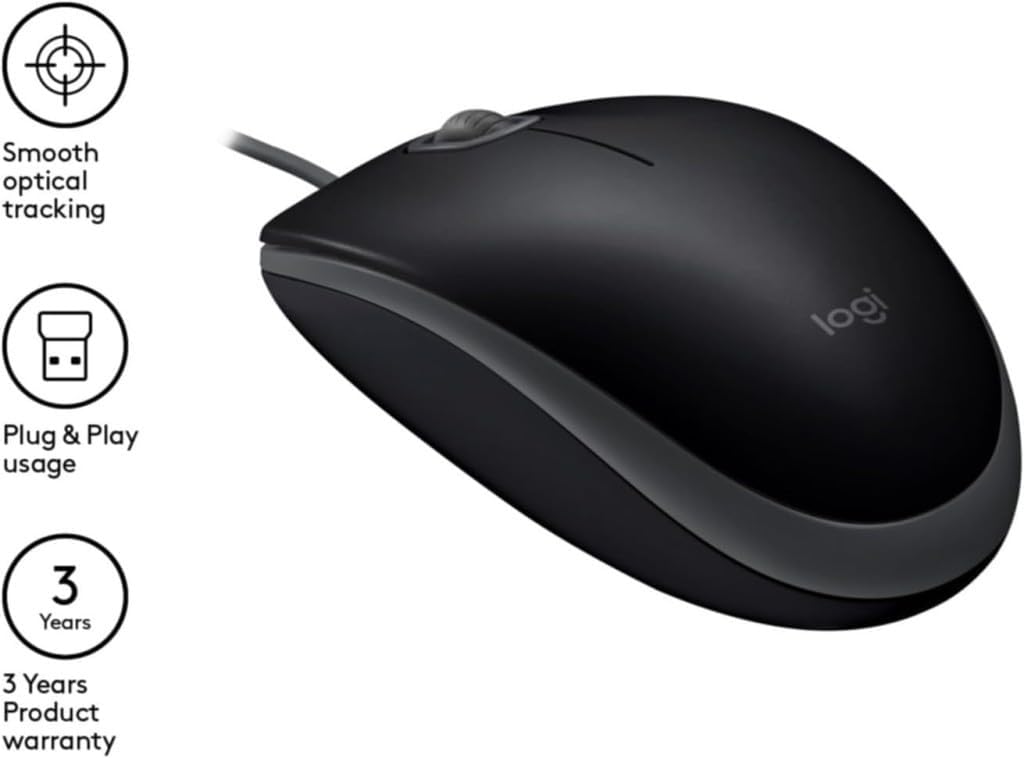
On the surface, this is a no-frills, reliable pointing device. It uses a standard optical sensor for precise tracking without fancy acceleration profiles. The absence of software requirements means you can start using it straight away, simply by connecting the USB plug to a computer running Windows or macOS.

Limitations to consider
If you’re after a gaming mouse or one with programmable buttons and high DPI customisation, the B110 won’t be the best option. Its features are intentionally simple, prioritising durability and ease of use over advanced performance tweaks. It may also feel less refined than mid-range mice designed for long hours of intensive work, though that should be balanced against its straightforward operation and price.
Who it’s for
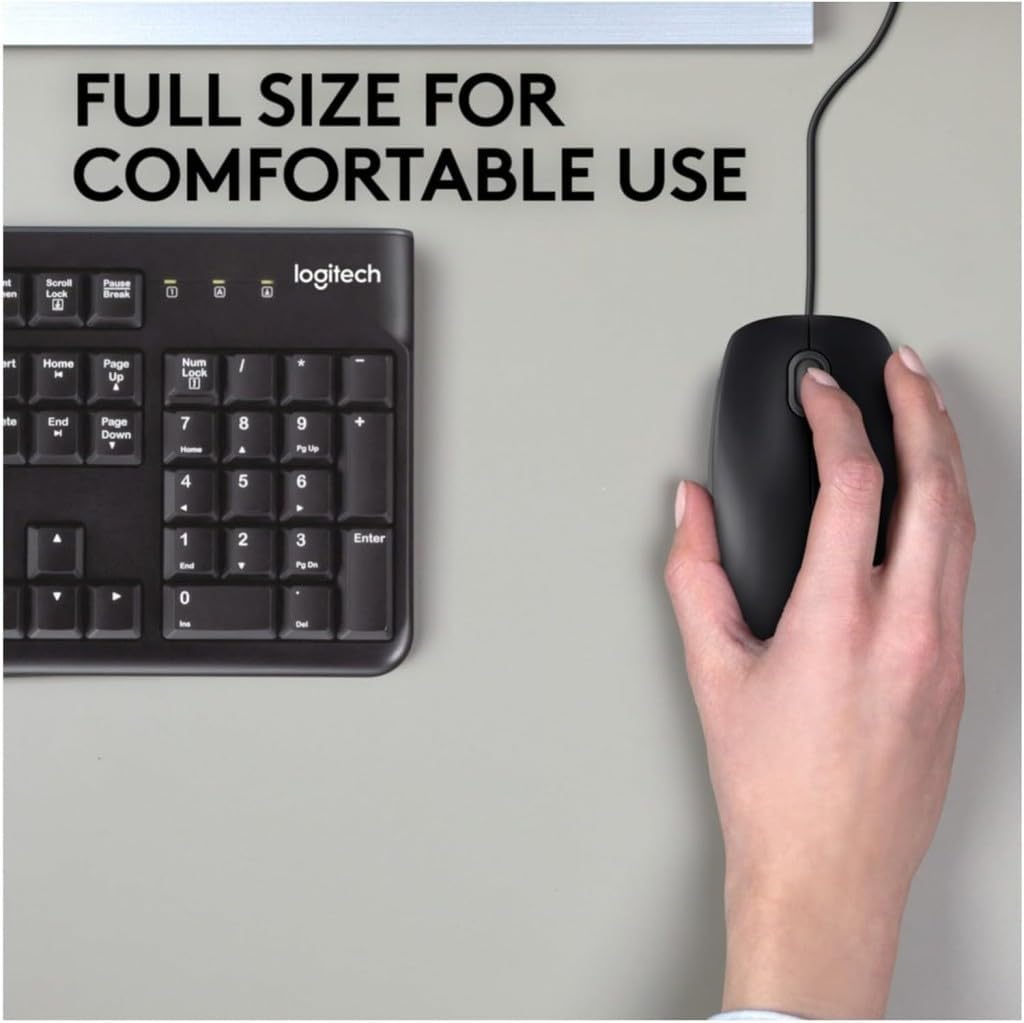
This mouse is well suited to students, office workers, or anyone needing a dependable, low-friction pointing device without distraction or setup hurdles. It’s particularly appealing if you share a workspace and value quiet clicks or if you prefer a full-size, comfortable grip that isn’t bulky.
Who it isn’t for
If your use case involves high-precision graphic work, competitive gaming, or you want customisable buttons, you’ll likely want a model with more features. Also, if you require wireless freedom, the wired design might feel restrictive.
When it makes sense to buy
Choose the B110 when you want a straightforward, reliable mouse that Just Works. It’s a practical option for daily computing, homework tasks, or as a spare mouse for a work or study desk where minimising noise matters.
Before you buy: quick checks
- Confirm compatibility with your OS (PC or Mac) and your device’s USB port.
- Consider whether a full-size, ambidextrous shape fits your hand well and if silent clicks align with your environment.
- If you need extra features such as programmable buttons or wireless capability, explore alternatives with those offerings.
Practical use example
Imagine drafting a report on a shared desk: you click, you scroll, you edit, all without drawing attention with loud sounds. The cable keeps the setup tidy and, for day-to-day tasks, the cursor moves smoothly enough to feel responsive without fuss.
Quick comparison of approaches
For most non-gaming users, a simple wired mouse like the B110 can outperform a touchpad in precision tasks and keeps things affordable. If you value portability or want wireless flexibility, a wireless option might be worth considering, but it could introduce costs or delayed setup.
What to look at in this product’s tech basics
The essential attributes here are the ambidextrous shape, full-size comfort, silent click design, plug‑and‑play USB connection, and compatibility with Windows and macOS without software installation.
Final buying checklist
- It’s worth considering if you prioritise a quiet, reliable, no-fuss mouse.
- Not the best pick if you need gaming-grade precision or wireless use.
- Best for users who want a simple, affordable upgrade or a dependable spare.
FAQ
- Is software required to use the B110? No, it’s a plug‑and‑play device.
- Is it suitable for left-handed users? Yes, it has an ambidextrous design.
- Can it be used with a laptop and Mac? Yes, it works with Windows and Mac systems.