


Akko Cute Wireless Mouse, 3200 DPI
Product description
A cute, cable-free mouse can make everyday computing feel a bit more relaxed, and the Akko Cute Wireless Mouse Cat Theme brings that playful cat-shaped look along with practical tri mode connectivity. With a smooth 3200 DPI optical sensor, it helps you move through work and entertainment with less fuss, whether you are at a desk, in an office, or using a laptop at home. The quiet click design is also a helpful detail if you share a space with others 😊.
Key features

The Akko Pink Angie cat theme wireless mouse is designed around an adorable cat-shaped theme that stands out without needing any additional setup steps. It supports tri mode connectivity, combining 2.4GHz wireless using a USB A receiver with Bluetooth 3.0 and Bluetooth 5.0 options for easier switching between devices 🐾. That means you can set up a tidy desk, use it with more than one device, and reduce the number of cables around your workspace.
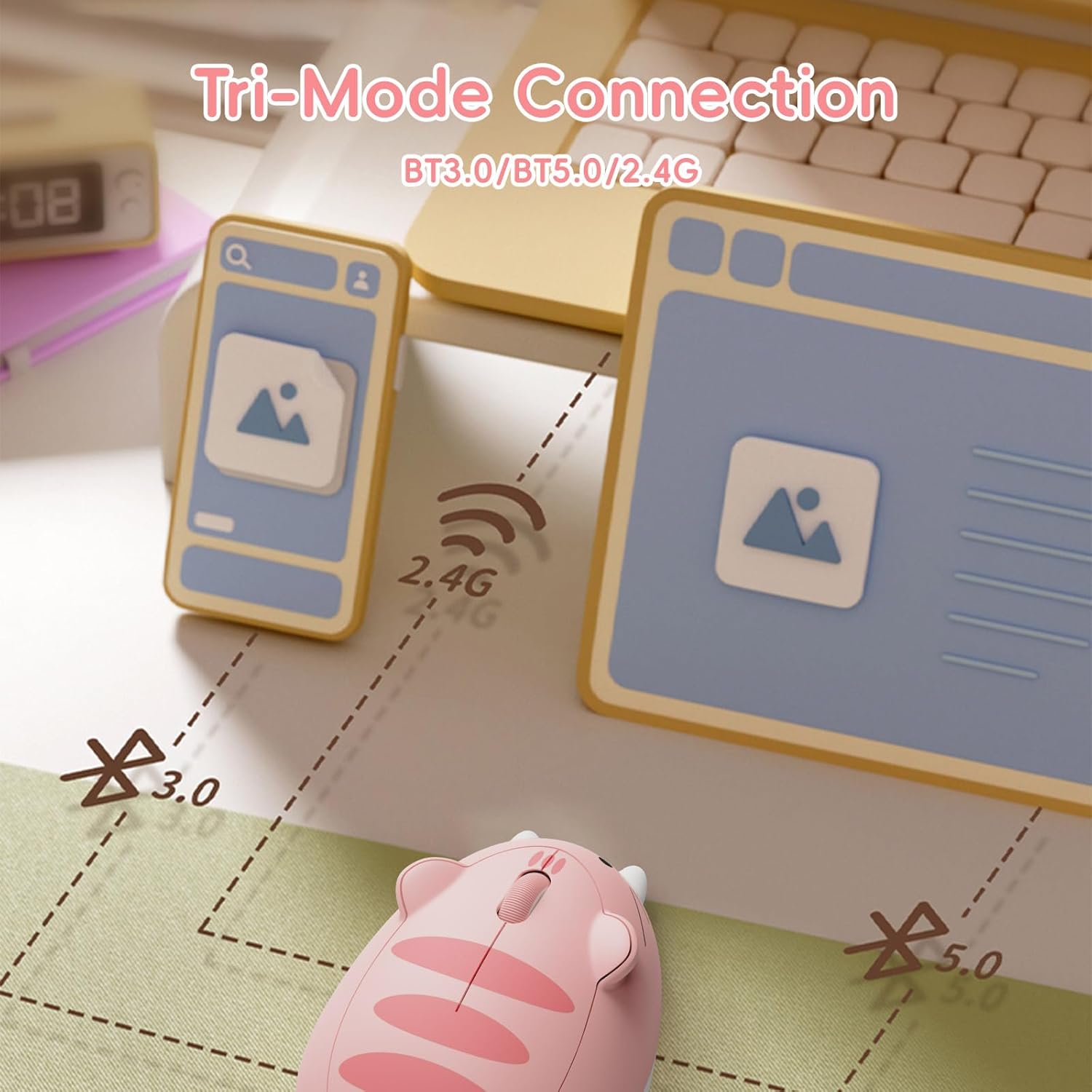
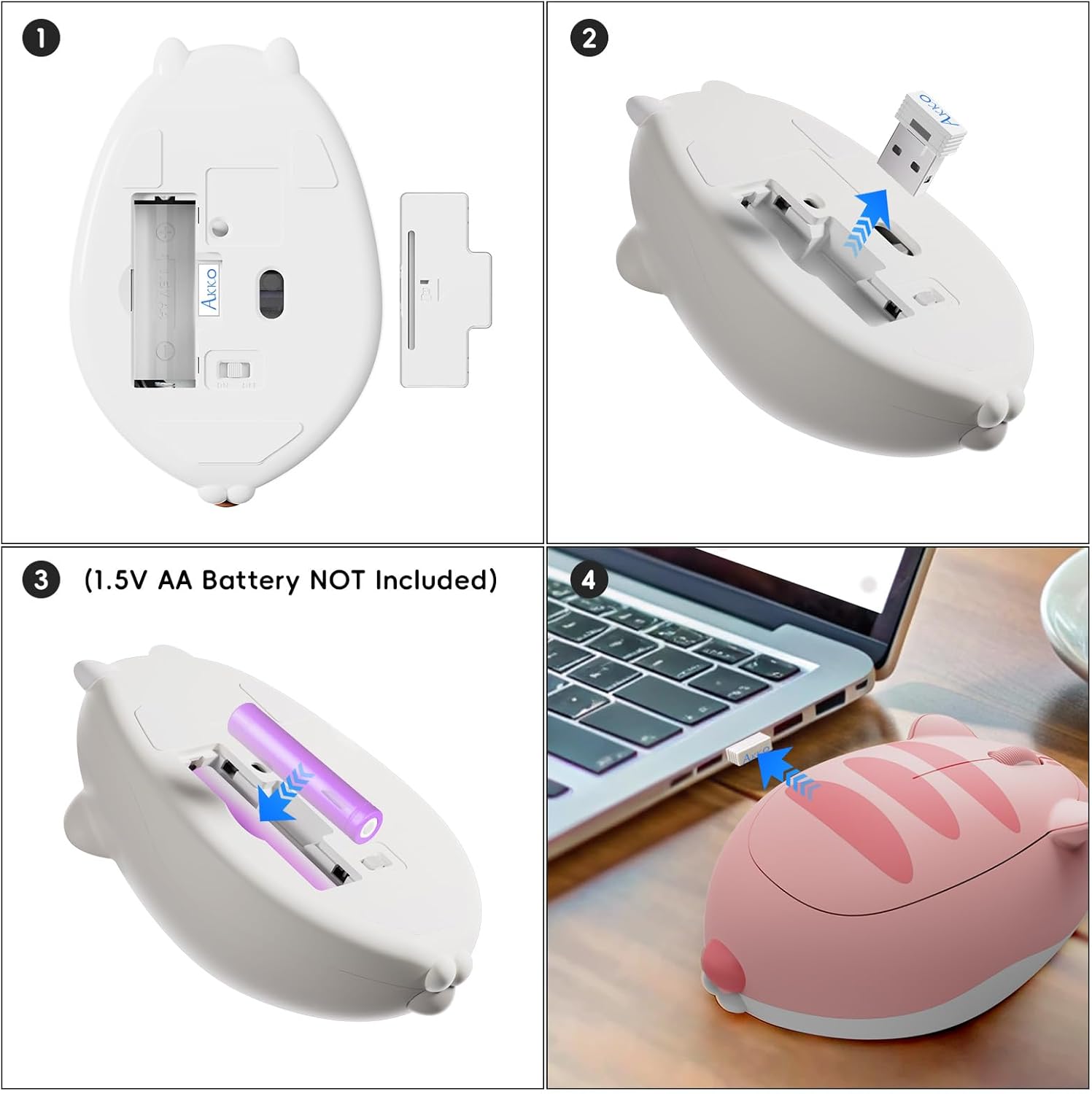
Setup is straightforward. The 2.4G USB A receiver is stored in the mouse, so you can plug it into your device, turn it on, and start using the cursor right away. When you prefer Bluetooth connectivity, you can connect without relying on a dongle, which can also be convenient for freeing up USB ports.
A quiet click focus is built into the experience, so your mouse clicks stay less distracting in libraries, offices, and shared households. It also includes sleep behaviour for longer use when it is not being used for a while, and you can wake it by moving the mouse or pressing the left and right buttons.
Tech specs
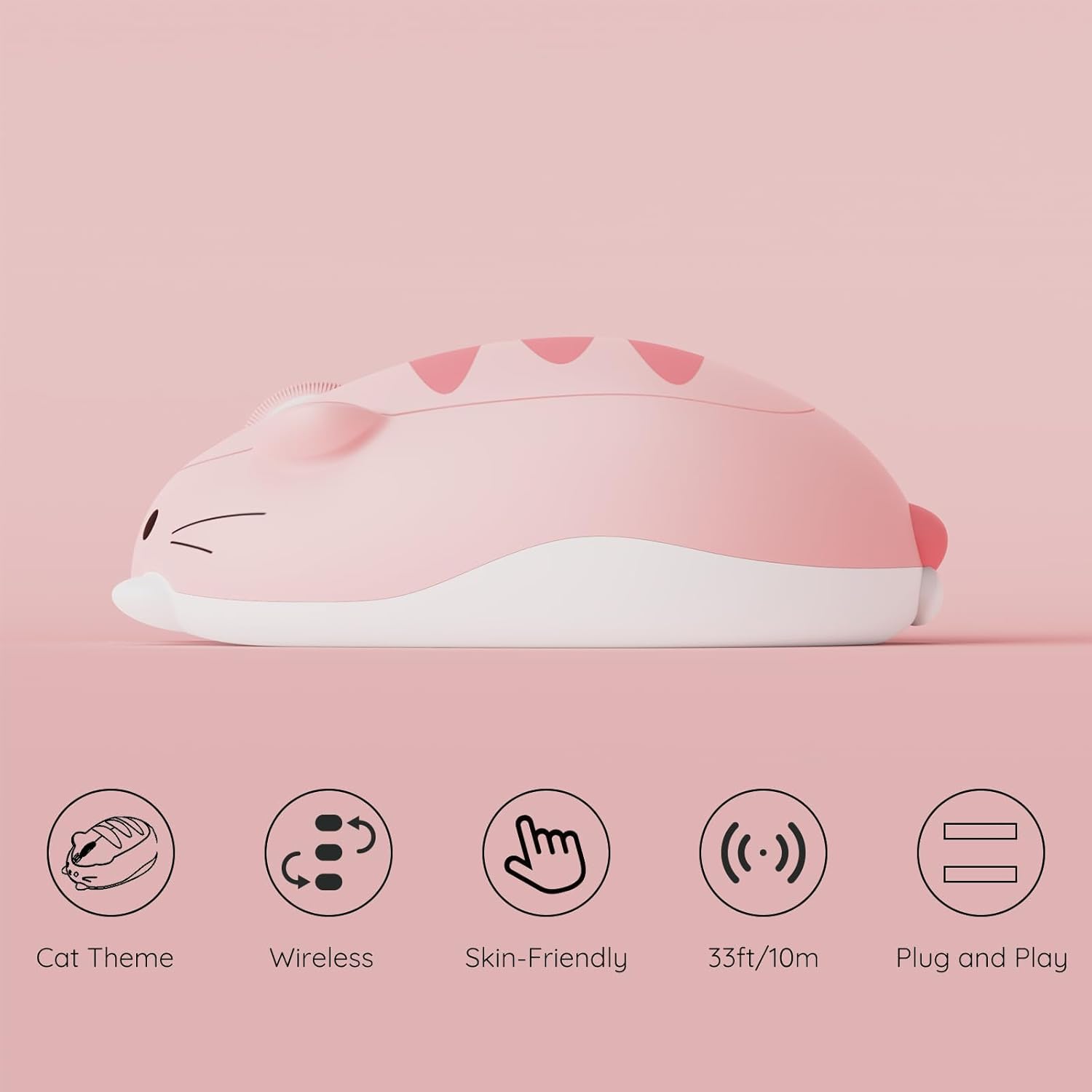
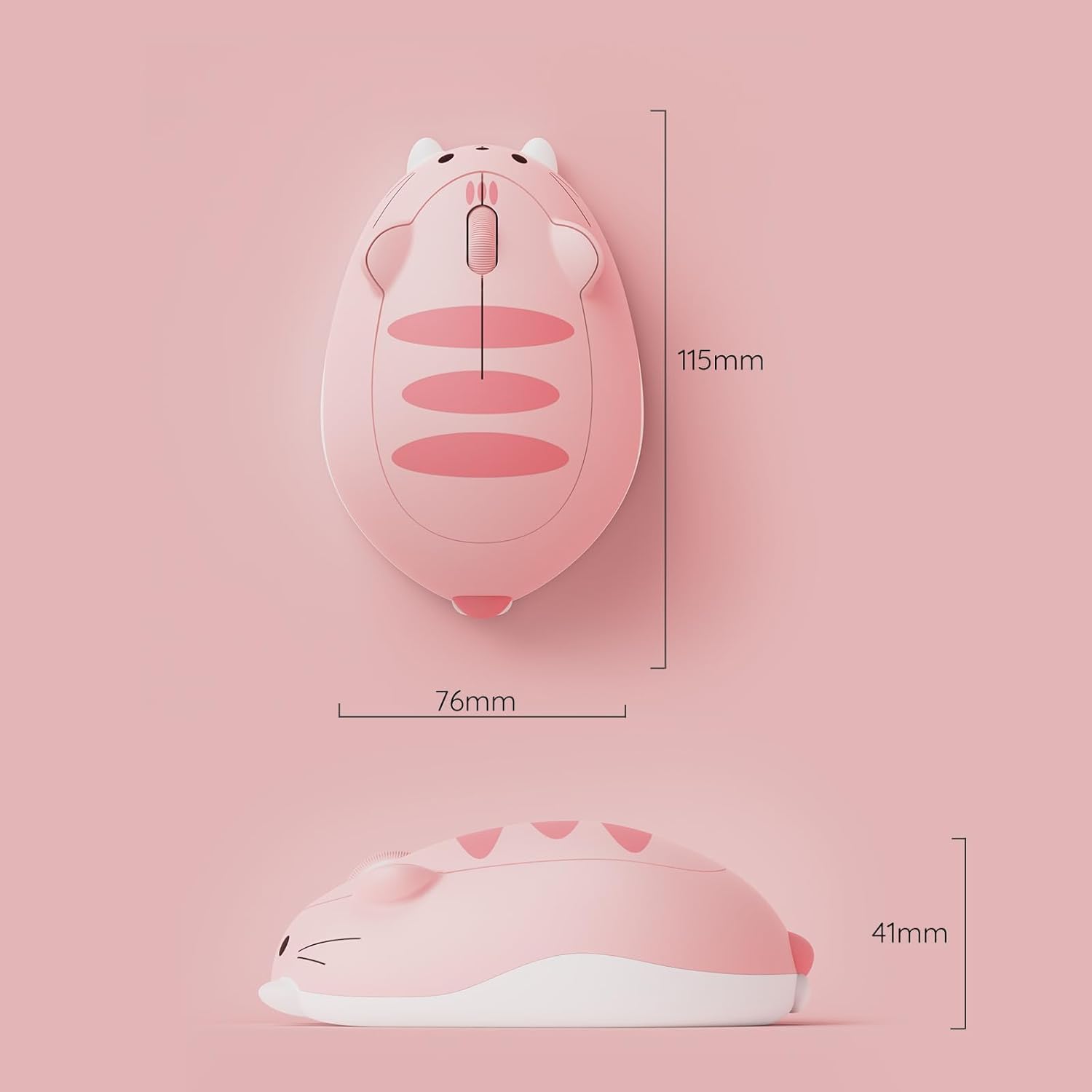
- Name: Akko Cute Wireless Mouse Cat Theme Pink Angie
- Type: Tri-mode wireless mouse
- Resolution: 3200 DPI optical
- Connectivity: 2.4G wireless and Bluetooth 3.0 and Bluetooth 5.0
- Receiver: USB A receiver stored in the mouse
- Power: One AA battery required, not included
What to know before buying
It uses an optical sensor rated up to 3200 DPI, which is useful when you want responsive cursor control for everyday tasks such as browsing, documents, and general desktop work. If you plan to use the 2.4G USB A dongle with a MacBook that only has USB C ports, you will need a USB C to USB A adapter, since an adaptor is not included. When Bluetooth connectivity is your preference, tri mode support helps you keep a simple approach across multiple devices.

The quiet click design is best treated as a comfort upgrade for shared environments. It can be particularly useful if you are taking calls, working late, or studying where loud clicks might carry. You should also note that the mouse needs an AA battery for power, so it is worth checking what you already have at home before you set it up.
Who it’s for
It’s a good fit if you want a cute cat themed wireless mouse that looks fun on your desk, while still being practical for daily computing. It suits you if you need tri mode connectivity for laptop and desktop setups, where switching between devices matters. You may want to skip it if you do not want to source an AA battery, or if you prefer a setup that never uses adapters with USB ports.