

acer Wireless Mouse 1600 DPI adjustable compact mouse 🖱
Product description
This compact wireless mouse is built for mobility and everyday office tasks, offering adjustable sensitivity and a slim profile that slips easily into a laptop bag. If you need a portable wireless mouse for travel that still performs on a variety of surfaces, this model provides simple plug-and-play connectivity and a lightweight feel for long sessions.
Key Points
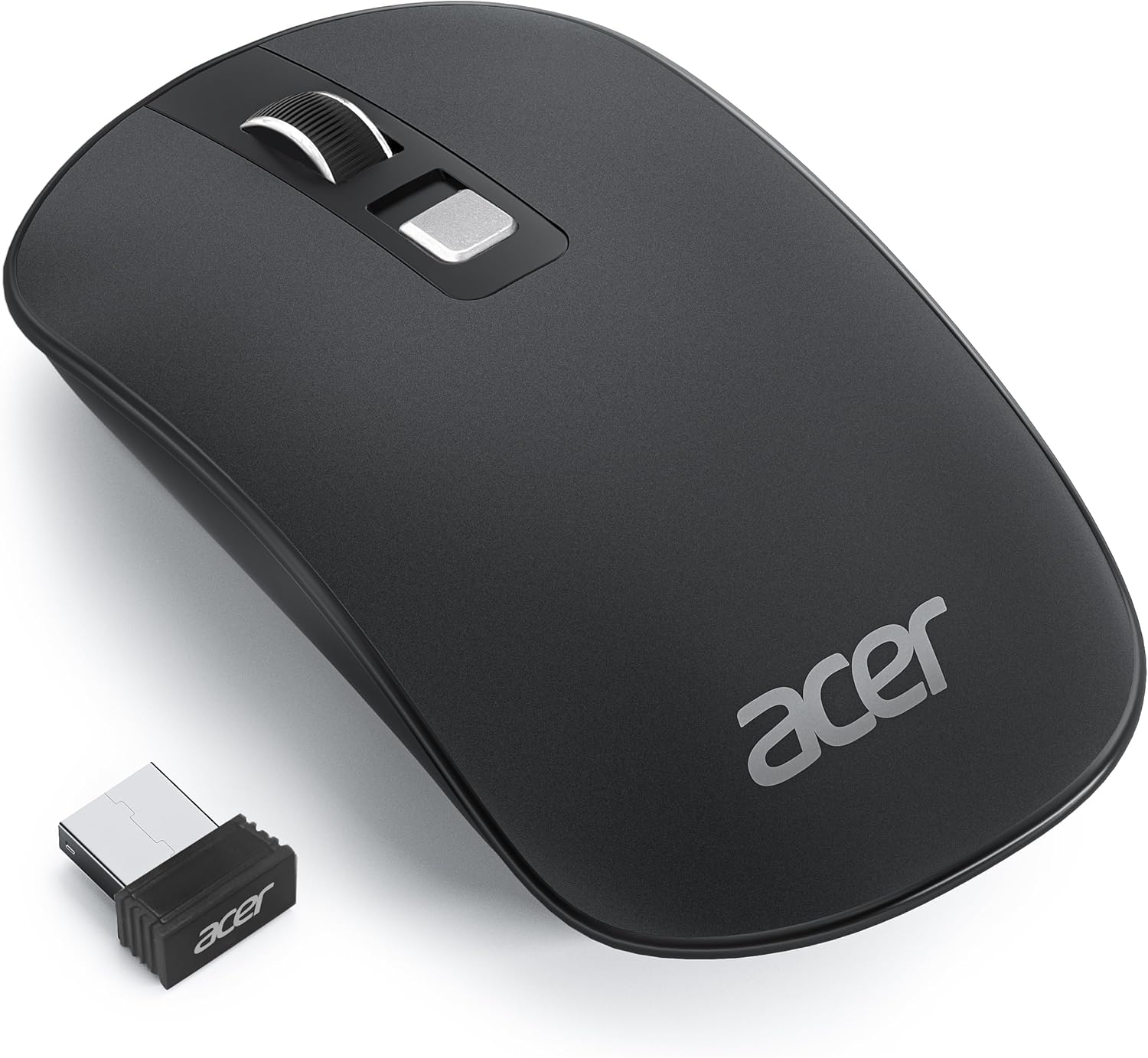
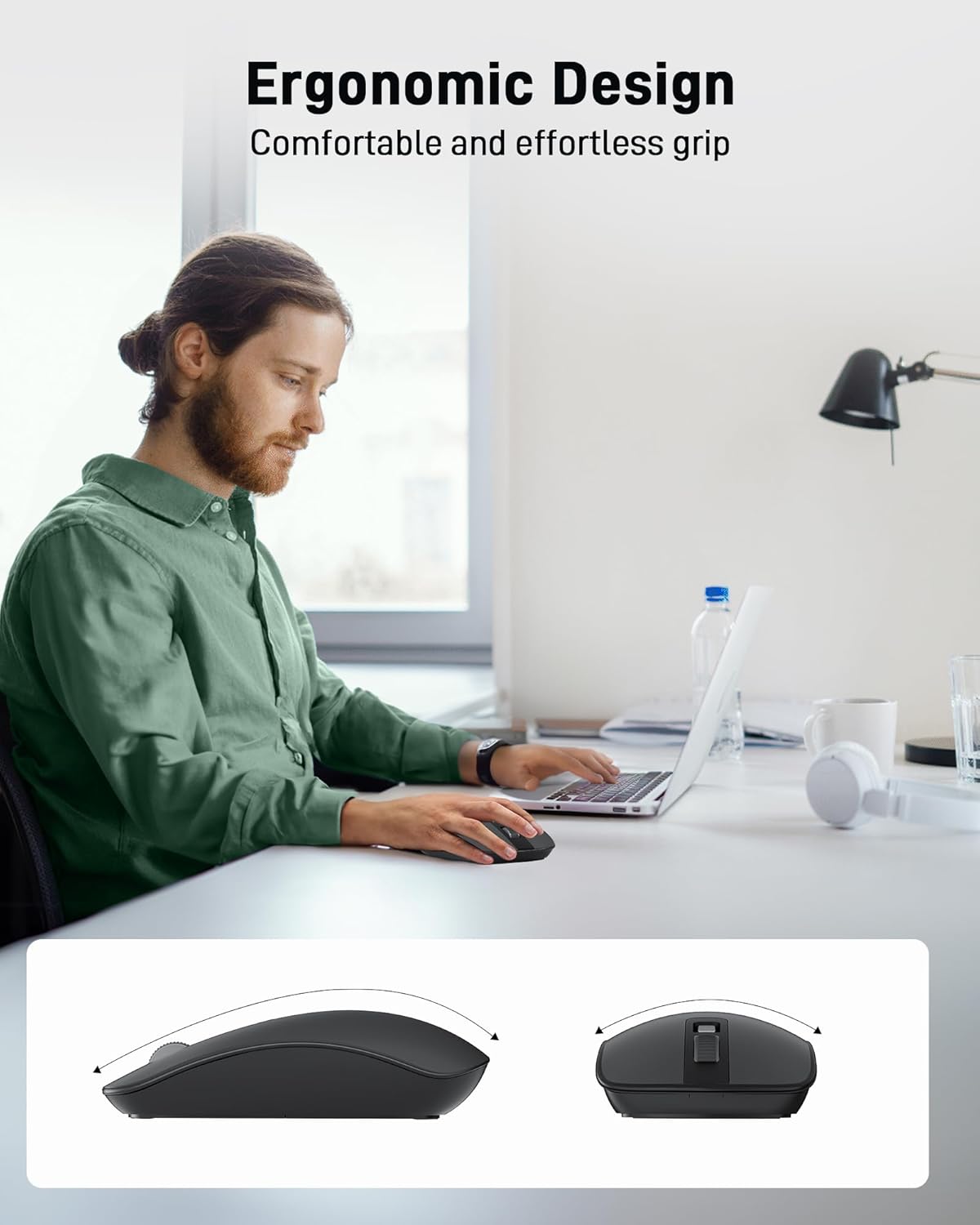
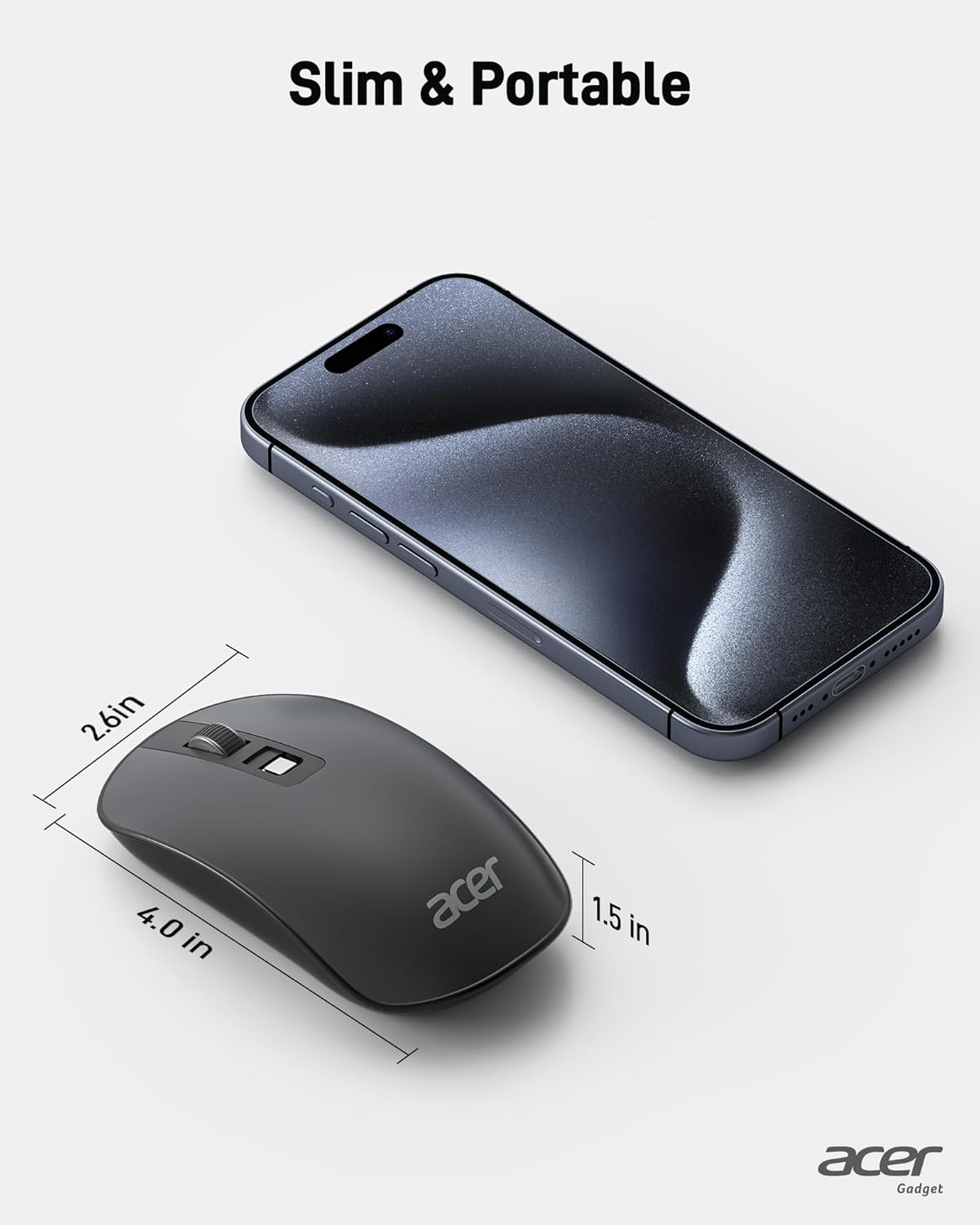
The mouse combines a flat, travel-friendly silhouette with responsive controls for browsing, document editing and light creative work. It weighs only 56g, which keeps hand fatigue low during extended use and makes it convenient to carry in a backpack or briefcase. 🧳
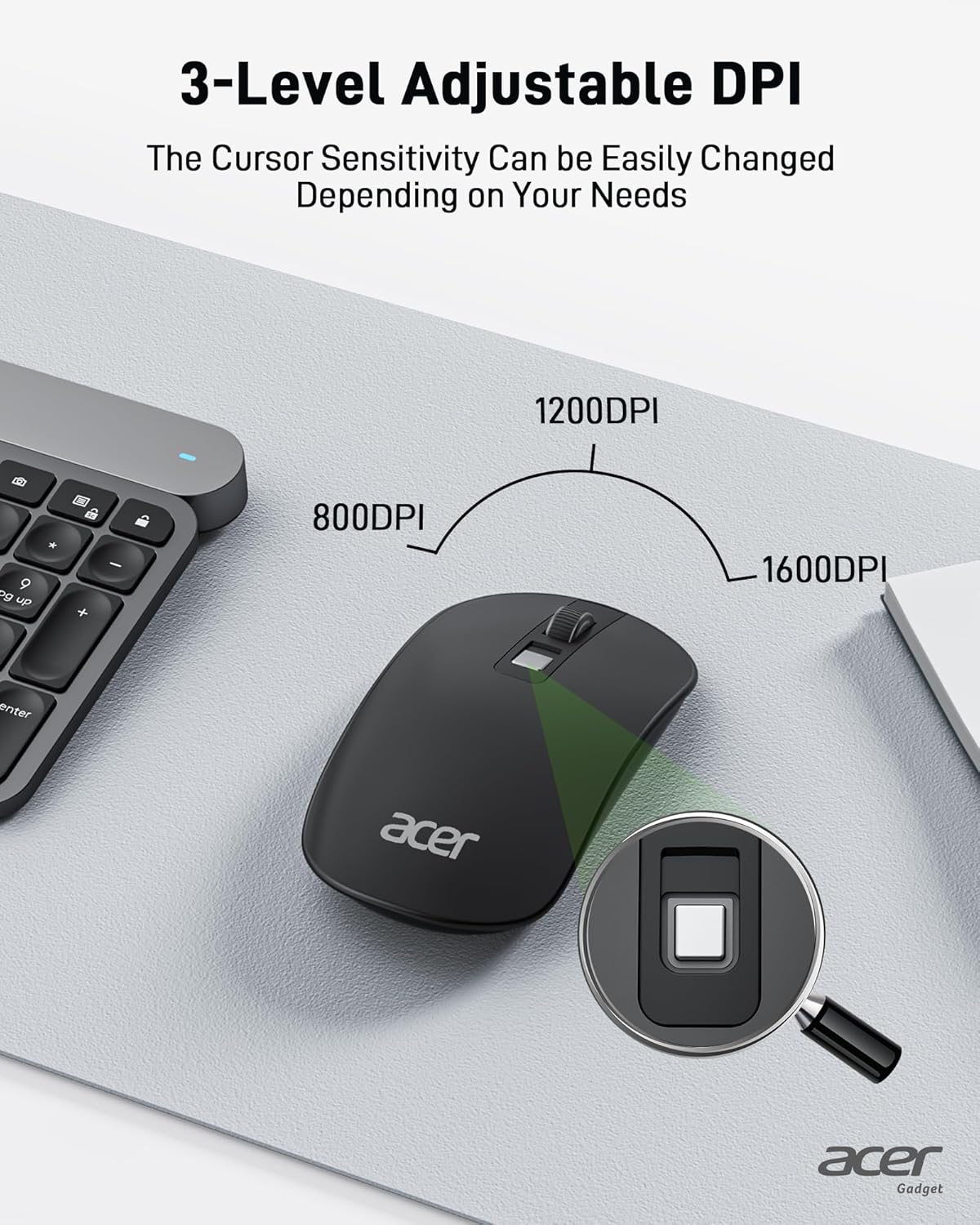
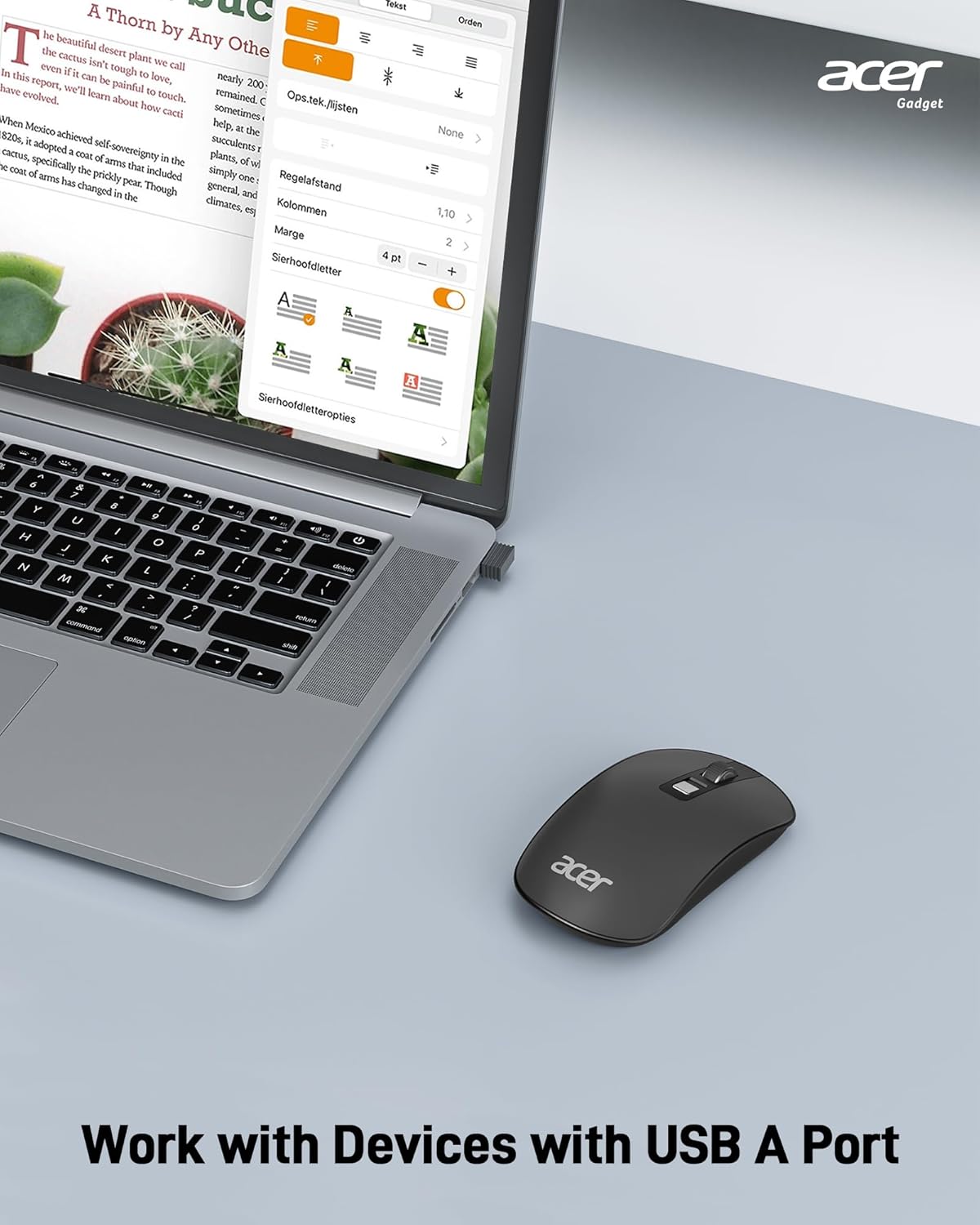
Connectivity is handled by a 2.4GHz USB receiver that plugs into a free port for immediate use, with broad compatibility across Windows, macOS and many Linux distributions. The three-step DPI switch allows on-the-fly changes between sensitivity levels so you can move from precise pointer work to quicker navigation with a single click. 💻
Power management focuses on battery life, with automatic sleep after inactivity and an expected run time of several months depending on usage according to the manufacturer. Consider that battery life will vary with click frequency and whether you keep the device active between sessions.
Technical Specifications

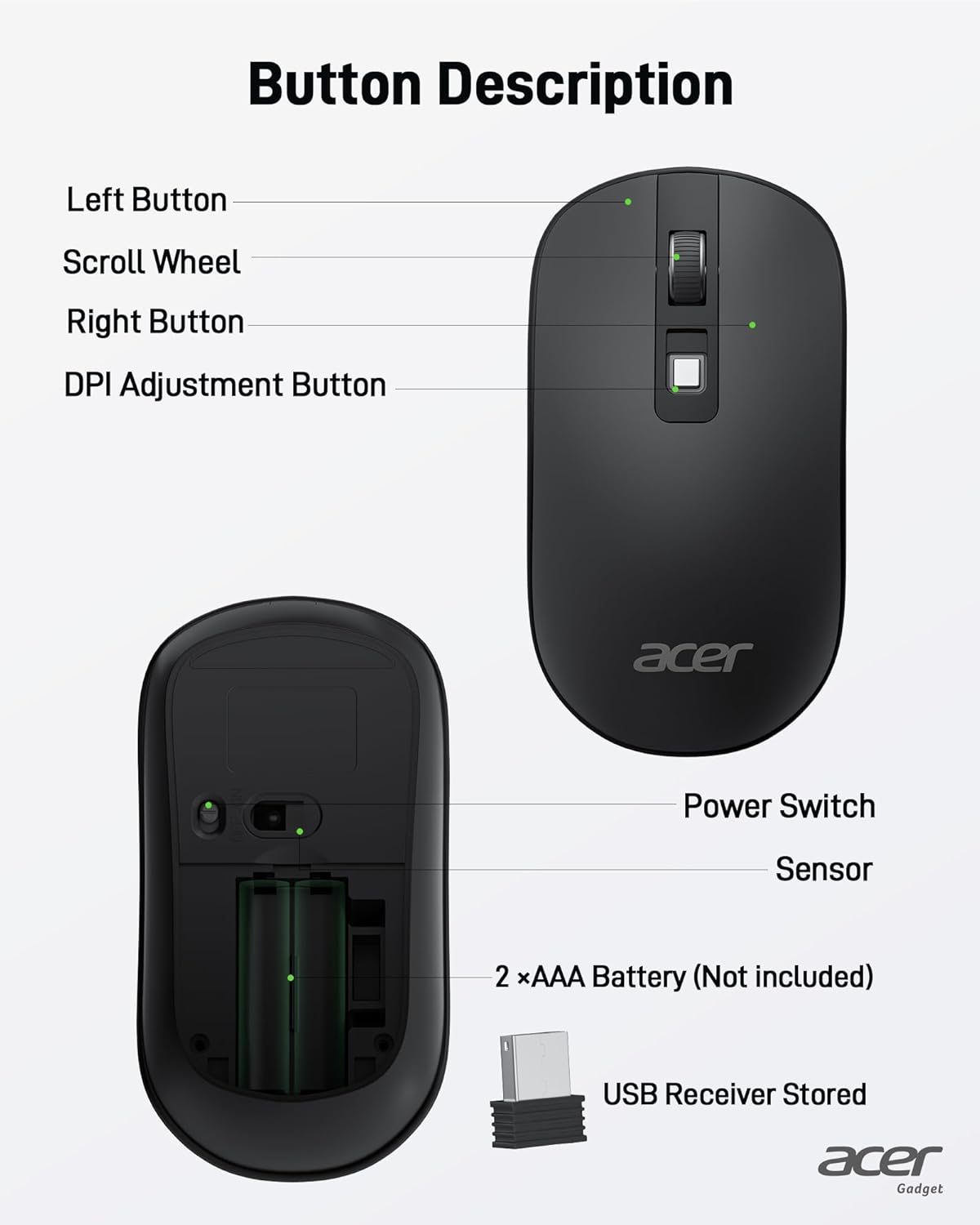
- Name: acer Wireless Mouse
- Weight: 56 g
- DPI settings: 1600/1200/800
- Connection: 2.4 GHz USB receiver, plug-and-play
- Buttons: 4
- Compatibility: Windows, macOS, Linux, Chromebook
Usage Recommendations
For travel and remote work, store the USB receiver in the mouse compartment or a protective case to avoid misplacing it. The slim profile works well on laptop trays and compact desks, but for users who prefer a contoured ergonomic shape this flat design may feel different at first. Try adjusting the DPI to match your screen size and personal preference to find the most comfortable pointer speed.
The flat casing and low weight make it a practical companion for commuting and café work. If you work on glass surfaces, add a small mouse pad for consistent tracking. The straightforward setup means the device is ready quickly, and the simple control layout helps new users adapt fast.