

LOFREE Flow Lite100 Keys Low Profile Mechanical Keyboard with 2.4G, Bluetooth and USB-C – Marble Linear Switches (US Layout)
Product description
What it is and what it aims to solve
The LOFREE Flow Lite100 is a low-profile mechanical keyboard designed to ease long typing sessions. It uses a lightweight ABS body, a compact footprint and low-profile keys to promote a more natural wrist position. It supports swappable and rechargeable wireless operation, plus wired USB-C, Bluetooth and 2.4GHz connectivity. If you want a quiet, responsive keystroke with a calmer typing angle, this aims to deliver that without the bulk of a full-height board.
How it feels to type
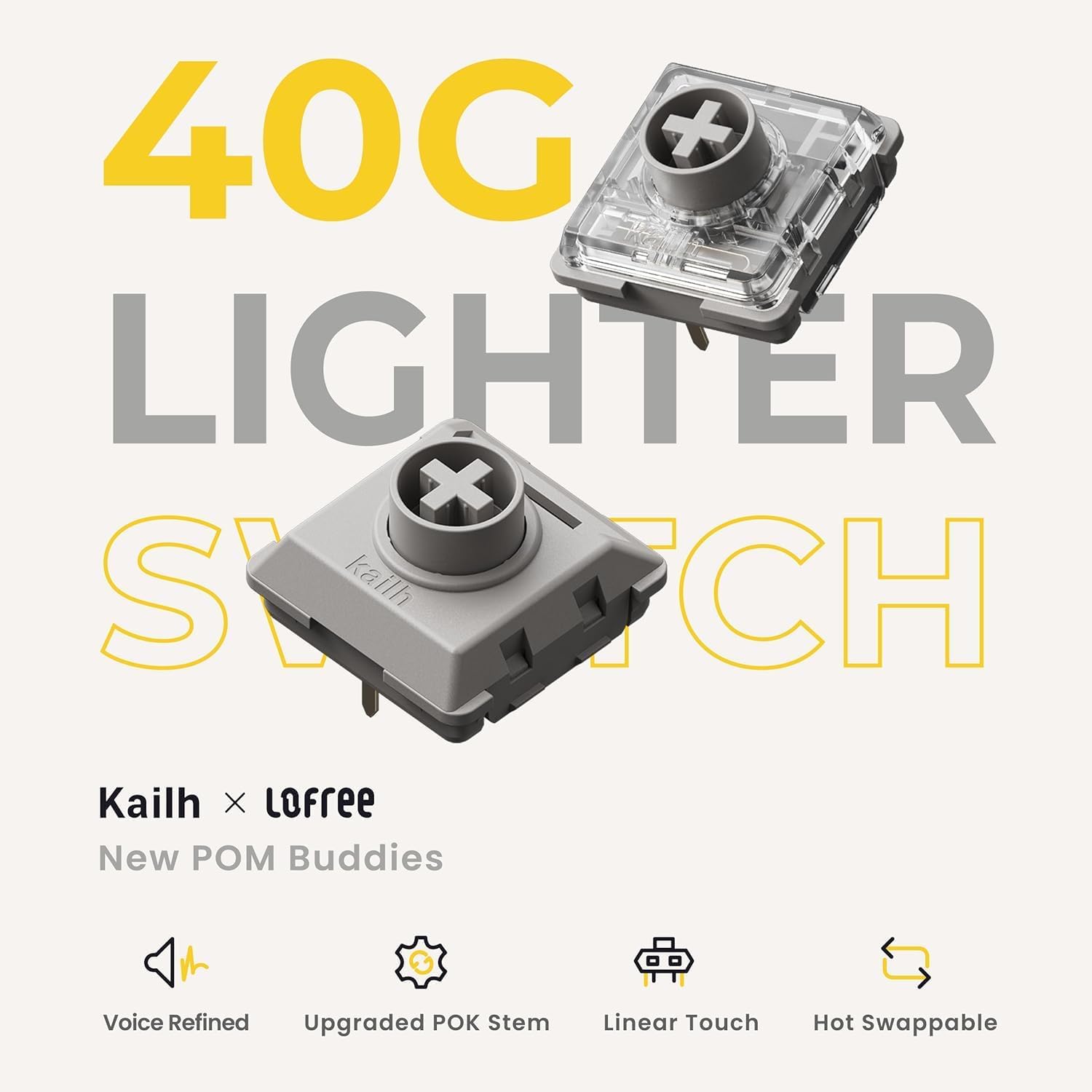
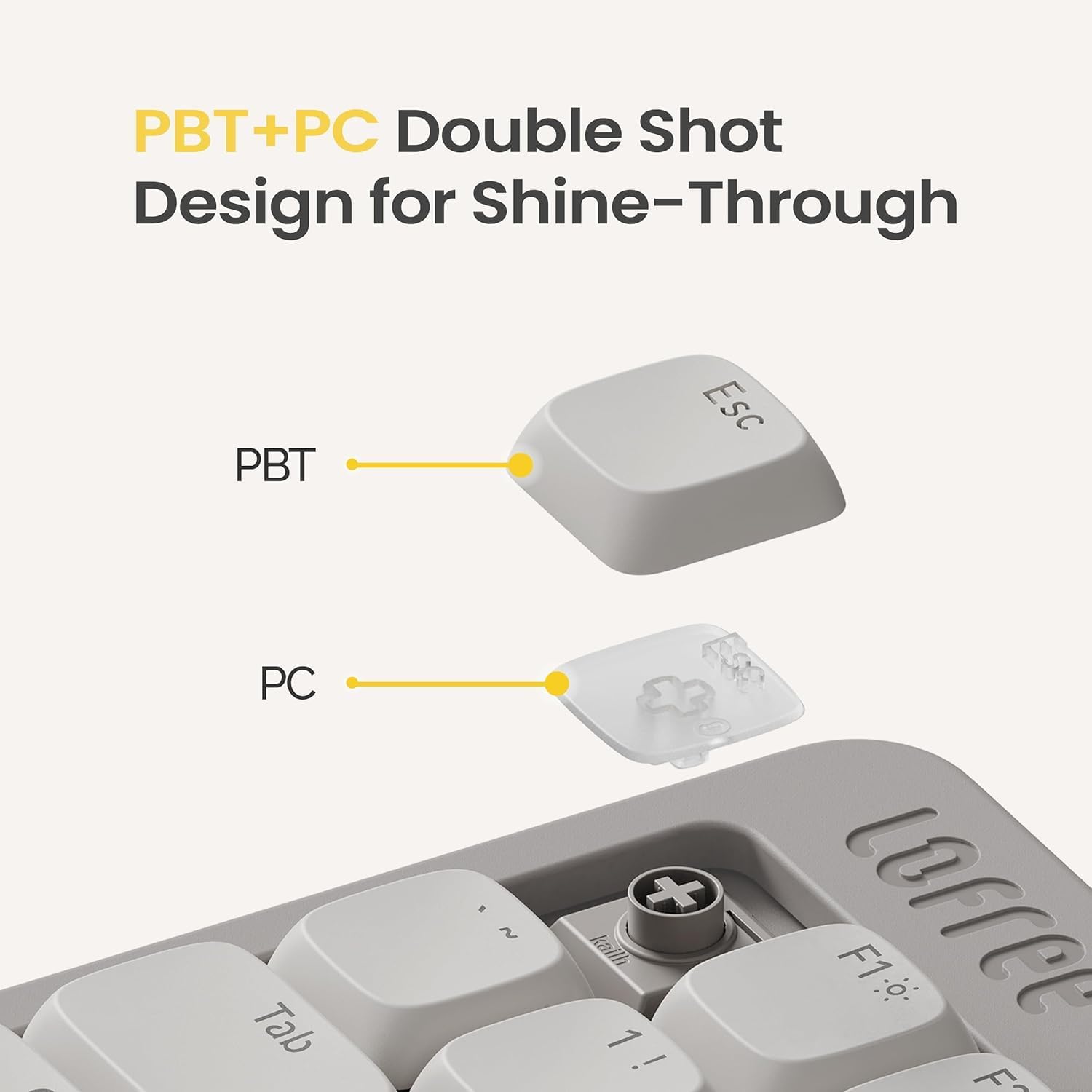
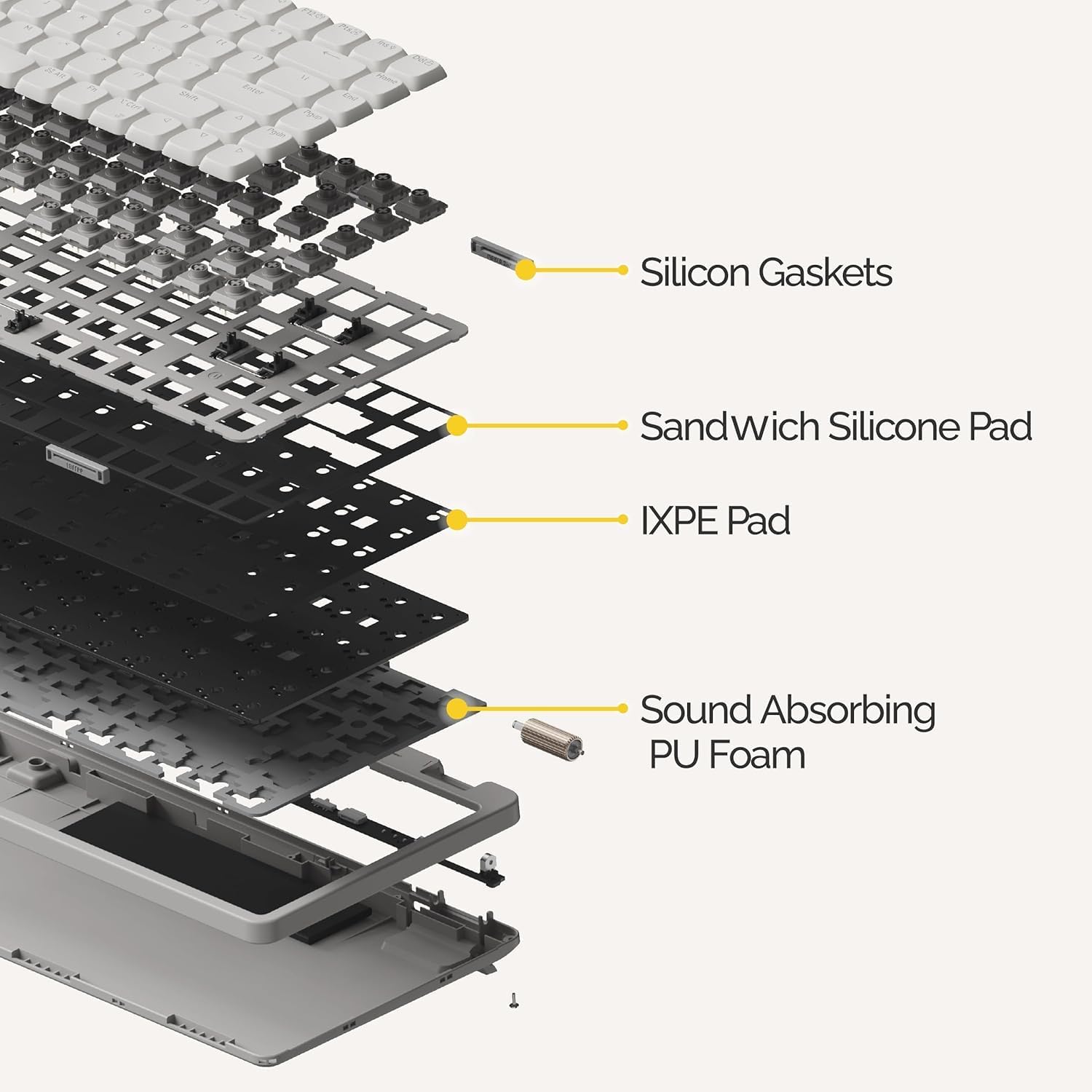
The keyboard features full POM linear switches with a lower actuation force (40gf) compared with older designs. The intent is clear: softer touch and reduced finger fatigue during extended use. The gasket design adds a cushioned feel to keystrokes, which can translate to a more relaxed typing experience over hours. PBT double-shot keycaps offer durability and a matte texture that resists shine and keeps backlighting legible. The two-tone keycap construction means light can breathe through the letter legends, while the surrounding surfaces stay grippy.
Build, layout and typing experience
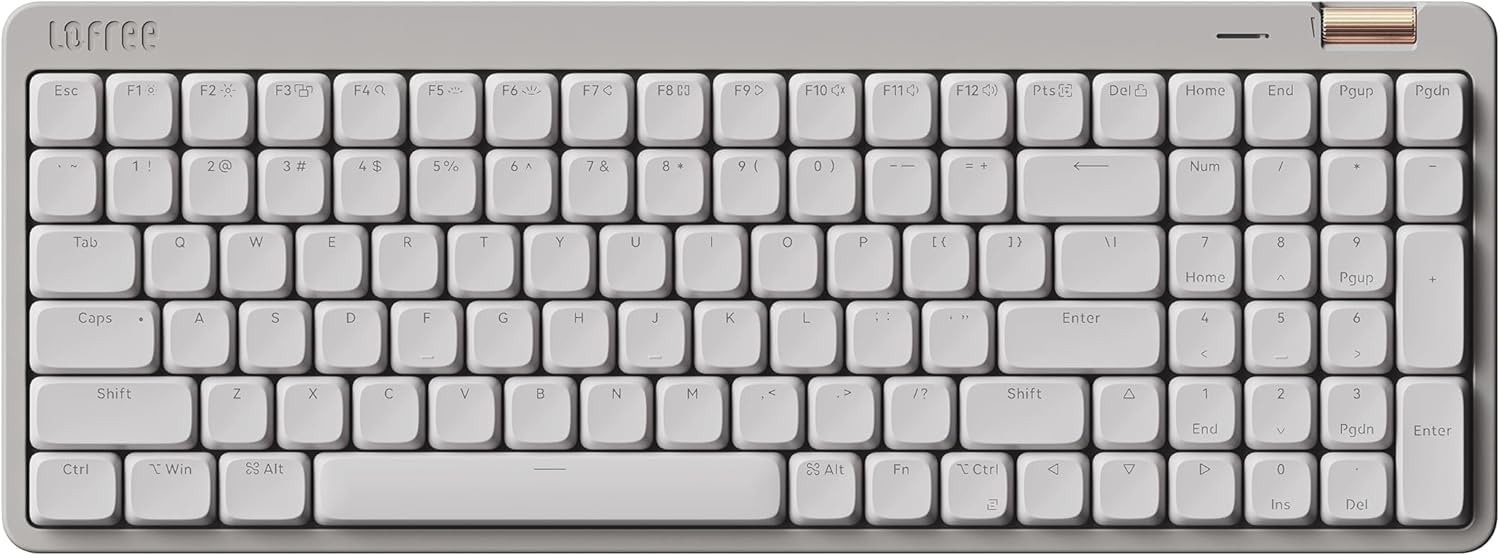
The Flow Lite100 moves away from metal in favour of ABS to keep weight down and cost manageable. The low front height is noted as a factor for more comfortable wrists. It includes gasket mounting for a softer acoustic and tactile experience, plus a dampening layer to curb louder keystrokes. It’s a US-layout keyboard with 100 keys, designed for daily typing tasks and light gaming where a lower profile is preferable.
Connectivity: flexibility you can switch between
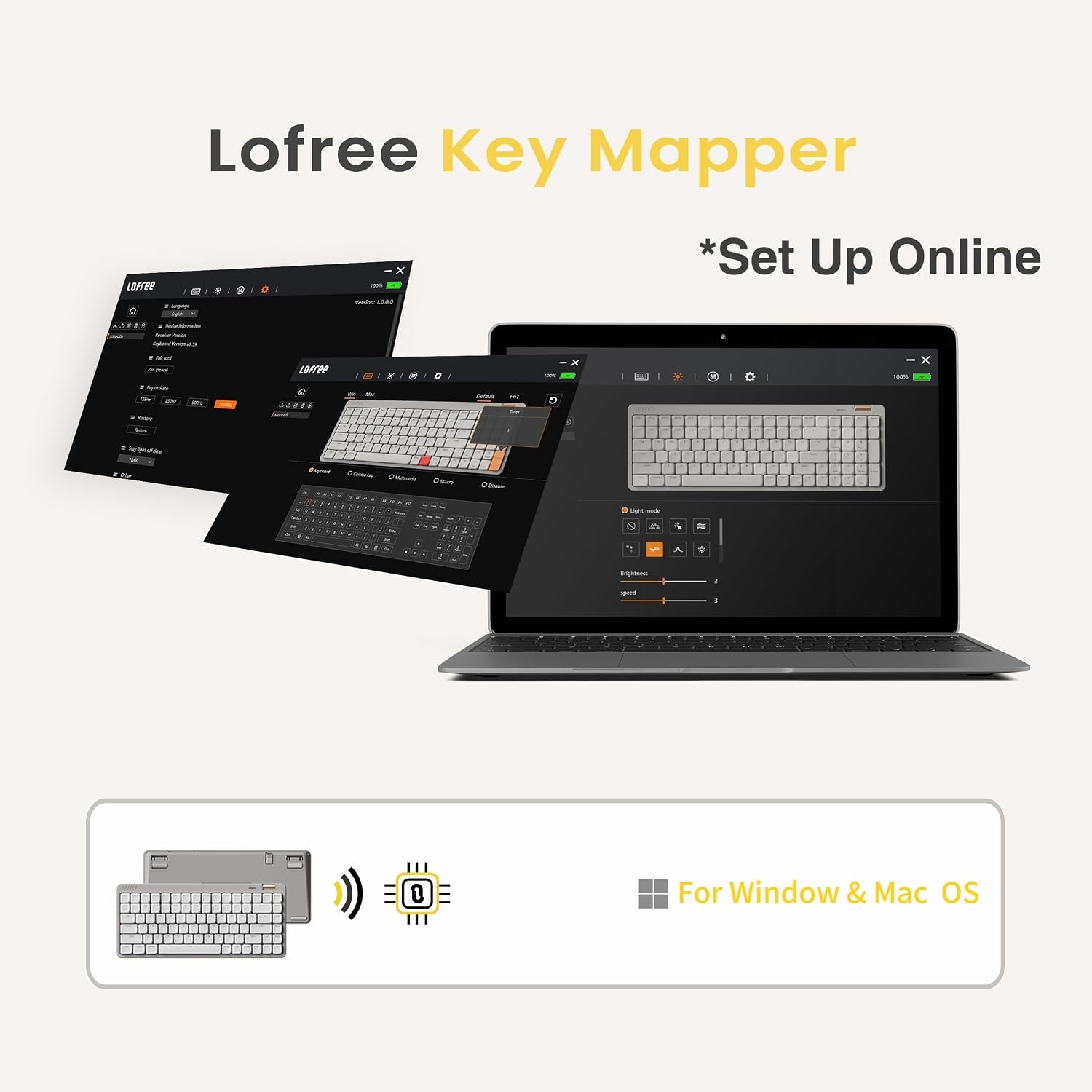
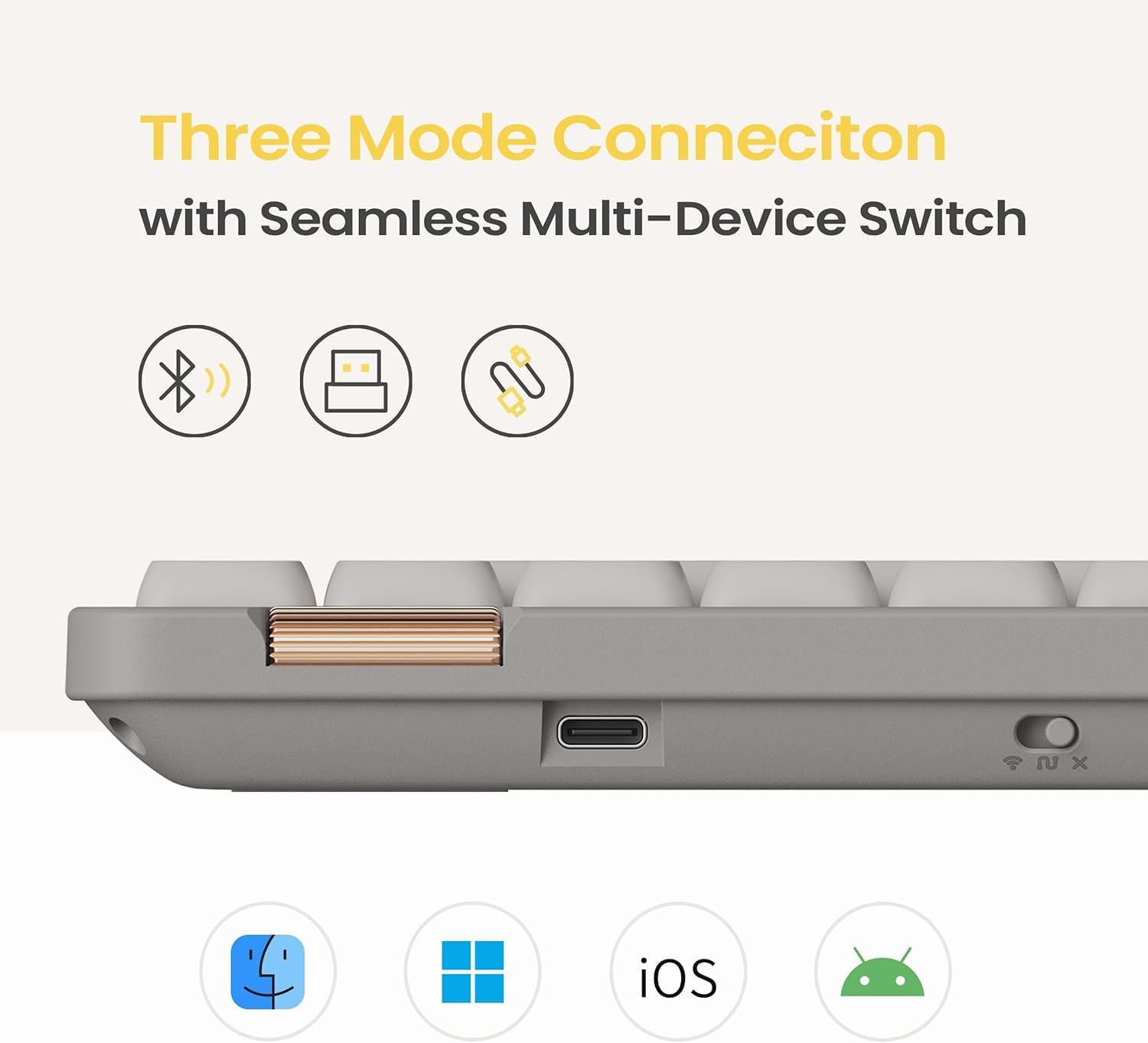
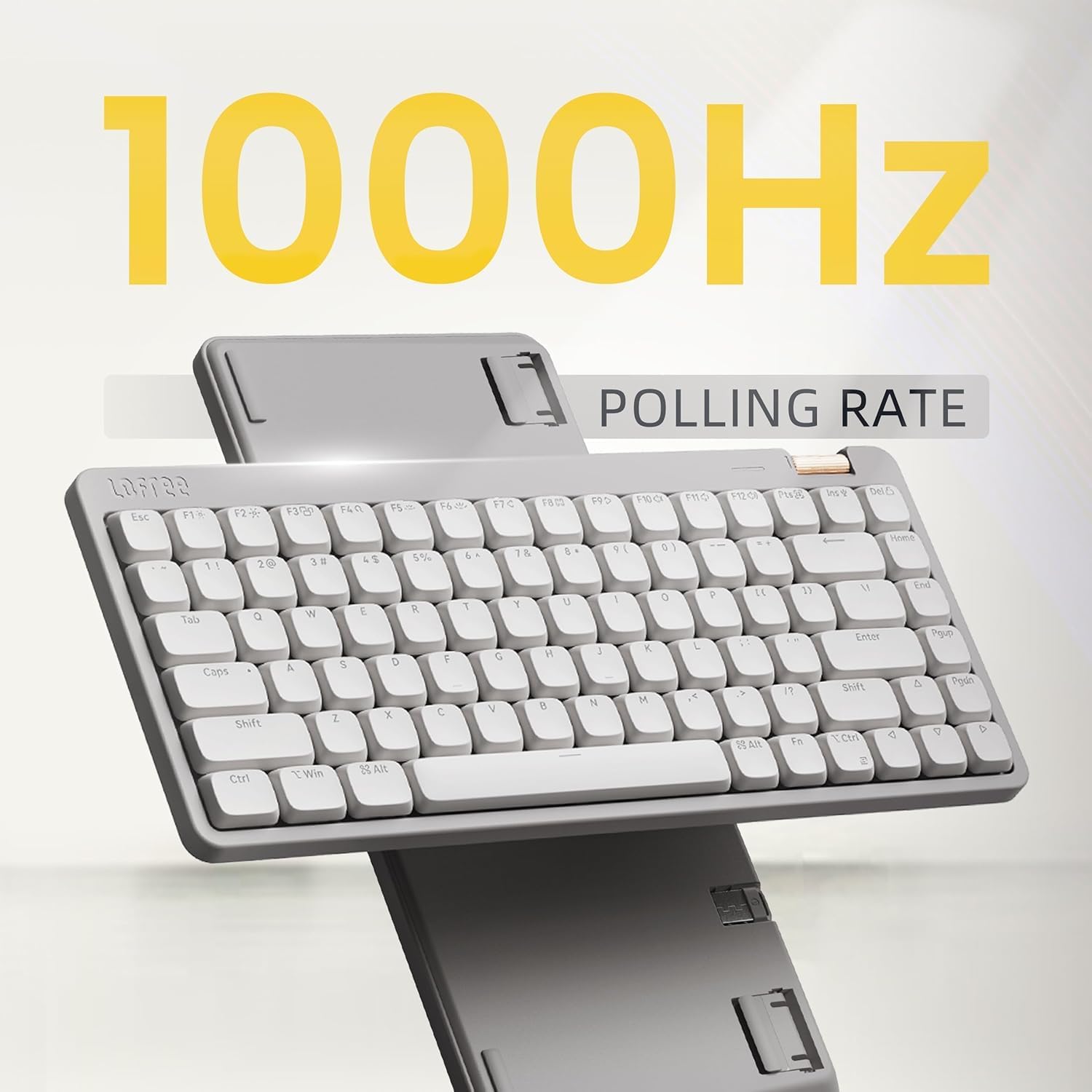
One of the main appeals is its flexible 3-mode connectivity: 2.4GHz wireless (with a receiver), Bluetooth and wired USB-C. Switching between modes is straightforward, which helps when you move between a PC and a laptop or switch seating arrangements. The keyboard supports a 1000Hz polling rate over wireless, which helps with responsiveness in fast-paced tasks. If you prioritise a clean desk or a laptop-like setup, this flexibility is convenient, if you mostly use one device, it’s still a handy feature.
Who it’s for and who it isn’t a perfect fit
It suits users who want a lower-profile footprint without sacrificing mechanical feel, especially those who type for extended periods and appreciate a lighter touch. It may be a good match for writers, editors, students or professionals who value a quieter, cushioned keystroke and the option to work across Windows and Mac with multiple connection methods. It might not be ideal for users who need a more traditional, high-profile, or more aggressive switch experience, or for someone who prefers a louder, clickier feedback.
What to check before you buy
Before pulling the trigger, consider how you plan to use it: if you frequently switch between devices, ensure you’re comfortable with Bluetooth pairing and USB-C cables. Check that your primary workflow benefits from a low-profile design rather than a standard desktop layout. If you rely on heavier gaming keys or prefer a spicy tactile/ clicky feel, this may feel subdued by comparison. The Marble linear switches with reduced actuation force are designed for comfort, but preferences do vary—testing in-store or reading user impressions could help.
Practical usage example
Imagine drafting a long-form article on a laptop with the Flow Lite100 perched at your desk, the lower height keeps wrists straight, and the gasket damping softens keystrokes so fatigue stays at bay even after a few hours. You can quickly switch to desktop when you need stability via USB-C or connect to a tablet via Bluetooth for notes on the go.
What stands out vs. what could be improved
What works well: low-profile design with a comfortable wrist position, soft keystrokes, durable PBT keycaps, and versatile connectivity. What may not appeal to everyone: the ABS build described as lighter and more affordable might not convey the same premium feel as metal benches, and the overall footprint, while compact, still demands desk space for a full 100-key layout.
FAQ (based on available information)
- Q: Can I use this keyboard with both Windows and macOS? A: Yes, it supports Windows and Mac devices via Bluetooth, 2.4GHz wireless and wired USB-C.
- Q: Will the key feel be the same across all keys? A: The keyboard uses full POM linear switches rated for a softer touch, but different keystroke heights and actuation may feel slightly different across rows as with many low-profile designs.
- Q: Is the keyboard truly low profile? A: It’s designed with a lower front height to encourage a more natural wrist position compared with standard full-height boards.
Final decision – Is it worth it?
Worth considering if you value a low-profile, multi‑mode wireless keyboard with a soft, cushioned typing experience and the flexibility to switch between devices easily. It’s a pragmatic choice for daily typing and light on-the-go use, rather than a high-end gaming or enthusiast board. If you prioritise all-out premium materials or a louder tactile feel, you may want to explore other options.