

D-Link DUB-E100 USB 2.0 Ethernet Adapter
Reviews
Price
Product description
The D-Link DUB-E100 is a compact USB 2.0 to 10/100 Mbit/s Ethernet adapter that makes a wired network connection straightforward for laptops and desktops. It offers a simple way to join a wired LAN when a built-in Ethernet port is missing or unreliable, and it draws power from the USB bus so no external adaptor is required. If you need a reliable wired link for file transfers or a stable connection for video calls, this adapter fits the bill.
Key points
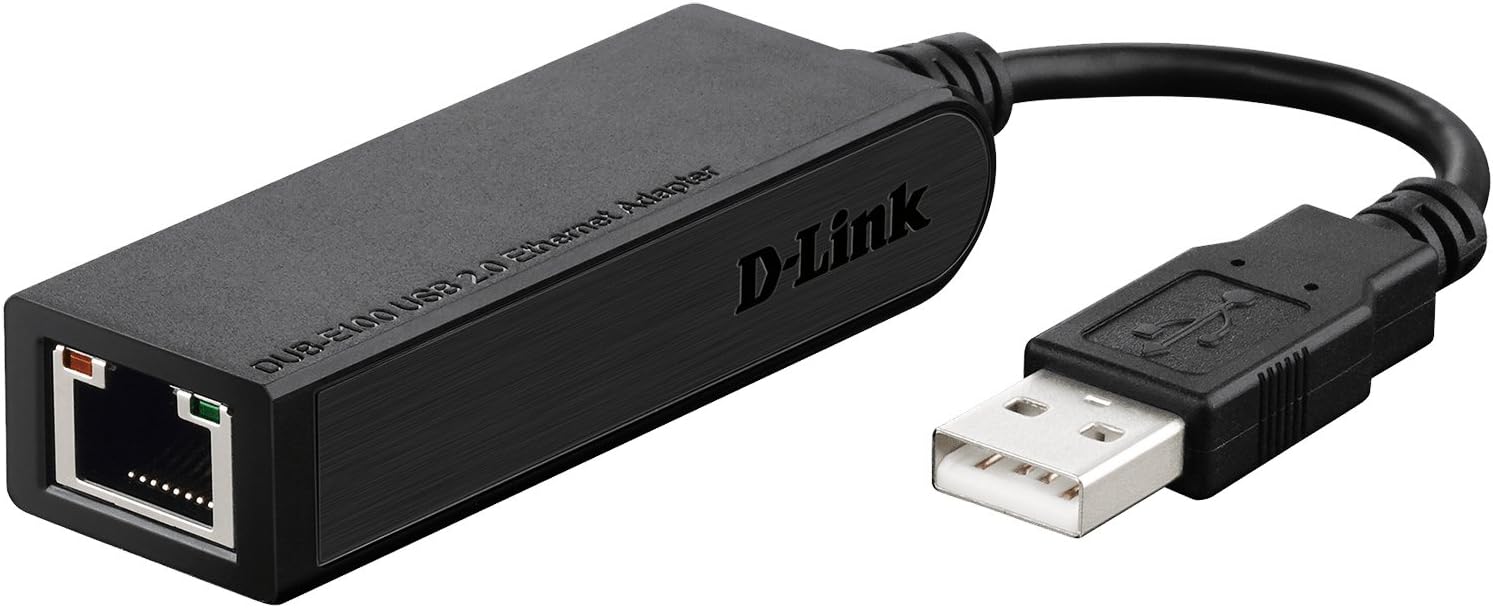
This adapter connects via a built-in USB 2.0 cable to provide 10Mbps or 100Mbps Ethernet through a standard RJ-45 port. It supports USB power management features such as suspend and resume which help reduce energy use on portable machines. According to the manufacturer it also includes registration for limited two year support.
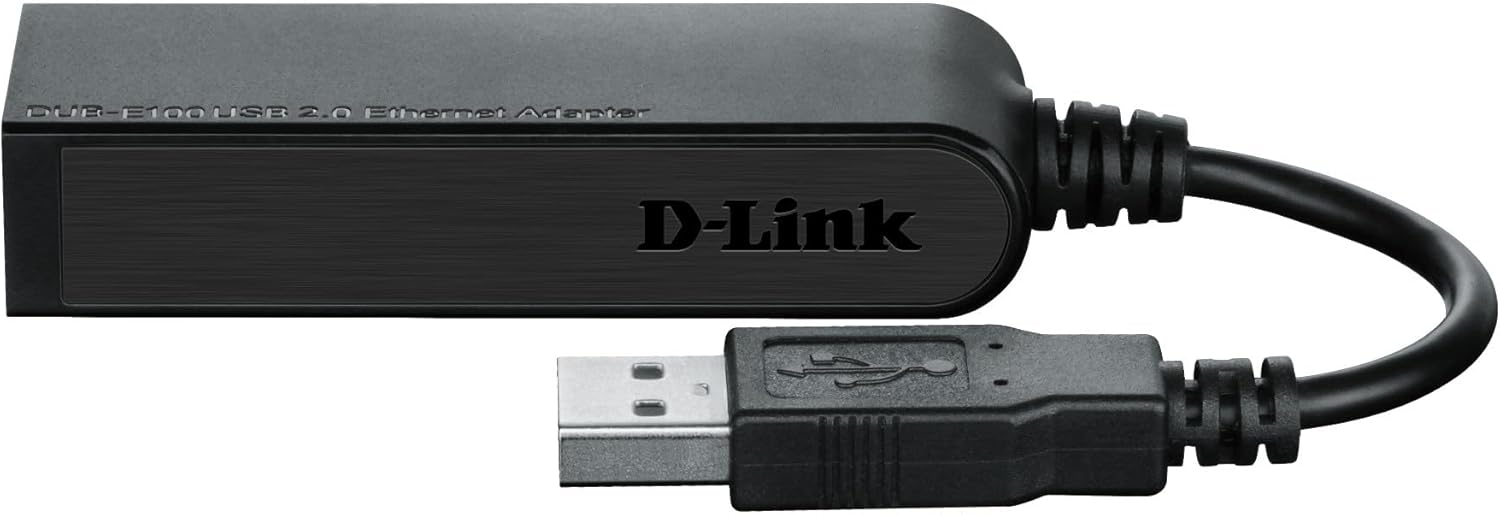
Technical details
- Name: D-Link DUB-E100
- Type: USB 2.0 to Ethernet adapter
- Format: Built-in USB cable
- Speed: 10/100 Mbit/s
- Colour: Black
Usage tips
It works well as a spare network interface to keep in a bag or at a workstation, handy when hotel Wi-Fi is poor or a meeting room has wired access only. You’ll like it if you want a no-fuss, powered-by-USB solution that avoids carrying extra power bricks. Do bear in mind that transfer speeds depend on your network and USB port capabilities, and it will operate at USB 2.0 limits rather than USB 3.0 speeds.
Care & maintenance
Keep the built-in cable untwisted and avoid sharp bends near the connector to extend its service life. If you store it in a laptop bag, protect the RJ-45 end from grit and moisture to maintain reliable contacts.