

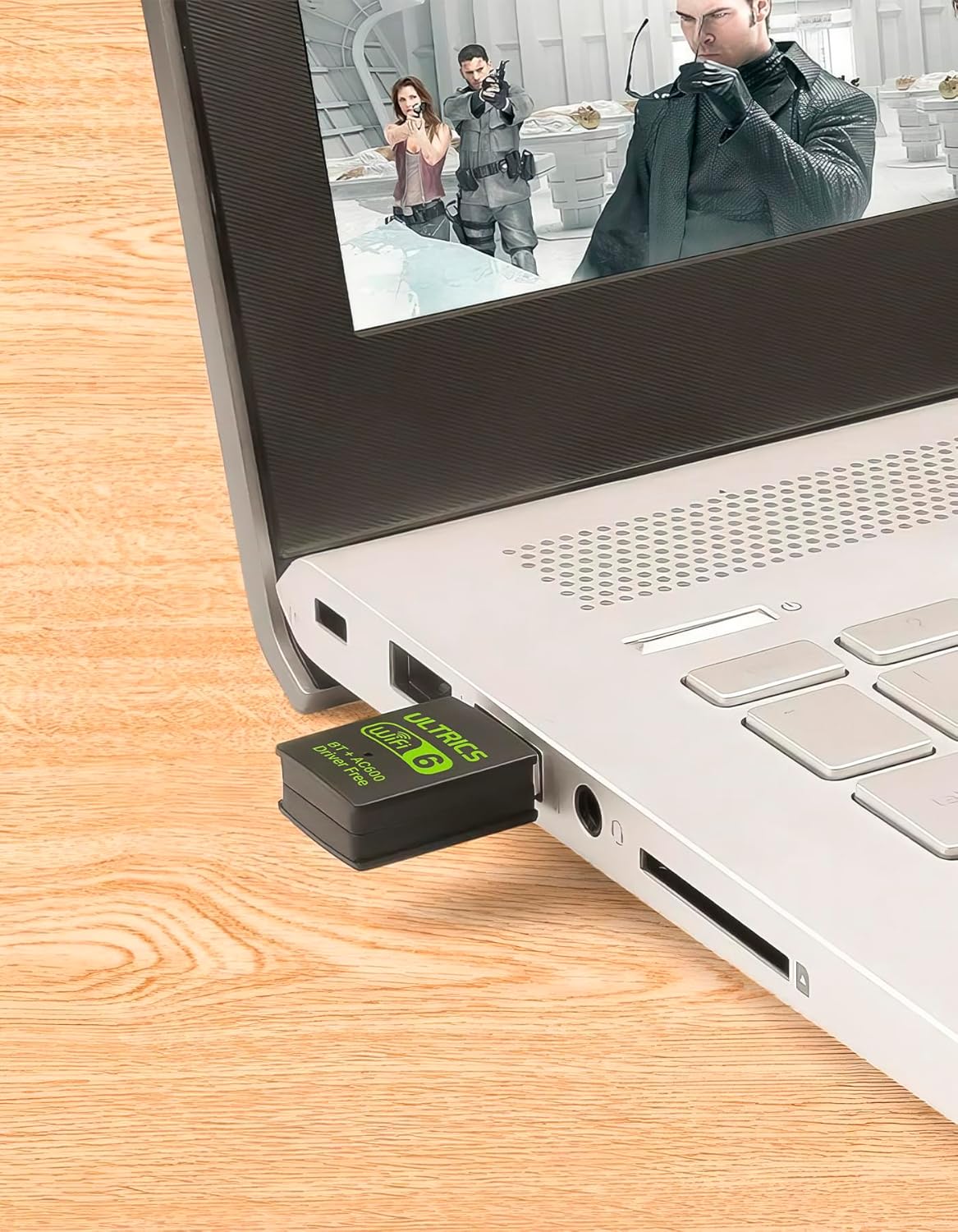
ULTRICS 2-in-1 WiFi and Bluetooth USB Adapter for Desktop PCs
Product description
What it is and what it does
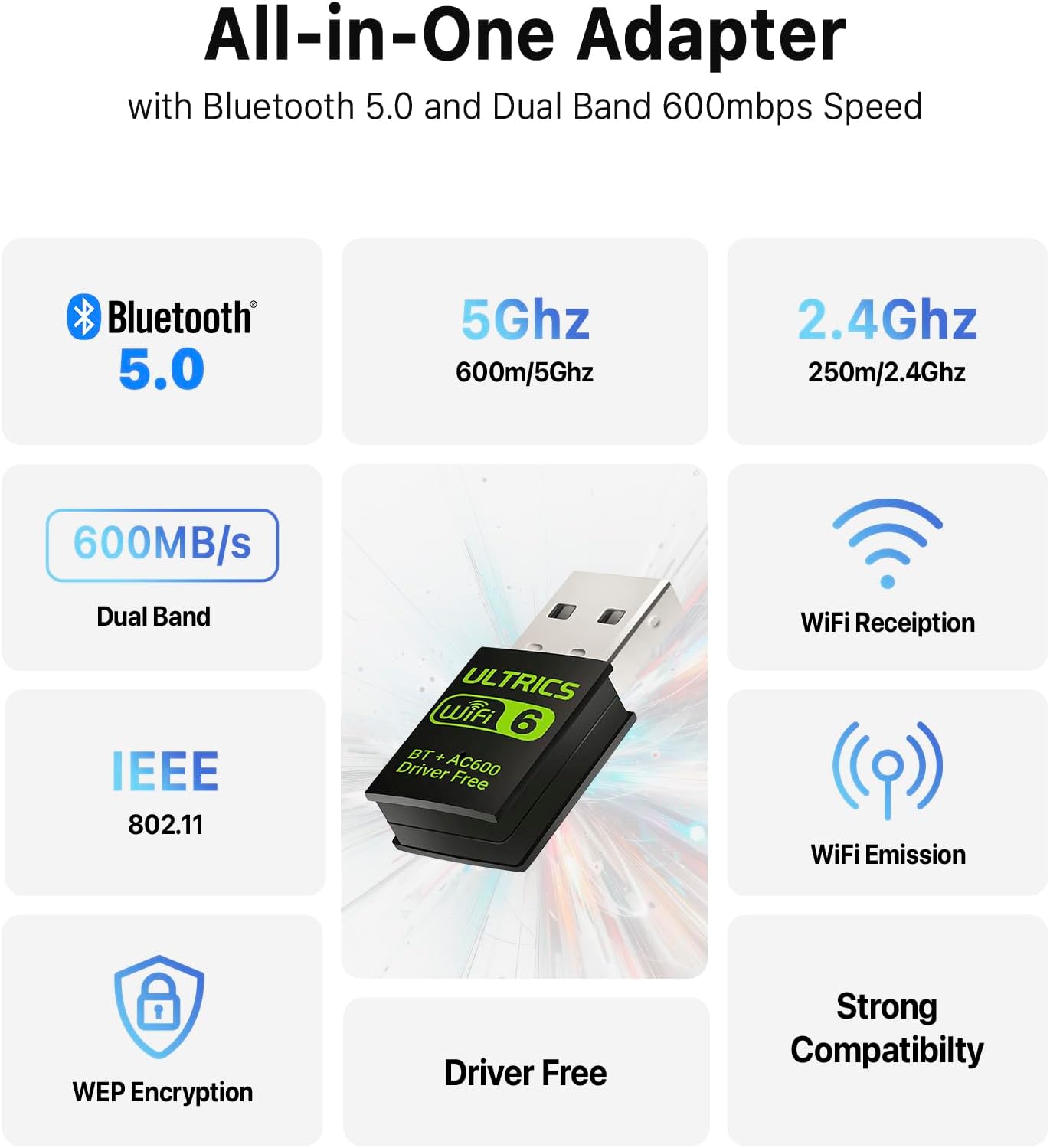
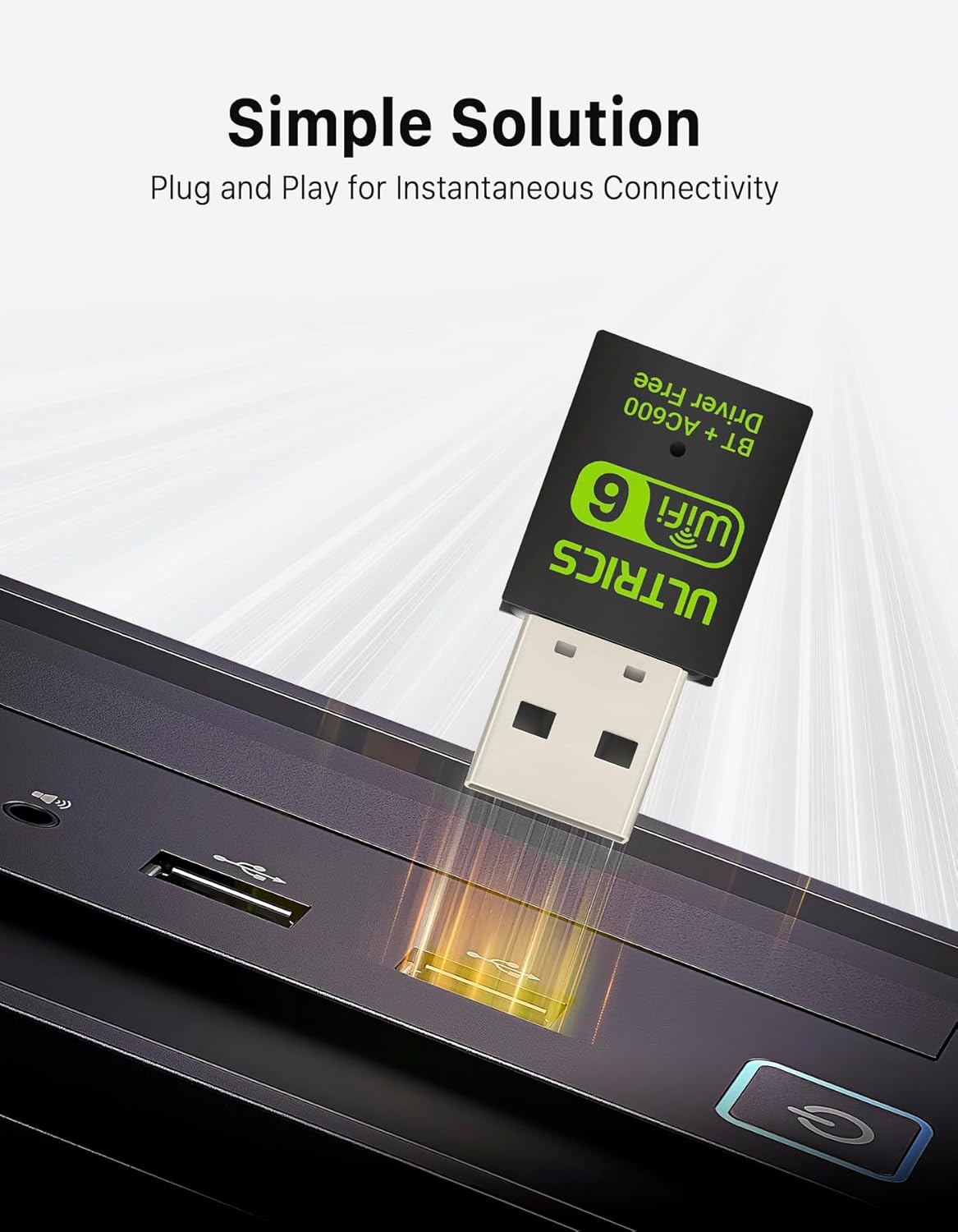
The ULTRICS USB adapter combines Bluetooth 5.0 and a dual‑band WiFi 5G/2.4G dongle in a single, plug‑and‑play unit. Built for desktop and laptop use, it aims to simplify wireless connectivity without cluttering your setup. On paper, you get a compact 2‑in‑1 receiver with a RTL8821CU chipset that supports IEEE 802.11ac/a/b/g/n and delivers wireless coverage on both 2.4 GHz and 5 GHz bands, plus Bluetooth 5.0 for peripherals and audio devices.
What to expect in real use
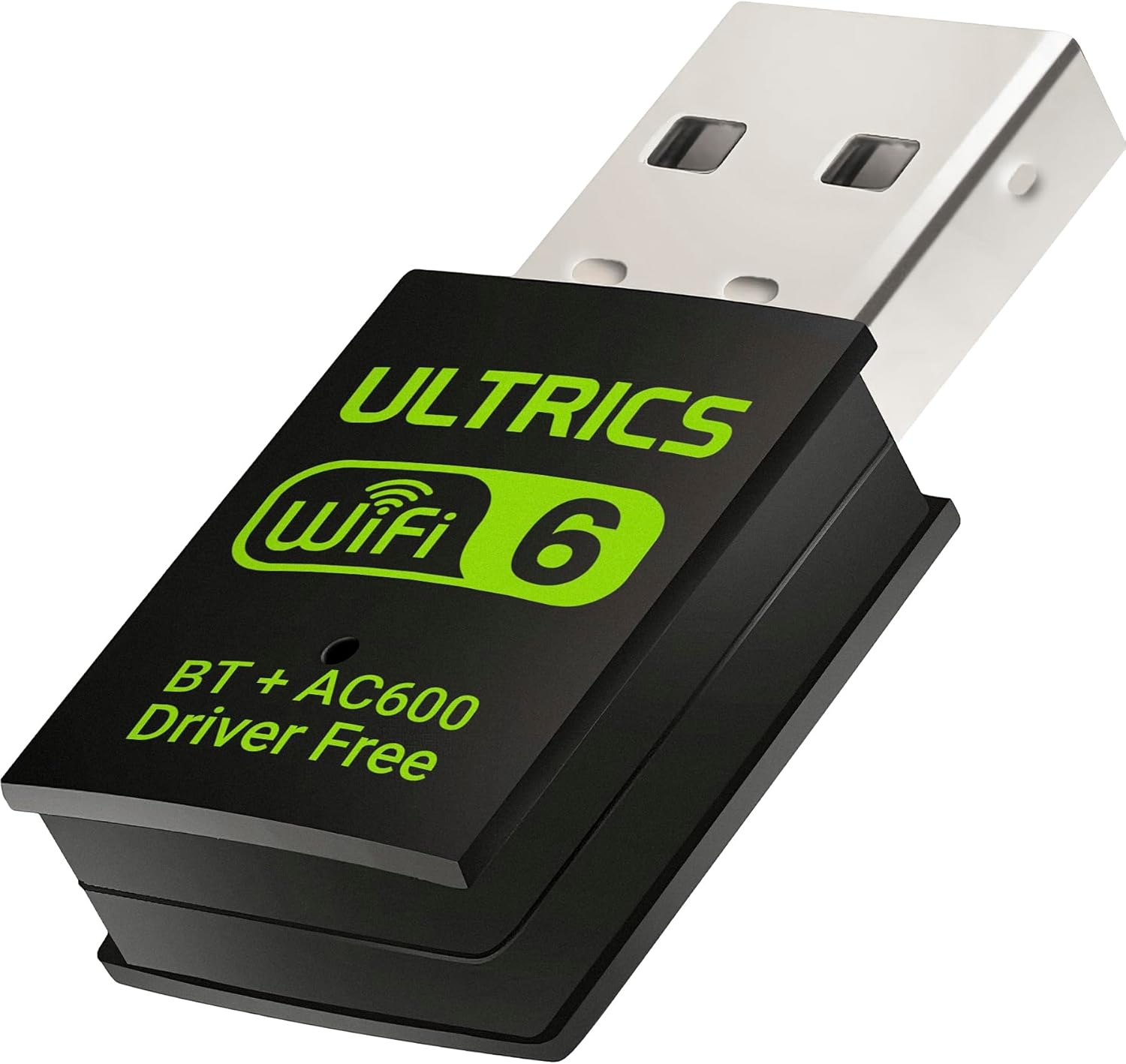
If you prioritise a straightforward upgrade to wireless, this adapter offers a simple path to enabling WiFi and Bluetooth on machines that lack built‑in wireless. The driver is described as pre‑installed, which should mean quick setup—often plugging it in and connecting to your network or Bluetooth device without hunting for programmes. In practice, setup smoothness can depend on your PC’s existing software environment.
Strengths you’ll notice
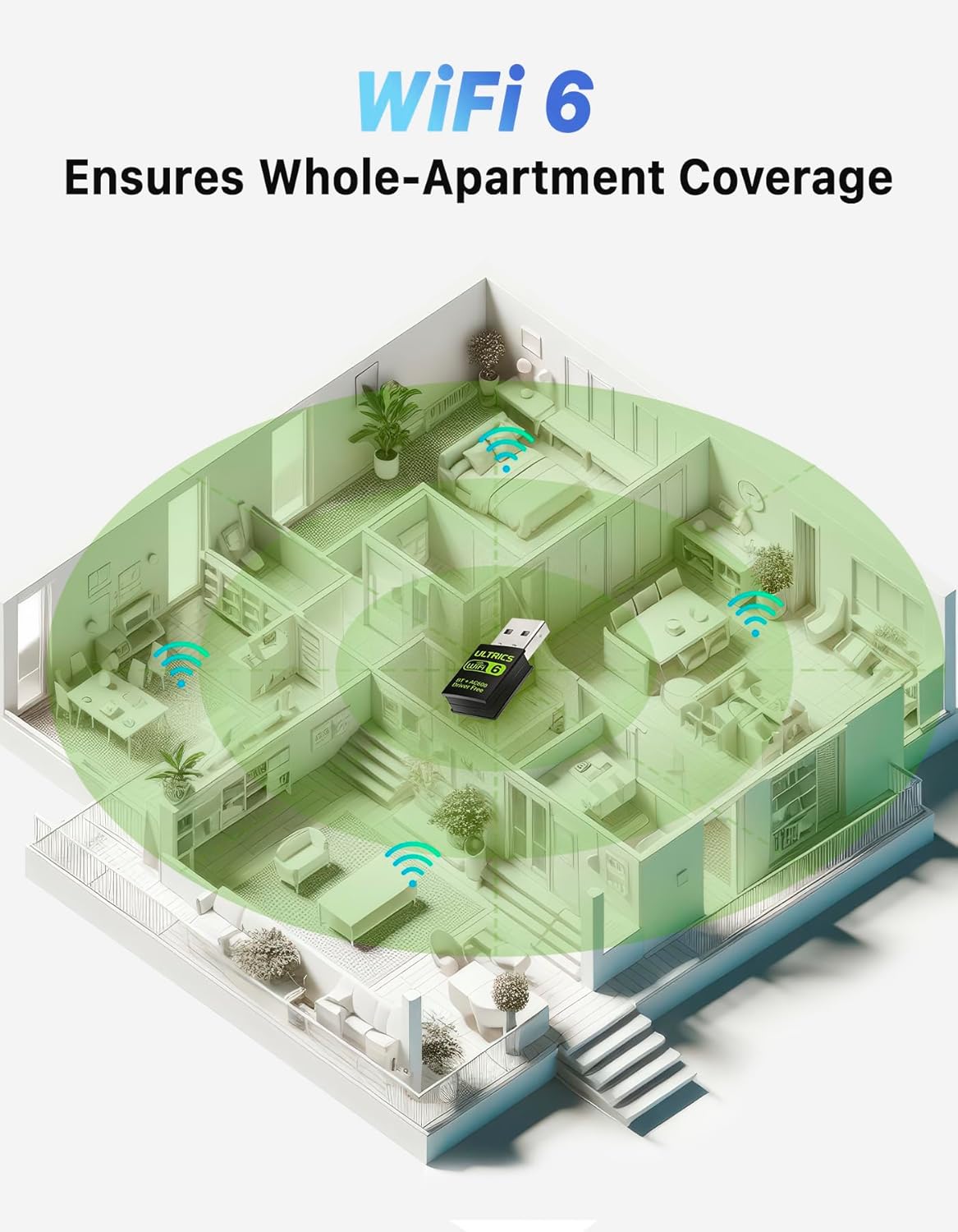
The dual‑band capability is the core benefit here. 5 GHz is useful for streaming HD content or gaming where available, while 2.4 GHz maintains compatibility with older routers and devices. Bluetooth 5.0 expands compatibility with modern headsets, keyboards, mice and speakers, and can reduce lag with properly paired peripherals. The single adaptor keeps your USB footprint compact and avoids multiple dongles.
Potential limitations to factor in
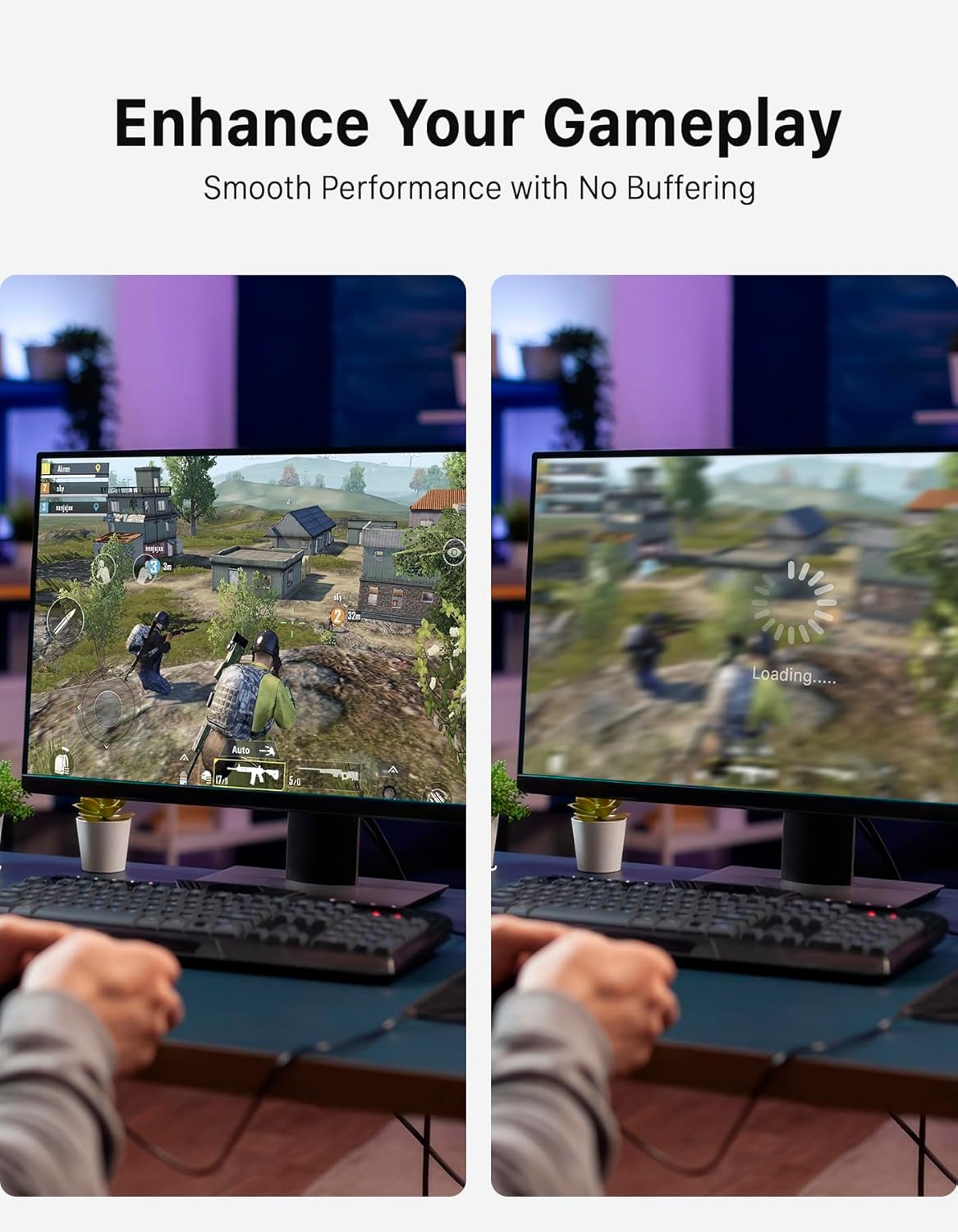
While the description promises a plug‑and‑play experience, some users may encounter driver prompts or minor setup quirks depending on Windows version and existing network adapters. The speed figure of up to 600 Mbps is a theoretical maximum under ideal conditions, real‑world throughput will vary with distance, interference, and router capability. If you need ultra‑low latency for competitive gaming, you might notice minor differences compared with dedicated network cards.
For which setup it fits best
This is well suited for desktops, laptops and other devices that lack built‑in WiFi or Bluetooth, especially when you want a single, interchangeable USB dongle instead of multiple devices. It may appeal to buyers looking for an affordable upgrade path for modest streaming, web browsing, video calls or casual gaming in a home or small office environment.
Who should think twice
If your priority is peak throughput and the absolute lowest latency for competitive online games, or you rely on cutting‑edge wireless features, you might prefer dedicated PCIe WiFi cards or higher‑end adapters with more extensive software support. And if your computer runs an older OS outside the supported Windows versions, compatibility could be limited or slower to integrate.
Before you buy: what to check
- Confirm your machine’s USB port availability and whether you’re prepared to use a single dongle for both WiFi and Bluetooth.
- Check your router’s band support to maximise 5 GHz usage, in crowded spaces, 2.4 GHz may be more reliable but slower.
- Ensure Windows version compatibility (the listing mentions Windows 11/10/8). If you’re on an alternative OS, the product may not be suitable.
- Consider your typical peripheral setup: will Bluetooth devices connect reliably at the distance you expect, or will interference be a concern in busy environments?
How it compares to the other approaches
If you already have a higher‑end PCIe WiFi card, this USB dongle will be the more flexible, portable option. It offers a straightforward upgrade without opening your PC case. For a laptop or a compact workstation, a USB‑based solution avoids the need to install internal components. If you already rely on wired Ethernet for critical tasks, the choice may come down to convenience and the desire to keep a clean desk.
Practical example
Imagine you’ve just upgraded your home office to wireless to support hybrid work. You plug in the ULTRICS dongle, install the driver if prompted, and suddenly your desktop gains reliable WiFi across both bands and Bluetooth for your headphones and keyboard. You can stream a movie at 5 GHz while answering video calls on Bluetooth headsets, all without hunting for extra cables.
Is it worth it?
If you need a practical, low‑fuss upgrade that covers both WiFi and Bluetooth in one USB device, this can be a sensible choice, especially when you don’t want to tamper with internal components. It may be less compelling if you require top‑tier gaming latency or the fastest possible throughput in extremely busy networks.
FAQ
Q: Will this work with Windows 11? A: Yes, the listing mentions Windows 11/10/8 compatibility. Q: Do I need to install drivers? A: It is described as plug‑and‑play with built‑in drivers, but a quick check online for any updates can help maintain stability. Q: Can I use Bluetooth and WiFi at the same time? A: In principle yes, since it’s a 2‑in‑1 adapter designed for both functions, but practical performance depends on your system and interference.
Final thoughts
For users seeking a compact, flexible upgrade to enable both WiFi and Bluetooth on a desktop or laptop, the ULTRICS 2‑in‑1 adapter offers a straightforward path. It’s not the highest‑end option for demanding gaming or enterprise deployments, but it delivers value through ease of use and broad compatibility.