

Kitchbai Visualiser USB document camera for teaching
Reviews
Price
Product description
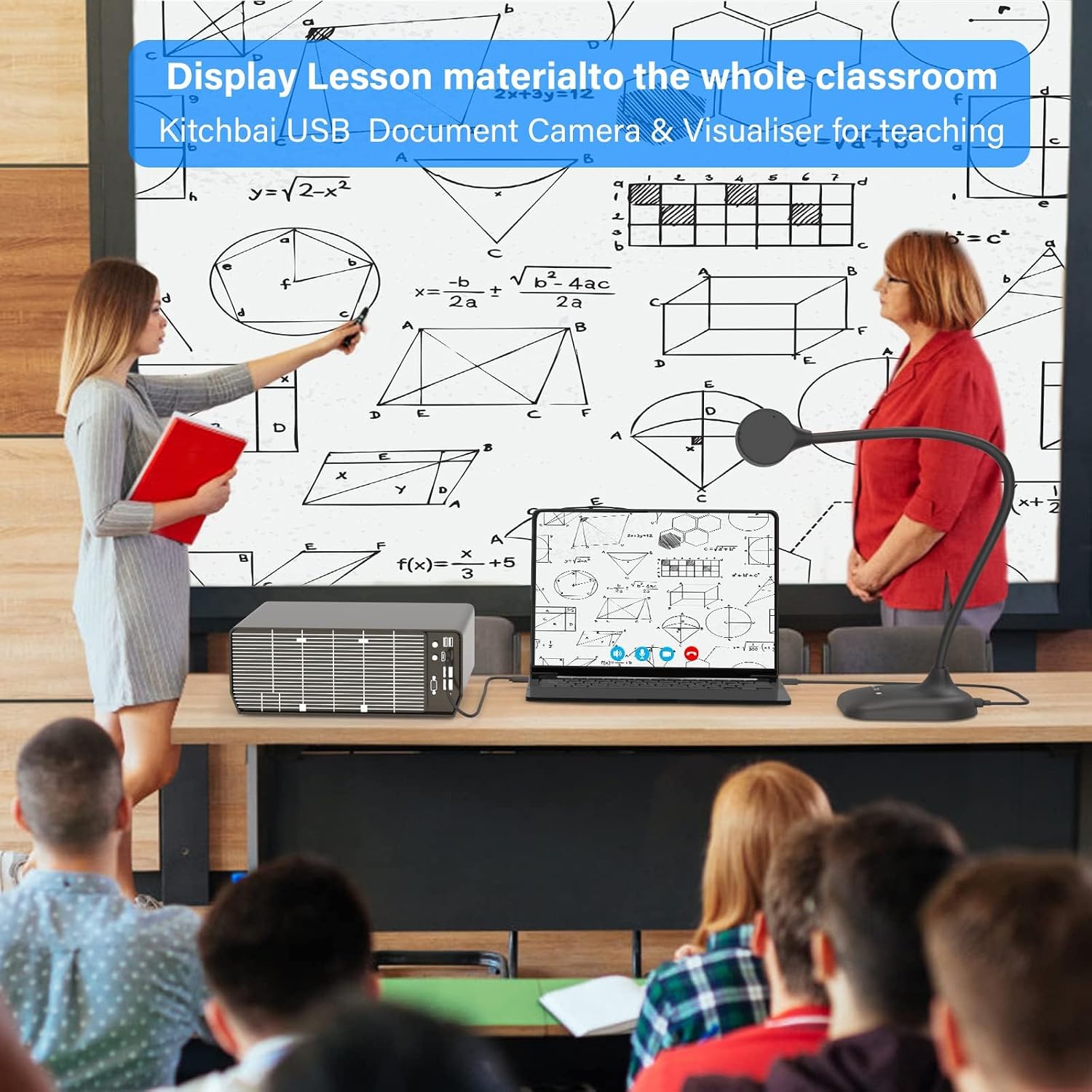
This flexible document camera transforms a desk or podium into a clear demonstration surface for lessons and online sessions. As a USB document camera for teaching, it combines a high-resolution sensor and a flexible gooseneck so you can show documents, artwork or small objects with ease and clarity.
Key Points
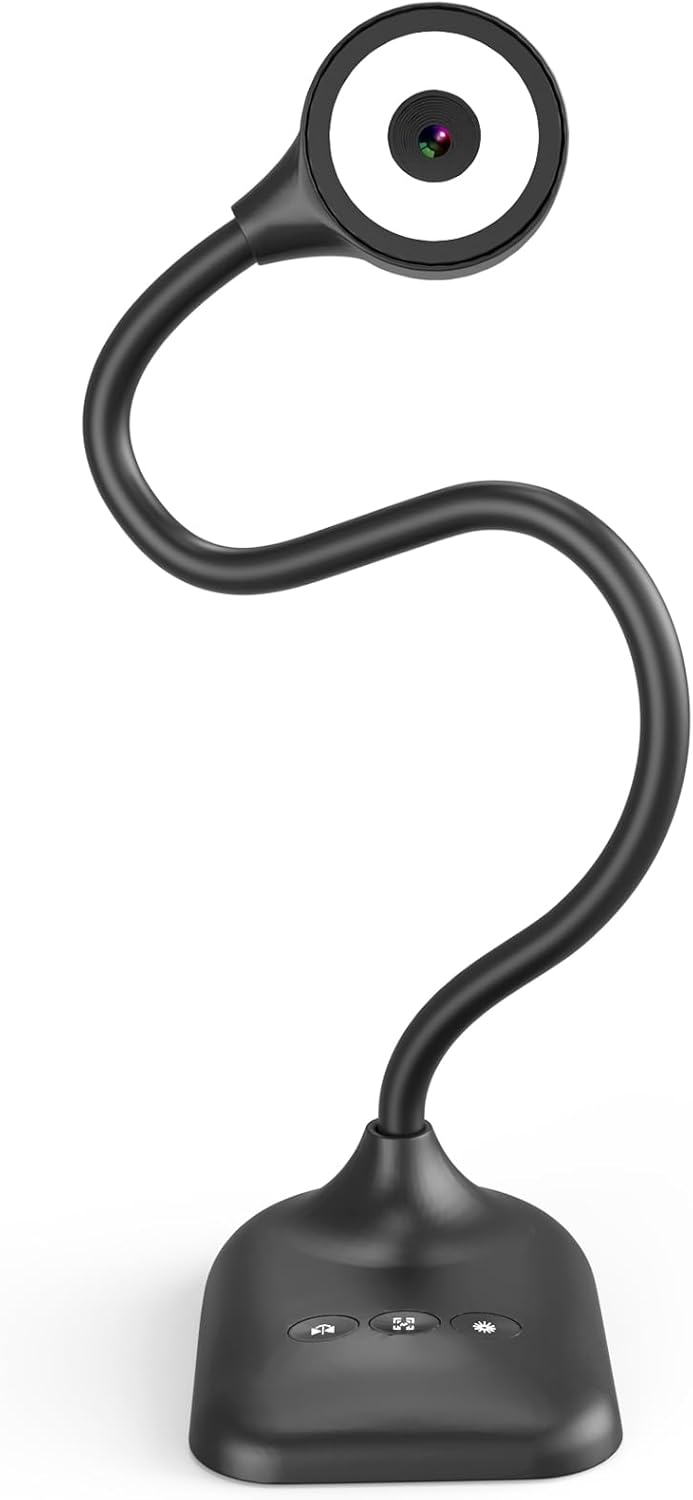
This model is a 3-in-1 visualiser that doubles as a webcam and document camera, designed for classroom use and remote learning. The gooseneck arm allows multi-angle framing, and the head can be flipped for overhead demonstrations or face-to-face video calls. The unit includes an integrated microphone to capture speech without an external mic, and touch controls for lighting and exposure settings keep adjustments simple during live sessions. 😊
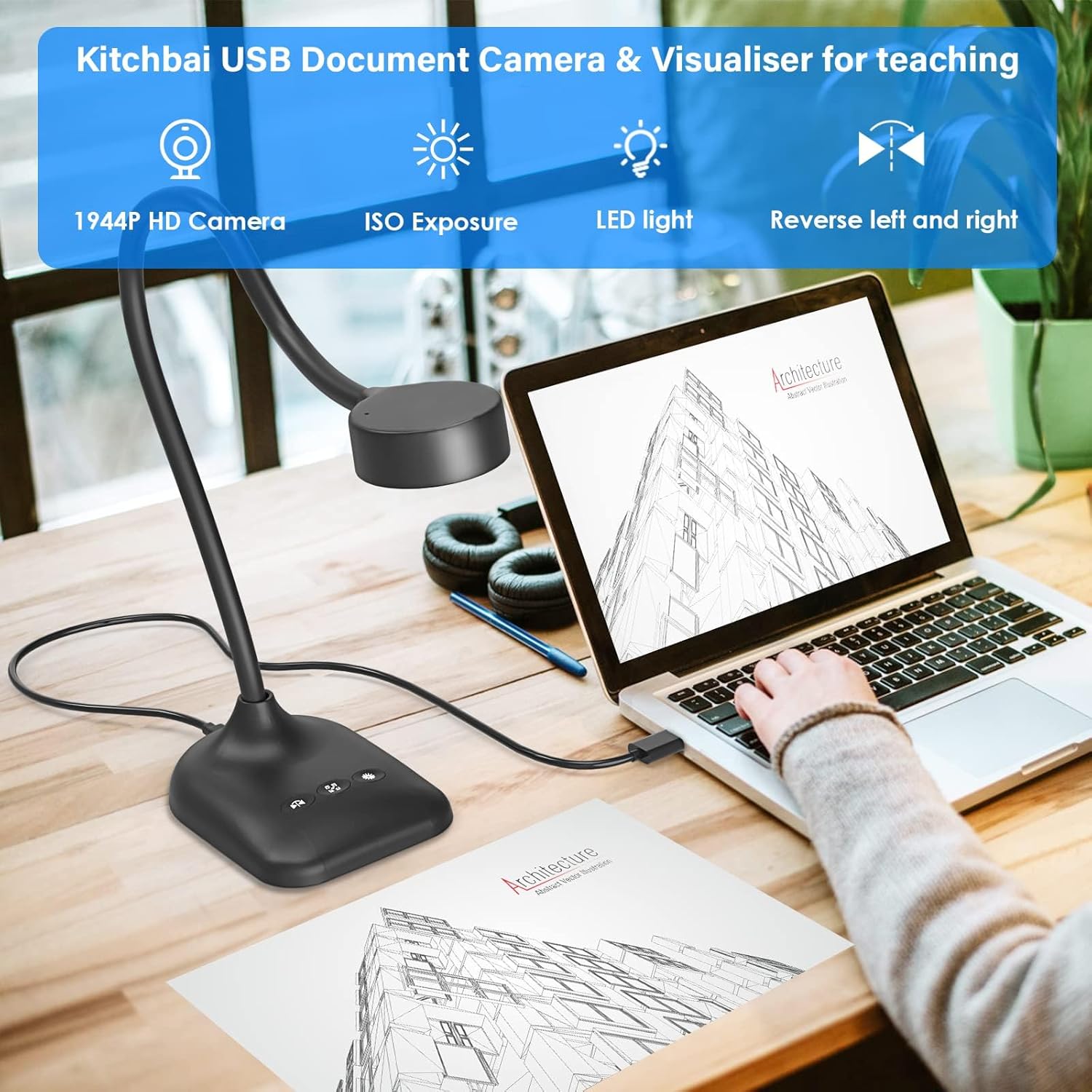
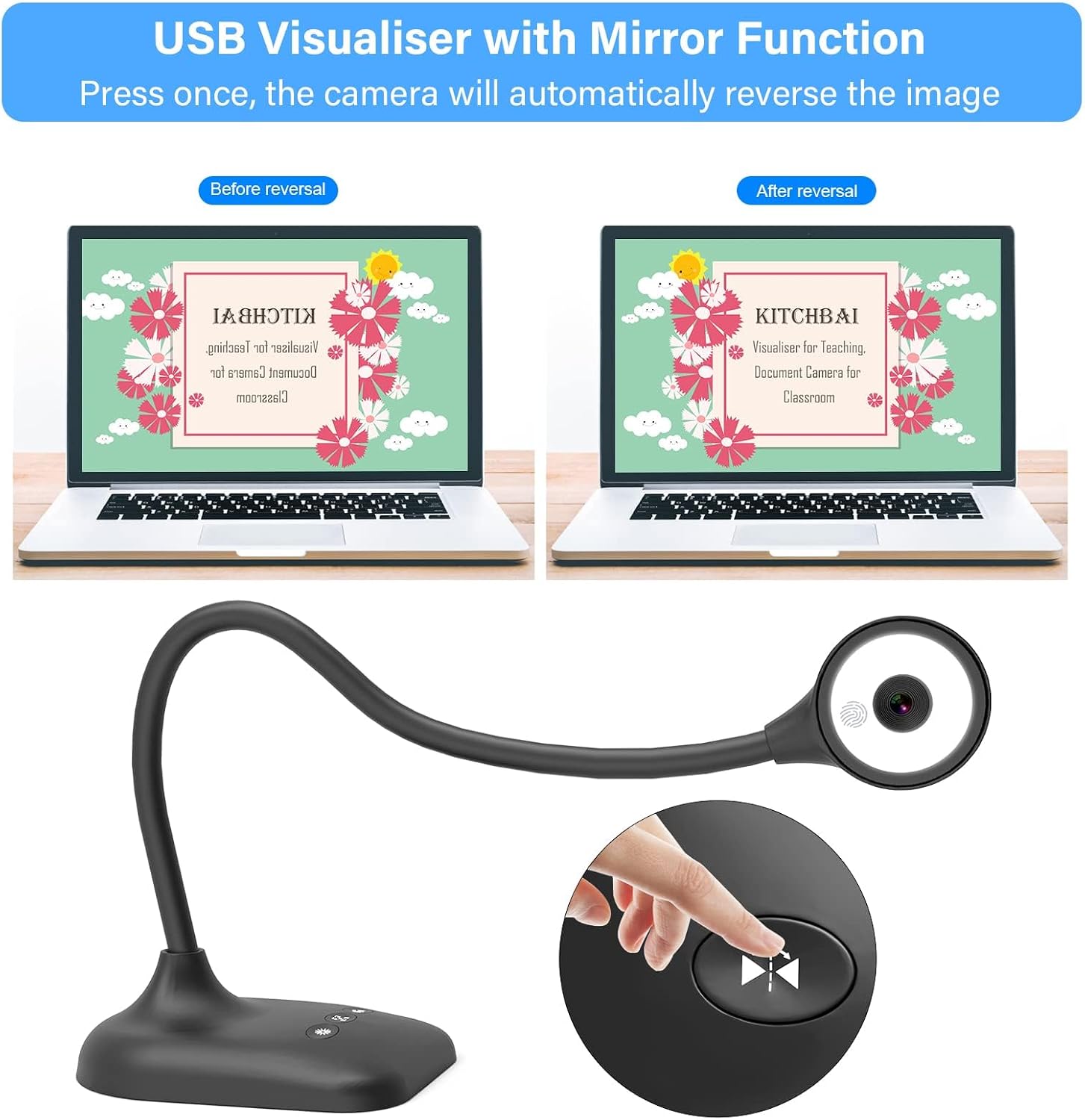
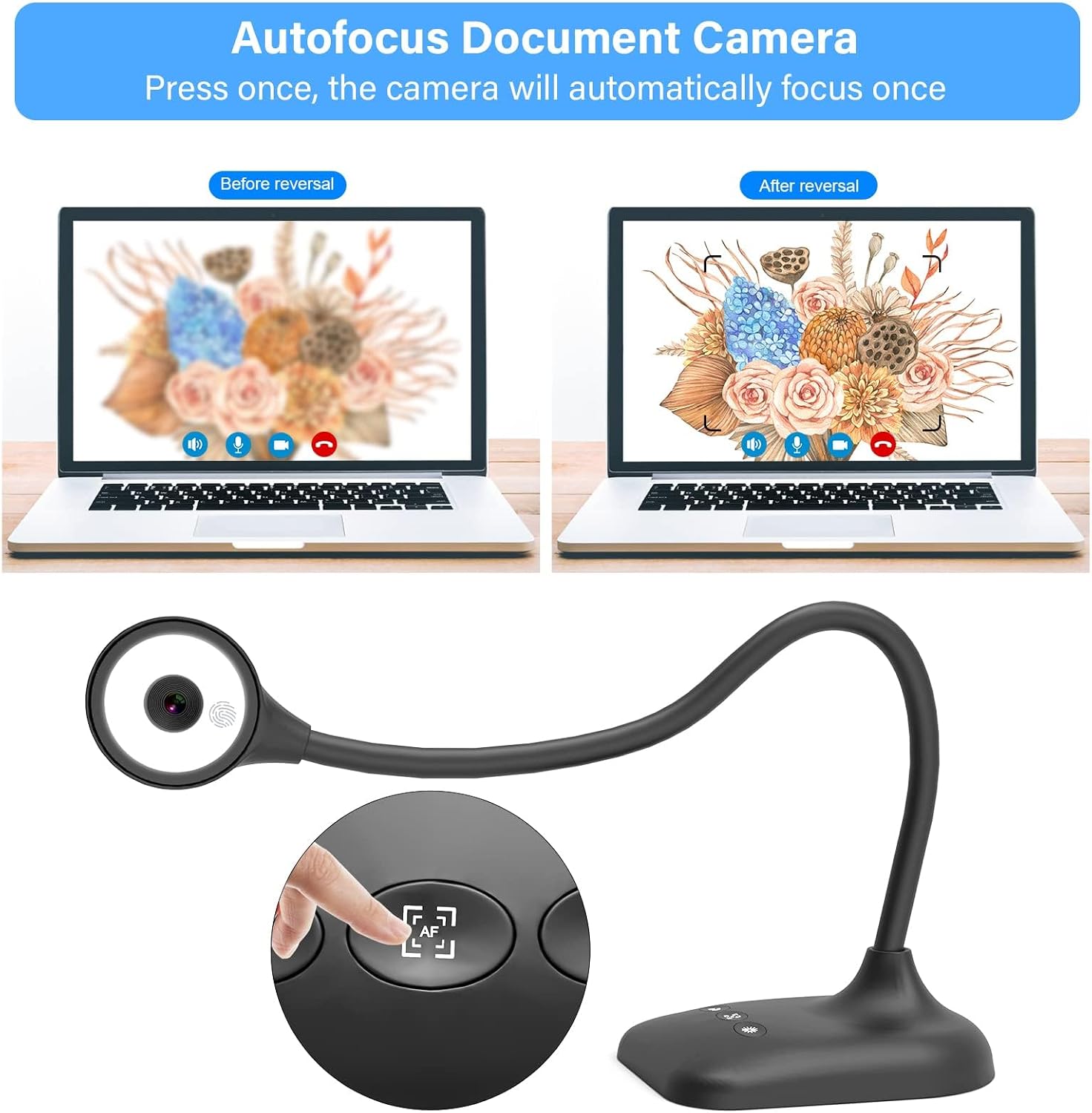
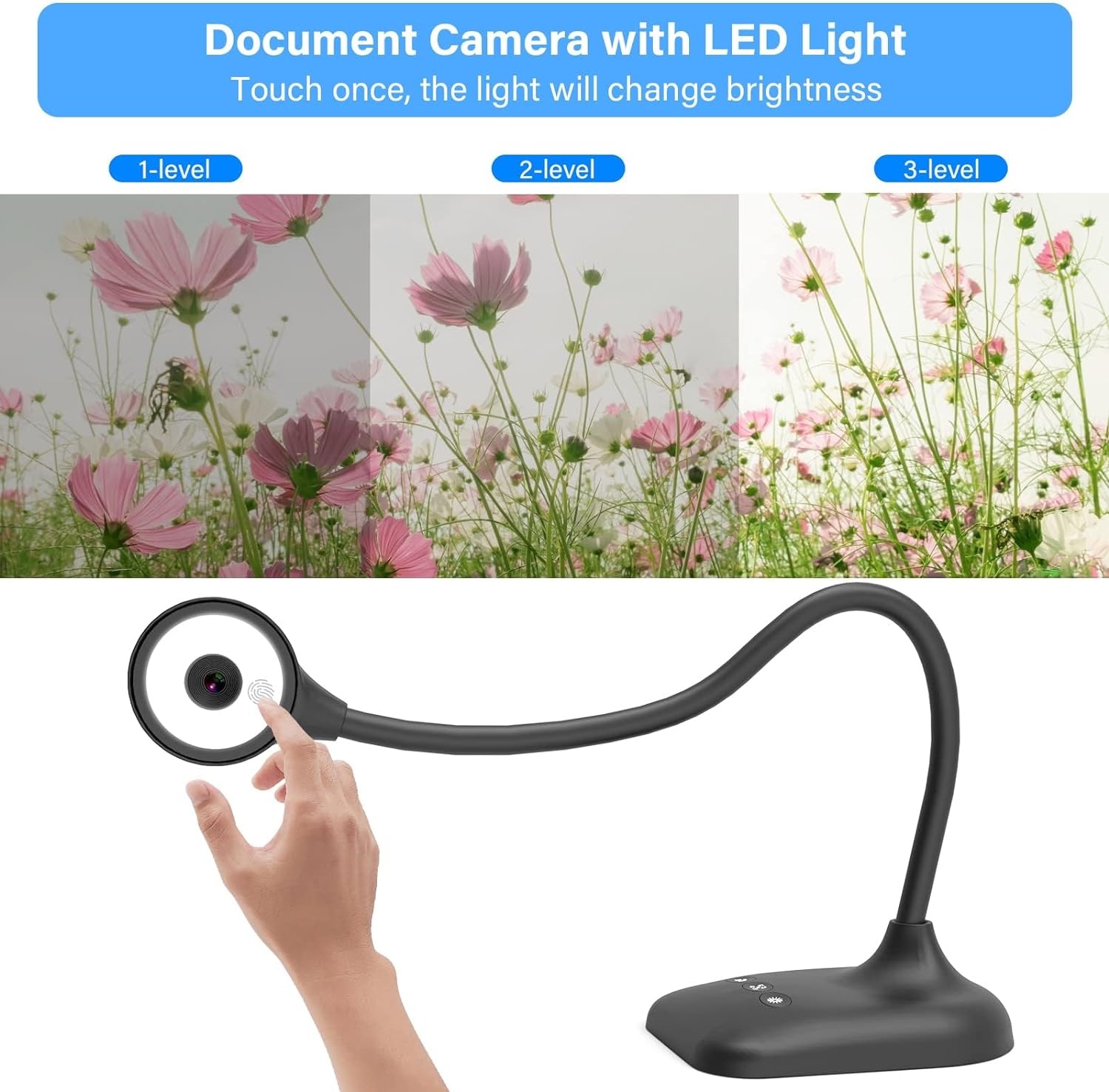
The lighting system offers three LED brightness levels plus five exposure settings according to the manufacturer, helping to maintain visibility even in dim rooms. Image inversion and left-right mirroring are available through dedicated buttons, which is useful when showing pages or tutorials that need to appear correctly to students. The device connects via a USB-C cable for modern laptops but will also work with USB adapters on other systems.
Technical Specifications
- Name: Kitchbai Visualiser
- Resolution: 2592×1944 (maximum sensor output)
- Connectivity: USB-C cable included
- Autofocus: Auto-focus with single-button AF
- Lighting: 3-level LED light and 5-level exposure controls
- Compatibility: Windows PCs, Mac OS, Chromebooks
Usage Recommendations
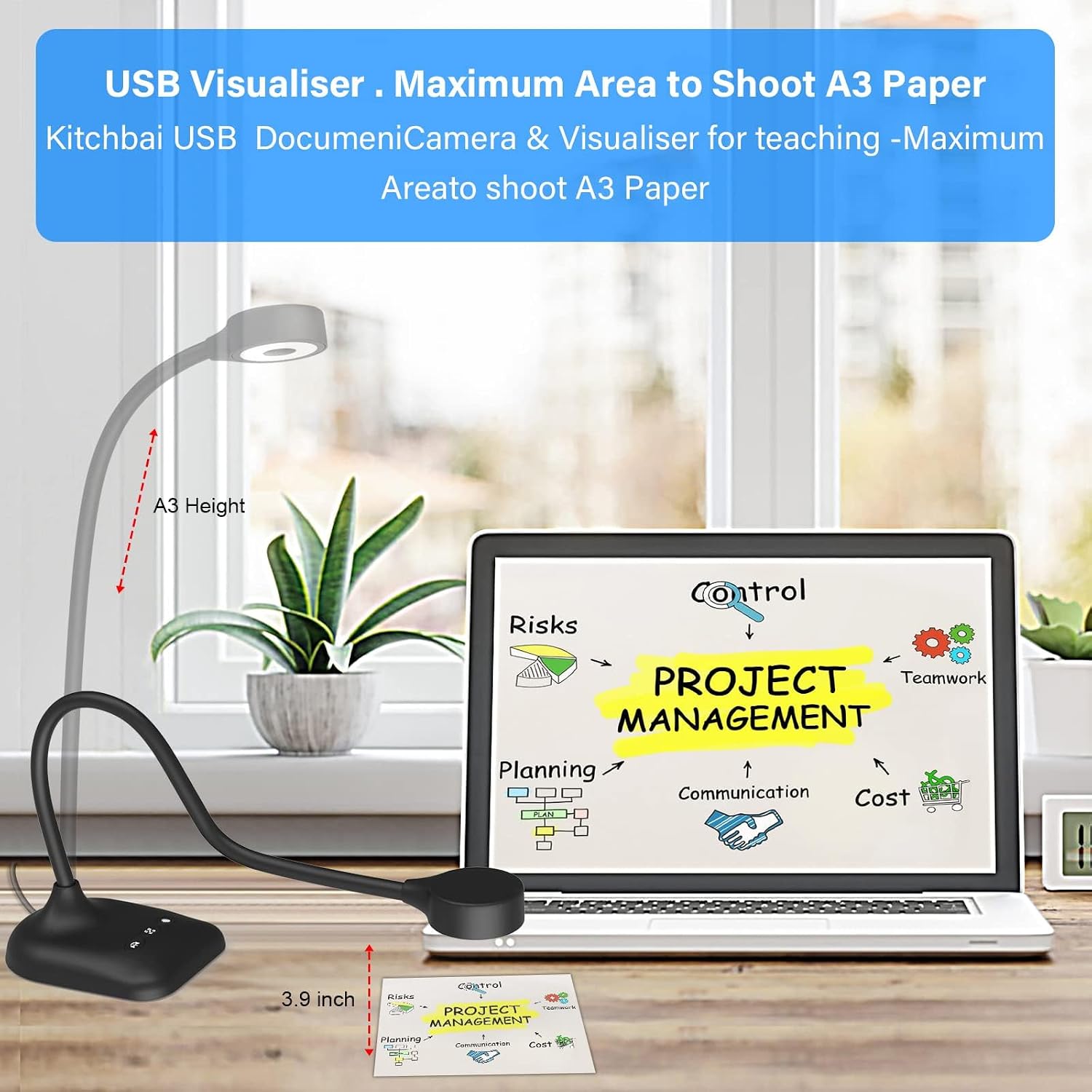
Position the camera head about 20 to 40 centimetres above the document for most text and artwork; adjust the arm for closer shots of fine detail or crafts. If ambient light is low, increase the LED brightness or raise the exposure setting to reduce shadows and improve clarity. For live demonstrations, flip the camera head to face the presenter when switching between document capture and face-to-face interaction.
Consider using a stable surface to avoid wobble during zoomed-in close-ups, as strong movements can affect perceived focus. The built-in microphone does reduce background noise but may benefit from placement closer to the speaker in noisy rooms. 🎨
Practical Tips
Keep the USB-C cable path clear and avoid sharp bends to preserve the connector. When using older USB-A ports, a reliable adapter will maintain the best performance. For recording sessions, test the mirroring and exposure controls before starting to ensure the image orientation and brightness match your intended viewers. The foldable design makes the camera easy to store between lessons or move between classrooms, and the touch buttons make quick on-the-fly adjustments straightforward..