


HP Series 5 27-inch Monitor (FHD IPS, 100 Hz) – 527sw
Product description
What this monitor is and who it suits
The HP Series 5 27-inch monitor is a full‑HD (FHD) display that aims to sit comfortably between everyday productivity and casual entertainment. With an IPS panel, it promises wide viewing angles and consistent colour across the screen. If you’re after a secondary display for work, study or light media consumption without breaking the bank, this model is worth considering. On paper, the 100 Hz refresh rate should help scrolling feel a touch smoother than a standard 60 Hz panel, which can be noticeable when paging through documents or browsing the web.
Core specs at a glance
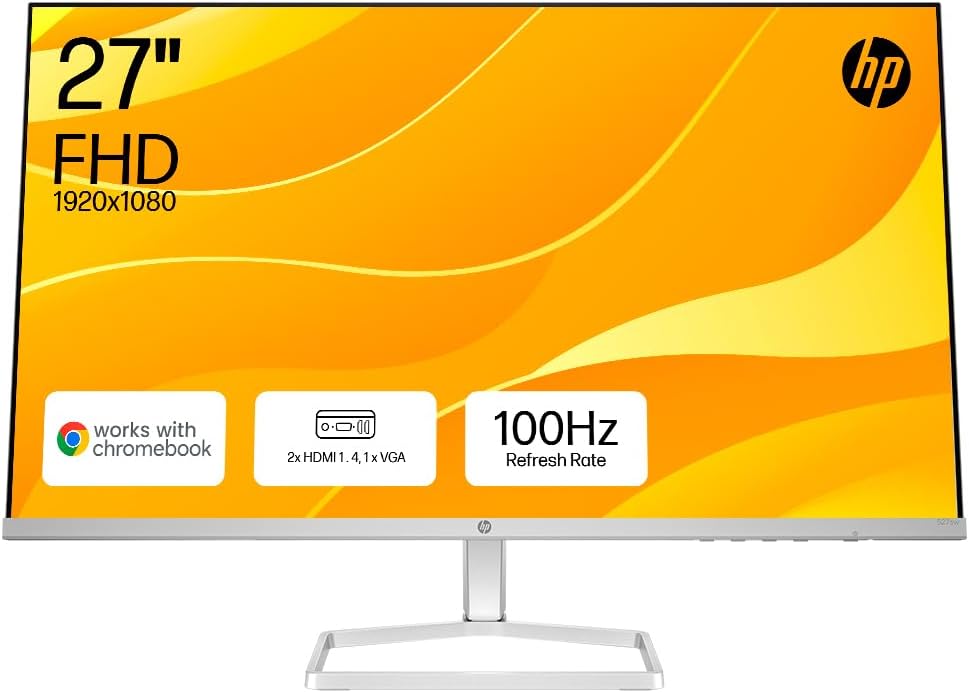
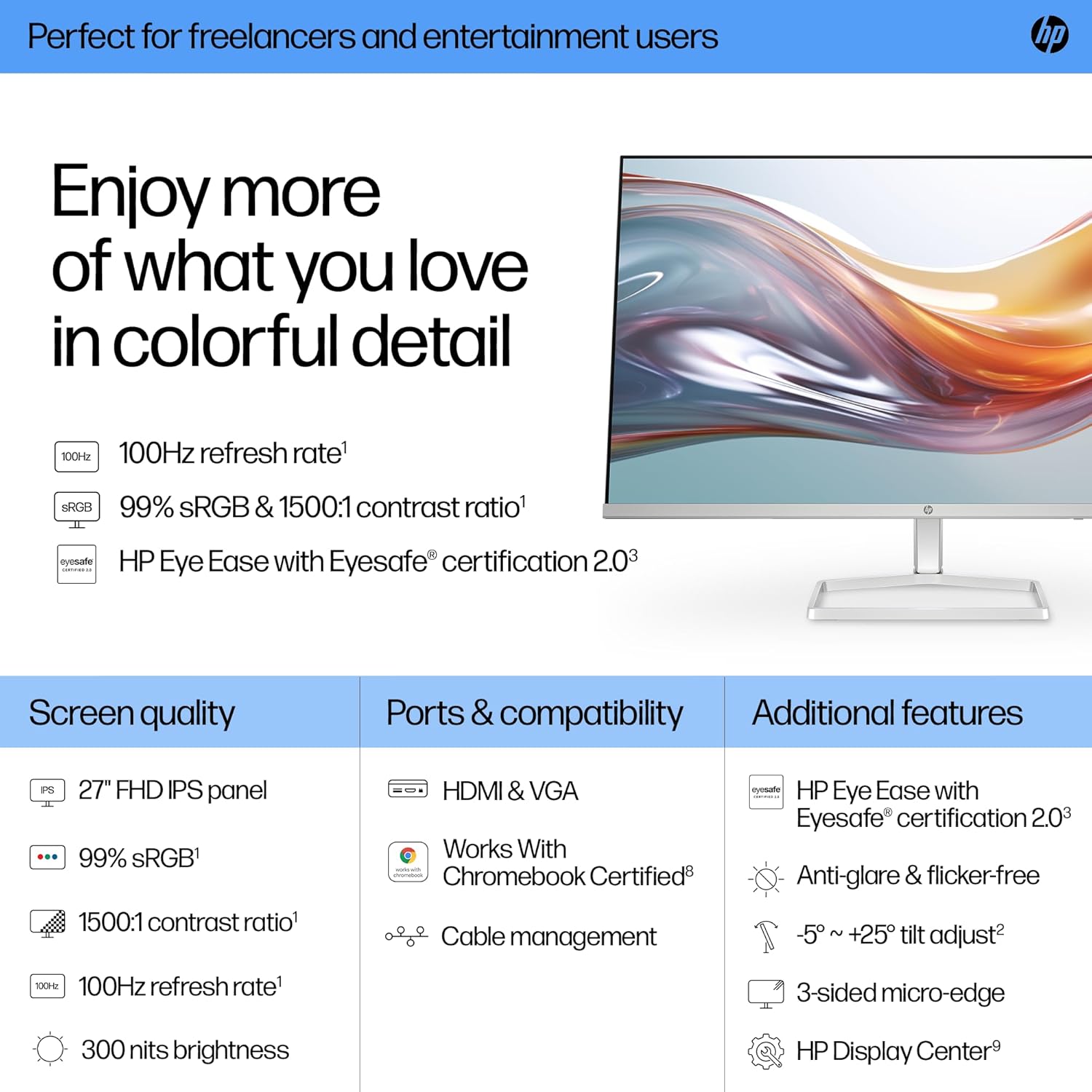
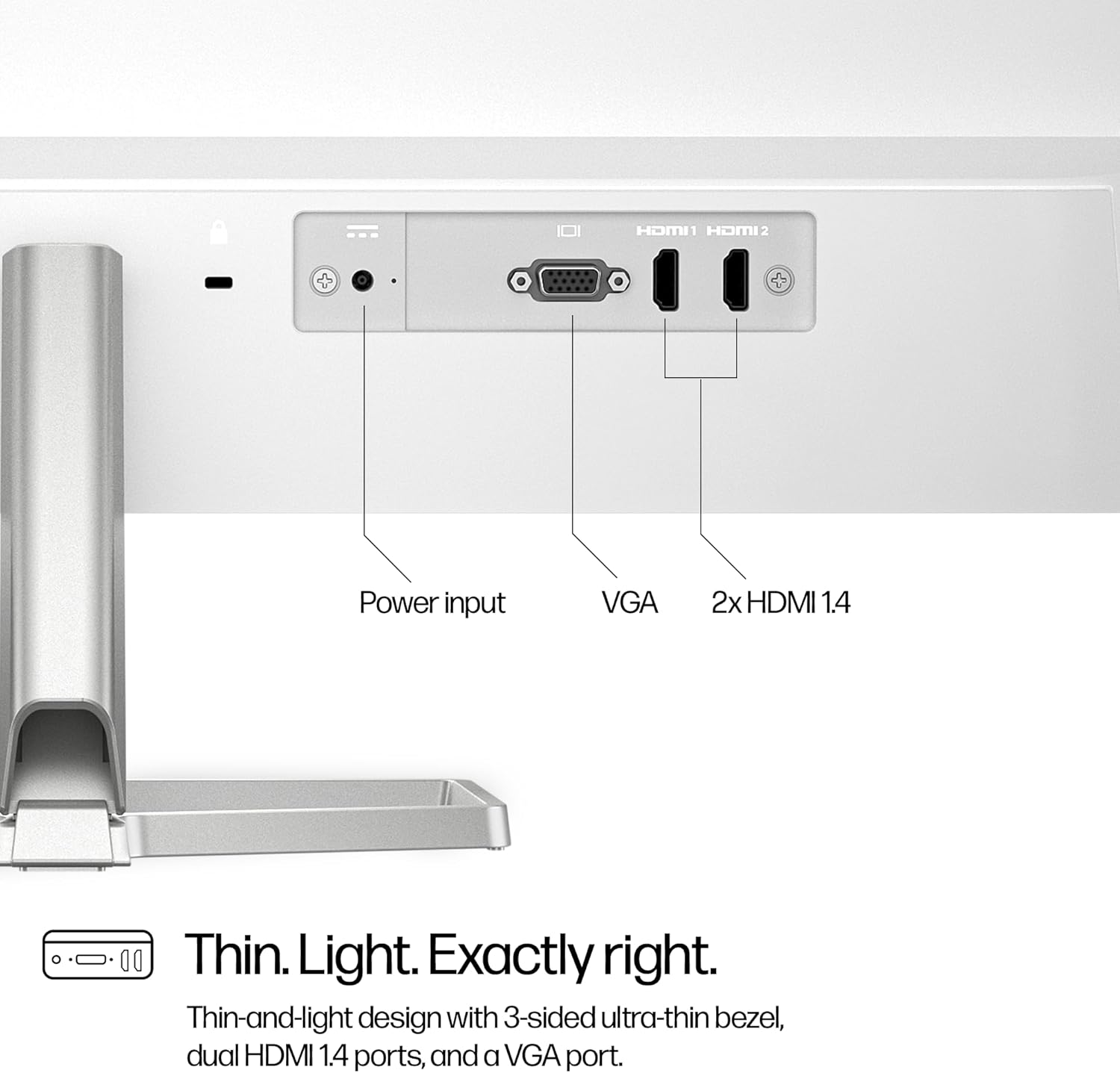
This monitor features a 27-inch screen with 99% sRGB coverage and a 1500:1 contrast ratio. Brightness sits around 300 nits, which should handle a range of indoor lighting levels without becoming washed out. Connectivity includes two HDMI 1.4 ports and one VGA, which keeps it versatile for older and newer devices. The White finish and slim, borderless design are aimed at fitting into living rooms or home offices without drawing attention.
Comfort and usage in everyday life
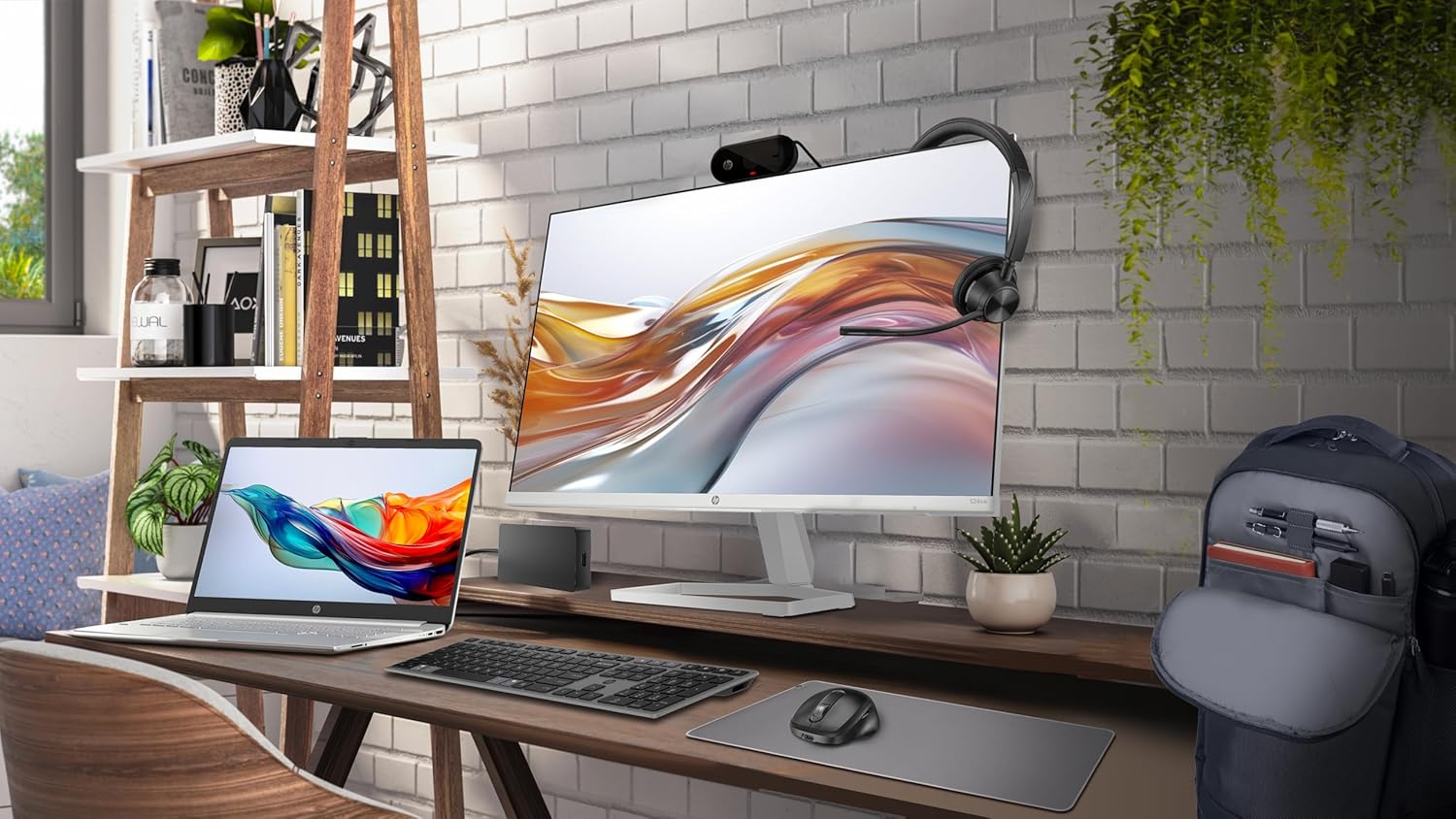
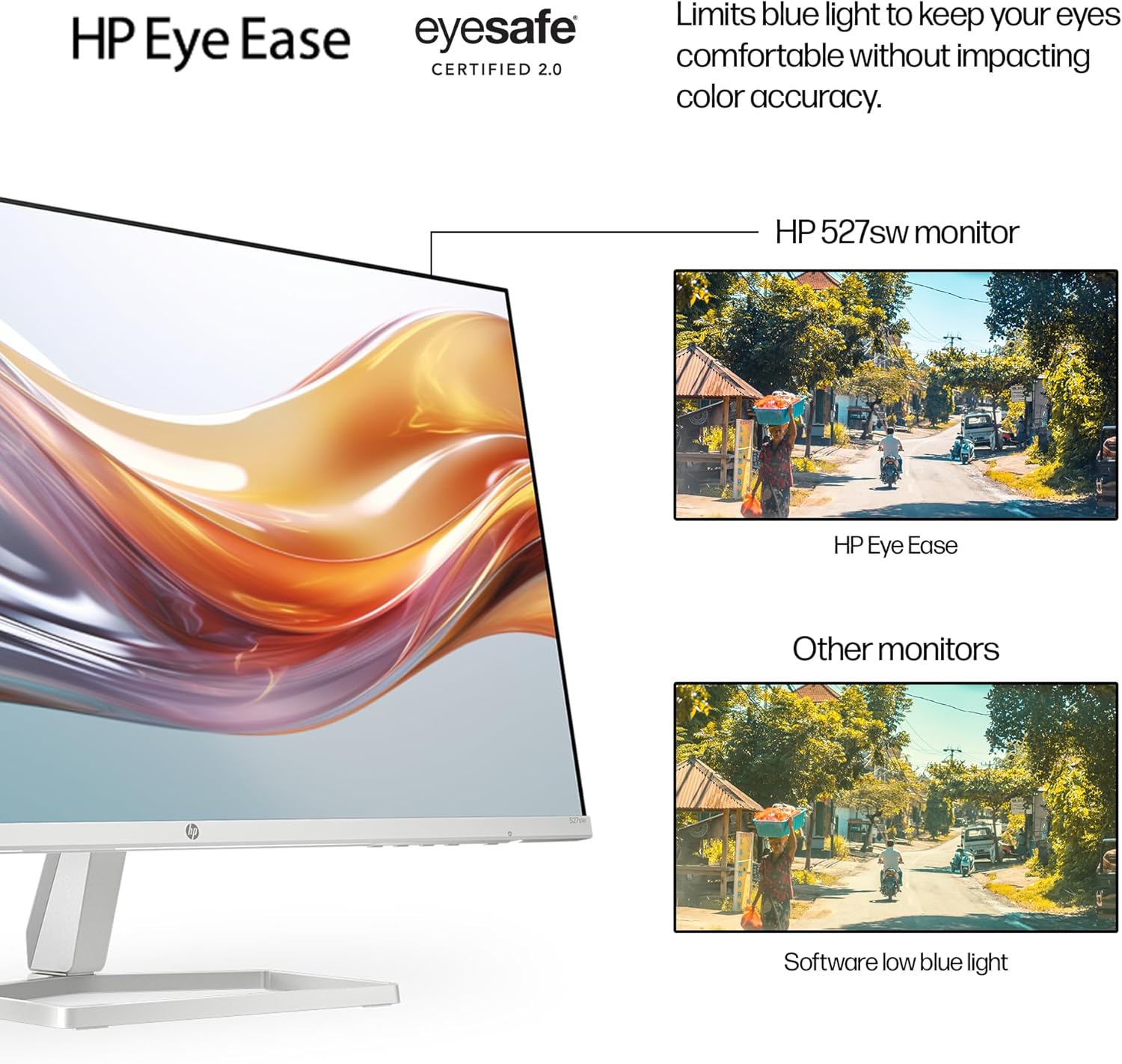
A tilt‑adjustable stand is provided to help you find a comfortable viewing angle, especially if you’re working long hours or learning from home. HP’s Eye Ease with Eyesafe certification is positioned as a feature to limit blue light, which could be helpful during extended screen time. The design also touts a clean cable management approach and a thin‑and‑light profile that can slot into a small desk setup or a multi‑monitor arrangement.
What stands out on paper
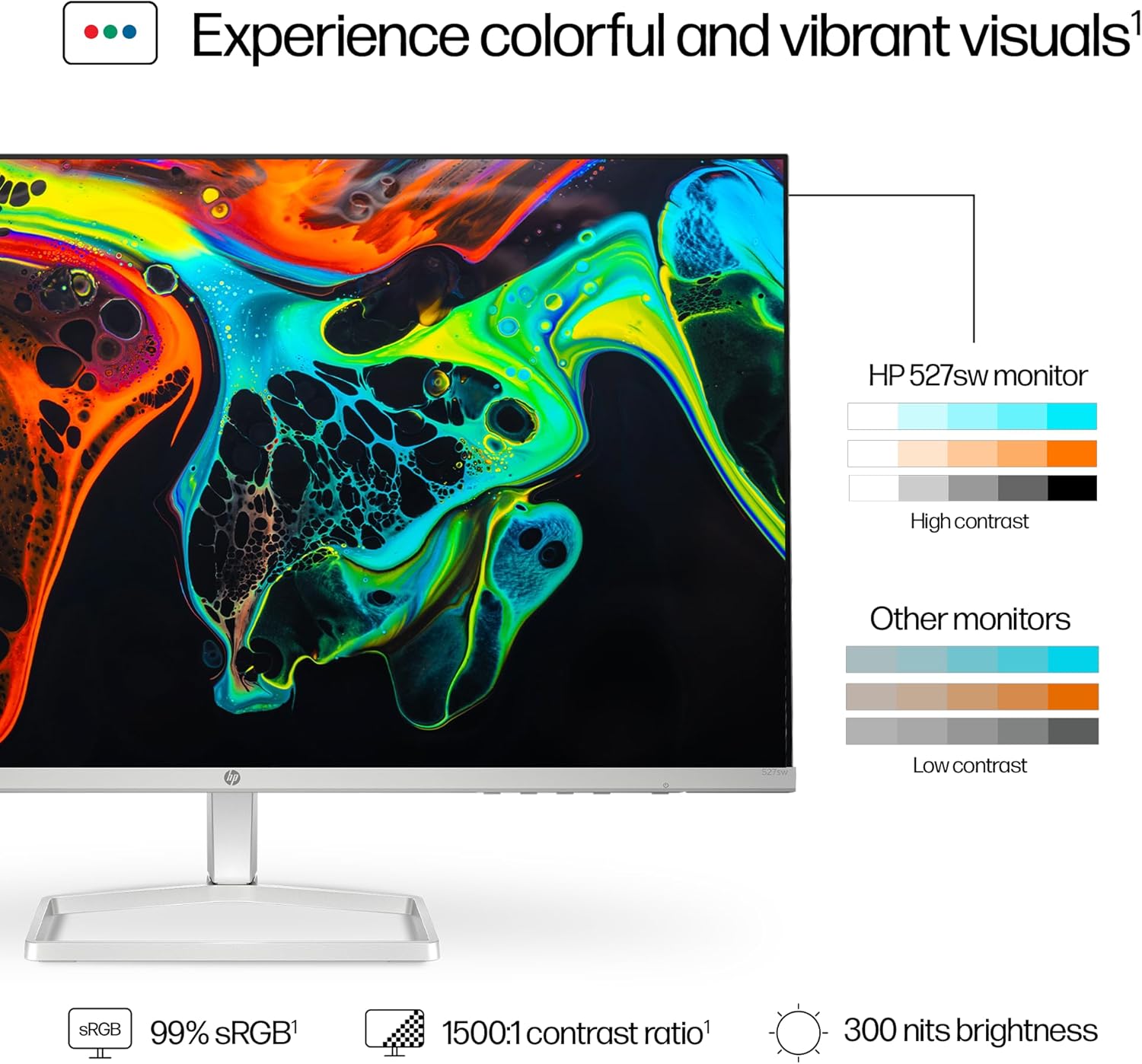
If you prioritise colour accuracy for everyday tasks, the 99% sRGB claim is appealing for general photo editing and multimedia where vivid, natural colours matter. The 100 Hz refresh rate adds a degree of fluidity to scrolling and light gaming, though it isn’t pitched as a gaming monitor. For those who care about sustainability, the Series 5 line uses recycled materials and ocean‑bound plastics, with eco‑friendly packaging and ENERGY STAR certification.
Limitations and things to watch
There are a few trade‑offs to consider. The panel is FHD rather than Quad HD, so pixel density isn’t as high as more premium 1440p or 4K displays. The stand offers tilt adjustment but not height adjustability, which may limit ergonomic fine‑tuning. Connectivity includes VGA, which is useful for older devices, but if your setup is modern and relies on DisplayPort or USB‑C, you’ll need adapters. Also, there’s no built‑in speakers, so you’ll want external audio if you need it.
Who it’s for
This monitor is well‑suited to students, home workers and casual creators who want a larger secondary screen with accurate colour for everyday tasks. It’s also a practical option for those looking to extend a basic workspace without investing in higher‑spec models. If you’re building a multi‑screen setup on a budget, the slim profile and three‑port input set can simplify cabling and layout.
Who might want to look elsewhere
If your primary needs include serious photo or video editing, high‑end gaming, or ultra‑sharp desktop real estate, a higher resolution panel (QHD/4K) or a higher refresh rate could be more satisfying. Those who prioritise full ergonomic adjustment (height, pivot) may prefer a monitor with an adjustable stand. If you rely heavily on modern USB‑C connectivity for power and data, you’ll need to check compatibility and possibly additional dongles.
Before you buy: practical checks
- Confirm your device outputs match the monitor’s inputs (HDMI 1.4 or VGA).
- Consider whether you need external speakers since none are built in.
- If colour accuracy matters, test the 99% sRGB claim in person or via reputable reviews to see how it handles skin tones and shadows.
- Think about desk space: the 27‑inch size is noticeable but not overwhelming, the borderless design helps twin‑screen arrangements look cohesive.
How it compares in the market context
This HP model sits in the segment of affordable, reliable family and study monitors. It’s a sensible alternative to basic 1080p panels if you want a larger screen with improved colour spread and a smoother scrolling feel. For workloads that demand sharper text and more screen real estate, a higher resolution panel or faster refresh rate would deliver more noticeable benefits, for light productivity and browsing, the Series 5 presents a balanced value choice.
Decision point: buying outlook
Is it worth it?
Worth considering if you want a larger, colour‑capable screen for everyday tasks, light content creation or general entertainment without paying a premium for higher resolutions. If your setup relies on older hardware or you’re seeking a compact secondary display, the two HDMI and VGA inputs can be a practical match.
Practical usage example
Imagine a mid‑afternoon study session: you’ve got a document on the main screen and a research browser on the HP Series 5. The IPS panel keeps colours consistent when you tilt your head, and the 100 Hz refresh clears up minor screen tearing as you scroll through notes. It’s not about dramatic performance boosts, it’s about a steadier, more pleasant viewing experience across long study blocks.
Quick FAQ
- Does it support modern USB‑C or DisplayPort? The provided inputs are two HDMI 1.4 and VGA, no USB‑C or DisplayPort are listed.
- Is it good for photo editing? The 99% sRGB rating helps with colour reproduction for general tasks, but it’s not a high‑end colour‑critical monitor.
- Can I mount it on a stand with height adjust? The description mentions tilt adjustment but not height or pivot features.
- Is it energy efficient? It carries ENERGY STAR certification and sustainable design attributes, which suggests efficient operation relative to its class.
- What’s the ideal setup for a school desk? A second screen to accompany a laptop or PC, with simple cable management and a clean aesthetic that fits a compact space.