

DIGITNOW! Video Capture Card – Convert Hi8 VHS to Digital (Windows & Mac) with SCART/AV Adapter
Product description
What it is
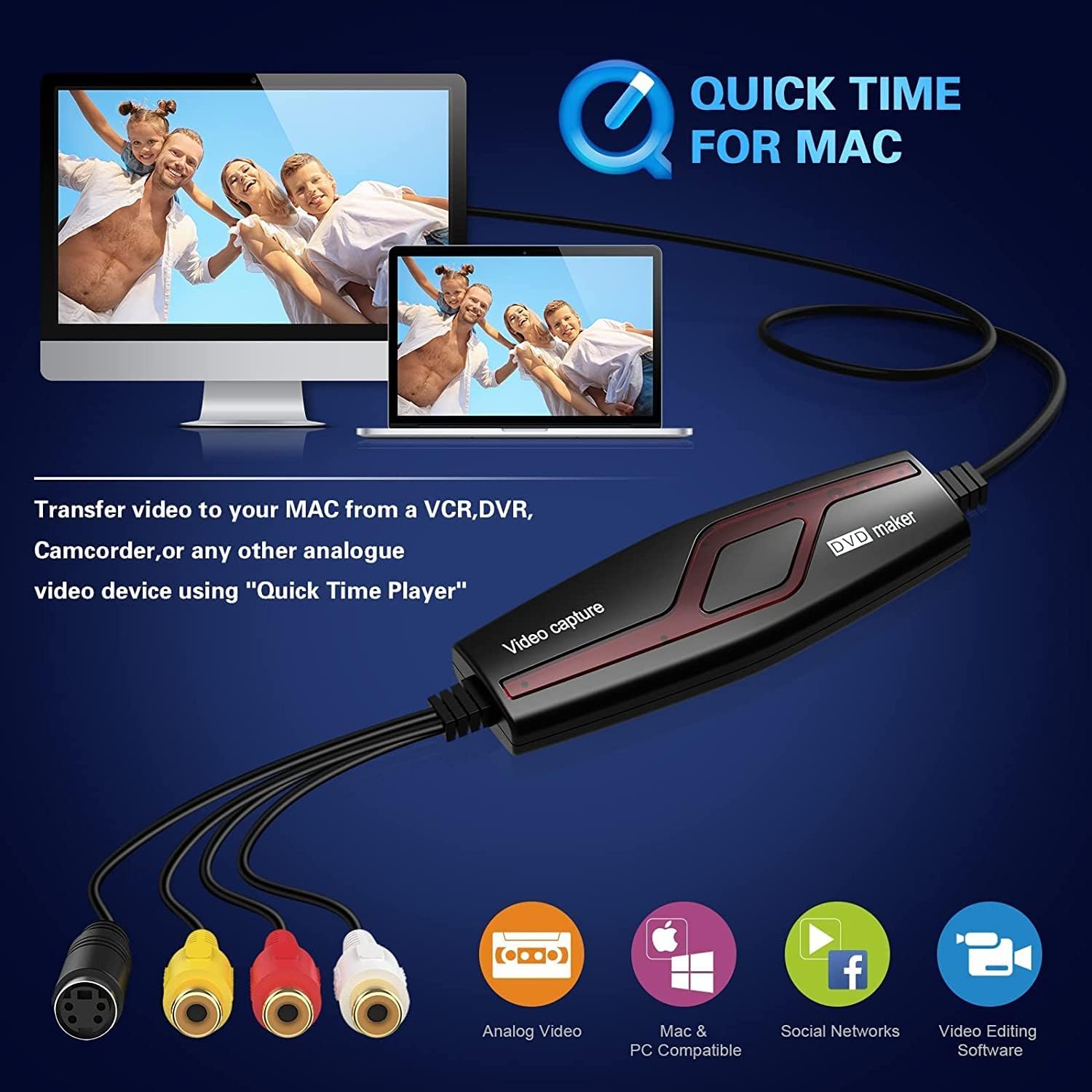
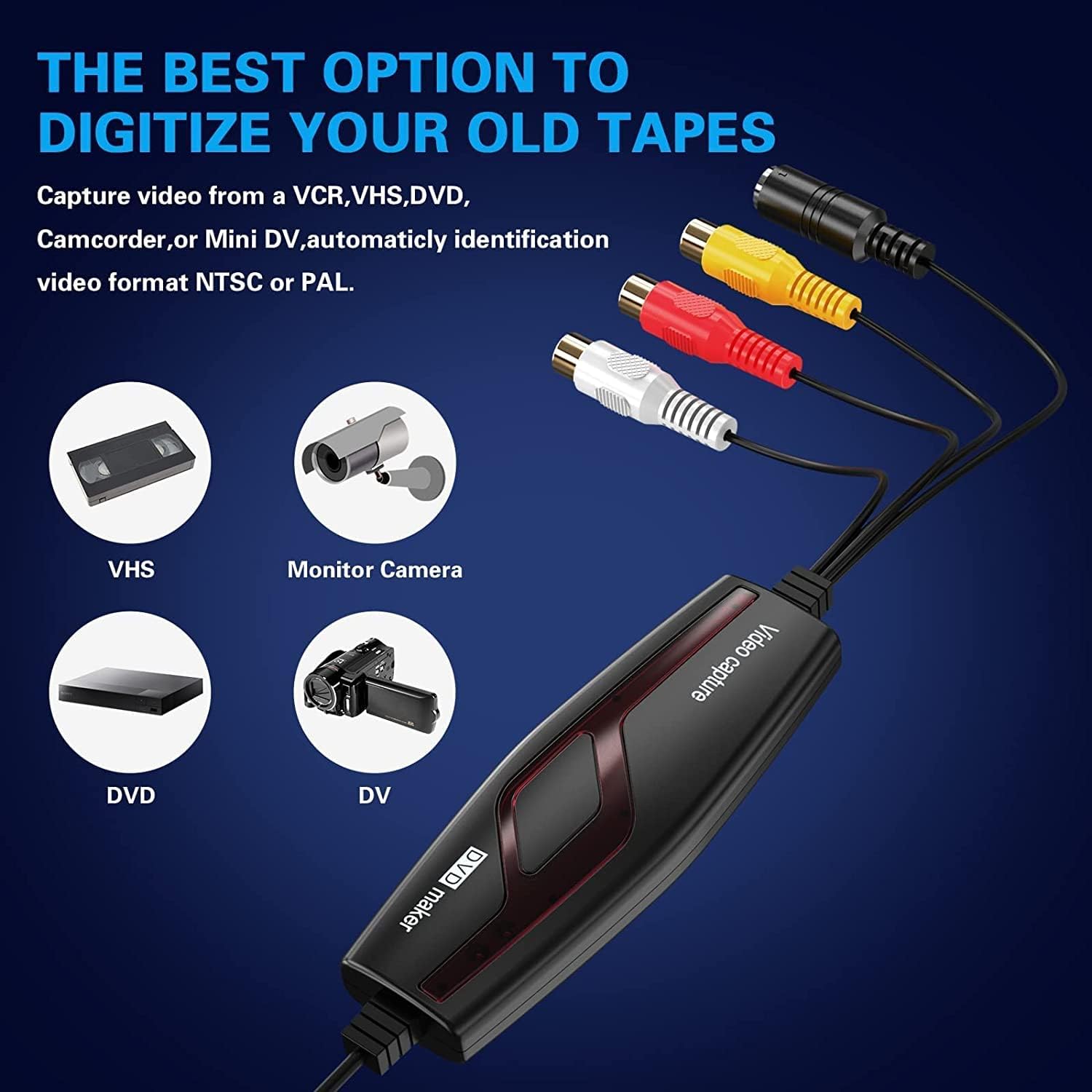
The DIGITNOW! Video Capture Card is a USB device that helps you digitise analogue video from Hi8/Video8, VHS and other composite sources. It includes a SCART/AV adapter and basic capture software to get your old tapes into a modern digital format for saving, editing or sharing. On the surface, it promises a straightforward route from tape to digital file, without needing dedicated studio-level gear.
What it solves
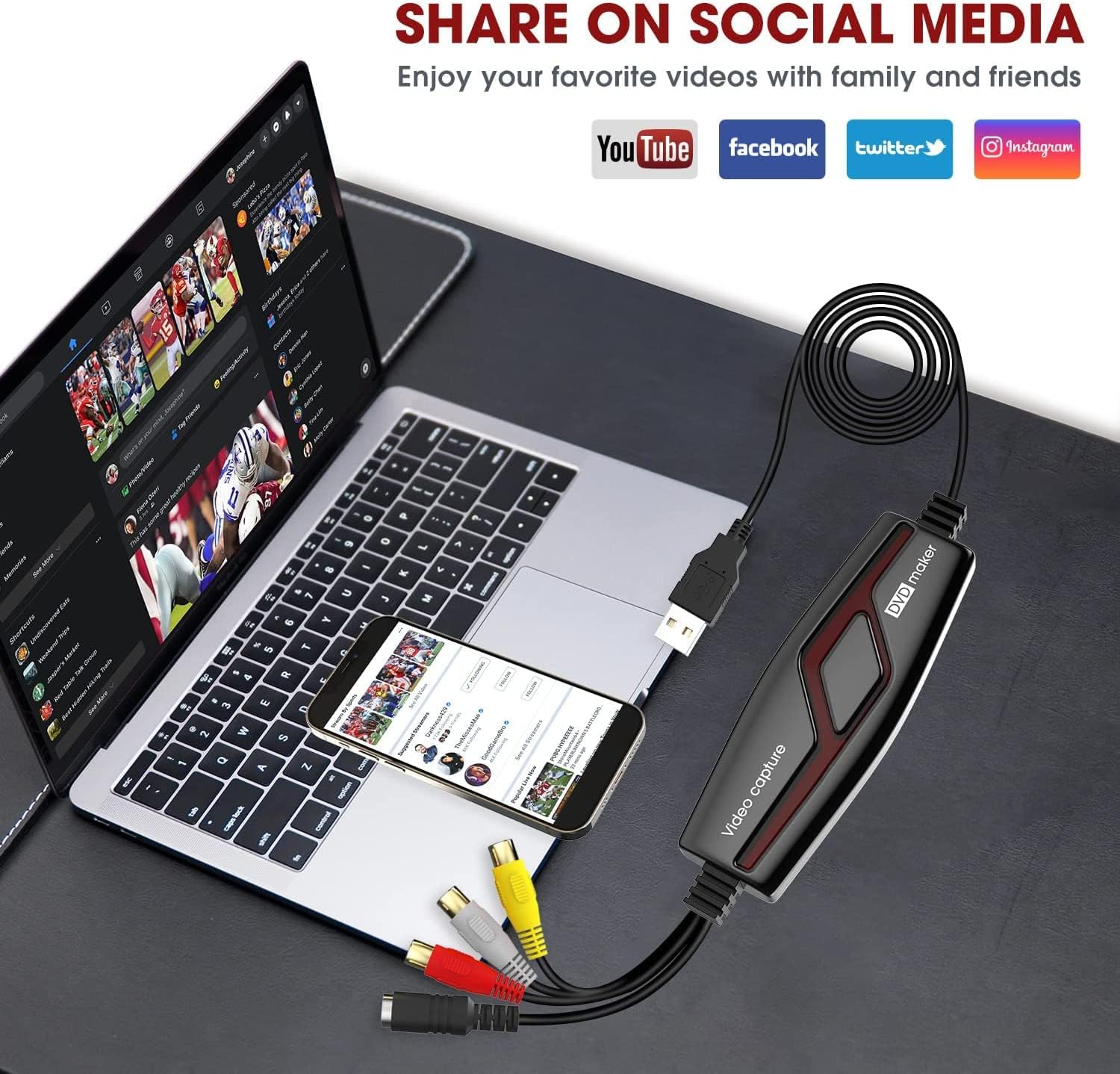
If you have a dusty stack of Hi8 or VHS tapes and you want to preserve memories or repurpose them for online viewing, this device is aimed at giving you a workable bridge. It supports common playback standards (NTSC, PAL, and PAL/60) and transfers to a universal digital format that can be used with common software on Windows or Mac. For many casual users, that practical outcome — a digital copy you can back up, upload to YouTube or edit in a basic editor — is the key value.
How it works in practice
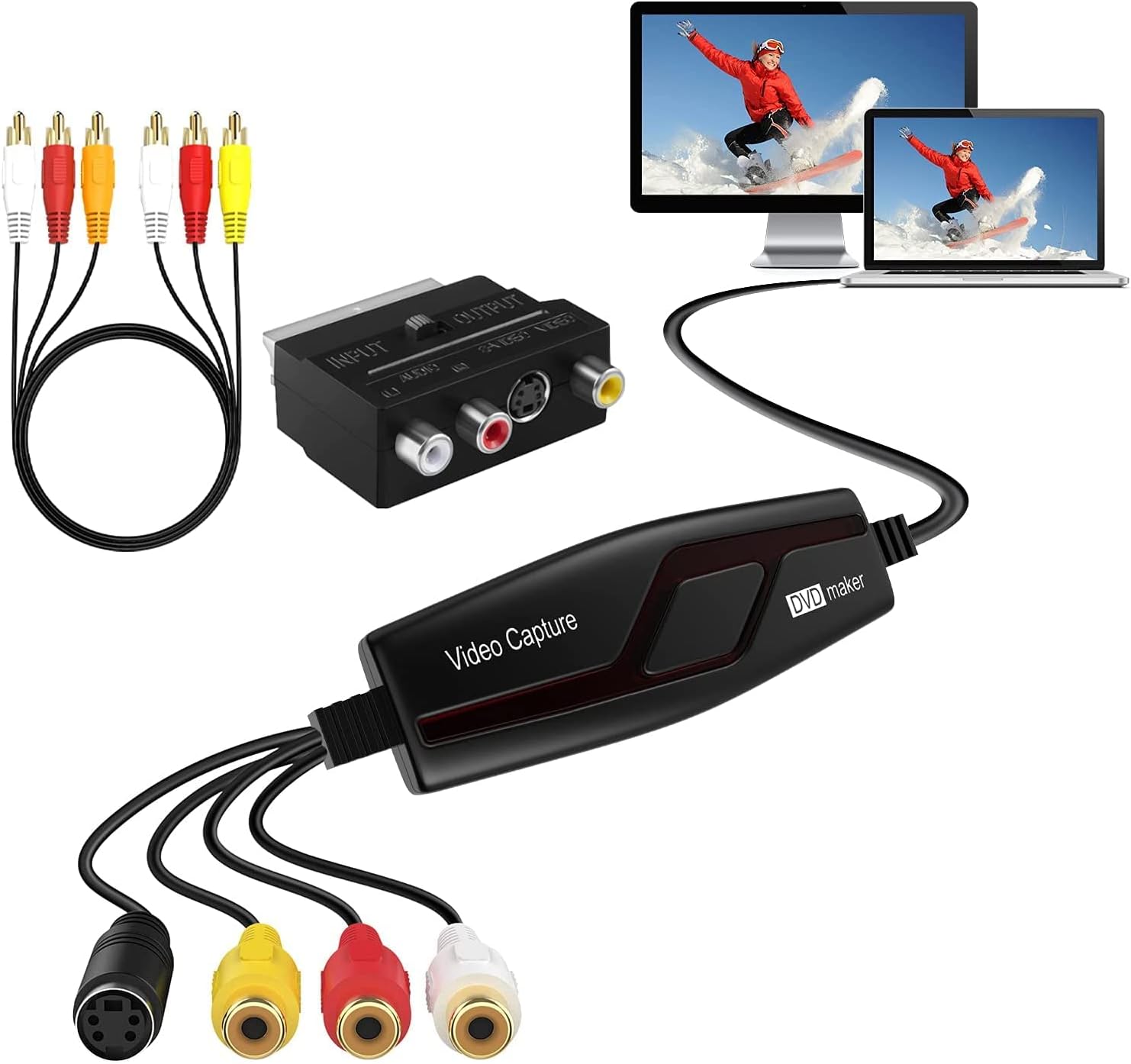
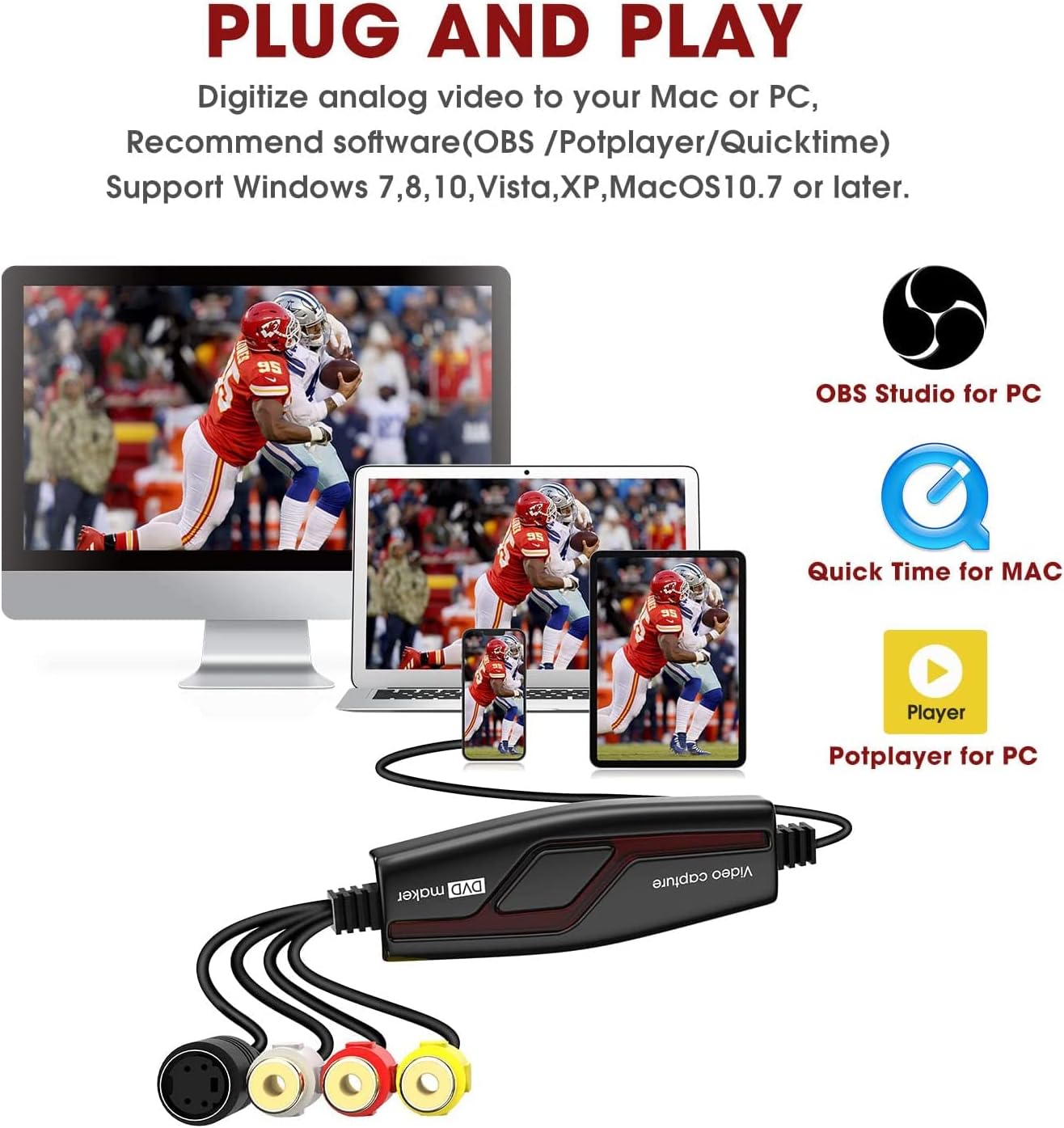
On a typical setup, you connect your VCR or Hi8 player to the device via the included SCART/AV adapter and USB connection to a computer. The bundled software or recommended applications (OBS Studio or PotPlayer for Windows, QuickTime Player for Mac) provide the capture path and basic editing tools. The capture aims to deliver a digital file ready for iMovie, Windows Live Movie Maker or straightforward online sharing, without requiring advanced videography skills.
Pros — what stands out
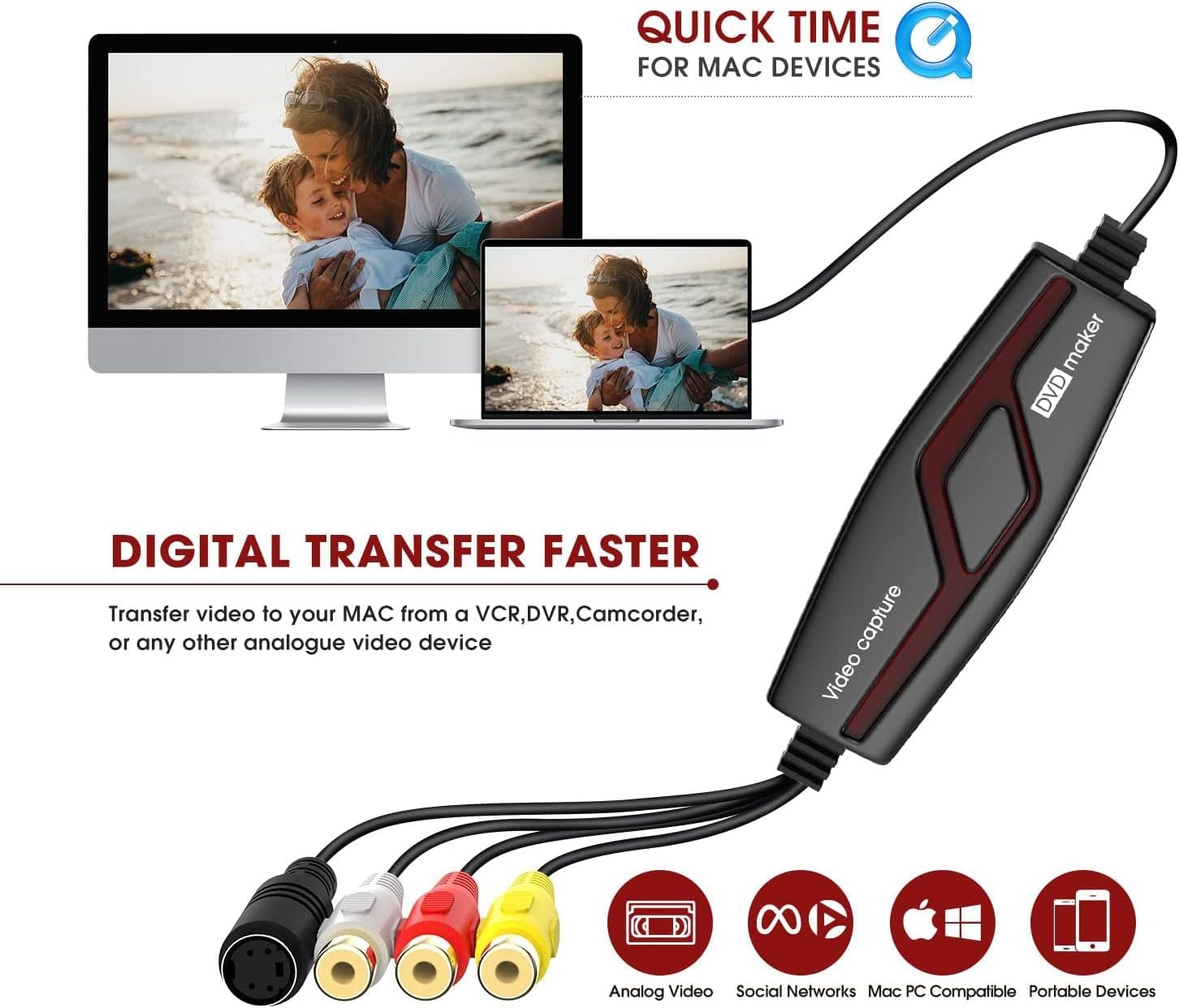
- Compatibility across common systems: Windows XP through Windows 10 (both 32‑ and 64‑bit), plus Mac OS X 10.5.8 onwards, including up to 10.15. This broad support is helpful if you’re using older hardware or newer Macs.
- Realistic workflow for home archives: the device aims to convert analogue to digital, with the resulting output in a widely used H.264 format suitable for everyday editing and viewing.
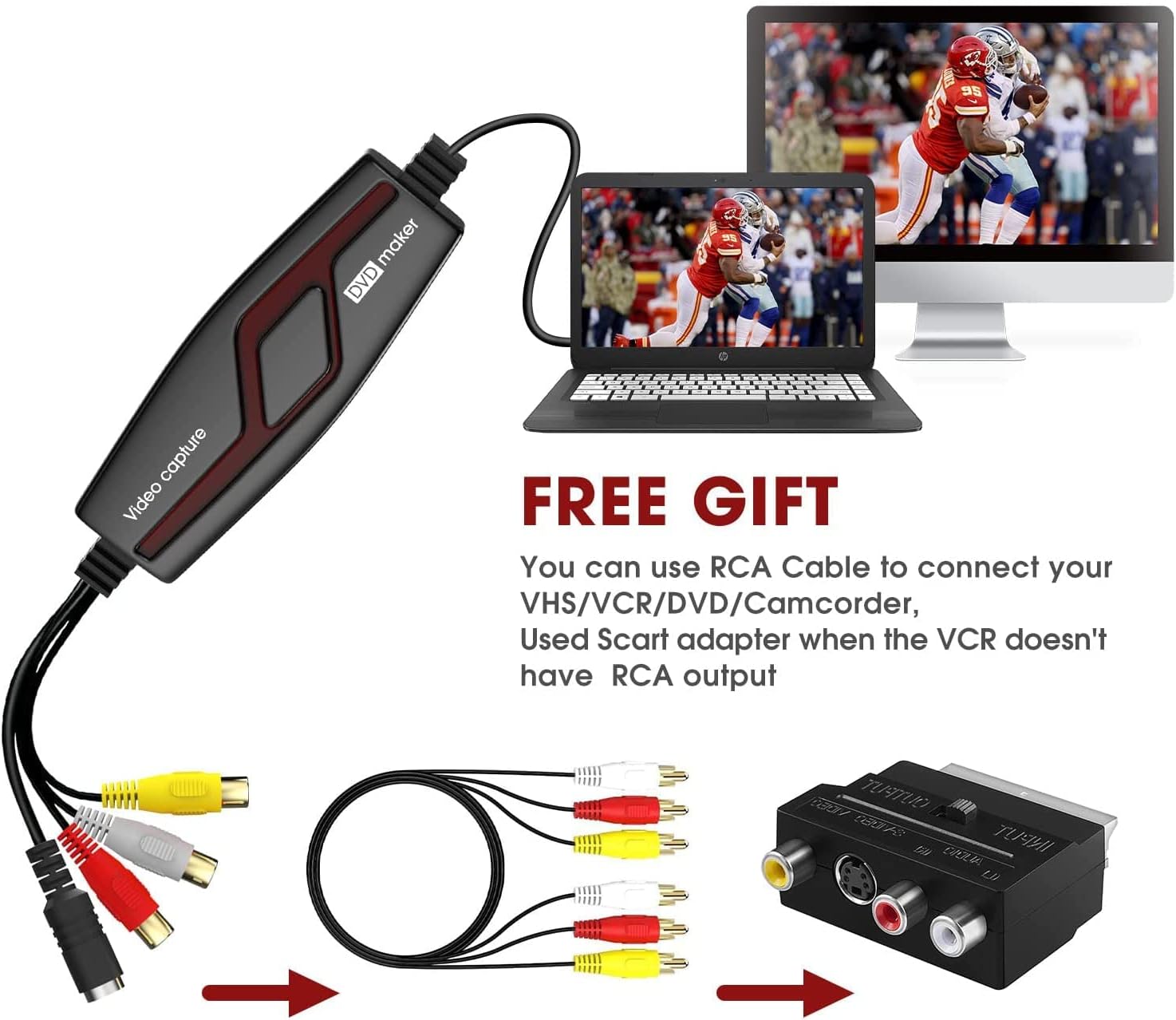
- All-in-one package: SCART/AV adapter is included, along with the capture device and basic cables, so you don’t need to source additional bits to get started.
- Optional polishing tools in software: the idea that you can apply noise reduction, stabilisation and colour correction in the process is useful if your tapes have visible artefacts.
Cons — where it may fall short
- No built‑in modern codecs beyond the implied H.264 pathway, you may still need external software to push more advanced edits, depending on your needs.
- The Windows CD is dated, the guidance suggests using OBS Studio or PotPlayer 64bit for Windows 10, which means you’ll rely on third‑party software for capture and playback rather than a single turnkey app.
- It’s more of a budget solution than a high‑end capture setup. If you’re after pristine professional results or frequent archiving of large collections, you may quickly outgrow the hardware and its accompanying software.
- The listed features focus on standard definition transfer, if you’re hoping for higher resolutions or variable frame‑rates, you’ll want to check whether your footage and drive space align with your expectations.
Who it’s for
- Casual memory archivists who want a simple, affordable path to digitise home Hi8/VHS tapes.
- People with mixed device ecosystems (Windows or Mac) who need a broad compatibility solution without a steep learning curve.
- Hobbyists comfortable with some software tweaks to optimise video quality and to burn or edit captured footage.
Who it isn’t ideal for
- Professionals or heavy users needing high‑end capture features, lossless workflows, or advanced post‑production options.
- Anyone seeking a plug‑and‑play experience with no software configuration, the compatibility notes imply some setup work, especially on Windows 10.
- Those prioritising pristine, modern‑codec outputs or high‑definition transfers from classic tapes.
When it makes sense to buy
- If you simply want to preserve family footage now rather than later, and you prefer a straightforward workflow across Windows and Mac platforms.
- When you have a limited budget but want a functional route to digital copies, with an included SCART/AV adapter so you can plug directly into most old players.
When to reconsider
- If your tapes show heavy artefacts or you expect to process hundreds of tapes with advanced restoration needs, a more capable capture card or professional service might be more cost‑effective in the long run.
- If you require a zero‑compromise workflow and the highest quality outputs, or if you aim to preserve high‑definition video from old sources, this device may not meet those expectations.
What to check before buying
- Ensure your computer can run the referenced OS range and install the suggested capture applications (OBS Studio, PotPlayer, QuickTime).
- Consider whether your tapes are in NTSC or PAL format, and whether you need PAL/60 support for newer equipment.
- Think about your storage plan: H.264 files can still consume space depending on duration and quality settings, especially if you’re archiving long sessions.
- If you plan to burn to DVD or create compilations, verify you have the appropriate disc authoring workflow or software, the kit mentions ArcSoft ShowBiz for burning direct to DVD if you prefer that path.
How it compares to other approaches
- This device positions itself as a budget, all‑in‑one solution compared with dedicated capture hardware that might require separate software bundles. For occasional archiving, it offers a practical route, if your goal is ongoing preservation with more demanding editing or restoration, you may look to more feature‑rich capture hardware and a more robust post‑production workflow.
- In terms of convenience, the bundled SCART adapter reduces the need to source a separate input adapter, which helps when dealing with older VHS or Hi8 players.
Tech specs
- Name: DIGITNOW! Video Capture Card
- Type: USB video capture device
- Format: Universal H.264 digital capture (output format)
- Connectivity: USB to computer, included Composite-to-SCART adapter
- Video standards: NTSC, PAL, PAL/60
- Platform support: Windows XP/Vista/Win7/Win8/Win10 32/64-bit, Mac OS X 10.5.8 or later including 10.15
- Included software guidance: ArcSoft ShowBiz (for burning to DVD), plus recommendations for OBS Studio or PotPlayer (Windows 10) and QuickTime Player (Mac)
- Bundled in the box: DIGITNOW! Video Capture, Composite-to-SCART Adapter, Composite video/RCA Stereo Cable
Final verdict
Is it worth it? Worth considering if you want a straightforward, budget‑friendly way to salvage old tapes and you’re comfortable using a couple of third‑party apps to enhance the process. It’s a practical starter kit for home archiving, not a premium upgrade for frequent, high‑quality video restoration. If your priority is a simple, low‑cost entry into digital capture with broad compatibility across Windows and Mac, this kit can be a sensible choice. If you expect top‑tier capture quality, flawless restoration, or large‑scale archiving, you may want to explore higher‑end solutions or professional services.
FAQ (bare minimum)
- Can I use this with Windows 10 without issue? The guidance suggests using OBS Studio or PotPlayer 64bit for Windows 10, so some setup is involved.
- What outputs will I get? The device captures to a universal H.264 digital format suitable for common editors and platforms.
- Do I need additional cables? A SCART/AV adapter is included, along with the necessary composite cables, but you may need extra storage for longer videos.
- Is it suitable for HD transfer? The device targets standard definition inputs, if you’re seeking high‑definition transfers, expect limitations tied to the source material and device capabilities.