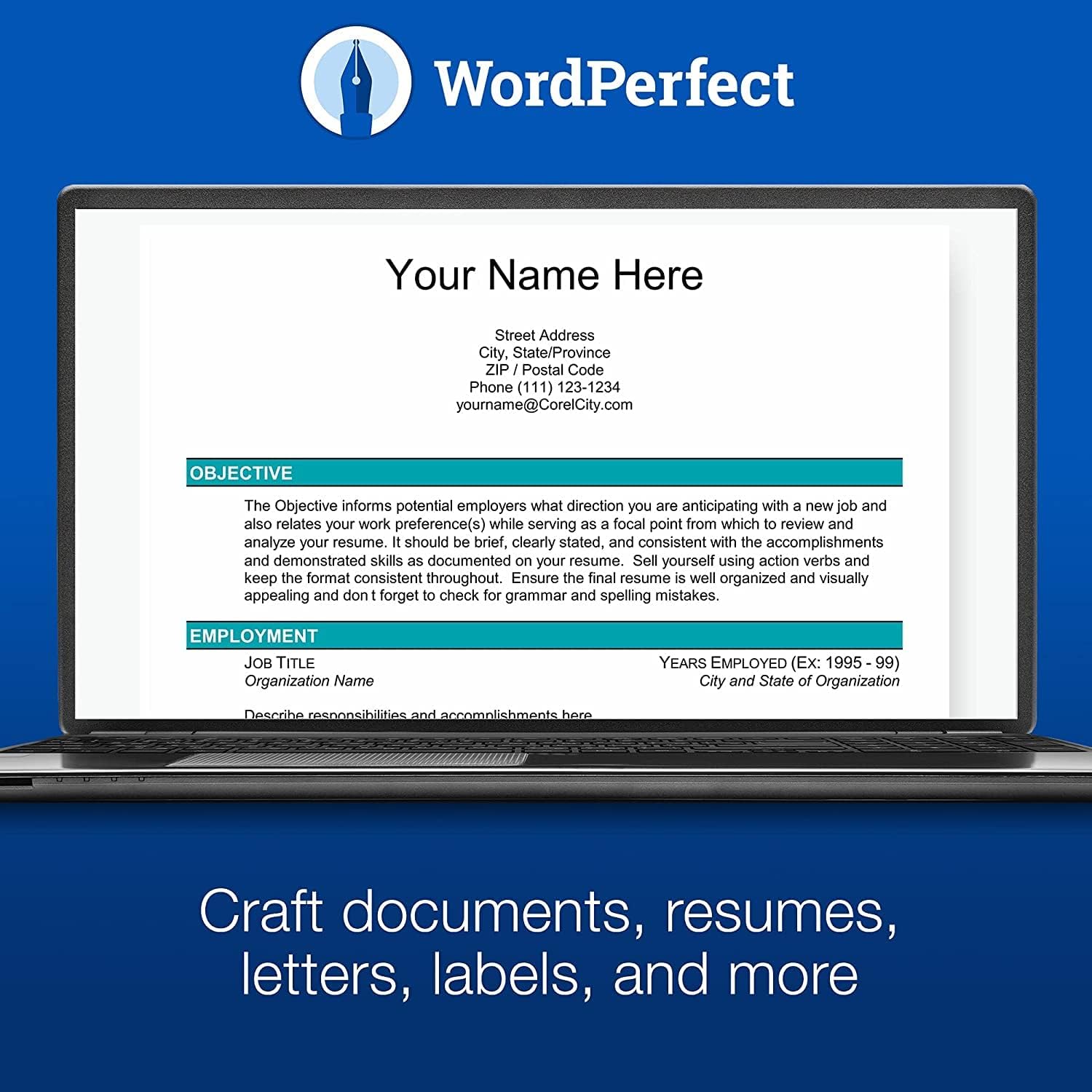
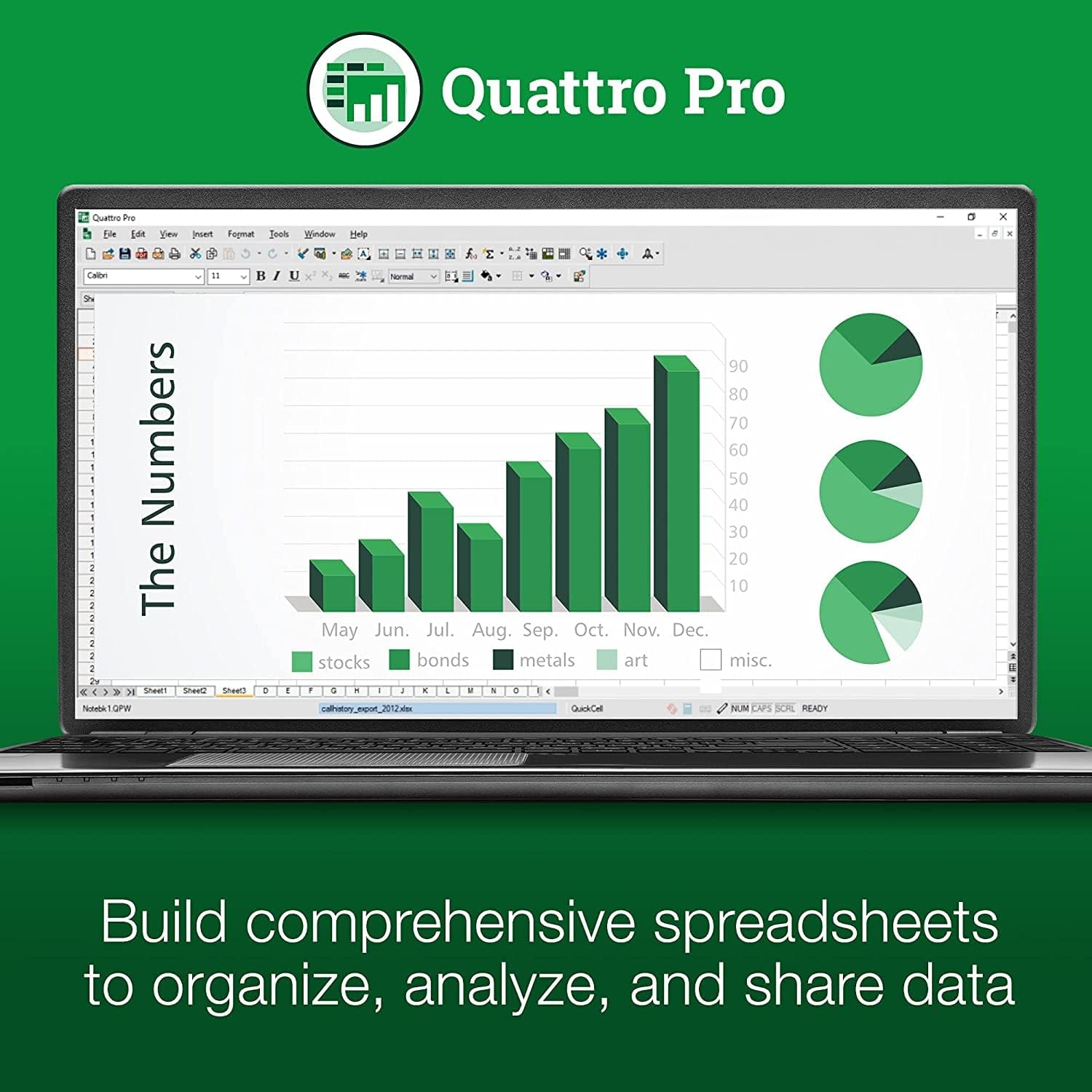
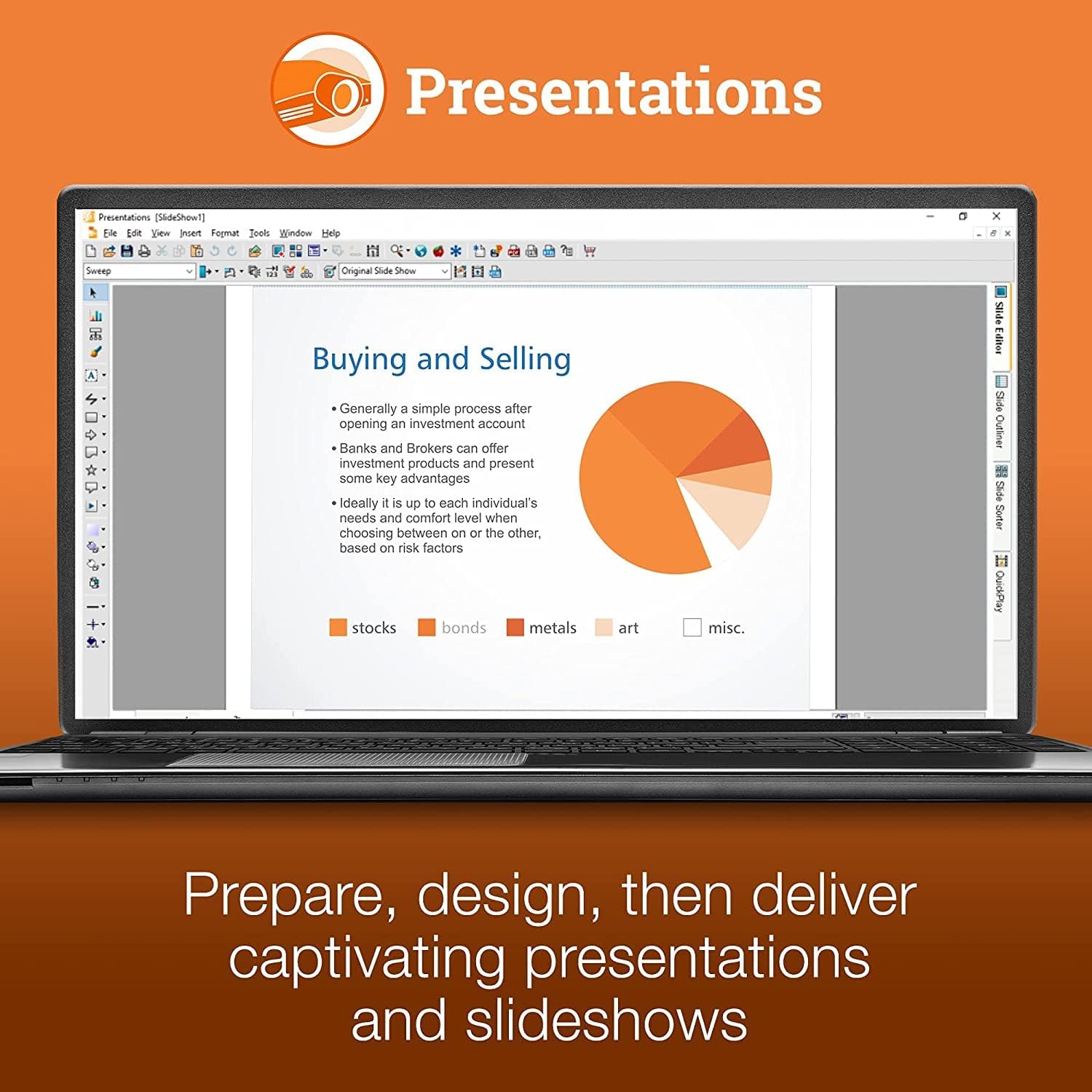
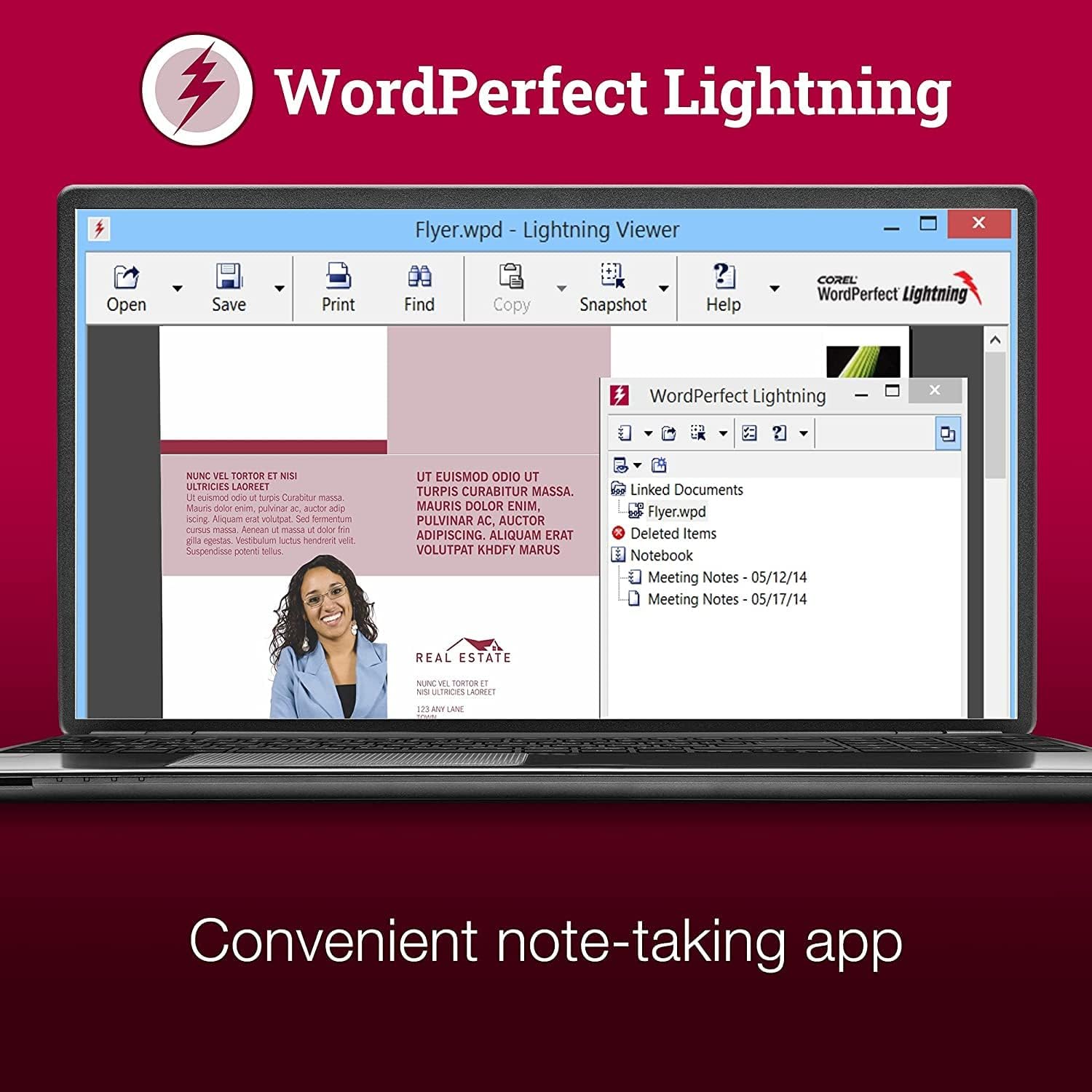
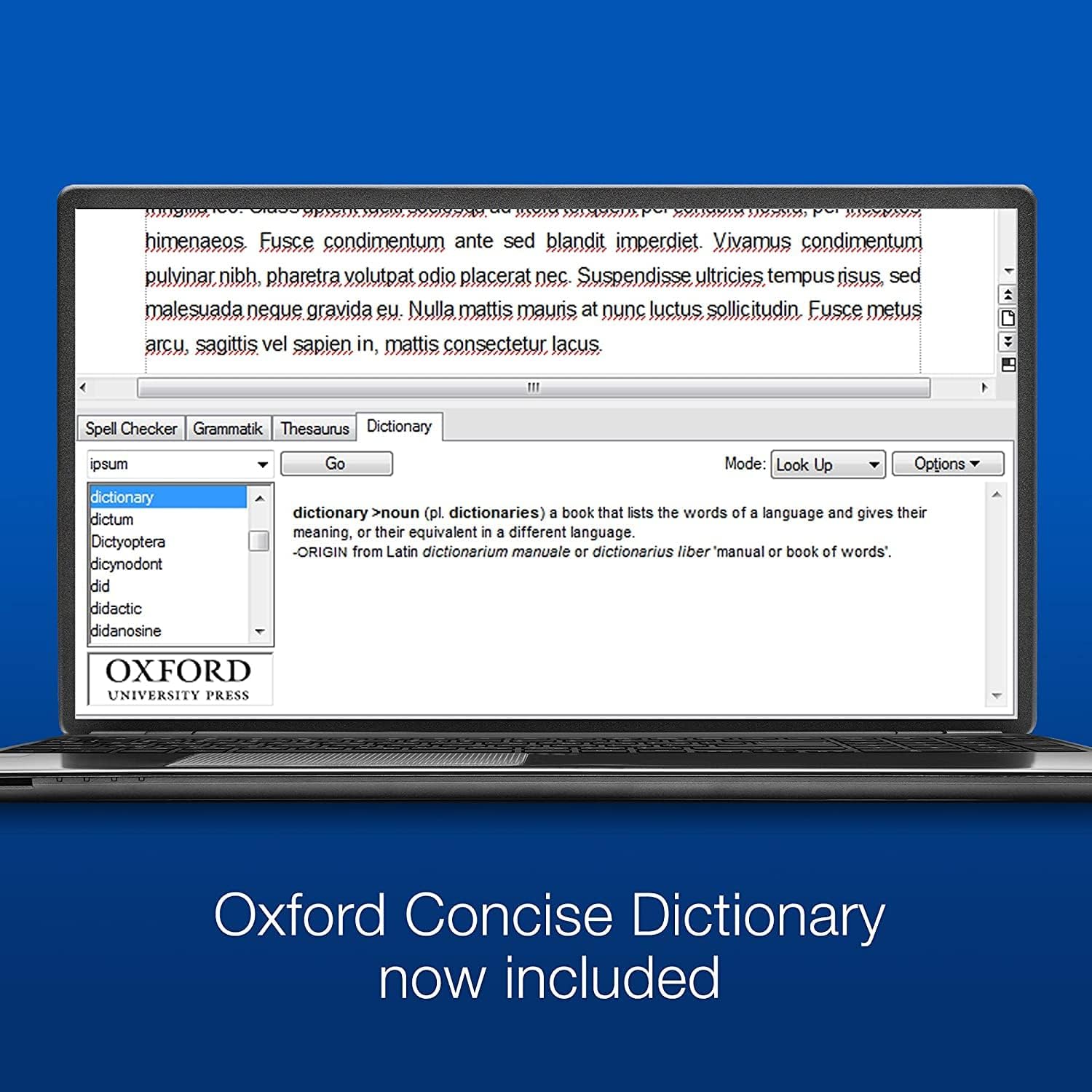
What it is and what it solves\nCorel WordPerfect Office Home & Student is a desktop office suite available as a digital download. It covers the essentials you need for word processing, spreadsheets, presentations, and note taking, making it a practical choice for students, home offices, and light professional use. On paper it supports editing and sharing across a broad range of formats, including Microsoft Word, Excel, and PowerPoint, which helps reduce compatibility headaches when exchanging files with others.\n\n## Core features at a glance\nThe package extends beyond the basics with a sizeable asset library: the Oxford Concise Dictionary for reference, 900 TrueType fonts, 10,000 clipart images, 300 templates, and 175 digital photos. It also includes Quattro Pro for building, editing, and analysing spreadsheets, which can be handy for budgets, invoices, expenses and receipts. The emphasis is on a complete, integrated set of tools rather than a single standout feature.\n\n## Who it’s for\nIf you prioritise a traditional office workflow with broad format compatibility and a wealth of built‑in resources, this set-up can be appealing. It’s likely to suit students, households managing basic finances, and users who prefer a familiar word processor and spreadsheet toolset without committing to cloud services.\n\n## What stands out\n- Wide file format support helps with cross‑compatibility and reduces friction when sharing documents.\n- A sizeable built‑in asset library can aid in document creation without sourcing external content.\n- Quattro Pro adds a robust option for budget tracking and simple data analysis.\nHowever, the suite is not a budget‑breaker in terms of features vs. modern cloud‑first alternatives, and the user interface may feel dated to some.\n\n## Pros and cons\n- Pros: broad format compatibility, substantial reference and design resources, offline usability, useful for offline work and fast document assembly.\n- Cons: user interface and workflow may feel traditional, it is a digital download with no bundled physical media, advanced collaboration features are not a focal point.\n\n## Practical usage scenarios\nA practical day‑to‑day scenario: a student prepares a term paper, formats it in WordPerfect, creates a budget in Quattro Pro to track study costs, and finalises the presentation with built‑in templates and clipart. If you often collaborate with others who use Office 365 or Google Docs, you’ll want to test file compatibility on key documents early.\n\n## Before you buy: what to check\n- Ensure your computer meets the system requirements for a smooth offline experience.\n- If you work heavily in the cloud or rely on real‑time collaboration, compare with subscription-based suites that emphasise online access.\n- Consider whether the 60‑format compatibility claim covers the formats you use most often in real life.\n\n## How it compares to alternatives\nThis solution emphasises a traditional, all‑in‑one office approach with extensive resource packs rather than a lean, cloud‑centric workflow. If you value offline access and a familiar desktop experience over constant online syncing, it can be worthwhile. If you need advanced collaboration or heavy cloud features, you might look at alternatives that prioritise those aspects.\n\n## FAQ (quick answers that help decision‑making)\n- Does it support saving in Microsoft Word or Excel formats? Yes, it includes extensive support for Word, Excel, and PowerPoint formats.\n- Are there online collaboration features? The emphasis is on offline, desktop use, cloud collaboration is not a primary focus.\n- Can I reuse assets like fonts and clipart in other projects? The suite includes a large asset library, but licensing terms for reuse outside the software should be checked in the terms.\n\n## Decision time: Is it worth it?\nYou’ll like it if you want a comprehensive offline office suite with broad format compatibility and a rich asset collection, suitable for students and light‑to mid‑duty home use. It might not be the best fit if your workflow hinges on real‑time collaboration, cloud features, or cutting‑edge data analysis tools. If those needs are modest and you value a traditional desktop experience with plenty of built‑in resources, this could be a solid value option.