


McAfee+ Premium Individual 1 Year subscription 🛡
Product description
This antivirus suite brings together malware protection, a VPN and identity monitoring in a single subscription to keep PCs, Macs and mobile devices safer during everyday online activity. It is presented as a one-year digital download with auto-renewal and is suitable when you want coverage across numerous household devices, offering features that aim to reduce the risk of scams and data exposure.
Key Points

Real-time antivirus blocks known threats and aims to detect suspicious files before they affect your device. The package also includes web protection and automatic scans to reduce the chance of phishing and malicious downloads. 😊

Identity monitoring searches for exposed personal information on people-search services and old accounts, helping you to spot potential data leaks quickly. The plan also integrates protections for public Wi-Fi, using a VPN to encrypt activity and help protect banking and shopping sessions when you are away from home. 🔒
AI-powered scam detection flags risky texts, emails and deepfake videos, which can help prevent fraud and financial loss. Customer support is available if you need assistance with setup or troubleshooting.
Technical Specifications

- Name: McAfee+ Premium Individual Unlimited Devices
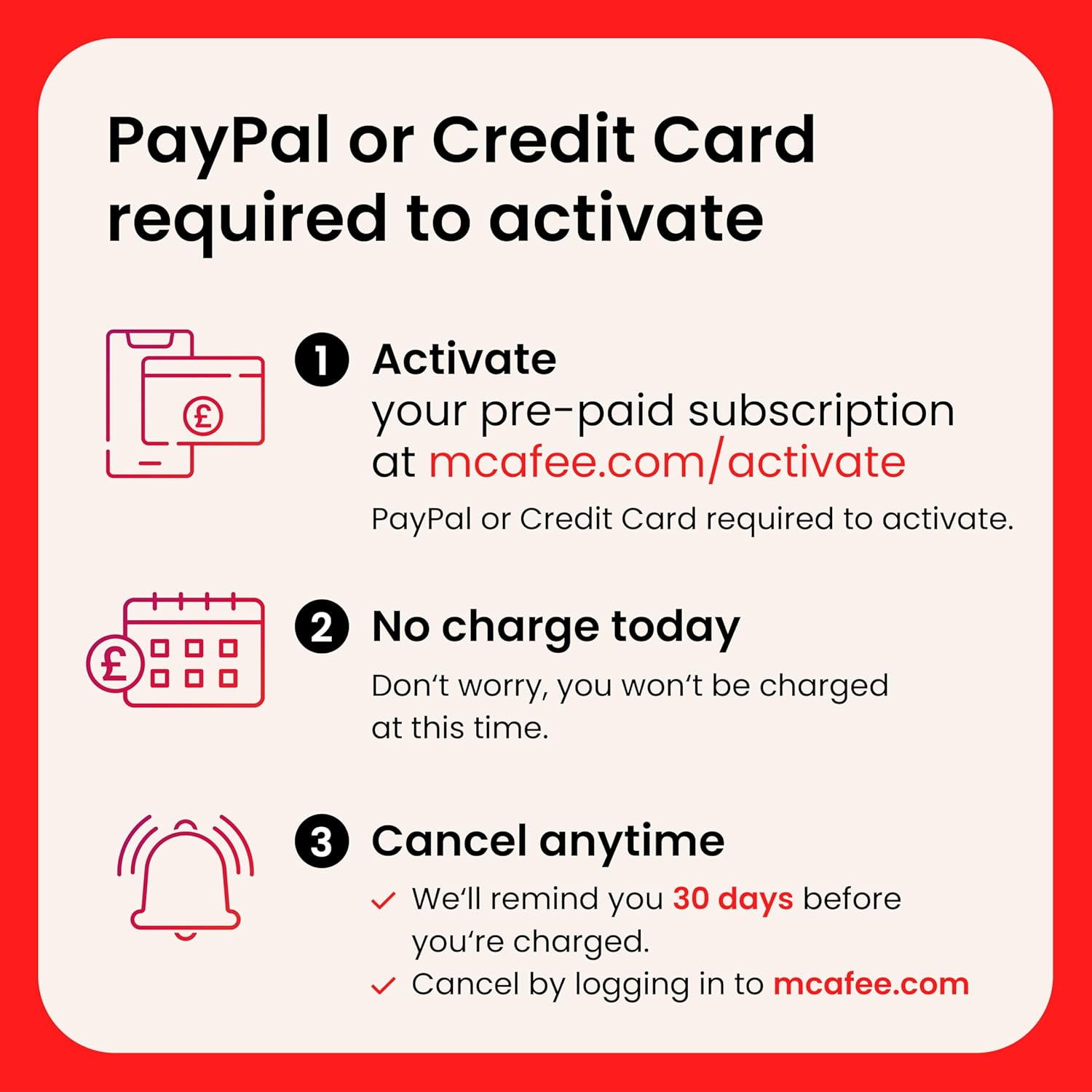
- Licence: 1 year subscription, auto-renewal
- Devices: Unlimited compatible devices, according to the manufacturer
- Platforms: PC, Mac, iOS, Android
- Delivery: Digital download
Benefits
The inclusion of a Secure VPN reduces exposure on unsecured networks and helps keep browsing private. For families, the product can complement parental controls available on some plans and therefore support safer online habits for children. The identity monitoring feature is useful to receive alerts about personal data being found on data broker sites, according to the provider.


Scam detection uses machine learning to identify suspicious content and links, which may lower the risk of falling victim to social engineering attacks. Also, automatic personal data scans make it easier to discover where personal information has been shared publicly, helping you decide where to act.
Usage Recommendations
Install the software on primary devices first and allow the initial full scan to complete, as this establishes a baseline for ongoing protection. Keep the VPN active on public networks and enable real-time protection to maintain continuous defences. Consider setting up identity alerts so you receive notifications about detected exposures and review flagged messages before responding.