

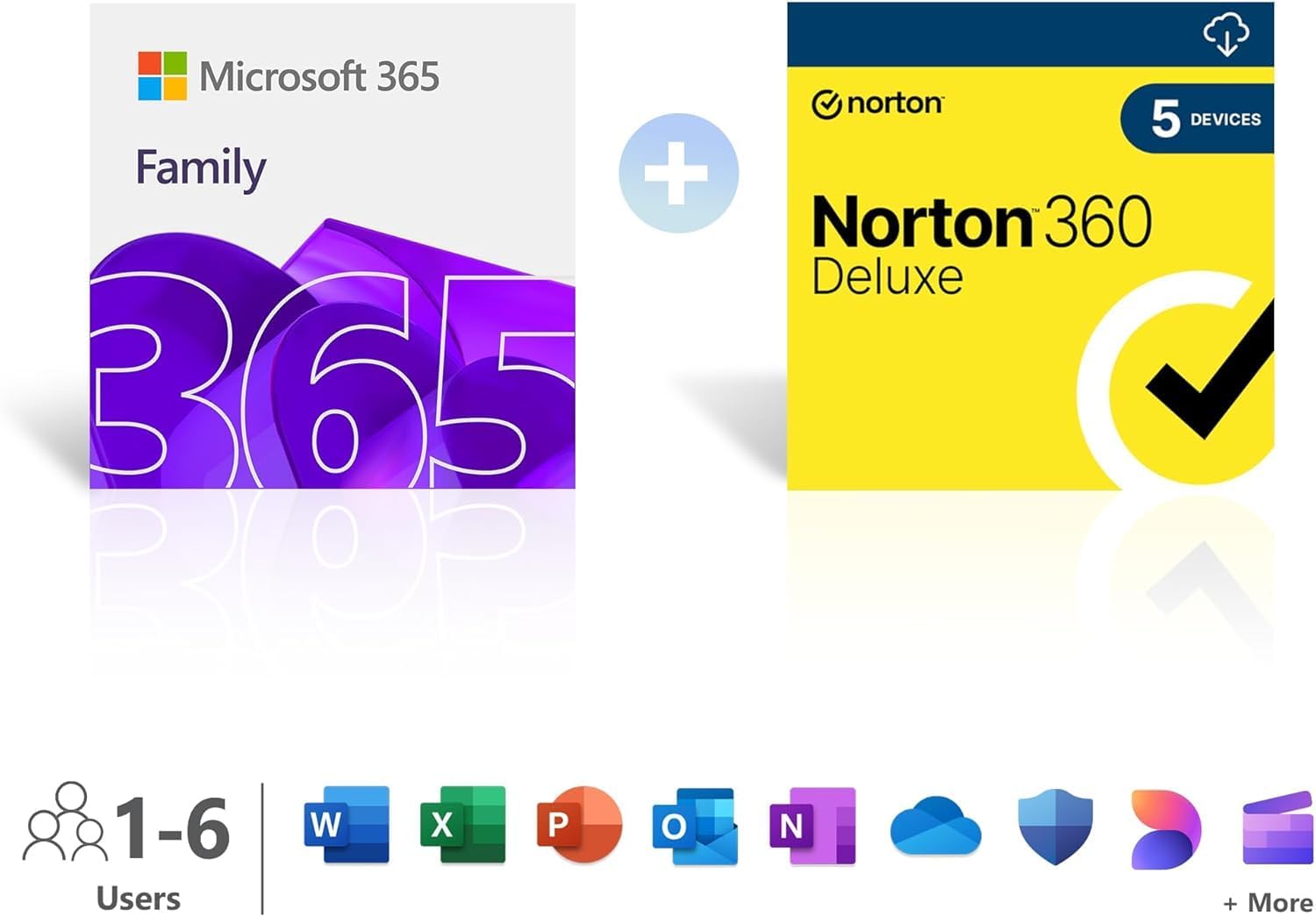
Microsoft 365 Family (6 Users) with AI Office Apps and 6TB Cloud Storage
Product description
What it is and what it solves
Microsoft 365 Family is a subscription plan designed for households or small groups that need a shared suite of productivity tools, cloud storage, and security features. The plan advertises support for up to 6 people and up to 6TB of cloud storage, alongside AI-assisted Office apps and additional security layers. If your needs include collaborating across devices, maintaining access to familiar apps, and safeguarding data, this bundle promises to cover those bases without requiring separate licences for each member.
How the AI-enhanced Office apps might help
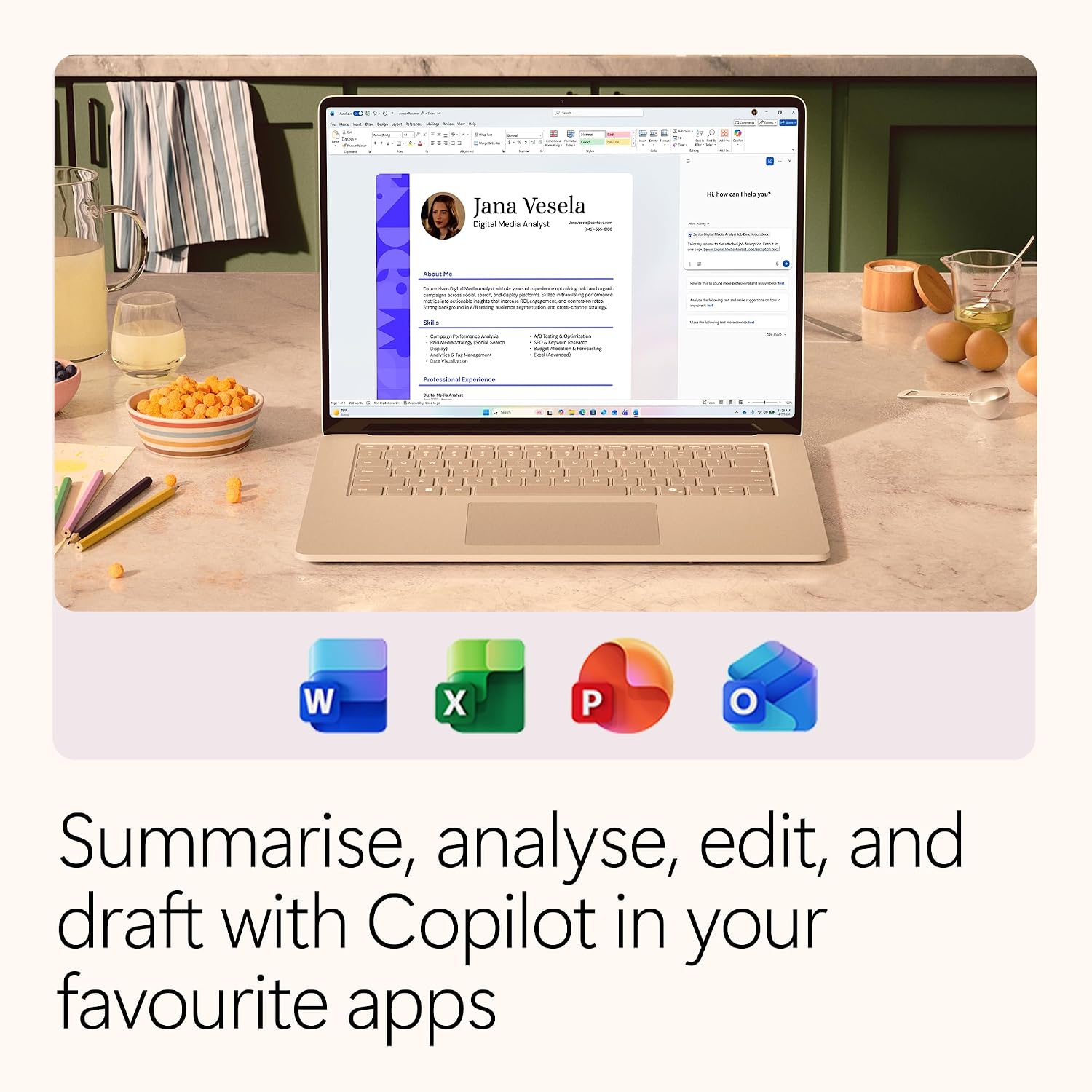
On paper, Copilot features are integrated into Word, Excel, PowerPoint, and OneNote to offer design, writing, and data insights suggestions. In practice, this can translate to quicker drafting, smarter data presentation, and easier content tweaks. It’s worth noting that the real-world benefit depends on how often you rely on AI-assisted prompts and how comfortable you are with AI-enabled editing in everyday documents.
What’s included for security and privacy

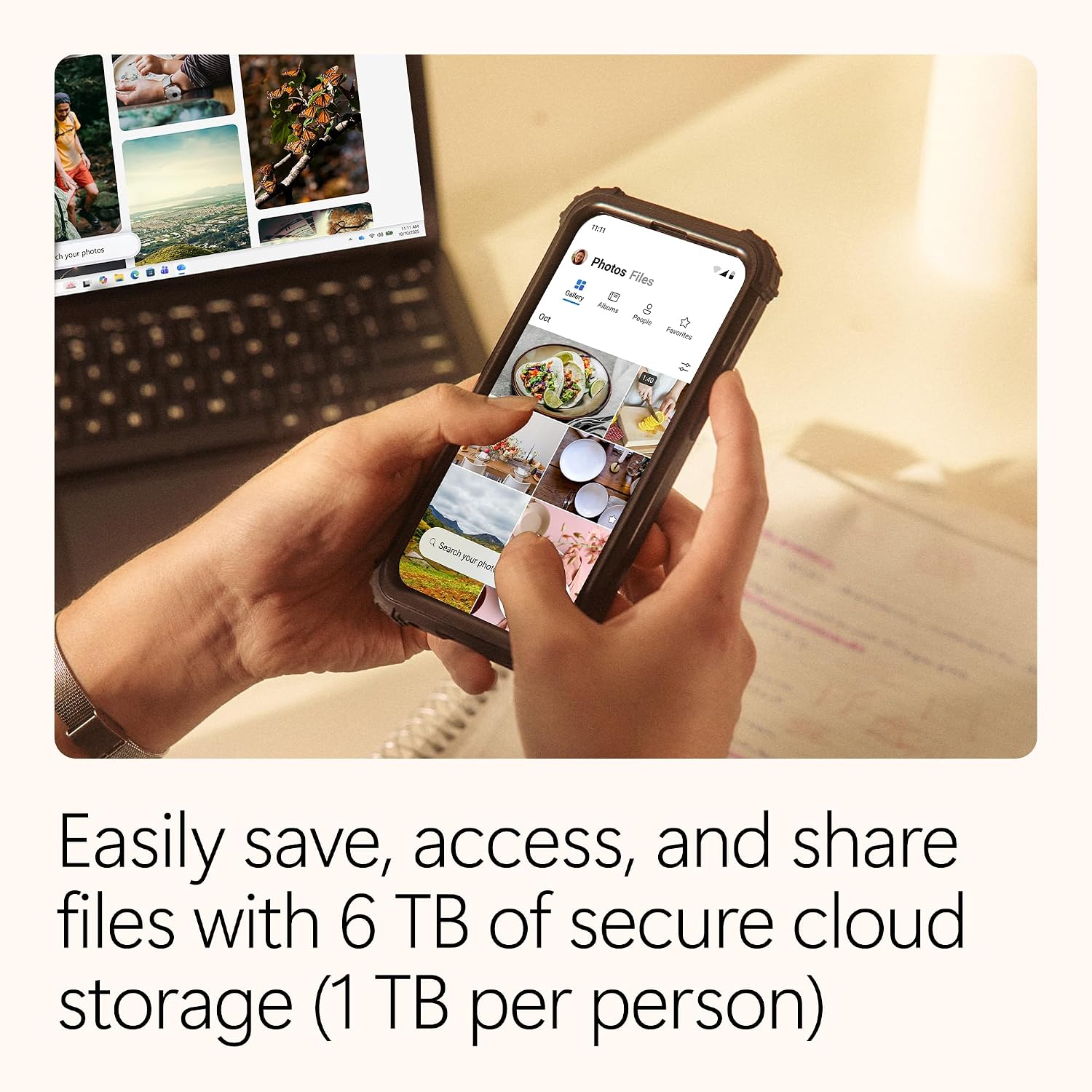
The package emphasises security through Microsoft Defender, intended to help protect devices and data from viruses and ransomware. This is complemented by cloud storage, which can provide a centralised space for documents and media, with the expectation of easy sharing within the family group.
The storage and device coverage
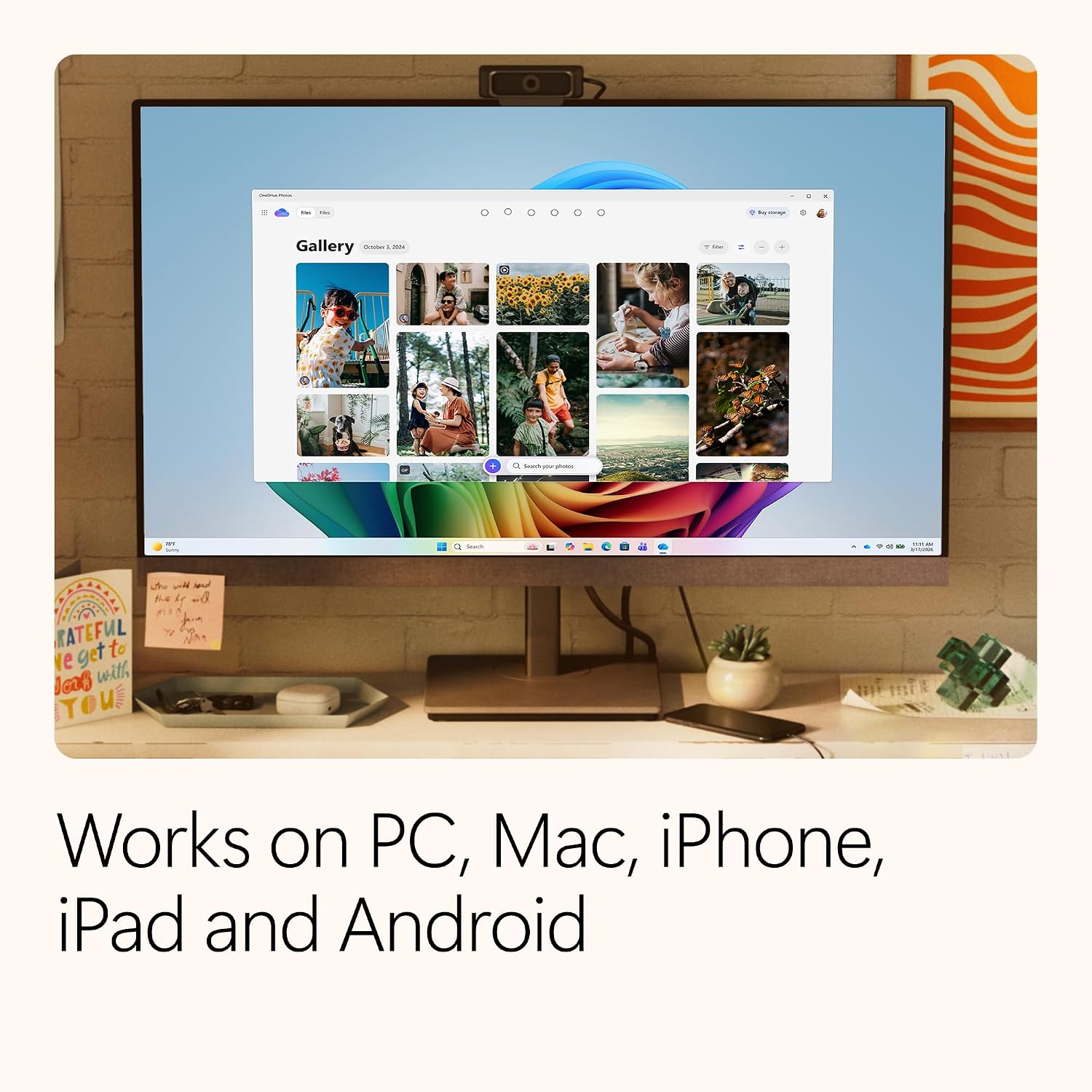
The plan mentions up to 6TB of cloud storage and support for 5 devices, which could be a practical balance for a mid-sized household or a compact small office. This configuration aims to keep personal and work files accessible across laptops, tablets, and smartphones without separate licences for every user.
What’s good or convincing about it
If you prioritise having a single, familiar productivity suite for multiple people, coupled with cloud storage and integrated security, this offering reduces the friction of managing individual subscriptions. The potential for real-time collaboration in the apps can be a real time-saver when sharing notes or working on joint projects. The inclusion of AI features may help with drafting, data analysis, and design ideas, especially if you’re already within the Microsoft ecosystem.
Where it might fall short or what to watch
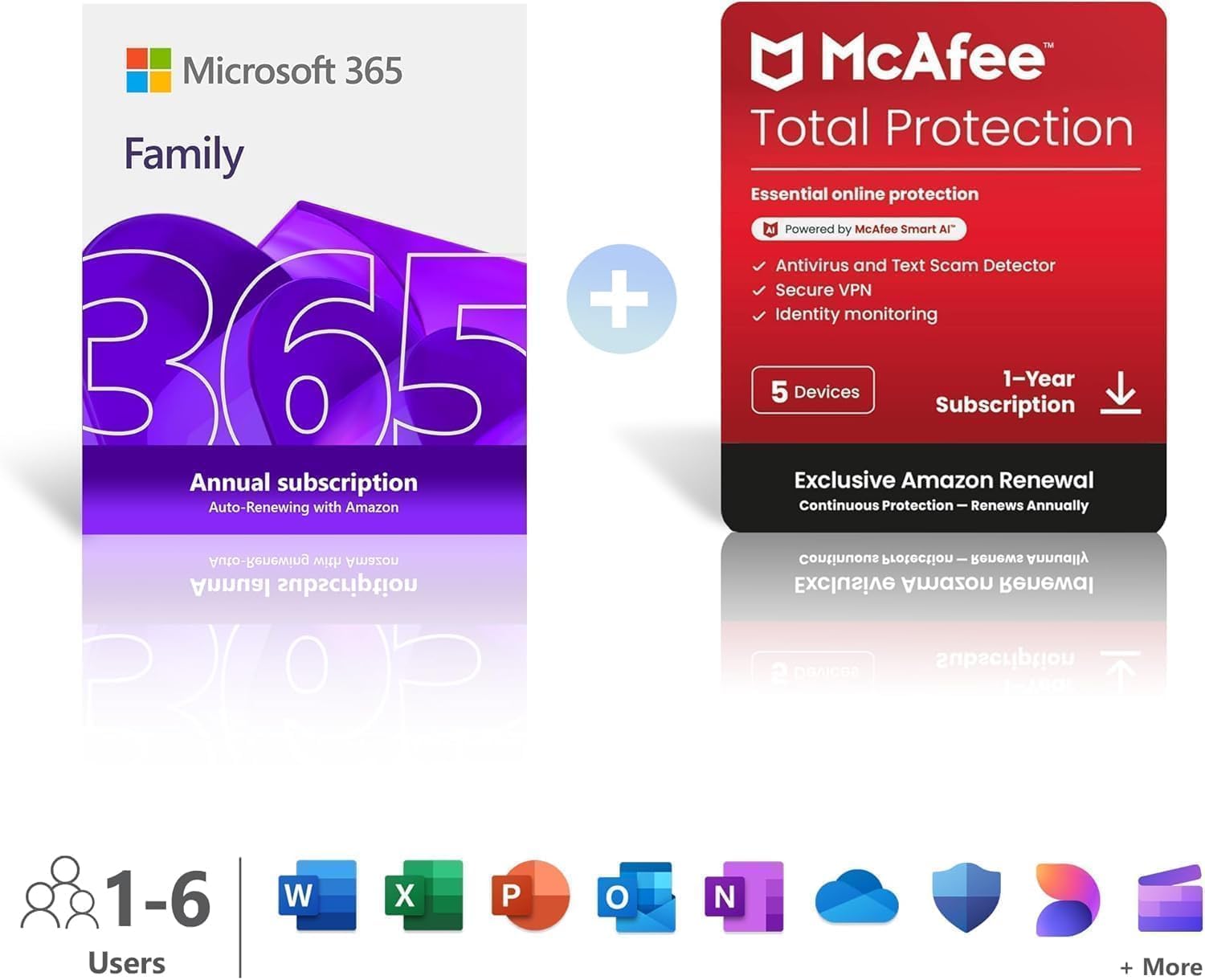
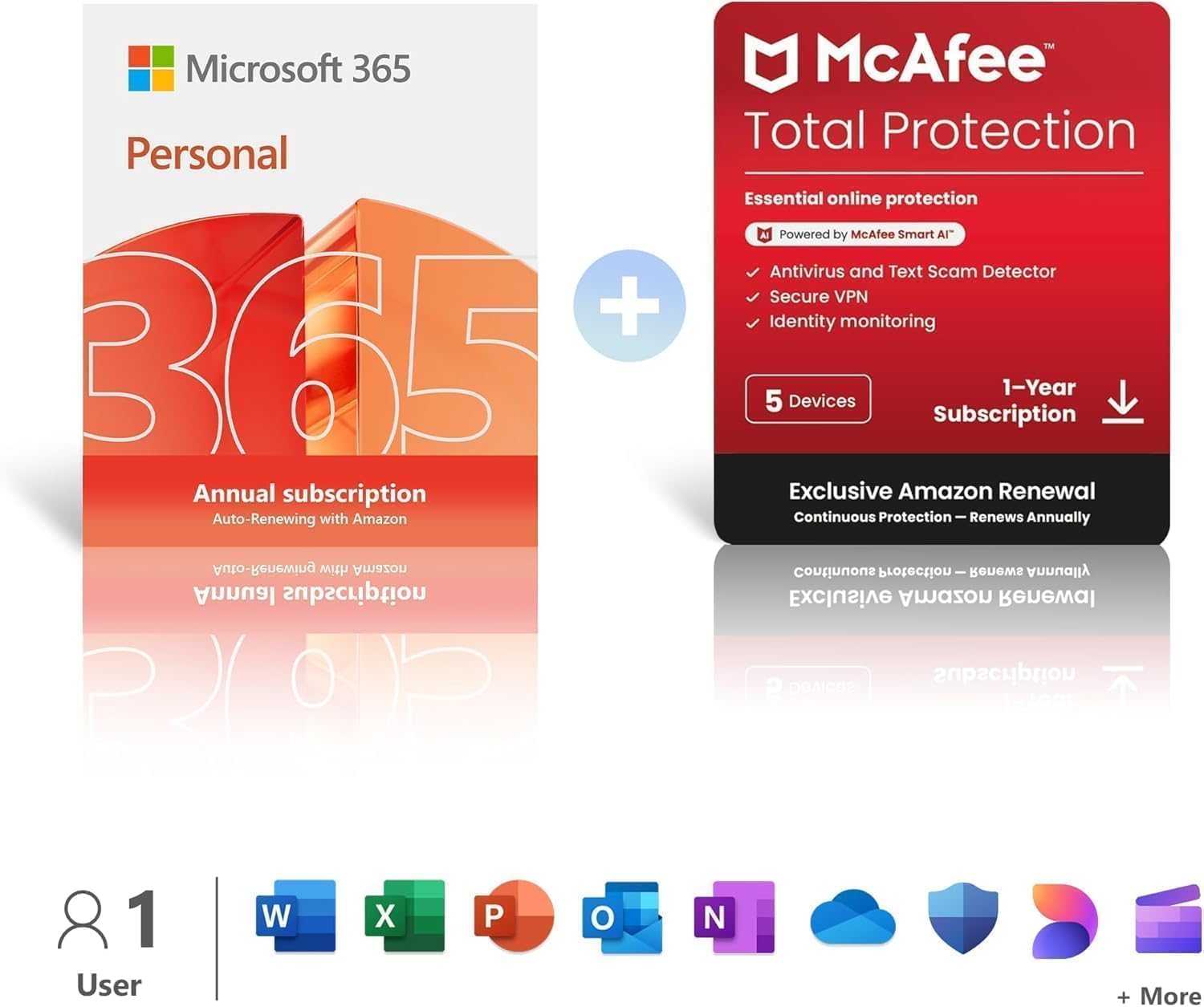
It’s not a perfect fit for everyone. The benefits of Copilot and AI features depend on your workflow, casual users may not utilise the AI prompts frequently enough to justify the tier. The claimed storage is “up to 6TB”—the actual usable space will depend on how much you store and how Microsoft allocates the quota across users. Also, the renewal terms and pricing (£104.99 + McAfee Total Protection or £95.99 annual auto-renew) suggest you should compare current offers if you’re budget-conscious, and consider whether the security suite aligns with your needs.
Practical tips before you buy
- Check how many devices you or family members typically use for Microsoft 365 work and ensure the 5-device limit fits your layout. If you have more devices, you’ll need to prioritise which get permanent access.
- Reflect on how much you value AI-assisted features in Word, Excel, and PowerPoint. If you rarely use AI prompts, a standard Office experience might suffice.
- Consider your security needs: Defender is included alongside the cloud storage, but you may already have third-party protection—calculate the incremental value.
- Review renewal costs and any bundled protections (like McAfee Total Protection) to see if they align with your planned budget and tolerance for upsell.
How it compares in practice to other approaches
If you’re weighing alternatives, you might consider whether a single-user or family-focused office suite with cloud storage and basic security would suffice, or whether you’d prefer to assemble a la carte components. For households already using Microsoft 365 apps across devices, the 6-user family option can feel seamless, reduced friction on sharing documents, and easier to manage than multiple separate licences. Conversely, if you don’t need AI features or cloud storage at scale, a lower-tier package or non-Microsoft alternatives could be more cost-effective in the long run.
If it’s right for you, here’s how to use it effectively
A practical scenario: a family member drafts a school assignment in Word, another builds a dataset in Excel, while a third designs a simple presentation in PowerPoint. With real-time collaboration, they can see edits as they happen, and AI prompts can offer writing improvements or design suggestions on the fly. Stored files in the cloud can be accessed from laptops, tablets, or mobiles, which is handy when juggling school, work, or personal projects on different devices.
Final decision: Is it worth it?
Buying verdict
Worth considering if you need a shared office suite for up to six people, want integrated cloud storage, and value practical AI features within Word, Excel, and PowerPoint. It makes sense if you’re already invested in the Microsoft ecosystem and want simplified management across a family or small team. Not the best fit if you rarely use cloud storage, don’t need multiple licences, or require highly customisable security beyond Defender.
Quick FAQ
- How many devices can access the suite concurrently? Up to 5 devices as part of the plan.
- Does the AI functionality require an internet connection? AI features typically rely on cloud processing, offline work will be more limited.
- Is the included security enough for a family with multiple devices? Defender is included, but assess whether you need additional or alternative protections.
- What happens at renewal? It renews on an annual basis, with pricing shown in the listing, check for any changes at renewal time.