

Microsoft 365 Personal: 1 user, 1TB cloud storage and AI‑powered Office apps
Product description
What it is
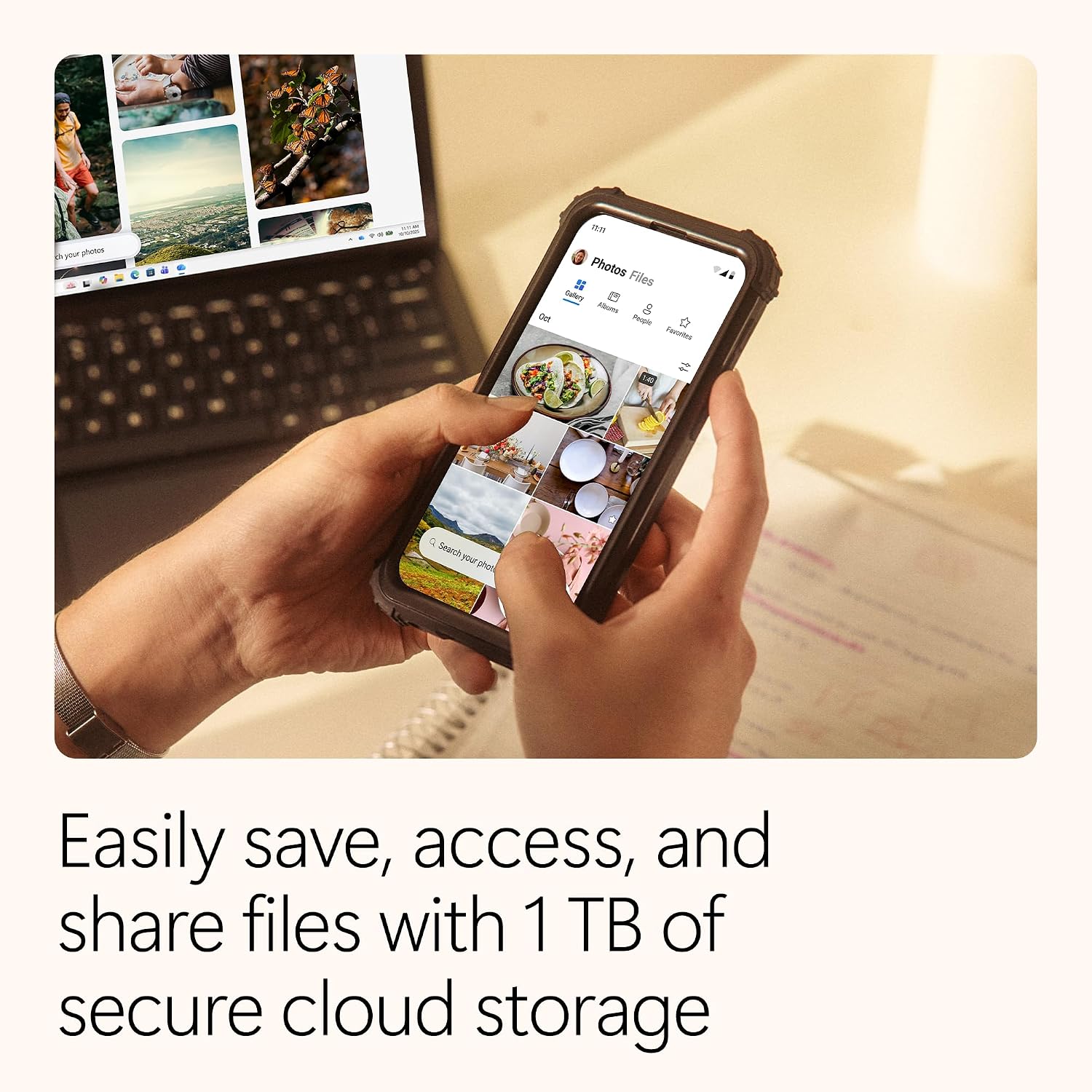
Microsoft 365 Personal is a single‑user subscription that combines cloud storage, security, and access to Office apps with AI features. It includes 1TB of cloud storage and security tools to help protect data and devices, plus productivity and creativity apps designed to help you work, learn, and create.
What you get
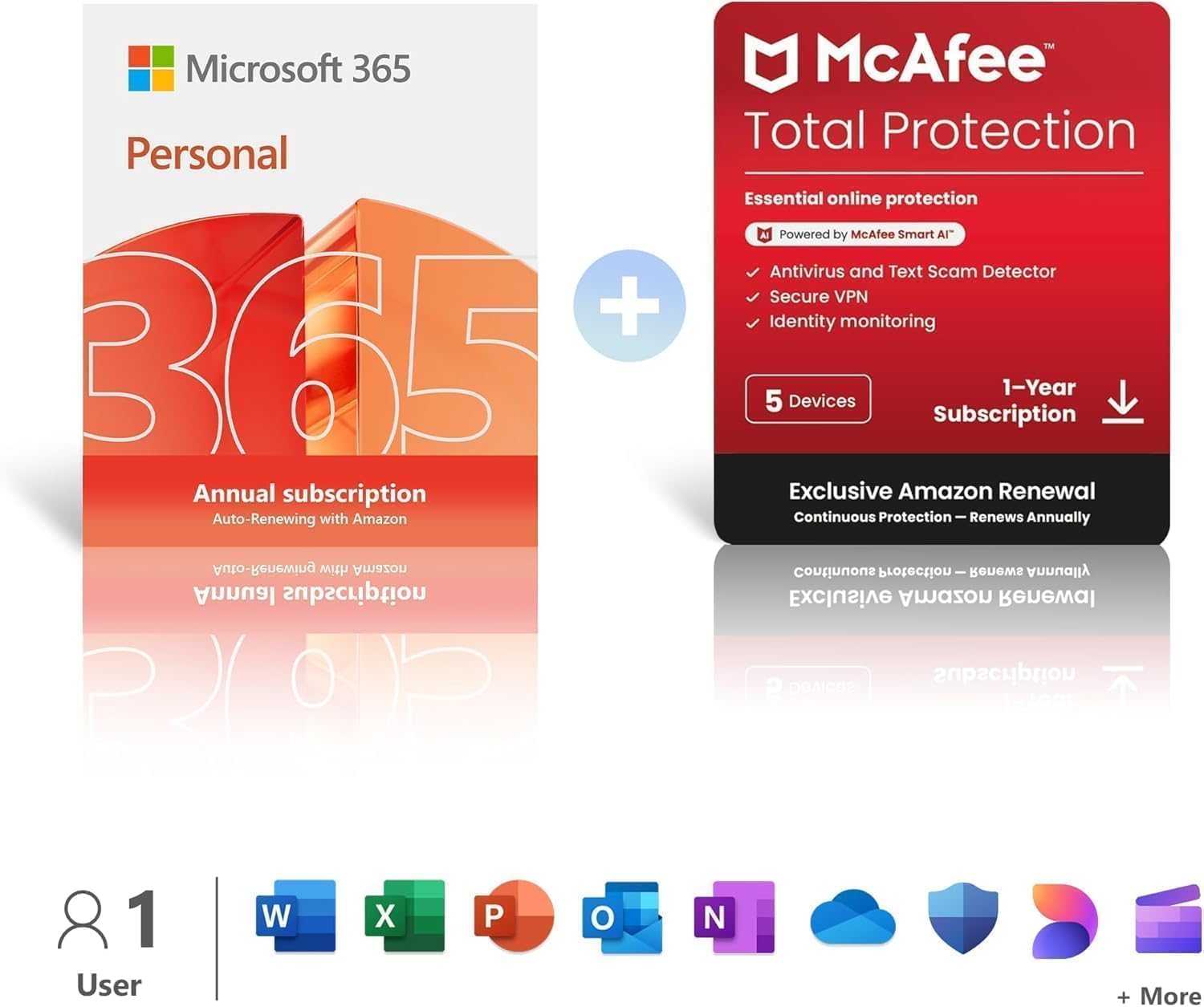
The plan targets one person and supports use across up to 5 devices. It combines classic Office apps—Word, Excel, PowerPoint and OneNote—with Copilot‑assisted capabilities to help with design, writing and data tasks. You also get access to Microsoft Designer for creative outputs and Clipchamp for video editing, with a library of stock assets. Security is built in through Microsoft Defender, aiming to safeguard devices and personal information.
How it fits your needs
If you want a unified suite for documents, spreadsheets, presentations and light design work, plus a safe online storage space, this could be convenient. The AI features are positioned to aid in writing, design and layout decisions, which may speed up routines like drafting reports or preparing slides.

What stands out
The combination of 1TB cloud storage and broad app access on up to five devices is useful for individuals who juggle multiple devices or who want a central subscription for personal use. The inclusion of AI tools in Word, Excel and PowerPoint can help with drafting, data summaries and quick design ideas. The bundled security layer via Defender and the optional McAfee Total Protection add‑on may offer straightforward protection for a household setup.
Limitations and caveats
On paper, it targets a single user rather than a family or business plan, so you’ll want to verify whether the 5‑device allowance meets your typical device count. Some features, such as Copilot and Designer capabilities, are described as AI enhancements, and real‑world usefulness may vary depending on your workflow. Also, if you rely heavily on offline work or advanced professional design needs, you might find the bundled tools sufficient but not exhaustive.
Who it’s for
This is a pragmatic choice for individuals who want a dependable Office environment plus generous cloud storage and solid security across a few devices. It’s likely most appealing to students, freelancers or professionals who value seamless access to documents and media tools across devices, without the commitment of a larger family or enterprise plan.
Who it isn’t for
If you need multi‑user licences, advanced collaboration at scale, or extensive professional design suites, this single‑user setup may feel limited. It may also fall short if you require higher storage per device or more aggressive cybersecurity options beyond Defender.
When it makes sense to buy
Consider this plan when you want a straightforward, integrated productivity stack with ample cloud storage for personal use, and you appreciate AI enhancements in everyday tasks. It’s sensible if you value staying within a single subscription that covers multiple devices rather than paying separately for apps or storage.
Before you buy
Check how many devices you normally use and whether the 1TB storage aligns with your file habits. Consider whether the included security layer meets your needs or if you prefer the bundled McAfee protection as a separate decision. Also assess how you plan to use AI features in writing, design and data tasks to ensure the tools align with your workflow.
Practical example in use
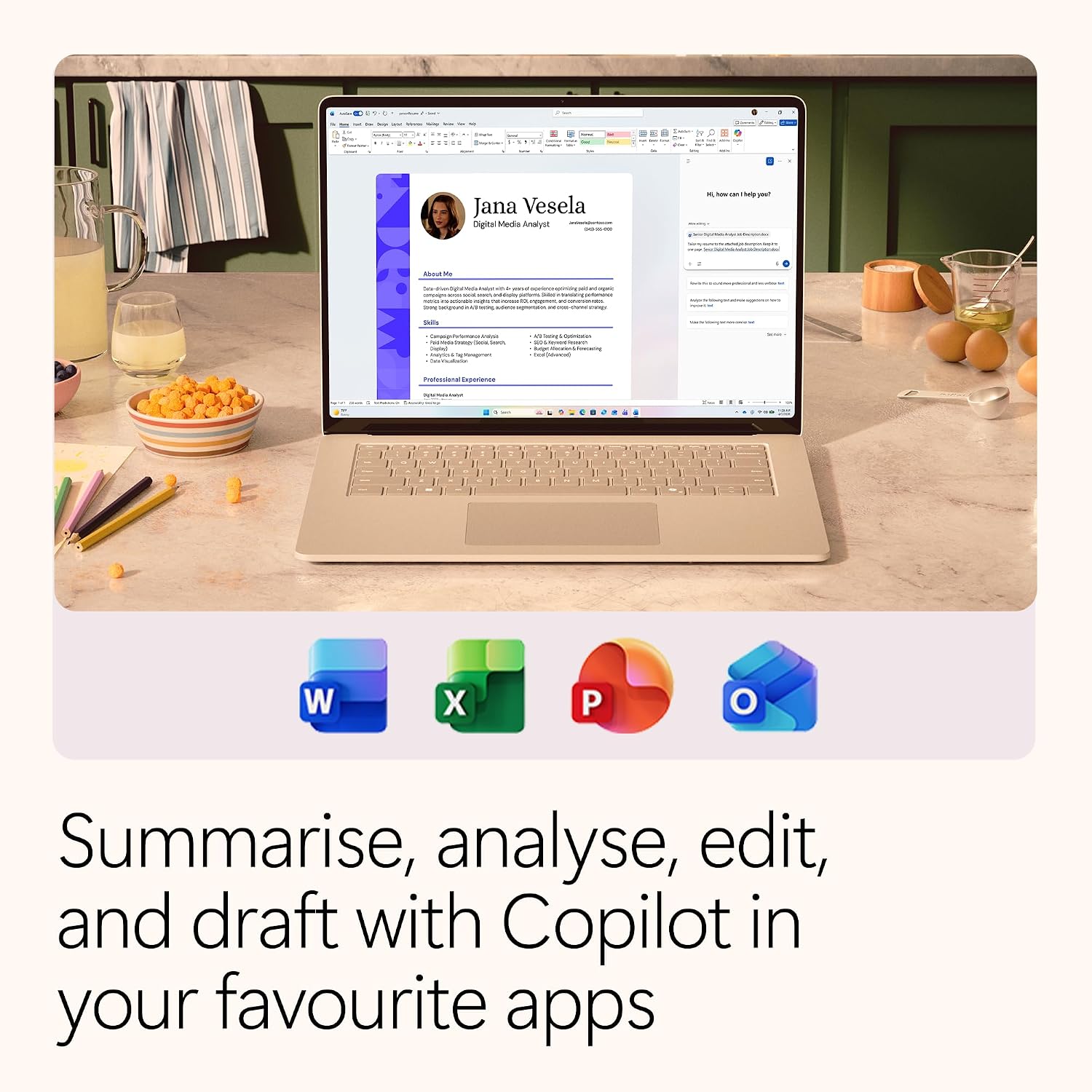
You might draft a quarterly report in Word with Copilot suggesting wording tweaks, design a clean chart in Excel, and assemble a deck in PowerPoint, all while storing source files in 1TB of cloud storage and having the plan available on your laptop, tablet and phone for on‑the‑go edits.
FAQ
- What devices can I use with this plan? Up to 5 devices per subscription.
- Do I get access to video editing tools? Yes, Clipchamp is included for creating and editing videos.
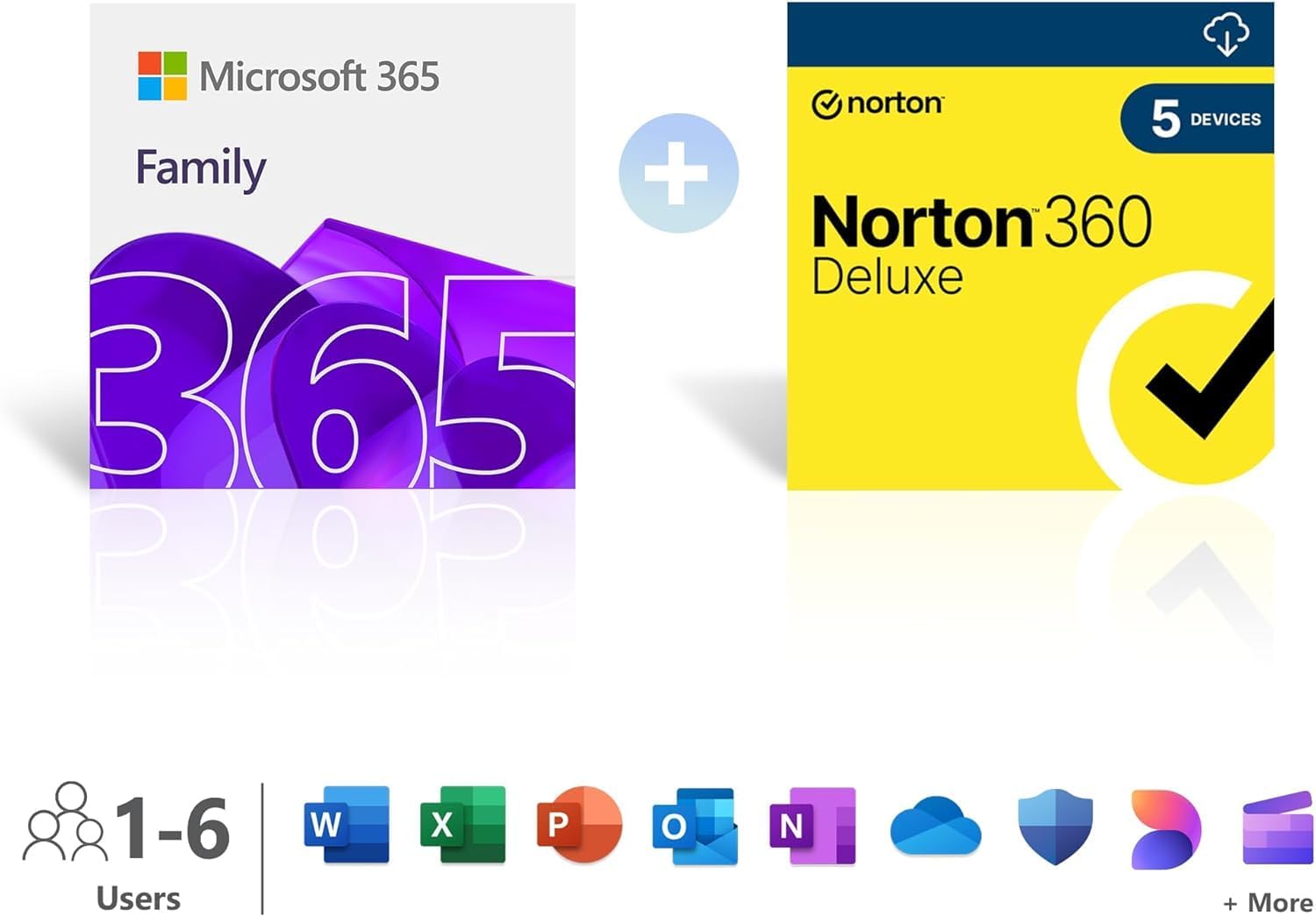
- Is security included? Microsoft Defender is included, McAfee Total Protection can be added as a bundle if desired.
Compatibility
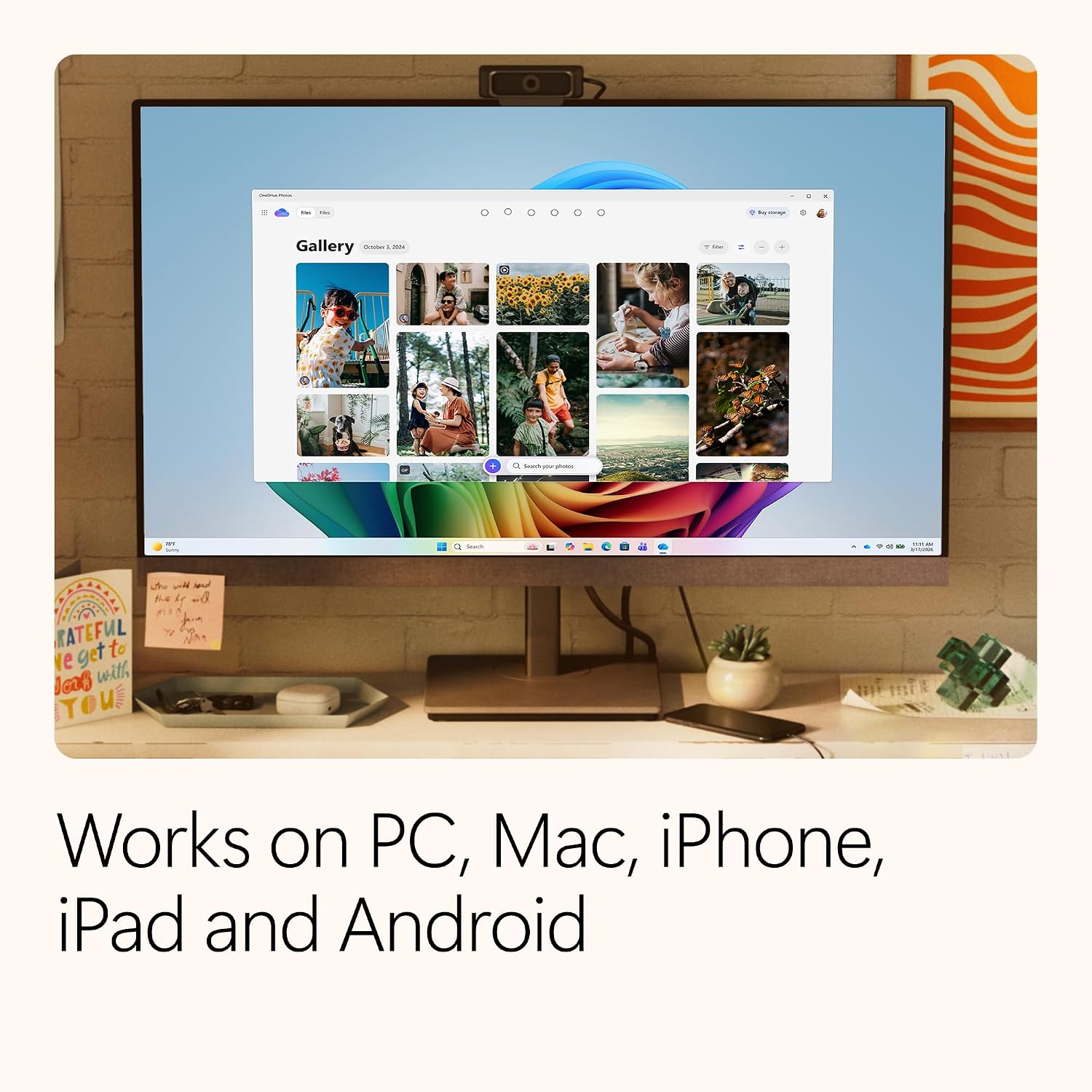
Compatibility spans Windows, macOS, iOS and Android, making it suitable for a mixed device ecosystem typical of many households. If you rely on dedicated professional design software or Lightroom‑class photo workflows, you may want to compare how it fits with those needs before switching.
Final verdict
Is it worth it? It makes sense if you want a cohesive, single‑user package with AI‑assisted Office apps, substantial cloud storage and sensible security across multiple devices. It may not be the best fit if you require multi‑user licences or enterprise‑grade features, but for individual productivity and basic creative work, it offers a practical, value‑oriented option.