


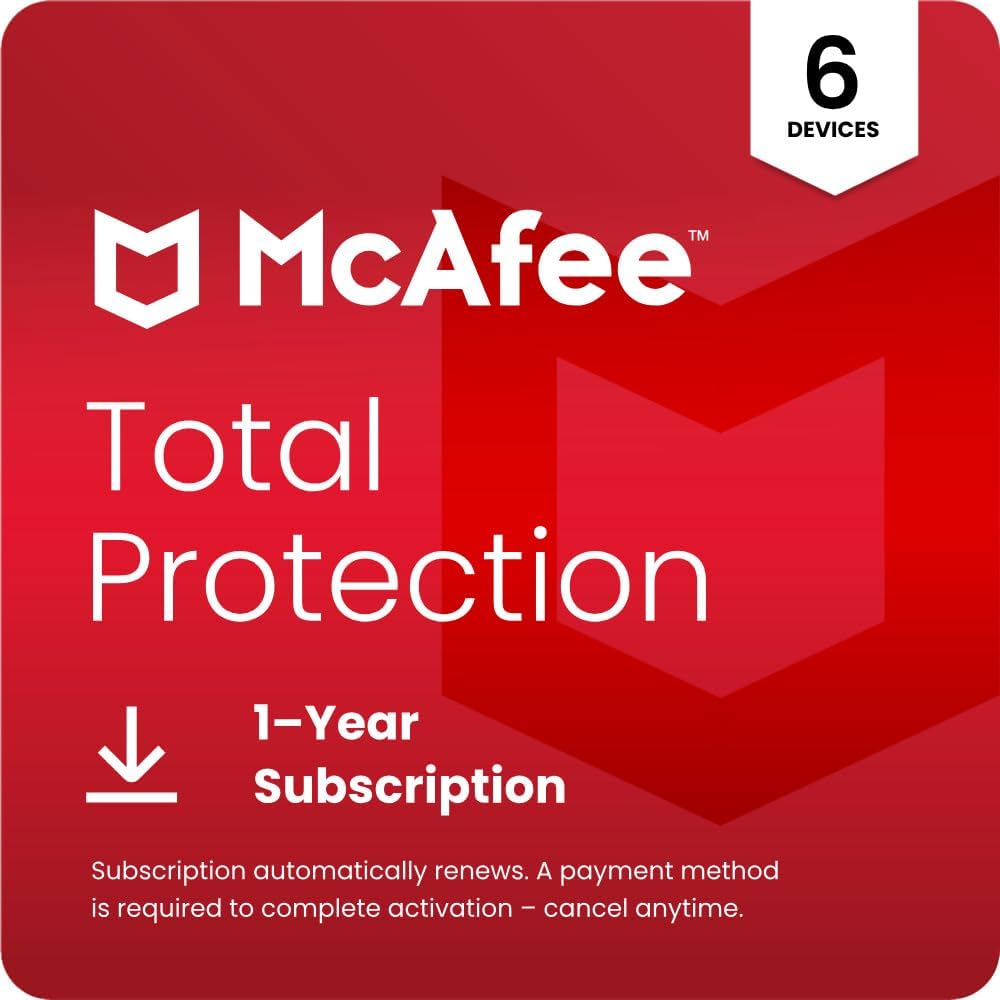
McAfee 2026 Total Protection (4 Plus 1 Devices) – Antivirus, Secure VPN, Scam Protection, Password Manager (1-year digital download)
Product description
The essentials
McAfee 2026 Total Protection is an all-in-one security subscription aimed at people who want more than a basic antivirus. Based on what’s included in the description, it bundles malware protection with features that focus on everyday risk: privacy on public Wi‑Fi, scam detection for messages and emails, warnings about risky sites, plus a password manager and breach monitoring.
On paper, it’s the kind of package that suits households and mixed-device users. The listing also mentions coverage across PC/Mac/iOS/Android and the ability to protect “4 plus 1” devices under the same subscription (exact details of how that allocation works aren’t provided here, so it’s worth checking during activation). The digital download approach also matters if you want to get set up quickly without buying physical media.
What you’ll get and what it’s for
This subscription is positioned around a handful of day-to-day scenarios:
- Award-winning antivirus with “Smart AI” to help protect against new and evolving threats.
- Secure VPN that turns public Wi‑Fi into a more secure connection, which is particularly relevant if you often use cafés, stations, libraries, or hotels.
- Scam Detector using AI technology to identify risky text messages, emails, and deepfake videos.
- Breach monitoring that scans for signs of exposed information, described as covering email addresses, IDs, and phone numbers, with a notification if your info is found.
- Safe browsing that warns about risky websites and phishing attempts.
- Password Manager to generate and store complex passwords.
- Customer support via McAfee, so you’re not left alone if something doesn’t activate as expected.

A small but practical example: imagine you’re checking your bank account over hotel Wi‑Fi. With this kind of setup, the Secure VPN is intended to secure that connection, while safe browsing and phishing warnings aim to reduce the chance you’ll land on a risky page. It’s not “magic protection”, but it targets several common weak points people face in real life.
Key things to watch before buying
It’s sensible to read this through with expectations set correctly. Cybersecurity tools can’t make you careless, and some features only help if you actually use them (for example, the VPN is only useful when enabled). Also, while the description gives a strong feature list, it doesn’t clarify limitations such as:
- how exactly the “4 plus 1 Devices” allowance is allocated across platforms
- how notifications from breach monitoring are presented or how quickly alerts arrive
- whether scam detection performs differently depending on email/text provider or language
Finally, the subscription includes auto‑renewal, so you’ll want to be clear on how renewal pricing works for you, not just the first year.
Usage and setup tips

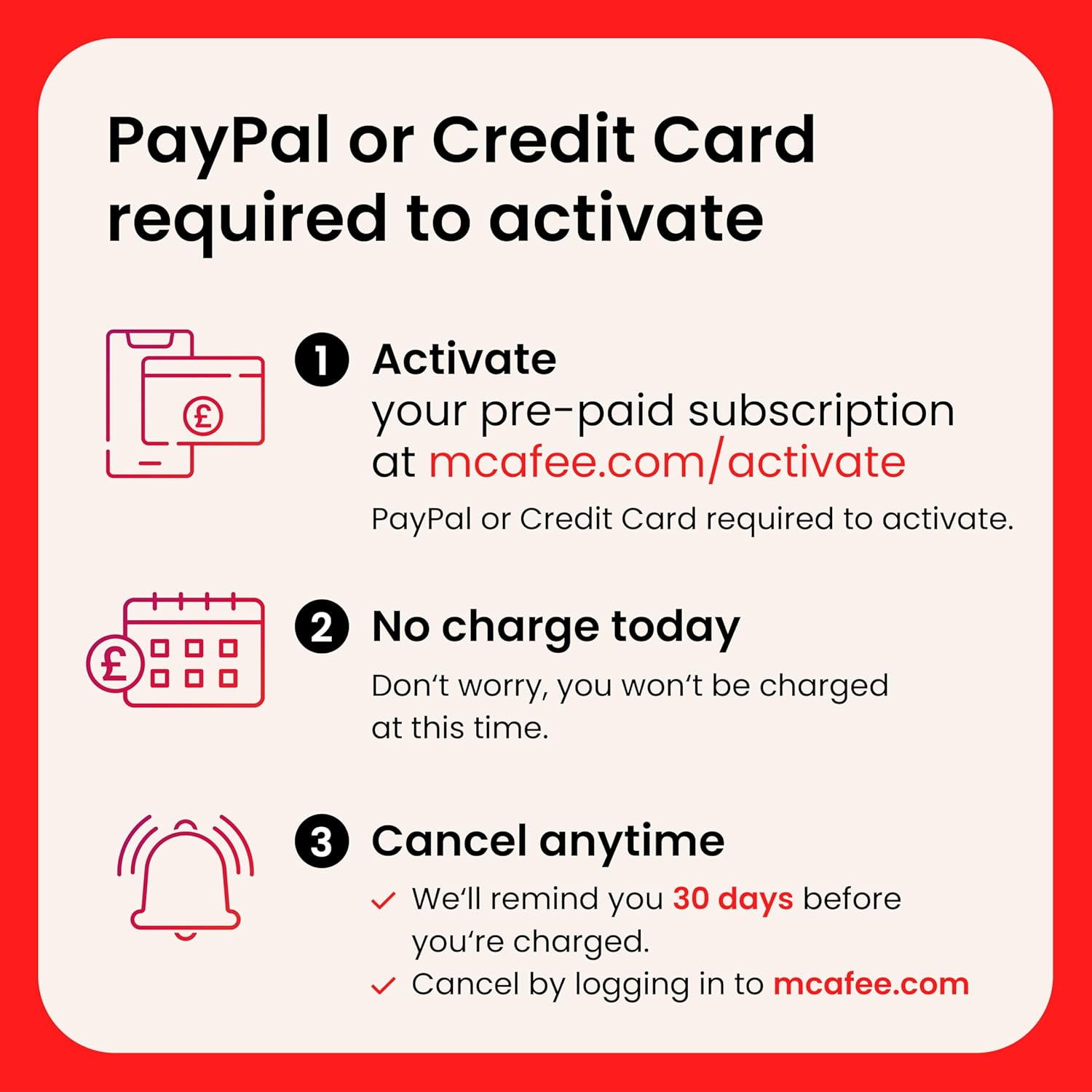
Because this is a digital download subscription, your experience will largely depend on activation and account setup. The listing states that a payment method is required to complete activation, but you won’t be charged at that time. You will be charged 30 days before the subscription ends and annually thereafter at the renewal price in effect, and you can cancel any time from your “My Account” page on mcafee.com.
If you’re setting this up for a family, it helps to decide who will be responsible for activation and which devices you’ll prioritise. It also pays to make sure everyone knows the basics: keep the antivirus enabled, use the Secure VPN when on public Wi‑Fi, and don’t treat scam warnings as a reason to click first “to see what happens”.
Should you buy it?

It’s a good fit if you want one subscription covering several risk areas—antivirus, safer public Wi‑Fi via Secure VPN, phishing/risky site warnings, scam detection for messages/emails (including deepfake videos as described), plus password management and breach monitoring. It suits people who use a mix of devices (PC/Mac plus mobile) and prefer not to piece together multiple tools.
You may want to skip it if you’re only looking for a straightforward antivirus and nothing more, because the extra features matter only if you’ll actually use them. It might not be a great match if you strongly dislike auto‑renewal mechanics—though cancellation is available, you’ll need to manage it from your account in good time.
It also isn’t the best choice if you’re after maximum transparency on device limits and behaviour for each feature: those specifics aren’t fully detailed in the information provided here, so it’s worth checking the activation flow before you commit.

Quick FAQ
How does auto‑renewal work?
The subscription is described as renewing automatically 30 days before the end of the term and annually thereafter at the renewal price in effect. The listing also says reminders are sent 30 days before you’re charged, and you can cancel from your mcafee.com “My Account” page.
Is this suitable for multiple device types?
The product name and description indicate support for PC/Mac/iOS/Android and references “4 Plus 1 Devices”. If you have a particular mix, check the activation details to confirm how the device allowance is applied.
What’s Secure VPN meant to do?
It’s described as automatically securing privacy when using public Wi‑Fi, turning it into a more secure connection so your browsing and personal data are better protected.
Does it include password help?
Yes. The description mentions a password manager that generates and stores complex passwords.