

Microsoft 365 Family | 12 Months for up to 6 People
Product description
What the product is and who it’s for
Microsoft 365 Family offers a 12‑month subscription designed for households up to six people. It bundles access to AI‑assisted Office apps, cloud storage and security features, all managed through Amazon with automatic renewal. If you’re juggling documents, emails, spreadsheets, presentations and creative tasks across a family or shared workspace, this plan positions itself as a practical, all‑in‑one solution rather than a niche toolset.
How it works on paper
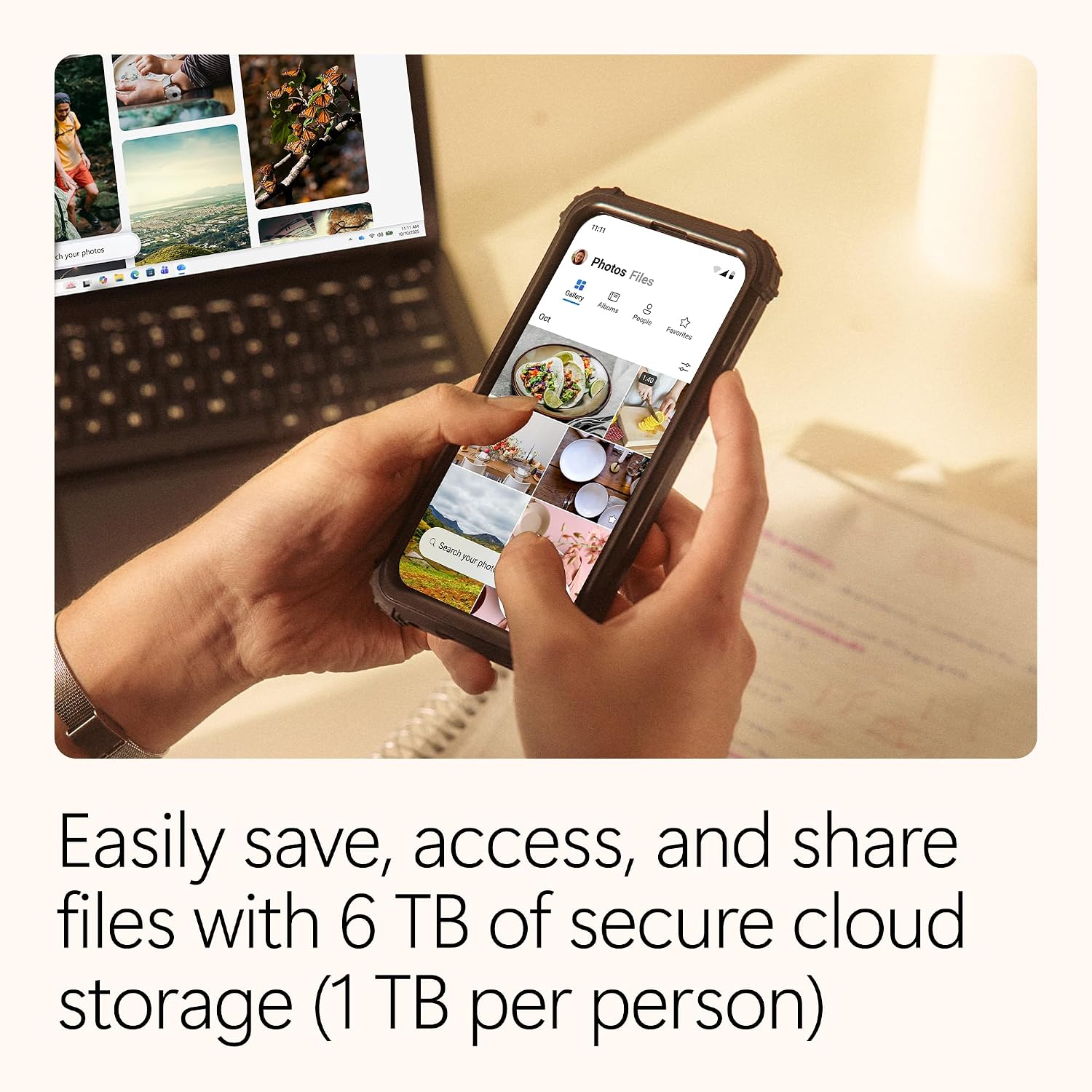
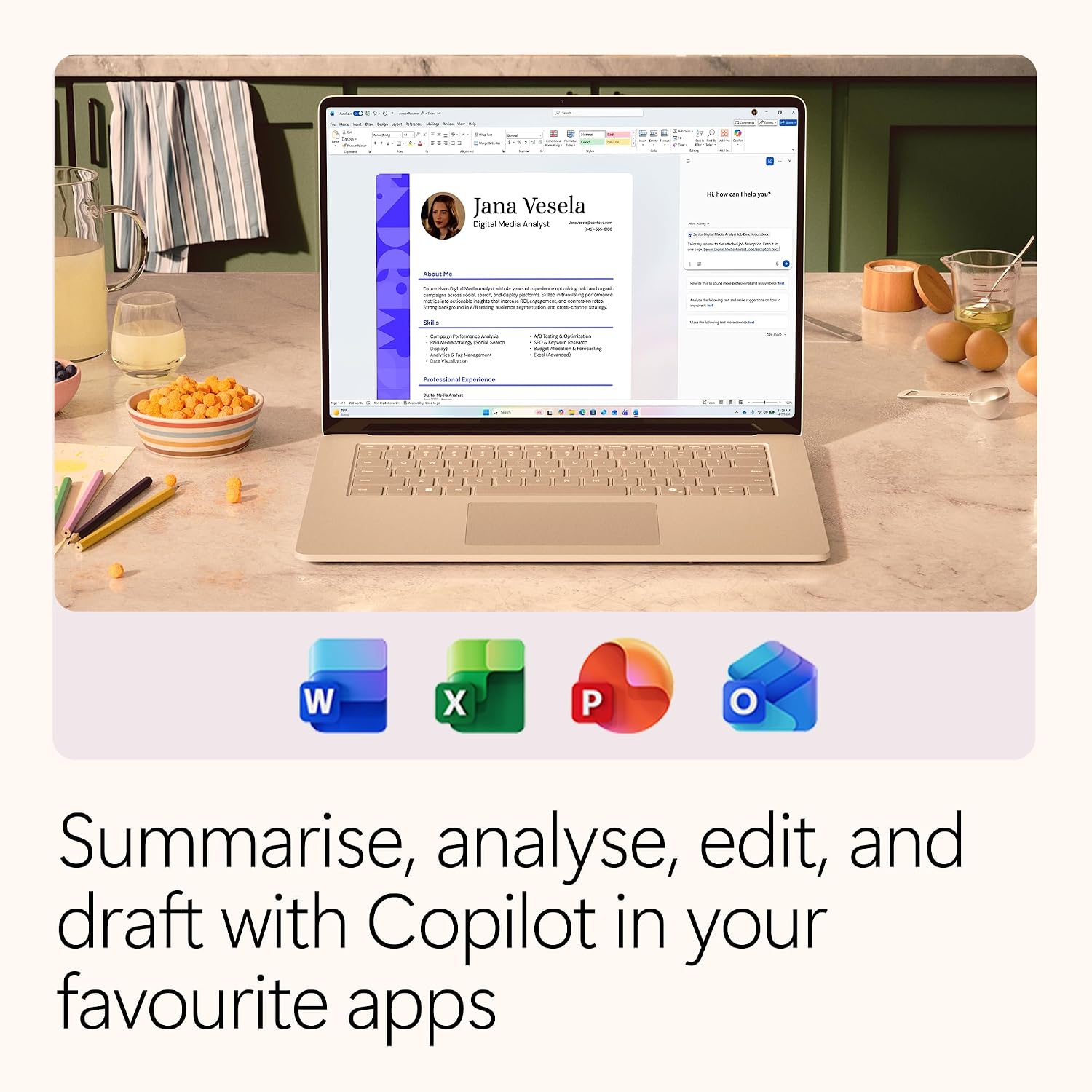
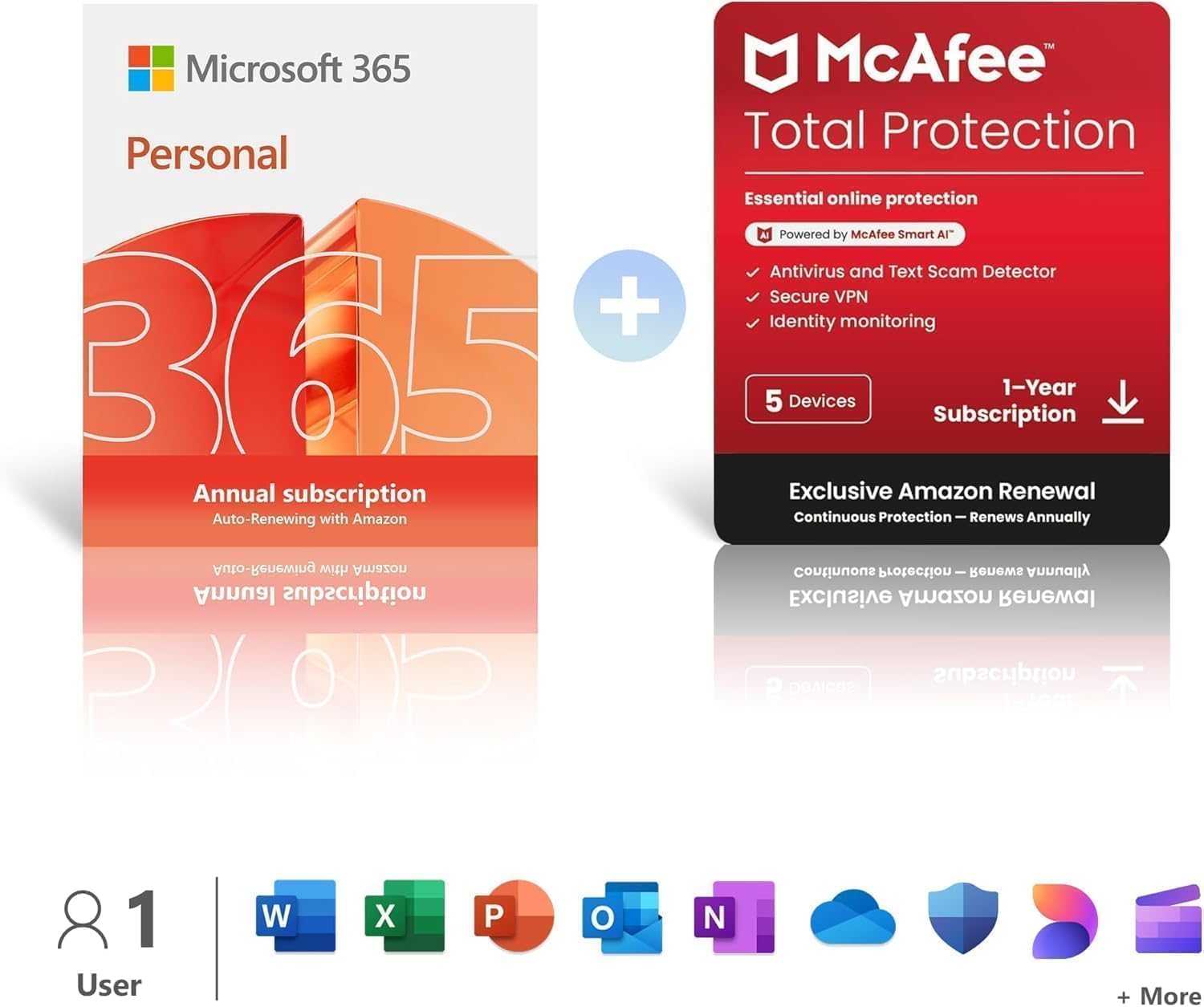
On the surface, you get access to Word, Excel, PowerPoint and OneNote with AI enhancements, plus up to 6TB of cloud storage split across the family. The package also includes design and video tools via Microsoft Designer and Clipchamp, which can help with quick visuals and presentations. The renewal is automatic, which is convenient for continuity, but you can disable renewal from your Amazon account if you need to pause.
What stands out in everyday use

If you prioritise a shared toolkit that covers work, study and personal projects, this plan keeps everyone aligned under one subscription. Real‑time collaboration across apps is a tangible benefit when multiple people work on the same document, and offline access helps when you’re on the move or have a patchy internet connection.
The best and the less convincing aspects
What makes it appealing is the breadth: traditional office apps combined with AI features and generous cloud storage. It may feel like a sensible all‑rounder for mixed needs—home budgeting, school tasks, small‑business paperwork and creative endeavours. On the flip side, the value hinges on how actively you use the included tools and whether the six‑seat ceiling matches your household. If you rarely use Excel or PowerPoint, or you already have another plan, the overall value could be lower.
Who it’s suitable for
Families or households who want shared access to Office apps plus large cloud storage, with room for collaborative projects and light media editing. It’s also a practical option for students who need reliable productivity software and for small groups that dislike managing multiple licenses.
When it makes sense to buy
Consider it if you’re after a single subscription covering multiple people, secure cloud storage and ongoing AI features in familiar apps. The annual auto‑renewal suits those who prefer set‑and‑forget arrangements, provided you’re comfortable with renewal through Amazon.
When to think twice
If you don’t need six active licences, or if you already have strong alternatives for storage and office apps, the family plan may feel oversized or repetitive. Also, if your family’s usage is inconsistent, a smaller or more flexible plan could deliver better value.
What to check before purchasing
- Confirm the six‑person limit aligns with your household or group size.
- Review how the storage is allocated across accounts, so you don’t run into space constraints.
- Ensure automatic renewal is acceptable for your budgeting and that you know how to opt out via Amazon when needed.
- Consider your level of need for AI features in Word, Excel and other apps, as benefits depend on usage patterns.
How it compares to alternatives
If you primarily need standalone office tools and modest cloud storage, a single‑user or smaller family plan could be more efficient. For content creation beyond document editing, the included Clipchamp and Designer capabilities offer a practical boost, but they may not replace dedicated video editing software for advanced projects. In short, it sits between a basic productivity suite and a more feature‑rich, high‑volume plan, it’s worth considering if the six licences and collaborative features align with your daily workflows.
Tech specs
- Name: Microsoft 365 Family
- Type: Subscription (annual auto‑renewing, Amazon managed)
- Storage: Up to 6TB cloud storage
- Applications: Word, Excel, PowerPoint, OneNote with AI features, Microsoft Designer, Clipchamp
- Devices: Up to 6 people
- Availability: UK market via amazon UK