

BolAAzul 2-Port DisplayPort 1.4 MST Hub 4K@120Hz
Product description
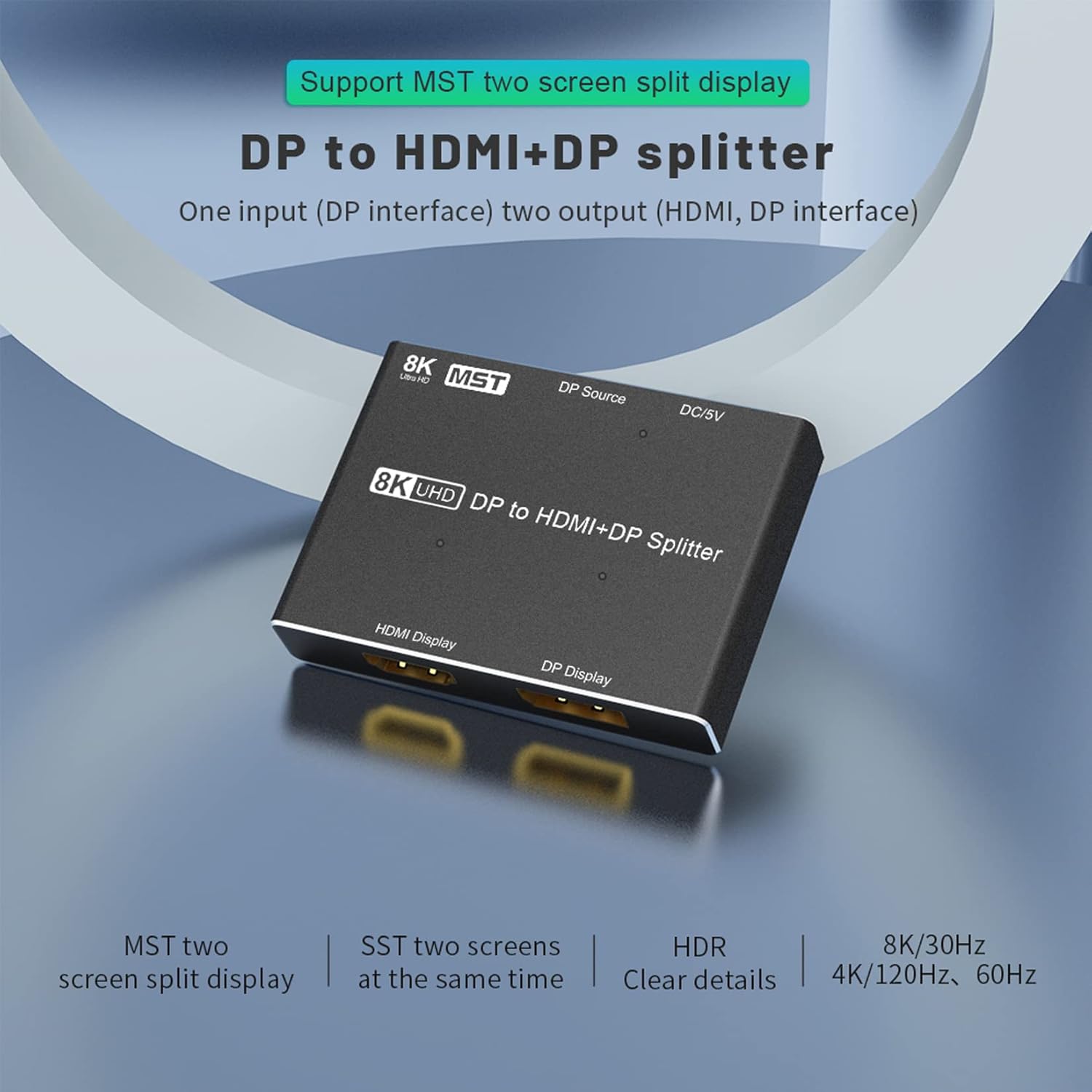
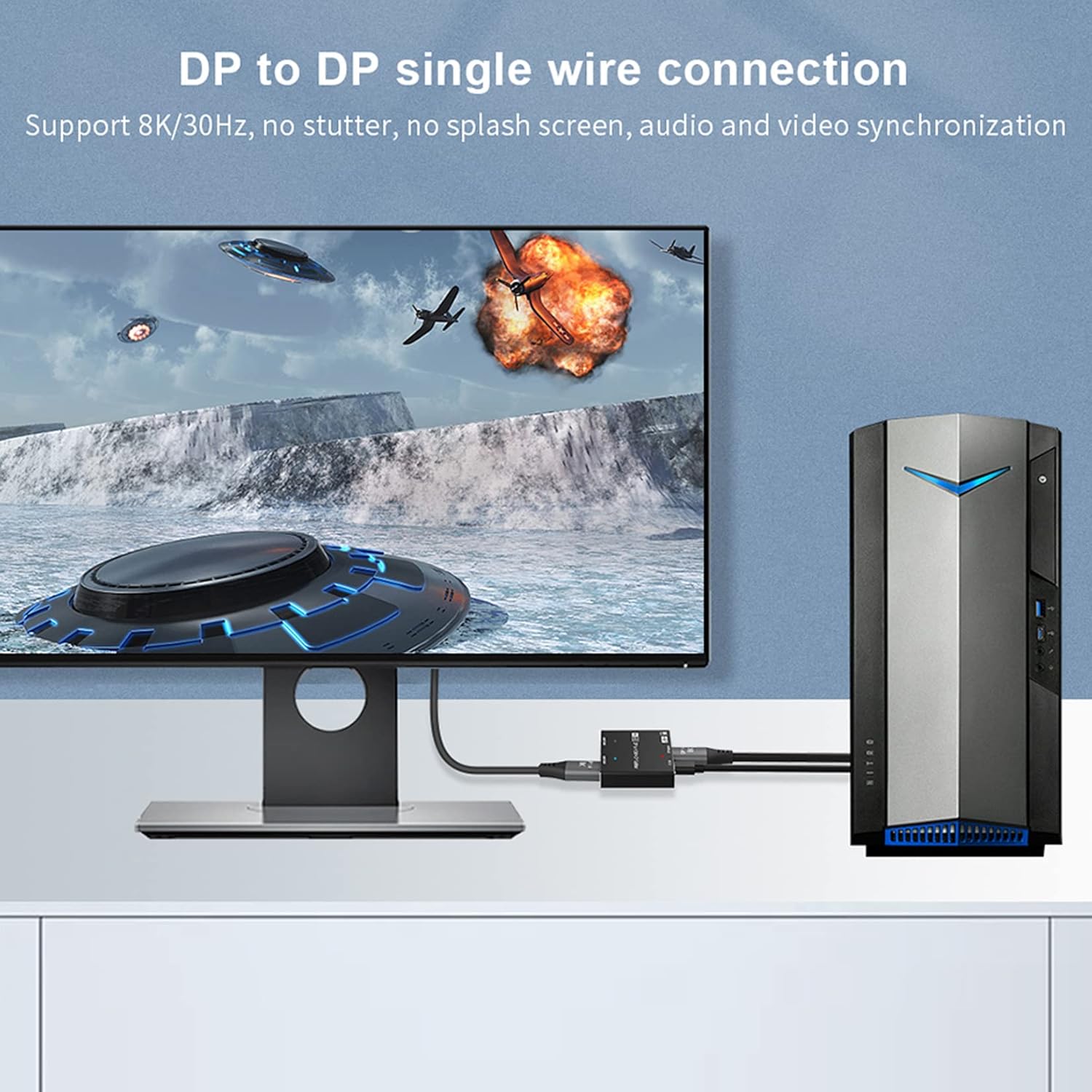
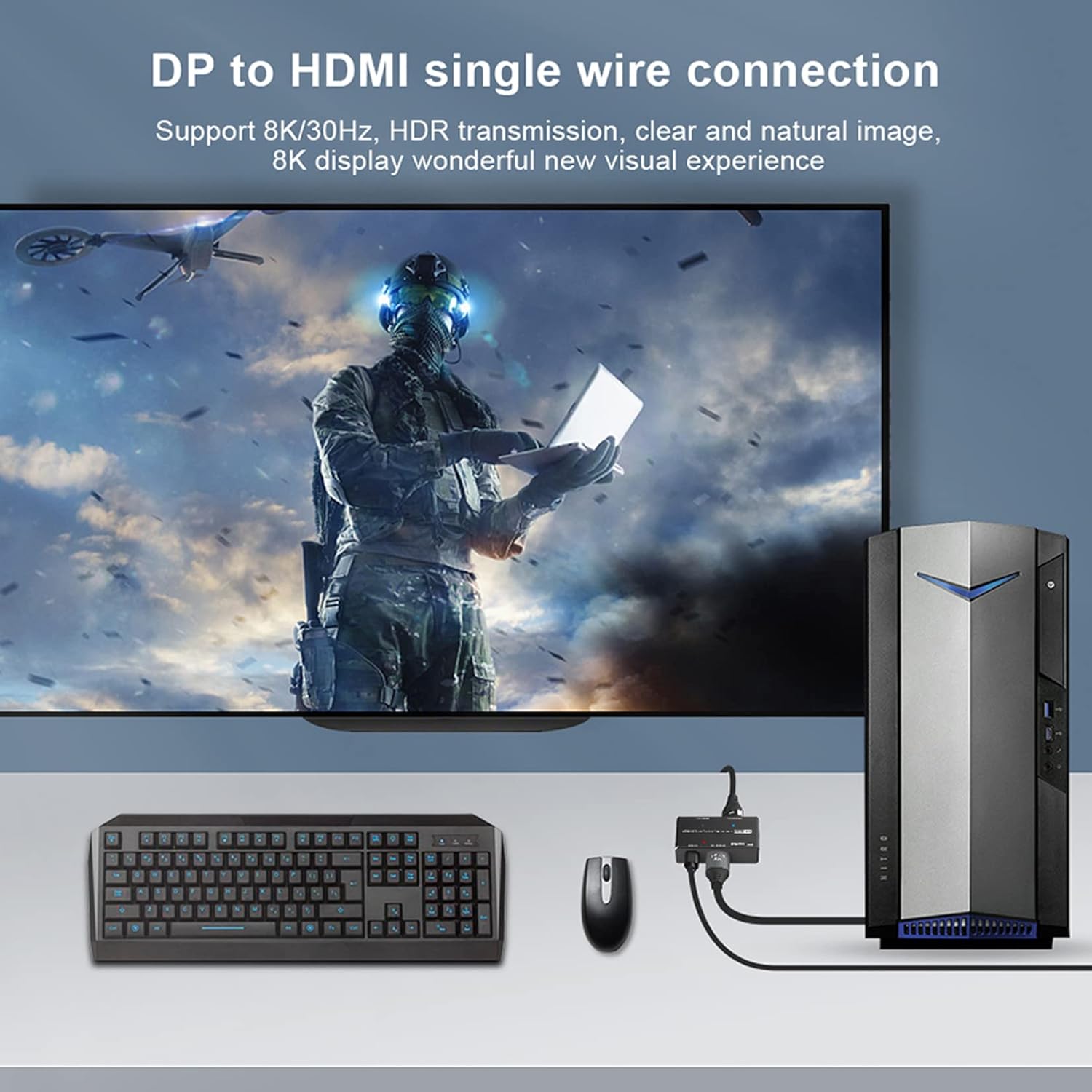
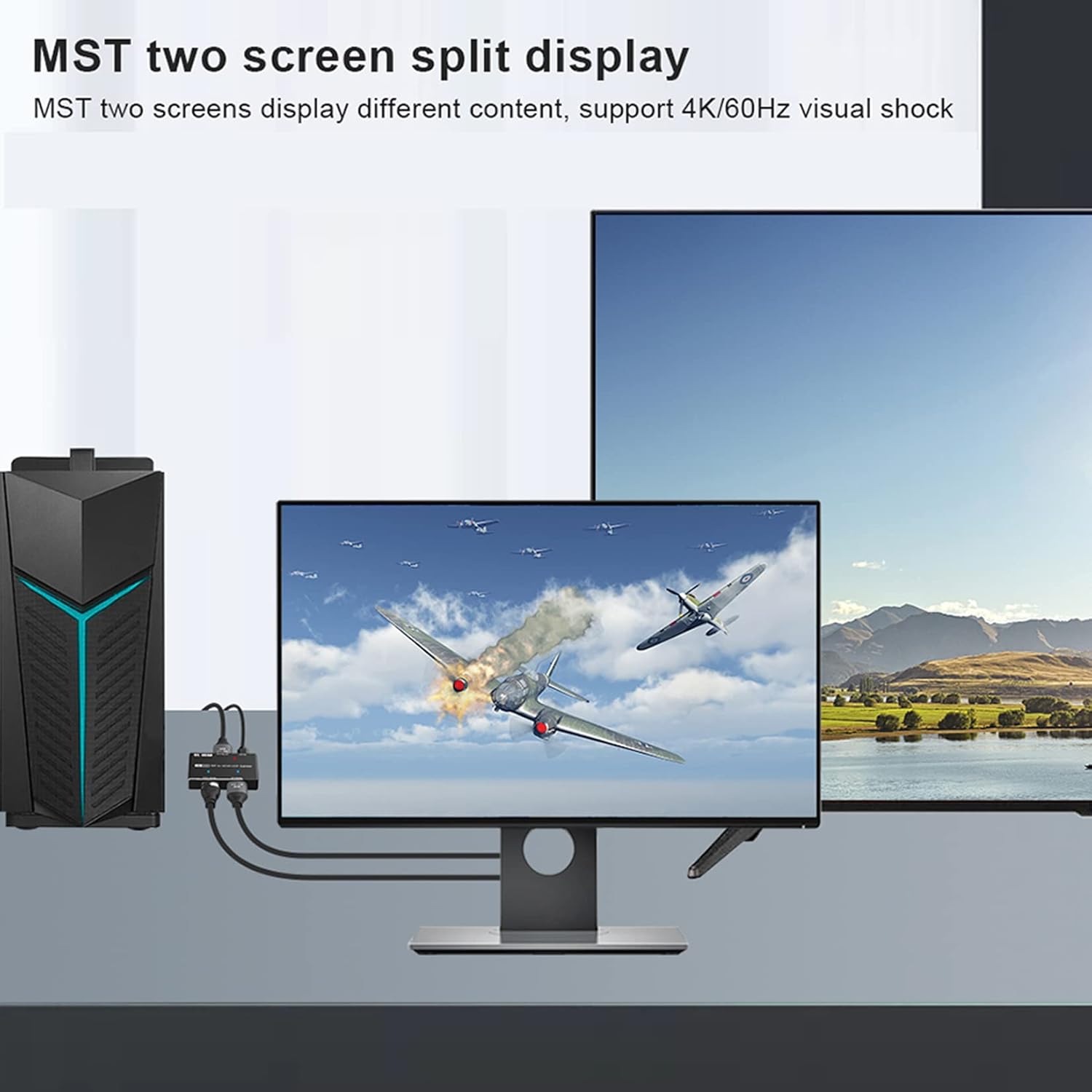
This 2‑port DisplayPort 1.4 MST hub splits a single MST-enabled DisplayPort output to one DisplayPort and one HDMI output, helping you expand desktop space for multitasking and streaming. It is designed for Windows PCs with DP MST support and allows higher-resolution arrangements such as 4K output over HDMI for demanding workflows.
Key Points
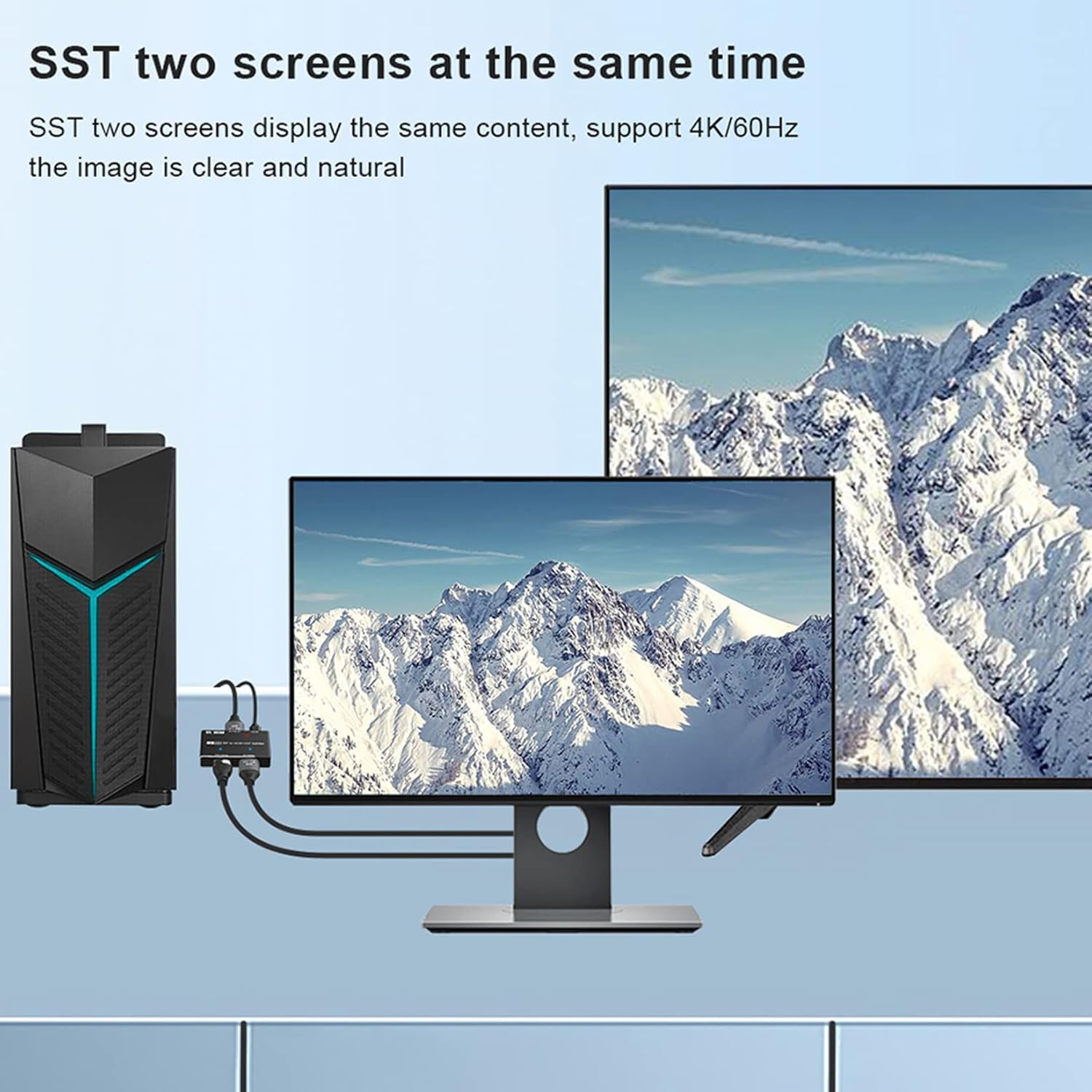
The hub enables connection of two external screens from a single DisplayPort output, useful for productivity setups, live streaming stations and extended desktop arrangements. It supports different display modes so you can mirror a signal or extend the desktop across two monitors. Note that the MST function requires a graphics card with Multi-Stream Transport support and that Mac OS is not compatible for MST with this device. ⚠️
Cable quality and the capabilities of your GPU determine the final resolutions and refresh rates you can achieve. Use certified DisplayPort 1.4 and HDMI 2.1 cables to reduce sync issues, according to the manufacturer. Some integrated GPUs may limit the number of active displays, and laptop internal screens can be disabled when three external monitors are connected. 🔌
Technical Specifications
- Name: BolAAzul 2-Port DP MST Hub
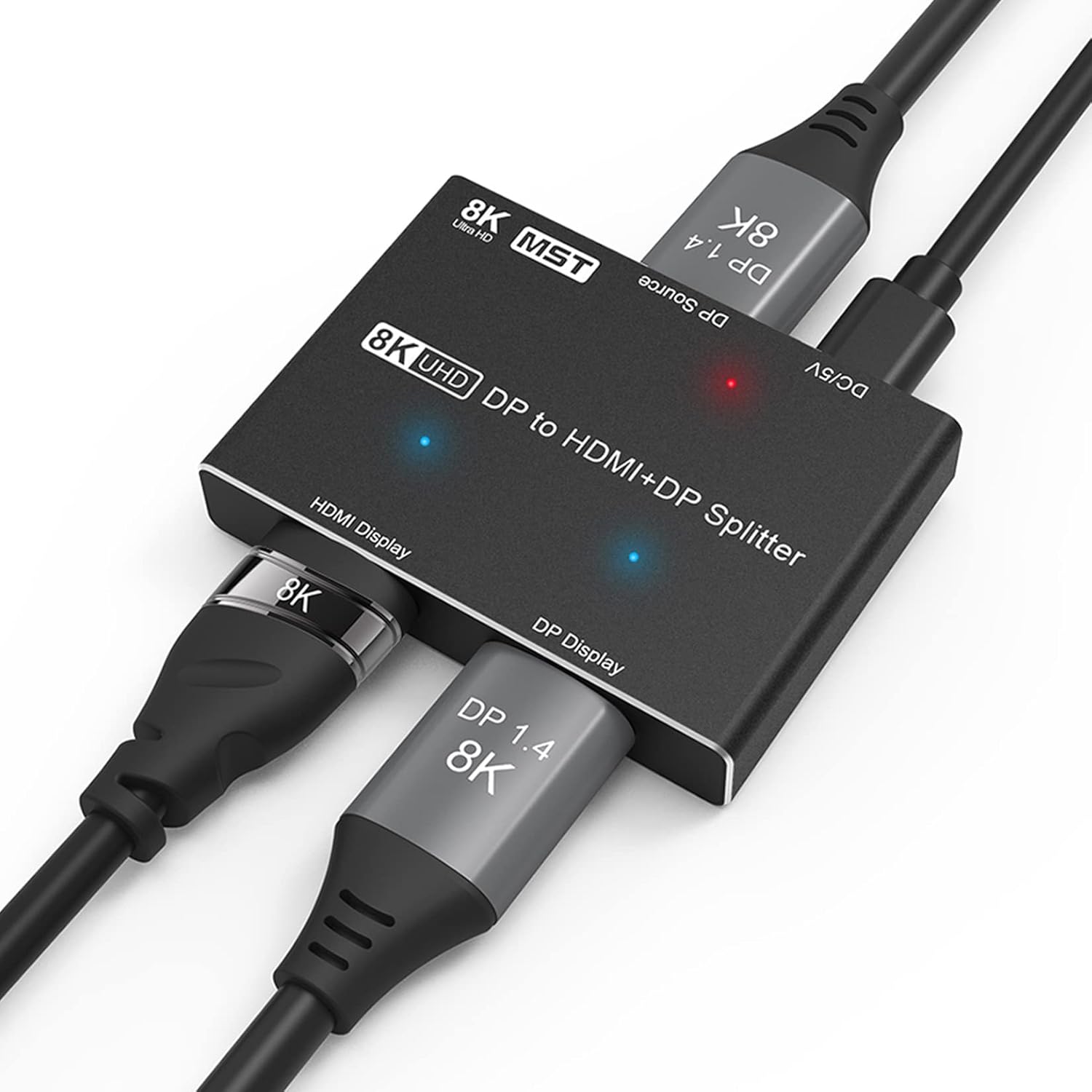
- Input: DisplayPort 1.4
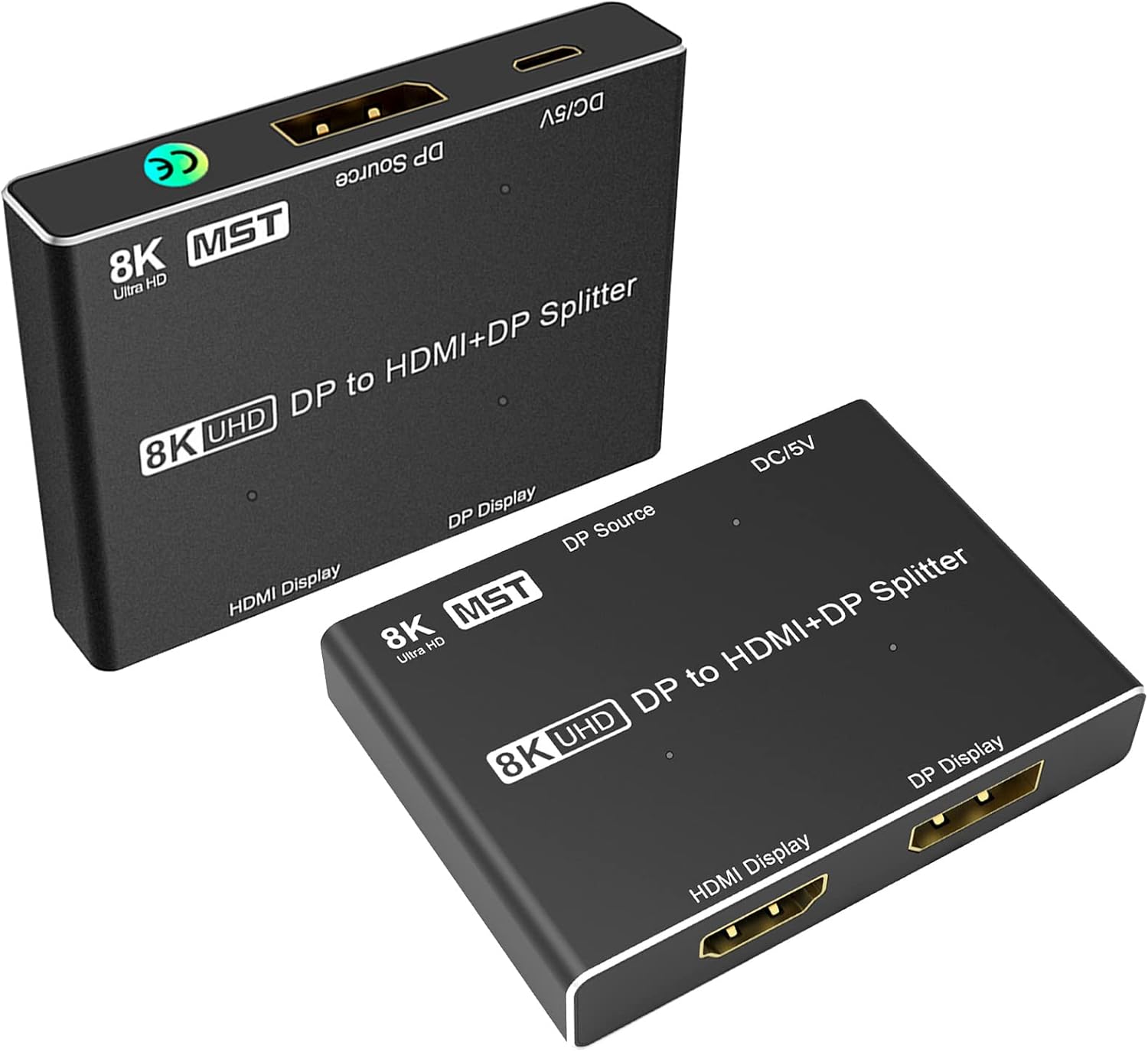
- Outputs: 1 x DisplayPort, 1 x HDMI
- Maximum single-display output over HDMI: 4K@120Hz (dependent on host and cable)
- Maximum combined capability: 8K 30Hz achievable when both source and displays support DP 1.4
Usage Recommendations
Connect the hub to a DP 1.4 output on a desktop GPU that explicitly lists MST support in the specifications. After connecting, check your graphics driver display settings to arrange mirroring or extended desktops and to set per-monitor resolutions. If you experience flicker or no signal, test with VESA certified DisplayPort cables and HDMI ATC certified HDMI 2.1 leads, as uncertified cables are a frequent cause of instability.
When planning a multi-monitor layout, review the resolution and refresh rate combinations supported by your GPU. For example, while an 8K output may be possible in theory, real world performance depends on cable bandwidth and the monitors used. Consider that Mac OS does not support the MST functionality of this hub, so a Windows PC with DP MST-enabled graphics is the required configuration for dual independent displays.
Positive Aspects
The hub offers a compact way to increase screen real estate without additional GPU ports, and it supports high bandwidth outputs when paired with compatible hardware. It provides flexibility to mix DisplayPort and HDMI monitors in a single setup, which is handy when upgrading gradually or combining legacy and modern displays. The device is practical for complex workflows where multiple windows and applications must stay visible at the same time.