

D-Link DUB-H7/B 7-Port USB 2.0 Hub — powered USB-A hub with Fast Charge
Product description
What is it and what problem does it solve
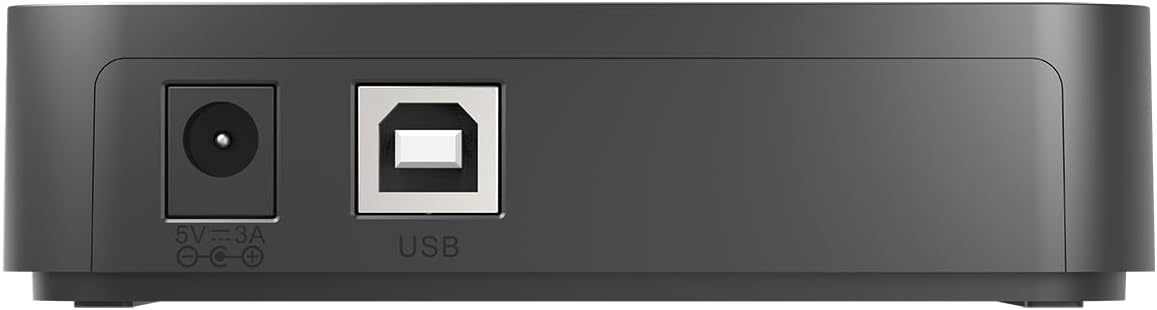
The D-Link DUB-H7/B is a 7-port USB 2.0 hub designed to expand the number of USB connections from a PC or Mac. It comes with its own power supply, so you can add several devices without exhausting your computer’s ports. This is handy if you regularly attach multiple peripherals, or if your laptop lacks sufficient USB ports for a growing collection of accessories.
How it behaves in everyday use
With its Fast Charge Mode, each port can provide enough power to connect and charge tablets and iPads. That means you can not only move data between devices more easily, but also keep mobile devices topped up without needing a separate charger for every device. In practice, you can use the hub as a portable charging option even when it isn’t plugged into a computer, thanks to the dedicated power supply.
Performance and reliability on paper
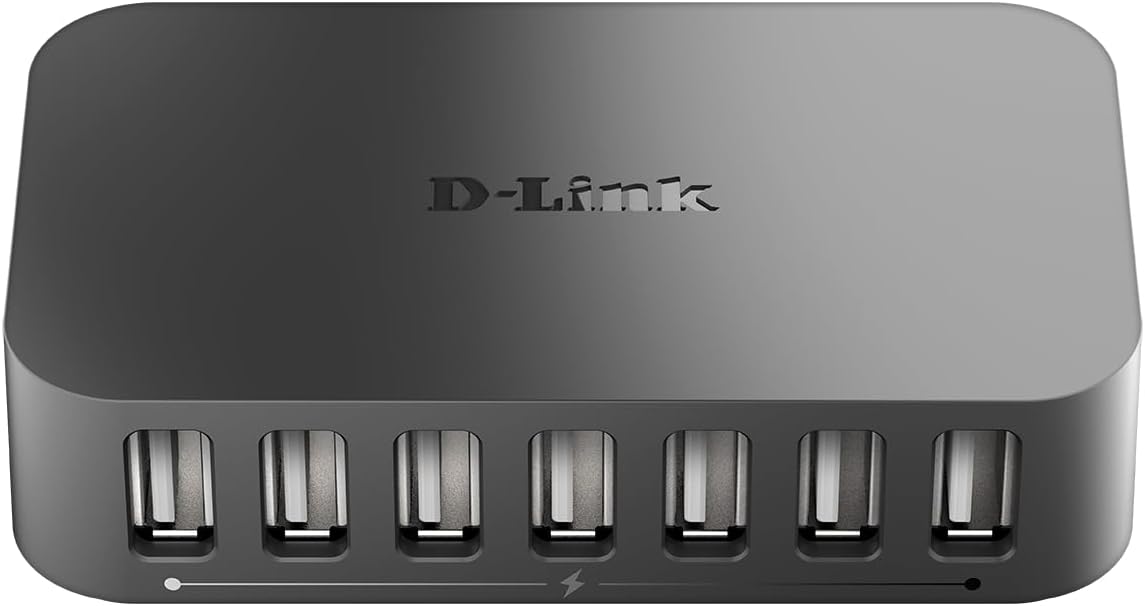
USB 2.0 technology supports data transfer up to 480 Mbps. While this is slower than newer USB standards, it translates to familiar speeds for everyday tasks like file transfers and syncing, when compared to older generations. The 7-port design is straightforward: more ports mean fewer occasional rearrangements or unplugging devices to make space.
Who it’s for
This hub suits small offices, home setups, or desks where USB port real estate is tight. It’s particularly convenient if you routinely charge tablets or share a single keyboard/mouse setup across multiple devices. If you prioritise charging capability for mobile devices alongside expansion, the Fast Charge Mode adds value.
What stands out and what may fall short
Pros: seven ports from a single powered hub, built-in power supply, practical for charging tablets and other USB devices, straightforward USB 2.0 data transfer. Cons: USB 2.0 is considerably slower than USB 3.x, charging speeds depend on device and port utilisation, there’s no mention of USB-C or higher-speed data modes, so it’s best viewed as a practical expansion option rather than a future-proof high-speed dock.
Limitations to keep in mind
If you rely on the latest high-speed devices or want rapid transfers across multiple USB devices, you may notice the 480 Mbps ceiling. Also, the claim of universal compatibility is positive, but actual performance can vary with device mix and power needs. Consider whether you need USB-C or newer specifications for heavier workloads.
When it makes sense to buy
If your setup would benefit from additional USB-A ports and you want a single powered hub to keep devices charged, this model offers a pragmatic solution. It’s sensible for desks with laptops that have a limited number of USB ports or for shared workstations where multiple gadgets need access to USB-A connections.
What to review before purchasing
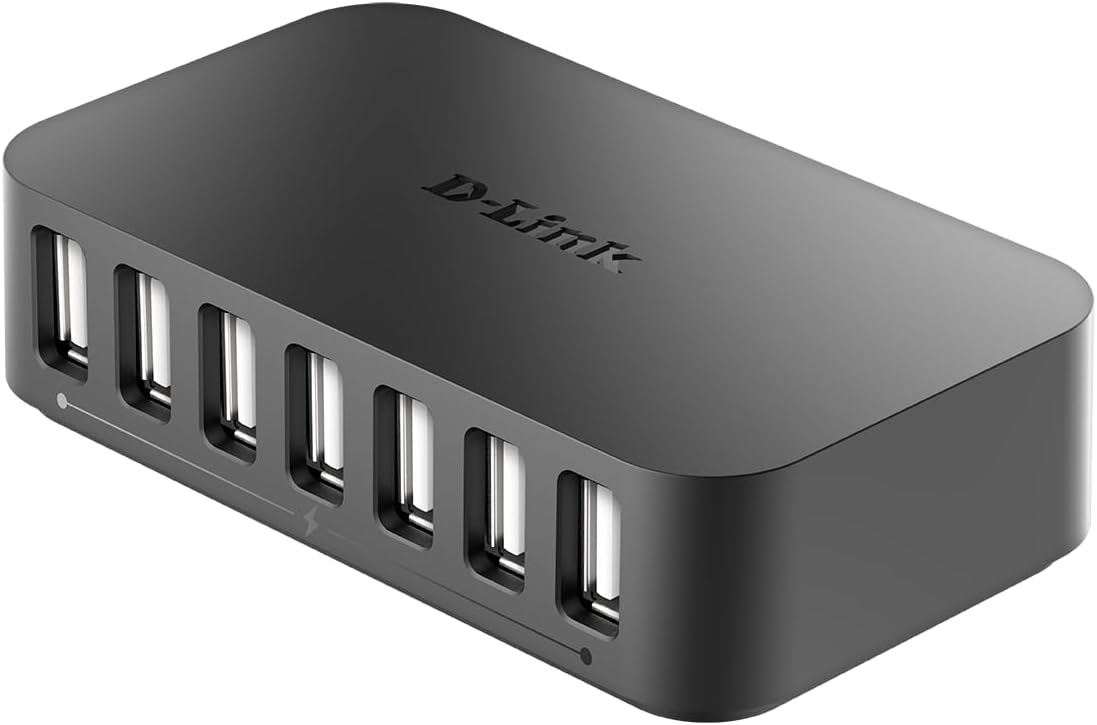
Check that your devices can utilise the provided power supply efficiently and that you have adequate desk space for a 7-port hub. If you require faster data transfer or USB-C connectivity, you may want to look for alternative hubs offering USB 3.x or USB-C compatibility.
Practical use example
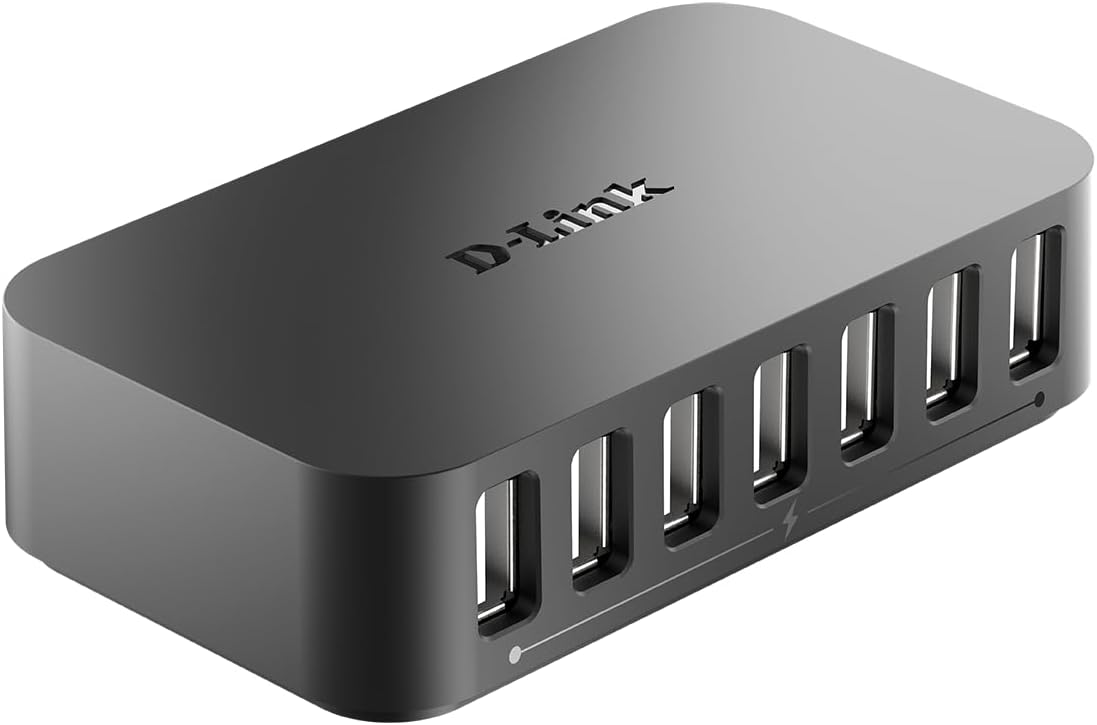
Imagine transferring a batch of photos from a camera while also charging a tablet and keeping a wireless keyboard connected. The DUB-H7/B can handle several tasks at once thanks to its multiple ports and its own power supply, avoiding the need to constantly swap cables.
A realistic comparison in context
For those who simply need to expand USB-A reach without upgrading to USB-C or higher speeds, this hub provides a straightforward, economical option. If your work involves high-speed data editing or power-hungry devices, you might opt for a model with USB 3.x or USB-C to maximise speed and flexibility.
Is it worth it?
Buying verdict
Worth considering if you need more USB-A ports and occasional charging for tablets or tablets when connected to a single powered hub. It’s not the fastest solution for data-heavy workflows, but it is a sensible, value-for-money choice for everyday use. Not the best option if you require USB-C or the highest transfer speeds.
FAQ
- Do all ports charge devices at the same rate? The hub features a Fast Charge Mode intended to power devices like iPads and tablets, but charging rates can vary by device and utilisation.
- Can I use the hub without the power supply? The package includes a power supply, using the hub without external power may limit the number of devices that can be powered simultaneously.
- Is USB-C supported for data or charging? The product is described as a USB-A powered hub, there is no explicit USB-C support listed.