

Adobe Acrobat Studio 12-Month Subscription: A pragmatic all-in-one for PDF workflow
Product description
What it is and what it solves
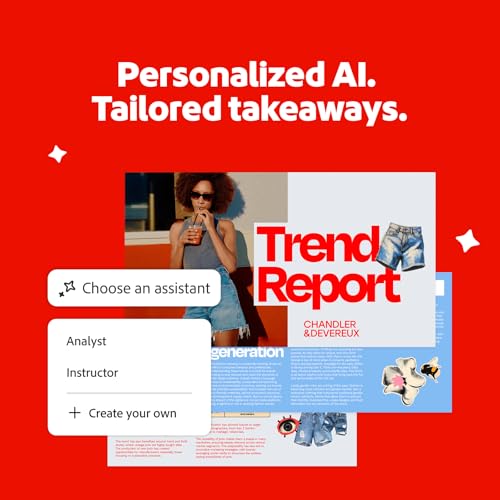
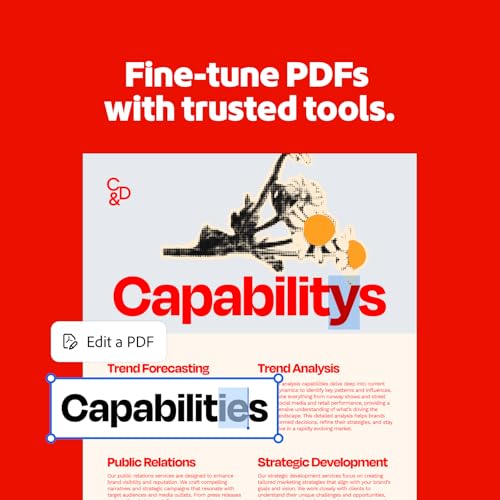
Adobe Acrobat Studio offers a 12-month subscription that combines PDF editing, conversion, signing and collaboration in one package. It includes an AI assistant, PDF Spaces for shared workspaces, and access to Adobe Express Premium for content creation. On paper, this setup aims to streamline document-heavy workflows by letting you edit PDFs, convert them to Word/Excel/PowerPoint, collect e-signatures, create forms, and design accompanying content without juggling multiple tools.
Core capabilities at a glance
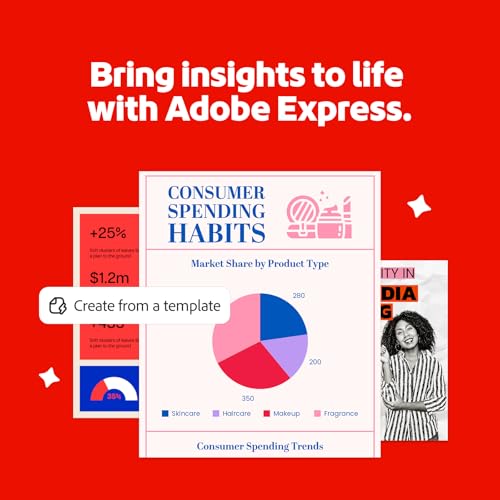
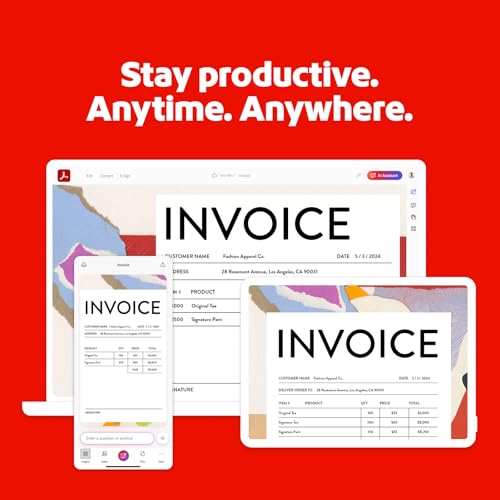
The bundle centralises PDF management with a complete toolset: create, organise, edit and sign PDFs, convert PDFs to editable formats, collect legally binding signatures in real time, and build content-driven pages with Adobe Express templates. The inclusion of AI-assisted features promises faster idea generation, summaries and action steps, which can help when you’re drafting proposals, contracts or reports. It also emphasises cross-device work, with desktop software, web tools and mobile apps available through Acrobat Reader and Adobe Scan.
Strengths in practical use
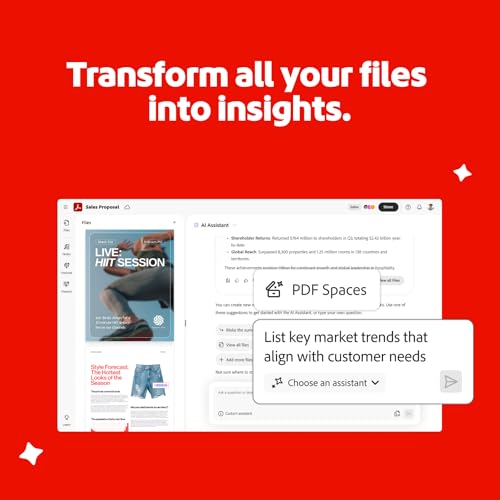
If your role involves a steady stream of documents—contracts, forms, reports or client deliverables—this kit can reduce the friction of switching between apps. The ability to convert PDFs back into Word, Excel or PowerPoint is useful for edits or repurposing content. The e-signature workflow can speed up sign-offs and tracking, while the PDF editing suite covers most needs around annotation, form creation and file organisation. The AI assistant and PDF Spaces may help with quick summaries or next steps, which is handy when you’re coordinating feedback from multiple colleagues.
Limitations and considerations
It’s worth noting that efficiency gains depend on how you use the AI features and PDF Spaces, if you rarely rely on AI-driven ideas or collaborative spaces, the value may be less pronounced. Also, the subscription model means ongoing cost rather than a one-off purchase, so you’ll want to assess your long-term need for all bundled tools. If your priority is ultra-light, single-function PDF tasks, a simpler or more focused toolset could be sufficient.
Who it’s for
This bundle suits teams or individuals who already operate in a PDF-heavy environment and require a cohesive workflow from editing to sign-off, plus content creation support. It’s particularly practical for people who appreciate cross-platform access and the ability to work from PC, Mac or web, with mobile apps for on-the-go tasks. If you frequently convert PDFs to editable formats or rely on e-signature capture, the integrated approach could save time.
Who it isn’t ideal for
If your needs are restricted to basic PDF viewing or occasional edits, the breadth of features may be more than you require and the subscription cost could feel excessive. For users who prioritise offline work with minimal cloud reliance, or for organisations with strict licensing needs, it’s worth checking how the licence terms align with your setup.
Buying considerations: when it makes sense
Consider this if you regularly convert, edit, sign and present PDFs, and you value an all-in-one solution that also supports content creation via Adobe Express. The 12-month duration is a practical window to gauge the real impact on your workflow and collaboration. If you already have separate licences for editing, signing and design, compare the total cost and whether the AI-assisted features offer tangible time savings.
What to review before purchase
- Confirm access across PC, Mac and web in your environment and whether there are any platform limitations.
- Check how PDF Spaces and the AI assistant integrate with your current collaboration processes and file-sharing practices.
- Clarify the scope of Adobe Express Premium included and whether any paid add-ons are required for your use cases.
- Consider your typical document mix: do you frequently convert PDFs to Word/Excel/PowerPoint and need reliable e-signature tracking?
- Review the terms of the 12-month code delivery and any renewal options to fit budgeting needs.
Practical use example
Imagine preparing a client proposal: you draft in PDF, summarise key points with the AI assistant, convert the final version to Word for internal edits, craft a matching slide deck with Express templates, and send the signature-ready file for approvals—all from a single ecosystem. This reduces back-and-forth between tools and aims to keep your project in one place.
Quick FAQ
- Can I use the AI assistant for long-form drafting or only for quick summaries? It’s described as capable of generating ideas, summarising information and suggesting next steps, but the exact depth of output isn’t specified.
- Is the signing feature legally binding in the UK? The product mentions legally binding e-signatures and real-time tracking, you should verify compliance details for your specific use case.
- Do I need ongoing internet access to use all features? The bundle includes desktop, web and mobile apps, which implies cloud-enabled features, offline functionality is not detailed.
Final verdict
Final verdict: a solid fit if you regularly work with PDFs in a multi-tool workflow and want an integrated path from creation to signing, with added AI-assisted tasks and content design support. It may not be the best choice if your needs are limited to light PDF use or if you favour single-function tools and offline-only tasks.