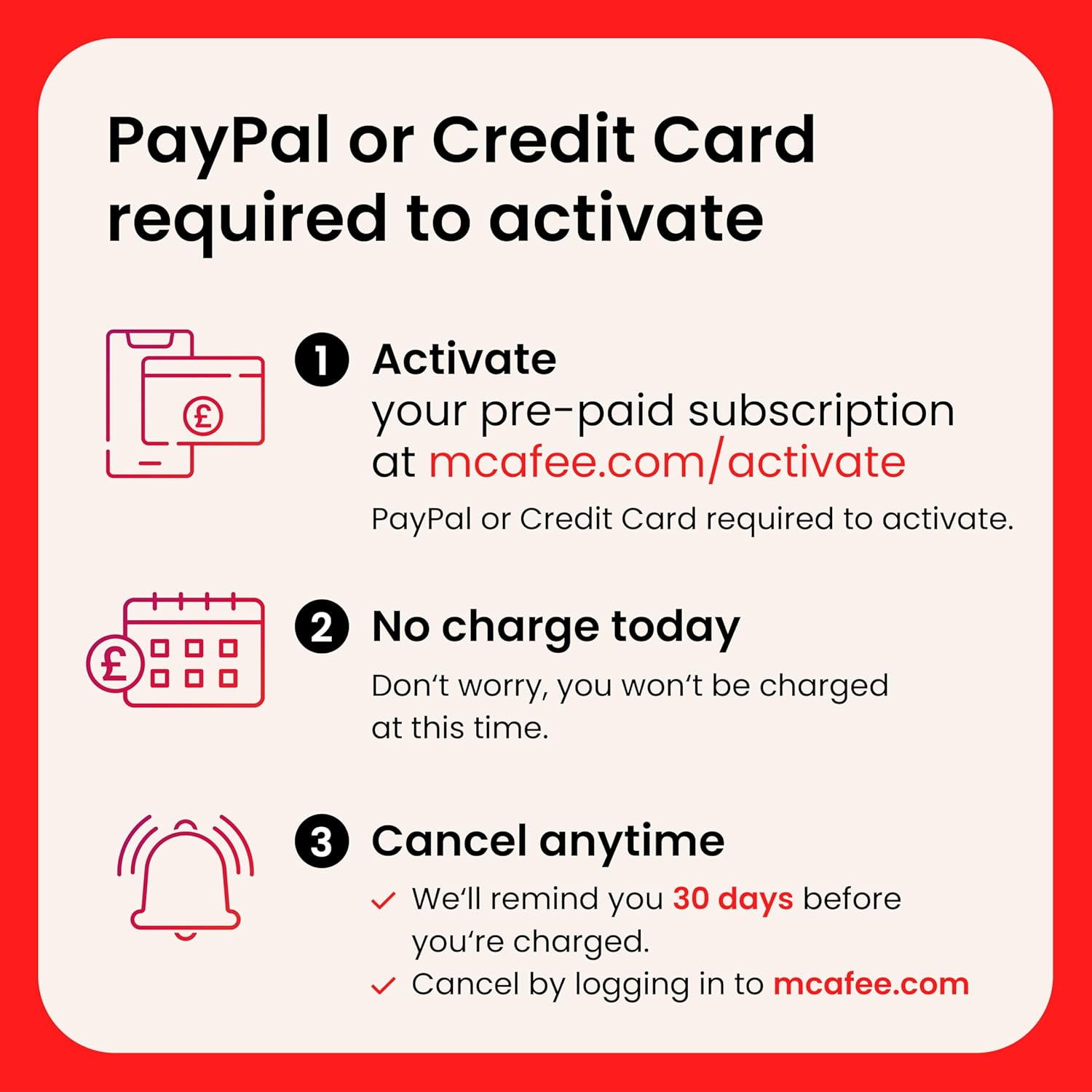
What it is and what it aims to solve\nMcAfee Total Protection 10-Devices 2026 is a security software suite designed to protect up to ten devices with antivirus, VPN, scam protection, identity monitoring and password management. It may suit households or small teams seeking an all-in-one licence rather than juggling separate tools. On the surface, it promises to safeguard online activity on public Wi‑Fi, guard banking and shopping sessions, and monitor for data breaches.\n\n## What you get and how it works\nThe package centres on antivirus powered by McAfee Smart AI, plus Secure VPN for safer public‑network browsing, a scam detector for texts, emails and videos, and ongoing identity monitoring that alerts you if data is found in breaches. A password manager helps generate and store strong credentials. The product is sold as a 1‑year subscription with auto‑renewal, delivered digitally. Support is included from McAfee. The exact renewal terms indicate charges occur 30 days before the term ends, with a reminder beforehand.\n\n## Who it’s for\nIt’s potentially worth considering if you want a single licence covering multiple devices and you value integrated features (antivirus, VPN, scam protection and identity monitoring) in one package. If your home relies on public Wi‑Fi or you handle sensitive information online, the VPN and breach monitoring may feel like meaningful add‑ons.\n\n## What stands out in use\nOn the up‑front appeal, the suite combines several protective layers in one, which can streamline maintenance and reduce the risk of gaps between separate tools. The password manager adds convenience for logins, while the scam detector leverages AI to flag suspicious messages and content. In practice, you might notice quicker setup for a multi‑device environment and a single point of contact for updates and support.\n\n## Limitations and things to watch\nNo solution is perfect, and the effectiveness of features such as scam detection or breach monitoring depends on data inputs and updates from McAfee. If you prioritise a lightweight footprint or minimal ongoing cost, the annual renewal can add up over time. Some users may prefer dedicated, platform‑native tools for certain tasks, or opt for free security layers that come with devices.\n\n## What to review before buying\nCheck how many devices you truly need protected (the product advertises up to 10). Consider your operating systems and whether you require cross‑device password management and breach alerts. Review renewal terms and whether you’re comfortable with auto‑renewal.\n\n## How it compares with alternatives (contextual)\nIf you’re weighing value, this all‑in‑one approach is usually suited to households wanting convenience and a single vendor. For power users, a modular setup with separate antivirus, VPN and identity monitoring might offer more customisation or lower long‑term cost. For those who rely heavily on mobile security, you may want to verify how well the mobile components integrate with current devices and whether performance is acceptable on older hardware.\n\n## Practical usage example\nImagine a family with laptops, tablets and a couple of smartphones. After installation, the central licence keeps everyone covered while you receive breach alerts for shared credentials and can generate strong passwords via the manager. It also provides a secure connection when arriving at coffee shop networks, helping protect banking and shopping sessions.\n\n## FAQ snapshot\n- How many devices can be protected with this licence? Up to ten devices according to the product description.\n- Does it renew automatically? Yes, with a reminder 30 days before renewal.\n- What happens if I need assistance? Customer support is provided by McAfee.\n- Is the VPN included for all devices? Yes, as part of the package.\n- Is it suitable for casual users or tougher security needs? It’s aimed at broad home use, power users may want additional, specialised tools.\n\n## Final decision\nIs it worth it? Worth considering if you want an all‑in‑one security suite for multiple devices with monitoring features and a VPN, and you’re comfortable with annual renewal. It’s a balanced option for households seeking simplicity and coverage, though it may not be the best choice if you prioritise highly granular control or a lower ongoing cost.