

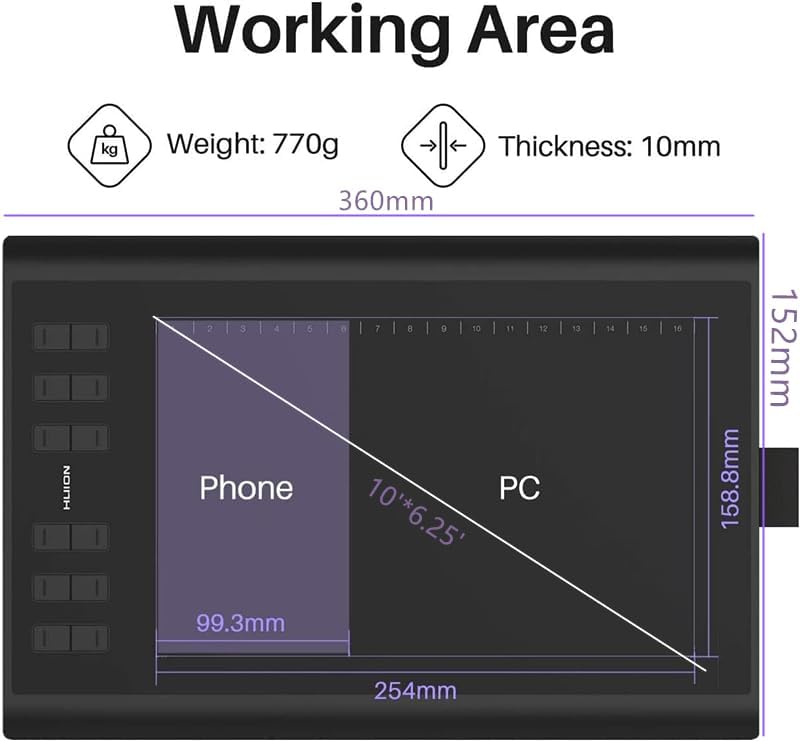
HUION Inspiroy H1060P Graphics Tablet, 10 x 6.25-inch Active Area
Product description
Key points
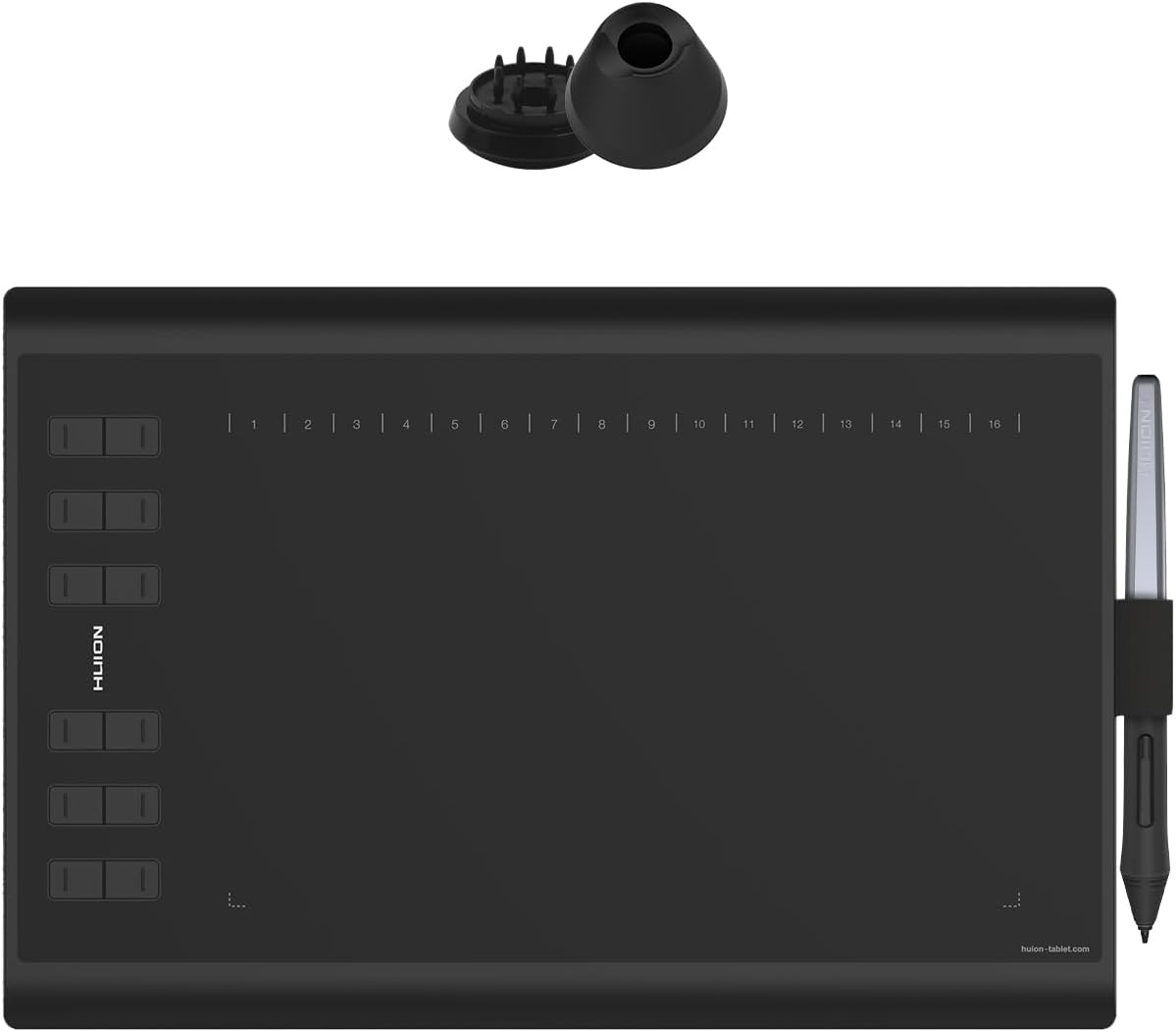
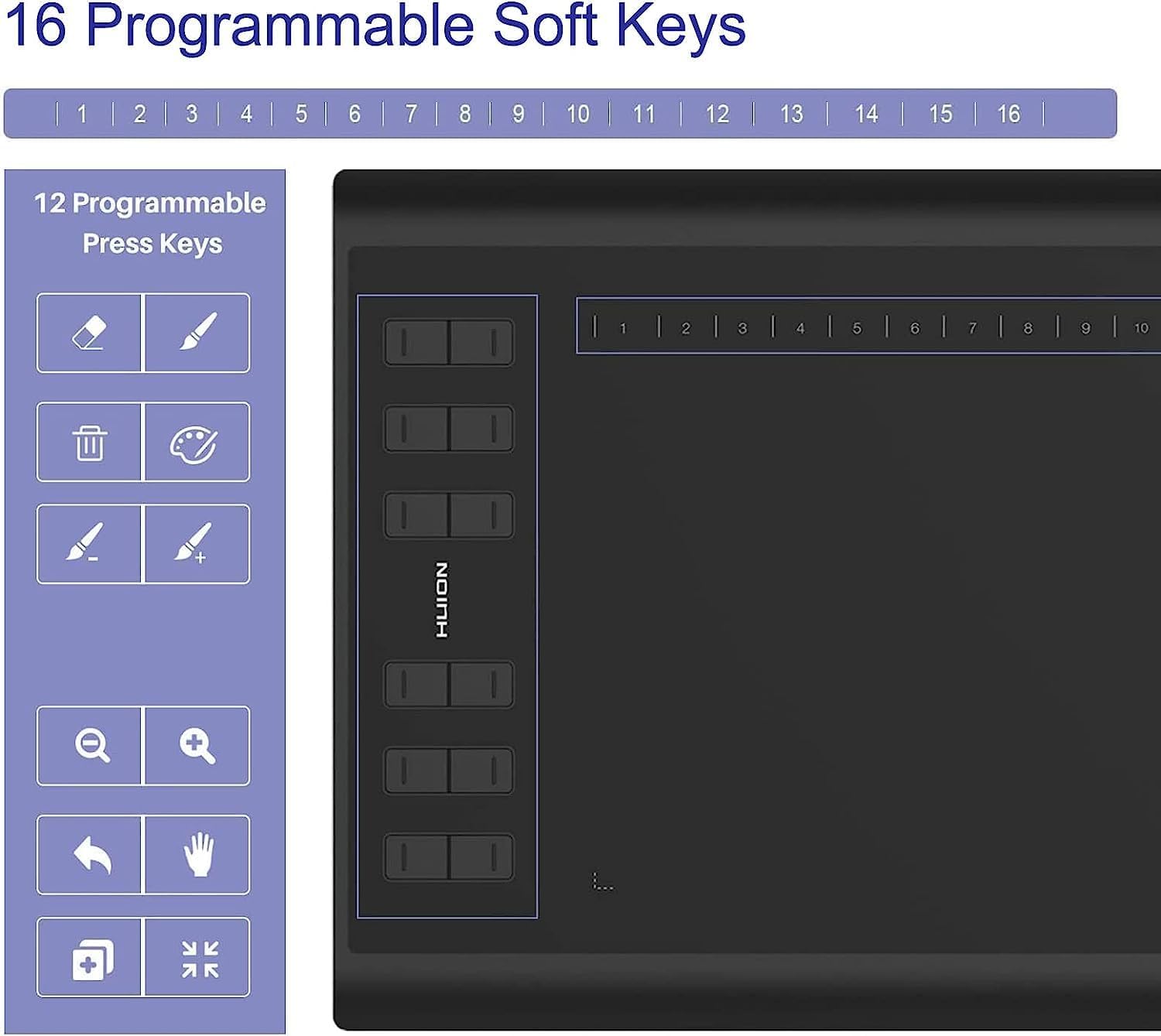
The 10 x 6.25-inch active area gives the HUION Inspiroy H1060P room for drawing, handwriting and annotating documents. Its battery-free PW100 stylus supports 8,192 pressure levels and 60° tilt, giving pen input a range of control for illustration and other creative work. Twelve customizable express keys and 16 soft keys let you set up shortcuts around your workflow. The tablet connects to a computer or a compatible Android device and does not have a built-in display.
Usage tips
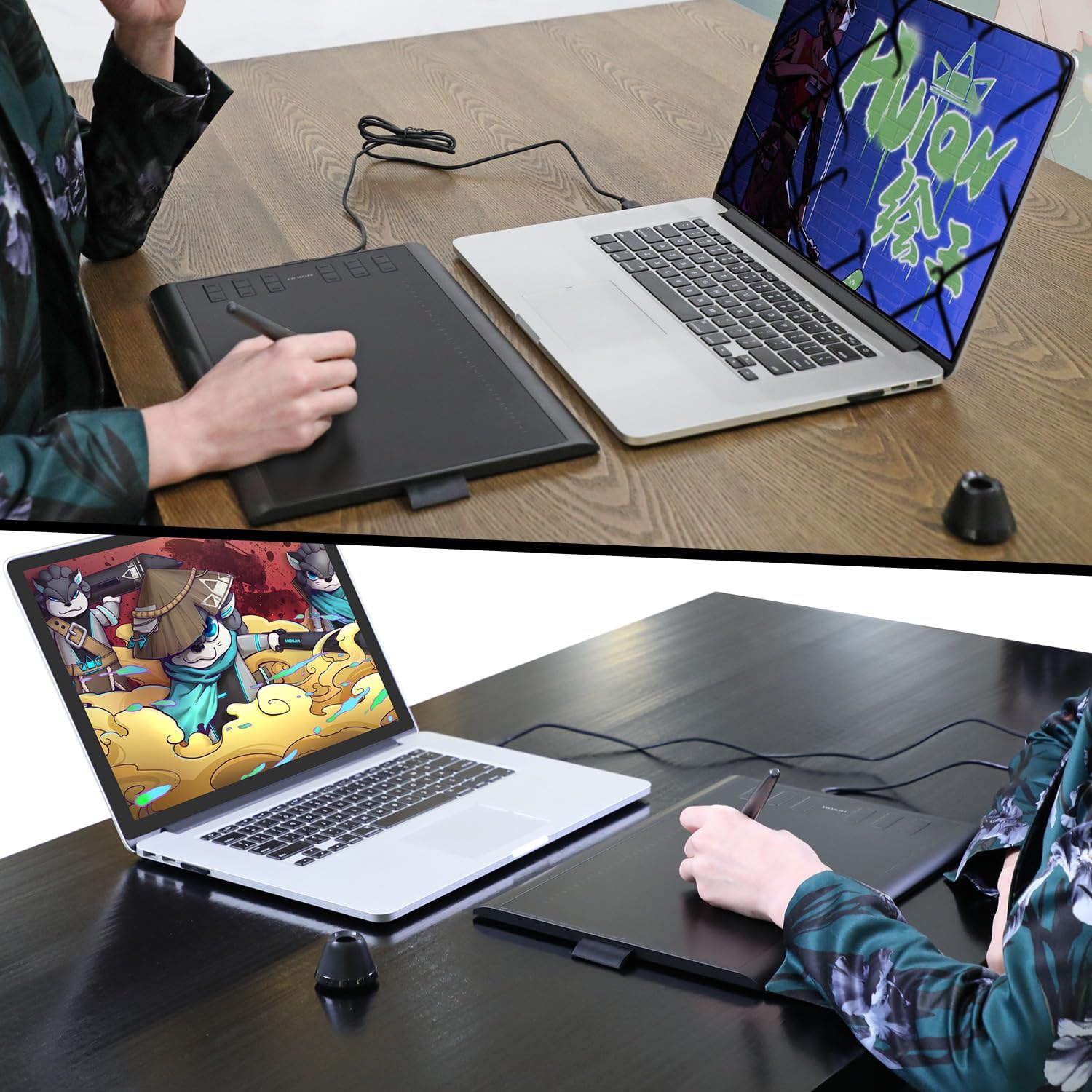
For computer use, connect the tablet and install the HUION driver before getting started. The customizable keys can be assigned to frequently used commands, which is useful when switching between drawing tools or working through a repeated set of editing steps. The stylus needs no charging, so it is ready for pen-based work without a separate charging routine.
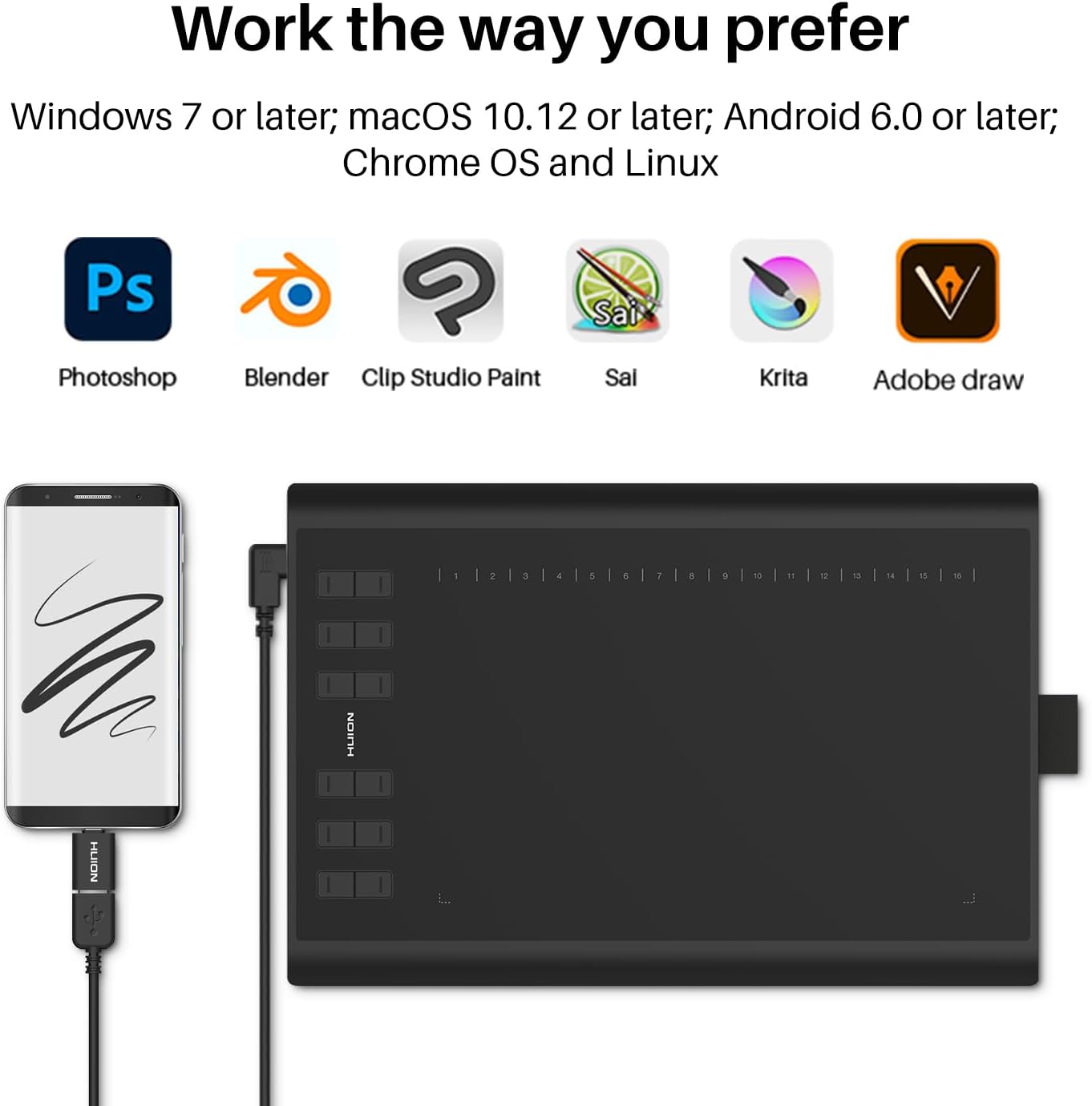
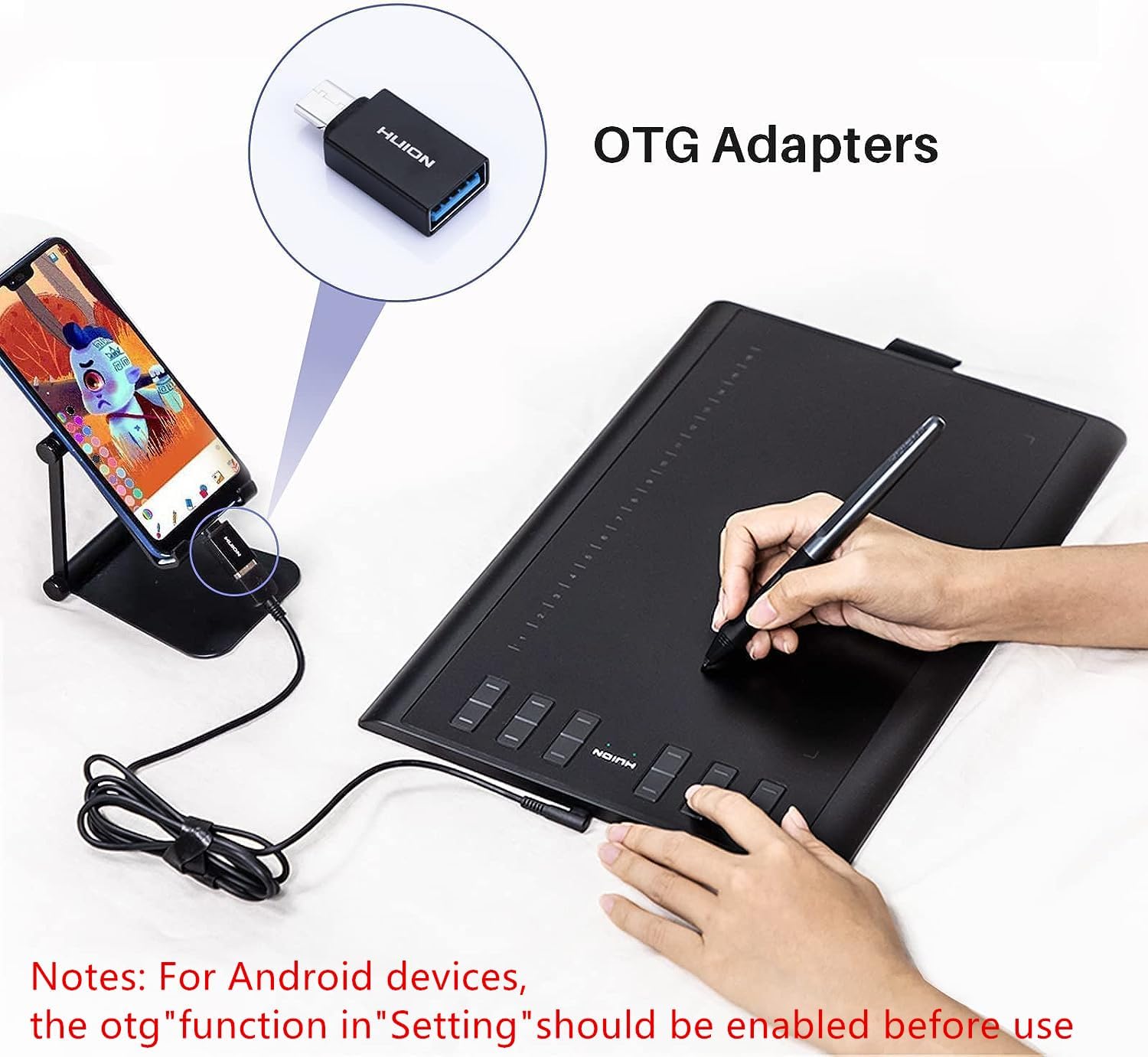
For Android use, the phone or tablet must run Android 6.0 or later and support OTG. The tablet works as a connected input surface: you look at your work on the connected device’s screen while drawing on the tablet. This setup suits a desk where you want a larger, dedicated drawing area, as well as note-taking and document annotation.
Everyday use
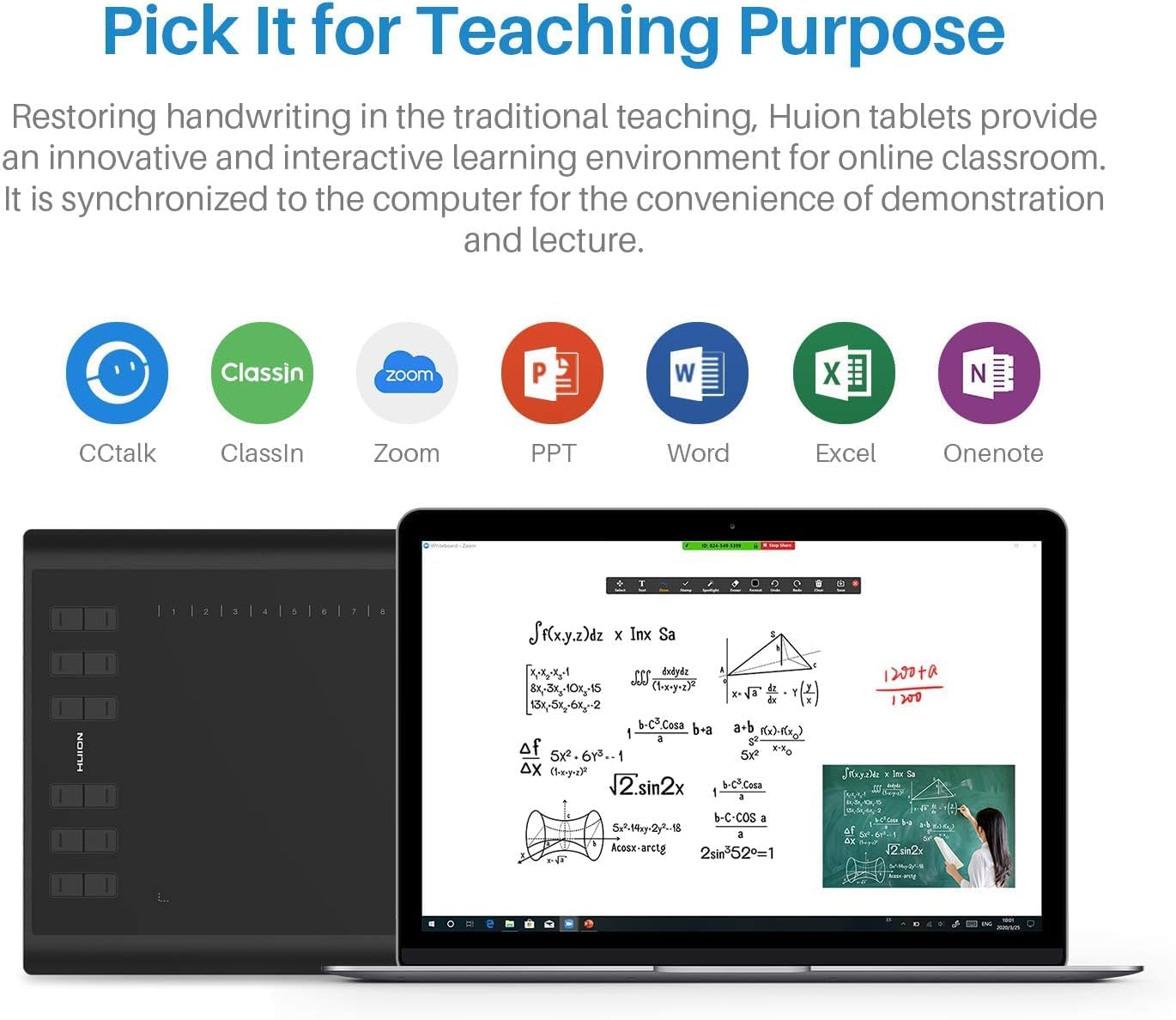
The H1060P is made for more than illustration. Use it to sketch, paint, retouch photos, write notes, mark up PDFs or add handwritten formulas during online lessons. Its pressure-sensitive stylus gives artists a pen-based way to work, while the shortcut keys can help keep common actions close at hand. For remote work or teaching, the same surface can support handwritten input alongside compatible office and conferencing software.
Buyers often praise the tablet’s ease of use, setup and working area, including its appeal to people starting out with digital drawing. Feedback is more mixed on functionality, button response and connectivity, so the experience can vary with how the tablet is configured and connected. For a choice between a screen tablet and a separate pen input surface, the H1060P is the latter: it pairs with a computer or compatible Android device rather than displaying artwork on the tablet itself.
Questions before you buy
Does the tablet have a screen? No. The H1060P is a pen tablet with a flat sensor, the image appears on the connected computer or Android device, not on the tablet.
Which devices can it connect to? It supports computers running Windows 7 or later, macOS 10.11 or later, Chrome OS 88.0.4324.109 or later, and Android 6.0 or later. Android phones and tablets also need OTG support. iPhone and iPad are not supported.
Do I need to install a driver? Install the HUION driver for computer use. For an Android phone or tablet, the pen tablet can work without installing a driver on the mobile device.
Is it worth it?
The HUION Inspiroy H1060P brings a generous drawing surface, a battery-free pressure-sensitive stylus and customizable shortcuts together in a tablet for connected creative and everyday tasks. It is a practical fit for artists, students, teachers and remote workers who want to draw, write or annotate on a computer or compatible Android device using a separate pen input surface.