

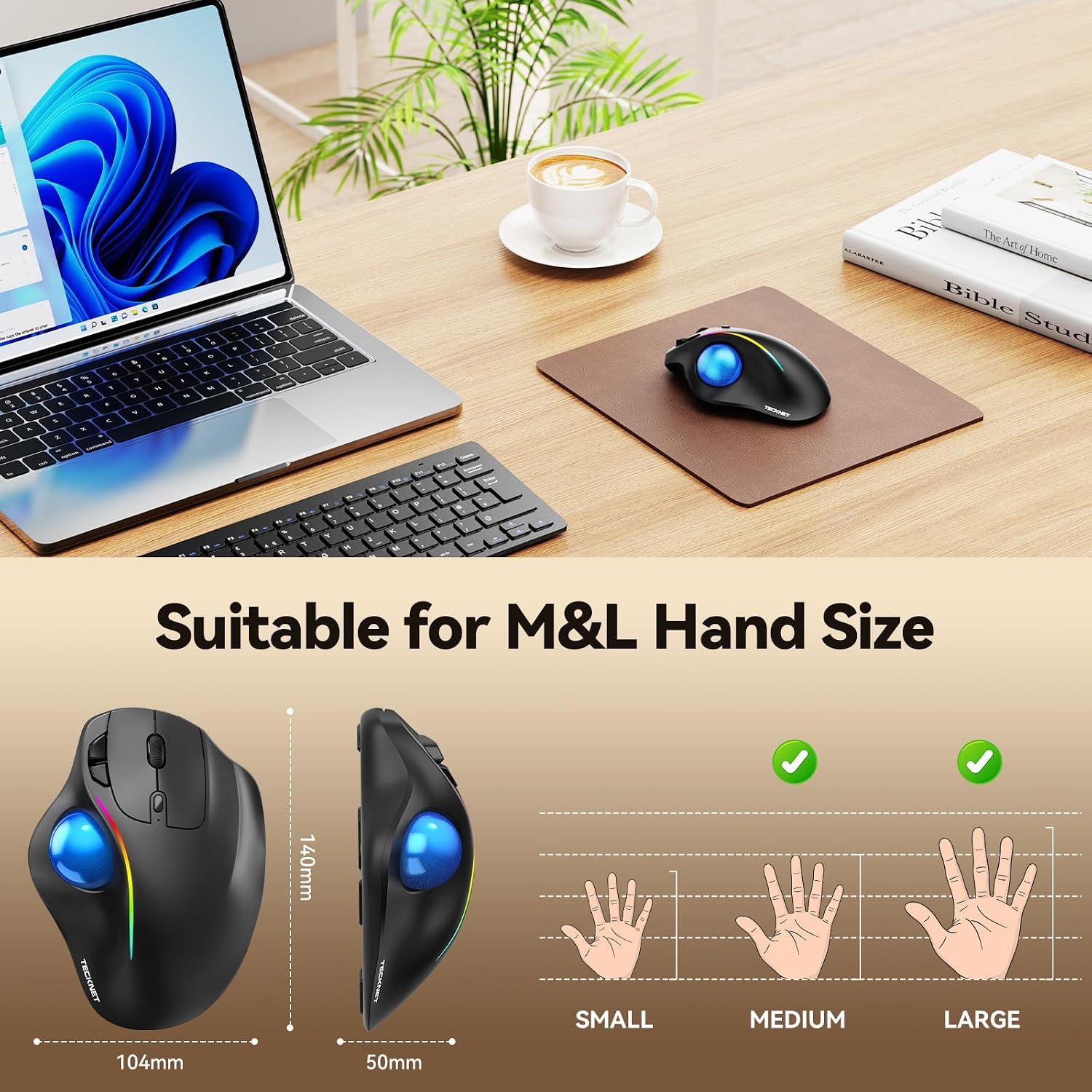
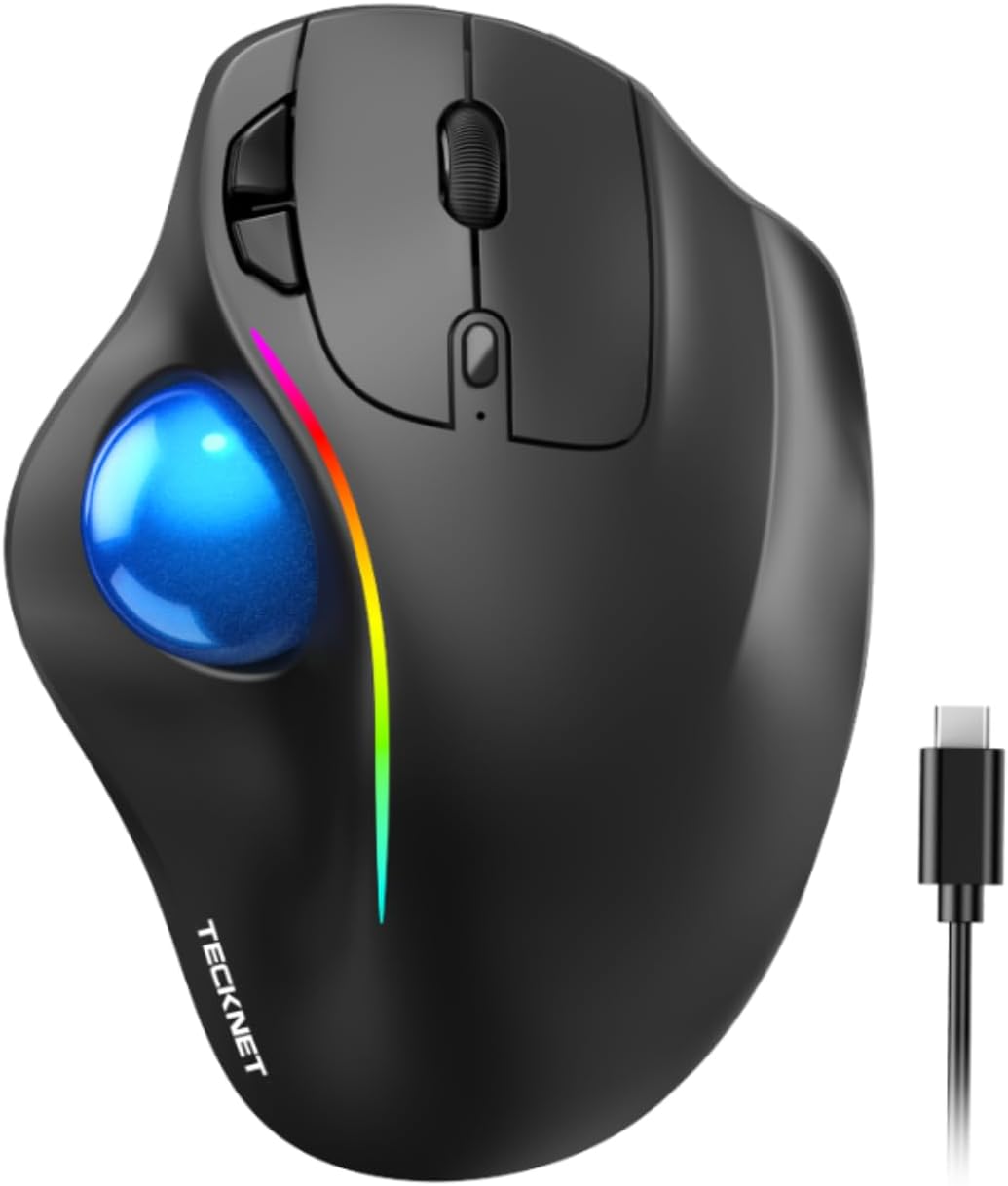
TECKNET TK-MS023 Wireless Trackball Mouse with USB-C and 3-Device Connectivity
Reviews
Price
Product description
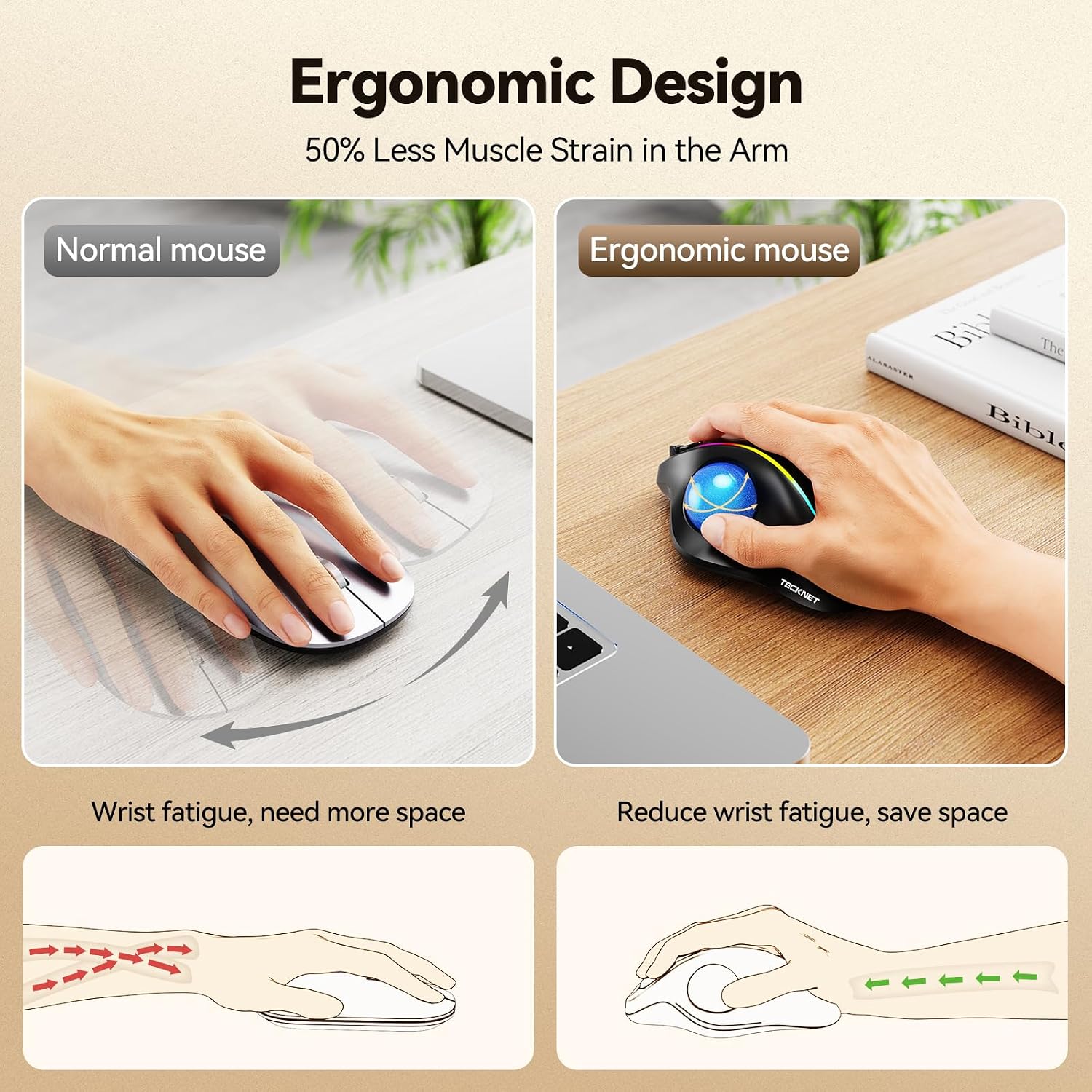
A thumb-controlled trackball keeps cursor movement in your hand, making navigation practical when desk space is tight. Its 16° angled shape is designed for a more natural forearm position during computer work. Connect it to up to three devices and switch between them with a button press. For a compact setup, that offers a different approach from a conventional mouse that needs to move across the desk.
Strengths
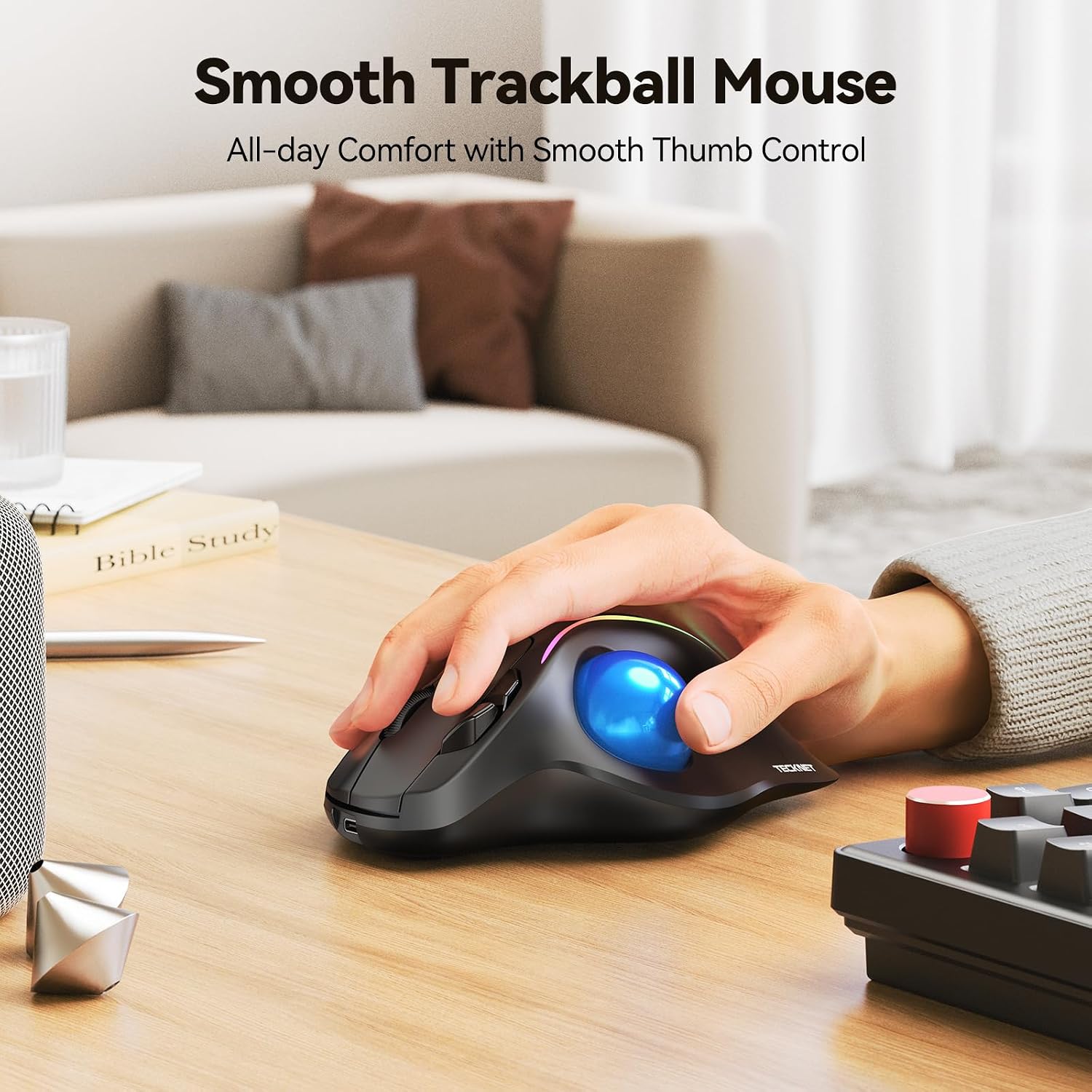
The trackball lets you guide the cursor with your thumb while keeping the mouse body in place. This can be useful at a crowded workstation or when you want to navigate documents and web pages without sweeping a mouse over the surface. The 16° vertical angle and right-hand orientation give the design a distinct fit, while its larger-hand styling makes hand size a useful consideration when choosing a mouse.
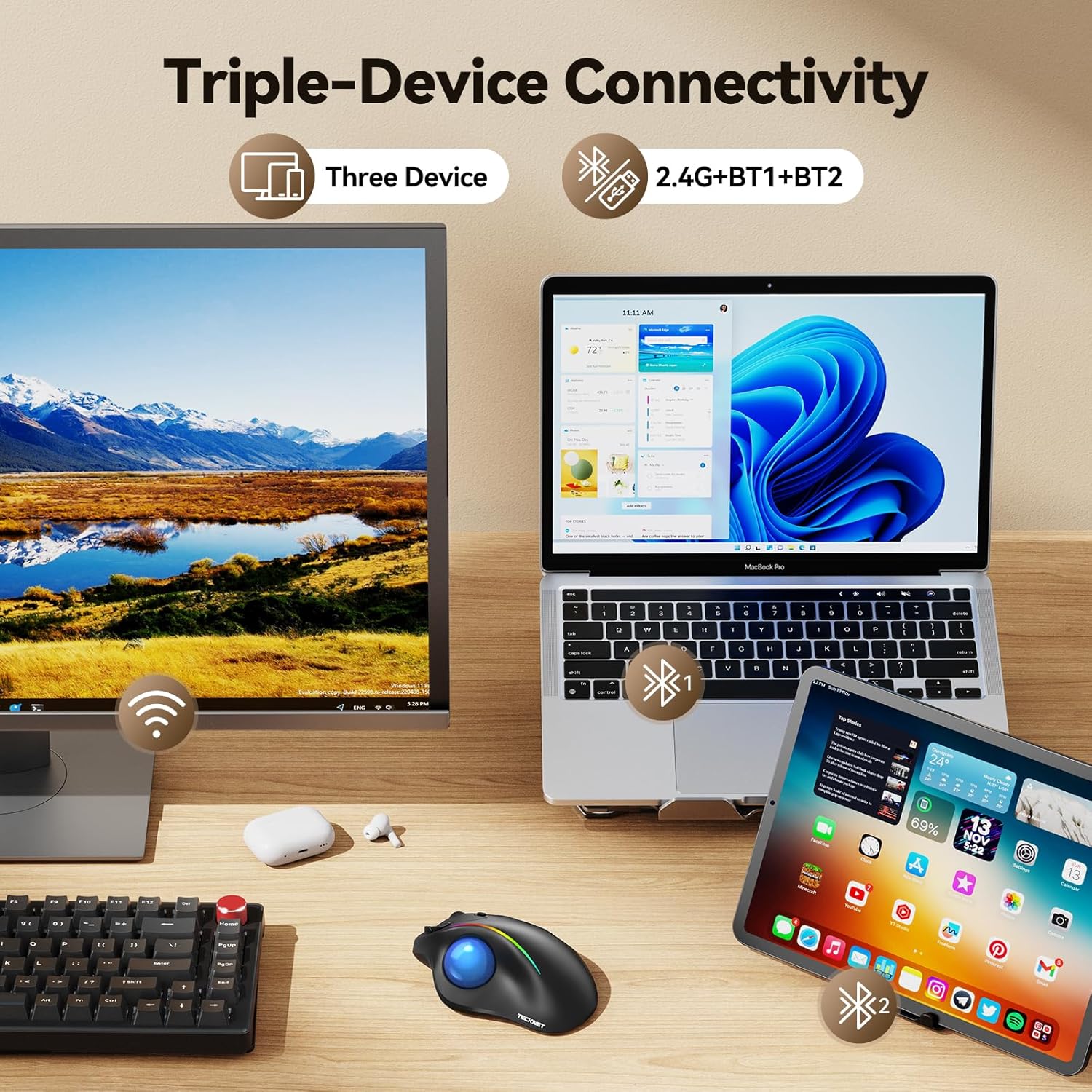
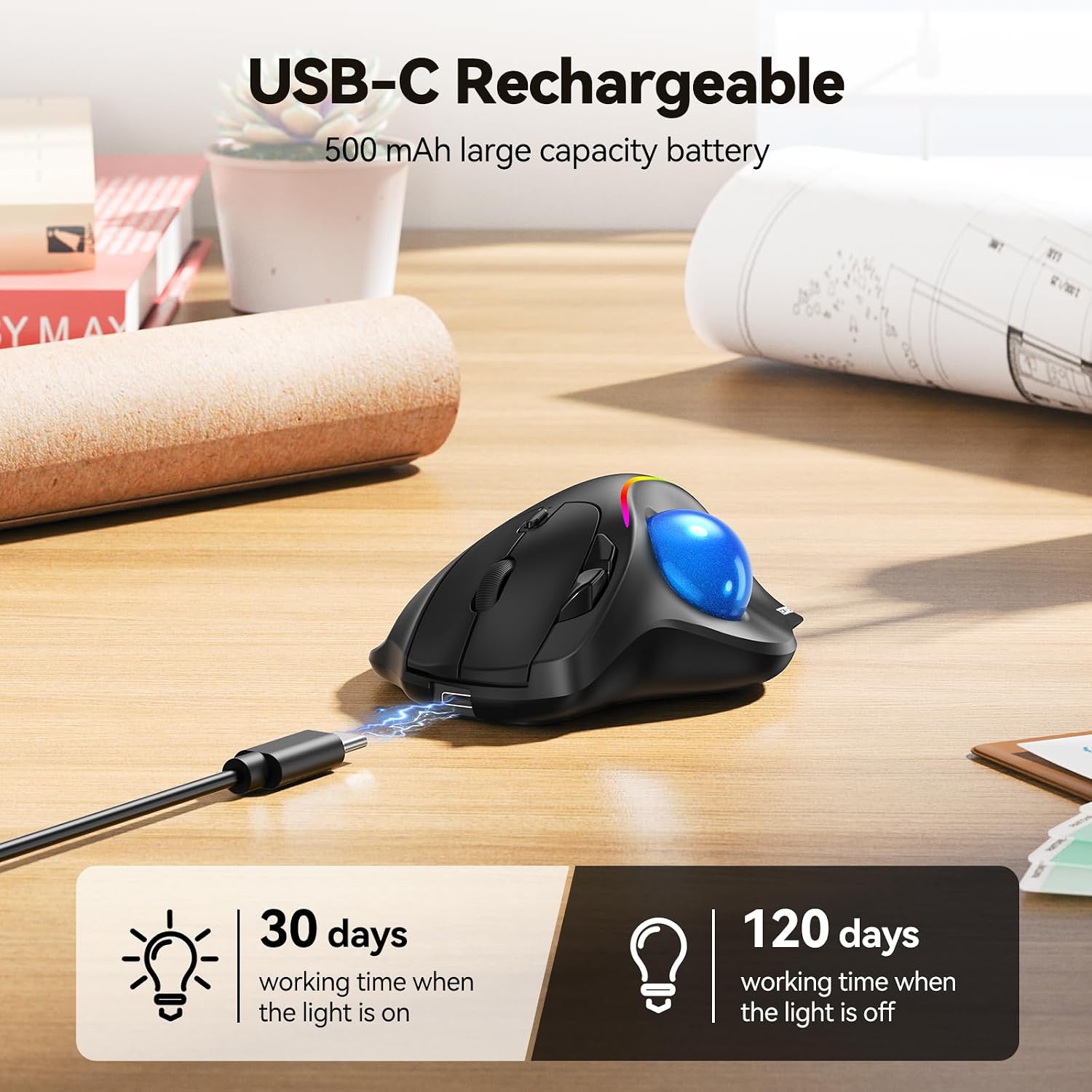
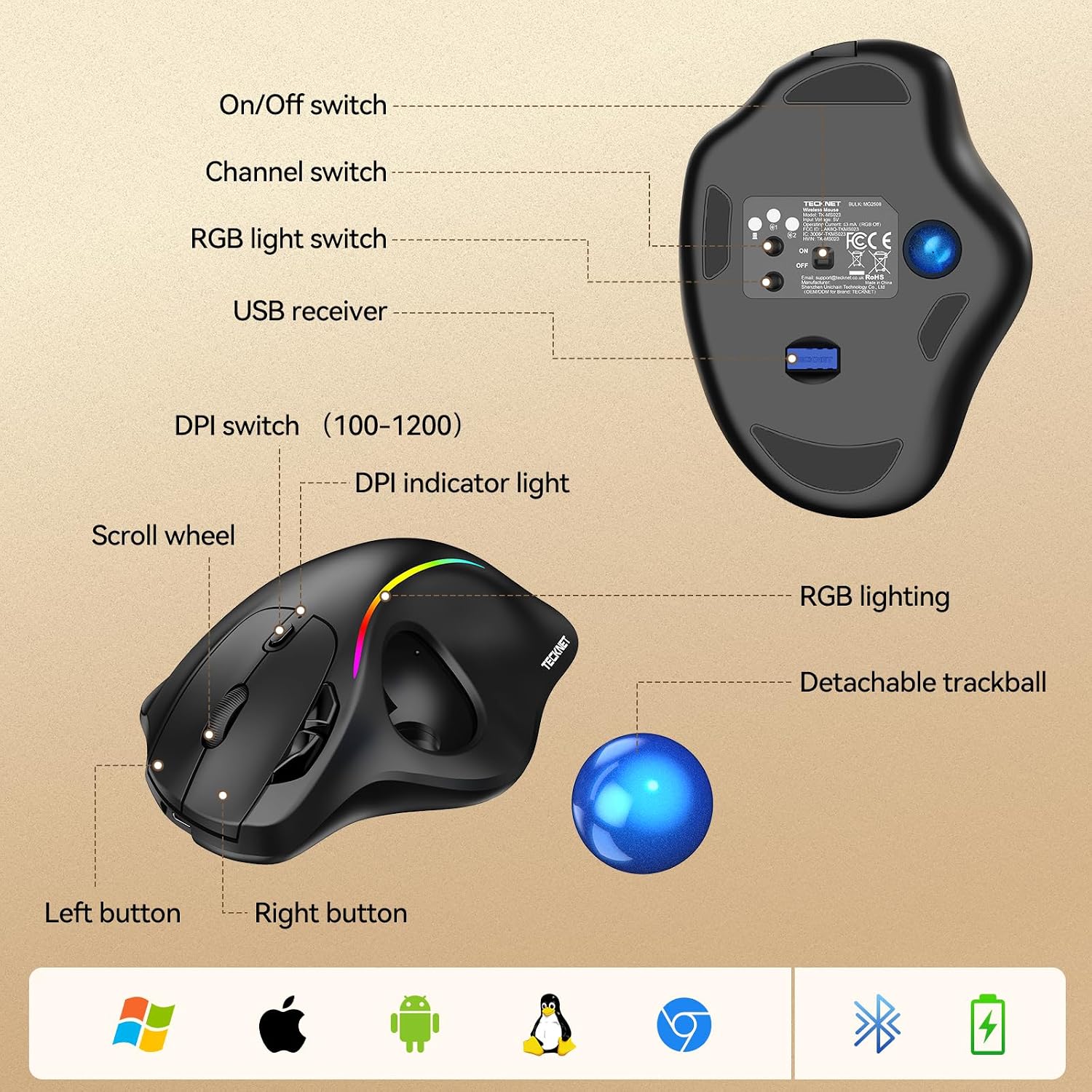
Wireless connection options include Bluetooth and 2.4G, with pairing for up to three devices: two Bluetooth connections and one 2.4G connection. A button press switches between paired devices, which is handy when moving between a personal computer and another work device. Six buttons, quiet clicks and adjustable sensitivity across five DPI settings—from 100 to 1,200—support everyday navigation and different cursor-control preferences. The rechargeable 500mAh battery and USB-C charging keep the setup rechargeable rather than dependent on disposable batteries.
Worth noting
This is a right-handed trackball with a matte plastic enclosure, measuring 11.7 x 6.6 x 0.1 cm and weighing 130 g. Its trackball format is especially relevant if you want cursor control without moving the mouse body, a conventional mouse may suit a workstation where there is plenty of room for broad hand movement. The product is listed for Chrome OS, Linux, Mac OS and Windows, with minimum versions specified as ChromeOS 134, Linux Mint 18, Mac OS 10.12 Sierra and Windows 10.
Some buyers highlight the comfortable hand feel, quiet buttons and usefulness of the trackball format. Those are individual impressions, but they point to the practical qualities that may matter during regular desk work: controlled navigation, a quieter click and an angled, thumb-operated design.
Getting the most from it
Place the mouse where your right hand can rest comfortably and use your thumb to roll the trackball for cursor movement. Adjust the DPI setting to suit the pace of work, whether you are moving through documents or making more deliberate on-screen selections. If you use more than one computer, pair the devices through the available Bluetooth and 2.4G connections, then switch as needed. USB-C charging makes it easy to recharge the mouse as part of your usual desk setup.
Before you decide
How many devices can it connect to? It can pair with up to three devices: two over Bluetooth and one through 2.4G. Press the switch button to move between paired devices.
Does the mouse need to move across the desk to control the cursor? No. The thumb-operated trackball controls cursor movement while the mouse body stays in place, a useful format when desk space is limited.
Which operating systems are listed as compatible? The listed systems are Chrome OS, Linux, Mac OS and Windows. Minimum versions include ChromeOS 134, Linux Mint 18, Mac OS 10.12 Sierra and Windows 10.
When it makes sense
Choose the TECKNET TK-MS023 if you want a right-handed, rechargeable trackball for controlled navigation in a compact workspace, or if switching between several paired devices is part of your routine. Its angled design, thumb control, adjustable DPI and quiet clicks bring practical options together for everyday computer use.