


Logitech K400 Plus Wireless TV Keyboard with Built-In Touchpad, Black
Product description
If you want to control entertainment on a PC-connected TV from one keyboard, the Logitech K400 Plus brings typing and navigation together. Its built-in touchpad lets you move around the screen without a separate mouse. Choose this all-in-one layout for relaxed media control, a conventional keyboard-and-mouse setup may suit a desk-based workspace better.
Practical tips
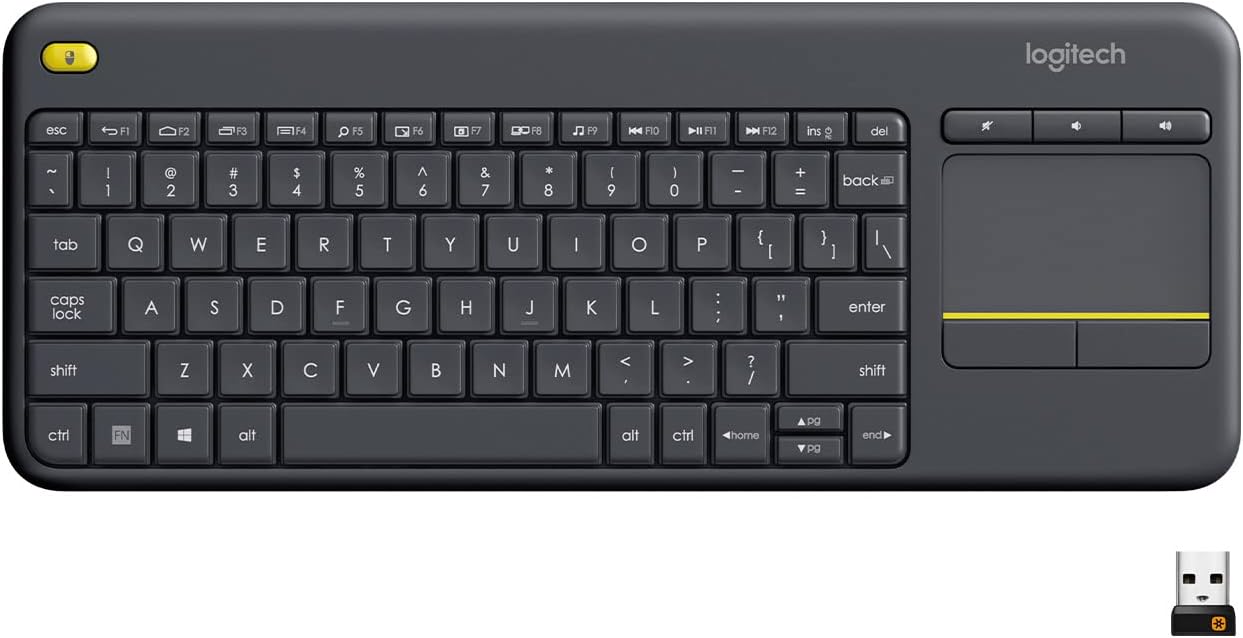
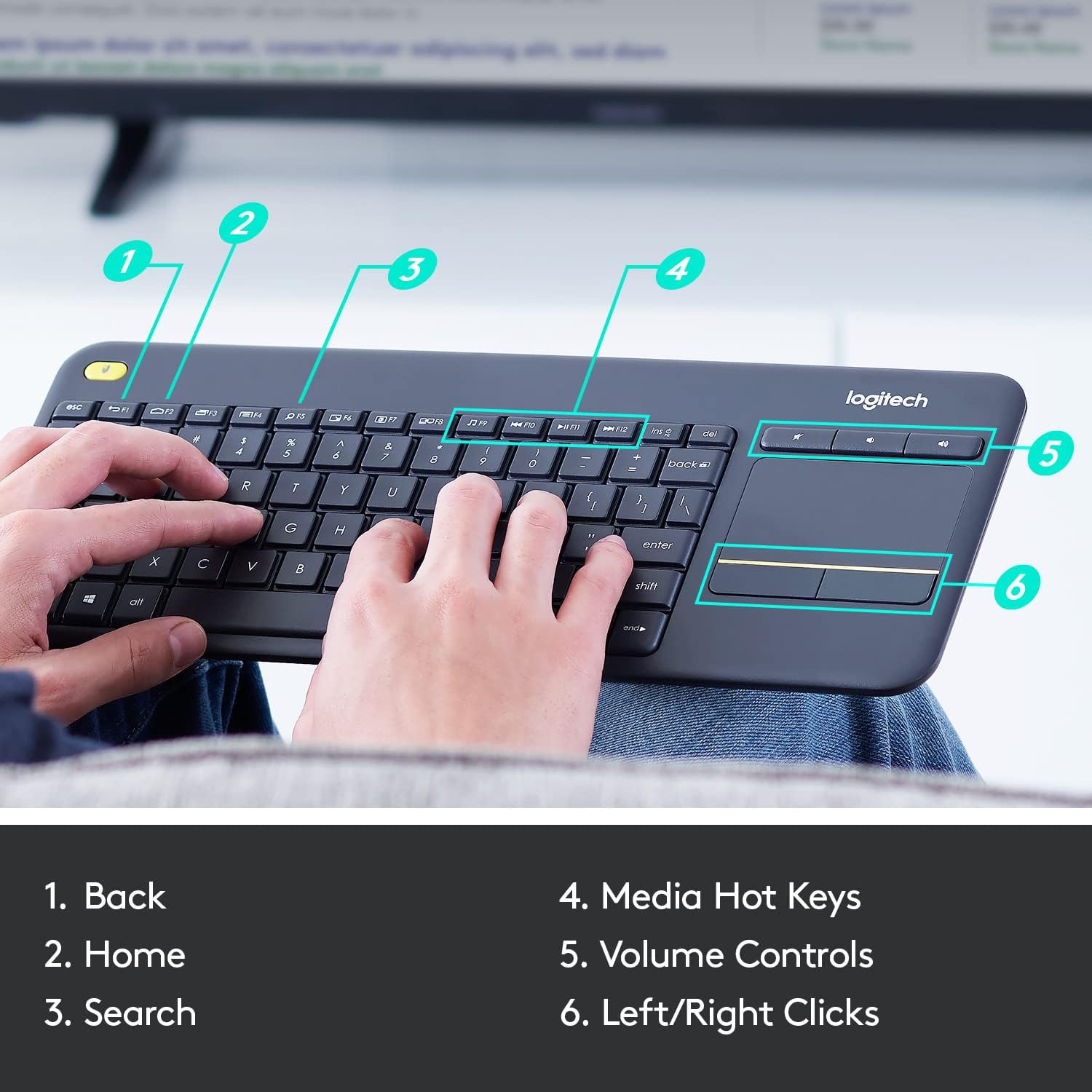
Connect the Unifying receiver to a USB port to get started, then use the keyboard and integrated touchpad to navigate your PC-connected TV. Logitech Options Software lets you adjust controls and save preferred settings, so you can tailor the experience to the way you use your system. An on/off switch helps manage power between viewing sessions.
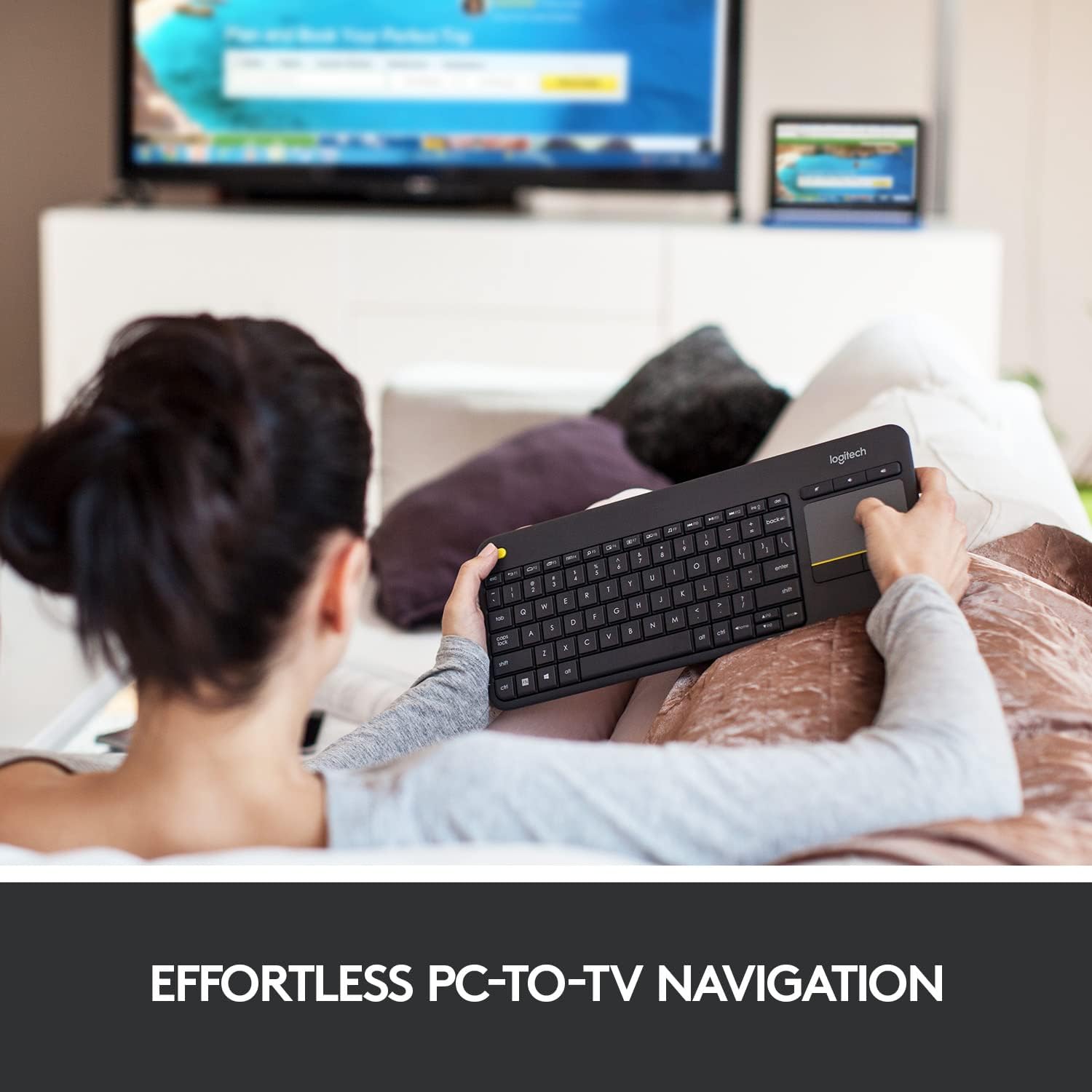
The K400 Plus is designed for Windows 7, Windows 8, Windows 10 and later, Android 7 or later, and Chrome OS. Its English layout, quiet keys and large touchpad make it practical for browsing menus, entering searches and controlling media from one seat. The keyboard is also spill-resistant, a useful feature in everyday living-room use.
Where it shines
The main benefit is having the controls you need in one device. When your computer is connected to a television, reaching for a separate mouse can interrupt browsing or playback, the K400 Plus keeps pointer movement close to the keyboard. That makes it a natural fit for navigating streaming menus, searching for a video or managing other entertainment on a PC-to-TV setup.
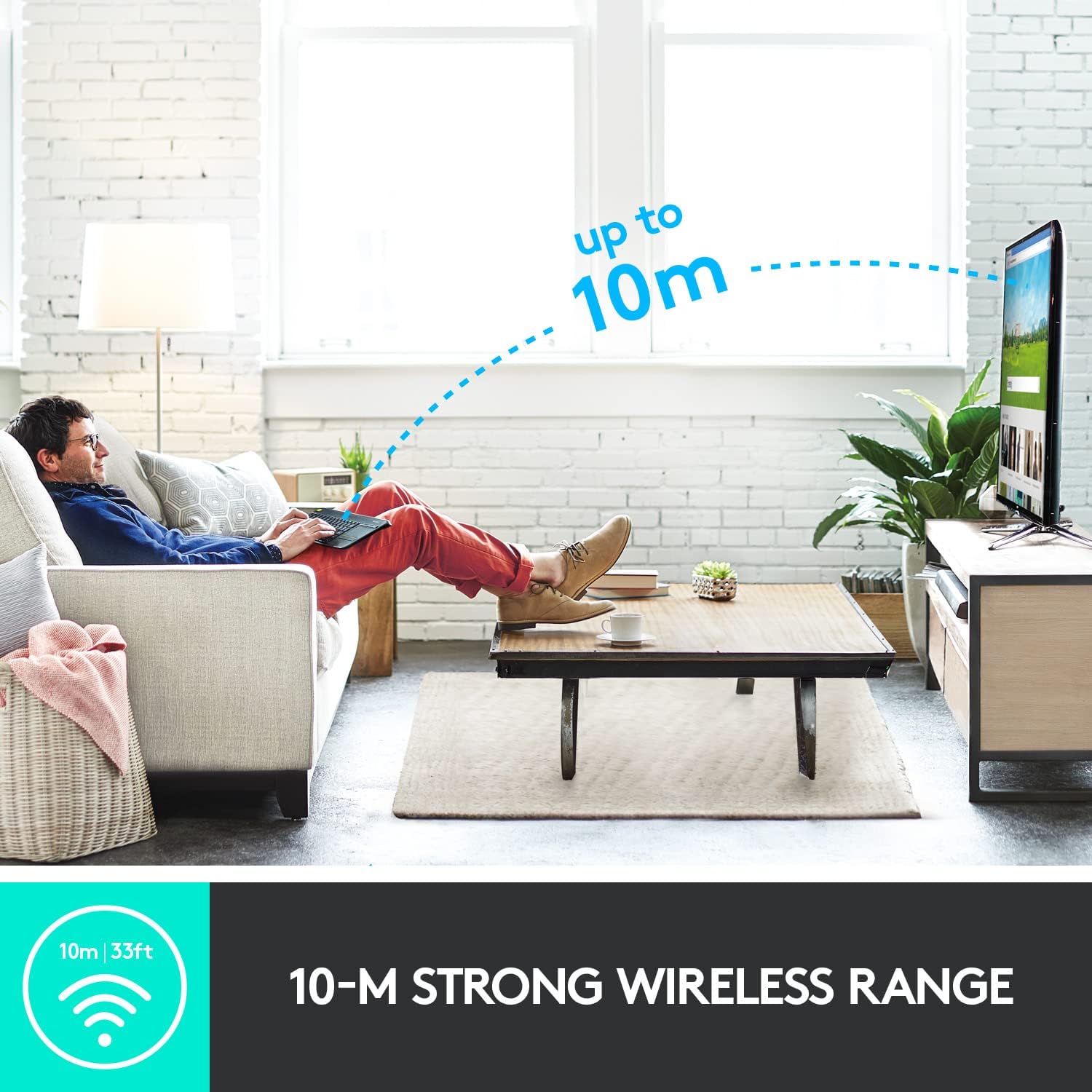
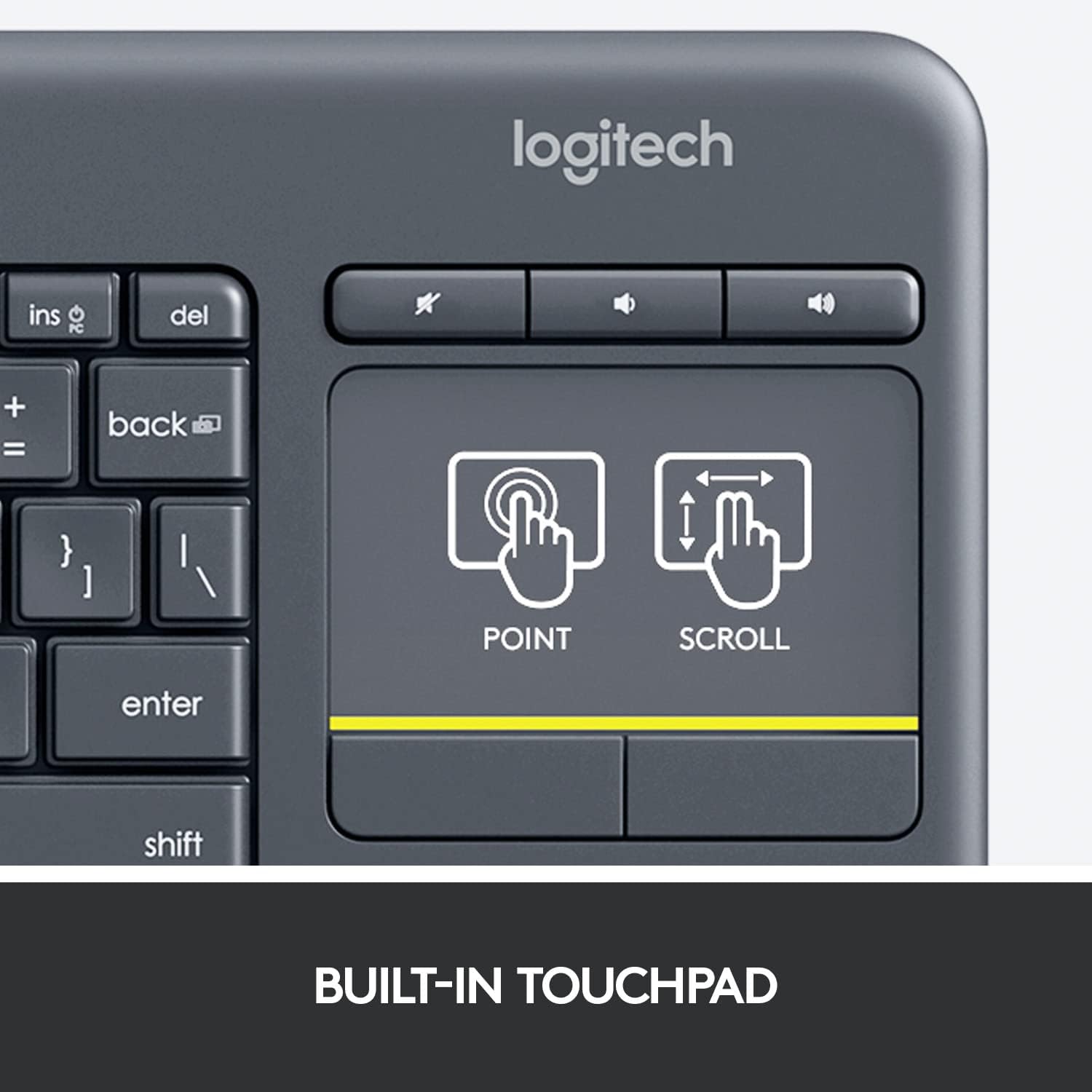
For a living room where the computer is used primarily for media, an integrated touchpad offers a simpler arrangement than keeping a keyboard and mouse together. For work centred on a desk, a separate mouse can provide a different style of control. The K400 Plus is aimed at the first kind of setup, with a media-focused design and wireless operation for control from a comfortable viewing position.
Quick overview
- Type: Wireless TV keyboard with integrated touchpad
- Colour: Black
- Layout: English
- Compatibility: Windows 7, Windows 8, Windows 10 and later, Android 7 or later, Chrome OS
- Dimensions: 35.4L x 14W x 2.4H centimetres
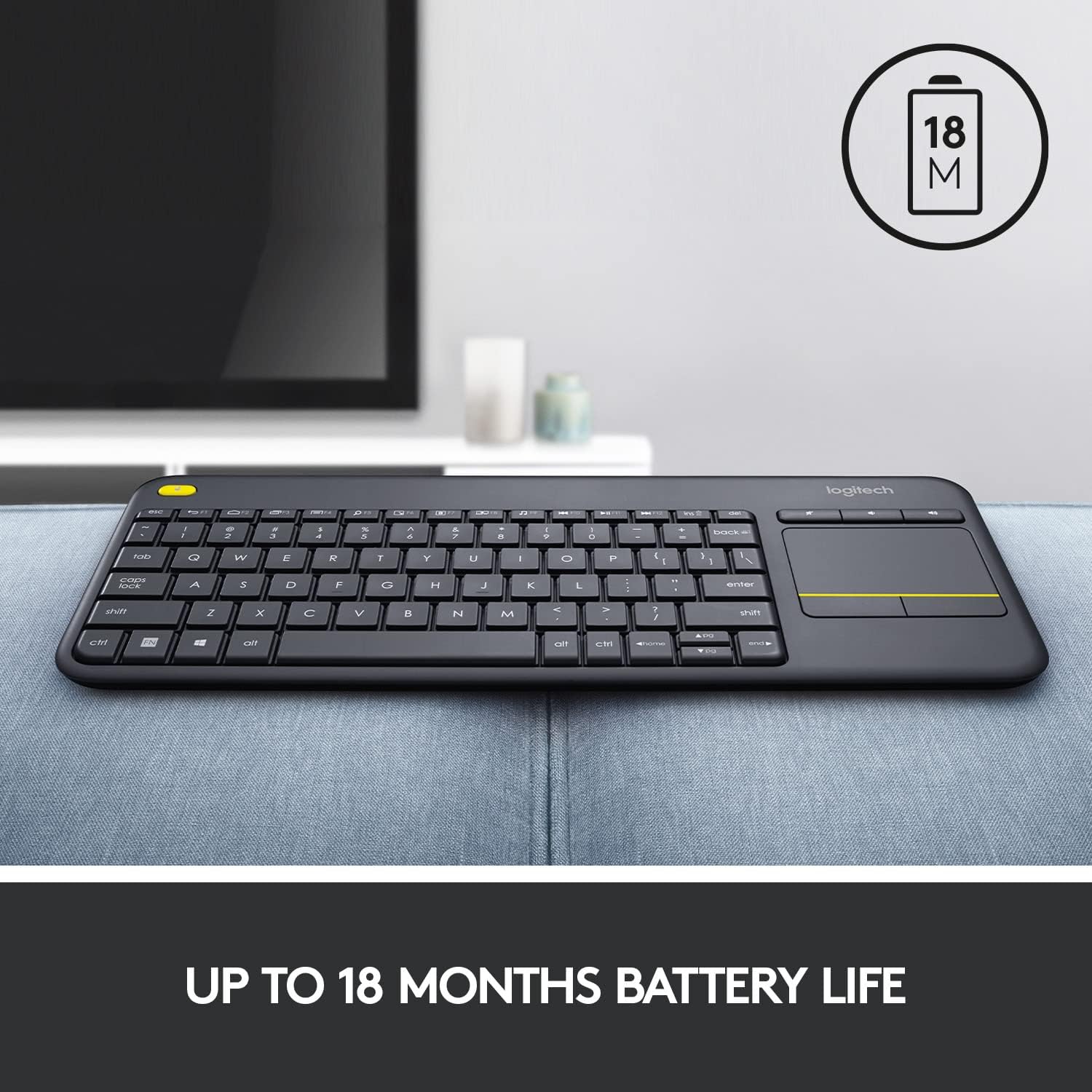
- Battery life: Up to 18 months
- Design: Quiet keys, spill-resistant construction and on/off switch
Buying verdict
Worth considering if your computer is connected to a TV and you want to handle typing and pointer navigation from a single keyboard. The built-in touchpad removes the need to keep a separate mouse beside you for everyday browsing, while the wireless receiver, quiet keys and media-focused controls suit shared entertainment spaces. Its practical appeal is straightforward: one compact control surface for searching, navigating and managing PC-based TV entertainment.