

HP 400 Quiet Wireless Mouse, Bluetooth & 2.4 GHz, Adjustable 6000 DPI
Reviews
Price
Product description
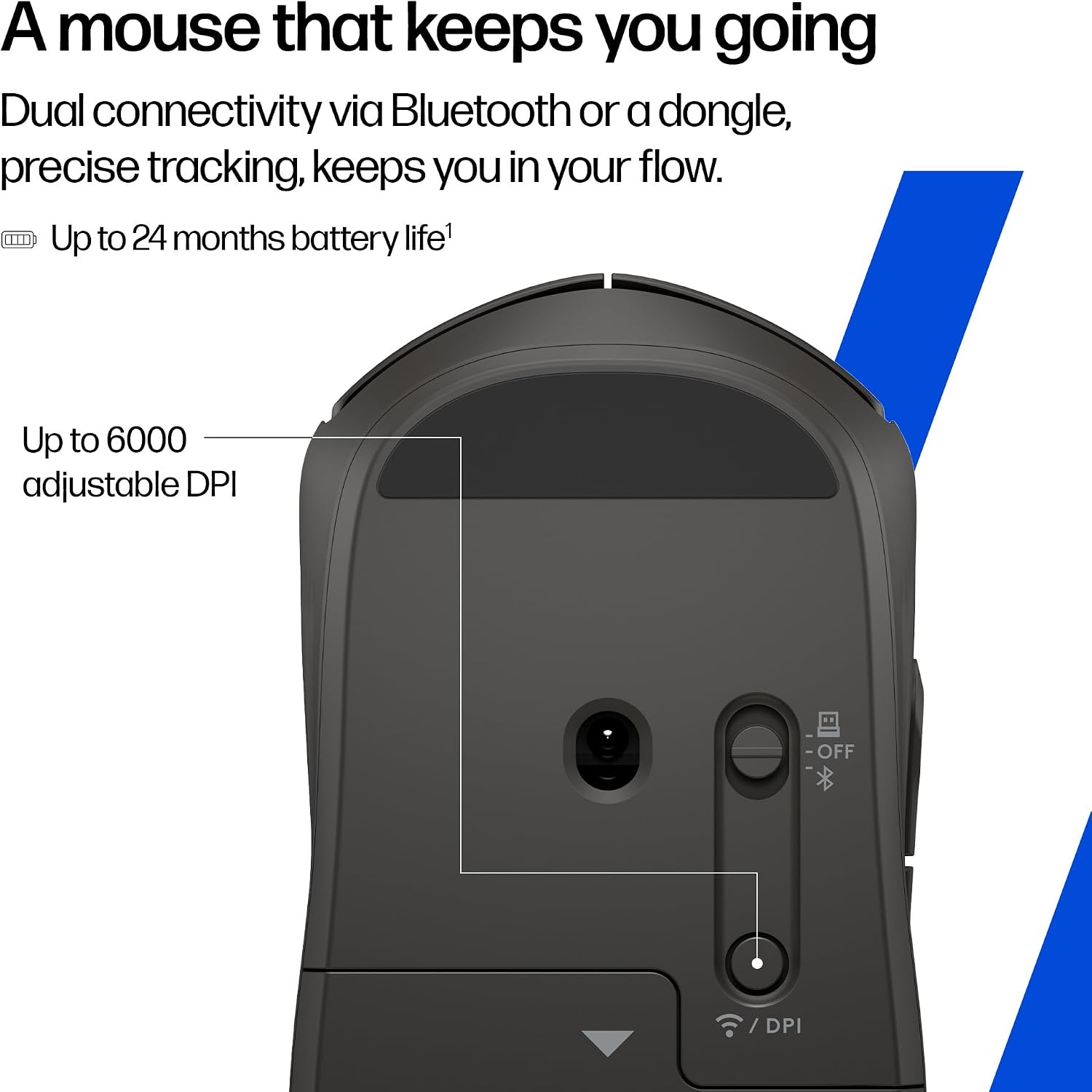
A wireless mouse can be a straightforward everyday tool, or it can offer more choice in how you connect and scroll. The HP 400 Quiet Wireless Mouse supports Bluetooth and a 2.4 GHz USB dongle, so you can select the connection that suits your setup. Its quiet clicks and soft silicone surface make it well suited to focused work at a desk or shared workspace. Adjustable sensitivity up to 6000 DPI lets you tailor pointer response to the task.
Key takeaways
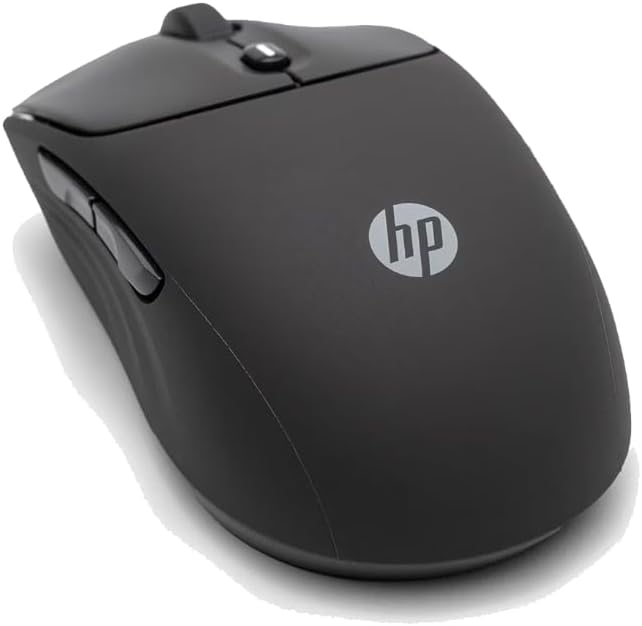
Use Bluetooth or the included 2.4 GHz dongle to connect with a compatible device. The mouse supports Windows 11, Windows 10, macOS, Android, iOS and ChromeOS, giving it flexibility across a range of personal computers and other devices. Its optical movement detection and adjustable sensitivity up to 6000 DPI help you set pointer response for everyday browsing, document work or more precise on-screen movements.
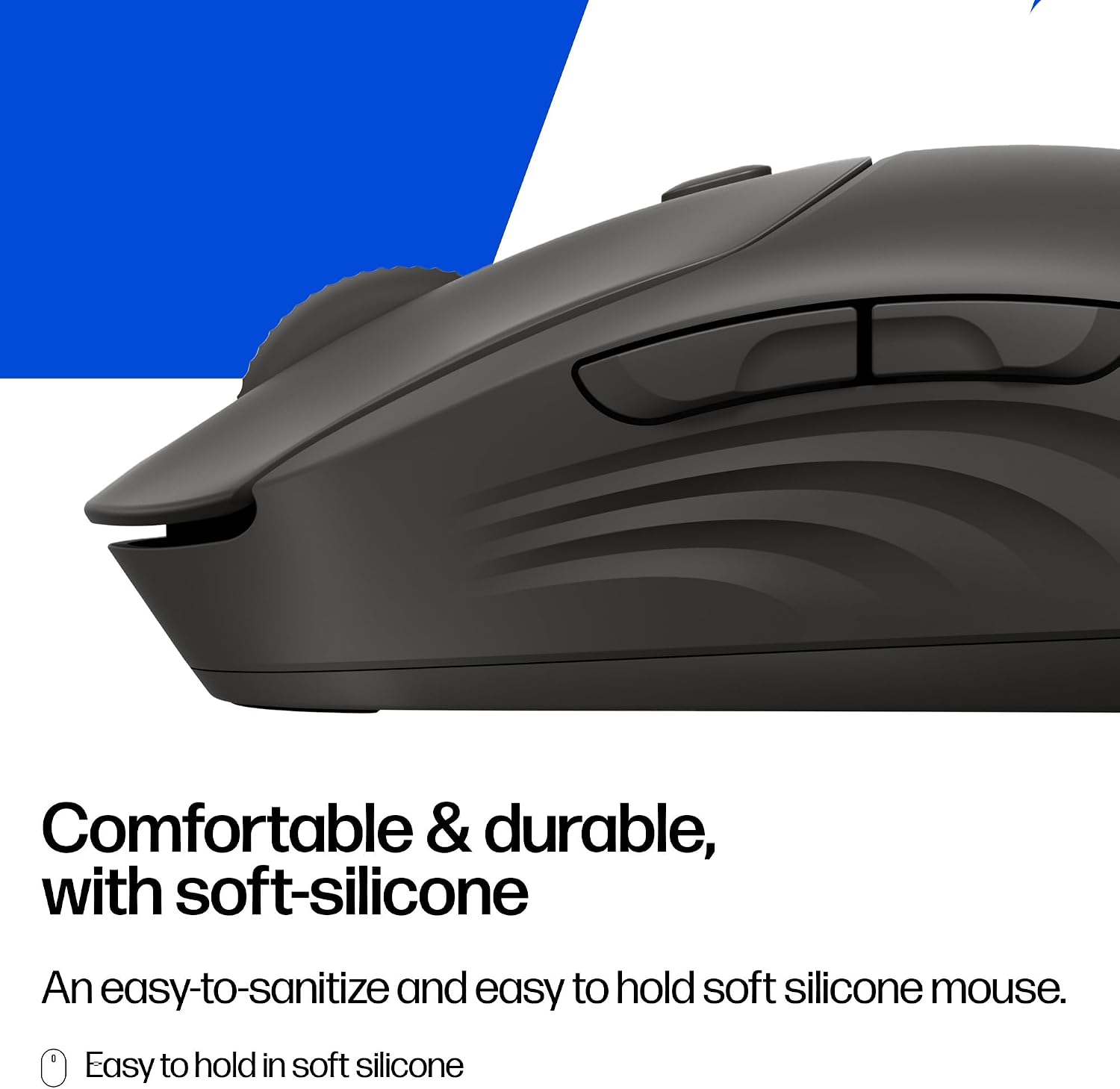
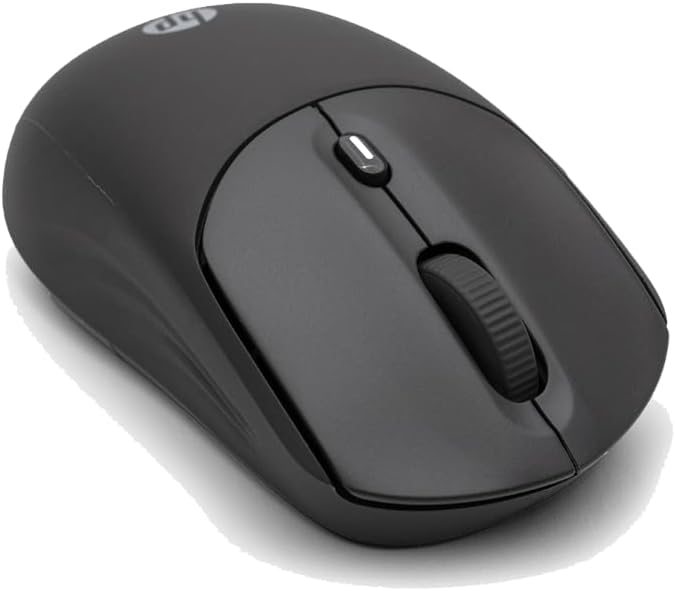
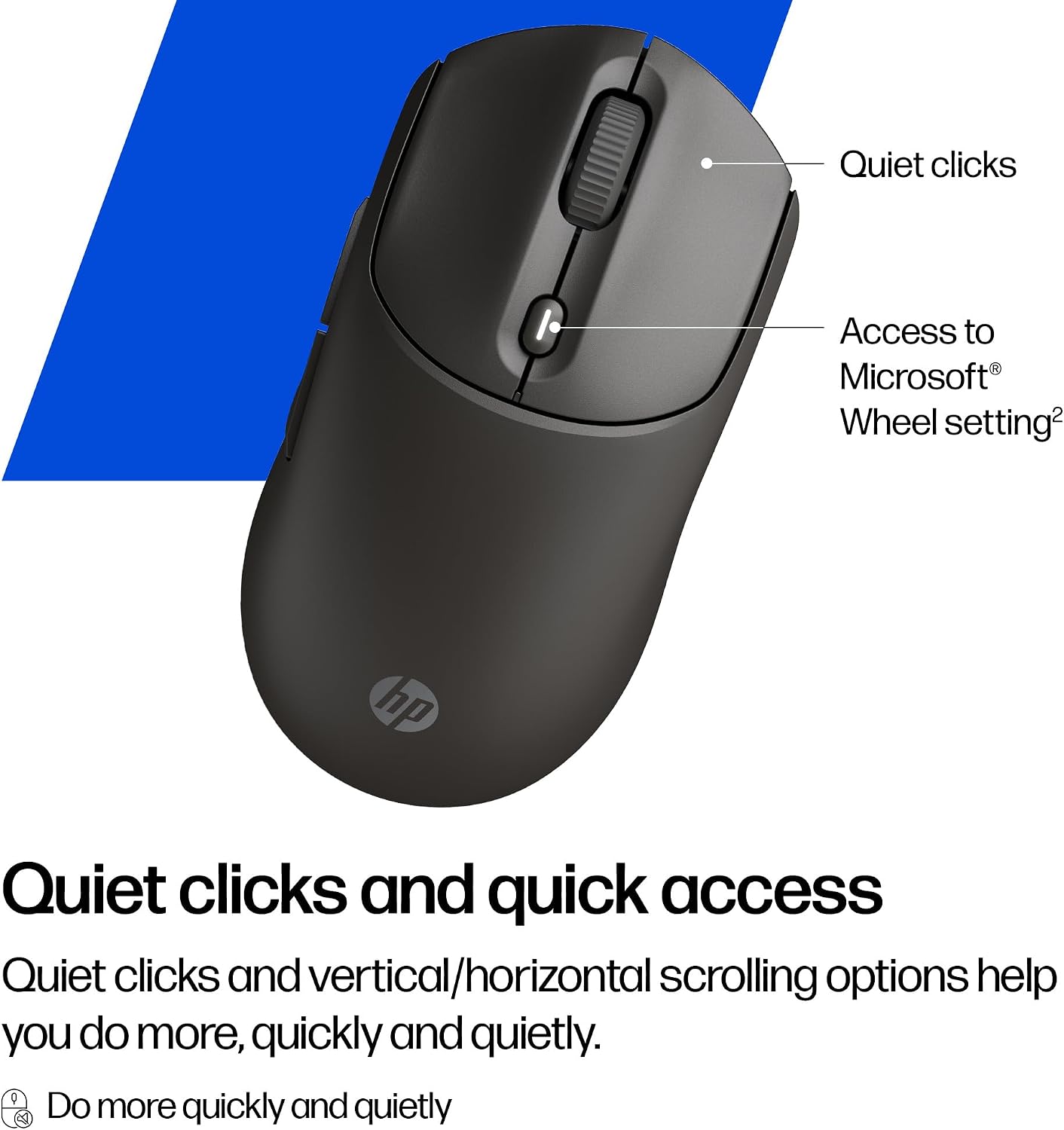
Quiet clicks help keep routine tasks less distracting, while vertical and horizontal scrolling offer useful ways to navigate documents and other content. A centre-button shortcut provides access to the Microsoft Wheel setting. The ambidextrous design suits use with either hand, and the soft silicone body is designed to be easy to sanitize. Buyers often highlight the quiet clicking, soft feel, straightforward use and wireless connectivity.
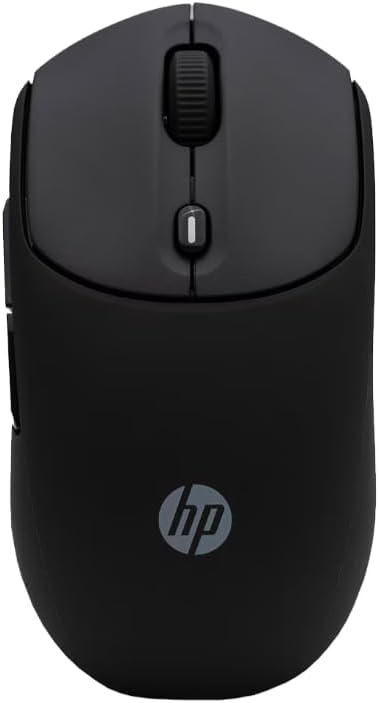
The mouse is made with at least 40% post-consumer recycled materials and comes in FSC-certified packaging. It uses one AA battery, included, with a stated battery life of up to 24 months. Compared with choosing a wireless mouse that relies on just one connection method, the HP 400 gives you Bluetooth and a dongle option in the same device.
Care & maintenance
The soft silicone surface is designed to be easy to sanitize, a practical feature for a device handled throughout the day. Keep the mouse clean as part of your regular desk routine, following suitable care for its electronic components. Its quiet-click design also makes it a considerate fit for shared work areas, where frequent clicking can otherwise interrupt concentration.
Tips for day-to-day use
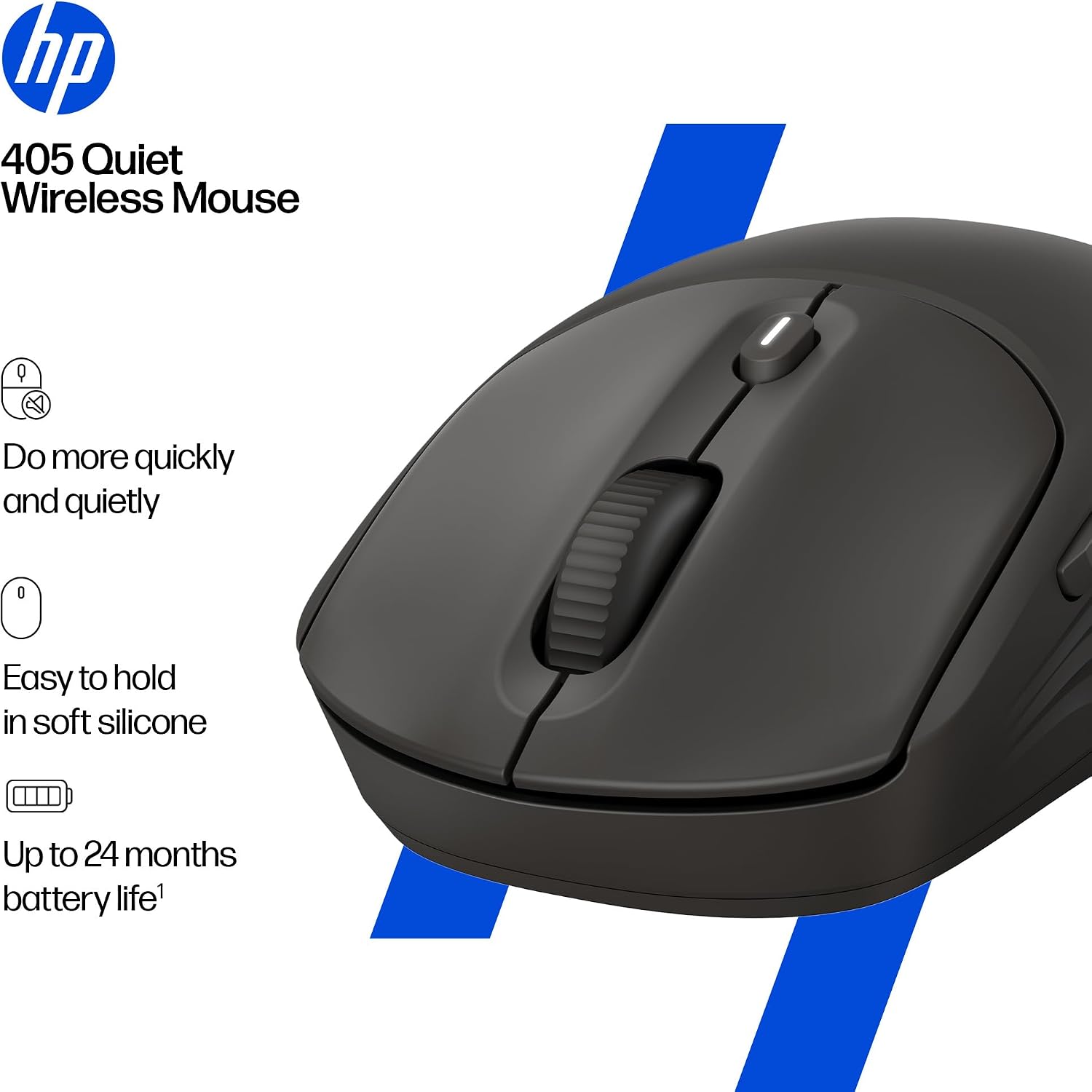
Choose Bluetooth or the USB dongle according to the connection you want to use, then adjust the DPI to suit your pointer control needs. A higher or lower sensitivity setting can change how far the pointer moves in response to hand movement, making it easier to find a comfortable setting for browsing or detailed navigation. Use vertical scrolling for long pages and horizontal scrolling when moving across wide content. The centre button gives quick access to the Microsoft Wheel setting for shortcuts.
For a typical workday, the combination of quiet clicks, adjustable sensitivity and two scrolling directions helps keep everyday navigation simple. The ambidextrous shape works for left- or right-handed use, and the supported operating systems make it a practical choice for switching among compatible devices.
Practical questions
How can I connect the HP 400 Quiet Wireless Mouse? It connects wirelessly through Bluetooth or the included 2.4 GHz USB dongle. Choose the method that fits your device and setup.
Which operating systems does it support? Compatibility is listed for Windows 11, Windows 10, macOS, Android, iOS and ChromeOS.
What does the centre button do? It provides access to the Microsoft Wheel setting, which offers shortcuts. The mouse also supports vertical and horizontal scrolling.
Final verdict
The HP 400 is a practical choice for everyday computer use when quiet clicks, flexible wireless connection and scrolling options matter. Its ambidextrous design, soft silicone surface and adjustable sensitivity add useful convenience for desk work, browsing and navigating documents, while the included AA battery helps get it ready for use.