

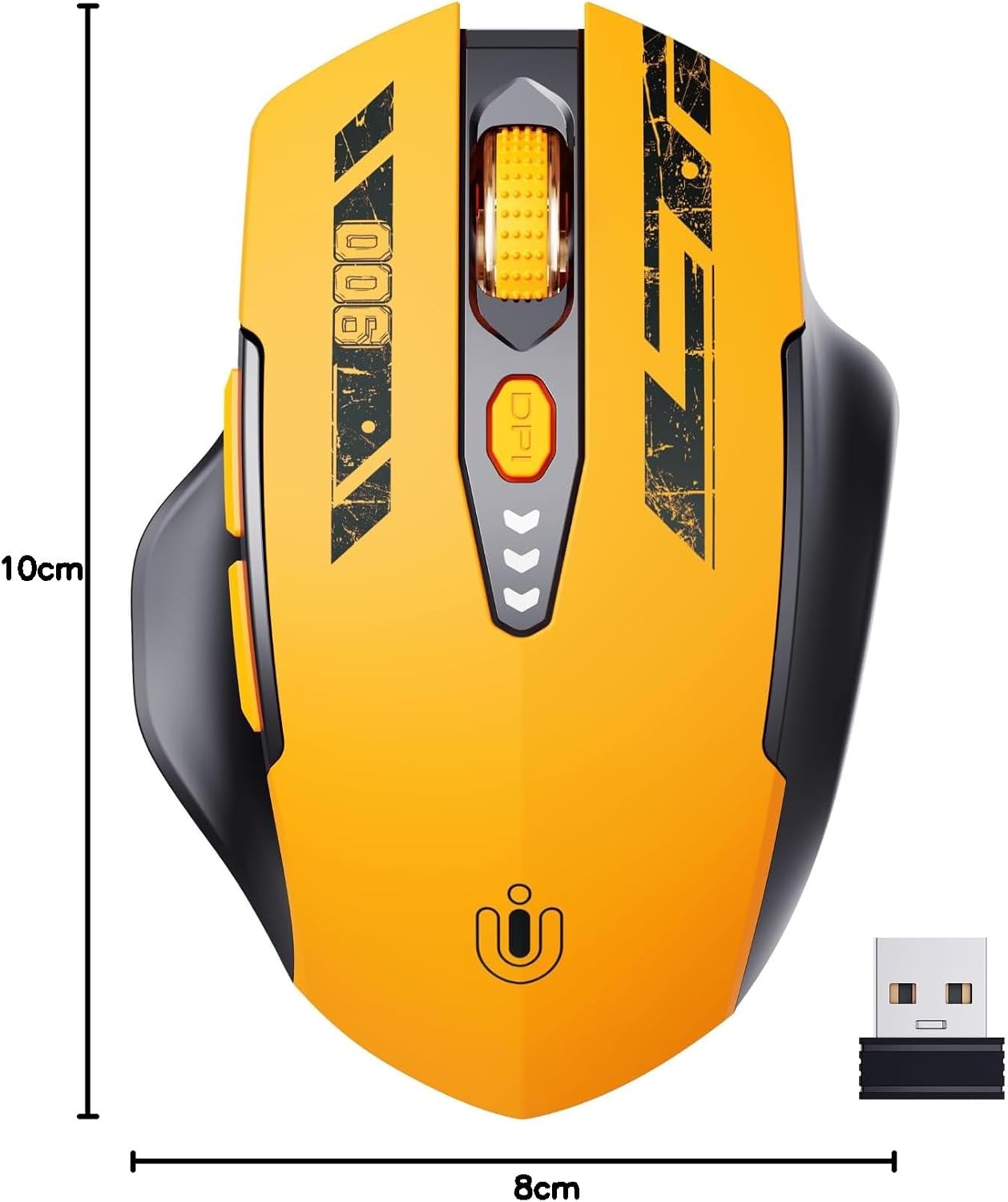
Uineer YU-U6P Wireless Mouse, Rechargeable 2.4GHz, 4 DPI Settings
Product description
Some desk setups call for a simple wireless mouse that’s ready to use, while others benefit from more control over cursor speed. The Uineer YU-U6P brings both needs together with a 2.4GHz USB receiver and four adjustable DPI settings.
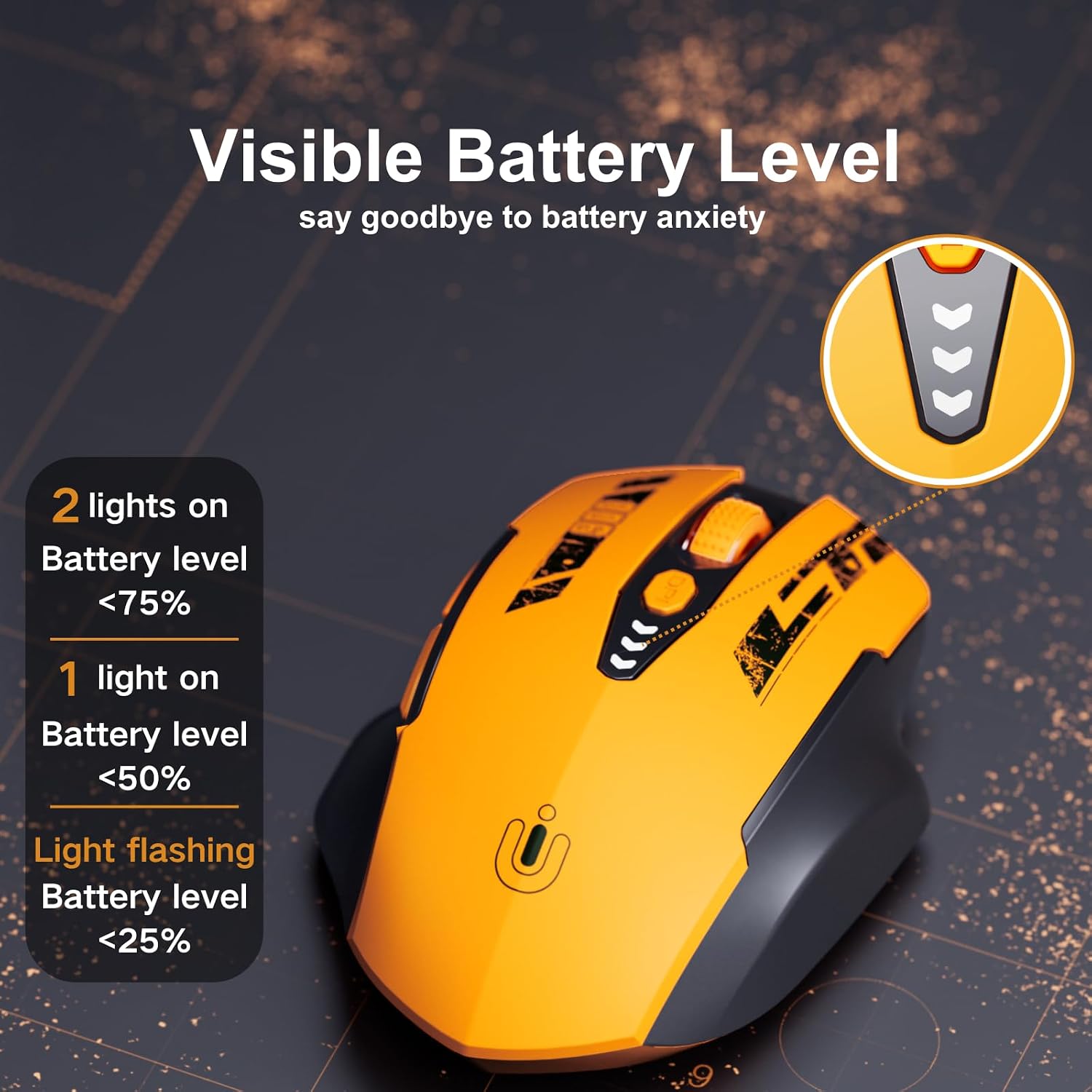
Its rechargeable design includes a visible battery indicator, so you can check the charge at a glance and plan when to recharge. A Type-C charging cable is included for topping it up.
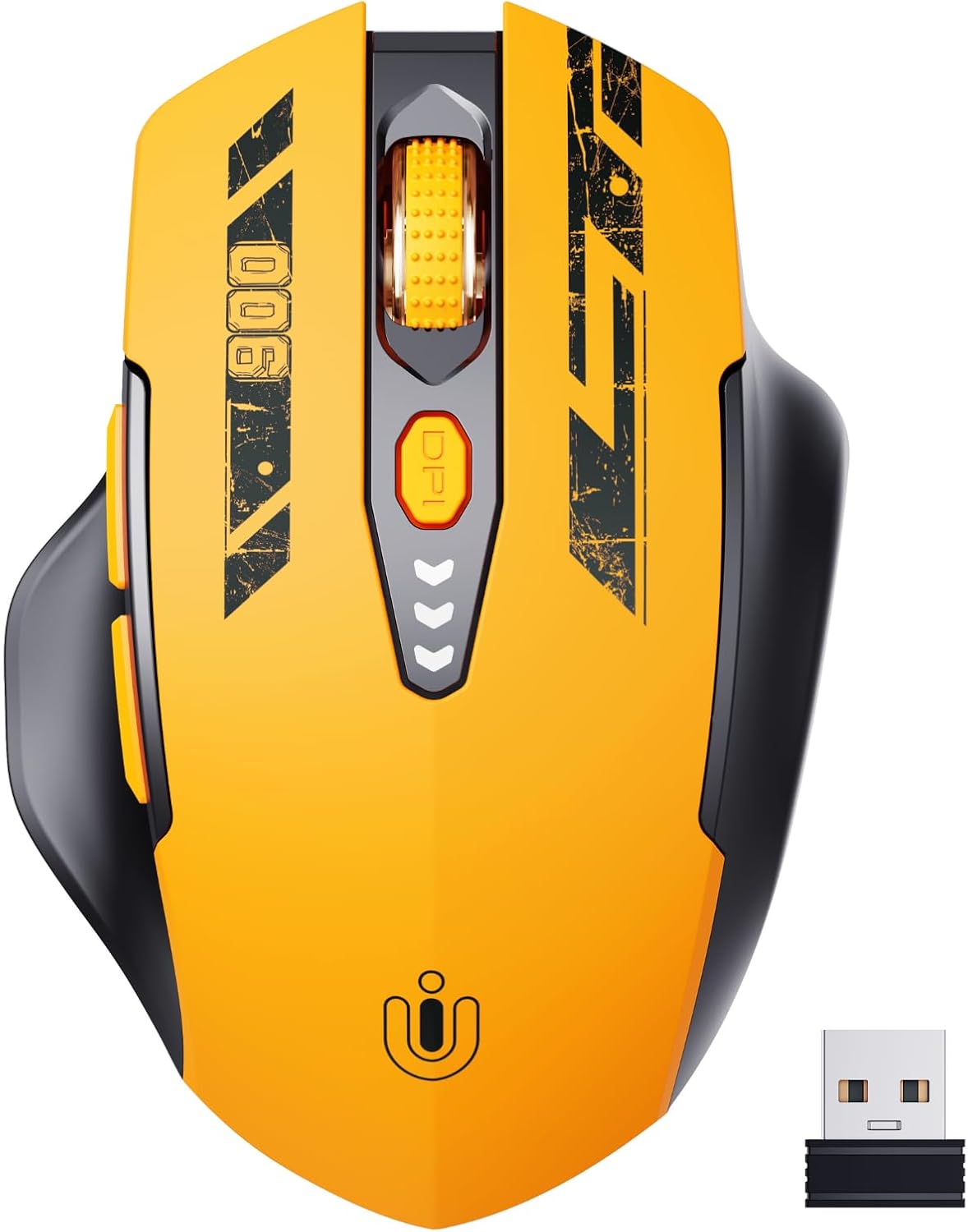
With an ergonomic, right-handed design and six buttons, it’s suited to everyday computer tasks at home, at work or while using a notebook. Plug the receiver into a USB port to get started without installing drivers.
Who it’s for
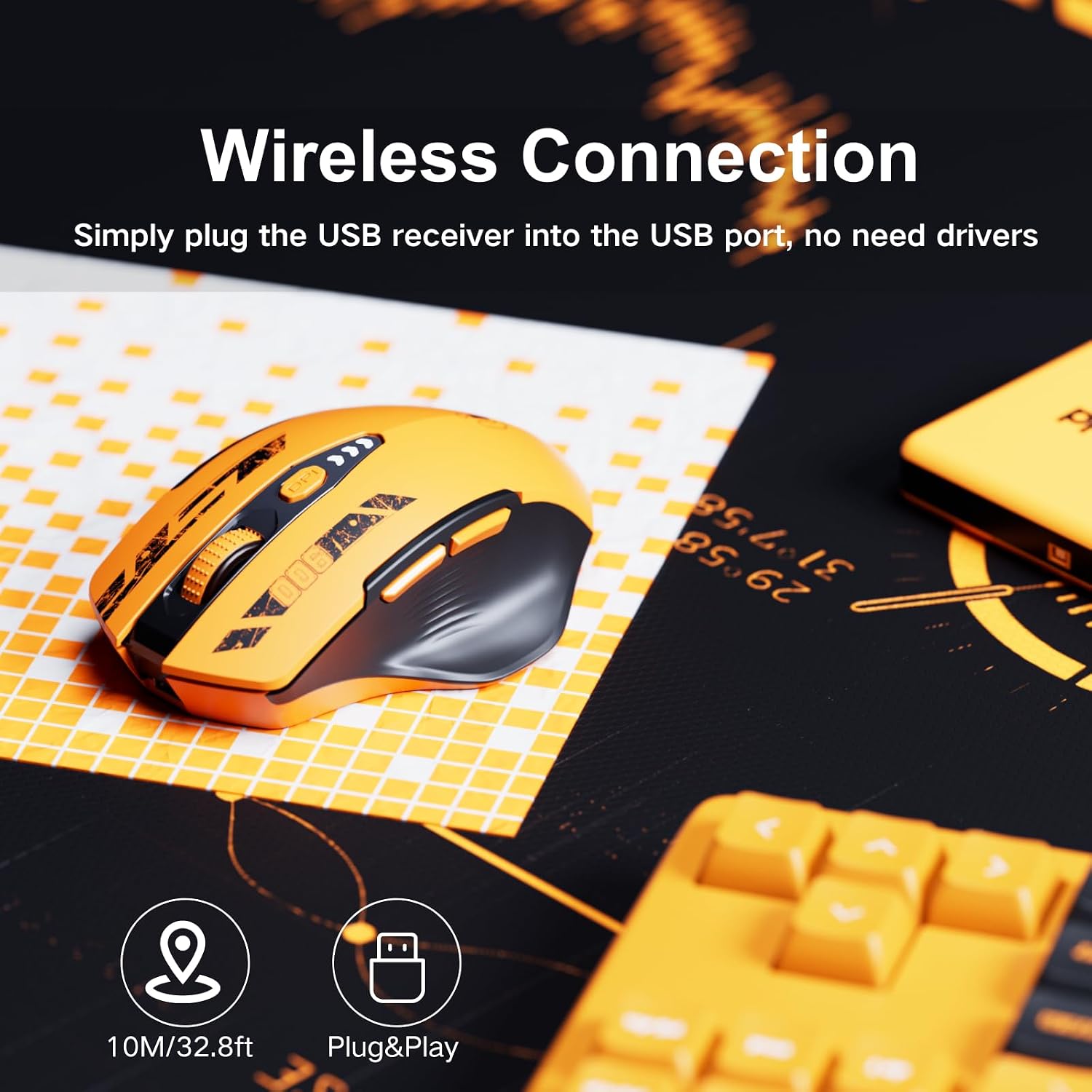
This mouse is made for people who want wireless control for a compatible personal computer or notebook, with a shape designed for the right hand. It works with Windows, Mac and Linux, making it a practical choice for a range of computer setups. The plug-and-play receiver keeps setup straightforward: connect it to a USB port and use the mouse without a separate driver installation.
For everyday work, browsing or entertainment, the ergonomic grip supports a comfortable hand position, while six buttons provide controls for routine navigation. Buyers often highlight the comfortable feel, easy setup and responsiveness. Feedback on durability and reliability is mixed, so those experiences vary from person to person.
Benefits
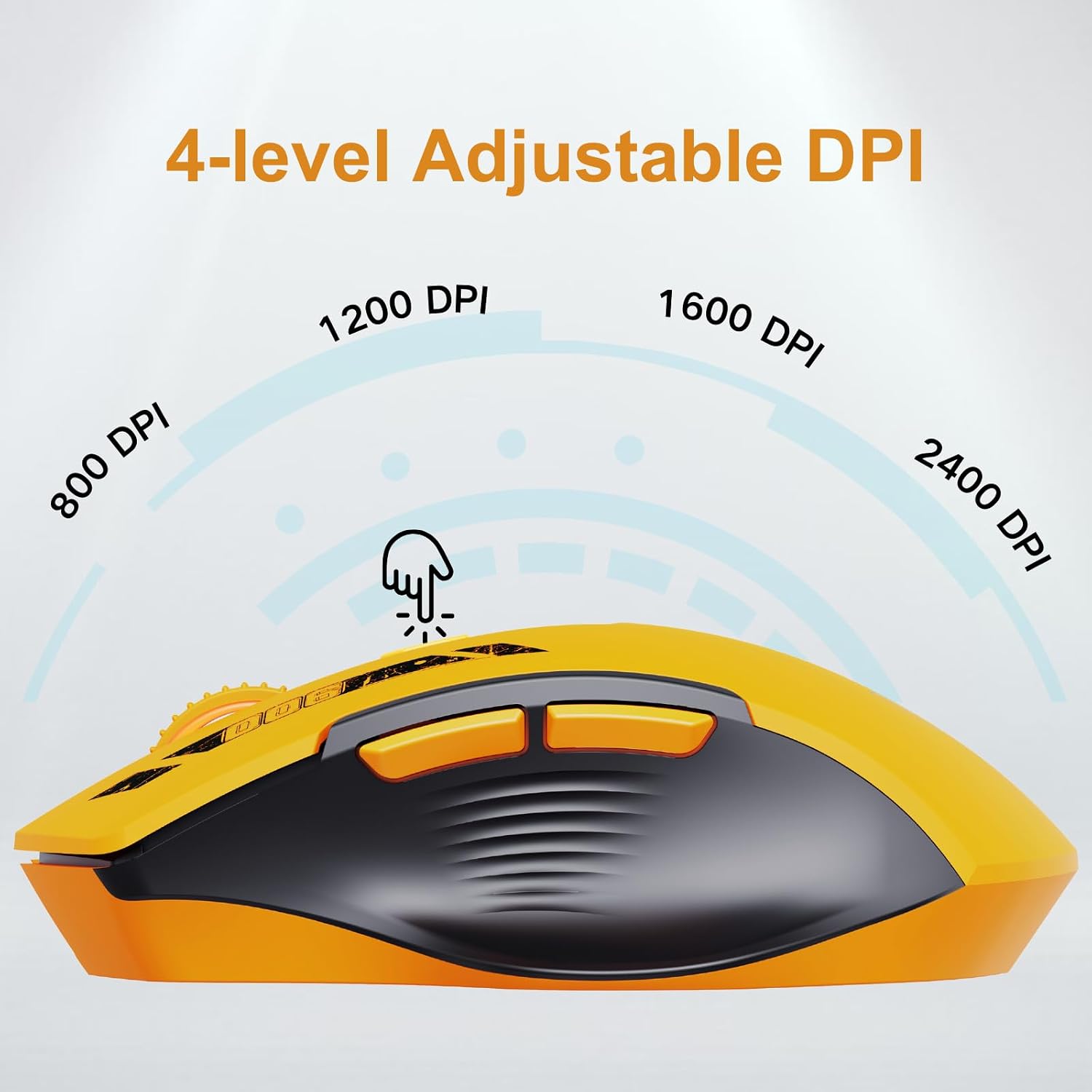
Choose between 800, 1200, 1600 and 2400 DPI to adjust cursor sensitivity to the task. A lower setting can suit more measured pointer movement, while a higher setting provides quicker cursor travel across the screen. Switching between four levels makes it easier to tailor control for different activities without changing your computer setup.
The visible battery indicator helps you keep track of the mouse’s charge during regular use, and the rechargeable design means you can recharge it with the included Type-C cable. The 2.4GHz wireless connection uses a USB receiver, so there’s no cable running from the mouse to your computer while you work. For a tidy desk or a notebook setup that moves between locations, that straightforward connection keeps everyday use simple.


Key points
The Uineer YU-U6P has optical movement detection, six buttons and a right-handed orientation. Its 2.4GHz USB wireless connection is listed with a range of 32 feet. The included components are the wireless mouse, USB receiver, Type-C charging cable and user manual. Keep the receiver with the mouse: each receiver is matched to its corresponding mouse and is not universal across other mice.
The combination of adjustable sensitivity and a battery display is useful when a single mouse handles several kinds of daily tasks. For example, you can select a DPI level for navigating documents, then change it for quicker movement across a larger screen. It suits you if you want a rechargeable wireless mouse with clear charge status and cursor-speed settings in one device.
When it makes sense
Pick this model for a Windows, Mac or Linux computer when you want wireless operation through a USB receiver, rather than a wired connection, and value the option to adjust cursor sensitivity. Its right-handed ergonomic design, battery indicator and included charging cable make it a convenient fit for regular desk use, whether you’re working through documents, browsing or switching between general computer tasks. The Uineer YU-U6P brings those practical features together in a straightforward mouse for everyday computer use.