


Acer OMR266 Wireless Mouse, 2.4GHz, 6 Buttons, 3 DPI Settings
Reviews
Price
Product description
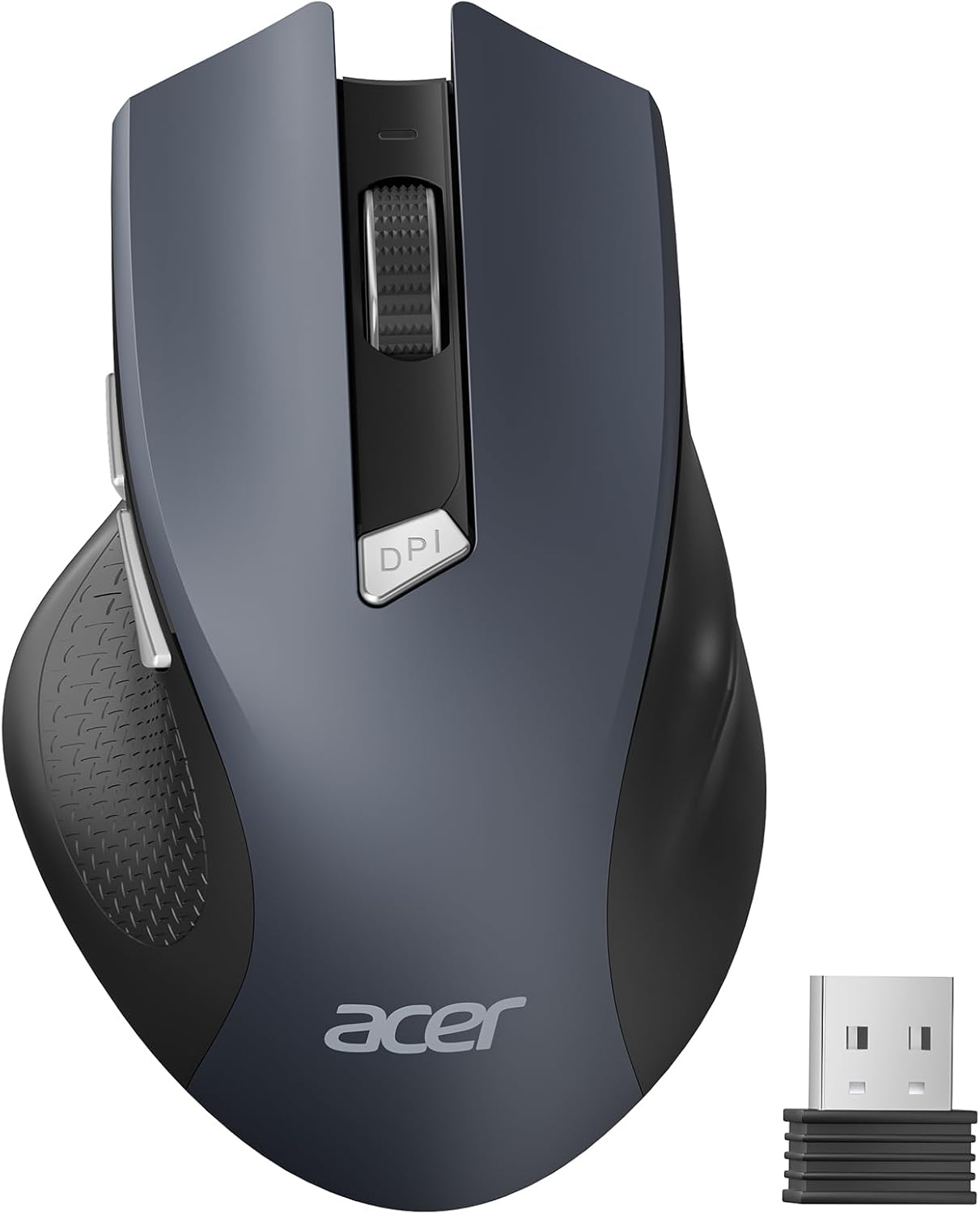
Three adjustable DPI settings let you choose between cursor control and faster movement, while six buttons add handy shortcuts for everyday computer tasks. The Acer OMR266 connects through a compact USB-A receiver, making it a practical wireless mouse for a compatible laptop or desktop.
Its contoured shape and rubberized side grips are designed for medium to large hands. The black mouse uses optical tracking and runs on two AAA batteries.
The essentials
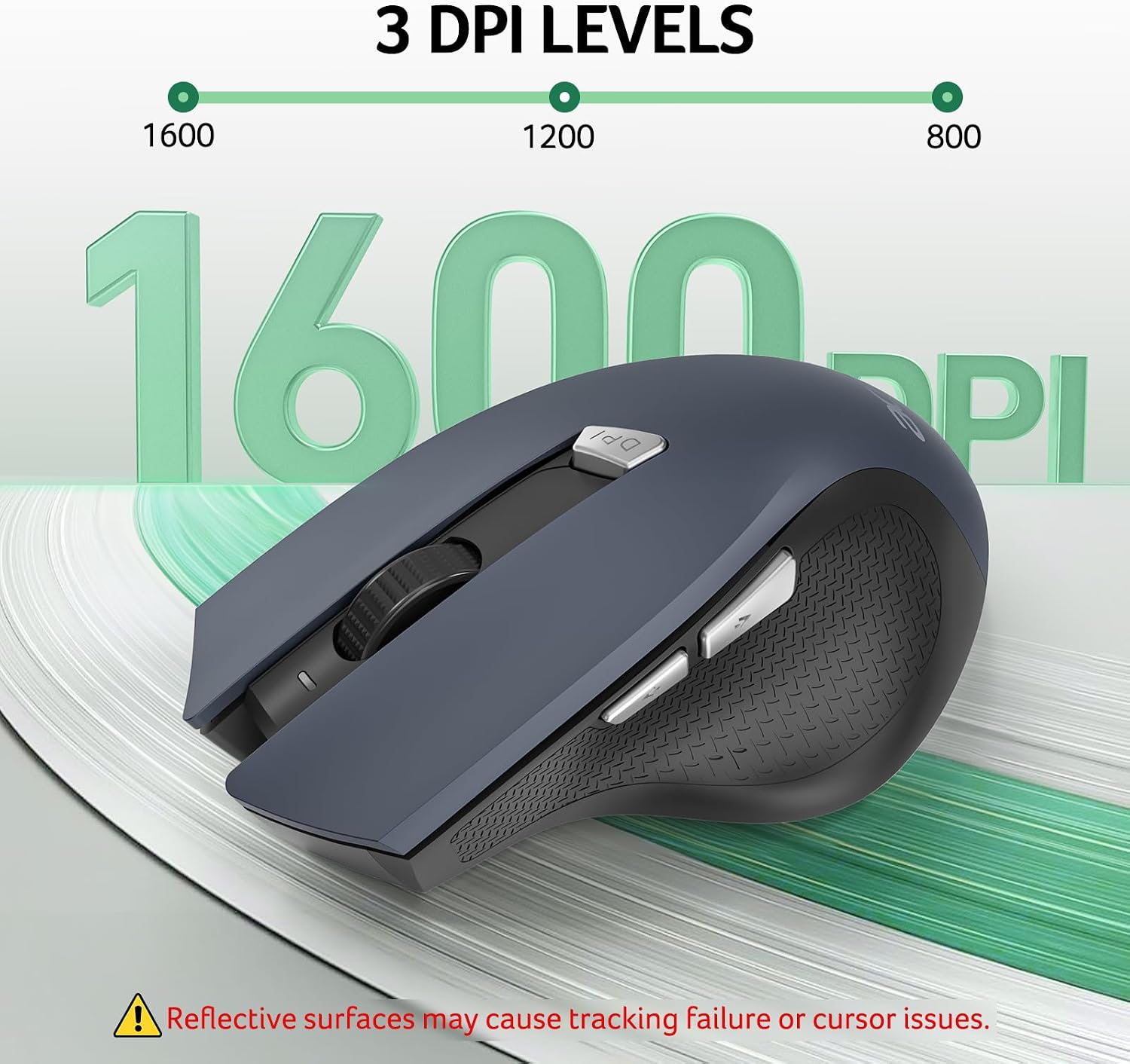
Choose between 800, 1200 and 1600 DPI to suit the task at hand, whether you’re making precise selections or moving across a larger display. An indicator light signals the selected setting. The six-button layout includes back and forward buttons, so moving through web pages or documents can take fewer clicks than with a basic mouse. The buttons have a crisp click sound.
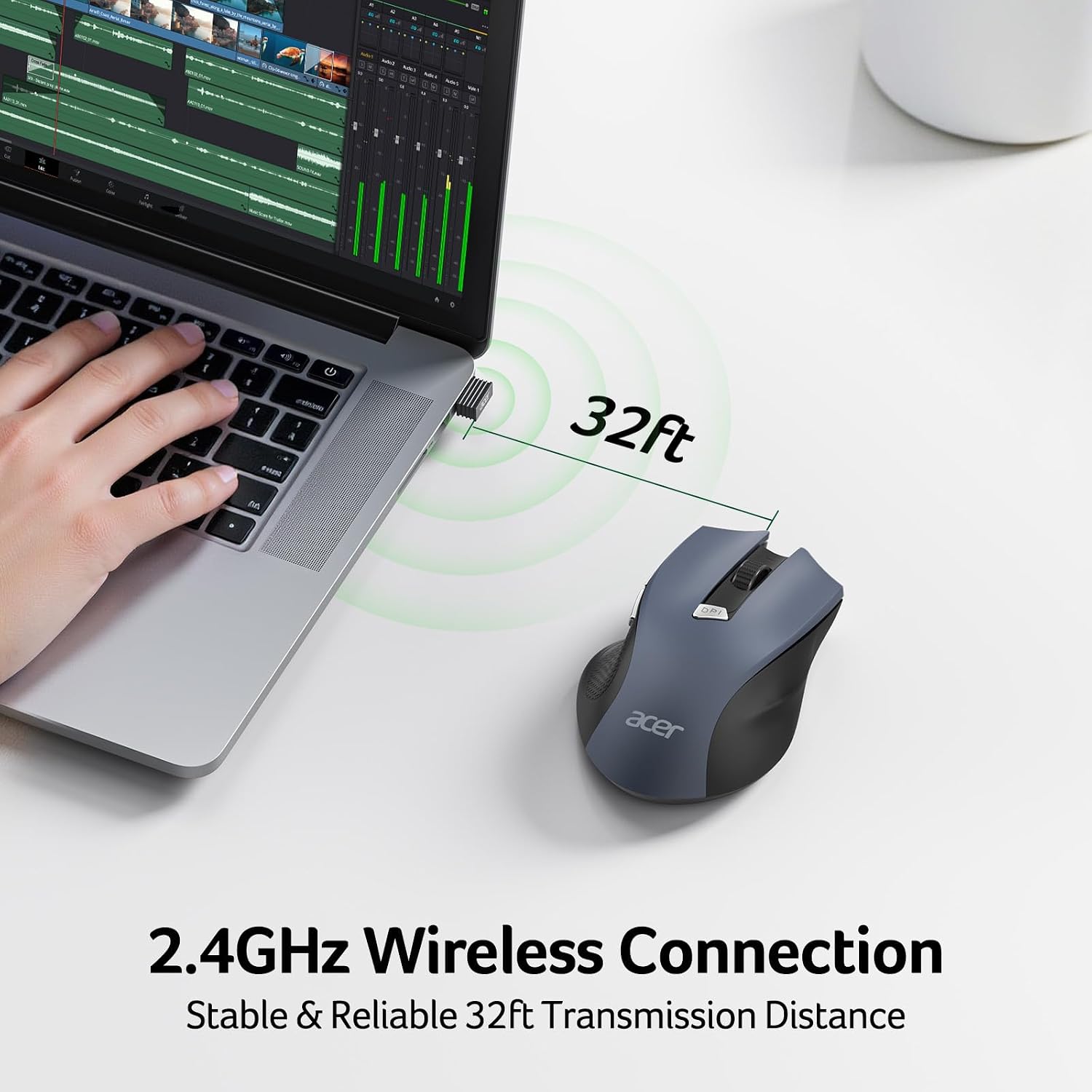
A 2.4GHz wireless connection pairs through the included USB-A receiver, with plug-and-play setup that doesn’t require drivers. The receiver is stored inside the mouse’s battery compartment, a useful detail when packing it for work or travel. This is a single-mode 2.4GHz mouse, not a Bluetooth model, so your computer needs a USB-A port for the receiver. It works with Windows and Mac, the side buttons do not function on Mac. Linux is also listed as a compatible operating system.
On-body feel
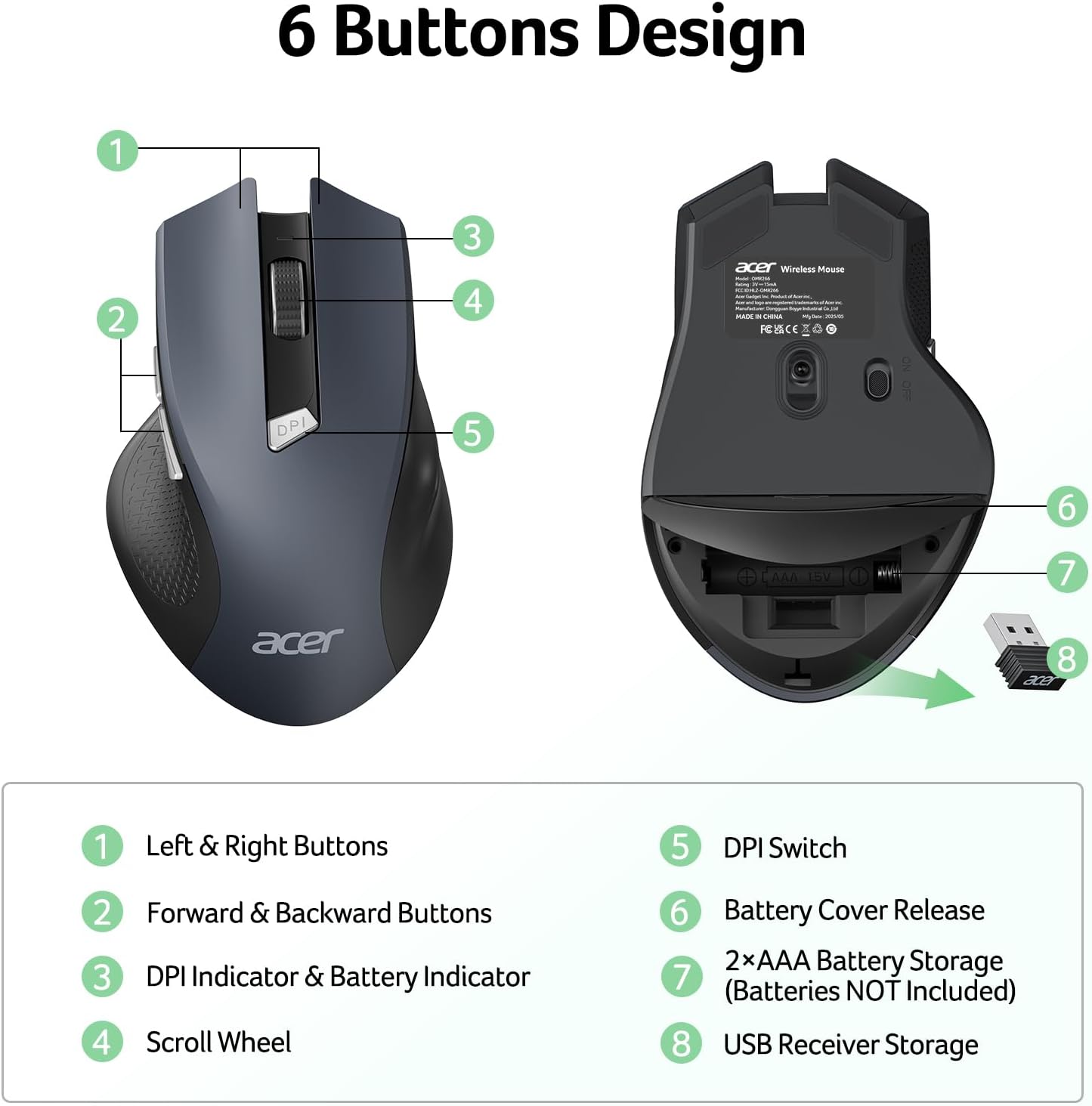
The contoured form and rubberized side grips are intended to support a secure, comfortable hold, while the medium-to-large size is suited to users who prefer a fuller mouse in the hand. Its right-handed layout keeps the side controls within reach of the thumb. At 85 g, it’s a portable choice for moving between a home desk, office workstation and laptop bag.
Would adjustable cursor speed and quick page navigation make daily computer work more convenient? The OMR266 brings both into a single mouse, with the DPI indicator helping you see which setting is active. Buyers’ feedback on comfort is positive overall, though opinions vary on size, ergonomics and responsiveness, hand fit and personal preference can shape how a mouse feels in regular use.
How to use it


Insert two AAA batteries, following the polarity markings inside the compartment, and plug the receiver into a USB-A port. Turn on the mouse to begin using it. The receiver fits back inside the battery compartment for storage, so it can stay with the mouse between work sessions. The batteries are sold separately.
Use the DPI control to cycle through the three settings and watch the indicator light to identify the selection. The optical sensor is intended for use on a suitable, non-reflective surface. When the mouse enters sleep mode after inactivity, click a button to wake it and resume working.
Is it worth it?
For someone replacing a basic wired mouse or looking for straightforward wireless control without relying on Bluetooth, the OMR266 combines practical navigation shortcuts with adjustable tracking in a familiar USB-A setup. Its back and forward buttons are useful for browsing, while the three DPI levels let you tailor cursor movement to different everyday tasks. The contoured grip and medium-to-large form make it especially relevant to right-handed users seeking a fuller-feeling mouse for a laptop or desktop. It’s a functional fit for desk work, web browsing and portable computer use when a USB-A connection is available.