

Wireless Keyboard and Mouse Combo with Ergonomic Curved Design and Silent 2.4G Operation
Product description
Overview
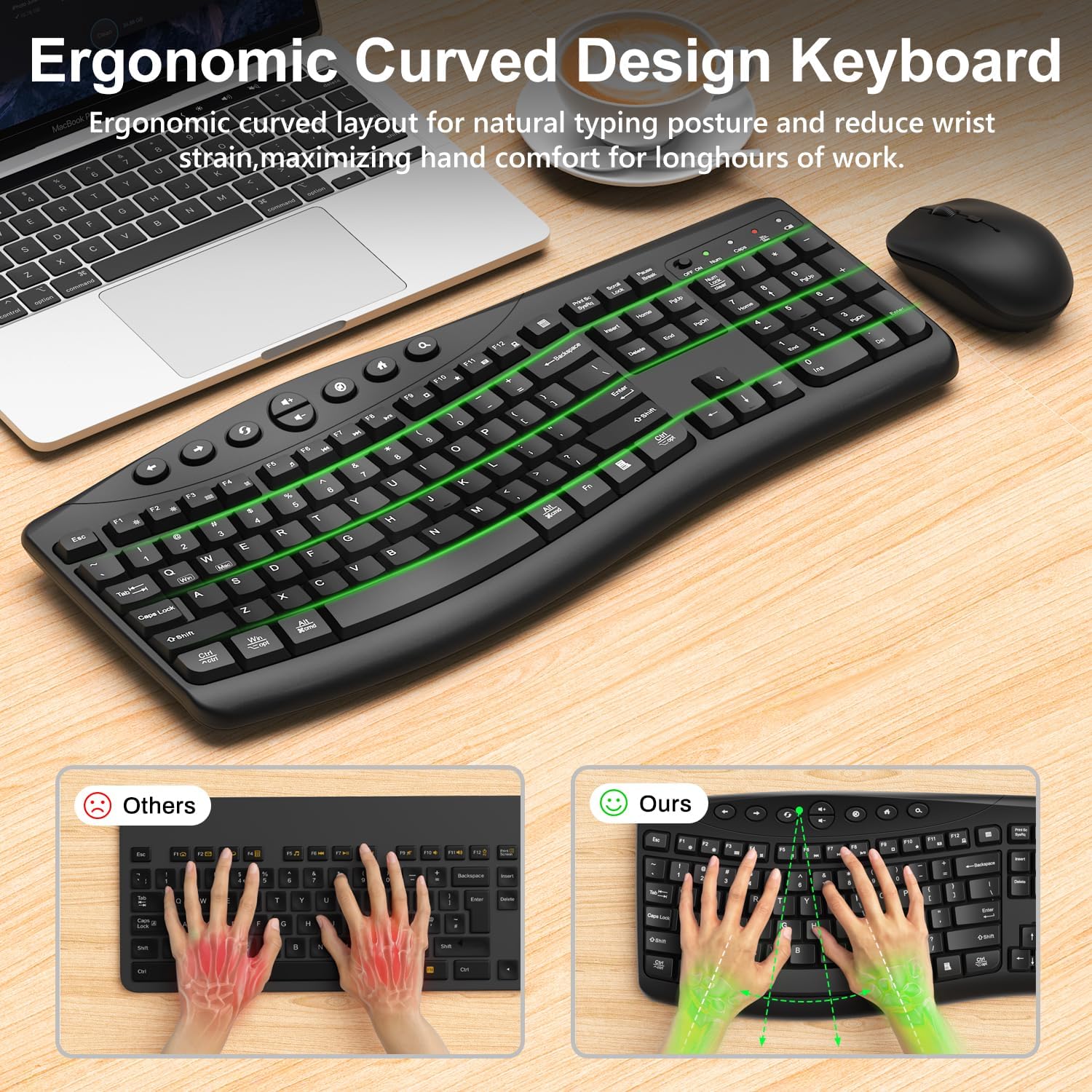
This is a wireless keyboard and mouse combo designed for everyday work and study. It pairs a full-size, ergonomically curved keyboard with a quiet, symmetric mouse to support natural typing and comfortable long sessions. The main idea is to reduce strain during prolonged use while still keeping a practical, plug-and-play setup for desktop, laptop, home, or office use.
What it is and what it isn’t
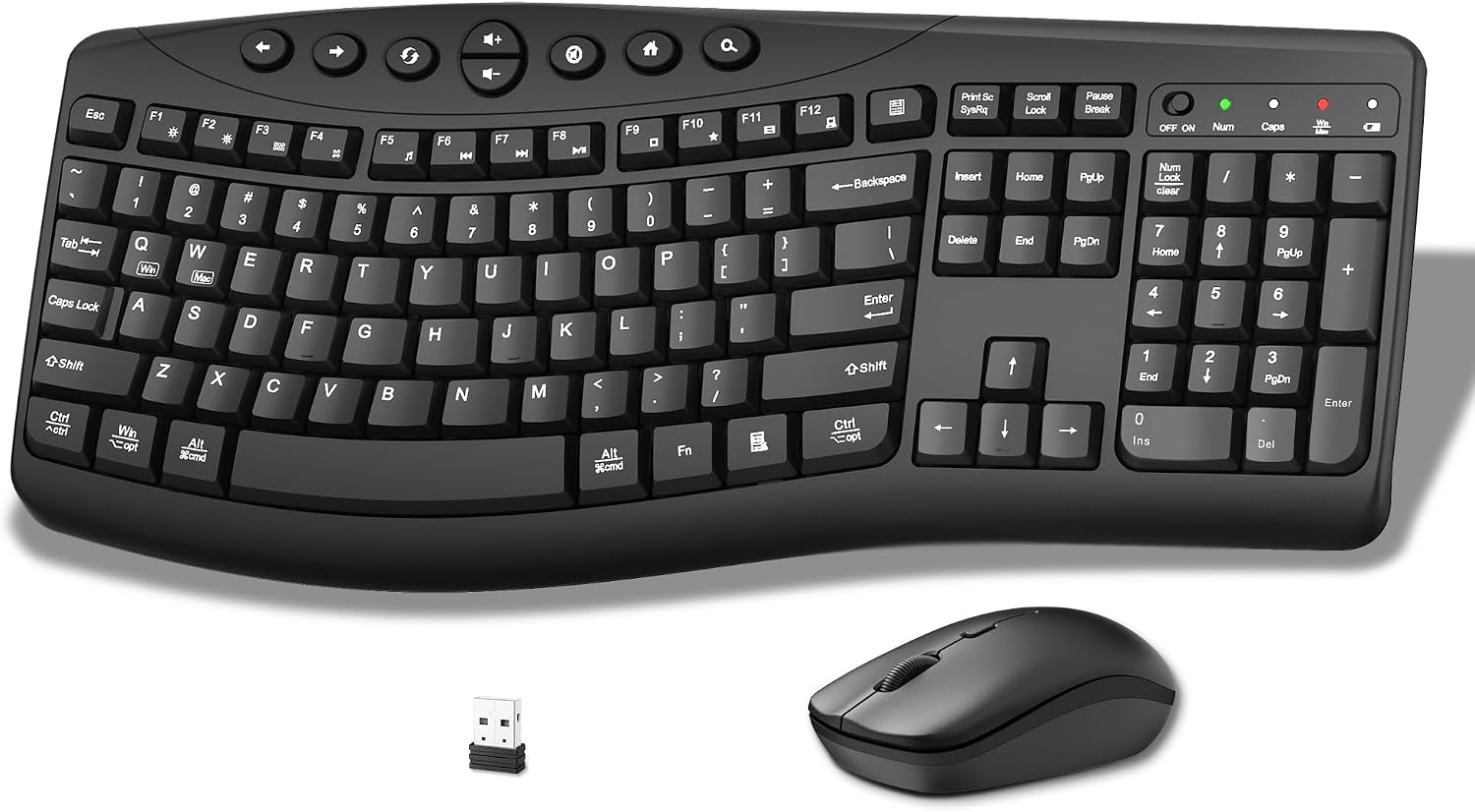
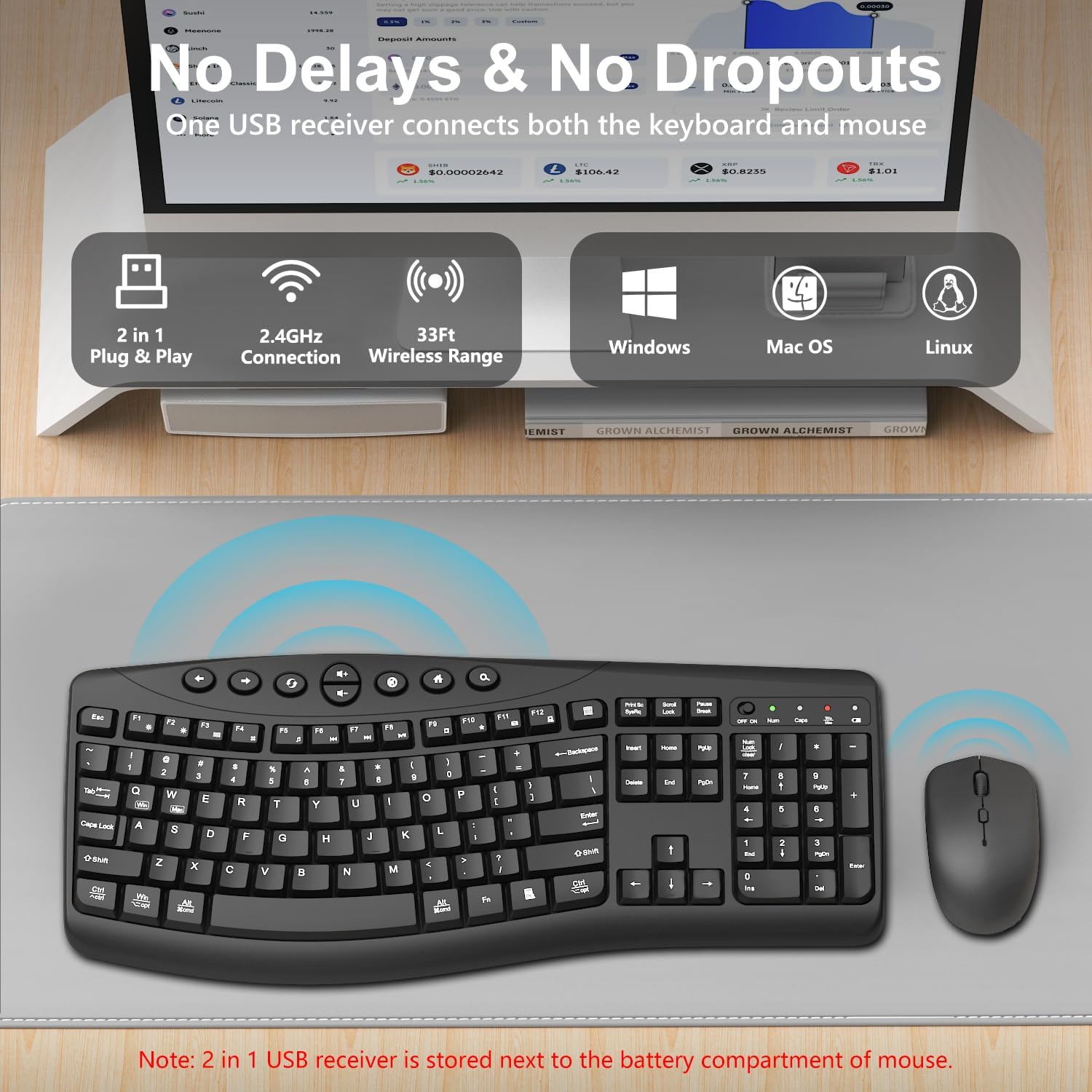
On paper, you’re looking at a 2.4GHz wireless pair that emphasizes quiet typing and smooth cursor movement. It’s built to be compatible with Windows, macOS, and Chromebook environments, with quick-switch shortcuts for Windows and macOS using FN+Q or FN+W. If you’re after a flashy gaming peripheral or a mechanical keyboard, this isn’t the focus here. Instead, it targets everyday productivity with a calmer, more ergonomic approach.
Design and comfort in daily use
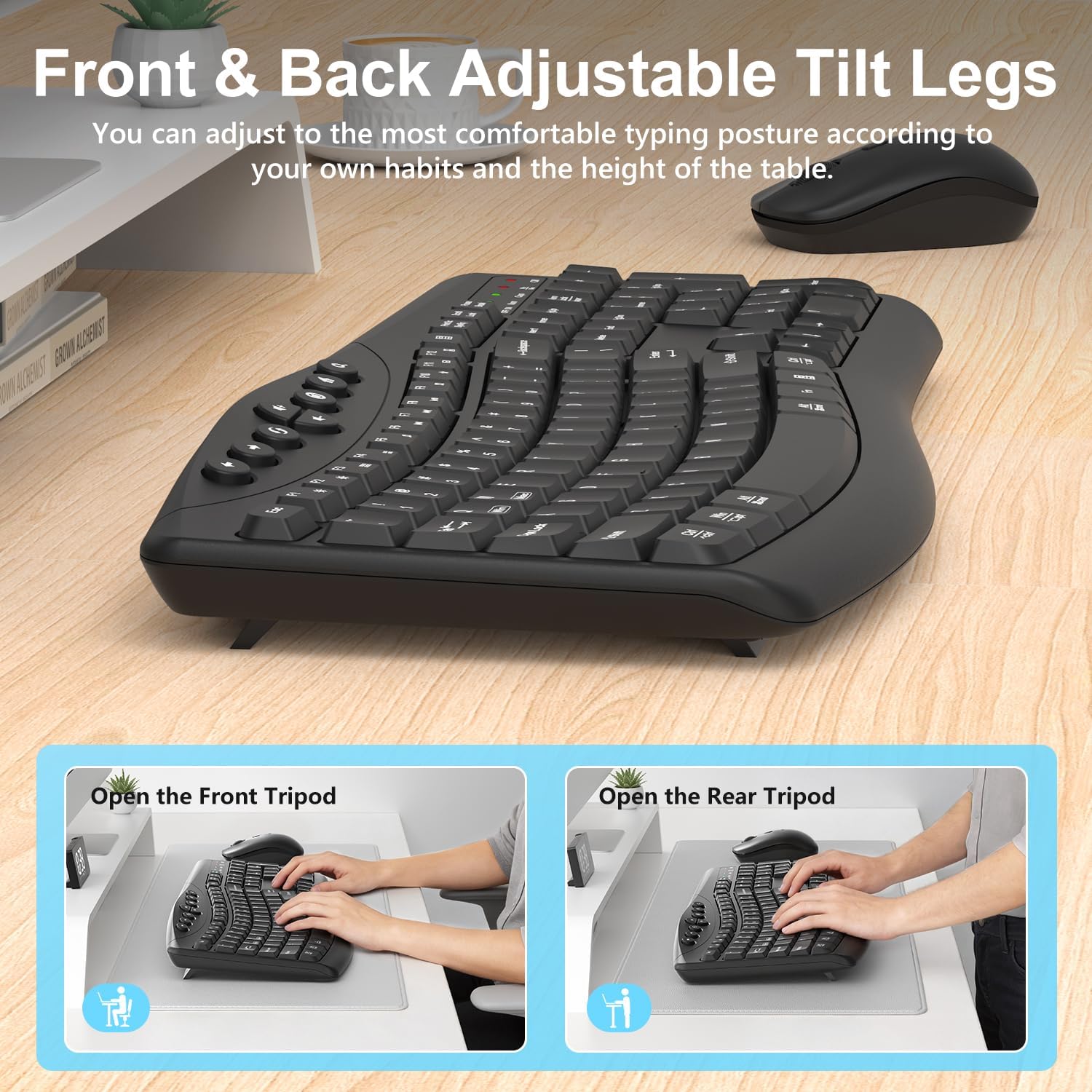
The keyboard features a scientifically curved key layout intended to keep fingers aligned during regular typing tasks, helping users maintain a comfortable posture through long workdays. Four adjustable leg rests let you pick between front, rear, or both tilt options. That means you can tailor the typing angle to reduce wrist fatigue, which is something you’ll notice if you type for hours at a stretch. The mouse is designed to be ambidextrous, so left- or right-handed use is equally comfortable. The silent clicking on the mouse and quiet keystrokes on the keyboard are practical for shared spaces—home offices, open-plan desks, or quiet work zones where you don’t want to disrupt colleagues or family members.
Key features that matter in practice
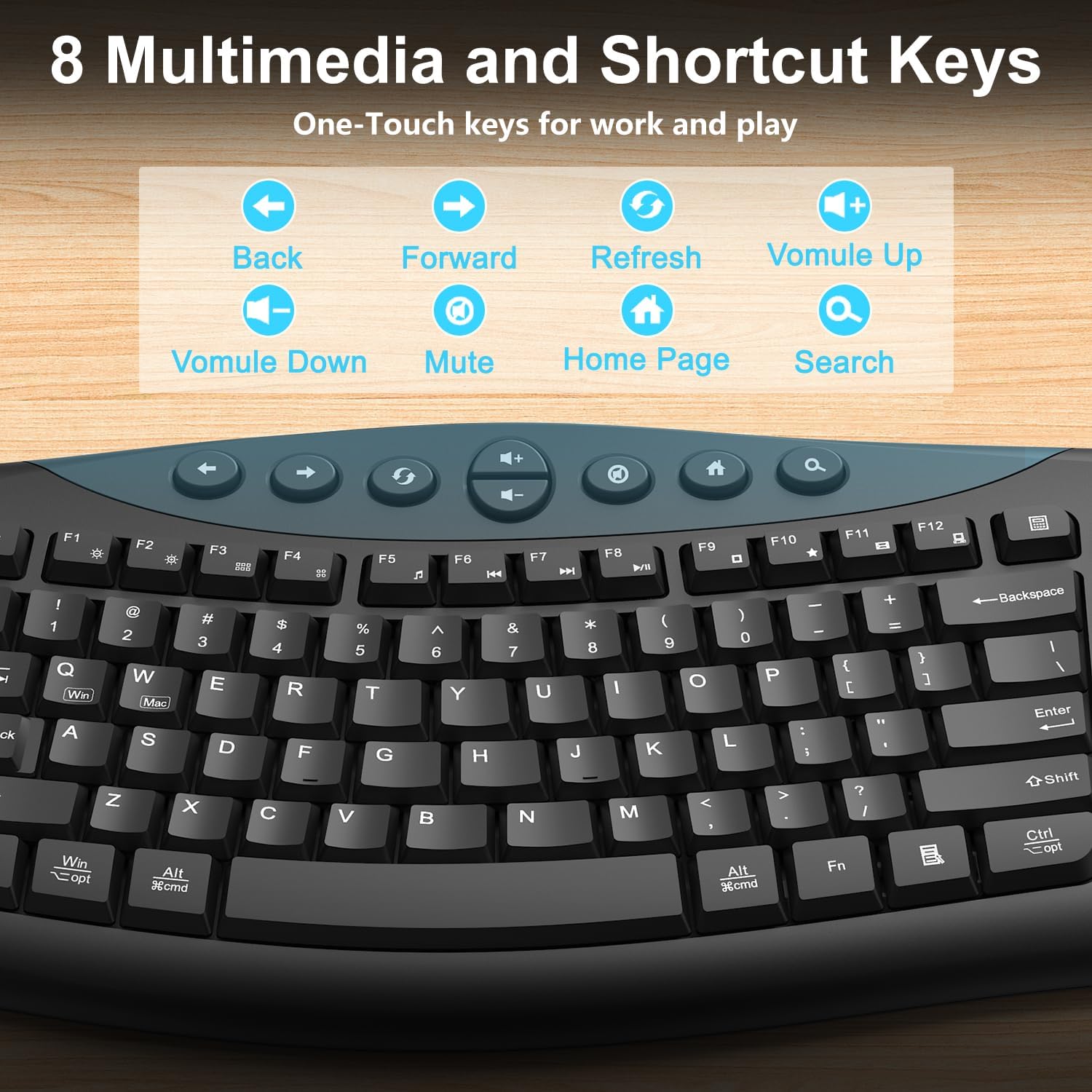
This setup includes eight multimedia and shortcut keys for quick navigation—back, forward, refresh, volume, mute, home, search—and two in-device controls for brightness and multitasking via FN. The 2.4GHz receiver enables plug-and-play connectivity with an effective range around 33 feet, which covers typical desk-to-door range in most work environments. It also offers a three-level DPI switch for the mouse (800/1200/1600 DPI), useful for adjusting pointer sensitivity as you move between document editing, web browsing, or design tasks.
What to expect in terms of performance
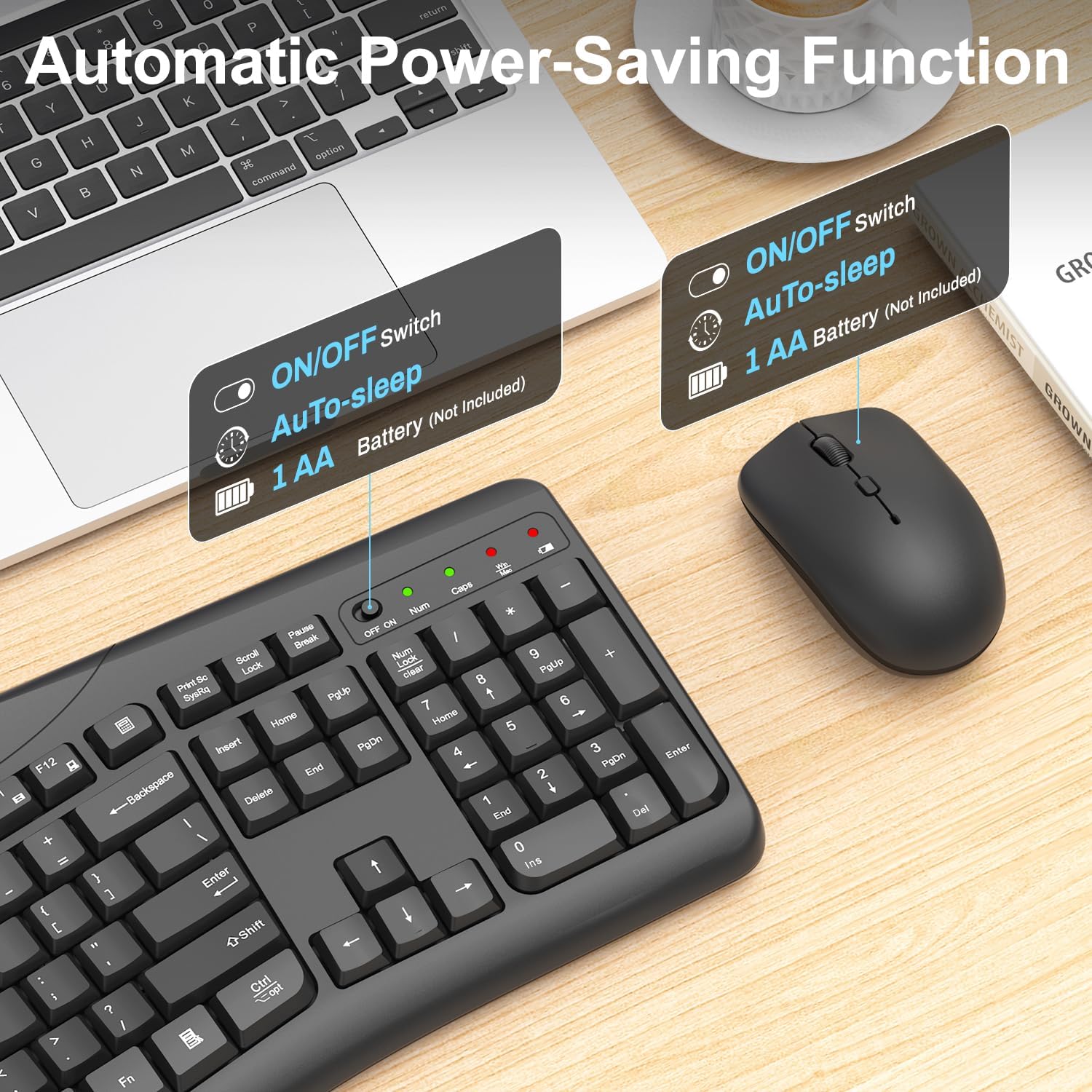
On the surface, the combo provides a reliable, no-fuss experience: quiet typing, predictable cursor movement, and simple wireless setup. The auto power saving features help extend battery life by sending the keyboard to sleep after 5 seconds of inactivity and the mouse after 15 minutes. Note that batteries are not included, so you’ll need two AA cells to get going. If you prioritize a clean, low-distraction workspace and straightforward productivity workflows, this combo aligns well with that need.
Pros and cons in context
- Pros: quiet operation, ergonomic tilt options, ambidextrous mouse, dedicated media controls, cross-platform compatibility, straightforward plug-and-play setup, reasonable range.
- Cons: not a gaming or high-end ergonomic upgrade, it relies on AA batteries (not included) and may feel basic compared to premium wireless setups, design and materials are functional rather than premium.
Who it’s for and who should think twice
It’s a sensible pick for office workers, students, or home users who want a simple, distraction-free input pair that supports both Windows and Mac. If your priority is top-tier mechanical keys, ultra-high DPI gaming performance, or premium build quality, this might fall short of expectations. Consider your typical day: if you value quiet operation and ergonomic tilt at a reasonable price, this setup earns its keep.
What to check before buying

- Confirm you’re okay with AA batteries (not included) and the need for occasional replacement.
- Ensure your workspace can leverage the full 33 ft wireless range and you’re not in an environment with heavy 2.4GHz interference.
- If you switch between Windows and macOS, rely on the FN+Q/W shortcuts for seamless OS switching.
How it compares to the broader options
Compared to barebones keyboards and mice, this combo adds ergonomic angles and built-in quiet operation, which can matter a lot in shared spaces. It’s a practical middle ground between budget basic sets and premium, feature-rich kits. If your use case involves long typing sessions, the tilt options and curved key layout become more relevant, while for someone chasing portability or gaming-grade performance, other choices would likely be more suitable.
Practical usage example
Imagine you’re drafting a long report. You can adjust the keyboard tilt to get a natural wrist position, use the FN shortcuts to jump between tabs, and keep the mouse within easy reach as you scroll and select. The quiet keys let you work in a quiet room without drawing attention, which is especially useful in home offices or study spaces.
Final decision
Is it worth it?
If you value a quiet, comfortable, plug-and-play desktop setup with cross-platform compatibility and practical multimedia controls, this wireless keyboard and mouse combo is worth considering. It suits users who want a non-gaming, ergonomic approach to daily tasks and who don’t mind AA batteries. It may not be the best option if you need premium materials, higher DPI precision for specialized tasks, or a compact travel-ready kit.
FAQ
- Will this work with my Mac and Windows computer? Yes, it’s designed for Windows, Mac OS, and Chromebooks, with FN+Q/W to switch between OS profiles.
- Do I need to buy batteries separately? Yes, both devices require 1 AA battery each, and batteries are not included.
- How quiet is the keyboard and mouse really? The keyboard uses a silent structure with soft membrane keys, and the mouse is designed to be quiet without audible clicks, which is noticeable in quiet environments.