

Microwoo MICROWOO Lightning-to-HDMI Adapter, 1080p Mirroring, Charging Port
Product description
How it fits
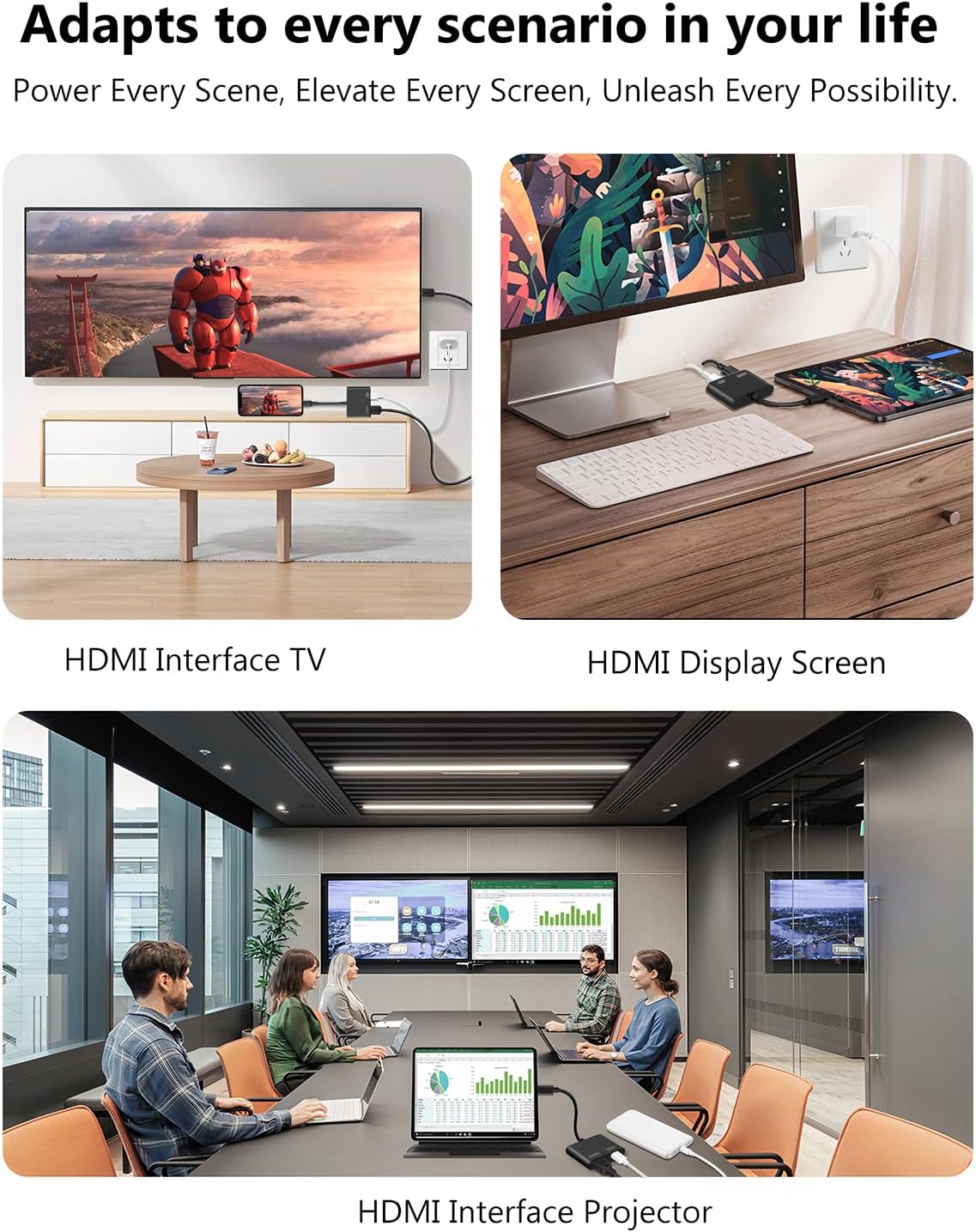
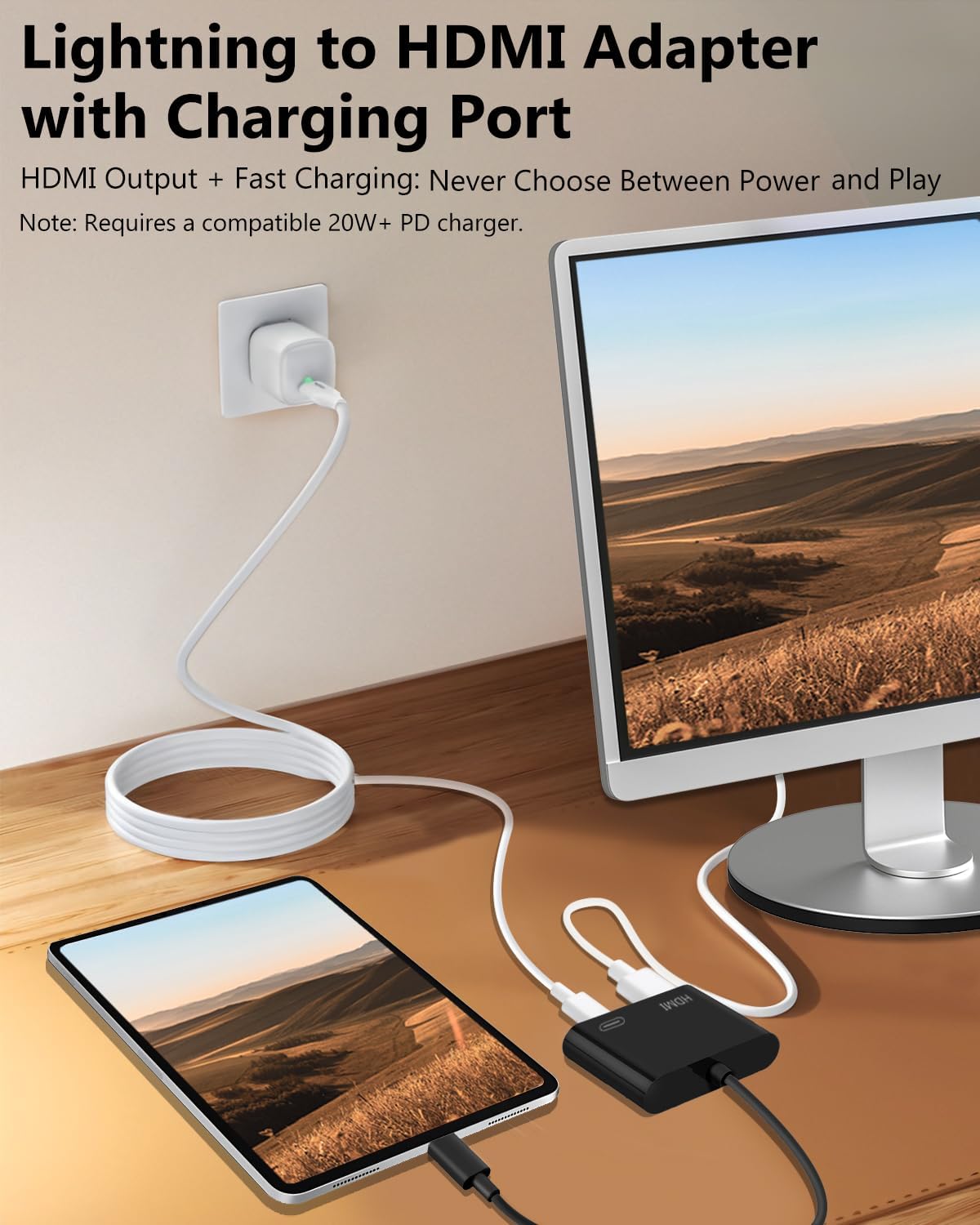
Mirror content from a compatible iPhone, iPad, or iPod touch on an HDMI-equipped TV, projector, or monitor. This Lightning-to-HDMI adapter supports resolutions up to 1080p, so photos, presentations, websites, games, and videos saved on your device can be viewed on a larger screen. It offers a direct wired option for a meeting or shared viewing, choose a wireless setup instead when avoiding a cable connection is the priority.
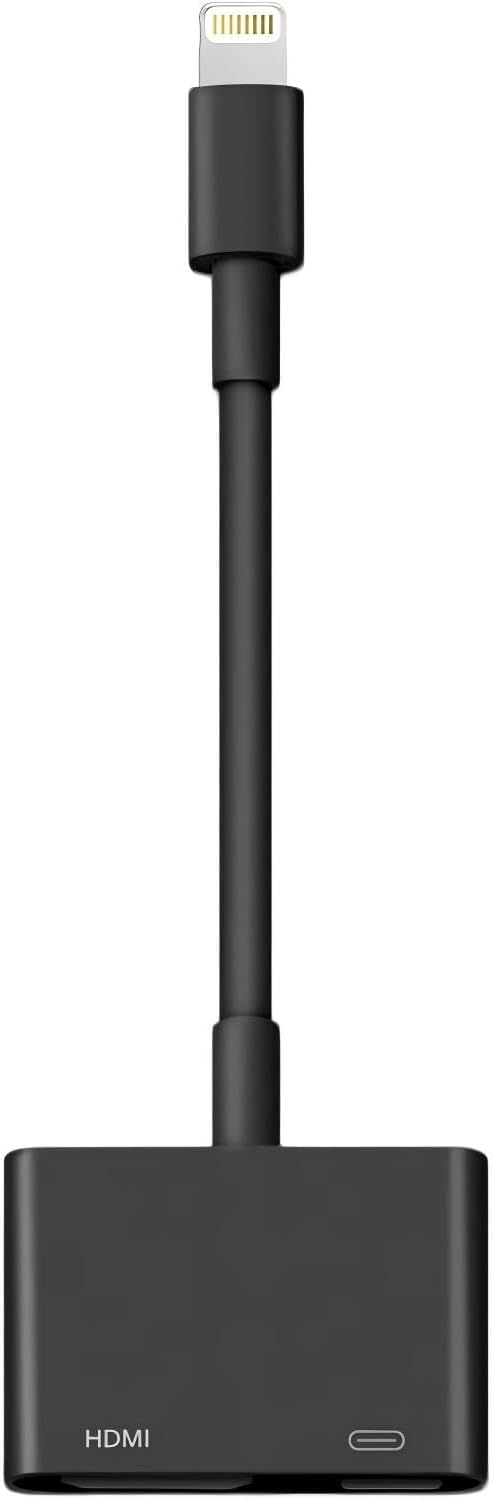
To use it, connect the adapter to an HDMI cable and the display, then connect your device. The HDMI cable is sold separately. After the connection prompt appears, tap “Trust” on your iPhone or iPad, the adapter is designed to work without installing an app or using Wi-Fi. A Lightning charging port lets you connect charging while the device is linked to the display.
Benefits
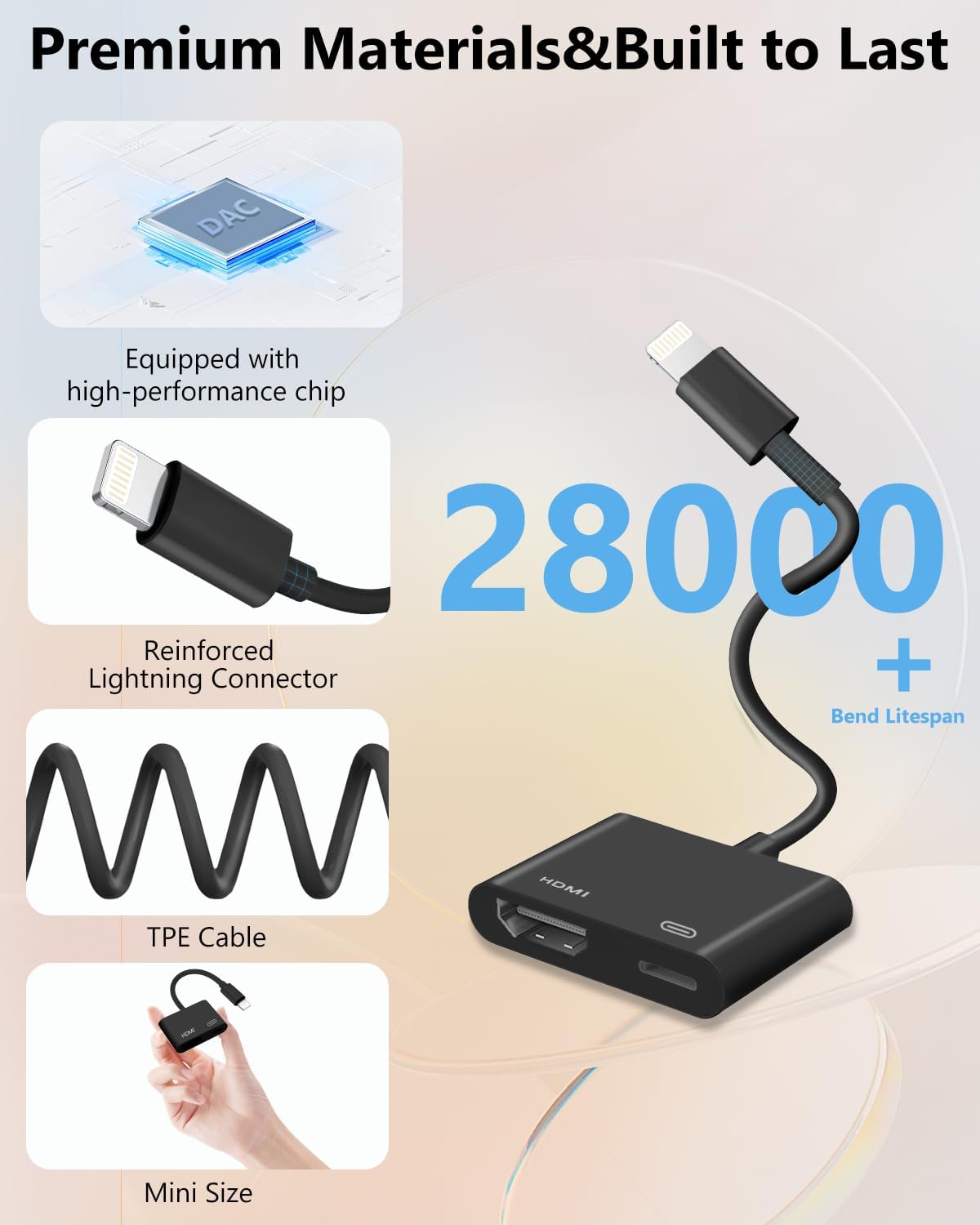
The compact black adapter is easy to carry for presentations, travel, or moving between rooms. At home, it can bring saved videos and photos to a TV, at work or school, it can put slides, documents, and websites on a projector or monitor. Mirroring what is on the device makes it useful for showing more than just video, including games and other screen content.
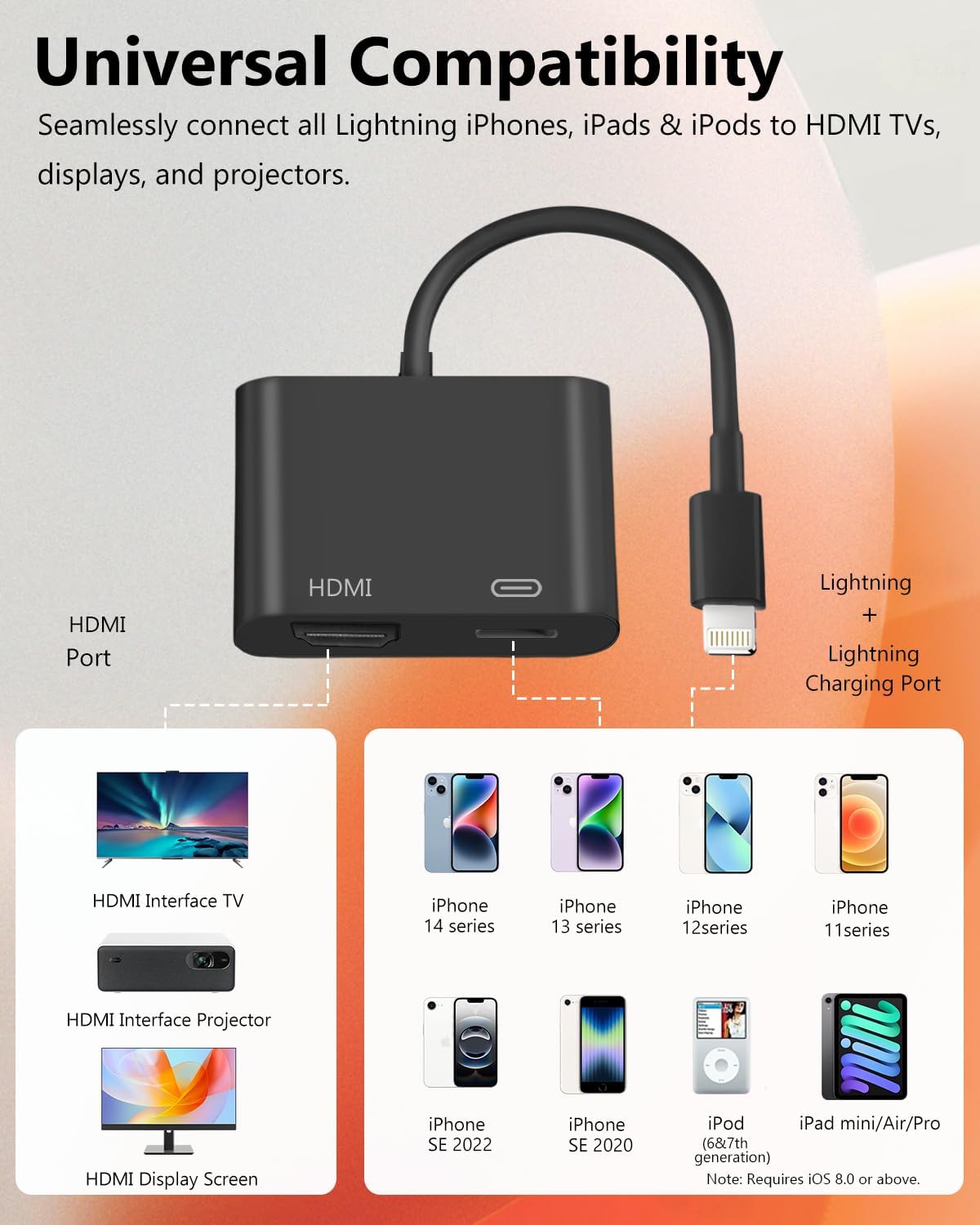
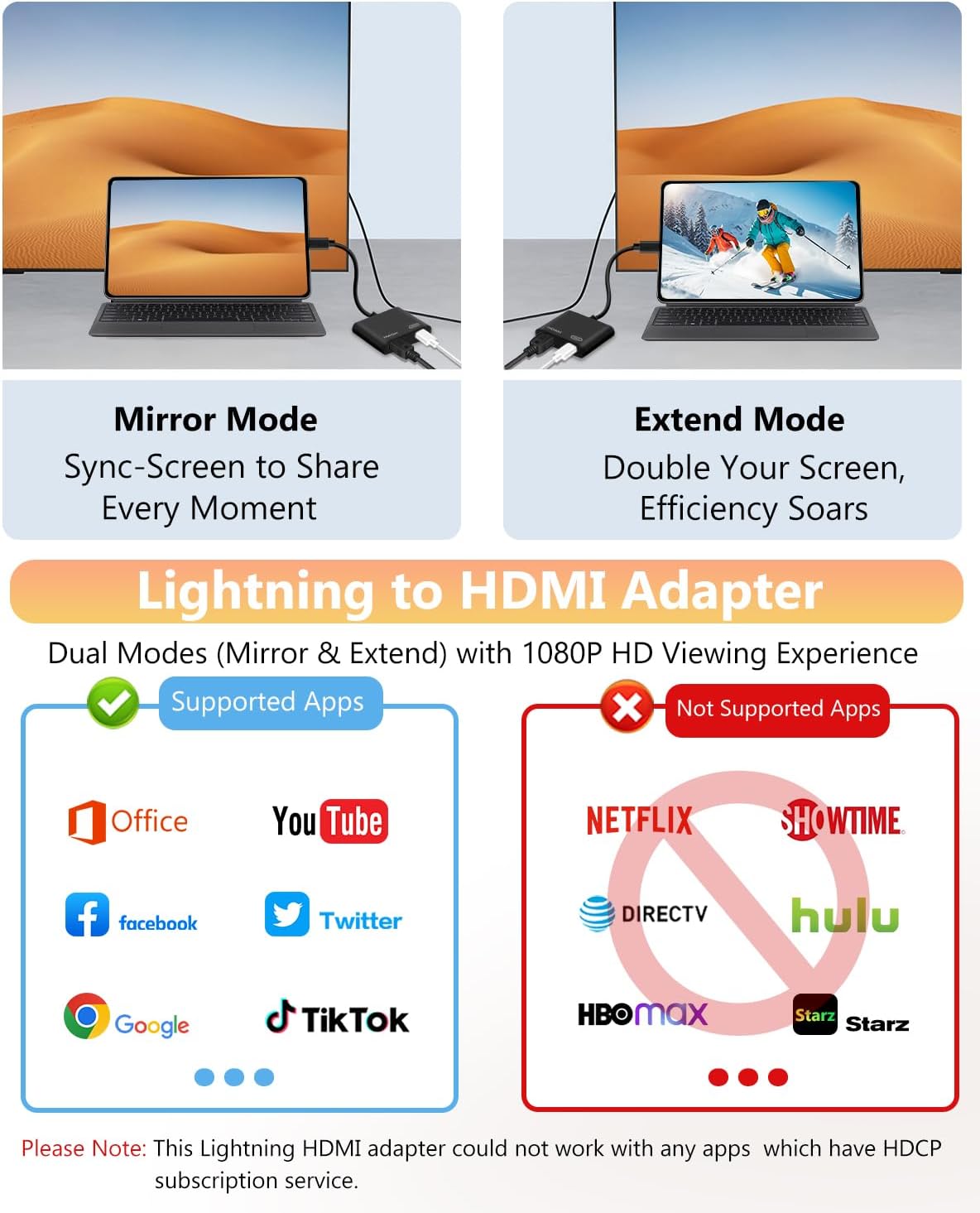
Compatibility covers a range of Lightning-equipped Apple devices, including iPhone 5 through iPhone 14 models, several iPad generations, and iPod touch (6th and 7th generations). The adapter is Apple MFi certified. Support for particular video apps depends on their content protection: the product information identifies Netflix, amazon Video, HBO Go, Hulu, and Sky Q among apps that may not work because of HDCP restrictions.
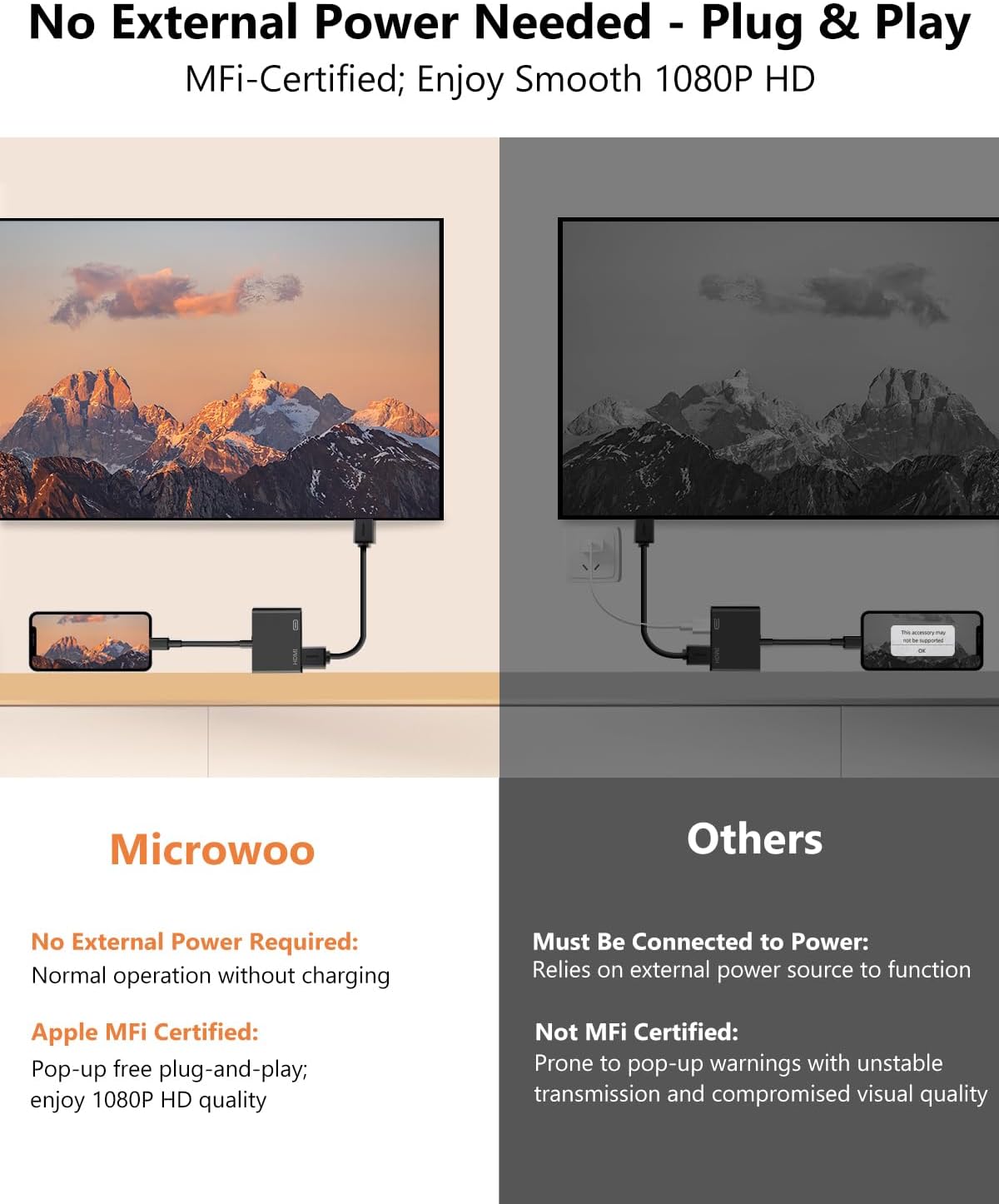
Buyer feedback is mixed. Some customers praise the picture and the ability to charge while connected to a TV, while others report issues with compatibility, picture quality, or charging. The listed setup and app restrictions help clarify when this wired mirroring approach is a fit.
Spec sheet
- Type: Lightning-to-HDMI adapter
- Connectivity: Lightning and HDMI
- Resolution: Up to 1080p
- Compatibility: Listed iPhone, iPad, and iPod touch models with a Lightning connector
- Color: Black
- Model: MICROWOO
Before you decide
What devices can I connect? The listed compatibility includes iPhone 5 through iPhone 14 models, select iPad models from iPad (4th generation) onward, and iPod touch (6th and 7th generations). The device must have a Lightning connector.
Do I need Wi-Fi or an app to set it up? No. Connect the adapter and an HDMI cable to the display, attach your device, and tap “Trust” when prompted. No app installation or Wi-Fi connection is required.
Can I watch every streaming app through it? App playback varies. The product information lists some services, including Netflix, Amazon Video, HBO Go, Hulu, and Sky Q, as incompatible because of HDCP-protected content. Saved videos and supported apps can be mirrored to an HDMI display.
Should you buy it?
Choose this adapter when you want a compact, wired way to mirror a compatible Lightning device on a TV, projector, or monitor, with support for up to 1080p and a Lightning charging port. It suits sharing presentations, photos, websites, and supported video on a larger screen, without setting up Wi-Fi or installing an app.