

Nixplay 15.6" Digital Touch Screen Picture Frame with WiFi (Black/White Matte)
Product description
What it is and what it solves
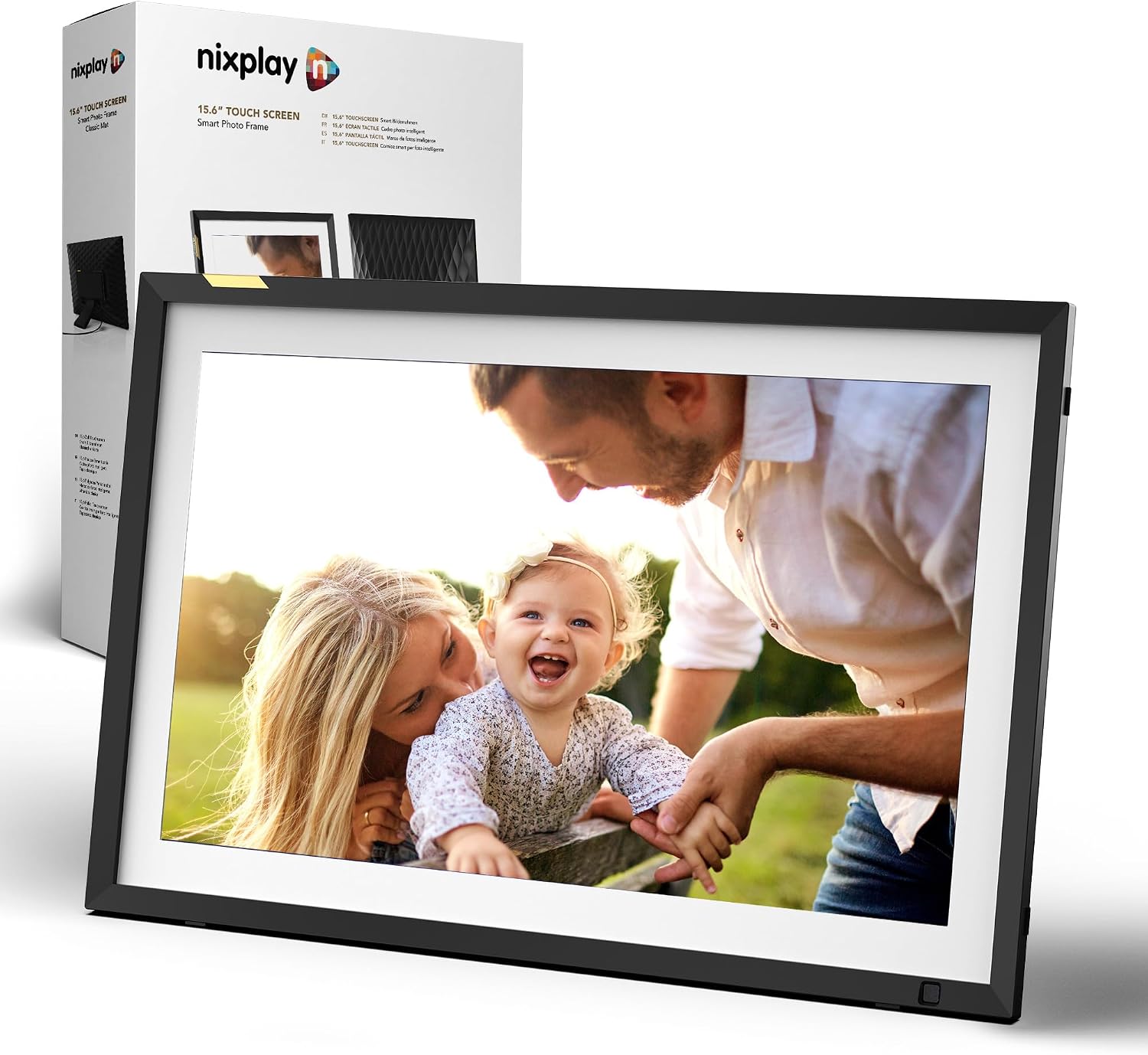
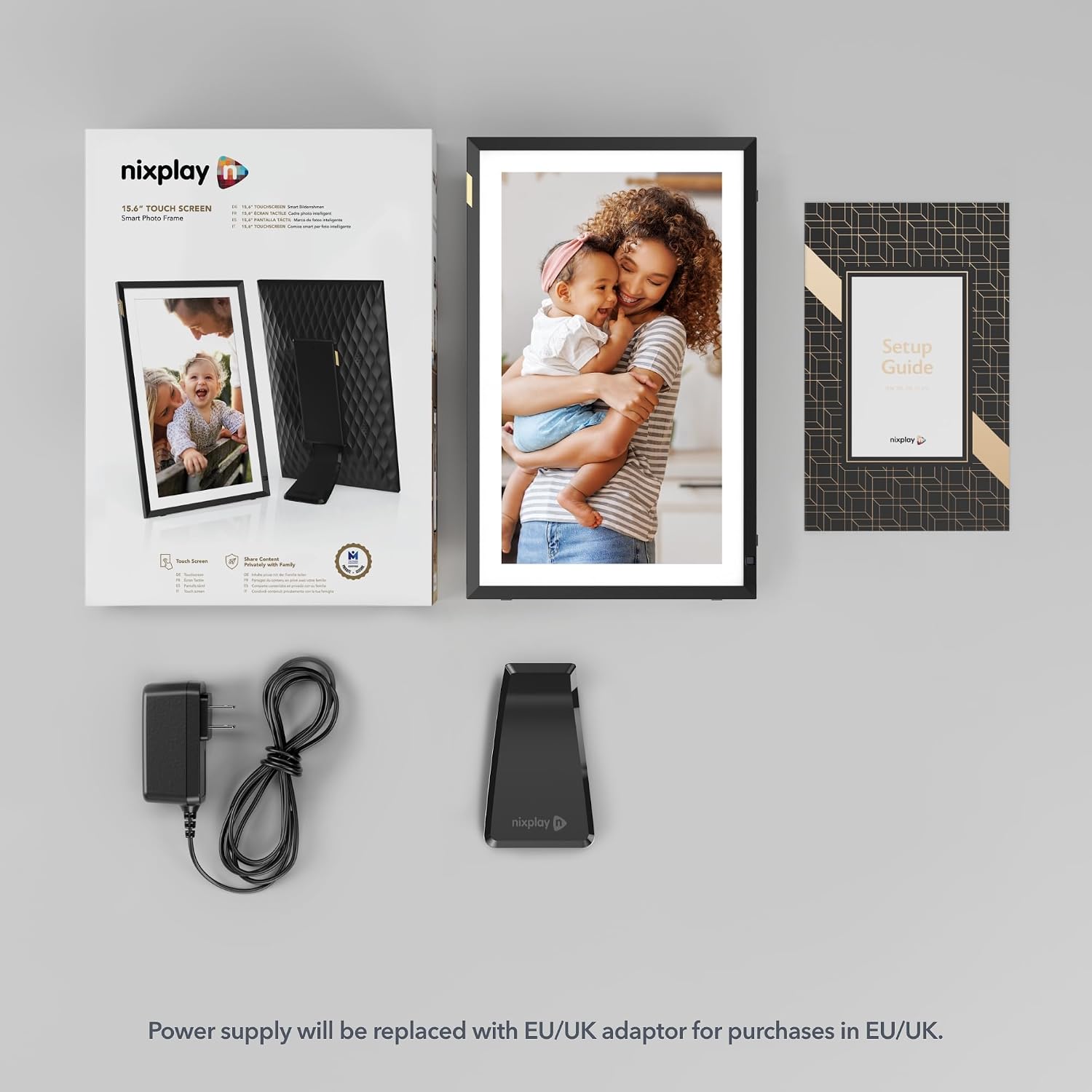
The Nixplay 15.6" Digital Touch Screen Picture Frame is a WiFi-connected photo display designed to keep family memories centralized and easy to share. It’s built for households that want a simple way to upload, view, and relive moments across multiple devices. On the paper, it aims to serve as a private social space where loved ones can contribute photos, and where memories aren’t locked to a single device.
How it works in real life
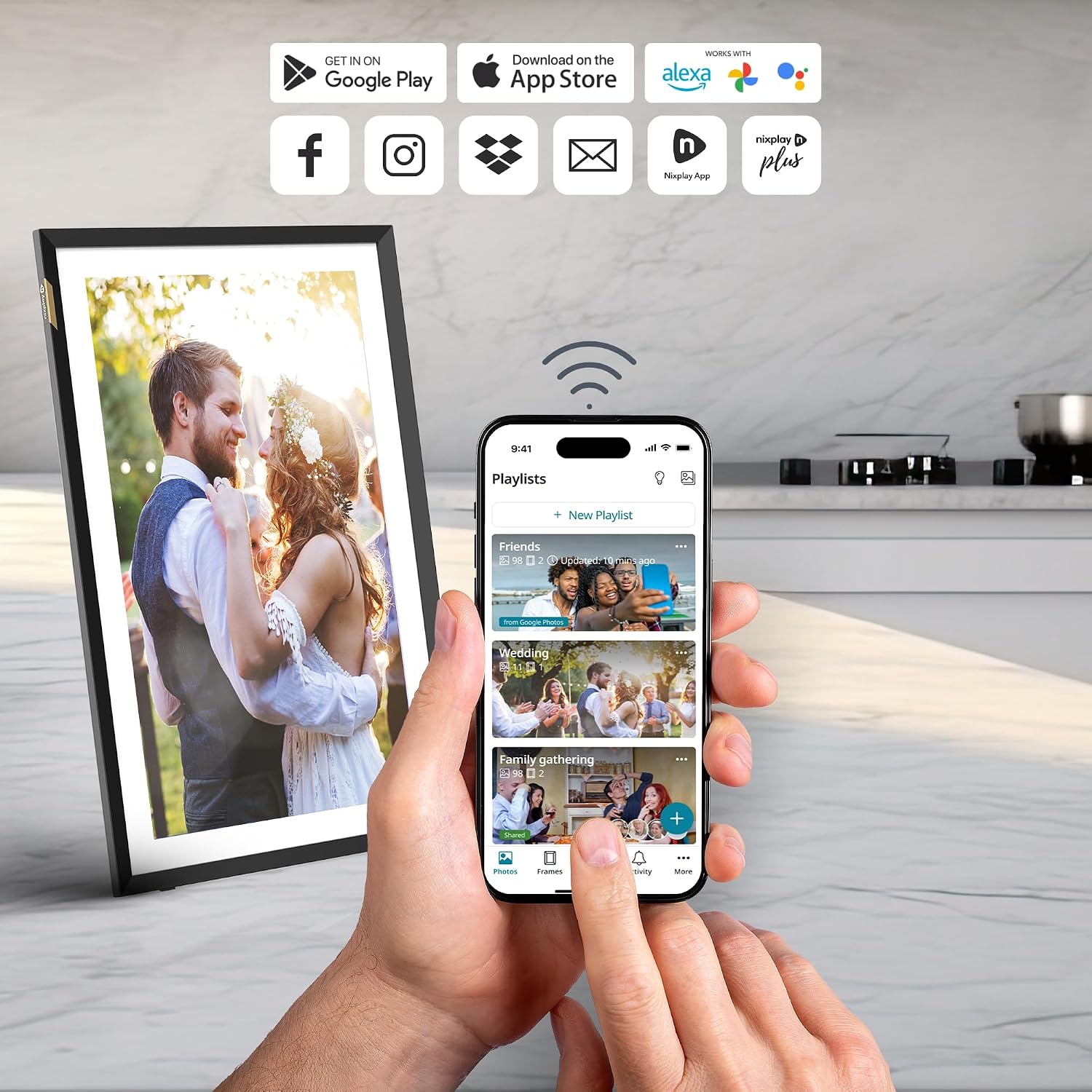
This frame works with the Nixplay app and cloud storage to enable drag-and-drop uploads from Apple Photos, Google Photos, Facebook, Instagram, and more. Photos can be shared to a single frame or across multiple linked frames, which is handy for keeping extended family in the loop without emailing or syncing manually. For setup, the frame is described as family-friendly and straightforward, which can help reduce frustration for both tech-savvy users and first-time gadget owners.
What stands out in use
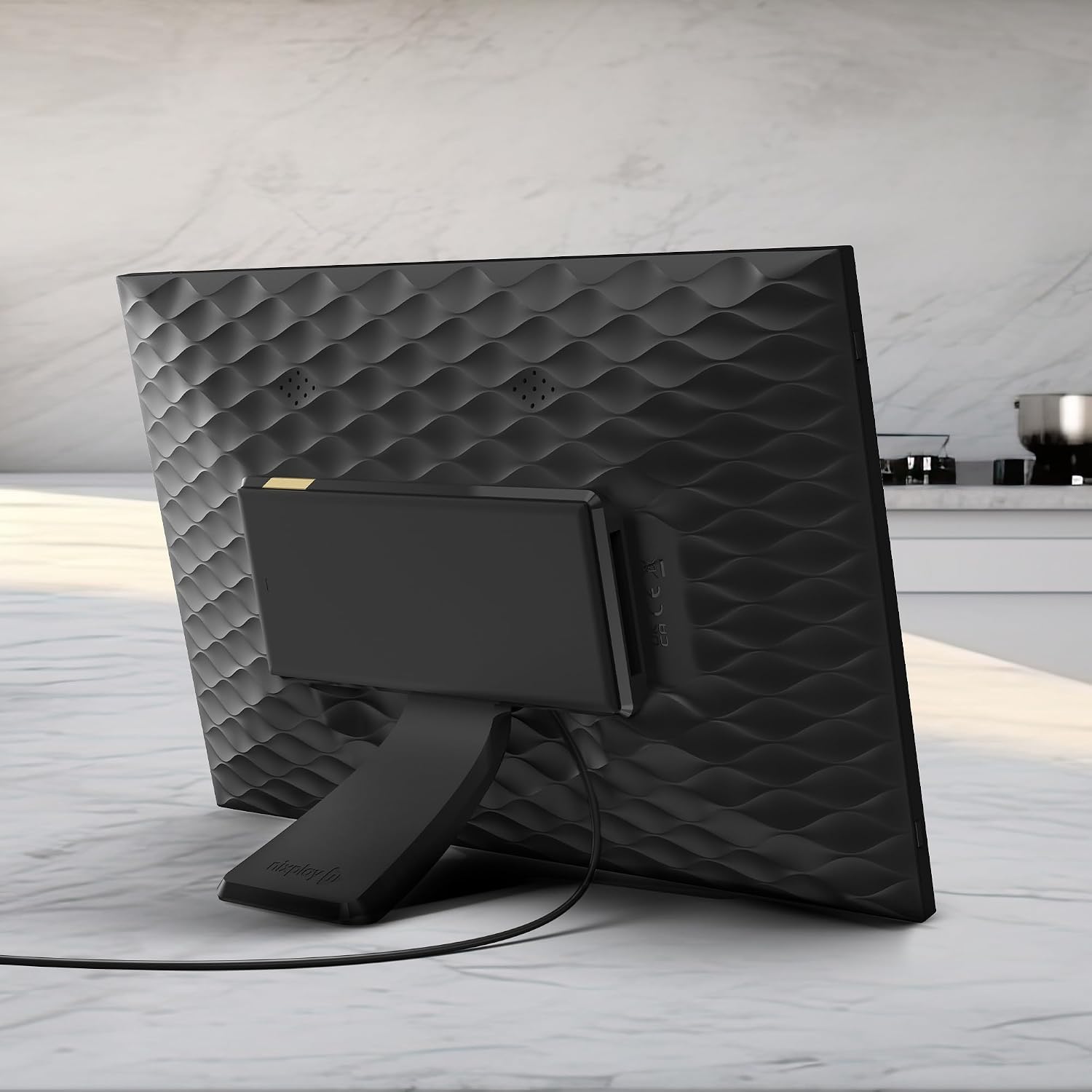
A notable strength is the potential for collaborative photo sharing. If you prioritize keeping memories cohesive across several frames or devices, the multi-user capability and cross-platform uploads can save time and simplify sharing. The private cloud storage is positioned as a security feature, hosted in the USA and described as encrypted and compliant with CCPA and GDPR, which may ease concerns about privacy.
Limitations and trade-offs to consider
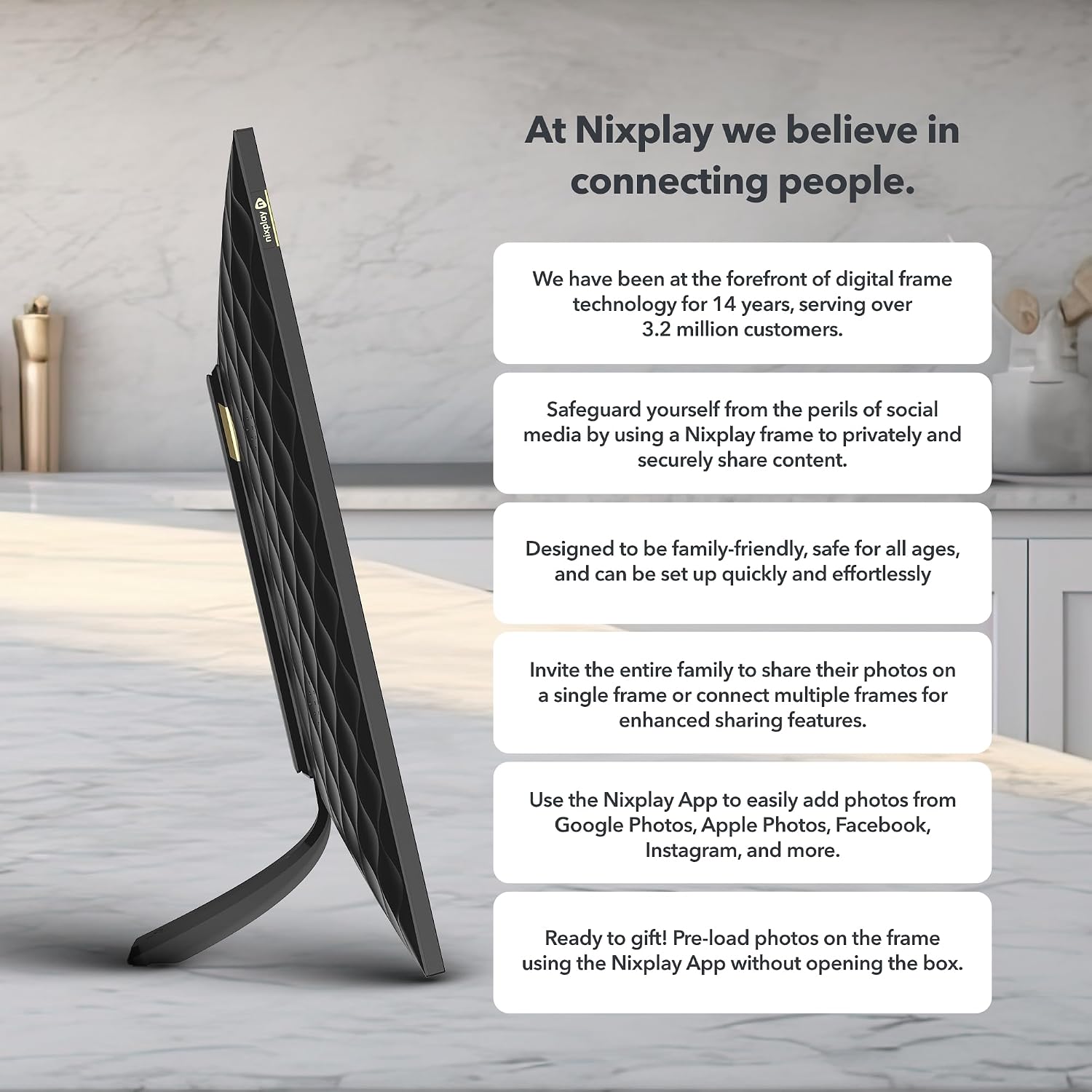
Some features require a subscription to unlock the full experience, which means the base device might not deliver all the advertised benefits out of the box. Depending on your needs, this could tilt the decision toward evaluating the ongoing cost of ownership. Additionally, the emphasis on cloud-based sharing suggests the best experience requires reliable WiFi and consistent online access.
Who it’s for
This frame seems well-suited for families or households that want a central, easy way to display and contribute photos without wrestling with cables or single-device limits. It can be a fit for older relatives who benefit from a larger touch screen and simpler navigation, and for families who regularly add new memories from phones and tablets.
Who it isn’t for
If you’re looking for a device that operates fully offline, or if you prefer a model with no ongoing subscription requirements to enjoy core features, this may not be the best match. It also isn’t described with high-end display specs or advanced editing capabilities, so it may not satisfy users seeking premium photo presentation features.

What to check before you buy
- Ensure your home WiFi is stable, since the frame relies on cloud syncing and multi-user uploads.
- Consider whether you’re comfortable with a paid tier to unlock the full feature set.
- Think about how many frames you might connect and whether you want to share memories across devices or keep a single frame as the focal point.
- Confirm that the app and platform integrations align with the photo sources you use most (Apple Photos, Google Photos, Facebook, Instagram).
Practical comparison and buying rationale
Compared to simple digital frames, this model emphasizes social sharing and multi-user contributions, which can be a meaningful advantage for families who want to keep relatives in the loop. If your priority is a quick, plug-and-play display with a familiar ecosystem for gathering photos, this could be a sensible choice. If you prefer an entirely offline or ad-free experience with no ongoing fees, you might prefer other options that don’t hinge on cloud services.
FAQ (based on available information)
- Do you need a subscription to use the frame? Some features require a paid subscription to access the full functionality.
- Can multiple people contribute photos? Yes, the system supports multiple users contributing to a single frame or across frames.
- Is the storage private and secure? The cloud storage is described as located in the USA with encrypted servers and compliance with privacy regulations.
Is it worth it?
You’ll appreciate it if you want a larger touch-enabled display that helps families share and relive memories across devices, with an emphasis on private sharing. It may not be the best fit if you want a completely offline experience or if you won’t use the paid features.