

TP-Link TL-SG1218MP 18-Port Gigabit PoE+ Switch with 250W PoE Budget, 2 Uplink Gigabit + 2 Combo SFP Slots
Product description
If you’re wiring a small-to-mid size network and want fewer power outlets to manage, the TP-Link TL-SG1218MP is built for that exact job. On paper, it’s a straightforward managed PoE+ switch approach: 16 Gigabit PoE+ RJ45 ports for powering devices, plus extra uplinks for moving traffic upstream.
That “plug and play” setup angle matters if you don’t want to spend nights tuning settings. At the same time, it also includes some network features that can help with real-world stability—like QoS and IGMP Snooping—so it’s not just a dumb PoE box pretending to be smarter.
The essentials (what this switch is for)
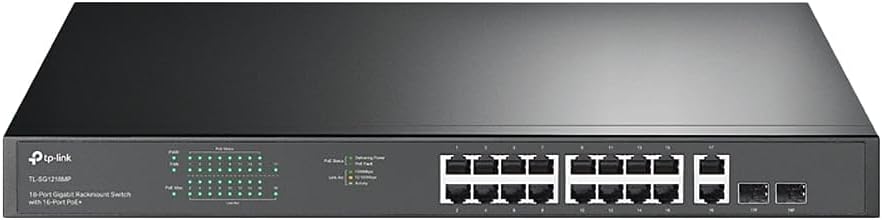
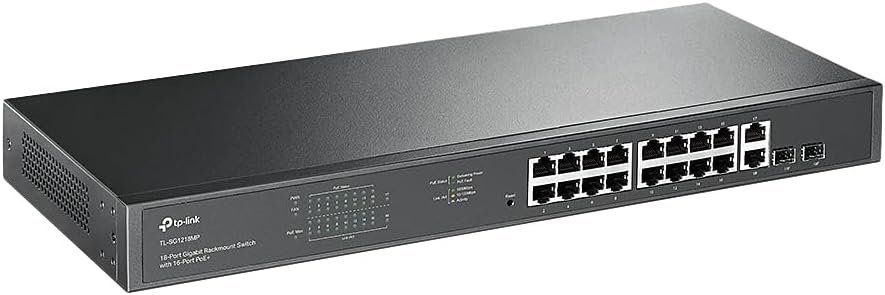
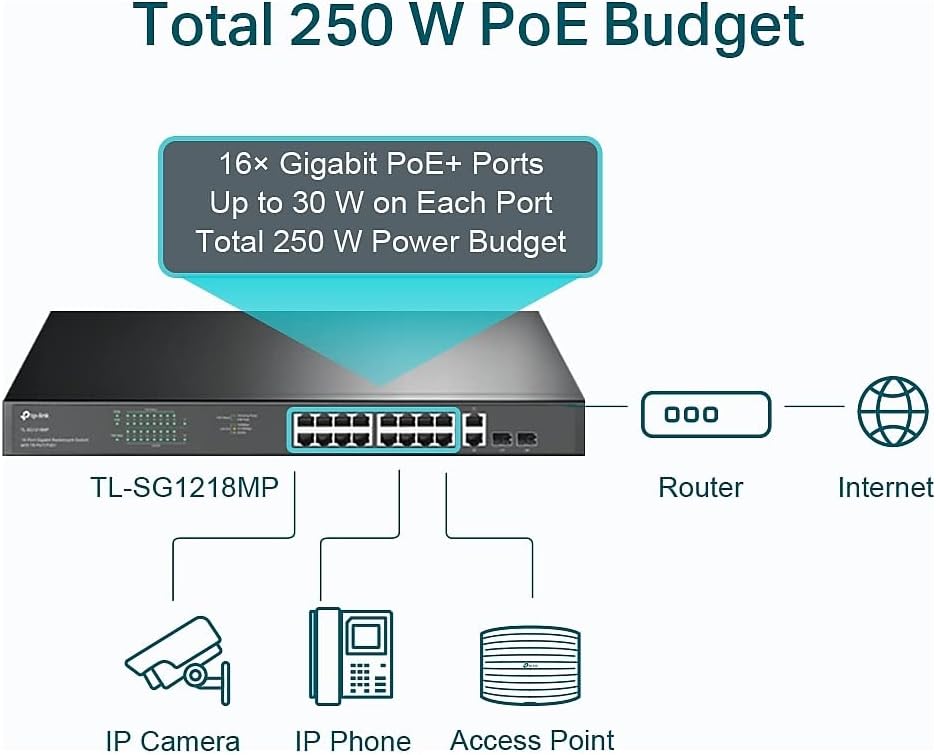
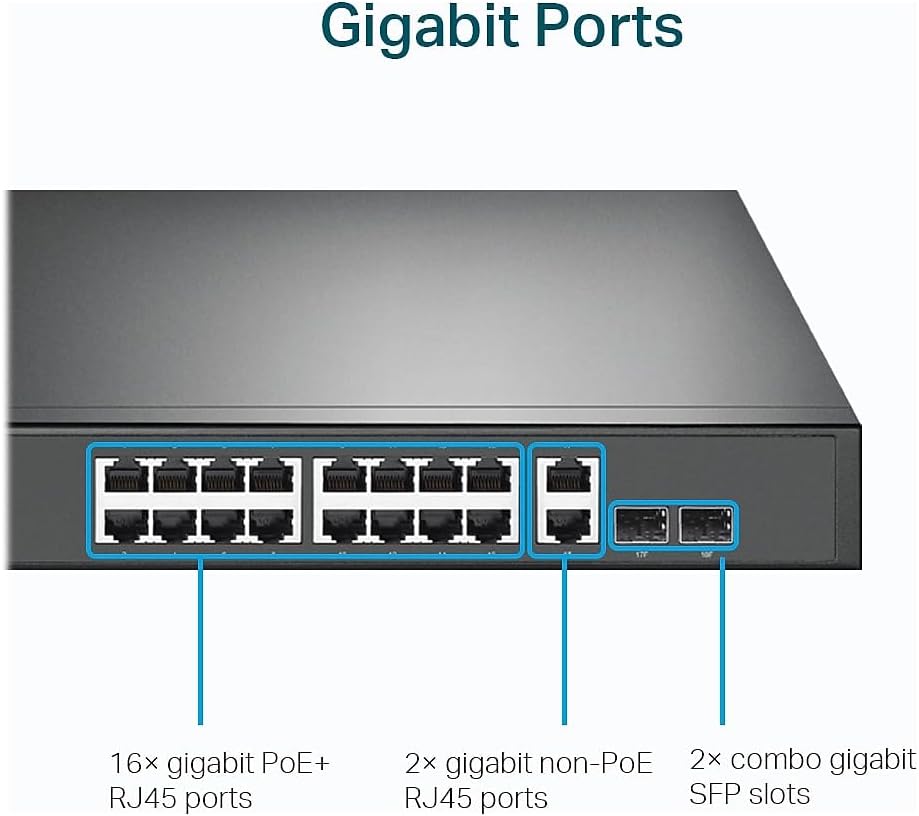
The TL-SG1218MP TL-SG1218MP is an 18-port Gigabit switch designed to supply PoE power and data over Ethernet. The key part is the PoE side: it offers 16 PoE+ capable RJ45 ports, each providing up to 30W per port (with PoE+ support using 802.3at/af). There’s also a total PoE power budget of 250W, which is what your connected devices collectively draw from.
Beyond powering devices, it’s also set up to move traffic reliably. You get 2 additional Gigabit non-PoE ports and 2 Combo SFP slots for higher-speed connections (useful for uplinks, depending on how you plan your network).
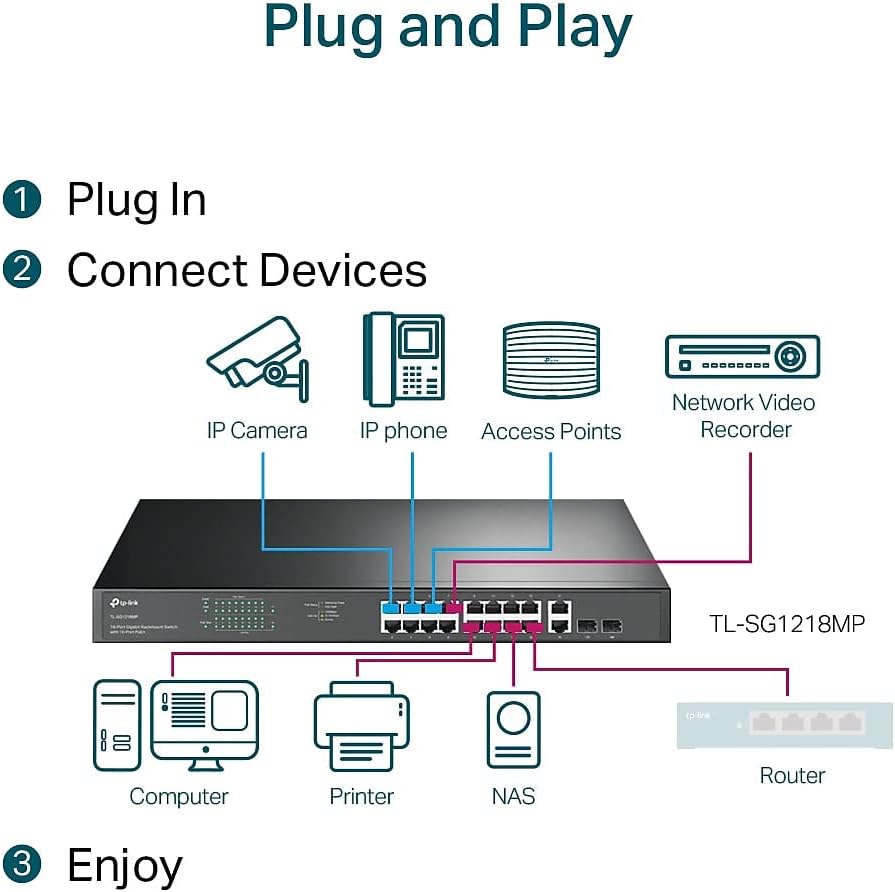
A practical micro-example: imagine you’re standing up a small office or shop setup with several IP cameras and a couple of VoIP phones. Instead of running separate power bricks everywhere, you power them from these PoE+ ports and keep your cabling simpler. Then you use the uplinks to connect to your router or a core switch.
Key points (what stands out in daily use)
What you’ll notice most is the mix of “easy setup” with “useful networking behavior.” The listing emphasizes plug-and-play operation with no software installation or configuration needed, which reduces friction when you just need the ports to work.
Where it becomes more interesting is traffic handling for time-sensitive data. It supports port-based QoS using 802.1p/DSCP, which can help keep video or voice transmissions from getting too jittery when the network is busy. It also includes IGMP Snooping, which is typically relevant when multicast traffic (like certain streaming or video workflows) matters.

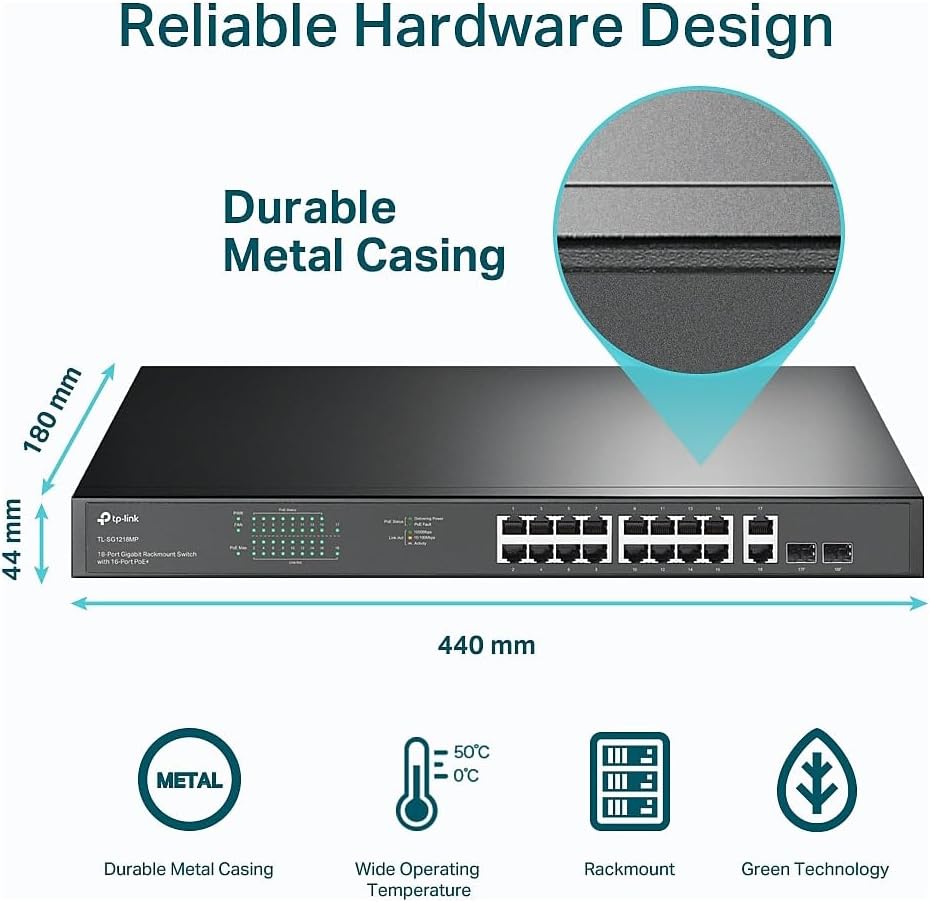
Also worth calling out: the hardware is described as a sturdy metal, rack-mountable unit with a heat dissipation design. That tends to matter in real installs where switches live in cabinets and run for long stretches.
Still, a limitation to keep in mind: the PoE budget (250W total) is the real ceiling. If you populate all 16 PoE+ ports with power-hungry devices at/near the upper range, you’ll need to plan your load rather than assume every port can run at maximum.
Tech specs (only the parts that affect buying decisions)
- PoE ports: 16 PoE+ RJ45 (10/100/1000 Mbps)
- PoE power per port: up to 30W per port
- Total PoE power budget: 250W
- Non-PoE ports: 2 Gigabit RJ45 ports
- Uplinks: 2 Gigabit uplink ports + 2 Combo SFP slots
- QoS support: 802.1p/DSCP (port-based)
- Multicast feature: IGMP Snooping
- Setup approach: Plug and Play (no software installation/configuration needed)
- Physical build: Sturdy metal casing, designed for heat dissipation
- Warranty/support: 3-year warranty, free technical support 6am–6pm PST Monday–Friday
What matters most (pros and trade-offs)
Why it makes sense: - You get enough PoE capacity for a solid number of devices, with PoE+ support and a stated per-port ceiling. - QoS and IGMP Snooping are there for scenarios where video/voice and multicast traffic aren’t just theoretical. - Combo SFP slots give you flexibility for higher-speed uplinks if your layout needs it. - The plug-and-play pitch is helpful if you want fast deployment.
Where it may fall short: - This is a PoE budget planning game. Depending on your devices, you might not be able to use every PoE port at maximum power at the same time. - The description talks “plug and play” and includes some traffic features, but it doesn’t spell out deeper management capabilities. If you need advanced configuration beyond what’s implied, you may want to double-check what level of control you actually get before buying.
Compatibility & requirements (so you don’t get surprised)
This switch is intended to run PoE devices on its 16 PoE+ RJ45 ports, so your devices need to be compatible with PoE+ (802.3at/af) as described. For connectivity beyond the RJ45 ports, it also includes Combo SFP slots and non-PoE Gigabit ports, so your uplink approach should match whichever ports you plan to use.
On the network side, QoS (802.1p/DSCP) and IGMP Snooping are most relevant when your environment uses traffic types like video/voice and multicast flows. If your use case is strictly basic data with no multicast or time-sensitive traffic, those features may matter less—but they’re not a downside.
Who it’s for (and who should skip it)
A solid pick if you’re deploying a network that needs PoE for multiple devices and you want gigabit performance with extra uplink options. It fits well for home pros, small businesses, and installer-style setups where you want to reduce cabling and power adapters, but still care about keeping video/voice traffic moving smoothly.
It might not be for you if your requirement is primarily very small (you don’t need 16 PoE+ ports) or if you’re trying to run a highly power-dense PoE setup where you can’t easily manage the 250W total budget. Also, if you already have a design that relies heavily on specific uplink types and you’re unsure how your plan maps to the 2 combo SFP slots, it’s worth confirming the cabling approach first.
Final verdict (should you buy it?)
Buy the TP-Link TL-SG1218MP if you want a practical way to power and connect multiple PoE+ devices over Gigabit Ethernet, with enough PoE+ capacity (16 ports, up to 30W each, 250W total) and a feature set that supports QoS for voice/video and IGMP Snooping for multicast behavior. The plug-and-play angle also reduces setup friction, and the metal rack-mount design with heat dissipation is the kind of detail that tends to matter in long-running installs.
Skip it if you can’t realistically stay within the total PoE power budget once all your devices are connected, or if you know you need a very specific level of advanced network management that isn’t clearly described in the details provided.
If you’re building a multi-device PoE deployment and you like having uplink flexibility (Gigabit RJ45 plus combo SFP slots), this is the kind of switch that looks like it will earn its keep quickly. Just do the boring part first: map your devices to PoE usage so you’re not forced to make power compromises later.