

Download app on Google Play


Imagen de TP-Link RE500X WiFi Extender 1500 sq.ft 📶 en OfertitasTOP
New offer
Thumbnail principal de TP-Link RE500X WiFi Extender 1500 sq.ft 📶
Thumbnail 1 de TP-Link RE500X WiFi Extender 1500 sq.ft 📶
Thumbnail 2 de TP-Link RE500X WiFi Extender 1500 sq.ft 📶
Thumbnail 3 de TP-Link RE500X WiFi Extender 1500 sq.ft 📶
Thumbnail 4 de TP-Link RE500X WiFi Extender 1500 sq.ft 📶
Thumbnail 5 de TP-Link RE500X WiFi Extender 1500 sq.ft 📶
Thumbnail 6 de TP-Link RE500X WiFi Extender 1500 sq.ft 📶

TP-Link RE500X WiFi Extender 1500 sq.ft 📶

amazon US
Reviews
4,2
+10.795

Reviews

4,2
+10.795 reviews

Price

$49.99$39.99-20%
View in store
amazon US
Price evolution · Historical minimum: $39.99

Product description

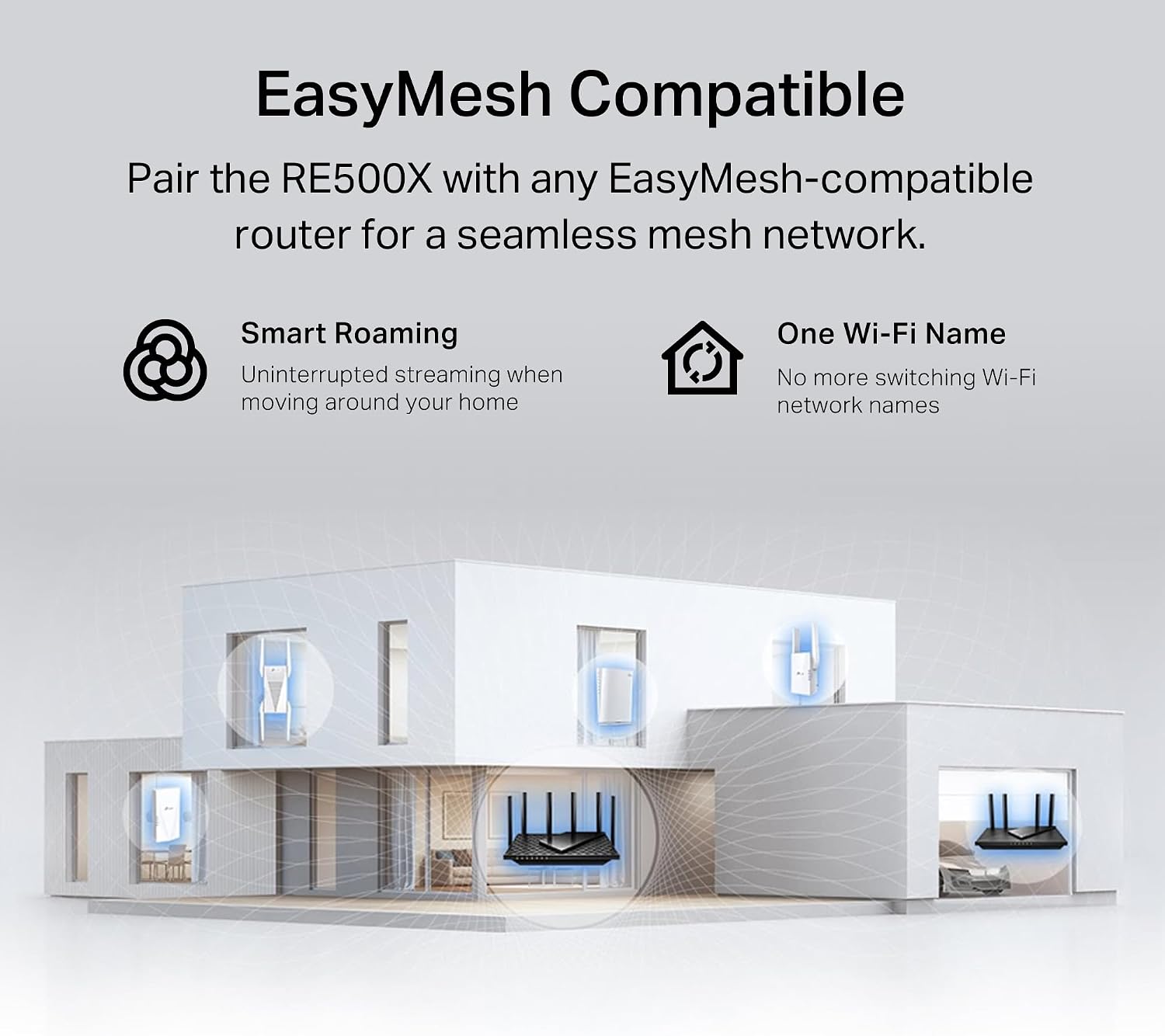
This WiFi 6 range extender brings stronger coverage to rooms that struggle with signal, improving reliability for streaming, gaming, and remote work. It supports dual-band connections and extends a main router’s signal into dead zones, offering a clear benefit for busy homes and small apartments. If you need steadier coverage, this model can help with everyday tasks and media playback.

Key takeaways
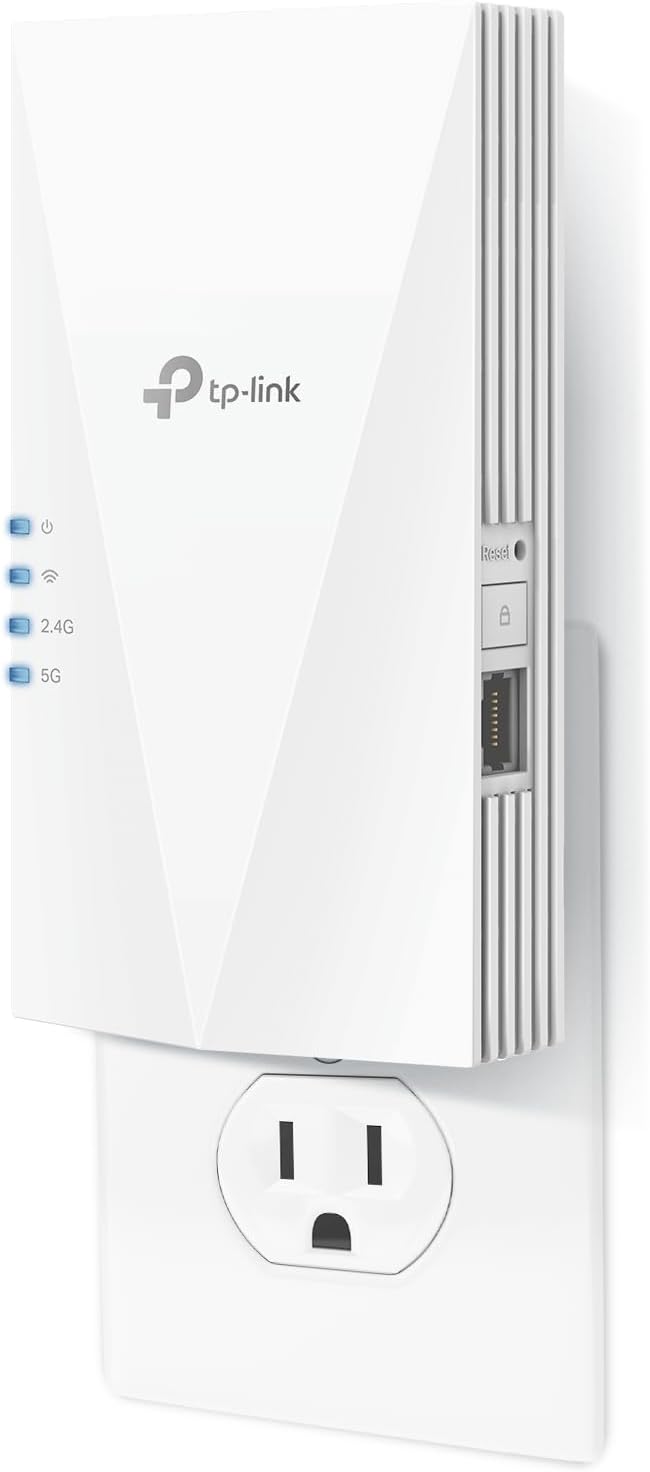
The RE500X focuses on coverage and device density without promising faster internet speeds than your router. With dual-band WiFi 6 it aims to reduce latency and keep multiple clients connected under load. TP-Link RE500X also supports OneMesh for smoother roaming when paired with compatible routers, and it includes a gigabit Ethernet port for a wired device that needs low latency. Expect practical improvements in stability rather than raw speed gains, according to the manufacturer, extenders do not increase your ISP speeds.
Tech specs

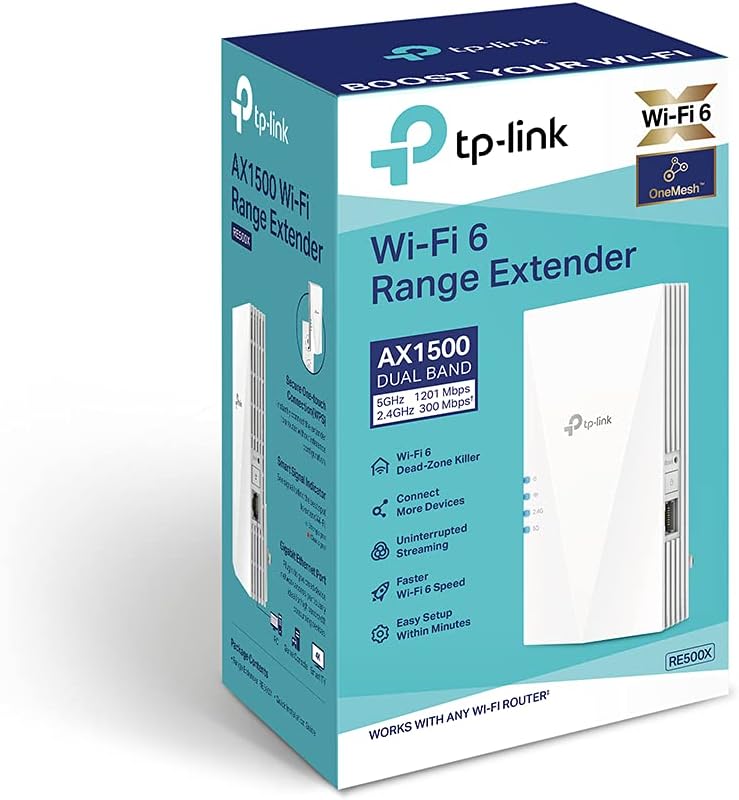
  • Name: TP-Link AX1500 RE500X
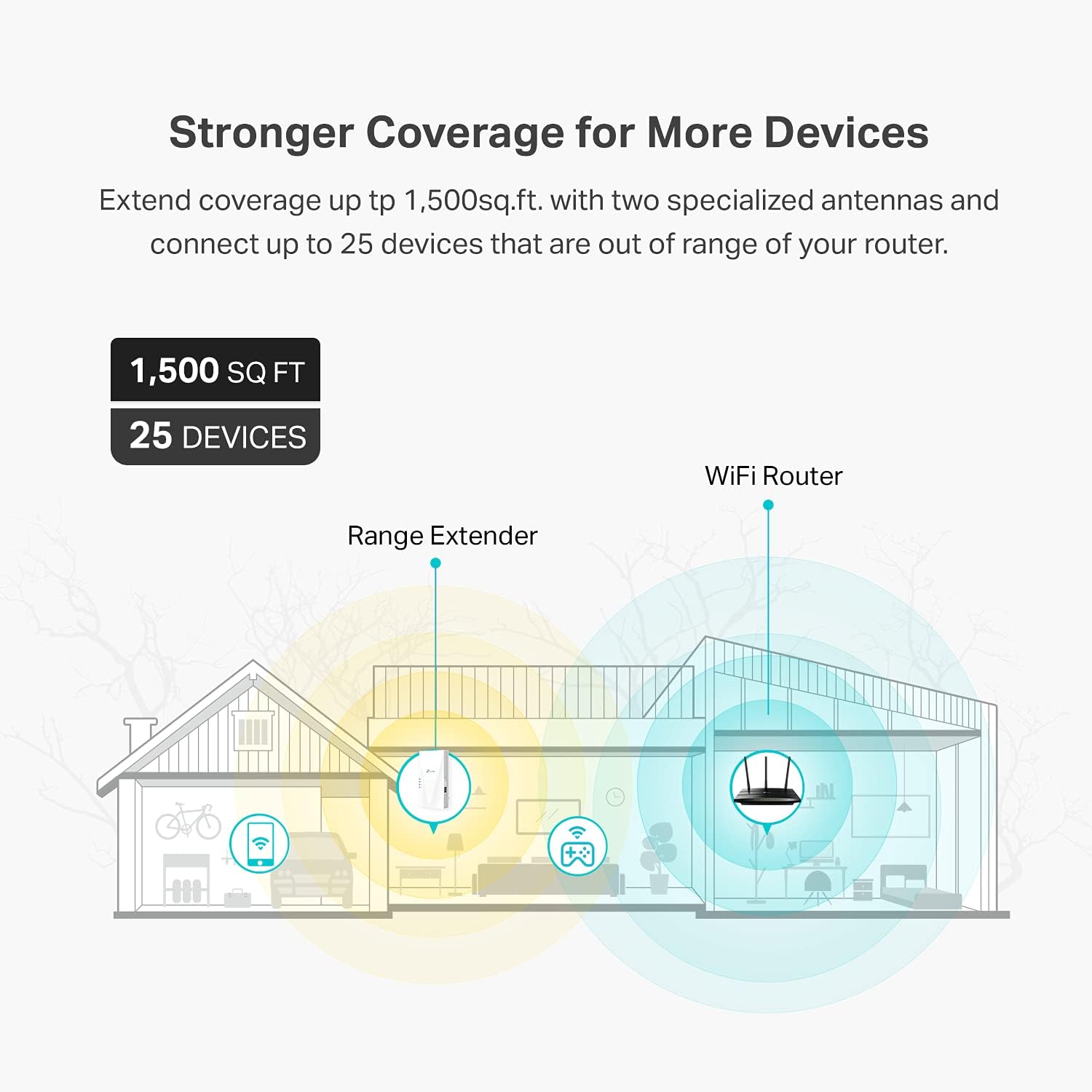
  • Coverage: 1500 sq.ft
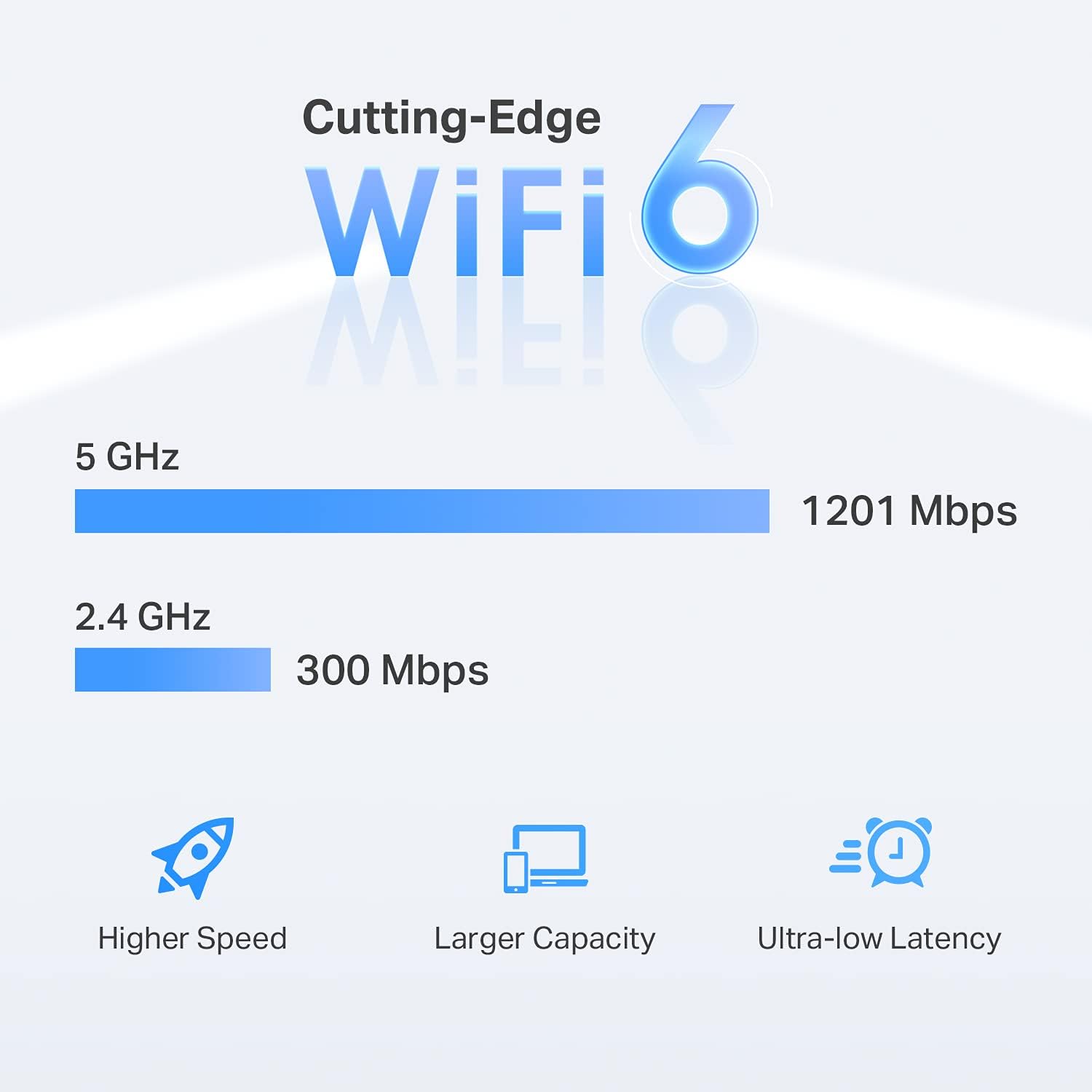
  • Band: Dual band 2.4 GHz and 5 GHz
  • Total bandwidth: 1.5 Gbps
  • Devices: Up to 25 devices
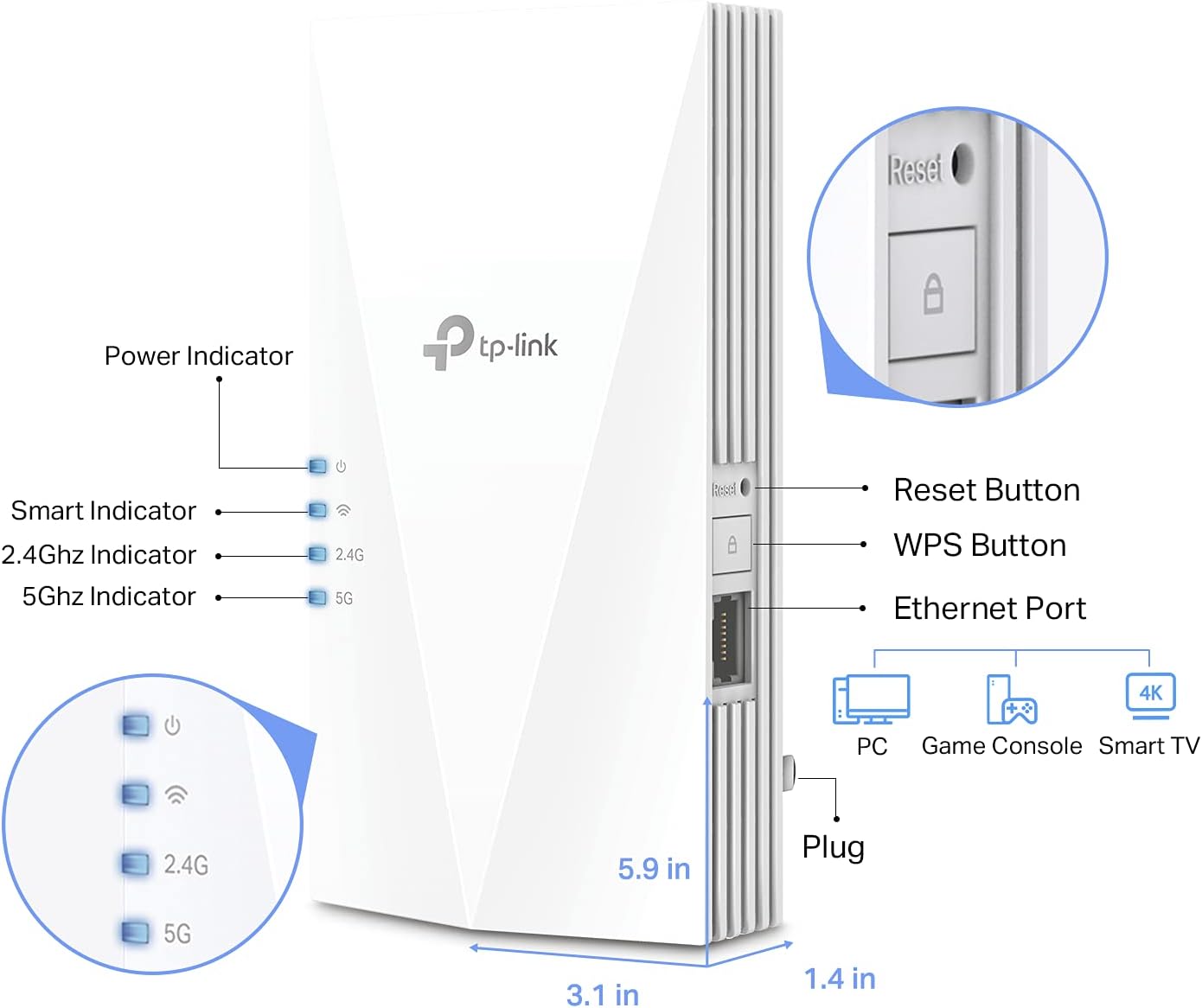
  • Connectivity: Gigabit Ethernet port and AP mode

Who it’s for
It’s a great fit if you want more consistent WiFi across rooms and have several connected gadgets, such as smart TVs, phones, and laptops. You’ll notice fewer dropouts and smoother streams when moving between spaces, and the gigabit port helps when a wired link is preferable. It’s not the best choice if you need higher raw throughput than your router provides, or if you require 6 GHz band support for WiFi 7 devices.

Practical tips

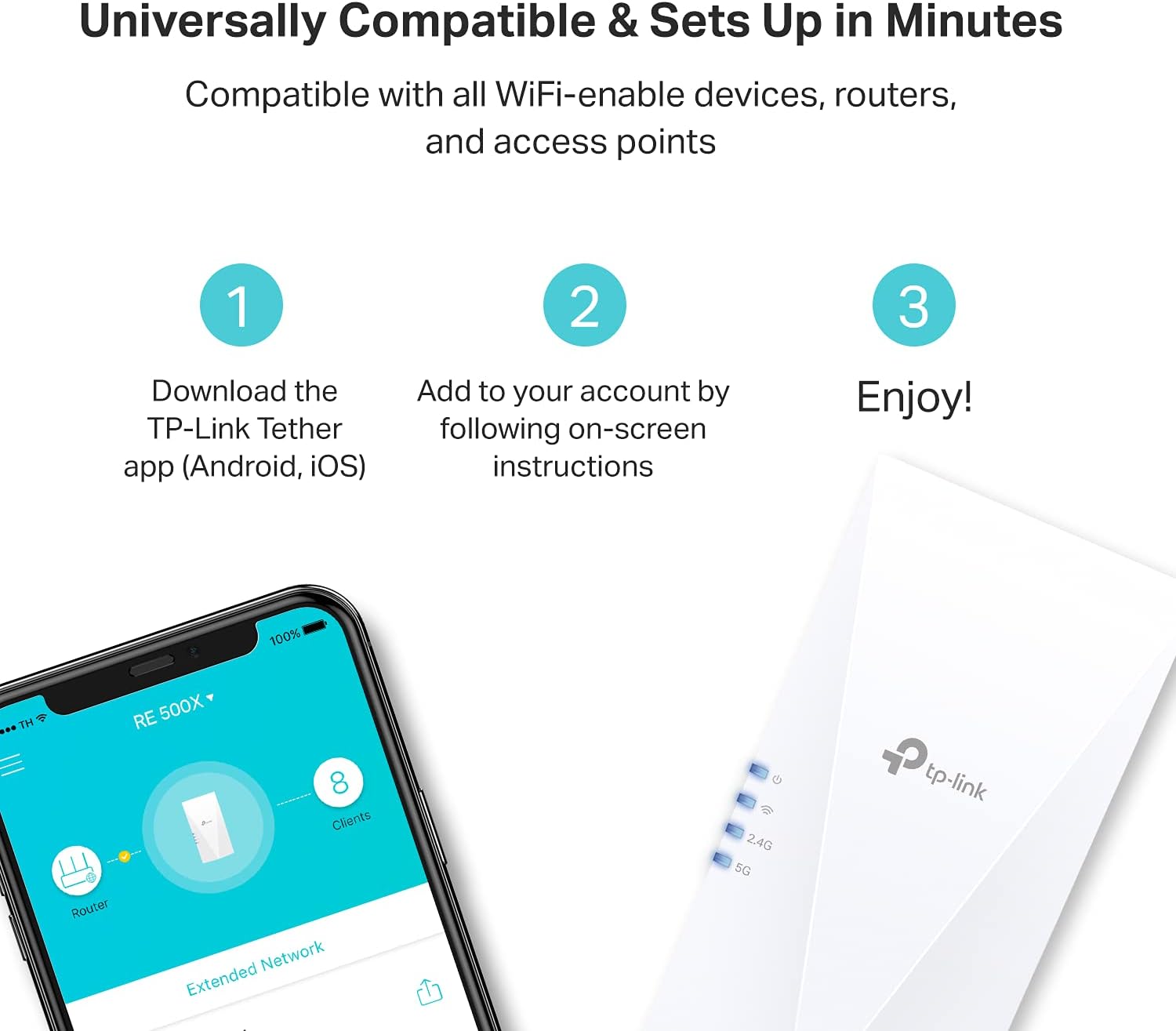
Place the extender roughly halfway between your router and the area with poor signal for the best balance between backhaul and coverage. Use the app setup for guided installation and enable OneMesh when you have a compatible TP-Link router to simplify roaming across your home. Want to keep a critical device on wired connection for gaming or video calls Use the gigabit port to reduce latency and jitter. 😊 🔧 📶.

View in store

Price evolution

Historical minimum: $39.99

Description:

This WiFi 6 range extender brings stronger coverage to rooms that struggle with signal, improving reliability for streaming, gaming, and remote work. It supports dual-band connections and extends a main router’s signal into dead zones, offering a clear benefit for busy homes and small apartments. If you need steadier coverage, this model can help with everyday tasks and media playback.

Key takeaways

The RE500X focuses on coverage and device density without promising faster internet speeds than your router. With dual-band WiFi 6 it aims to reduce latency and keep multiple clients connected under load. TP-Link RE500X also supports OneMesh for smoother roaming when paired with compatible routers, and it includes a gigabit Ethernet port for a wired device that needs low latency. Expect practical improvements in stability rather than raw speed gains, according to the manufacturer, extenders do not increase your ISP speeds.

Tech specs

  • Name: TP-Link AX1500 RE500X
  • Coverage: 1500 sq.ft
  • Band: Dual band 2.4 GHz and 5 GHz
  • Total bandwidth: 1.5 Gbps
  • Devices: Up to 25 devices
  • Connectivity: Gigabit Ethernet port and AP mode

Who it’s for
It’s a great fit if you want more consistent WiFi across rooms and have several connected gadgets, such as smart TVs, phones, and laptops. You’ll notice fewer dropouts and smoother streams when moving between spaces, and the gigabit port helps when a wired link is preferable. It’s not the best choice if you need higher raw throughput than your router provides, or if you require 6 GHz band support for WiFi 7 devices.

Practical tips

Place the extender roughly halfway between your router and the area with poor signal for the best balance between backhaul and coverage. Use the app setup for guided installation and enable OneMesh when you have a compatible TP-Link router to simplify roaming across your home. Want to keep a critical device on wired connection for gaming or video calls Use the gigabit port to reduce latency and jitter. 😊 🔧 📶.