

TP-Link RE515X AX1500 Range Extender ⚡
Product description
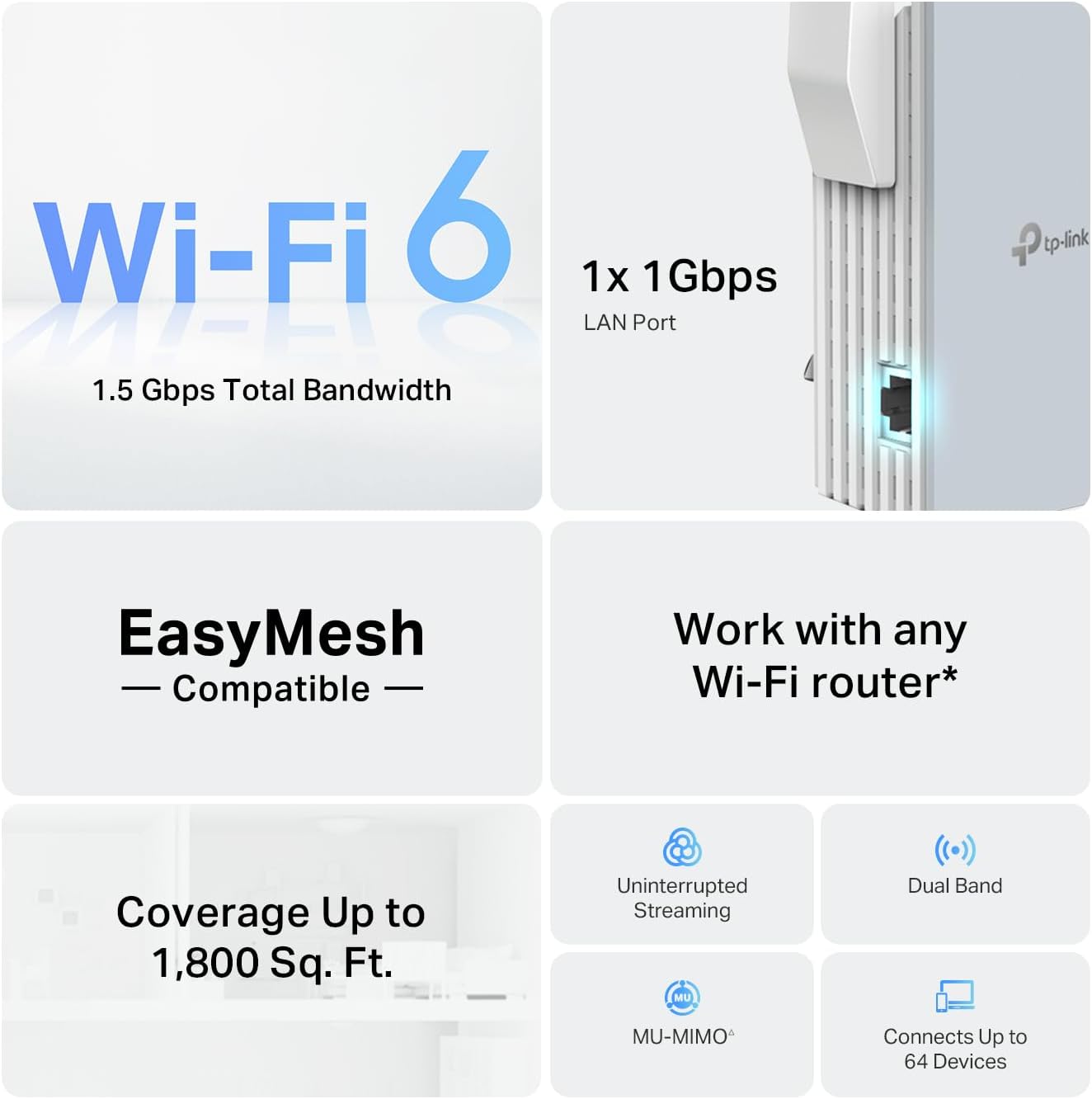
This TP-Link RE515X AX1500 range extender expands your home Wi-Fi network with seamless coverage across large spaces, delivering up to 1201 Mbps on the 5 GHz band and 300 Mbps on the 2.4 GHz band. Designed for homes with multiple devices and users, it ensures smoother streaming, online gaming, and file downloads by extending your existing network without requiring a new router.
Key Points
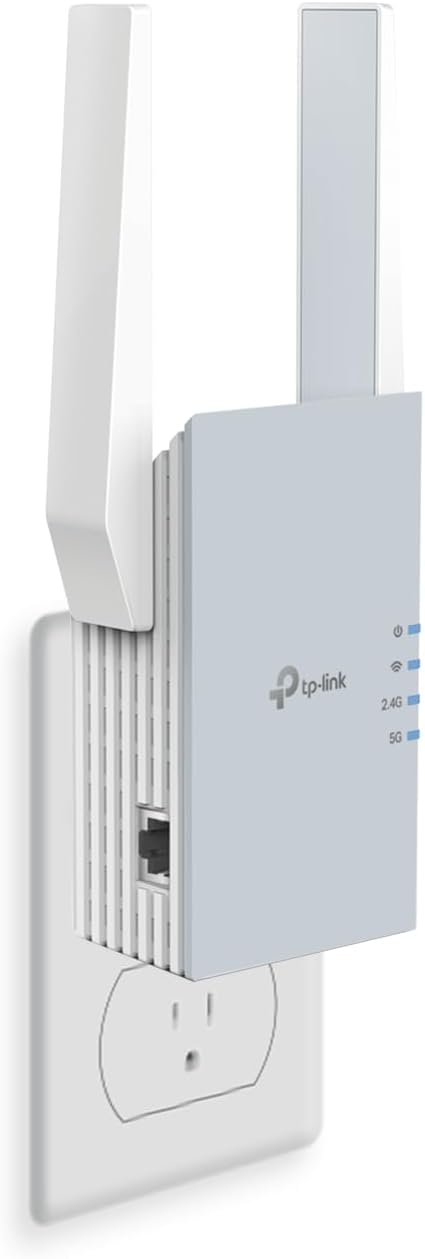
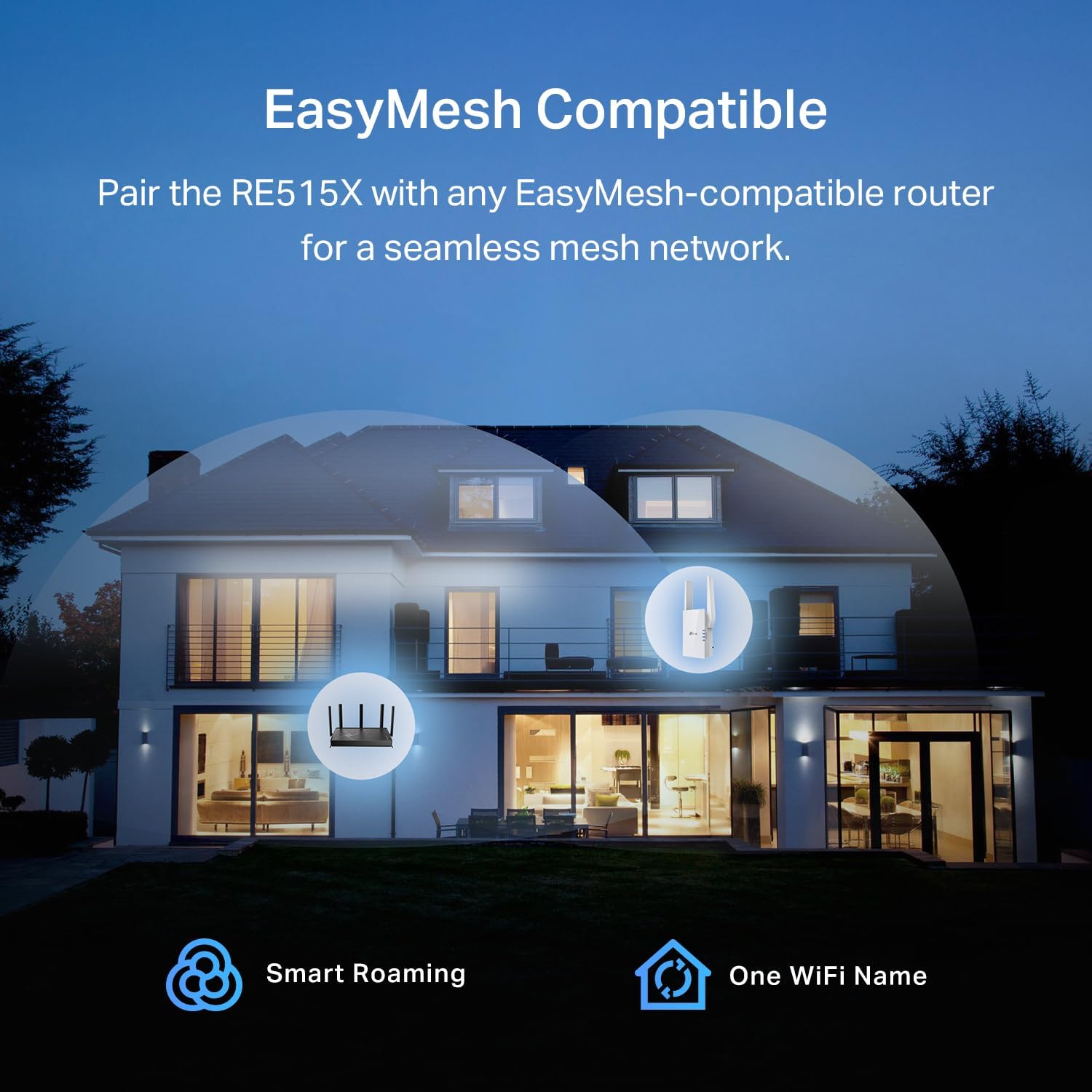
The RE515X AX1500 features dual high-gain directional antennas with Beamforming technology to strengthen signal strength and improve reliability. It supports up to 64 connected devices and works with routers that support EasyMesh for a true mesh network setup. This model is built with advanced security as a core design principle, aligning with CISA’s security-by-design standards. Users can easily connect the device to any compatible router to extend coverage throughout the home.
Technical Specifications
- Brand + Model: TP-Link RE515X AX1500
- Wi-Fi Standard: WiFi 6 (802.11ax)
- 5 GHz Band Speed: Up to 1201 Mbps
- 2.4 GHz Band Speed: Up to 300 Mbps
- Antenna Type: Dual high-gain directional antennas
- Beamforming: Yes
- Ethernet Port: 1 x Gigabit LAN port
Benefits
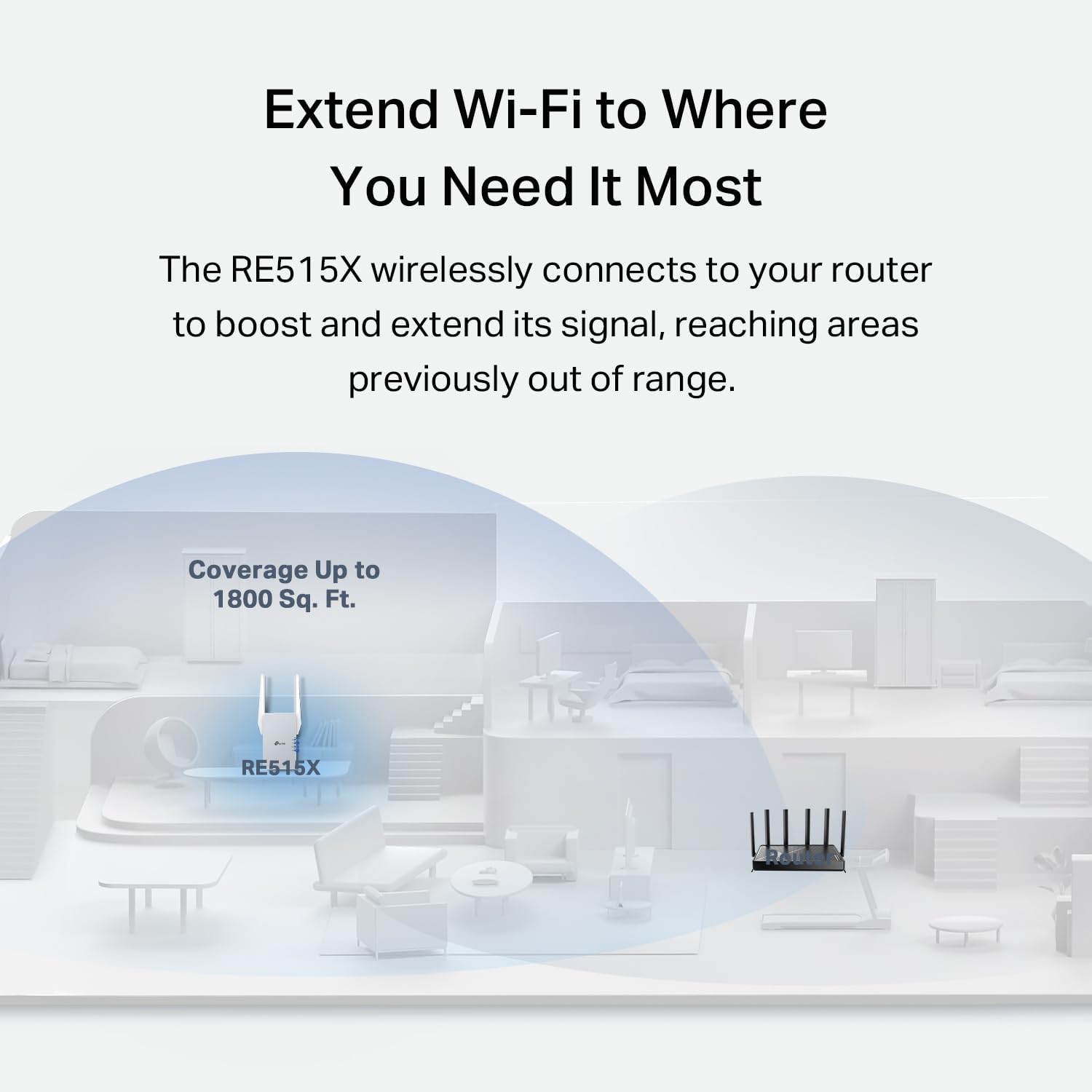
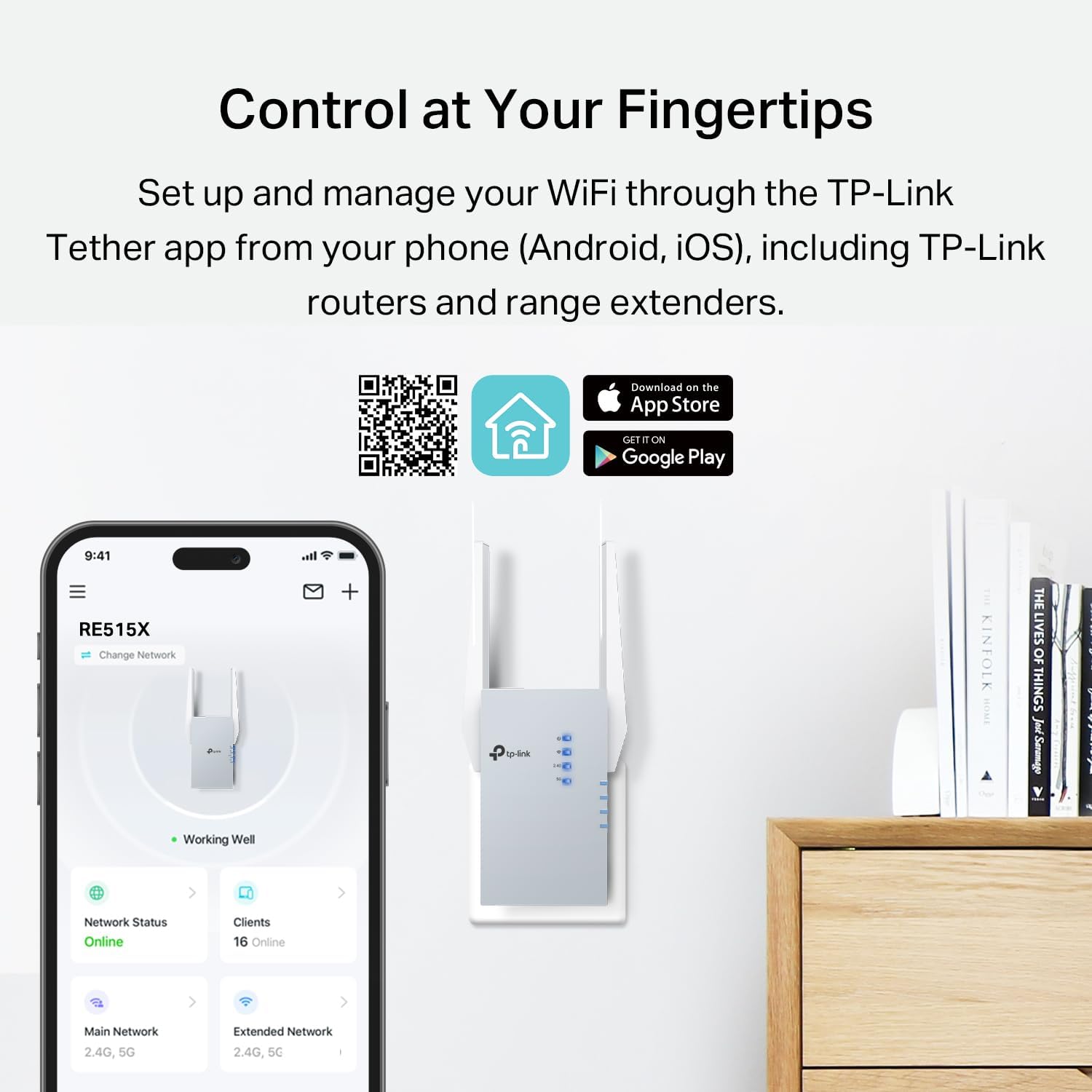
With its Beamforming technology, the RE515X improves signal direction and reduces dead zones, making it ideal for homes with open floor plans or multiple rooms. The device maintains stable connections during high-bandwidth activities like 4K streaming or online gaming. Using the TP-Link Tether app on Android or iOS, users can manage settings, monitor signal strength, and locate optimal placement for best performance.
Usage Recommendations
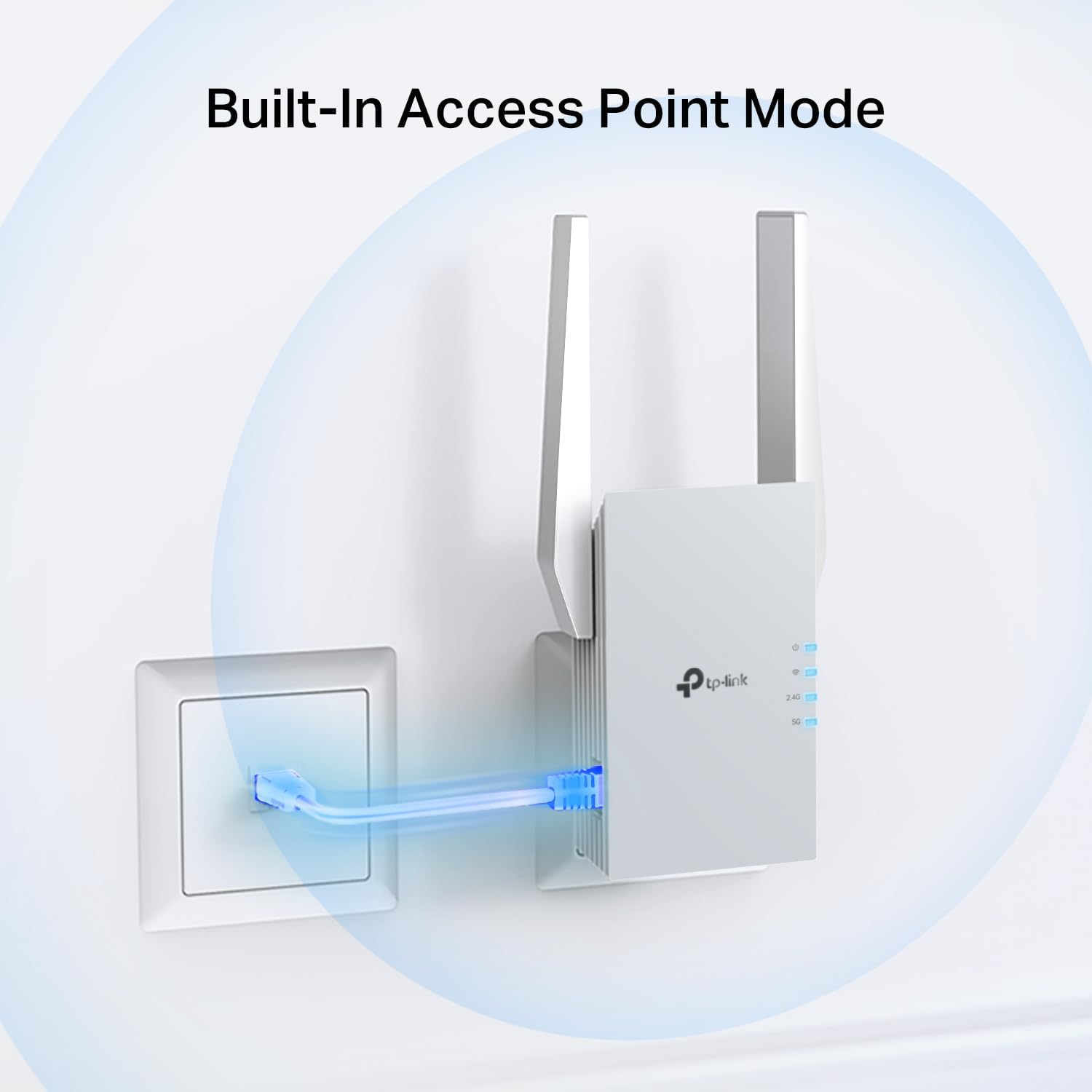
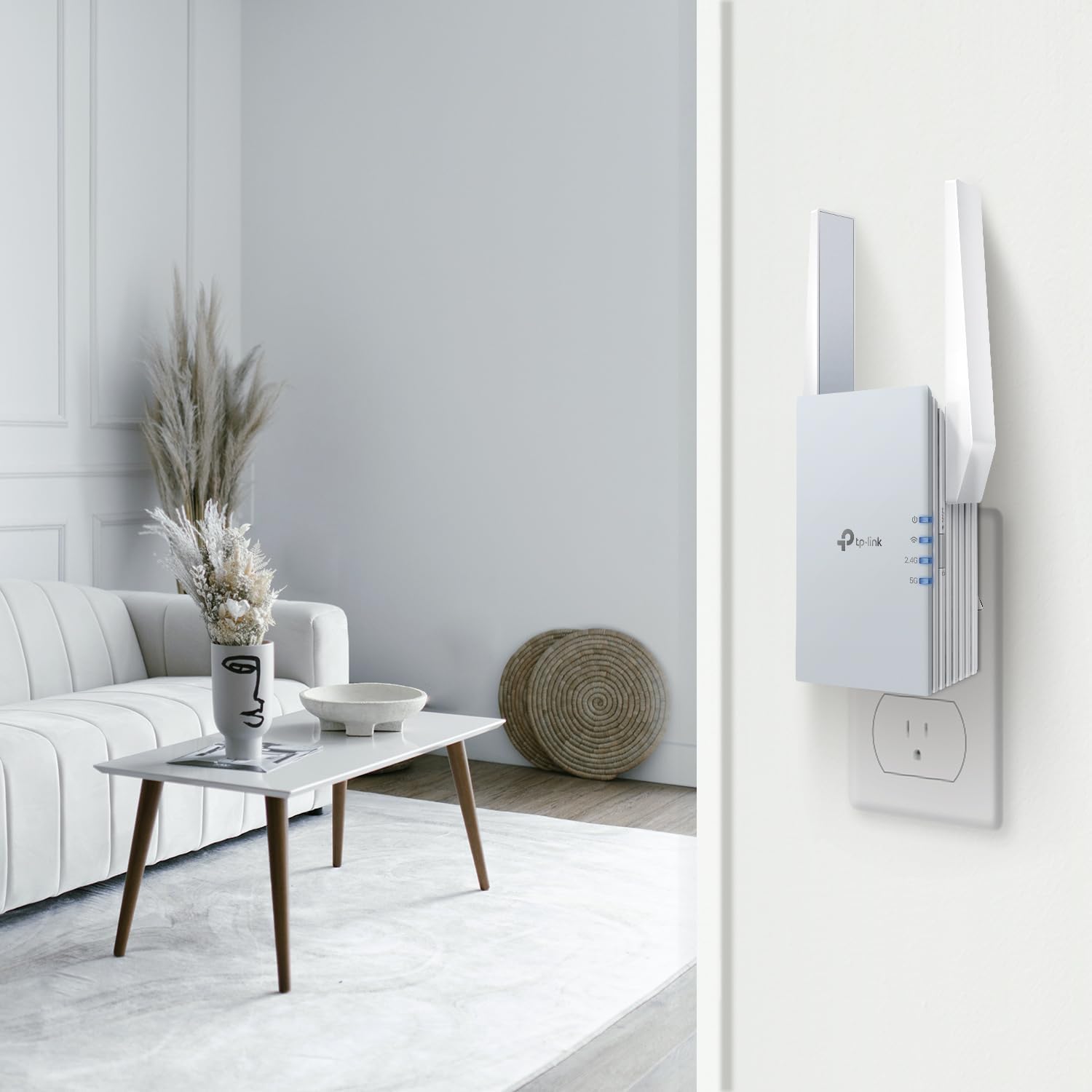
Place the extender near existing routers or in central areas of the home for maximum signal reach. For best results, position it within line-of-sight of your main router. Use the Gigabit Ethernet port to connect a device directly to the extender and turn it into a Wi-Fi access point, which is useful for devices that don’t support mesh setups. The device automatically switches to the strongest available signal, ensuring uninterrupted connectivity as you move through different rooms.