

TP-Link AX3000 WiFi 6 Range Extender RE700X: Dual-Band, OneMesh, Gigabit Port
Product description
Overview
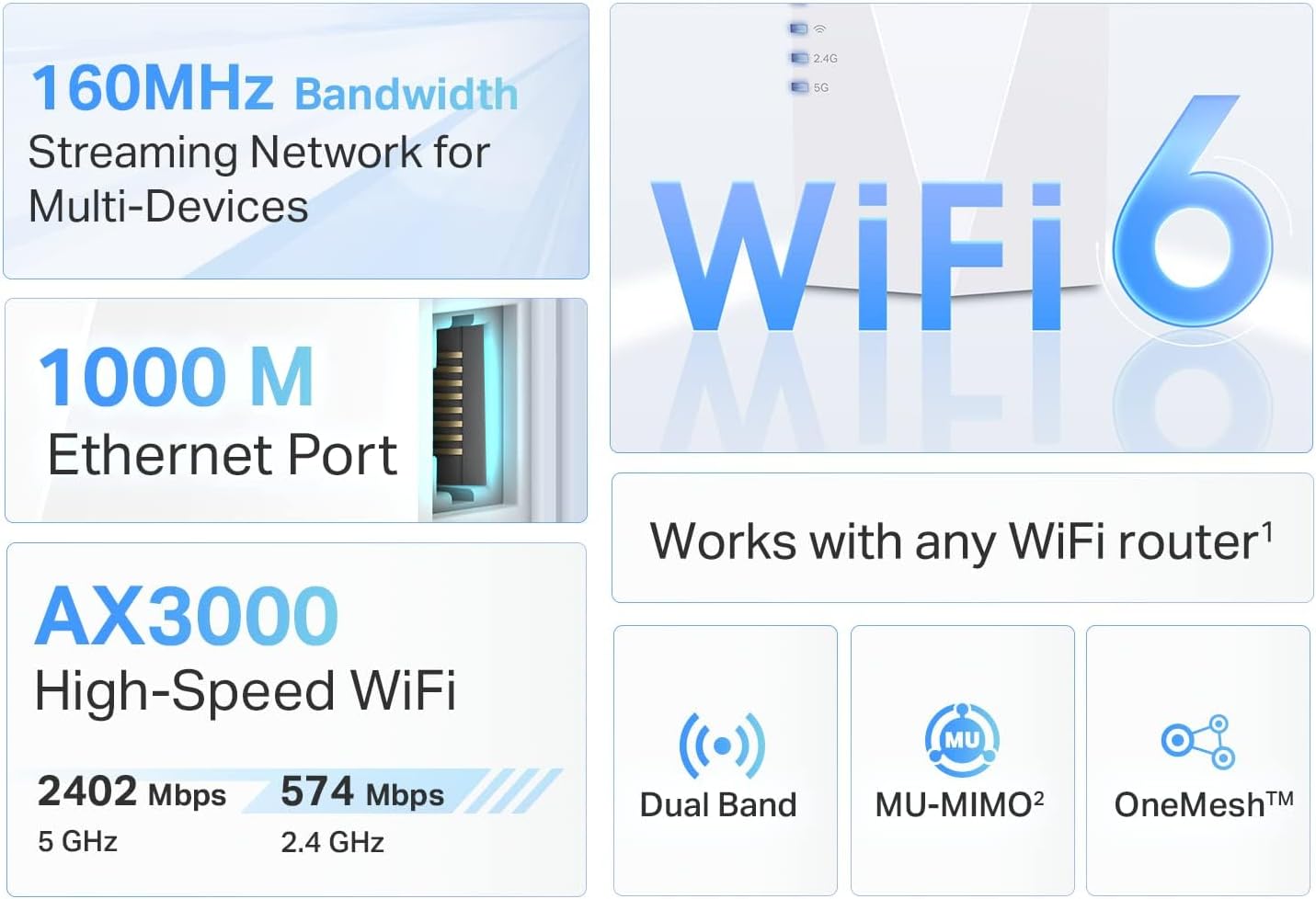
The TP-Link AX3000 Range Extender RE700X is a WiFi 6 extender designed to broaden coverage in homes where signal drops or dead zones interrupt streaming, gaming, or video calls. It leverages 4 high-performance amplifiers and dual-band speeds up to 3 Gbps (2402 Mbps on 5 GHz + 574 Mbps on 2.4 GHz) to help push a more reliable signal toward distant parts of the house. While it won’t magically increase raw internet speed, it aims to improve consistency and reduce buffering in areas where the main router struggles.
How it fits a typical home network
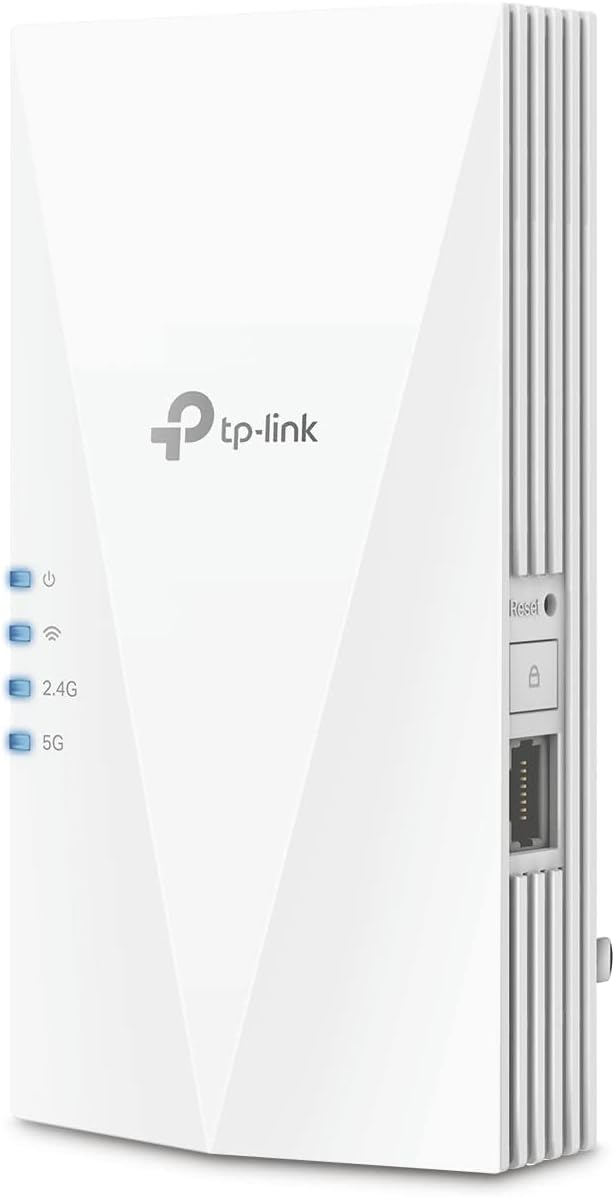
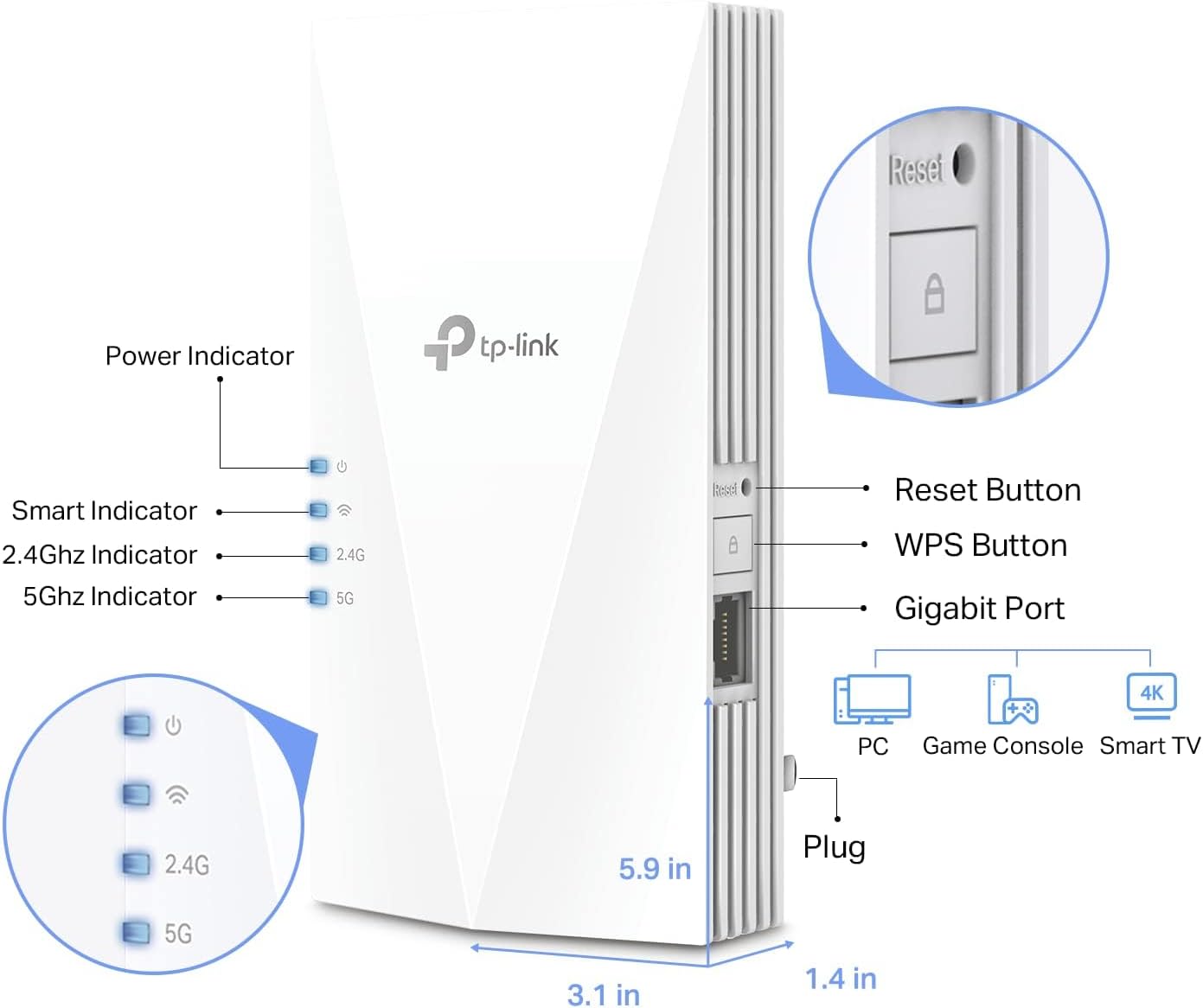
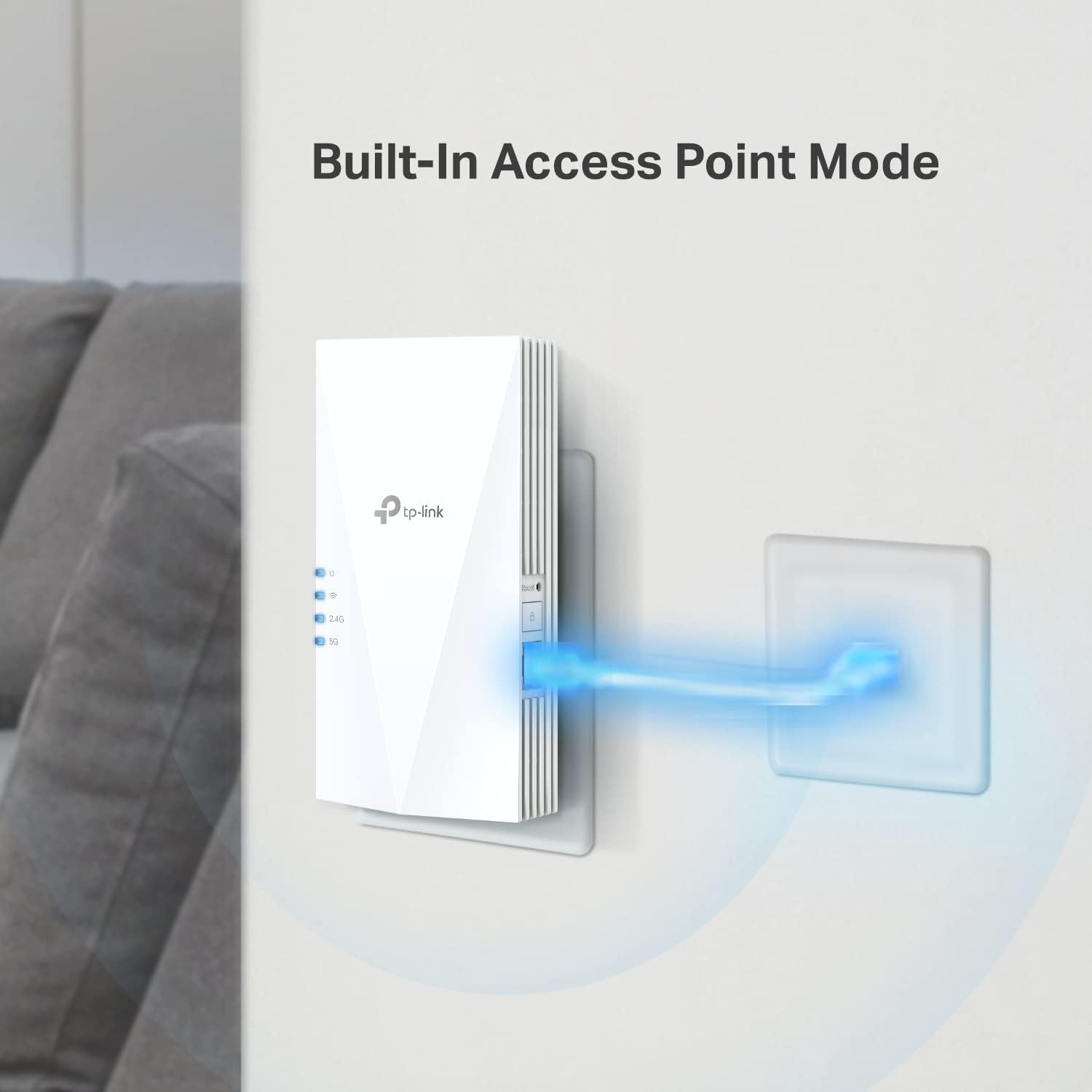
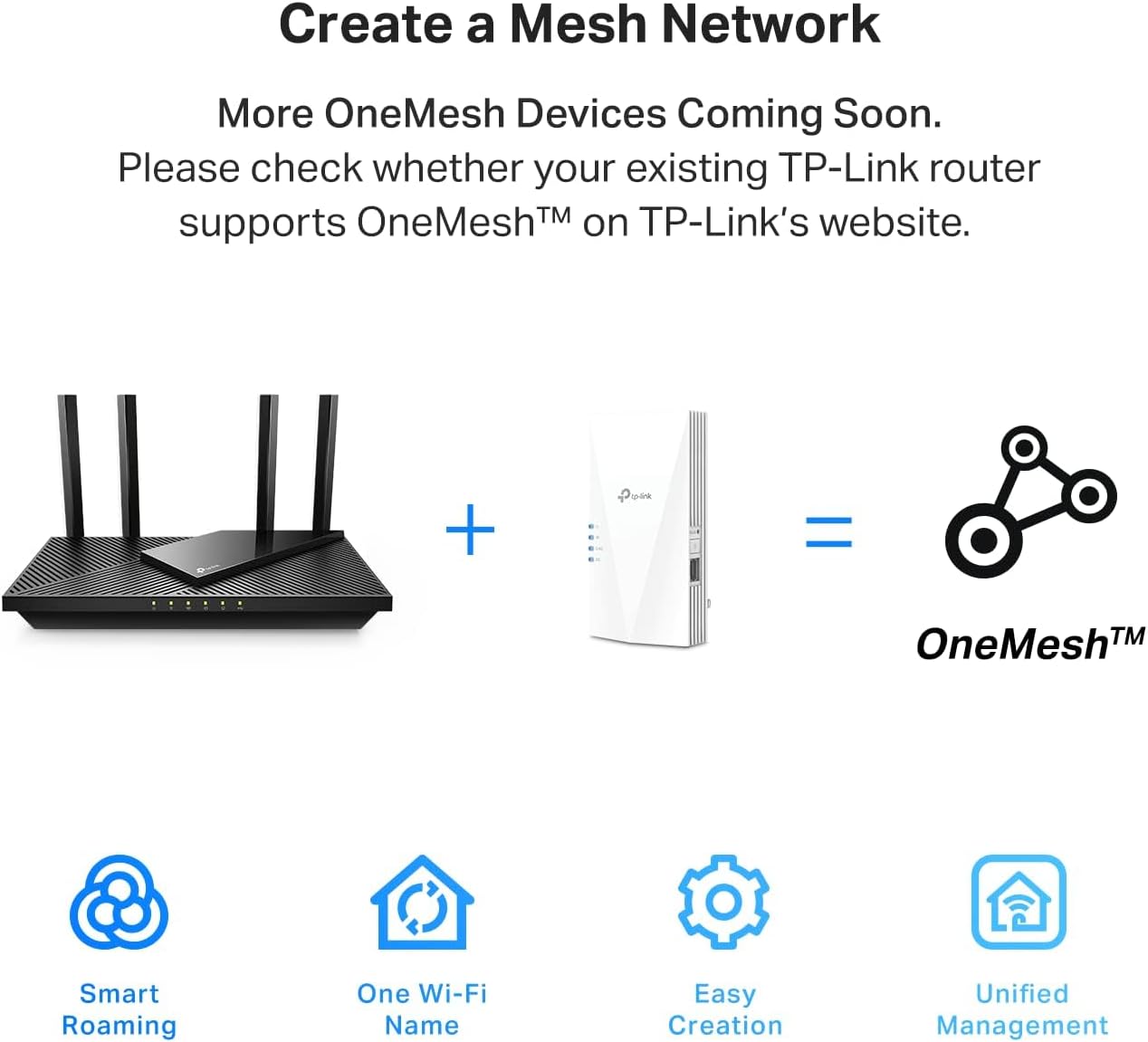
If you have rooms far from your router or a multi-story layout, an extender like RE700X can help you connect more devices without sacrificing stability. The built-in Gigabit Ethernet port adds a wired option for a streaming box, console, or PC in a room where wireless reception is spotty. On top of that, OneMesh compatibility means you can pair it with compatible TP-Link devices to create a seamless network so you don’t have to switch networks as you move around the house.
What stands out
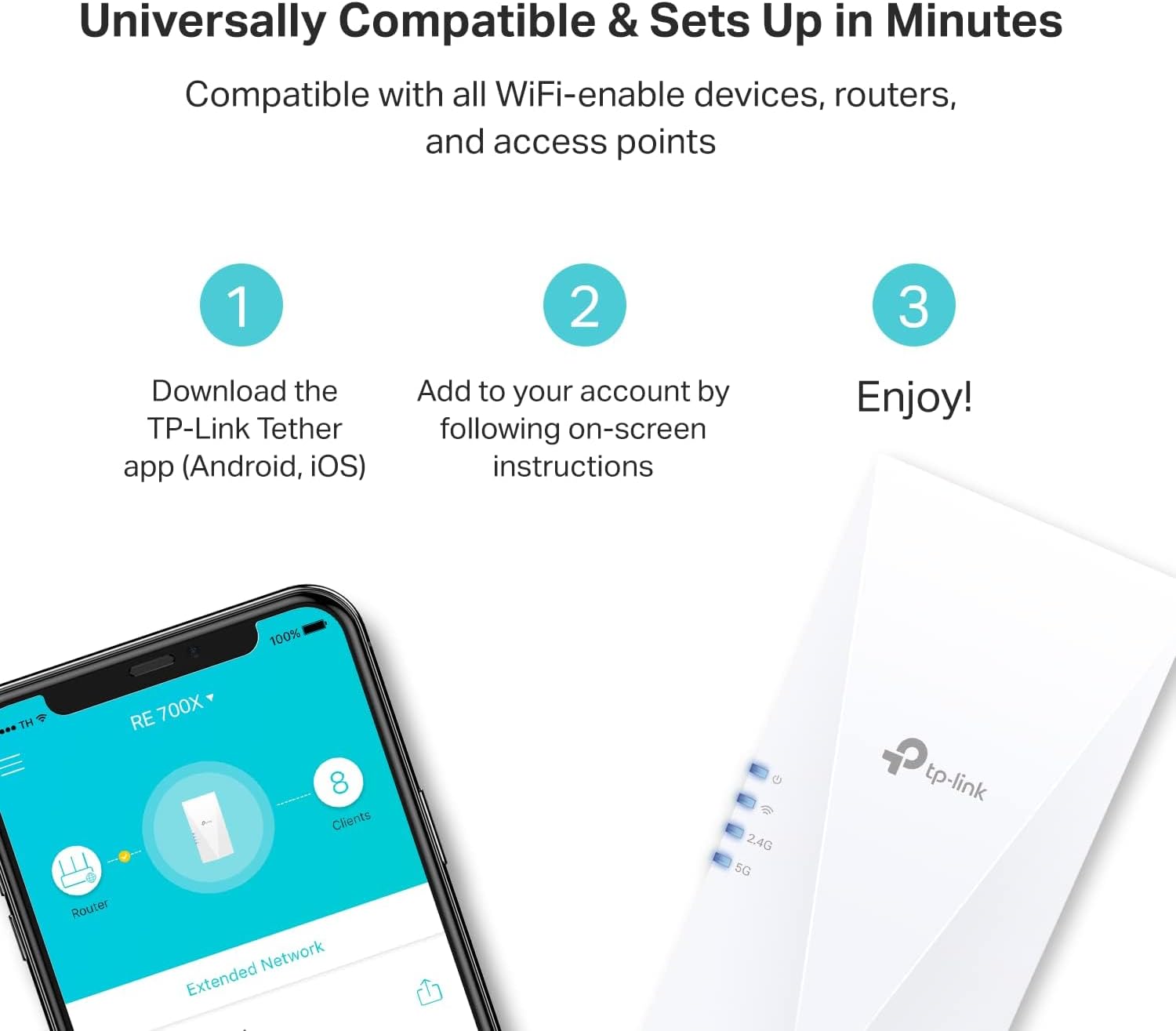
On paper, the AX3000 class is mid-to-upper in consumer WiFi 6 extenders. The inclusion of OFDMA and beamforming can help with multi-device scenarios by focusing signal where it’s needed and handling multiple connections more efficiently. The setup via the TP-Link Tether app promises a quick start, and the device is marketed as compatible with a broad range of WiFi-enabled gear, including AX devices.
Limitations to keep in mind
No extender can increase the actual internet speed from your plan, the goal is coverage and reliability. In some homes, improving signal consistency may not translate to higher peak throughput everywhere, especially if the main router’s backhaul or the service speed itself is the bottleneck. If your priority is maximum raw speed in every corner, you might still see diminishing returns in very distant rooms.
Best use cases
- You want to eliminate weak WiFi in a basement, upstairs bedroom, or home office far from the router.
- You have multiple devices that struggle when they are far from the main router and you’d like a stable connection for streaming or gaming.
- You prefer a simple setup and a flexible mesh-like layout without investing in a full mesh system today.
Who it’s for (and who it isn’t)
- It’s a sensible option for households that already own a TP-Link router or an Archer AX-series router and want to extend coverage with minimal hassle. It’s also helpful if you value a wired option via the Gigabit Ethernet port for a dedicated device.
- It may not be the best fit if you’re seeking the absolute fastest possible wireless performance in every room, or if your home already has a robust mesh setup that fully covers every corner.
What to check before buying
- Confirm your main router location and the corridor layout to place the RE700X where it can receive a strong signal from the primary router and still reach the far zones.
- If OneMesh is important, verify compatibility with other OneMesh-enabled TP-Link devices you own or plan to buy.
- Remember that the AX3000 class is about coverage and stability, not a speed upgrade on the internet plan itself.
Practical use example
Imagine watching 4K movies in the living room while a game console streams in the same area and a video call runs in another room. With RE700X placed halfway between the router and the far corner, you’re more likely to see fewer dropouts and steadier speeds for multiple devices at once, especially when the router’s signal would otherwise falter.
FAQ (based on available data)
- Will RE700X increase my internet speed? Not inherently, it improves coverage and reliability, which can improve perceived performance where signals were weak.
- Is it easy to set up? TP-Link promotes setup via the TP-Link Tether app for Android and iOS, which is designed to be quick and straightforward.
- Can I use it with any router? It’s described as universally compatible with WiFi-enabled devices and routers, and it supports OneMesh with compatible TP-Link devices.
Final decision
Is it worth it? If you need broader, more reliable coverage in a home that struggles with dead zones and you want a simple, mesh-like extension without a full system overhaul, the RE700X offers a balanced option with a dedicated wired port and mesh compatibility that can justify its price if the improved coverage aligns with your layout and device needs.