

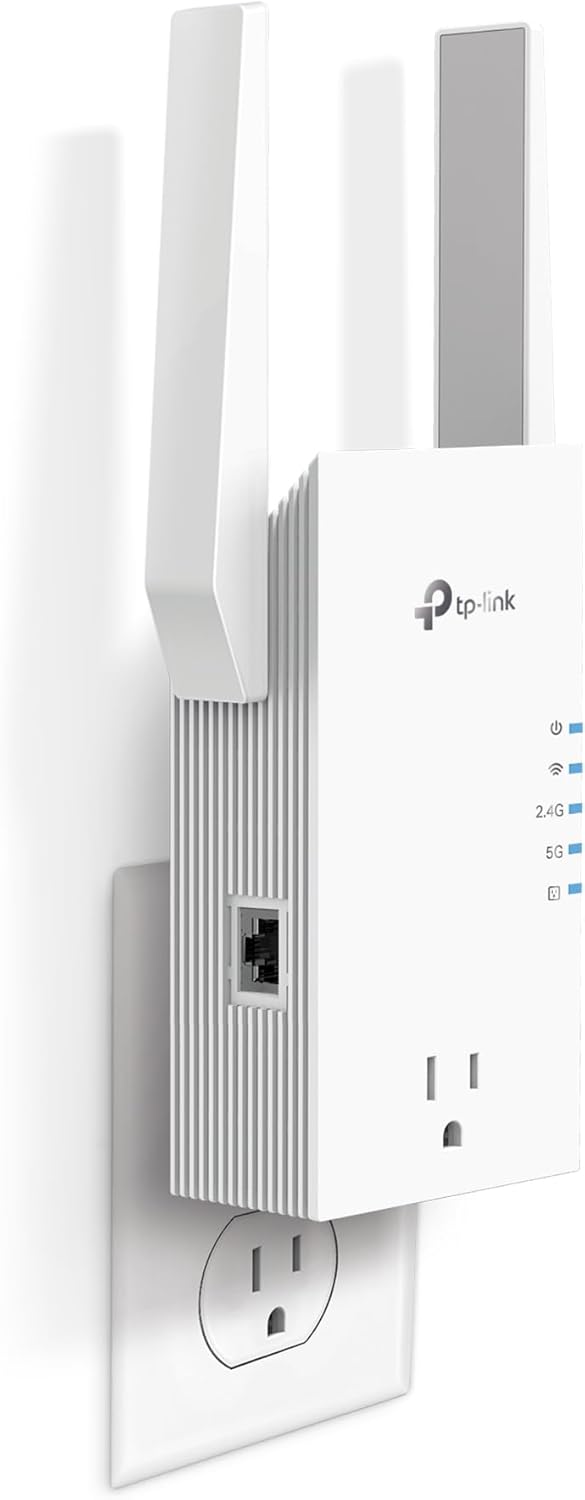
TP-Link WiFi range extender AX5400
Product description
Quick overview
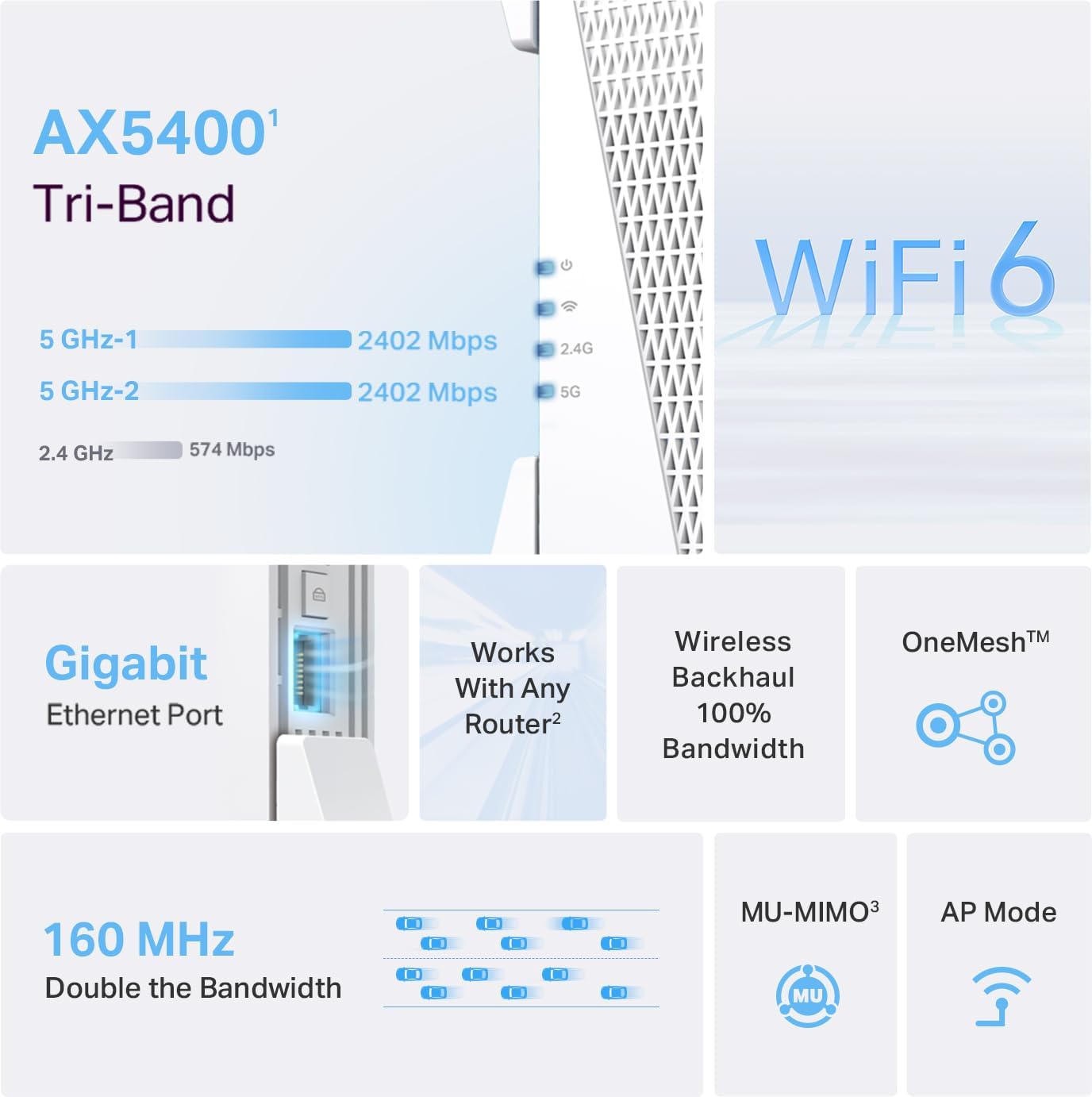
When Wi-Fi drops off in a back room or upstairs, the TP-Link RE815X is designed to extend your existing network rather than replace your router. It’s a tri-band Wi-Fi 6 range extender with a gigabit Ethernet port.
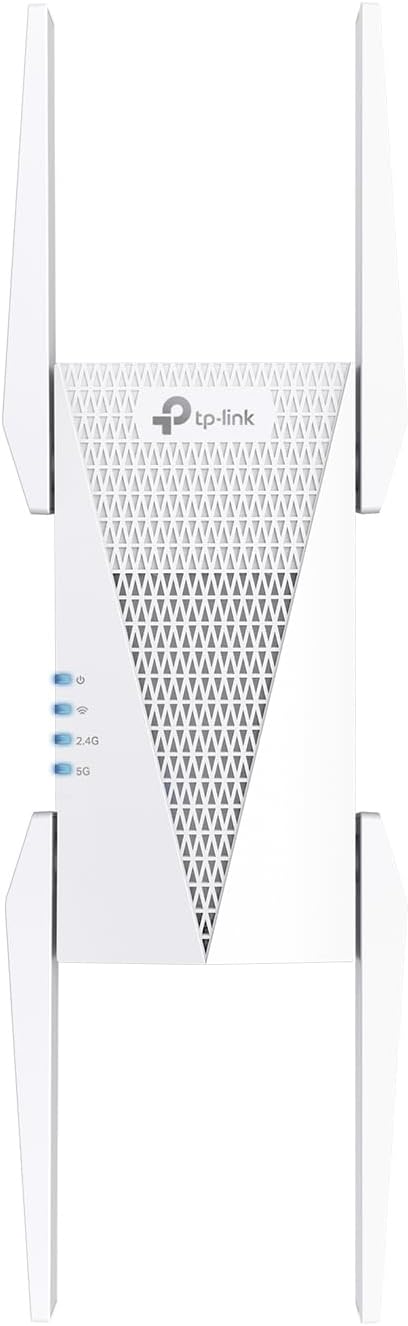
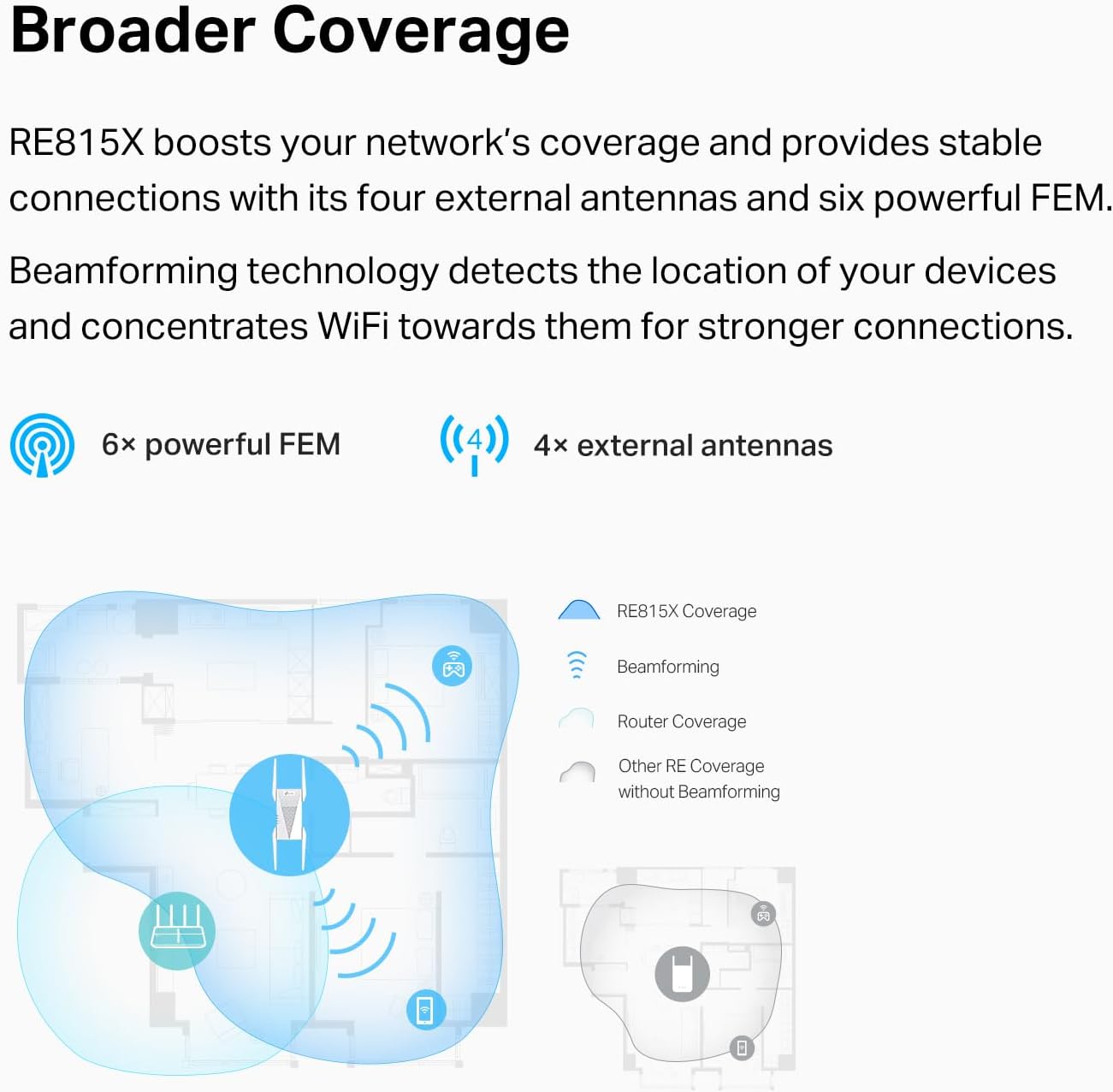
The listed wireless bandwidth is up to 5.4 Gbps, with dual 5 GHz bands and a 2.4 GHz band. The product also claims coverage up to 2,800 square feet and support for up to 96 devices, but walls, distance, and network conditions affect what you get at home.
A solid pick if your main problem is patchy coverage and you have a compatible router or a useful spot for the Ethernet connection. It might not be a great match if you expect an extender to raise the internet speed coming into your home.
How to use it
Set it up to extend your current router’s Wi-Fi, then place it where it can still receive a usable signal while reaching the area that needs better coverage. For example, if video calls falter in a home office, the goal is to carry the router’s signal closer to that room—not to create extra internet bandwidth.
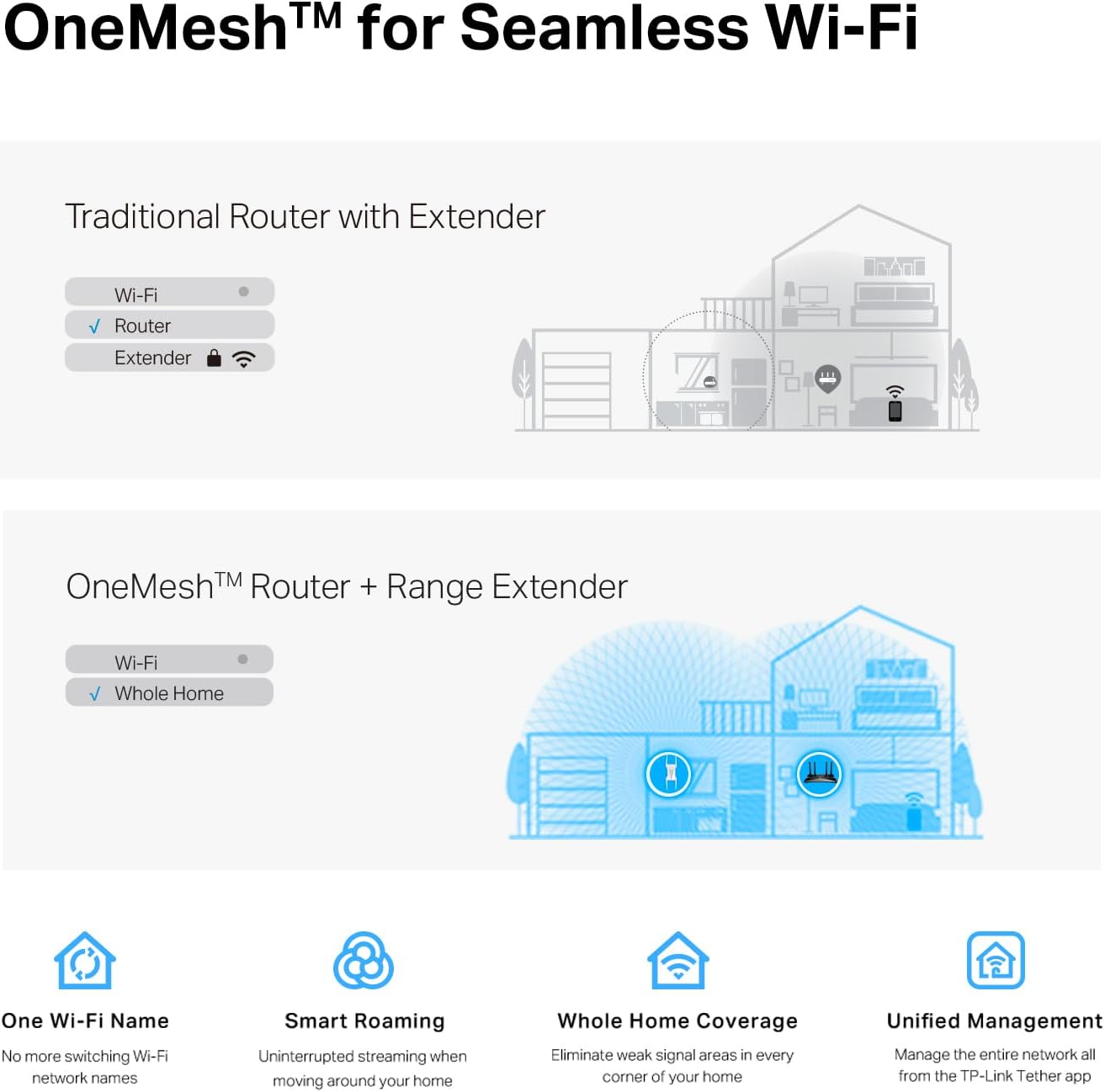
The listed app setup may make configuration more convenient. If you use a TP-Link router that supports OneMesh, the RE815X can join that setup for roaming between signals. TP-Link says it does not work with mesh systems such as Deco, so don’t assume that every TP-Link mesh product is compatible.
Practical tips
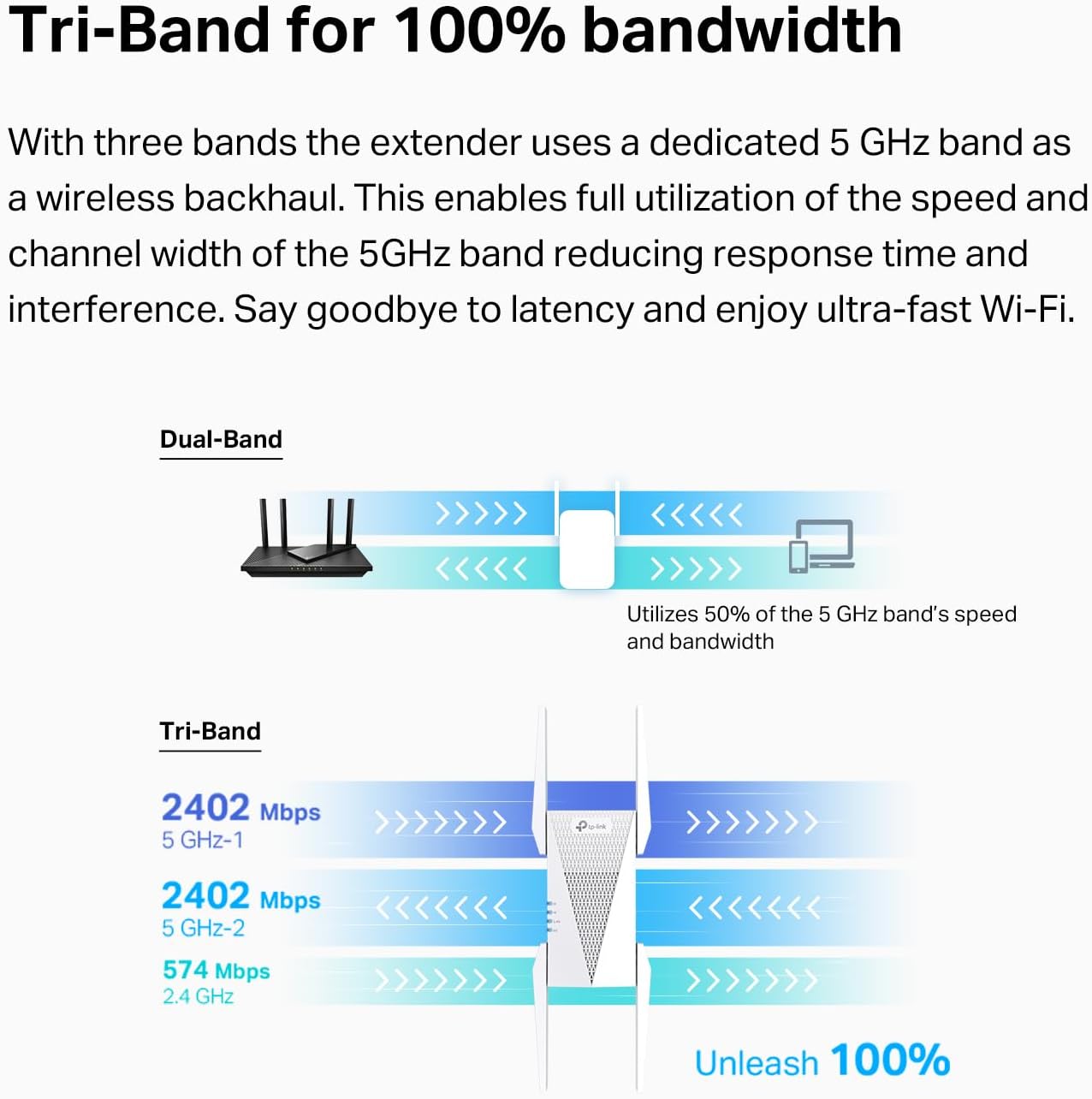
Keep in mind that a range extender improves coverage, not the speed of your internet plan. TP-Link notes that actual speeds can be 50% or less of current speeds, better signal reliability may still help a device that struggles with a weak connection. Without that measurement, treat the up-to-2,800-square-foot coverage figure as a claim, not a guarantee for your floor plan.
The gigabit Ethernet port gives you another way to connect a device: for instance, a desktop or other wired-capable device near the extender can plug in directly instead of relying on its own Wi-Fi connection. That’s useful when running a cable all the way back to the router isn’t practical, though it doesn’t remove the extender’s dependence on the wireless link to the router.
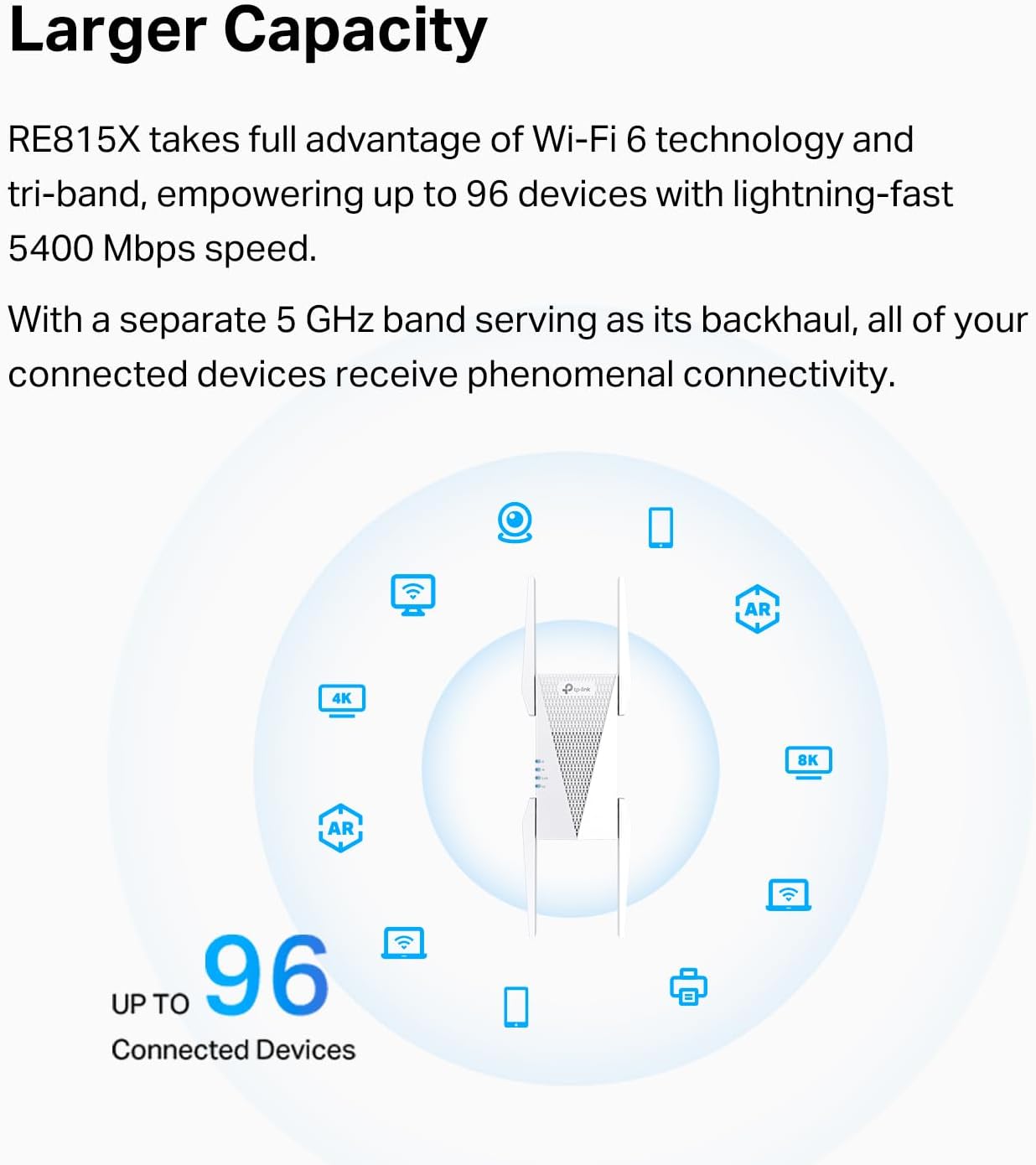
Compared with a basic extender focused on filling one dead spot, the tri-band design and OneMesh support make this model more relevant if you want broader coverage and have compatible TP-Link equipment. If you need higher internet speeds, a coverage extender alone isn’t the answer, the product is explicitly not designed to increase them.
Practical doubts
Will it make my internet plan faster? No. Its stated purpose is to extend Wi-Fi coverage. A more reliable signal in a weak area can help, but the extender does not increase your internet speed.
Can I use it with any mesh system? The listed OneMesh feature works with compatible TP-Link routers. The product description specifically says it is not compatible with mesh systems such as Deco.
What is the Ethernet port for? It lets you connect a device by cable to the extender. This can be handy for a desktop or another wired-capable device in a room where the extender is placed.
Buying verdict
Choose the RE815X when a distant room needs a stronger Wi-Fi connection, you want an Ethernet port nearby, and your router works with the setup you plan to use. Its coverage claims and device capacity may suit a busy home, but actual results depend on layout and signal conditions. Skip it if your priority is increasing your internet plan’s speed or if you need a repeater that works with a Deco mesh system.