

Download app on Google Play


Imagen de TP-Link RE550 Range Extender 2,200 sq ft 📶 en OfertitasTOP
New offer
Thumbnail principal de TP-Link RE550 Range Extender 2,200 sq ft 📶
Thumbnail 1 de TP-Link RE550 Range Extender 2,200 sq ft 📶
Thumbnail 2 de TP-Link RE550 Range Extender 2,200 sq ft 📶
Thumbnail 3 de TP-Link RE550 Range Extender 2,200 sq ft 📶
Thumbnail 4 de TP-Link RE550 Range Extender 2,200 sq ft 📶
Thumbnail 5 de TP-Link RE550 Range Extender 2,200 sq ft 📶
Thumbnail 6 de TP-Link RE550 Range Extender 2,200 sq ft 📶

TP-Link RE550 Range Extender 2,200 sq ft 📶

amazon US
Reviews
4,3
+19.491

Reviews

4,3
+19.491 reviews

Price

$54.99$44.81-19%
View in store
amazon US
Price evolution · Historical minimum: $44.81

Product description

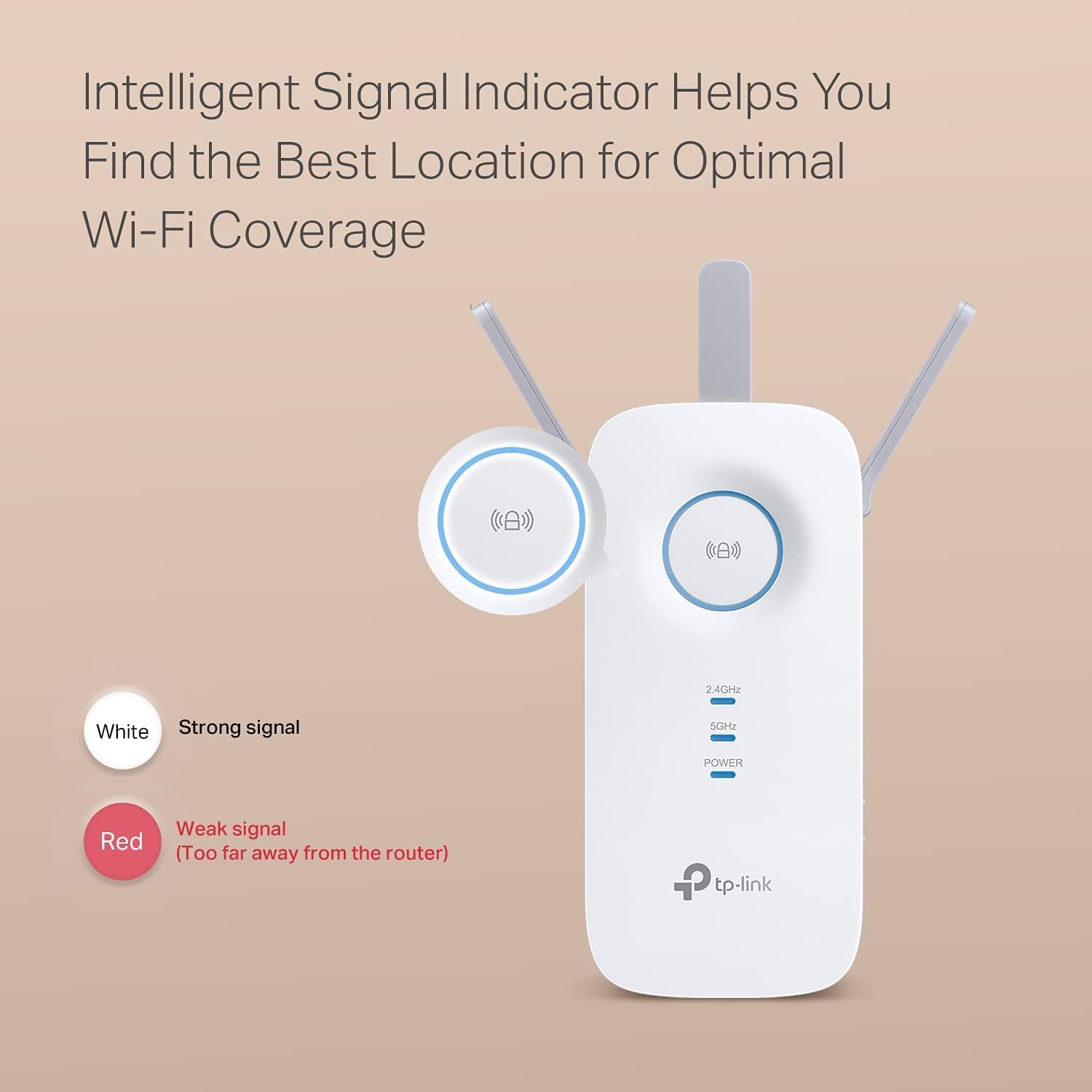
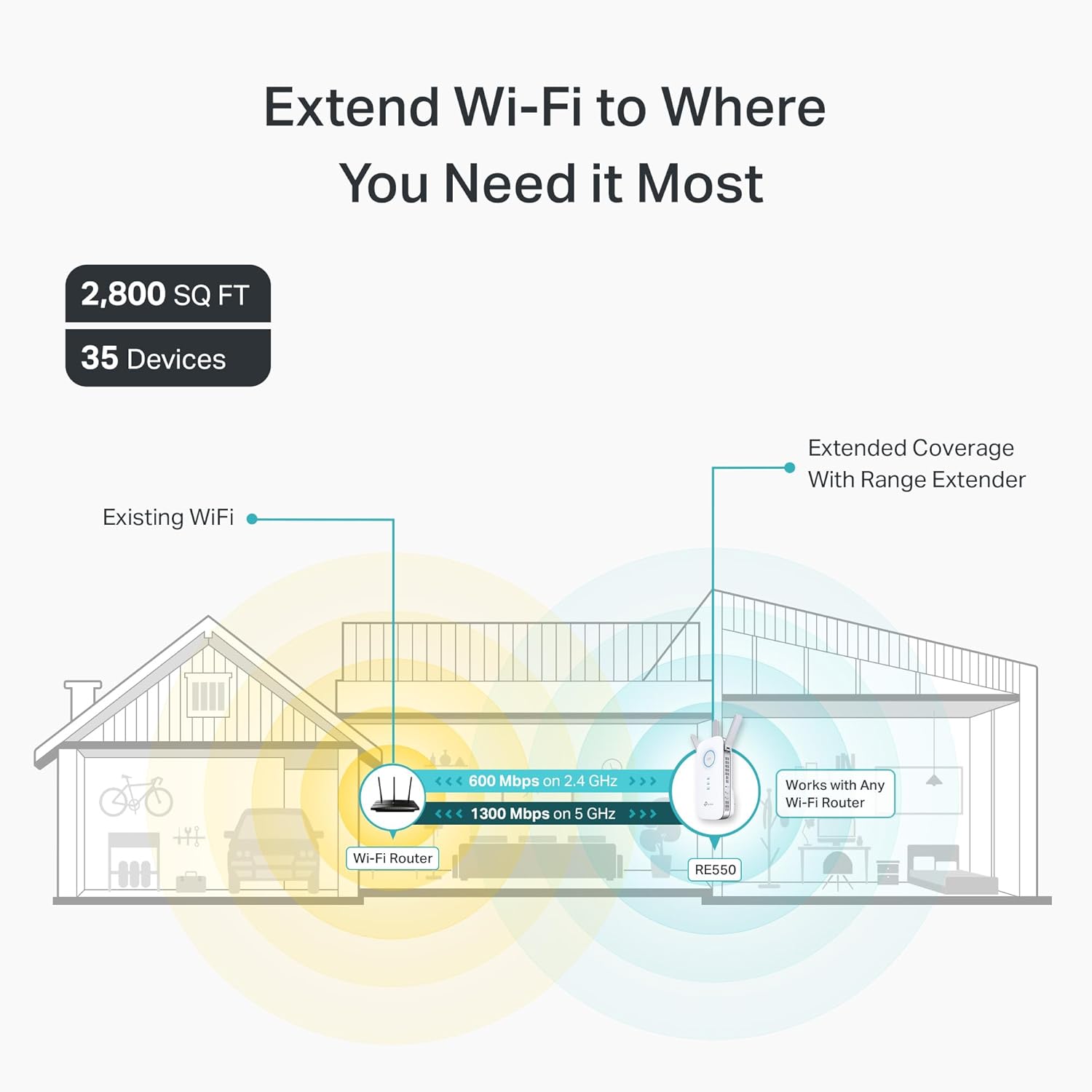
This dual-band WiFi range extender brings stronger signal where your router falls short. It addresses dead zones in homes and small offices by extending coverage up to 2,200 sq ft, helping more devices stay connected reliably. If you struggle with choppy video calls or slow streaming, the RE550 aims to stabilize connections with a gigabit ethernet backhaul and EasyMesh support.

Key features
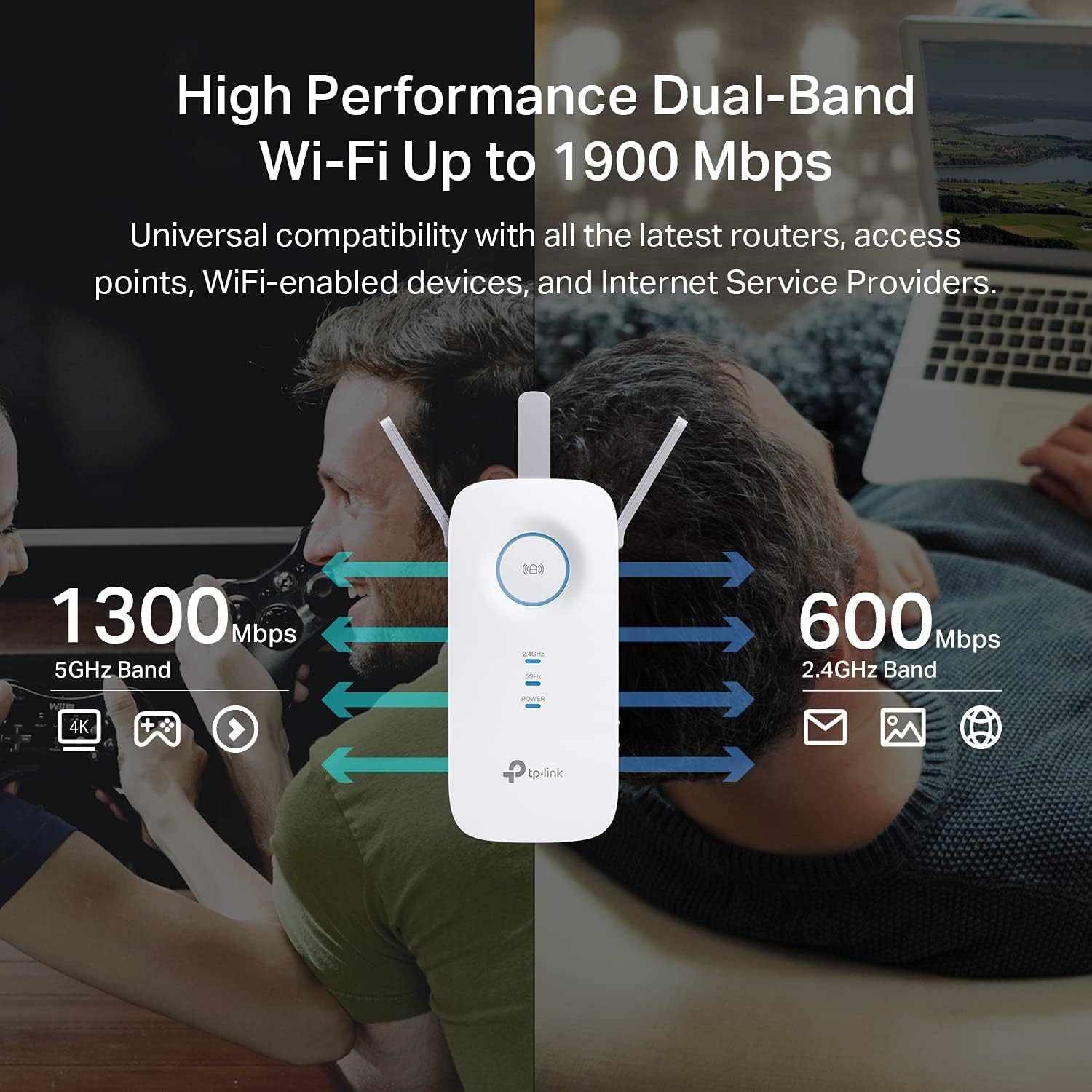
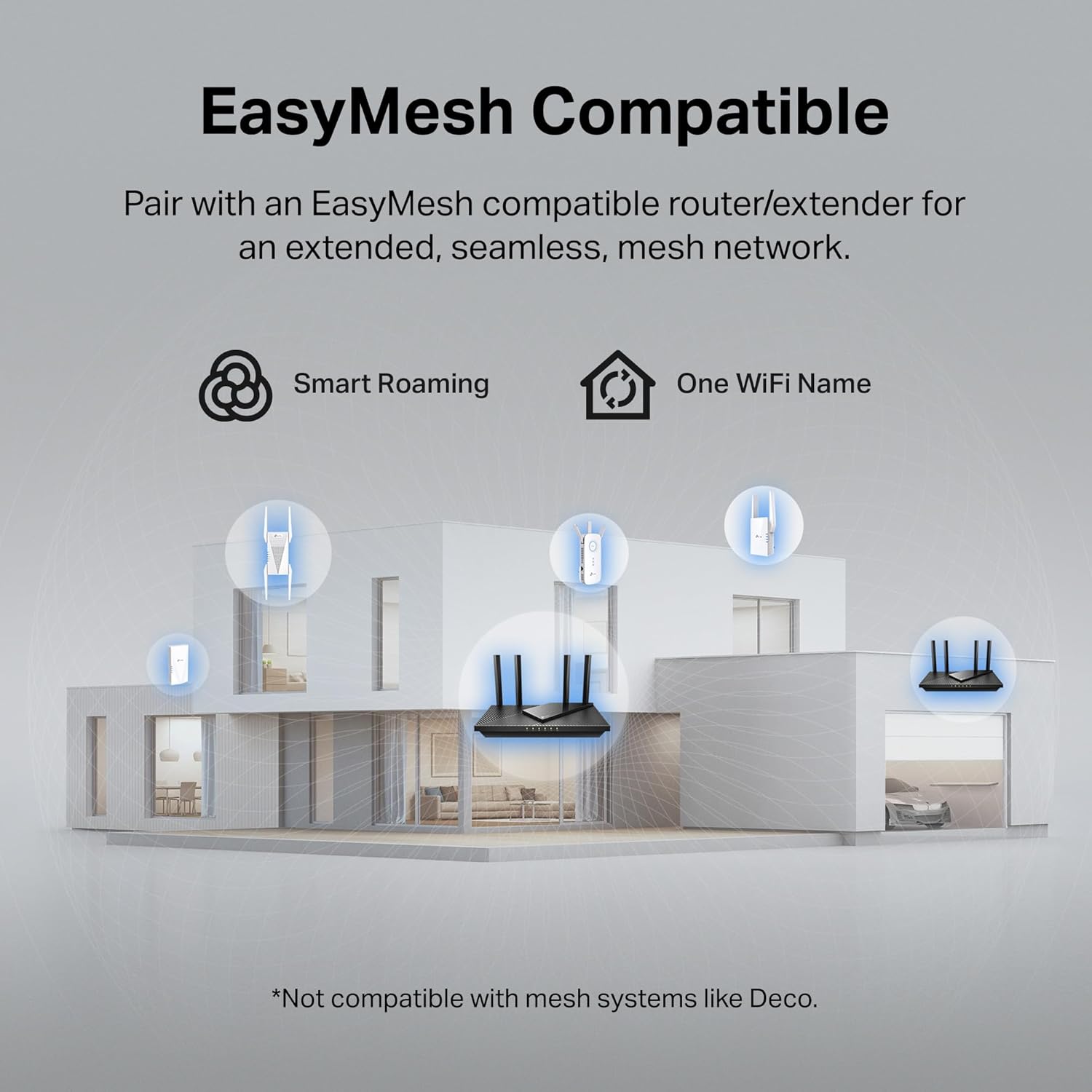
The RE550 focuses on reach and practical setup. It uses dual-band operation with combined bandwidth up to 1.9 Gbps to handle mixed traffic, and three external antennas aim to improve reception across multiple rooms. Dual-Band performance helps keep 5 GHz traffic responsive for video and gaming, while 2.4 GHz covers basic browsing and smart home devices. Setup via the app makes initial pairing straightforward, and EasyMesh compatible lets you integrate the extender into a mesh network for smoother roaming across your home. 📶
Tech specs

  • Name: TP-Link AC1900 RE550
  • Type: Dual-Band WiFi Range Extender
  • Capacity: Up to 2,200 sq ft, supports up to 32 devices
  • Compatibility: Works with EasyMesh-compatible routers and standard WiFi networks
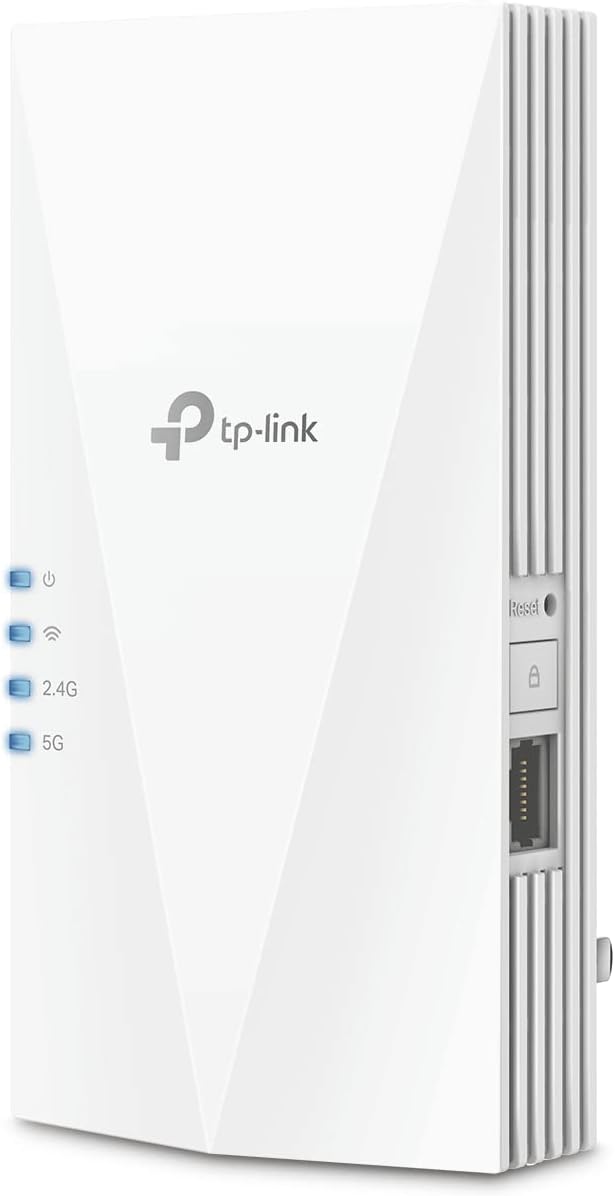
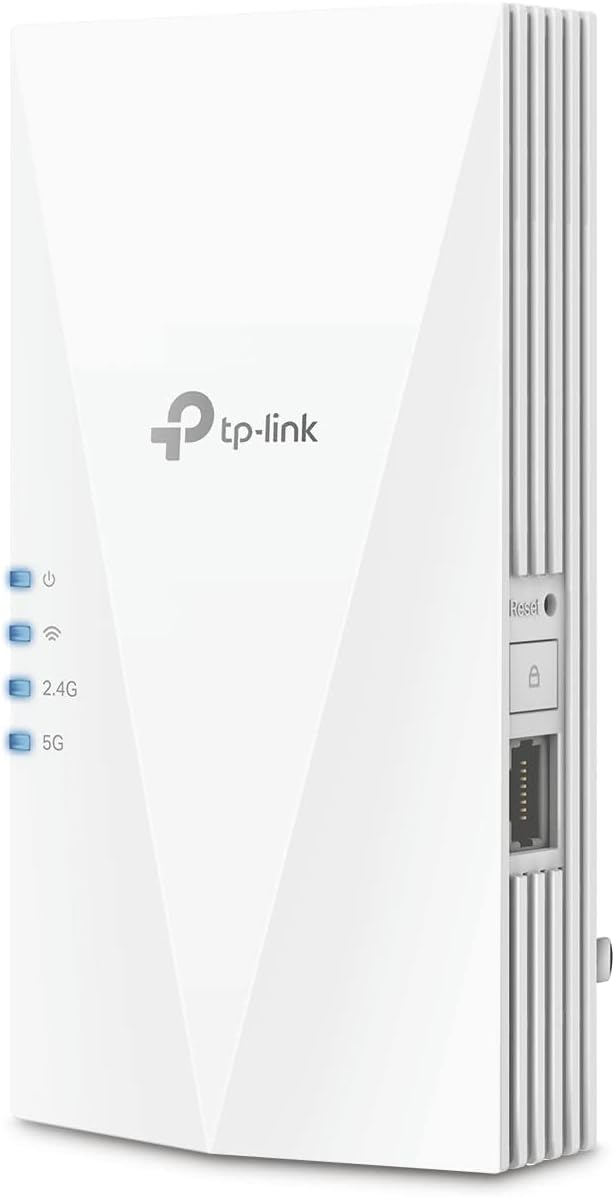
  • Connectivity: Gigabit Ethernet port for wired devices

Who it’s for
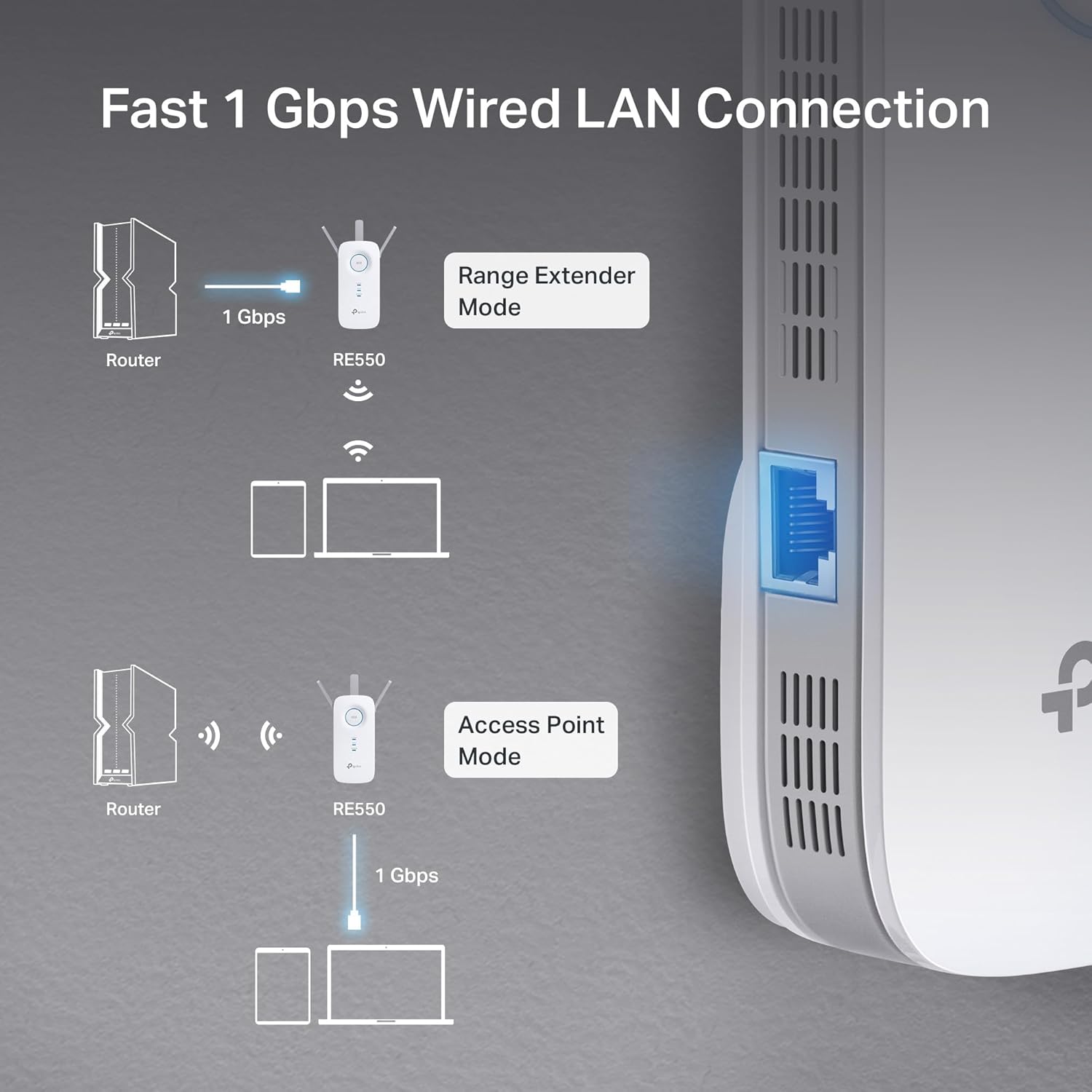
It makes sense if you need wider coverage without replacing your current router, you have intermittent dead zones, or you want wired speed in a room away from the main unit. The gigabit port and app setup help keep things simple for streaming and home office use. You may want to skip it if you expect the extender to raise raw internet speeds beyond what your ISP provides, as extenders improve coverage and reliability rather than increase ISP bandwidth. TP-Link RE550 is presented as a coverage and stability solution rather than a speed booster according to the manufacturer. 🔧

Tips for day-to-day use

Place the extender about halfway between the router and the dead zone for best performance, and avoid obstructed locations that block signal paths. For stable wired connections, plug the most demanding device into the gigabit ethernet port. Keep firmware updated through the app to maintain security and make the most of the EasyMesh capability. 🛠️

View in store

Price evolution

Historical minimum: $44.81

Description:

This dual-band WiFi range extender brings stronger signal where your router falls short. It addresses dead zones in homes and small offices by extending coverage up to 2,200 sq ft, helping more devices stay connected reliably. If you struggle with choppy video calls or slow streaming, the RE550 aims to stabilize connections with a gigabit ethernet backhaul and EasyMesh support.

Key features

The RE550 focuses on reach and practical setup. It uses dual-band operation with combined bandwidth up to 1.9 Gbps to handle mixed traffic, and three external antennas aim to improve reception across multiple rooms. Dual-Band performance helps keep 5 GHz traffic responsive for video and gaming, while 2.4 GHz covers basic browsing and smart home devices. Setup via the app makes initial pairing straightforward, and EasyMesh compatible lets you integrate the extender into a mesh network for smoother roaming across your home. 📶

Tech specs

  • Name: TP-Link AC1900 RE550
  • Type: Dual-Band WiFi Range Extender
  • Capacity: Up to 2,200 sq ft, supports up to 32 devices
  • Compatibility: Works with EasyMesh-compatible routers and standard WiFi networks
  • Connectivity: Gigabit Ethernet port for wired devices

Who it’s for
It makes sense if you need wider coverage without replacing your current router, you have intermittent dead zones, or you want wired speed in a room away from the main unit. The gigabit port and app setup help keep things simple for streaming and home office use. You may want to skip it if you expect the extender to raise raw internet speeds beyond what your ISP provides, as extenders improve coverage and reliability rather than increase ISP bandwidth. TP-Link RE550 is presented as a coverage and stability solution rather than a speed booster according to the manufacturer. 🔧

Tips for day-to-day use

Place the extender about halfway between the router and the dead zone for best performance, and avoid obstructed locations that block signal paths. For stable wired connections, plug the most demanding device into the gigabit ethernet port. Keep firmware updated through the app to maintain security and make the most of the EasyMesh capability. 🛠️